The Lyft download is free: iPhone and Android get the full rider app, and Windows 11, Windows 10 and Mac use Lyft’s rider site at ride.lyft.com. Chrome and Edge can install that site as an app with its own window and taskbar icon.
One Lyft account covers every route, so your payment methods, saved places and ride history go wherever you sign in.
Below are the official links, the steps to set Lyft up on a PC or Mac, how to send the app to your phone from a computer, and fixes for sign-in and request errors.
Which Lyft download do you need?
Find your device in the left column. Every row uses the same account and the same fares.
| Your device | Get this | Size and notes |
|---|---|---|
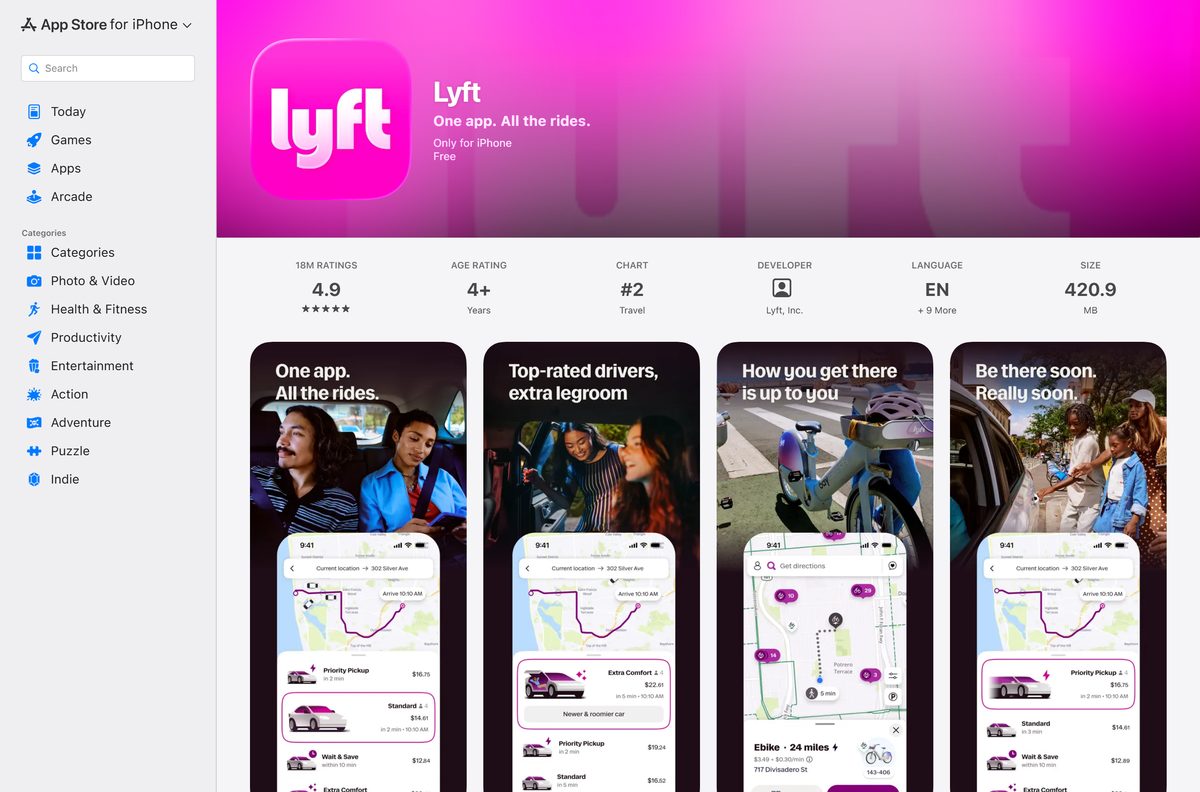
| iPhone | Lyft on the App Store | 419.6 MB, needs iOS 17 or later |
| Android phone | Lyft on Google Play | Free, needs Android 9.0 Pie or later |
| Windows 11 or Windows 10 PC | Lyft rider site (ride.lyft.com) | No download; install it as an app from Edge or Chrome |
| Mac, Intel or Apple silicon | Lyft rider site (ride.lyft.com) | Safari, Chrome or Edge; the App Store build is iPhone-only |
| PC now, phone later | Text yourself the app link | Lyft texts a download link to your number |
| You drive for Lyft | Lyft download page (driver app) | Lyft Driver is a separate phone app |
Download Lyft from the official links
Get Lyft only from these addresses. Lyft’s own download page lists iOS and Android, and any site offering a Lyft EXE for Windows is not Lyft.
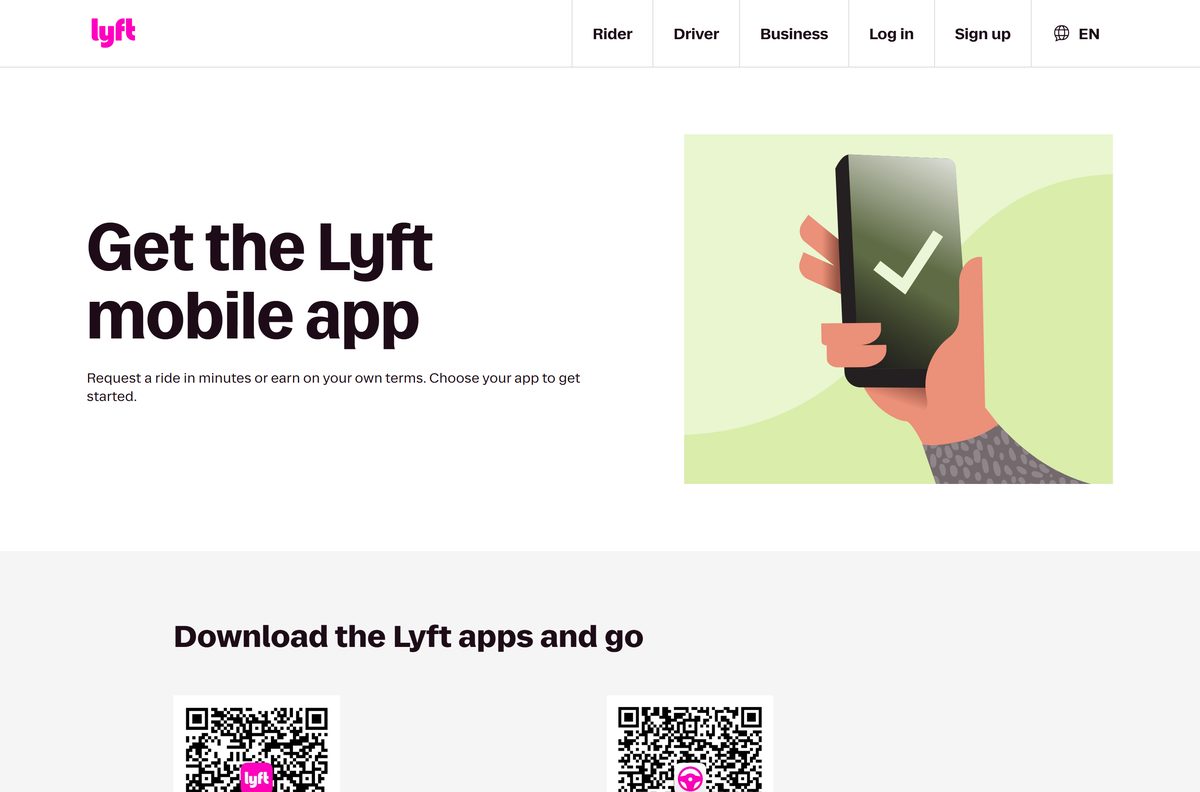
- Lyft download page (lyft.com/app) — QR codes for the rider app and the driver app
- Lyft on the App Store — 419.6 MB · iPhone, version 2026.36.3
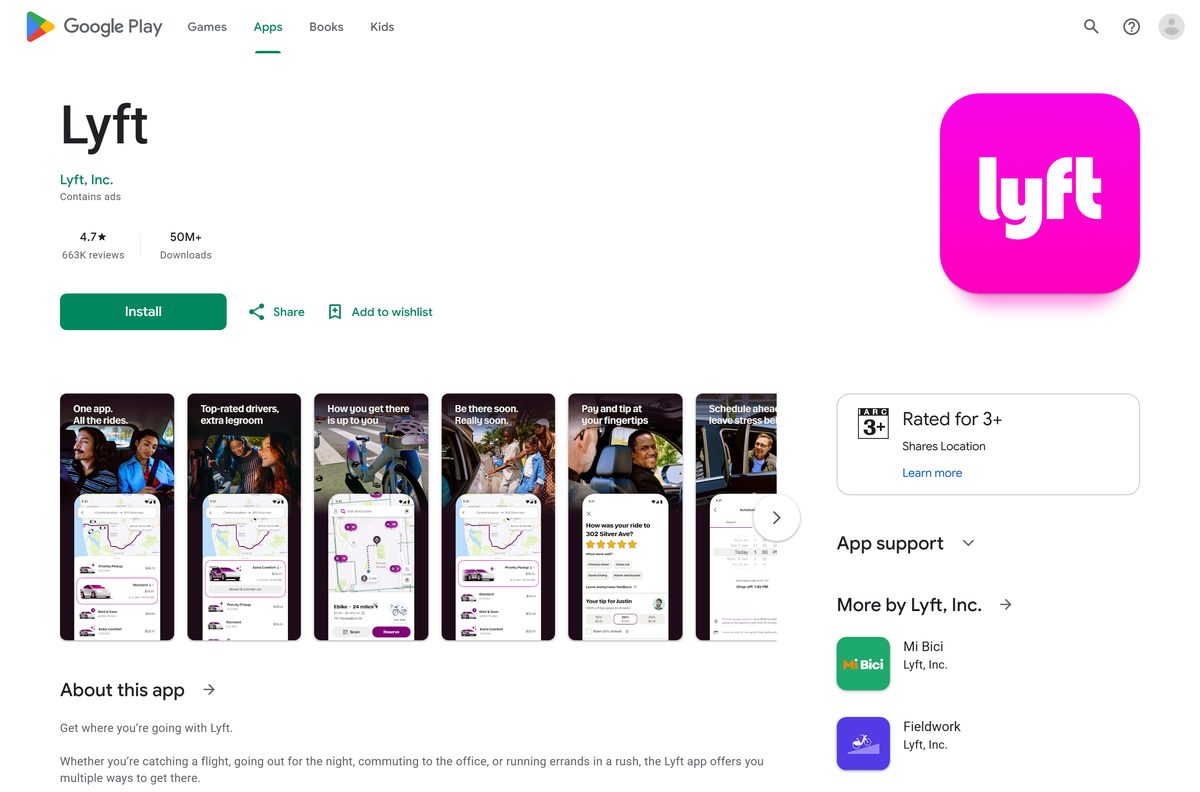
- Lyft on Google Play — Android phones, 50M+ downloads
- Lyft rider site (ride.lyft.com) — browser version for Windows, Mac and ChromeOS
- Log in to Lyft on the web — sign in with a code texted to your phone
How to install Lyft as an app on Windows 11 and 10
Lyft publishes no Windows installer. The rider site at ride.lyft.com carries its own web app manifest, so Edge and Chrome can pin it as a desktop app.
- Open lyft.com/login in Microsoft Edge or Google Chrome.
- Pick your country code, enter your phone number, and type the code Lyft texts you.
- Go to ride.lyft.com in the same browser.
- In Edge, select Settings and more (the three dots), then Apps, then Install this site as an app.
- In Chrome, select the three-dot menu, then Cast, save, and share, then Install page as app.
- Keep the suggested name or type Lyft, and select Install.
- Right-click the Lyft icon on the taskbar and select Pin to taskbar.
If ride.lyft.com sends you to a page asking for your number to text you the app, you are not signed in. Sign in first, then reopen ride.lyft.com.
How to send the Lyft app to your phone from a PC
Lyft’s web page texts you a download link, which saves searching the store on your phone.
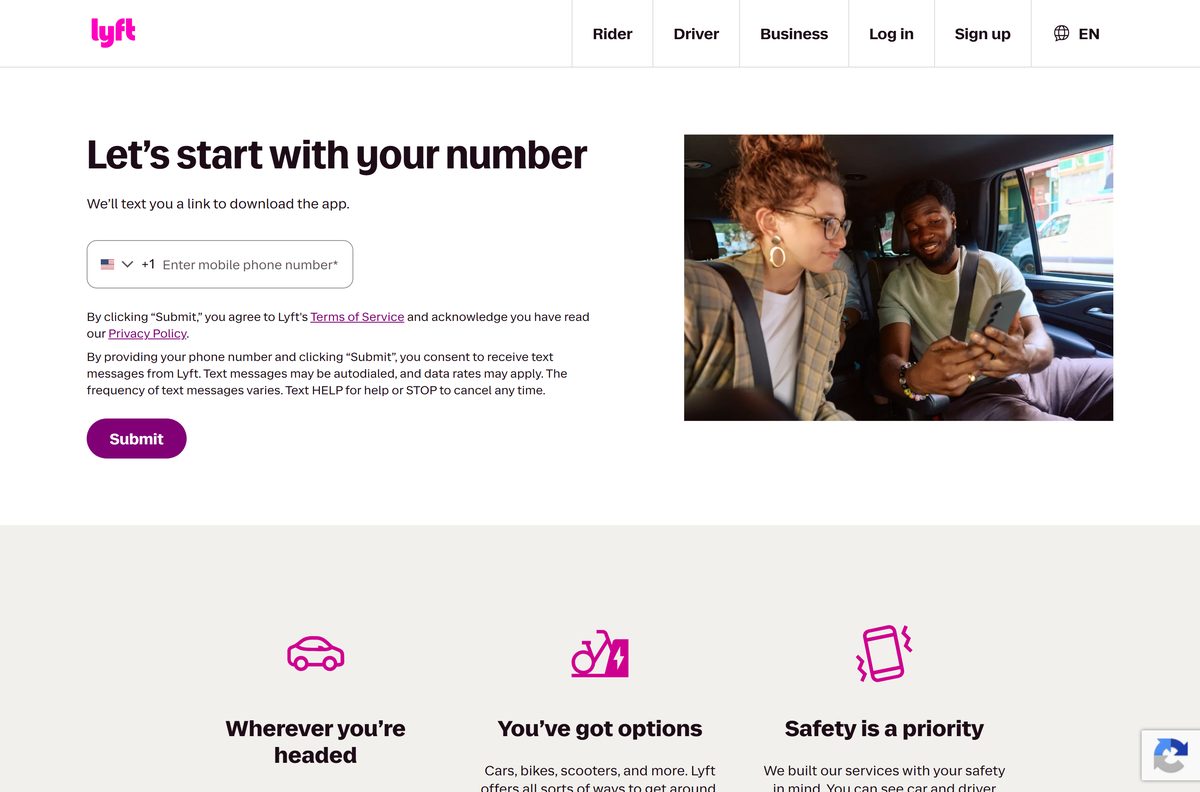
- Open lyft.com/ride-with-lyft on your computer.
- Under Let’s start with your number, keep +1 or pick your country code.
- Type your mobile number in the Enter mobile phone number field.
- Select Submit to receive the text message.
- Open the link in the text on your phone, and install Lyft from the App Store or Google Play.
- Or scan the rider app QR code on lyft.com/app with your phone camera.
Submitting the number signs you up for Lyft text messages. Reply STOP to any of them to opt out.
Install Lyft on iPhone or Android
The phone app is Lyft’s main product, and it adds live driver tracking and ride notifications.
- On an iPhone, open Lyft on the App Store and tap Get.
- On Android, open Lyft on Google Play and tap Install.
- Check that the developer reads Lyft, Inc. before you install.
- Open Lyft and enter your phone number, then type the verification code Lyft texts you.
- Allow location access so the app sets your pickup address.
- Add a card or wallet under Payment, then Add payment method.
Which Lyft download do you need for your Mac?
There is no macOS app. The App Store listing reads Only for iPhone, so it does not install on Apple silicon Macs either.
| Your Mac | What to use | How it works |
|---|---|---|
| MacBook, iMac or Mac mini | ride.lyft.com in Safari | Sign in at lyft.com first, then book in the browser |
| You want a Dock icon | ride.lyft.com in Safari | Choose File, then Add to Dock |
| You prefer Chrome or Edge | ride.lyft.com | Install it as an app from the browser menu |
| You also carry an iPhone | Lyft on the App Store | Track the driver on the phone during the ride |
Is Lyft free?
Yes. The App Store lists Lyft as Free, Google Play installs it at no charge, and the browser version costs nothing. You pay only for the rides you book, at the price the app shows before you confirm. Lyft Pink is an optional paid membership with faster pickups and member pricing. Any site charging for a Lyft installer is selling something Lyft gives away.
Should you use the Lyft phone app or the browser on a PC?
Both come from Lyft and use the same account.
Book from the phone app when you can, and use ride.lyft.com on a PC or Mac when the phone is not handy. Lyft’s help articles and ride features are written around the app, which follows you on the way to pickup and during the ride. Lyft’s help centre also says a phone that cannot run the app can still request a Lyft from a mobile browser, which is the same rider site.
How to check your Lyft version and update it
The browser version updates on Lyft’s servers. Only the phone apps have a version to check.
- On an iPhone, open the App Store, tap your profile picture, and pull down to refresh.
- Tap Update next to Lyft if it appears in the list.
- On Android, open Google Play, tap your profile icon, then Manage apps & device.
- Tap Update all, or open Lyft’s listing and tap Update.
- Update your phone’s operating system too, as Lyft’s update guide advises.
The current iPhone build is shown in the spec table below.
Check whether your device meets the Lyft requirements
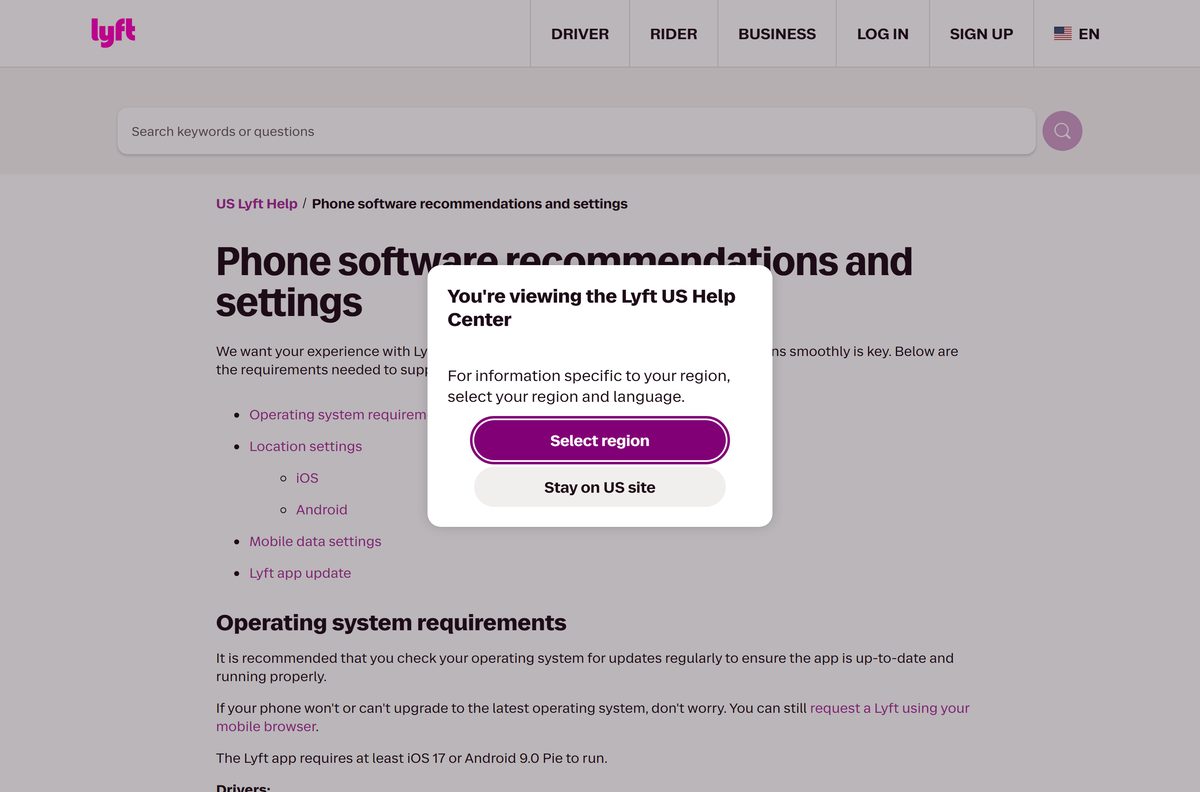
The app needs iOS 17 or Android 9.0 Pie, location services and mobile data. New riders on older phones cannot install it and book from the browser instead.
| Field | Value |
|---|---|
| Software | Lyft (rider app) |
| Developer | Lyft, Inc. |
| Latest version | 2026.36.3 on iPhone |
| License | Free; you pay per ride |
| Download size | 419.6 MB on iPhone |
| Supported OS | iOS 17 or later, Android 9.0 Pie or later; Windows 11/10 and macOS in a browser |
| Architecture | Phone apps; the browser version runs on x64, Arm and Apple silicon |
| Windows app | None; use ride.lyft.com in Edge or Chrome |
| Mac app | None; the App Store build is iPhone-only |
| Official download source | lyft.com/app, App Store, Google Play |
| Offline installer | No; no EXE, MSI or DMG exists |
| Last verified | 2026-09-25 |
Fix Lyft not installing, not signing in or not booking
Most failures come from an old phone OS, a missing text code, or the payment method.
The App Store or Google Play will not install Lyft
The phone runs an OS older than iOS 17 or Android 9.0 Pie.
- Open your phone’s settings and install any system update on offer.
- Search the store for Lyft again once the update finishes.
- If the phone cannot upgrade, book at ride.lyft.com in its browser.
- Read Lyft’s phone requirements for the location and data settings.
The verification code never arrives
Your number is unsubscribed from Lyft account alerts.
- Text START to 46080 from the phone on your account.
- Enter your number again and wait a few minutes for the code.
- Tap Problem receiving the code?, then Call me with the code.
- Follow Lyft’s log-in help if you no longer have the old number.
The code is rejected as wrong
The code expired, or a VPN or Wi-Fi setting blocks the text.
- Enter your phone number again to get a fresh code.
- Turn off any VPN on the phone or computer.
- Switch the phone from Wi-Fi to cellular data and try again.
The app freezes or a ride will not request
Poor connectivity, an old app version, or a failed payment.
- Close Lyft and reopen it, then turn airplane mode on and off.
- Restart the phone and update Lyft from the store.
- Open Payment and add or update the card on your account.
- Report the problem through Lyft’s app help article with the error text and a screenshot.
How to uninstall Lyft from a PC or phone
Removing the app leaves your account, payment methods and ride history in place.
- For the Edge app, open edge://apps , select the three dots on the Lyft tile, and select Uninstall.
- For the Chrome app, open chrome://apps , right-click Lyft, and select Remove from Chrome.
- Sign out of lyft.com in any browser on a shared computer.
- On an iPhone, press and hold the Lyft icon, then tap Remove App and Delete App.
- On Android, press and hold the Lyft icon, then tap Uninstall.
- To close the account itself, follow Lyft’s delete account page.
Frequently asked questions
Is the Lyft app free to download?
Yes. The App Store lists Lyft as Free, and Google Play installs it at no charge. The browser version at ride.lyft.com costs nothing either. You pay only for the rides you book, and Lyft Pink membership is optional.
Where is the official Lyft download page?
Lyft’s own page is lyft.com/app, which links the rider app and the driver app for iOS and Android. The rider app is also listed directly on the App Store and on Google Play under the developer Lyft, Inc.
Can I download Lyft on a Windows 11 PC?
There is no Windows installer, but you can install the rider site as an app. Sign in at lyft.com, open ride.lyft.com in Edge or Chrome, and use the browser menu to install it. Lyft then gets its own window and taskbar icon.
Is there a Lyft app for Mac?
No. The App Store listing reads Only for iPhone, so it does not install on Macs, including Apple silicon models. Open ride.lyft.com in Safari, Chrome or Edge instead, and use File then Add to Dock in Safari for a Dock icon.
How big is the Lyft download?
The iPhone app is 419.6 MB on the App Store. Google Play does not show a size for the Android app. The browser version at ride.lyft.com needs no download at all.
What phone do I need for the Lyft app?
Lyft’s help centre says the app requires at least iOS 17 or Android 9.0 Pie. It also needs location services and a mobile data connection. On an older phone, request a ride from the phone’s browser instead.
Is there a Lyft offline installer or EXE?
No. Lyft publishes no EXE, MSI or DMG for Windows or Mac. Sites offering one are not Lyft, and booking a ride needs an internet connection on every device anyway.
Is the Lyft app safe to install?
Yes, when it comes from the App Store, Google Play or lyft.com. Check that the developer reads Lyft, Inc. Avoid APK sites and download portals, which repackage apps outside Lyft’s control.
Why does ride.lyft.com ask for my phone number to text me the app?
That page appears when you are not signed in. Sign in at lyft.com with your phone number and the texted code, then open ride.lyft.com again in the same browser.
Why am I not getting the Lyft verification code?
The usual cause is a number unsubscribed from Lyft account alerts. Text START to 46080, enter your number again and wait a few minutes. You can also tap Problem receiving the code and choose Call me with the code.
Can I use the Lyft Driver app on a PC?
No. Lyft Driver is a separate phone app for iOS and Android, linked from lyft.com/app. The rider app and ride.lyft.com are for booking rides as a passenger.






