You can get a QuickBooks download for Windows 11, Windows 10 and Mac straight from Intuit, and try it free for 30 days. The QuickBooks Online desktop app installs in a couple of minutes and signs in to the same books you use in a browser.
Most new customers want that Online app. QuickBooks Desktop Enterprise is the Windows-only edition for larger inventory and job-costing work, and existing Pro Plus, Premier Plus and Mac Plus subscribers can still reinstall their copies.
This guide covers which QuickBooks to download, the official Intuit links, installing on Windows and Mac, prices, updates, and fixes when setup fails.
Which QuickBooks download do you need?
Match your computer and your subscription to a row. The file names differ, and the wrong one simply will not open.
| Your situation | Download | Size |
|---|---|---|
| Windows 11 or 10 PC, QuickBooks Online subscription or trial | QuickBooks AdvancedSetup.exe | 193 MB |
| Mac with an Apple M-series chip | QuickBooks Online.dmg (Apple silicon) | 147 MB |
| Mac with an Intel processor | QuickBooks Online.dmg (Intel) | 155 MB |
| Windows PC, QuickBooks Desktop Enterprise licence | Intuit Desktop download guide | Chosen by product and year |
| Existing Pro Plus, Premier Plus or Mac Plus subscriber | Intuit Desktop download guide | Chosen by product and year |
The three Online app files are the same for every QuickBooks Online plan. Your plan decides what you see after sign-in, not what you install.
Download QuickBooks from the official Intuit pages
Every genuine QuickBooks installer comes from an intuit.com address. Start from these pages.
- QuickBooks Online desktop app help article — Windows, Apple silicon and Intel Mac download links
- QuickBooks for Windows installer — 193 MB · QuickBooks AdvancedSetup.exe, 64-bit
- QuickBooks Online plans and pricing — start the free 30-day trial here
- Download QuickBooks Desktop — Downloads & Updates steps, license and product numbers
- QuickBooks Desktop Enterprise — the Desktop edition still sold to new customers in the United States
The Online app installers always point at Intuit’s latest build, so a fresh download is also the newest version.
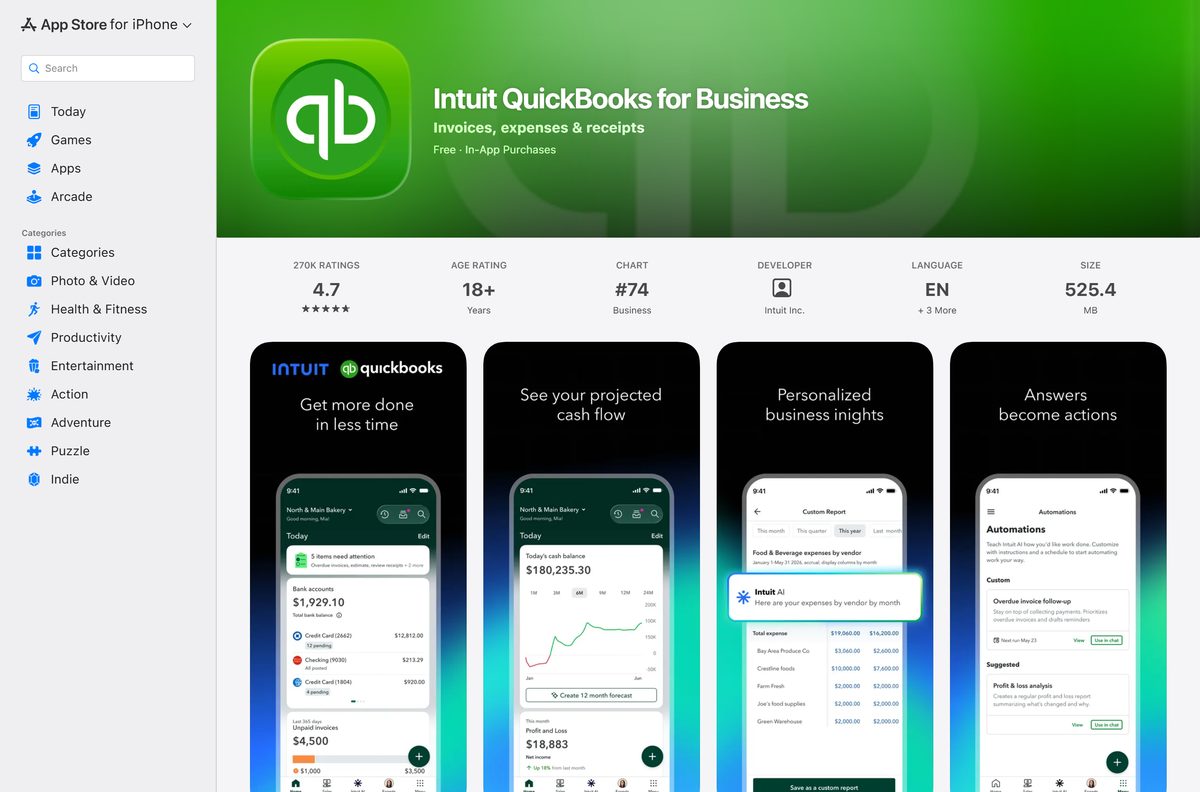
How to install QuickBooks on Windows 11 and 10
These steps install the QuickBooks Online desktop app. Start a trial or subscription on the pricing page first, because the app needs an Intuit account with a QuickBooks Online company.
- Open Intuit’s QuickBooks Online desktop app help article.
- Select the Windows download link.
- Open your Downloads folder and double-click QuickBooks AdvancedSetup.exe.
- Select Yes if Windows asks to allow the app to make changes.
- Follow the on-screen prompts until setup finishes.
- Open the new QuickBooks shortcut on the desktop if the app does not start on its own.
- Sign in with your Intuit user ID and password.
- Choose your company if the account holds more than one.
The app keeps you signed in for up to six months. It also opens several companies in separate tabs and shows two tasks side by side.
Install QuickBooks Desktop with your license number
QuickBooks Desktop Enterprise, and Pro Plus or Premier Plus for existing subscribers, install from Intuit’s Downloads & Updates page. Keep your license and product numbers ready before you start.
- Find your license and product numbers in your Intuit purchase email or under Products & Services in your Intuit account.
- Open Intuit’s Download QuickBooks Desktop help article and follow its link to the Downloads & Updates page.
- Select your country, product and version.
- Select Search, then Download.
- Open the downloaded file and follow the setup prompts.
- Enter your license and product numbers when setup asks for them.
- Open QuickBooks Desktop and open or create your company file.
Moving to a new computer uses the same download. Intuit’s migrator tool can also carry the installed copy across.
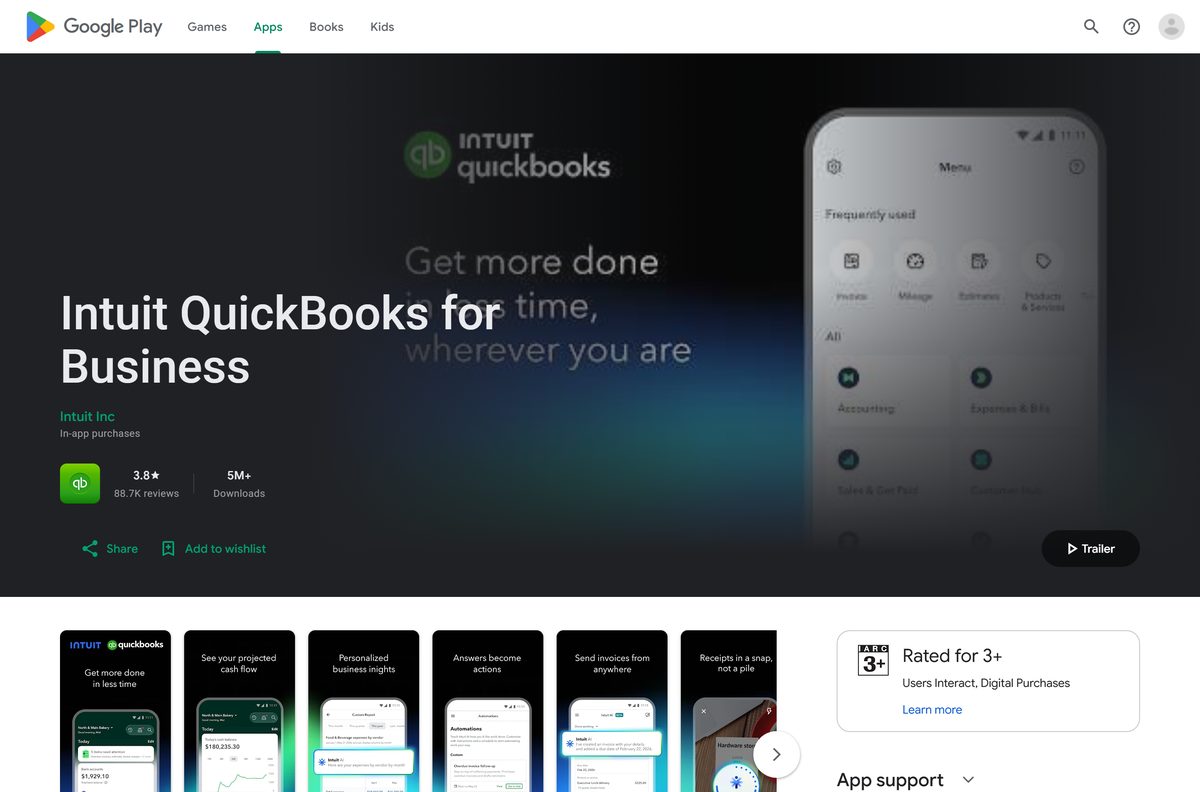
Which QuickBooks download do you need for your Mac?
Open the Apple menu and select About This Mac. The Chip or Processor line tells you which file to take.
| Your Mac says | Download | Size |
|---|---|---|
| Chip: Apple M1, M2, M3, M4 or later | QuickBooks Online for Apple silicon | 147 MB |
| Processor: Intel | QuickBooks Online for Intel Macs | 155 MB |
| Existing QuickBooks Desktop for Mac Plus subscriber | Intuit Desktop download guide | Chosen by year |
The Online app needs macOS 11.1 Big Sur or newer. Install the app from the DMG, then sign in with your Intuit user ID.
QuickBooks Desktop for Mac Plus is no longer sold to new subscribers in the United States, so a new Mac user should take the Online app.
Is QuickBooks free?
Use the free 30-day trial to try QuickBooks. After that, it is a paid subscription. QuickBooks Online Simple Start costs $38 a month, Essentials $85, Plus $140 and Advanced $340, and each plan offers either the trial or 50% off the first three months. The desktop app for Windows and Mac comes with any QuickBooks Online subscription at no extra charge. QuickBooks Desktop Enterprise is a subscription with pricing customised through Intuit sales. There is no free edition of QuickBooks, so a site offering a free full version or a cheap Desktop license key is not selling a licence Intuit honours.
Should you install QuickBooks Online or QuickBooks Desktop?
Install the QuickBooks Online desktop app unless you need Desktop Enterprise features. It runs on Windows and Mac, works with every QuickBooks Online plan, and is the only edition a new customer in the United States can buy at small-business prices. Intuit stopped selling new Desktop Pro Plus, Premier Plus and Mac Plus subscriptions after 30 September 2024. Pick Desktop Enterprise for advanced inventory, pricing rules and job costing on Windows with up to 40 users. Existing Desktop subscribers can keep renewing and still receive security and product updates.
How to check your QuickBooks Desktop version and update it
The Online desktop app updates itself. QuickBooks Desktop needs its release checked and updated.
- Open QuickBooks Desktop and press F2 or Ctrl+1.
- Read the version and release number in the Product Information window.
- Close the window and open the Help menu.
- Select Update QuickBooks Desktop.
- Open the Update Now tab and select Get Updates.
- Restart QuickBooks when prompted and confirm the install.
- On Mac Plus, open the QuickBooks menu, select Check for QuickBooks Updates, then Install and Relaunch.
Turn on automatic updates from the Options tab of the same window so later releases install without a manual check.
Check the QuickBooks system requirements
These are Intuit’s published figures for the Online desktop app and for Desktop Enterprise.
| Field | Value |
|---|---|
| Developer | Intuit Inc. |
| Latest version | QuickBooks Desktop 2024 R21_65; Mac Plus 2024 R13; Online app updates itself |
| License | Paid subscription with a free 30-day trial |
| Online app, Windows | Windows 10 or later, 64-bit; Intel Core i5 or comparable, 4 GB RAM |
| Online app, Mac | macOS 11.1 Big Sur or newer; Apple silicon and Intel builds |
| Internet speed | 3 Mbps recommended, 1.5 Mbps minimum |
| Desktop Enterprise OS | Windows 10 or Windows 11, 64-bit; not S mode, IoT or Linux |
| Desktop Enterprise hardware | 2.4 GHz processor, 8 GB RAM (16 GB recommended), 2.5 GB disk |
| Display | 1280 x 1024 or higher for Desktop Enterprise |
| Architecture | 64-bit only on Windows |
| Installer size | 193 MB Windows; 147 MB Apple silicon Mac; 155 MB Intel Mac |
| Offline installer | Yes, full Windows setup file; sign-in needs internet |
| Official download source | quickbooks.intuit.com |
| Last verified | 2026-09-19 |
Linux is not supported by the desktop app. QuickBooks Online still opens in Chrome, Firefox or Edge on Linux.
Fix QuickBooks not installing on Windows 11 or 10
QuickBooks Desktop setup stops with an error
A damaged Windows component or an earlier install blocks setup.
- Close QuickBooks and download the QuickBooks Tool Hub from Intuit.
- Open QuickBooksToolHub.exe and follow the prompts to install it.
- Open Tool Hub and select Installation Issues.
- Select QuickBooks Install Diagnostic Tool and let it run for up to 20 minutes.
- Restart the PC and run the QuickBooks installer again.
Windows blocks QuickBooksToolHub.exe
SmartScreen flags a file downloaded from the web.
- Select More info on the warning.
- Select Run anyway.
- Continue the Tool Hub setup.
The Online desktop app installer will not run
The PC runs 32-bit Windows or Windows 10 in S mode.
- Press Windows + I and open System > About.
- Check that System type reads 64-bit operating system.
- If it does not, use QuickBooks Online in Chrome, Edge or Firefox instead.
QuickBooks Desktop still fails after the diagnostic tool
Leftover folders from an earlier install.
- Uninstall QuickBooks Desktop from Control Panel.
- Rename the C:\ProgramData\Intuit\QuickBooks (year) folder by adding old to its name.
- Rename the matching folders under Program Files\Intuit and AppData\Local\Intuit the same way.
- Reinstall QuickBooks with your license number.
The Tool Hub is 53 MB and runs best on 64-bit Windows 11.
How to uninstall QuickBooks
Uninstalling removes the program, not your company data. QuickBooks Online books stay in your Intuit account.
- Open the Windows Start menu, search for Control Panel and open it.
- Select Programs and Features or Uninstall a Program.
- Select your version of QuickBooks in the list.
- Select Uninstall/Change, then Remove, then Next.
- Restart the PC when removal finishes.
Uninstalling does not cancel your subscription, and reinstalling needs the same Intuit user ID.
Choose another way to run QuickBooks
The desktop app is optional. Pick the route that fits the machine in front of you.
| Option | Works on | Best for |
|---|---|---|
| QuickBooks Online in a browser | Chrome, Edge, Firefox, Safari, including Linux | Shared or locked-down PCs where you cannot install software |
| QuickBooks Online desktop app | 64-bit Windows 10 and 11, macOS 11.1 or newer | Daily bookkeeping with tabs and split-screen |
| QuickBooks Desktop Enterprise | 64-bit Windows 10 and 11 | Inventory-heavy firms with up to 40 users |
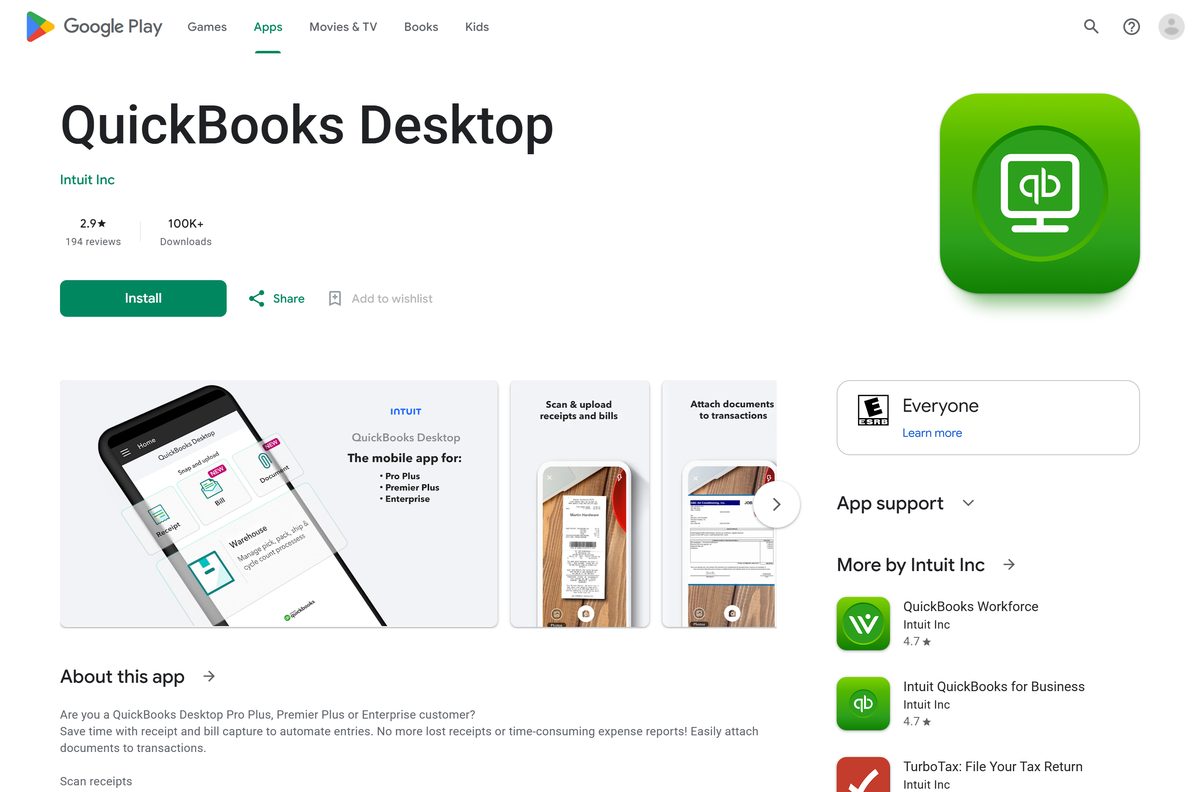
Other office and productivity apps for PC include SMART Notebook and DocuSign.
Frequently asked questions
Is QuickBooks free?
No. QuickBooks is a paid subscription. Every QuickBooks Online plan starts with a free 30-day trial, and the desktop app for Windows and Mac is included with the subscription at no extra charge. After the trial, Simple Start costs $38 a month.
What is the official QuickBooks download page?
Intuit’s help article on quickbooks.intuit.com links the QuickBooks Online desktop app for Windows and both Mac builds. QuickBooks Desktop Enterprise and older Desktop editions download from Intuit’s Downloads & Updates page, reached from its Desktop download help article.
Does QuickBooks work on Windows 11?
Yes. QuickBooks Desktop Enterprise lists Windows 11 (64-bit) and Windows 10 (64-bit) as supported. The QuickBooks Online desktop app needs a 64-bit Windows PC running Windows 10 or later. Windows 10 S mode and Windows 11 IoT are not supported.
How big is the QuickBooks download?
The Windows installer for the QuickBooks Online desktop app is 193 MB. The Mac download is 147 MB for Apple silicon and 155 MB for Intel Macs. The QuickBooks Tool Hub repair utility is a separate 53 MB file.
Is there a QuickBooks offline installer?
Yes. The Windows setup file for the QuickBooks Online desktop app is a full 193 MB installer rather than a small web stub. You still need internet access to sign in, because your books live in QuickBooks Online.
Is QuickBooks available for Mac?
Yes. The QuickBooks Online desktop app has separate Mac downloads for Apple silicon and Intel processors and needs macOS 11.1 Big Sur or newer. QuickBooks Desktop for Mac Plus is no longer sold to new subscribers in the United States.
Is QuickBooks 32-bit or 64-bit?
QuickBooks for Windows is 64-bit. The QuickBooks Online desktop app requires a 64-bit Windows computer, and Desktop Enterprise supports only 64-bit Windows 10 and Windows 11. On a Mac, pick the Apple silicon or Intel build to match your chip.
Is the QuickBooks download safe?
Yes, when it comes from Intuit. The official installers are served from http-download.intuit.com and dlm2.download.intuit.com. Avoid third-party download sites and anyone selling cheap QuickBooks Desktop license keys; Desktop licenses and product numbers come from your Intuit purchase.
What is the latest version of QuickBooks Desktop?
The latest Windows release is QuickBooks Desktop 2024 R21_65, and Mac Plus 2024 is at R13. Mac Plus 2023 is at R7.6, and every release installs through the Help or QuickBooks menu.
Can I still buy QuickBooks Desktop?
In the United States, only QuickBooks Desktop Enterprise is on sale to new customers. Intuit stopped selling new Desktop Pro Plus, Premier Plus and Mac Plus subscriptions after 30 September 2024. Existing subscribers can keep renewing and still get updates.
Why won’t QuickBooks install on my PC?
The most common causes are a 32-bit Windows, Windows 10 in S mode, or a damaged earlier install. For QuickBooks Desktop, run the QuickBooks Install Diagnostic Tool from the Tool Hub’s Installation Issues tab, then restart and install again.