You can download Overwatch free on a Windows 11 or Windows 10 PC through Blizzard’s Battle.net desktop app or through Steam. Both routes install the same free-to-play game, and your progress follows your Battle.net account.
Overwatch is a team-based action game where every match is a 5v5 or 6v6 battle. It also runs on Xbox, PlayStation and Nintendo Switch.
This guide covers the official links, Battle.net and Steam installs, Mac options, system requirements, updates and fixes for downloads that fail.
Which Overwatch download do you need?
Blizzard offers the game on four platforms. On a PC you choose between two launchers that deliver the same game.
| Your device | Where to get it | What it needs |
|---|---|---|
| Windows 11 or Windows 10 PC, no Steam | Battle.net desktop app | 64-bit Windows, 50 GB free space, a Battle.net account |
| Windows PC that already uses Steam | Overwatch on Steam | A Steam account linked to a Battle.net account |
| Xbox | Microsoft Store for Xbox | An Xbox console |
| PlayStation | PlayStation Store | A PlayStation console |
| Nintendo Switch | Nintendo eShop | A Switch console |
| Mac | Boot Camp guide (Intel Macs only) | Windows 10 on an Intel Mac; no macOS version exists |
Pick Battle.net if you have no preference. Pick Steam if you want the game in your Steam library with Steam achievements.
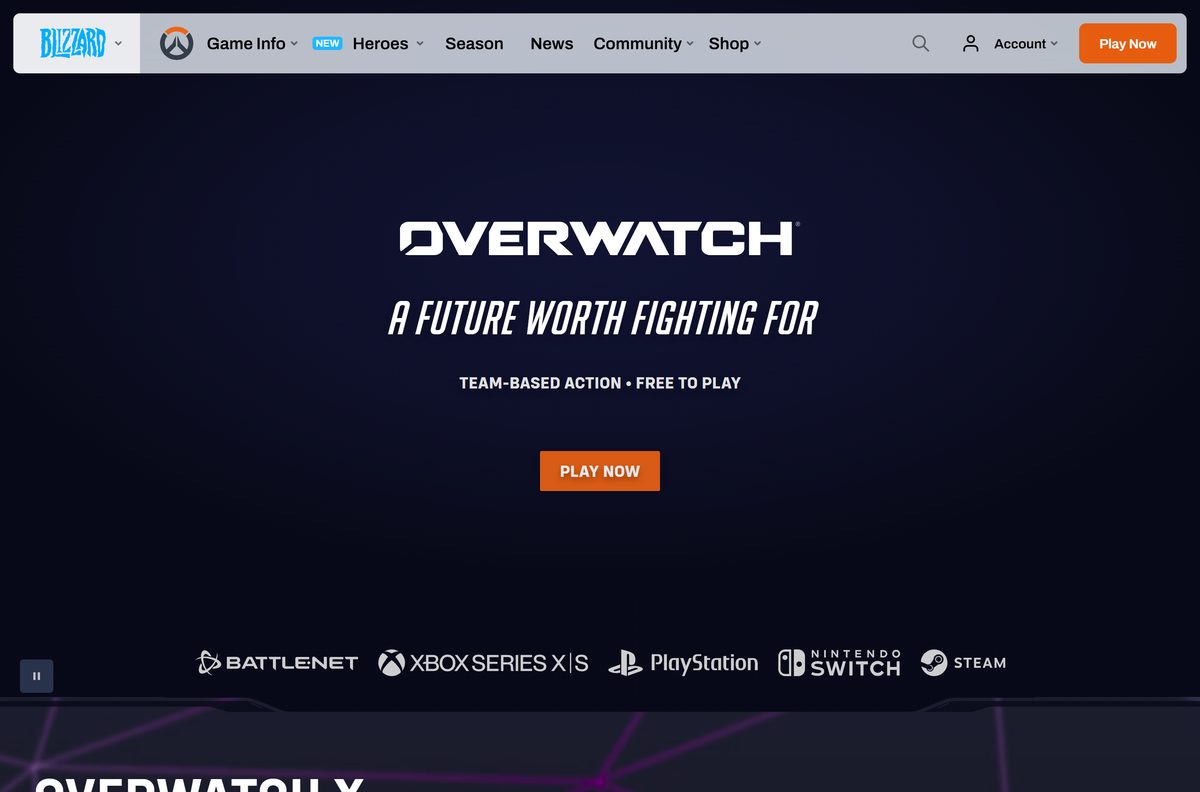
Download Overwatch from the official Blizzard and Steam links
Blizzard Entertainment develops and publishes the game. Any other publisher name on a download page means it is not the real game.
- Overwatch official site — Blizzard’s page with links for every platform
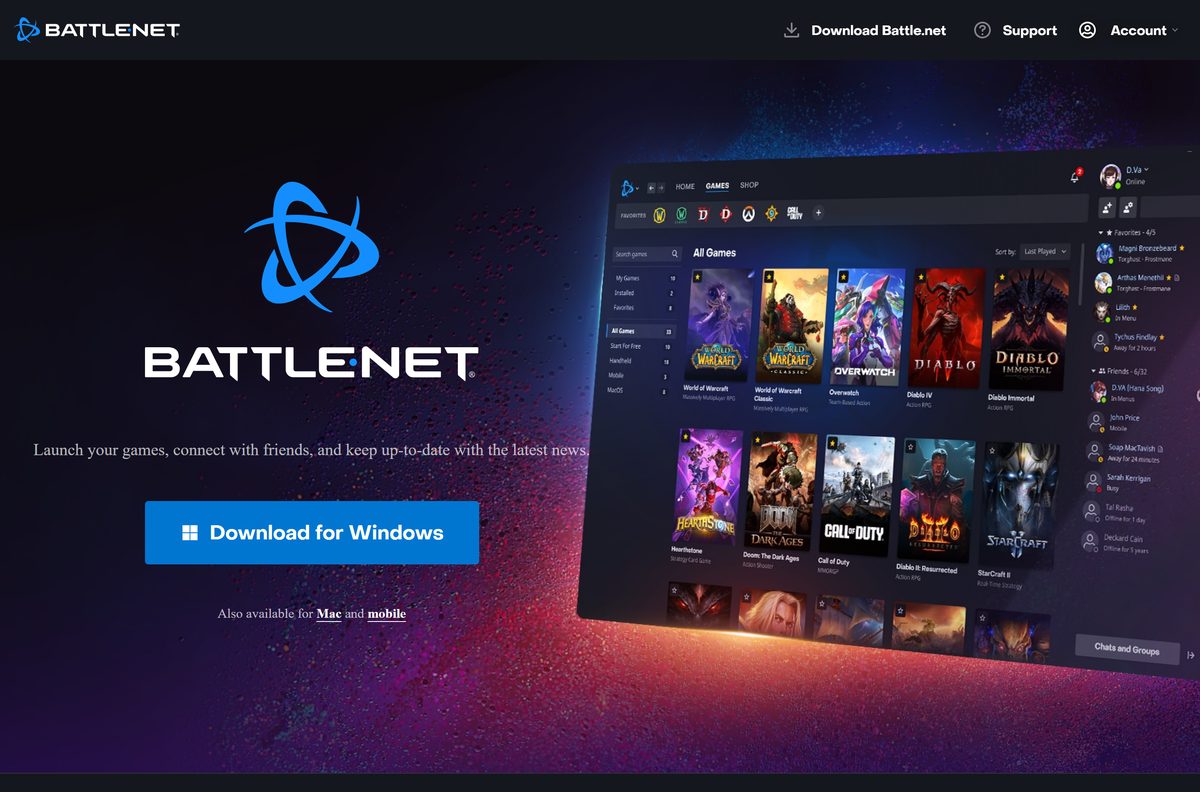
- Battle.net desktop app — Blizzard’s launcher for Windows; installs and updates the game
- Overwatch on Steam — 50 GB storage needed · Free to play, Windows only
- Overwatch patch notes — Blizzard’s list of retail patches and hotfixes
The Battle.net app is a small launcher. It downloads the game files after you sign in, so keep the PC online during the install.
How to install Overwatch with the Battle.net app on Windows 11 and 10
The Battle.net app handles the download, the install and every future patch.
- Open the Battle.net desktop app page and select the Windows download.
- Run the saved setup file and select Yes when User Account Control asks.
- Choose a language and install folder, then select Continue.
- Sign in with your Battle.net account, or create one from the sign-in screen.
- Select Overwatch in the game list.
- Select Install, pick a drive with at least 50 GB free, and confirm.
- Wait for the download and install to finish; the button changes to Play.
- Select Play to launch the game and finish the first-run setup.
Leave the Battle.net app running in the background so it can apply patches before you play.
Install Overwatch from Steam instead
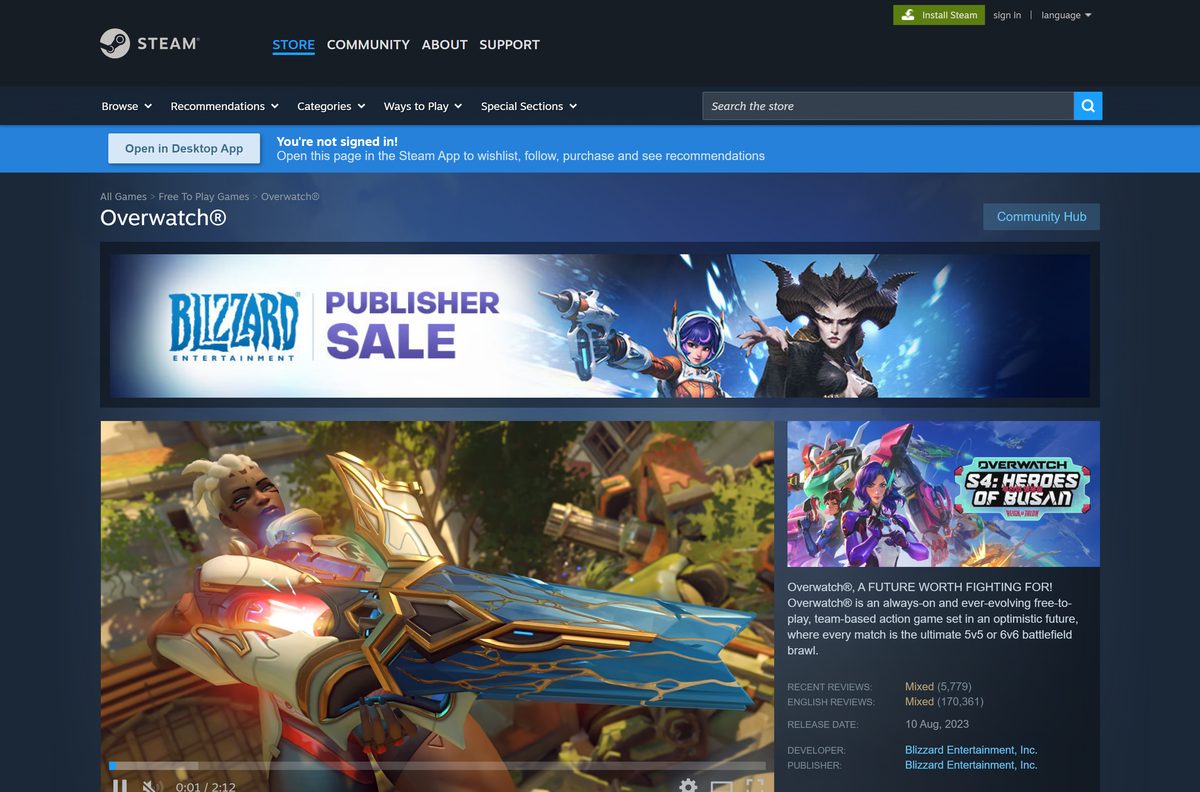
The Steam version is the same free game. Steam lists a Battle.net account as a requirement, so you link one on first launch.
- Open the Overwatch Steam page and select Play Game.
- Let the page open the Steam client, or sign in to Steam first if it asks.
- Choose the install drive and select Install.
- Wait for Steam to finish the download.
- Select Play in your Steam library.
- Sign in to an existing Battle.net account or create a new one when the game asks.
- Finish the first-run setup and start a match.
Linking an existing Battle.net account keeps your heroes, skins and rank from other platforms.
How to play Overwatch on a Mac
Blizzard publishes no macOS version of Overwatch, and Steam lists the game for Windows only. What works depends on your Mac’s chip.
| Your Mac | Option | Guide |
|---|---|---|
| Intel-based Mac (2012 to 2020 models) | Install 64-bit Windows 10 with Boot Camp, then install the Battle.net app in Windows | Apple Boot Camp guide |
| Mac with Apple silicon (M1 or later) | Boot Camp is not available; play on a Windows PC or a console instead | Overwatch platforms |
Check Apple menu > About This Mac. A line that reads Chip means Apple silicon; Processor with an Intel name means Boot Camp can work.
Is Overwatch free?
Yes. Blizzard describes Overwatch as a free-to-play game, and Steam lists it as free. The download and the core game cost nothing on PC.
Paid content is optional. The ESRB rating lists in-game purchases, which you make inside the game only if you choose to.
Download the free game from Battle.net or Steam and ignore any site that sells a PC key or asks for payment to download it. Blizzard gives the PC game away through its own launcher and its free Steam listing, so a paid download or key generator is either a scam or malware.
How to check your Overwatch patch and update it
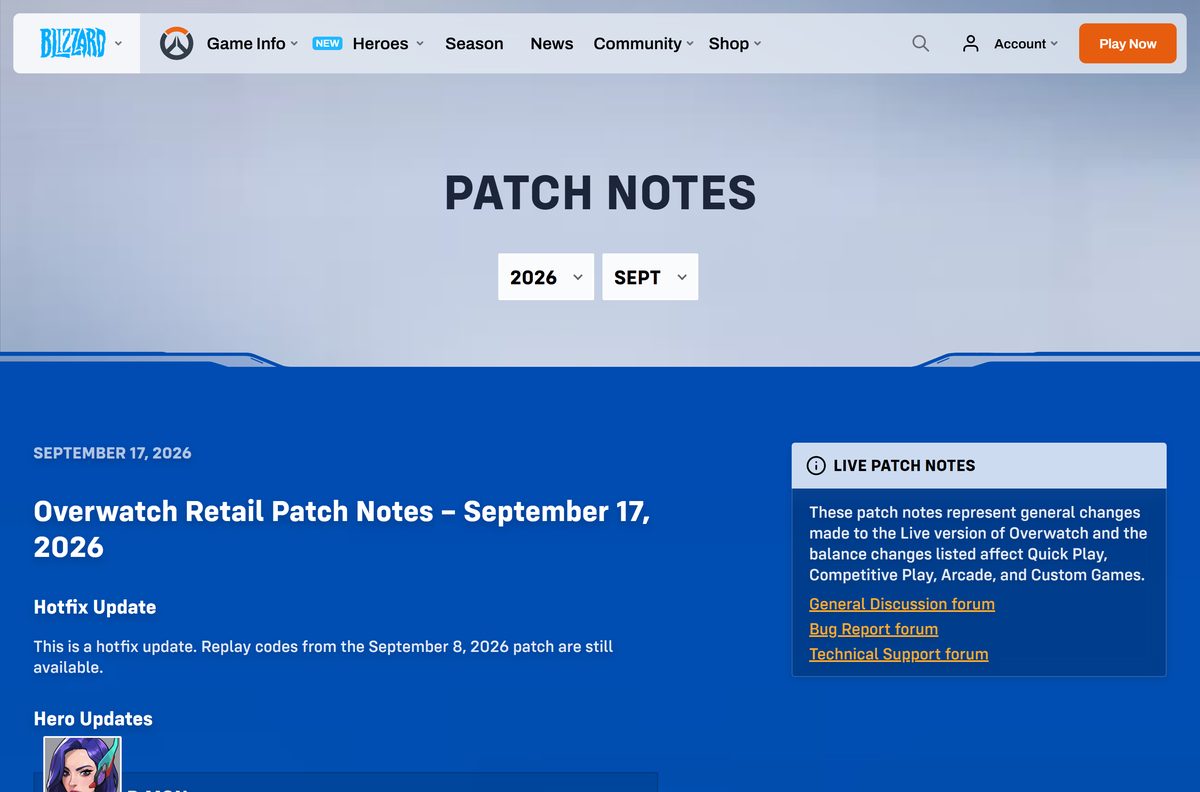
Overwatch has no version number to type in. Blizzard names each update by date, and the newest retail patch is a hotfix from September 17, 2026.
- Open the Battle.net app and select Overwatch.
- Look at the main button: Update means a patch is waiting.
- Select Update and wait for the progress bar to finish.
- On Steam, open Library, select Overwatch and let any queued update finish.
- Compare the date with the newest entry on the Overwatch patch notes page.
- Select Play once the button no longer says Update.
The game refuses to connect while a patch is pending, so update before you queue for a match.
Check the Overwatch system requirements
Overwatch needs a 64-bit processor and a 64-bit copy of Windows. Compare your PC with both columns before you download.
| Field | Minimum | Recommended |
|---|---|---|
| Game | Overwatch | Overwatch |
| Developer | Blizzard Entertainment, Inc. | Blizzard Entertainment, Inc. |
| Latest version | Retail patch of September 17, 2026 (hotfix) | Updates install automatically |
| Price | Free to play; optional in-game purchases | Free to play |
| Operating system | Windows 10 64-bit (latest updates) | Windows 10 64-bit or Windows 11 |
| Processor | Intel Core i3 or AMD Phenom X3 8650 | Intel Core i7 or AMD Ryzen 5 |
| Memory | 6 GB RAM | 8 GB RAM |
| Graphics | NVIDIA GeForce GTX 600 series or AMD Radeon HD 7000 series | NVIDIA GeForce GTX 1060 or GTX 1650, AMD R9 380 or RX 6400, or Intel Arc A770 |
| DirectX | Version 11 | Version 11 |
| Storage | 50 GB available space | 50 GB available space |
| Network | Broadband internet connection | Broadband internet connection |
| Account | Battle.net account | Battle.net account |
| Offline installer | No; downloads through Battle.net or Steam | No |
| Official download source | Battle.net desktop app or Steam | Battle.net desktop app or Steam |
| Last verified | 2026-09-19 | 2026-09-19 |
Press Windows + R, type dxdiag and select OK to see your processor, memory, graphics card and DirectX version in one window.
How to confirm your copy is the genuine Blizzard game
Fake Overwatch downloads usually arrive as a single large exe or a compressed archive. The real game never ships that way.
- Start every download from overwatch.blizzard.com, download.battle.net or store.steampowered.com.
- Right-click the Battle.net setup file and select Properties.
- Open the Digital Signatures tab and check that the signer names Blizzard.
- On Steam, check that the store page lists Blizzard Entertainment, Inc. as developer and publisher.
- Delete any file that offers the full game as a standalone exe, zip or “repack”.
The only paid items are sold inside the game or the official stores. A “free coins” or “unlock all heroes” tool is malware.
Fix Overwatch not downloading or not launching
Find the symptom that matches what you see, then work through its fix in order.
The download will not start or says there is not enough space
The chosen drive has less than the 50 GB the game needs.
- Open Settings > System > Storage and check free space on each drive.
- Free up space, or pick a different drive in the install dialog.
- Select Install again in the Battle.net app or Steam.
The game crashes, will not open, or reports damaged files
Game files are corrupt or incomplete after an interrupted patch.
- In the Battle.net app, select Overwatch.
- Select the gear icon next to Play, then Scan and Repair.
- Select Begin Scan and wait for it to finish.
- On Steam, right-click the game, select Properties > Installed Files > Verify integrity of game files.
The game opens to a black screen or shows a graphics error
The graphics driver is out of date or the card is below the DirectX 11 minimum.
- Run dxdiag and confirm your card meets the minimum in the requirements table.
- Install the latest driver from NVIDIA, AMD or Intel.
- Restart the PC and launch the game again.
The game will not install on a 32-bit PC
Overwatch requires a 64-bit processor and a 64-bit copy of Windows.
- Open Settings > System > About.
- Read System type under Device specifications.
- Play on a console if it shows a 32-bit operating system that the hardware cannot upgrade.
How to uninstall Overwatch
Remove the game from the launcher that installed it. That frees the full 50 GB.
- Open the Battle.net app and select Overwatch.
- Select the gear icon next to Play, then select Uninstall.
- Confirm the uninstall in the dialog that opens.
- On Steam, right-click the game in Library, select Manage > Uninstall, and confirm.
- Open Settings > Apps > Installed apps to remove the Battle.net app too, if you no longer need it.
Your heroes, skins and rank stay on your Battle.net account, so a reinstall brings them back.
Frequently asked questions
Is Overwatch free to download on PC?
Yes. Overwatch is free to play on PC through the Battle.net desktop app and on Steam. You pay nothing to download or play it, and in-game purchases are optional.
Where is the official Overwatch download?
The official PC downloads are the Battle.net desktop app at download.battle.net and the Overwatch page on Steam. Blizzard’s site, overwatch.blizzard.com, links to both along with the Xbox, PlayStation and Nintendo Switch stores.
Is it Overwatch or Overwatch 2?
Blizzard now calls the game Overwatch. The official site and the Steam listing both use that name, and it is the same free-to-play game players knew as Overwatch 2.
Does Overwatch work on Windows 11?
Yes. Overwatch needs 64-bit Windows 10 or later, and every copy of Windows 11 is 64-bit. Install it through the Battle.net app or Steam as you would on Windows 10.
How big is the Overwatch download?
Plan for 50 GB of free space. Blizzard’s requirements list 50 GB of available storage for both the minimum and recommended setups, and patches add more over time.
Is there an Overwatch offline installer?
No. Blizzard delivers the PC game only through the Battle.net desktop app and Steam, which download the files over the internet. The game also needs a broadband connection to play.
Can you play Overwatch on a Mac?
Not natively. Blizzard publishes no macOS version, and Steam lists Windows only. An Intel-based Mac can run Windows 10 through Boot Camp and then install the Battle.net app; Apple silicon Macs cannot use Boot Camp.
Does Overwatch need a 64-bit PC?
Yes. Overwatch requires a 64-bit processor and a 64-bit copy of Windows. The requirements list only Intel and AMD processors, so a 32-bit PC cannot run it.
Is it safe to download Overwatch?
Yes, from Battle.net or Steam. Both deliver files published by Blizzard Entertainment. Avoid sites offering a standalone exe, a repack or free in-game currency, because the real game never ships that way.
What is the latest version of Overwatch?
Blizzard names updates by date rather than version number. The newest retail patch is a hotfix released on September 17, 2026, and the Battle.net app or Steam installs it automatically.
Why won’t Overwatch install on my PC?
The usual causes are less than 50 GB of free space, a 32-bit copy of Windows or corrupt files after an interrupted download. Free space, confirm 64-bit Windows, then run Scan and Repair in the Battle.net app.
Can I play Overwatch on Steam?
Yes. Overwatch is free on Steam for Windows. Steam requires a linked Battle.net account, and linking an existing account keeps your heroes, skins and rank from other platforms.







Download Battle.net for PC, Windows 11/10 & Mac (Free) - Techdows
[…] The Battle.net app and a Battle.net account cost nothing. Blizzard lists free-to-play games such as Overwatch 2 and Call of Duty: Warzone 2.0, plus free trials for other titles. Paid games, expansions and […]