The Microsoft Flight Simulator download for PC is Microsoft Flight Simulator 2024, and you get it from the Xbox app on Windows 11 and Windows 10 or from Steam. PC Game Pass members install the Standard Edition as part of their subscription.
Asobo Studio develops the simulator and Xbox Game Studios publishes it. It also runs on Xbox Series X|S, and an Xbox store purchase covers both through Xbox Play Anywhere.
This guide covers which store to pick, the official links, install steps for both routes, the PC specs, Mac options and fixes for failed installs.
Which Microsoft Flight Simulator download do you need?
Match your situation to a row. Every row gets you the same 2024 simulator.
| Your situation | Where to get it | What you pay | |
|---|---|---|---|
| You have PC Game Pass, Game Pass Premium or Ultimate | Xbox store page | Nothing extra while the membership is active | |
| You want to own it and also play on Xbox Series X | S | Xbox store page | From $69.99, Xbox Play Anywhere included |
| You keep your PC games in Steam | Steam store page | $69.99 Standard to $199.99 Aviator | |
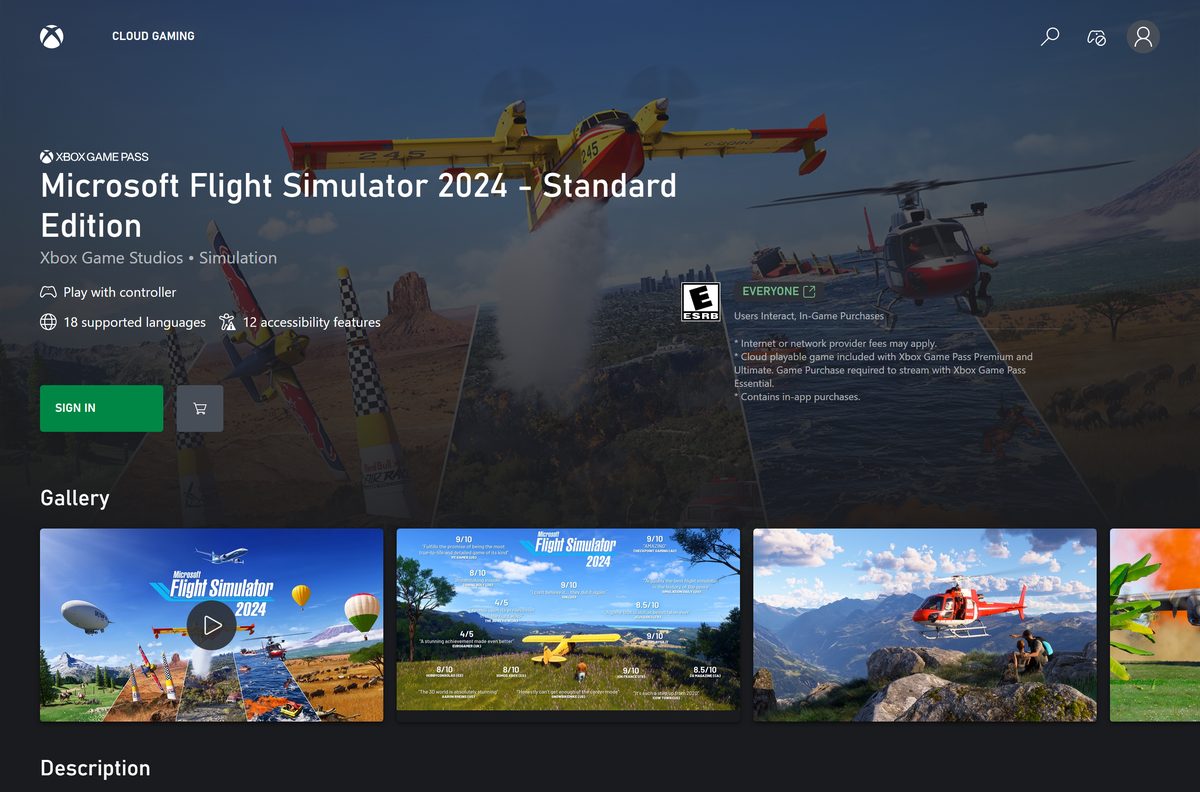
| You use a Mac or a low-spec laptop | Xbox Cloud Gaming | Game Pass Premium or Ultimate, or Essential after purchase |
The Xbox and Steam versions are separate purchases. Pick the store you plan to keep using for add-ons.
Download Microsoft Flight Simulator from the official stores
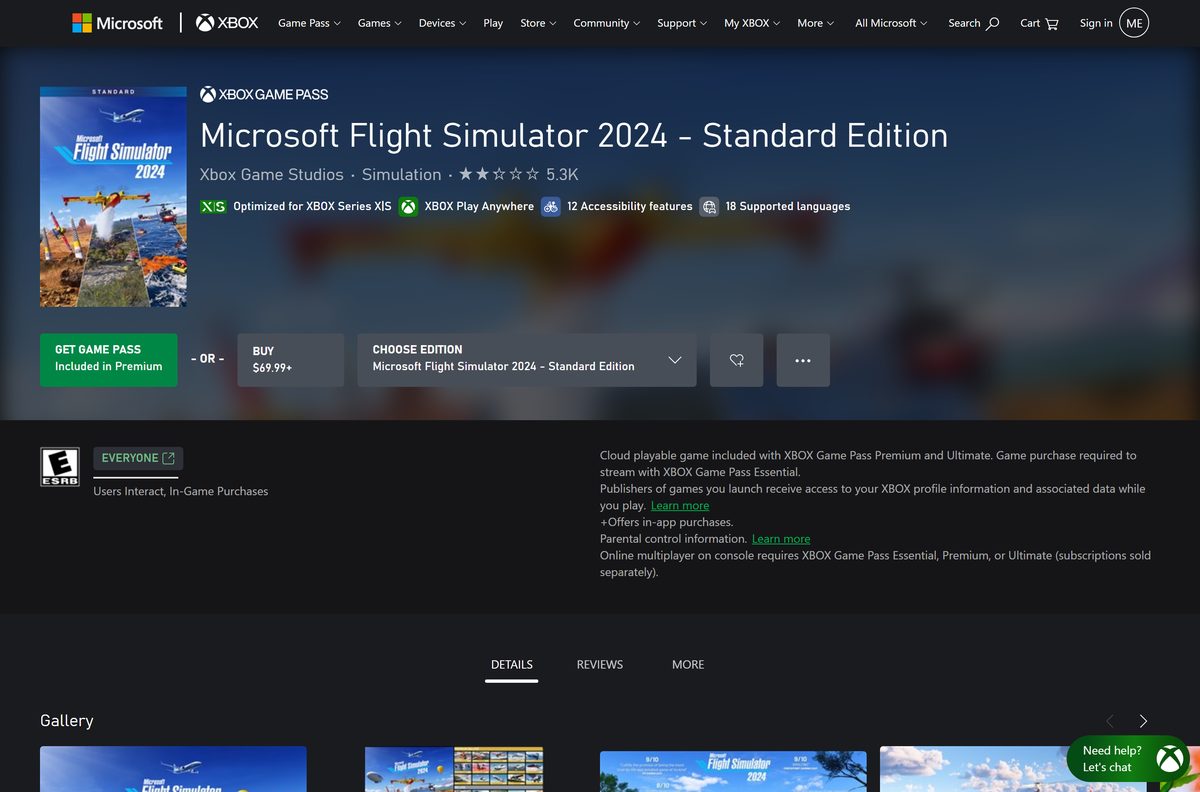
Xbox Game Studios publishes the game on both stores. There is no standalone setup file, so each link leads to a store listing.
- Microsoft Flight Simulator 2024 on xbox.com — Standard Edition, installs through the Xbox app
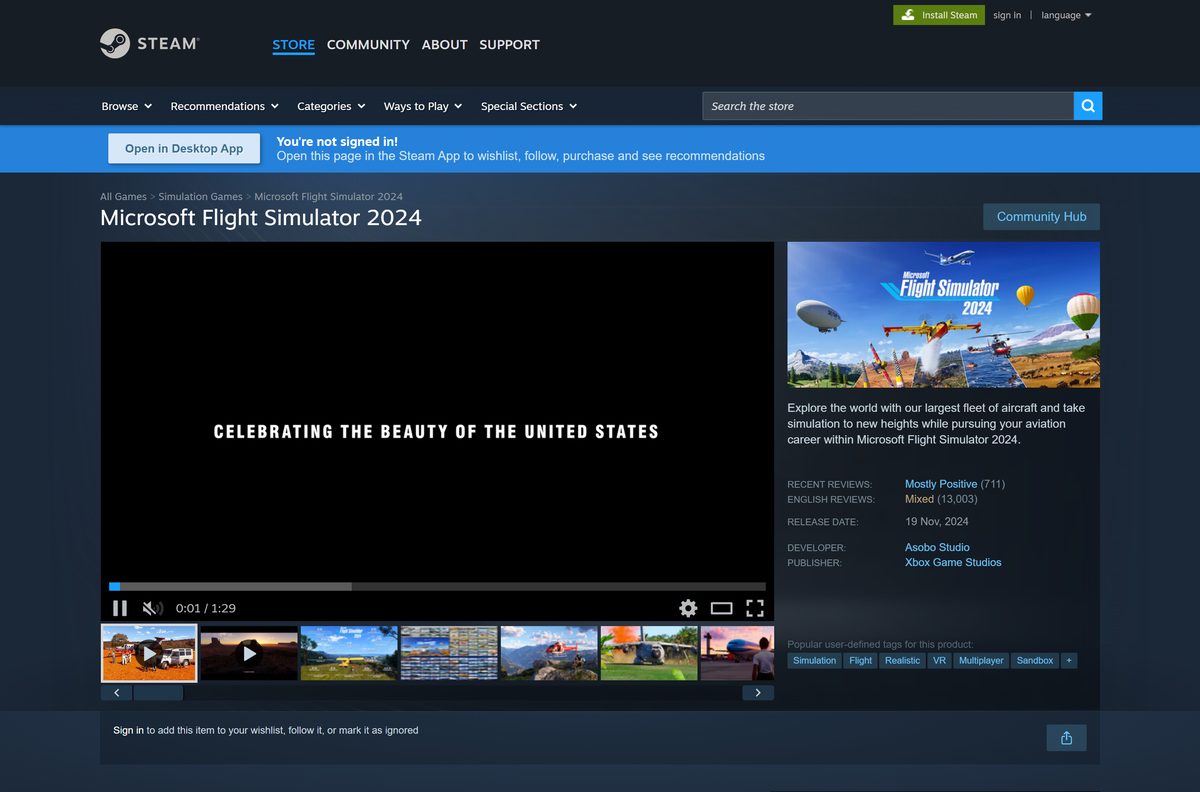
- Microsoft Flight Simulator 2024 on Steam — All four editions, Windows only
- Xbox app for Windows — Needed for the Xbox store and PC Game Pass copy
- PC Game Pass — Subscription that includes the Standard Edition
- Microsoft Flight Simulator 2024 game page — Editions and PC requirements
The Microsoft Store package is about 9.5 GB, and the install reserves 50 GB of disk space.
How to install Microsoft Flight Simulator with the Xbox app
Use this route for a PC Game Pass membership or an Xbox store purchase. Sign in with the Microsoft account that owns the game or the subscription.
- Install the Xbox app for Windows and open it.
- Sign in with your Microsoft account.
- Type Microsoft Flight Simulator 2024 in the search box at the top.
- Open the Standard Edition and select Install if you have Game Pass, or Buy to purchase it.
- Choose the drive for the game and confirm it has at least 50 GB free.
- Wait for the download to finish in the Downloads queue.
- Select Play to launch the simulator and let it finish its first setup.
- Sign in with the same Microsoft account inside the simulator when asked.
Keep the Xbox app and Gaming Services installed, because both are needed to launch and update the game.
Install Microsoft Flight Simulator through Steam
Steam sells all four editions: Standard, Deluxe, Premium Deluxe and Aviator.
- Open the Microsoft Flight Simulator 2024 Steam page and sign in to Steam.
- Pick an edition and select Add to Cart.
- Complete the purchase in your cart.
- Open your Library in the Steam app and select Microsoft Flight Simulator 2024.
- Select Install and choose a drive with at least 50 GB free.
- Wait for the download to finish in the Steam Downloads page.
- Select Play to launch the simulator.
Steam lists Family Sharing, Steam Achievements and cross-platform multiplayer for this game.
Is Microsoft Flight Simulator free?
Steam prices the four editions at $69.99, $99.99, $129.99 and $199.99. The xbox.com store lists the Standard Edition from $69.99.
No. Microsoft Flight Simulator 2024 is a paid game, but PC Game Pass includes the Standard Edition. A subscription is the cheapest way to try it. Buy an edition when you want to keep the game after the membership ends. Any site offering a free full download is not Microsoft.
The game also sells optional content through in-app purchases.
Should you install Microsoft Flight Simulator 2024 or 2020?
Microsoft Flight Simulator (2020) is still sold on Steam as the 40th Anniversary Edition for $59.99. The 2024 edition adds a Career mode, a new physics system and a larger aircraft fleet.
Install Microsoft Flight Simulator 2024. It is the current edition, included with PC Game Pass and sold on both stores. Pick the 2020 edition on Steam only when you rely on add-ons built for it.
Check the Microsoft Flight Simulator system requirements
Steam publishes a minimum and a recommended tier. The xbox.com game page lists the recommended tier as its baseline and notes that performance scales with higher-end systems.
| Field | Value |
|---|---|
| Game | Microsoft Flight Simulator 2024 |
| Developer | Asobo Studio |
| Publisher | Xbox Game Studios |
| Latest version | Microsoft Flight Simulator 2024, released November 19, 2024, updated automatically |
| Price | Paid, from $69.99; included with PC Game Pass |
| Supported OS | Windows 10 and Windows 11, 64-bit, with current updates |
| Architecture | x64 only |
| Processor, minimum | AMD Ryzen 5 2600X or Intel Core i7-6800K |
| Processor, recommended | AMD Ryzen 7 2700X or Intel Core i7-10700K |
| Graphics, minimum | AMD Radeon RX 5700 or NVIDIA GeForce GTX 970 |
| Graphics, recommended | AMD Radeon RX 5700 XT or NVIDIA GeForce RTX 2080 |
| Memory | 16 GB minimum, 32 GB recommended |
| DirectX | 12 |
| Storage | 50 GB; the Microsoft Store download is about 9.5 GB |
| Internet | Broadband, 10 Mbps minimum, 50 Mbps recommended |
| Offline installer | No, installs through the Xbox app or Steam |
| Official sources | xbox.com (Xbox app) and Steam |
| Last verified | 2026-09-19 |
To check your PC, open Settings, select System, then About. System type shows whether Windows is 64-bit, and Installed RAM shows your memory.
Can you play Microsoft Flight Simulator on a Mac?
There is no macOS build. Steam lists Windows as the only platform, so a Mac plays it by streaming.
| Your setup | Does it work? | How |
|---|---|---|
| Mac with Game Pass Premium or Ultimate | Yes, by streaming | Xbox Cloud Gaming page |
| Mac with Game Pass Essential | Yes, after you buy the game | Xbox store page |
| Mac with no Game Pass | No native version | Steam lists Windows only |
| You want a simulator that installs on macOS | Yes, a different game | X-Plane 12 on Steam |
Cloud play needs a controller and a steady internet connection, and your provider’s data fees still apply.
Fix Microsoft Flight Simulator not installing on Windows 11 or 10
Find the symptom that matches your screen and follow the fixes under it.
The Xbox app will not install or launch the game
An expired membership or a damaged Gaming Services component stops the install.
- Sign out of the Xbox app, restart the PC and sign in again.
- Check that your Game Pass membership is still active on your Microsoft account.
- Download and run the Gaming Services Repair Tool.
- Close any other game launchers that are running, then try the install again.
The game installs but crashes or stops loading
Out-of-date Windows files or graphics drivers break the DirectX 12 renderer.
- Install every pending update in Settings > Windows Update.
- Update your graphics driver from NVIDIA, AMD or Intel.
- In the Xbox app, open the game’s … menu, select Manage, then Files and Verify and Repair.
- On Steam, right-click the game, select Properties, then Installed Files and Verify integrity of game files.
The download stops or the install fails partway
Security software, a full drive or a damaged install blocks the files.
- Free up at least 50 GB on the install drive.
- Check your antivirus settings and allow the Xbox app or Steam.
- Uninstall the game using the steps below.
- Reinstall it from the Xbox app or Steam.
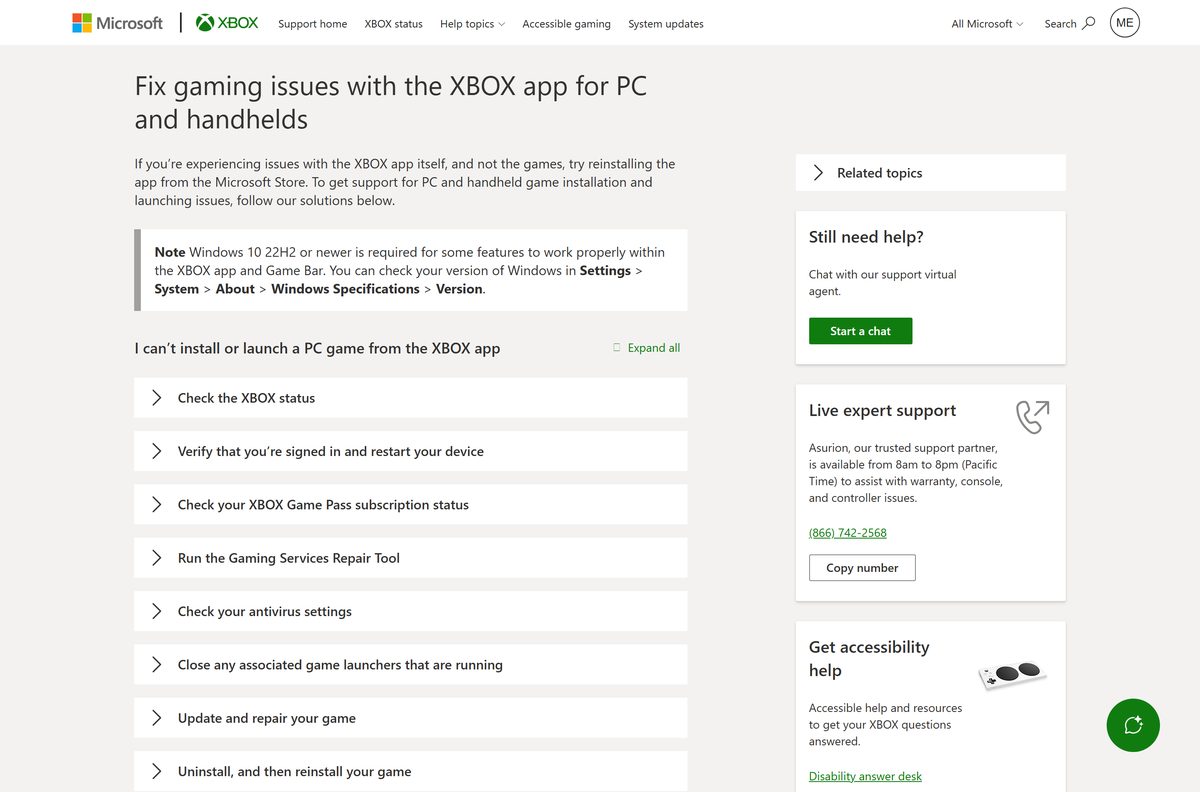
The full checklist is on the Xbox Support page Fix gaming issues with the Xbox app for PC.
How to uninstall Microsoft Flight Simulator
Uninstall from the store that installed the game. Your purchase stays on your account for a later reinstall.
- Open Settings and select Apps, then Installed apps.
- Find Microsoft Flight Simulator 2024 in the list.
- Select the … menu next to it and choose Uninstall.
- Confirm with Uninstall again.
- For the Steam copy, right-click the game in your Library instead.
- Select Manage, then Uninstall, and confirm.
Xbox Support also covers uninstalling from the Xbox app on its install or uninstall a PC game page.
Which Microsoft Flight Simulator alternatives can you download?
All three are paid simulators on Steam. Only X-Plane 12 has a Mac and Linux build.
| Simulator | Developer | Where to get it | Platforms on Steam |
|---|---|---|---|
| Microsoft Flight Simulator (2020) 40th Anniversary Edition | Asobo Studio | Steam | Windows |
| X-Plane 12 | Laminar Research | Steam | Windows, Mac, Linux |
| Microsoft Flight Simulator X: Steam Edition | Microsoft Game Studios | Steam | Windows |
Choose X-Plane 12 on a Mac. On Windows, the 2024 edition is the better buy unless older add-ons matter to you.
Frequently asked questions
Is Microsoft Flight Simulator free to download?
No. Microsoft Flight Simulator 2024 is a paid game, starting at $69.99 for the Standard Edition on Steam. The Standard Edition is also included with PC Game Pass, Game Pass Premium and Game Pass Ultimate, so subscribers download it at no extra cost.
Where is the official Microsoft Flight Simulator download?
The official PC sources are the Xbox store page on xbox.com, which installs through the Xbox app, and the Steam store page published by Xbox Game Studios. Any other site offering a free setup file is not an official source.
Does Microsoft Flight Simulator work on Windows 11?
Yes. Microsoft lists Windows 10 and Windows 11 with current updates for every edition of Microsoft Flight Simulator 2024. The PC needs a 64-bit processor, a DirectX 12 graphics card and at least 16 GB of RAM.
How big is the Microsoft Flight Simulator download?
The Microsoft Store PC package is about 9.5 GB, and Microsoft reserves 50 GB of storage for the install. Steam also asks for 50 GB of free space. Keep the connection running, because the simulator needs broadband of at least 10 Mbps to play.
Is there a Microsoft Flight Simulator offline installer?
No. Microsoft Flight Simulator 2024 installs only through the Xbox app or Steam, and there is no standalone setup file. Both launchers download the game and keep it updated, and the simulator itself needs a broadband connection.
Can I play Microsoft Flight Simulator on a Mac?
Not as a native app. Steam lists Microsoft Flight Simulator 2024 for Windows only. A Mac can stream the Standard Edition through Xbox Cloud Gaming with Game Pass Premium or Ultimate, or with Game Pass Essential after buying the game.
Does Microsoft Flight Simulator run on 32-bit or ARM PCs?
Microsoft Flight Simulator 2024 requires a 64-bit processor and a 64-bit edition of Windows. The Microsoft Store package is built for x64 only, and no 32-bit or ARM64 build is offered.
Is Microsoft Flight Simulator safe to download?
Yes, from xbox.com, the Xbox app or Steam. Xbox Game Studios publishes the game on both stores and Asobo Studio develops it. Sites offering a free full version, a crack or a repack are piracy fronts and a common malware source.
What is the latest version of Microsoft Flight Simulator?
Microsoft Flight Simulator 2024 is the current edition, released on November 19, 2024. The Xbox app and Steam install its updates automatically. Microsoft Flight Simulator (2020) is still sold on Steam as the 40th Anniversary Edition.
Is Microsoft Flight Simulator in PC Game Pass?
Yes. The xbox.com store page lists the Standard Edition as included with PC Game Pass, Game Pass Premium and Game Pass Ultimate. Install it from the Xbox app while your subscription is active.
Why won’t Microsoft Flight Simulator install or launch?
The usual causes are an expired Game Pass membership, a damaged Gaming Services component, or Windows and graphics drivers that are out of date. Xbox Support recommends checking your subscription, running the Gaming Services Repair Tool and updating Windows.
How do I uninstall Microsoft Flight Simulator?
Open Settings, then Apps, then Installed apps, select the three-dot menu next to Microsoft Flight Simulator 2024 and choose Uninstall. On Steam, right-click the game in your Library and select Manage, then Uninstall.






