The iHeartRadio download for PC is the free iHeart app in the Microsoft Store for Windows 11 and Windows 10. On a Mac, iHeart runs from iheart.com, and Safari can pin it to the Dock as its own app.
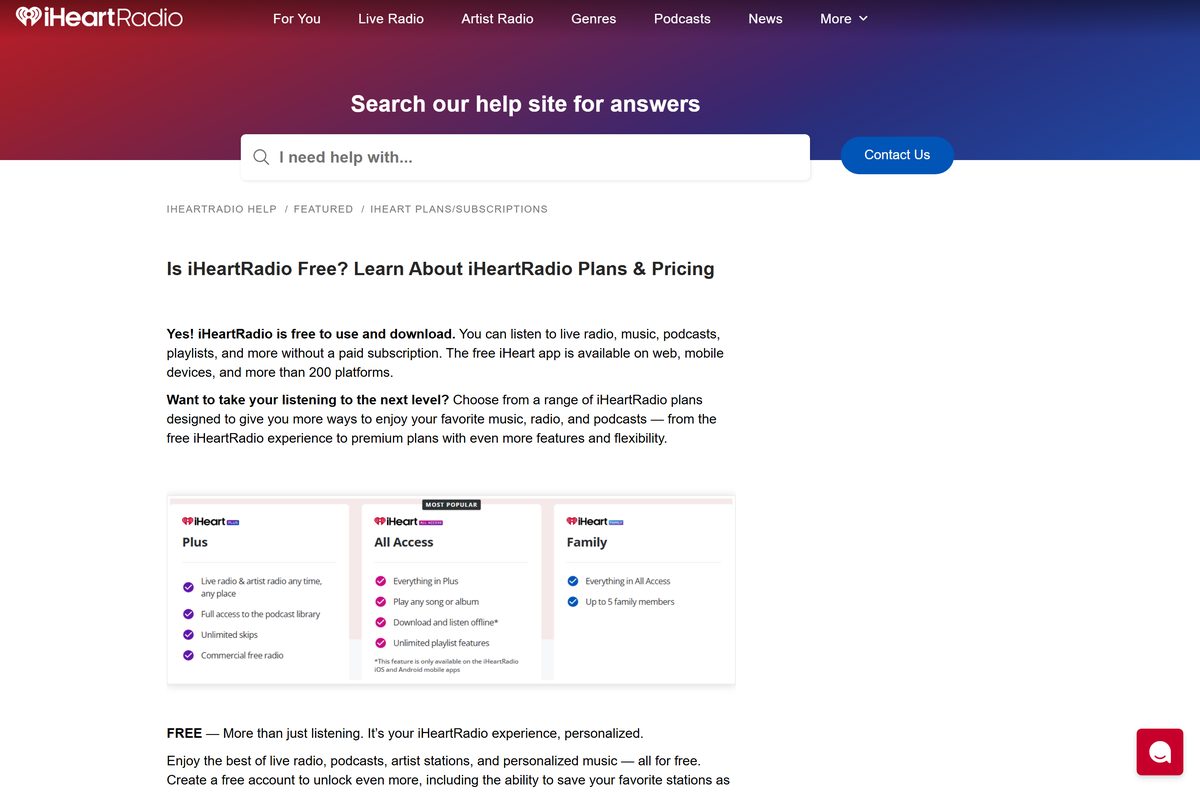
The free tier streams live AM and FM stations, artist radio, playlists and podcasts with ads. iHeartRadio Plus and iHeartRadio All Access are optional paid upgrades that remove ads and add on-demand songs.
Below are the official links, install steps for Windows and Mac, the paid plans, and fixes for playback trouble.
Which iHeartRadio download do you need?
Every official copy comes from iHeart’s apps page or a platform store. Match your device to a row and follow that link.
| Your device | Where to get it | What it needs |
|---|---|---|
| Windows 11 or Windows 10 PC | Microsoft Store | The Microsoft Store and a Microsoft account |
| Mac | iheart.com web player | Safari, Chrome, Firefox or Edge, one of the latest three versions |
| iPhone or iPad | App Store | iOS 15.0 or later, 261.8 MB |
| Android phone or tablet | Google Play | Android 6.0 or higher |
| Any other device | iHeart apps page | Links for Xbox, Chromebook, TVs, speakers and cars |
iHeartRadio serves listeners in the United States, Canada, Mexico, Australia and New Zealand.
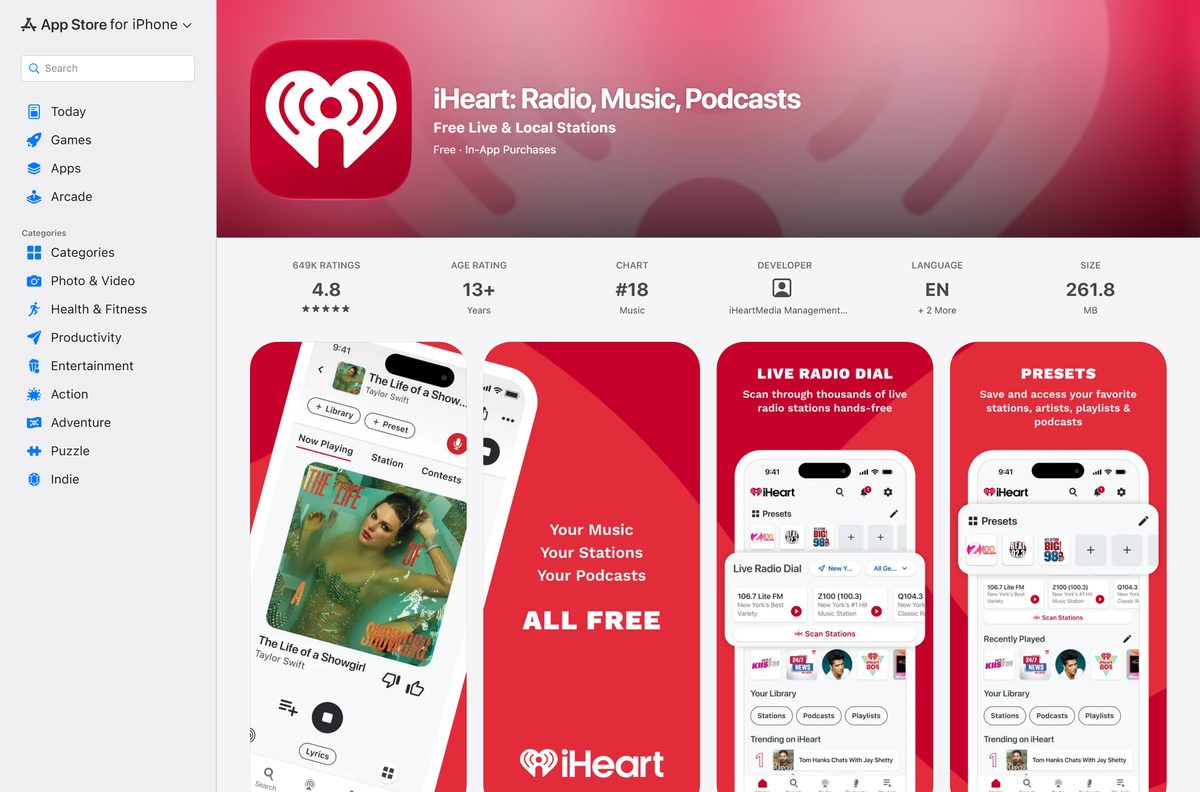
Download iHeartRadio from the official iHeart and store pages
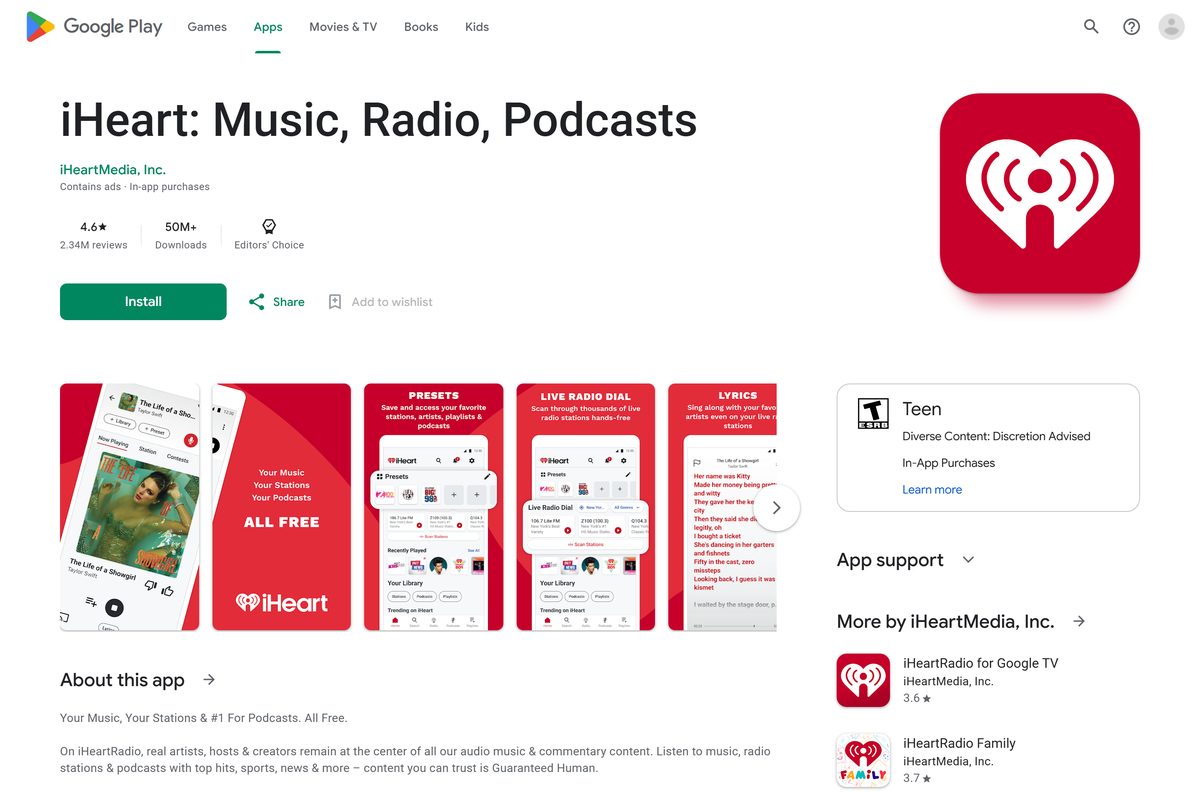
The app is called iHeart: Radio, Music, Podcasts in the Microsoft Store and the App Store. On Google Play it is iHeart: Music, Radio, Podcasts.
- iHeart on the Microsoft Store — Windows 11 and 10, free; the same listing covers Xbox
- iheart.com web player — Mac and any computer, free, no install
- iHeart on the App Store — 261.8 MB · iPhone, iPad and Apple Watch, free, version 10.67.0
- iHeart on Google Play — Android, free, 50M+ downloads
- All iHeartRadio apps — iHeart’s own list of every store and device
iHeart links no standalone .exe for Windows. The Microsoft Store listing is the Windows build its apps page points to.
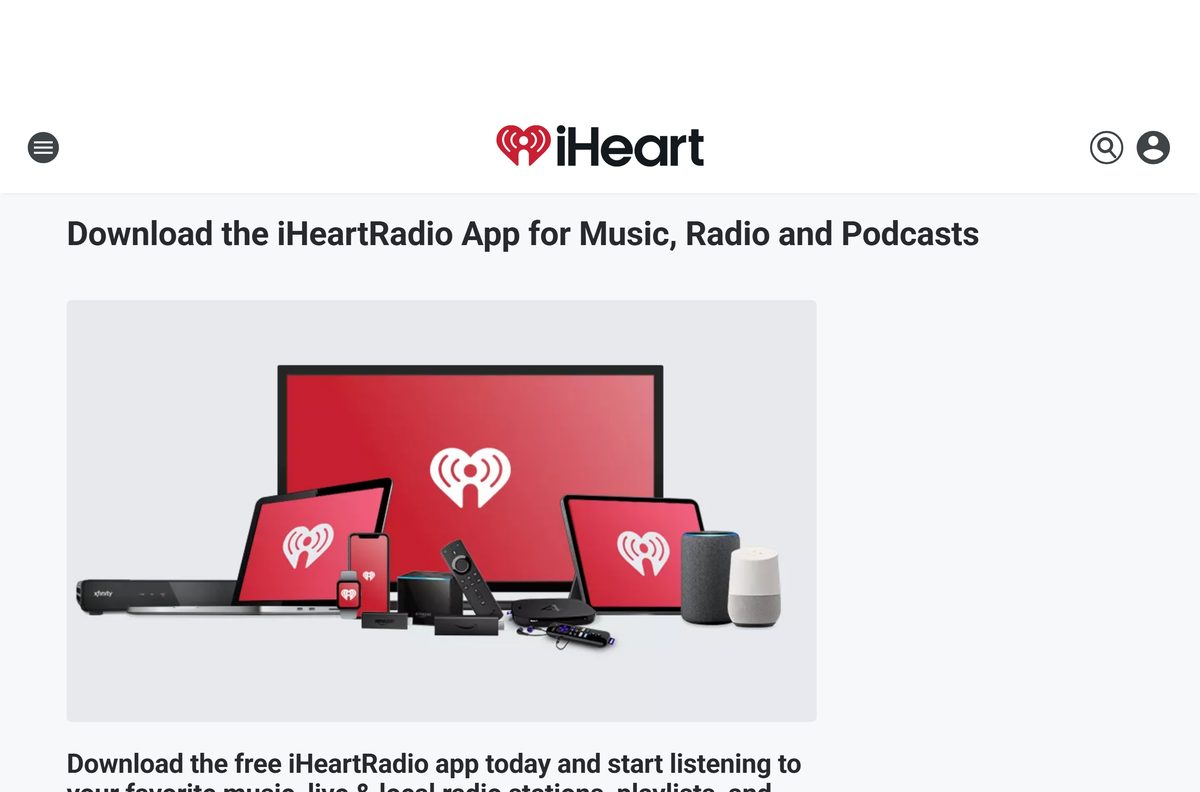
How to install iHeartRadio on Windows 11 and 10
The Microsoft Store handles the download and later updates. Sign in to the Store with a Microsoft account first.
- Open the Microsoft Store from the Start menu.
- Type iHeart in the search box at the top and press Enter.
- Open the listing named iHeart: Radio, Music, Podcasts.
- Click Get and wait for the install to finish.
- Click Open, or find iHeart in the Start menu.
- Sign in with your iHeart account, or create a free one to save presets and history.
Your iHeart login is separate from your Microsoft account. They can use different emails and passwords.
Which iHeartRadio option should you use on a Mac?
The iPhone app is listed for iPhone, iPad, Apple Watch and iMessage, not for Mac. On a Mac, iheart.com is the route.
| Your Mac runs | Do this | Result |
|---|---|---|
| macOS Sonoma 14 or later | Open iheart.com in Safari | Choose File > Add to Dock, name it iHeart and click Add. It opens in its own window from the Dock. |
| macOS Ventura 13 or earlier | Open iheart.com in a browser | Bookmark it in Safari, Chrome, Firefox or Edge. |
| Any Mac, Chrome or Edge user | Open iheart.com | Use a current version; iHeart supports the latest three versions of each browser. |
Safari saves the Dock app to the Applications folder in your home folder, so Spotlight finds it too.
Is iHeartRadio free?
Yes. The iHeart app and its ad-supported tier cost nothing on Windows, the web, iPhone and Android. A free account adds presets, listening history, cross-device podcast progress and My Favorites Radio. You pay only for iHeartRadio Plus, iHeartRadio All Access or the All Access Family plan, and iHeart says the price depends on the plan and where you subscribe.
Subscribing through the iOS App Store costs more than subscribing on iheart.com, because Apple adds a transaction fee. Start a trial from the settings page on iheart.com to see the current web price.
Choose between iHeartRadio Plus and All Access
Pick Plus if you mainly listen to radio and want fewer ads. Pick All Access if you want to play any song on demand or listen offline. Plus gives commercial-free listening on hundreds of participating live stations, ad-free playlists and artist stations, unlimited skips and saving songs from the radio. All Access adds on-demand search across millions of songs, instant replay, unlimited playlists and offline downloads. All Access Family shares All Access with up to five more people in the same household.
Offline listening works only in the iPhone and Android apps. The Windows app and the web player stream only.
How to update iHeartRadio on Windows and Mac
- Open the Microsoft Store and click Library in the lower-left corner.
- Click Get updates to install any pending iHeart update.
- On a Mac, update Safari or your browser, because the web player always loads the current iHeart version.
- On iPhone, open the App Store, tap your profile picture and update iHeart from the list.
The current iPhone and iPad version is 10.67.0, released on 11 September 2026.
Check the iHeartRadio requirements before you download
| Field | Value |
|---|---|
| App | iHeart: Radio, Music, Podcasts (iHeartRadio) |
| Developer | iHeartMedia Management Services, Inc. |
| Latest version | 10.67.0 (iPhone and iPad, 11 September 2026) |
| Price | Free with ads; Plus, All Access and All Access Family are paid |
| Windows | Windows 11 and Windows 10 through the Microsoft Store |
| Mac | iheart.com in Safari, Chrome, Firefox or Edge; Dock web app needs macOS Sonoma 14 |
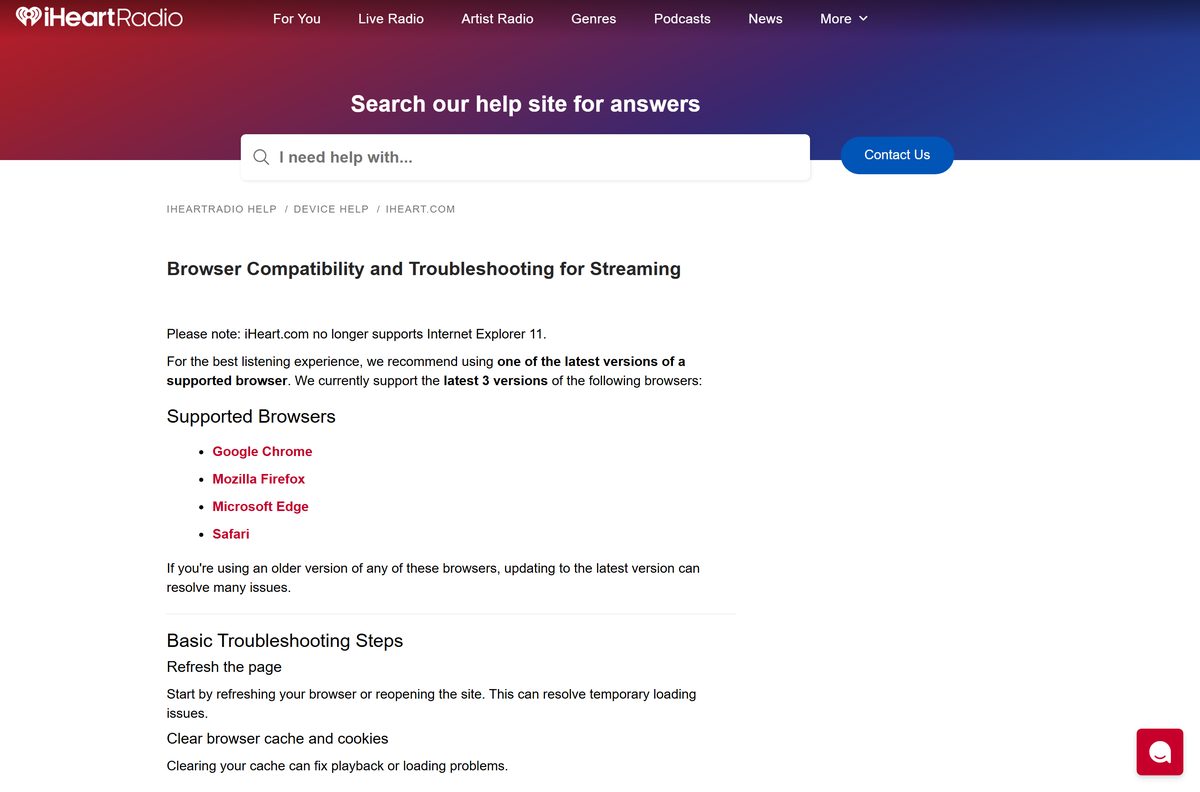
| Browsers | Latest three versions of Chrome, Firefox, Edge and Safari; no Internet Explorer 11 |
| iPhone and iPad | iOS 15.0 or later, 261.8 MB |
| Android | Android 6.0 or higher |
| Regions | United States, Canada, Mexico, Australia and New Zealand |
| Installer type | Microsoft Store only, no standalone .exe |
| Last verified | 25 September 2026 |
What each iHeartRadio app can do
| Feature | Windows and web | iPhone and Android |
|---|---|---|
| Live AM and FM radio, podcasts, playlists | Yes, free | Yes, free |
| Presets and listening history | Yes, with a free account | Yes, with a free account |
| Ad-free playlists and unlimited skips | Plus or All Access | Plus or All Access |
| On-demand songs and albums | All Access | All Access |
| Offline listening | No | All Access |
| Paid features on several devices | Log in on up to 8, play on one at a time | Log in on up to 8, play on one at a time |
Sign in with the same free iHeart account everywhere, and podcast listening continues across your devices.
Fix iHeartRadio not installing or not playing
The Microsoft Store will not install iHeart
You are not signed in to the Store with a Microsoft account.
- Open the Microsoft Store and click the profile icon.
- Sign in with your Microsoft account.
- Search for iHeart again and click Get.
iheart.com loads but will not play
Cached site data or an outdated browser.
- Refresh the page or reopen the site.
- Clear the browser cache and cookies.
- Update Chrome, Firefox, Edge or Safari to a current version.
The play bar is missing or a trial sign-up fails
An ad blocker or extension blocks the player.
- Open iheart.com in a private or incognito window to test.
- Turn off the ad blocker for iheart.com, or disable the extension.
- In Chrome, reset the browser to its default settings if the play bar still does not appear.
Streams stop or buffer
A slow or unstable connection.
- Switch networks, for example from Wi-Fi to a mobile hotspot.
- Try another browser or device to isolate the problem.
- Call iHeart support at 1-800-317-8708, Monday to Friday, 9 AM to 5 PM Eastern.
How to uninstall iHeartRadio and cancel a subscription
Remove the Windows app
The app came from the Microsoft Store.
- Open the Start menu and find iHeart.
- Right-click it and select Uninstall.
- Confirm with Uninstall.
Remove the Mac Dock app
Safari saved it as a web app.
- Open the Applications folder in your home folder.
- Drag iHeart to the Trash.
Stop paying for Plus or All Access
Uninstalling the app or deleting the account does not cancel billing.
- Go to iHeart.com/my/settings and sign in.
- Under Subscription, select Change Plan, then Cancel Subscription.
- Select Cancel Plan to confirm. The plan runs until the end of the billing cycle.
If you subscribed through the App Store or Google Play, cancel in that store instead.
Frequently asked questions
Is iHeartRadio free to download?
Yes. The iHeart app is free in the Microsoft Store, the App Store and Google Play, and iheart.com is free in a browser. Plus, All Access and All Access Family are optional paid plans.
Where is the official iHeartRadio download for Windows?
The Windows app is the iHeart: Radio, Music, Podcasts listing in the Microsoft Store, linked from iHeart’s own apps page for both Windows PCs and Xbox. iHeart links no separate .exe installer file.
Is there an iHeartRadio app for Mac?
The iPhone app is not listed for Mac. Open iheart.com in a browser instead, and on macOS Sonoma 14 or later choose File, then Add to Dock in Safari to keep iHeart as its own Dock app.
How big is the iHeartRadio app?
The iPhone and iPad app is 261.8 MB on the App Store, version 10.67.0. The web player on iheart.com needs no download at all, and the Microsoft Store sizes the Windows app for your PC during install.
Can I download songs to listen offline on my PC?
No. Offline listening is an All Access feature of the iPhone and Android apps only, according to iHeart’s help center. The Windows app and the iheart.com web player stream only and need an internet connection.
Can I use iHeartRadio on more than one device?
Yes. With Plus or All Access you can log in on up to 8 compatible devices, such as a phone, a PC and a smart speaker. The paid features play on only one of those devices at a time.
Which countries can use iHeartRadio?
iHeart lists the United States, Canada, Mexico, Australia and New Zealand as the countries where anyone can listen. In those countries, use iheart.com or one of the free iHeart apps from the official stores.
Which browsers work with iheart.com?
iHeart supports the latest three versions of Chrome, Firefox, Edge and Safari on Windows and Mac. Internet Explorer 11 no longer works, so update your browser if the player will not load or play.
Does deleting my iHeart account cancel my subscription?
No. Deleting the account does not stop billing. Cancel the subscription first in your iheart.com settings or in the App Store or Google Play if you subscribed there, then delete the account.






