The GIMP download for Windows 11, Windows 10 and Mac comes from gimp.org, and 3.2.6 is the current stable release. One installer covers Windows, and macOS gets separate disk images for Intel and Apple Silicon.
Nothing is paid, limited or trial-based. GIMP is free and open source software, and gimp.org publishes a SHA256 sum beside every installer.
This guide covers which file to take, the Store route, installing on both platforms, and what to do when setup stalls.
Check the GIMP system requirements before you download
The installer and the Store listing carry different floors. Read the row that matches your install route.
| Field | Value |
|---|---|
| Software | GIMP (GNU Image Manipulation Program) |
| Developer | The GIMP Team |
| Latest version | 3.2.6, released 2026-09-10 |
| Licence | Free and open source, under the GNU General Public License |
| Windows (installer) | Windows 10 version 1903 or newer |
| Windows (Microsoft Store) | Windows 11 |
| macOS | macOS 11 Big Sur or newer |
| Architecture | x86_64 and ARM64 on Windows; separate Intel and Apple Silicon disk images on macOS |
| Installer file | gimp-3.2.6-setup.exe |
| Offline installer | Yes, a single full setup file |
| Official download source | gimp.org |
| Last verified | 2026-09-22 |
Press Windows + R, type winver and select OK to read your version.
Which GIMP download do you need?
Match your machine to a row, then take that file.
| Your machine | Take this | Note |
|---|---|---|
| A Windows 11 or Windows 10 PC | gimp-3.2.6-setup.exe | Needs Windows 10 1903 or newer |
| A Windows 11 PC you keep updated through the Store | Microsoft Store listing | Priced at 0.00 USD |
| A Mac with an M1, M2, M3 or M4 chip | gimp-3.2.6-arm64.dmg | Apple Silicon build, macOS 11 Big Sur or newer |
| A Mac with an Intel processor | gimp-3.2.6-x86_64.dmg | Intel build, macOS 11 Big Sur or newer |
| A Linux desktop | Linux downloads on gimp.org | AppImage, Flatpak or snap install gimp |
Every installer also has a BitTorrent copy beside it.
Download GIMP from the official gimp.org pages
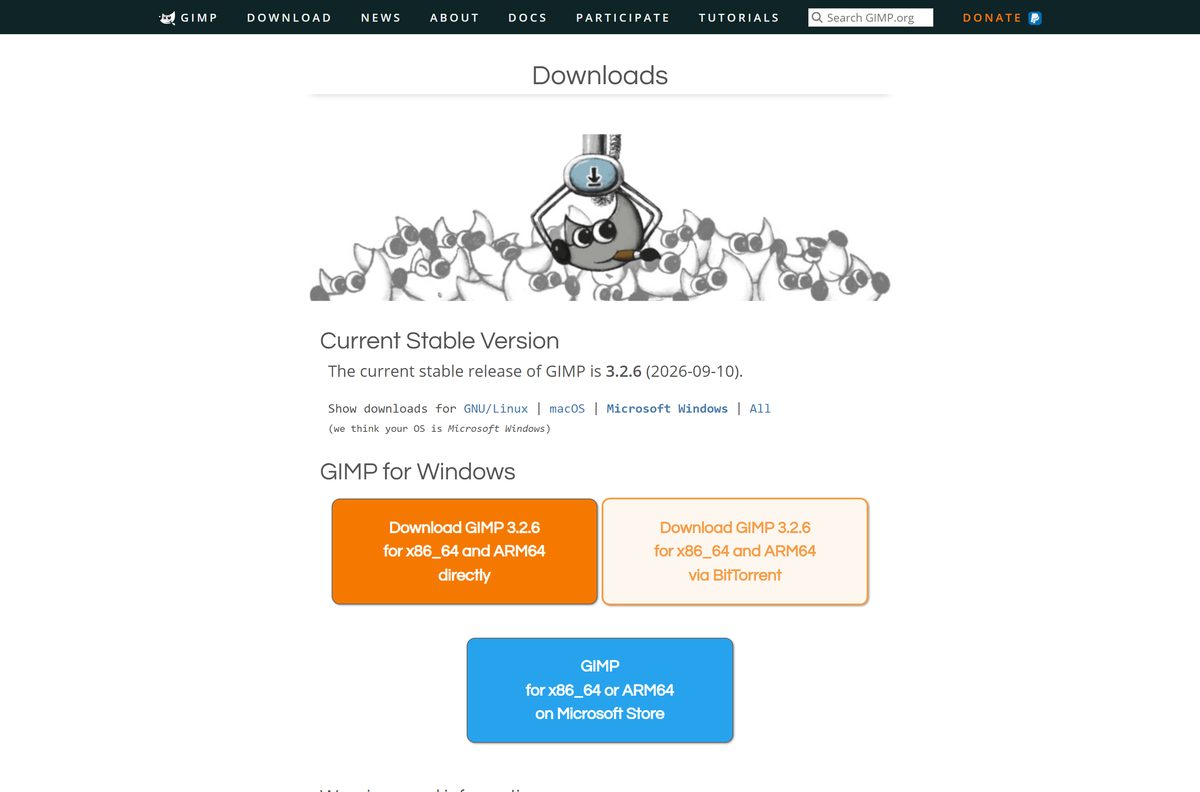
gimp.org hosts the files and the hashes. An installer offered anywhere else has been repackaged by somebody who does not maintain it.
- GIMP downloads page — Windows, macOS and Linux files, each with a SHA256 sum
- Windows installer — the full setup file, no downloader stage
- macOS build for Apple Silicon — for M-series Macs
- macOS build for Intel — for Intel Macs
- Microsoft Store listing — product 9PNSJCLXDZ0V, x64 and arm64
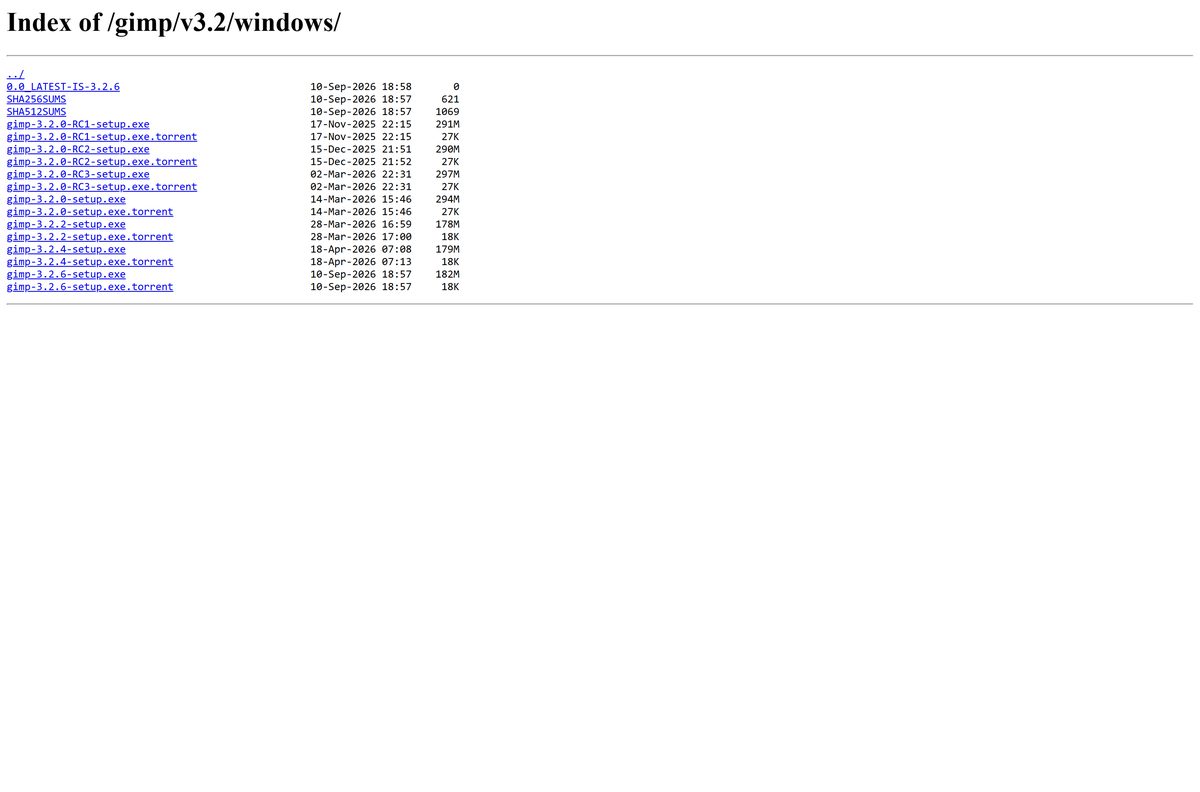
- Windows release directory — every 3.2 build, plus SHA256SUMS
- Release notes for the 3.2 series — what the series changed
The project ships no package on Apple’s App Store. Anything there was built by a third party.
How to install GIMP on Windows 11 and 10
Setup writes to Program Files, so it asks for administrator rights once.
- Open the downloads page on gimp.org.
- Select the Windows download and save gimp-3.2.6-setup.exe .
- Double-click the file, then select Yes at the User Account Control prompt.
- Pick your setup language and select OK.
- Select Install for the standard layout, or Customize to change the install folder and components.
- Wait for setup to unpack the program files.
- Select Finish when the installer reports that it is done.
- Launch the app from the Start menu and let the first run build its font and brush caches.
First launch is slower while the splash screen builds its font list.
Install GIMP from the Microsoft Store on Windows 11
The Store build is the same release, packaged by the project and updated through the Microsoft Store. Microsoft’s catalogue lists it for both x64 and arm64 at 0.00 USD.
- Open the Microsoft Store listing in your browser.
- Select Get in Store app to hand the page to the Store client.
- Confirm the publisher reads GIMP before you go further.
- Select Get, then sign in if the Store asks for an account.
- Wait for the download; the combined x64 and arm64 bundle is about 384 MB, and your PC installs one architecture.
- Select Open to start the app once installation finishes.
This route needs Windows 11. On Windows 10, use the installer from gimp.org instead.
How to verify the GIMP installer before you run it
gimp.org prints a SHA256 sum under every file. One command catches a corrupt or tampered download.
- Open PowerShell in the folder holding the file.
- Run Get-FileHash .\gimp-3.2.6-setup.exe -Algorithm SHA256 on Windows.
- Run shasum -a 256 gimp-3.2.6-arm64.dmg in Terminal on a Mac.
- Compare the result with the sum on the downloads page.
- Check it against the SHA256SUMS file too.
- Download it again if the two strings differ anywhere.
The Windows setup file for this release hashes to 9337cccbc01d4098ee7a3dab215b3afbe6ece99c5287c92441d6f12cf541ebca .
Which GIMP download do you need for your Mac?
Open the Apple menu and select About This Mac, then take the matching disk image.
| About This Mac says | Download | SHA256 starts with |
|---|---|---|
| Apple M1, M2, M3 or M4 | gimp-3.2.6-arm64.dmg | 854573ae |
| Intel Core i5, i7 or i9 | gimp-3.2.6-x86_64.dmg | ebe63364 |
| macOS 10.15 Catalina or older | Older builds on download.gimp.org | Current builds need macOS 11 Big Sur or newer |
Drag the app icon onto the Applications shortcut, then eject the disk image.
Is GIMP free?
There is no paid edition and no feature behind a licence key.
Yes. GIMP is free and open source, on every platform and for commercial work. gimp.org describes the project as free software you can change and redistribute, under the GNU General Public License, and Microsoft’s catalogue lists the Store package at 0.00 USD. Paid listings elsewhere are repackaged copies.
The developers also warn that they publish nothing on Apple’s App Store, so paid entries there are third-party builds.
Should you install GIMP from gimp.org or the Microsoft Store?
Both deliver the same release. The difference is who handles updates.
Take the installer from gimp.org unless you run Windows 11 and want Store-managed updates. The installer works on Windows 10 version 1903 and newer and installs to Program Files. The Store package requires Windows 11, covers x64 and arm64 in one listing, and updates through the Microsoft Store.
Remove one before installing the other, or the two copies fight over file associations.
How to check your GIMP version and update it
The app does not patch itself when you install it from gimp.org. Updating means running the newer setup file over the top.
- Open the Help menu and select About to read the version you are running.
- Run gimp-3.0 –version from a terminal for the same answer without opening the interface.
- Compare it with the stable release named on the downloads page.
- Download the newer setup file if the numbers differ.
- Run it and accept the upgrade prompt; brushes, scripts and preferences stay in place.
- Open Store on Windows 11, select Library, then Get updates, for the Store package.
Settings live in %USERPROFILE%\AppData\Roaming\GIMP\3.0\ on Windows and ~/Library/Application Support/GIMP/3.0/ on macOS. Back that folder up before a major upgrade.
What GIMP can open and export
The 3.2 series widened the format list. The native XCF format is the one that keeps everything.
| Format | Status | Why it matters |
|---|---|---|
| XCF | Native | Stores everything about an image, undo history excepted |
| JPEG, PNG, GIF | Import and export | PNG and GIF arrive indexed, so convert to RGB first |
| APNG | Added in the 3.2 series | Animated PNG support |
| JPEG 2000 | Export added in the 3.2 series | Previously import only |
| Sony PlayStation TIM | Added in the 3.2 series | Retro console textures |
Save working files as XCF. Other programs cannot read it, but it is the only format that keeps layers, paths and channels intact.
Fix GIMP not installing on Windows 11 or 10
Most failed installs come down to the Windows version, a half-written download, or an older copy on disk.
Setup refuses to start on Windows
The installer needs Windows 10 version 1903 or newer.
- Press Windows + R, type winver and select OK.
- Read the version line in the dialog that opens.
- Update Windows through Settings > Windows Update if it reads lower than 1903.
- Run the setup file again once the update finishes.
The download stops partway or the file will not run
A truncated file fails its hash check and cannot unpack.
- Delete the partial file from your Downloads folder.
- Start the download again from the downloads page.
- Run Get-FileHash .\gimp-3.2.6-setup.exe -Algorithm SHA256 and compare it with the published sum.
- Use the BitTorrent copy in the same directory if the direct download keeps dropping.
Setup reports that an older version is still installed
A previous install left its uninstaller registered.
- Open Settings > Apps > Installed apps.
- Select the three dots beside the old entry, then Uninstall.
- Restart the PC so the file locks clear.
- Run the new setup file again.
The app opens on a Mac, then closes immediately
The wrong architecture, or a copy still running from the disk image.
- Open the Apple menu and select About This Mac to confirm Intel or Apple Silicon.
- Drag the app into Applications rather than running it from the mounted image.
- Eject the disk image, then open the copy in Applications.
- Download the matching disk image if the chip does not match the file you took.
The interface opens in the wrong language
Setup follows the system locale.
- Open Edit > Preferences and select Interface.
- Set Language at the top of the panel.
- Restart the app.
How to uninstall GIMP
Removing the program leaves your settings folder behind, which suits a later reinstall.
- Open Settings > Apps > Installed apps on Windows 11, or Settings > Apps > Apps & features on Windows 10.
- Find the entry in the list and select the three dots beside it.
- Select Uninstall, then confirm at the User Account Control prompt.
- Drag the app from Applications to the Trash on a Mac, then empty the Trash.
- Delete %USERPROFILE%\AppData\Roaming\GIMP\3.0\ on Windows to clear preferences, brushes and scripts.
- Delete ~/Library/Application Support/GIMP/3.0/ on macOS for the same result.
Skip the last two steps to keep your presets.
Which GIMP alternative should you try instead?
Pick by the work you do, not by the feature list.
| Tool | Choose it when | Trade-off |
|---|---|---|
| Krita | You paint more than you retouch | Brush-led, not a drop-in replacement |
| Inkscape | Your work is vector: logos, icons, line art | Not a pixel editor |
| Adobe Photoshop | Your pipeline expects PSD and CMYK proofing | Commercial licensing |
Export to PNG or TIFF before moving a file to another editor. Most programs cannot read XCF.
Frequently asked questions
Is the GIMP download free?
Yes, on Windows, macOS and Linux. The project publishes it as free and open source software under the GNU General Public License, and the Microsoft Store listing is priced at 0.00 USD.
Where is the official GIMP download page?
gimp.org/downloads. It carries the Windows installer, the Intel and Apple Silicon disk images, the Linux AppImage, and a SHA256 sum under each file. The files themselves are served from download.gimp.org.
What is the latest version of GIMP?
Version 3.2.6, released on 10 September 2026. The Microsoft Store packages the same release as 3.2.60.0. Earlier builds in the 3.2 line remain in the release directory on download.gimp.org.
How big is the GIMP download?
The downloads page publishes a hash for each file but no size. The release directory on download.gimp.org lists the size beside every installer, and Microsoft’s catalogue puts the combined x64 and arm64 Store bundle at roughly 384 MB.
Does GIMP work on Windows 11?
Yes, two ways. The installer supports Windows 10 version 1903 and newer, which includes every Windows 11 build. The Microsoft Store package requires Windows 11 and covers both x86_64 and ARM64 hardware.
Is there a GIMP download for Mac?
Yes. gimp.org publishes separate disk images for Intel and Apple Silicon Macs, both needing macOS 11 Big Sur or newer. Open the image and drag the app onto the Applications shortcut.
Is GIMP on the Apple App Store?
No. The developers state that they provide no package on Apple’s App Store, and that any download found there was created by a third party with no connection to the project. Take the disk image from gimp.org instead.
Is the GIMP installer safe to download?
Yes, when it comes from gimp.org. Each file has a published SHA256 sum, so you can hash your copy and compare the strings before running it. Portal copies are repackaged and unsupported.
Does GIMP have an offline installer?
Yes. The Windows setup file is a complete package rather than a downloader stub, so it installs without a connection once you have the file. The macOS disk images work the same way.
What is new in the GIMP 3.2 series?
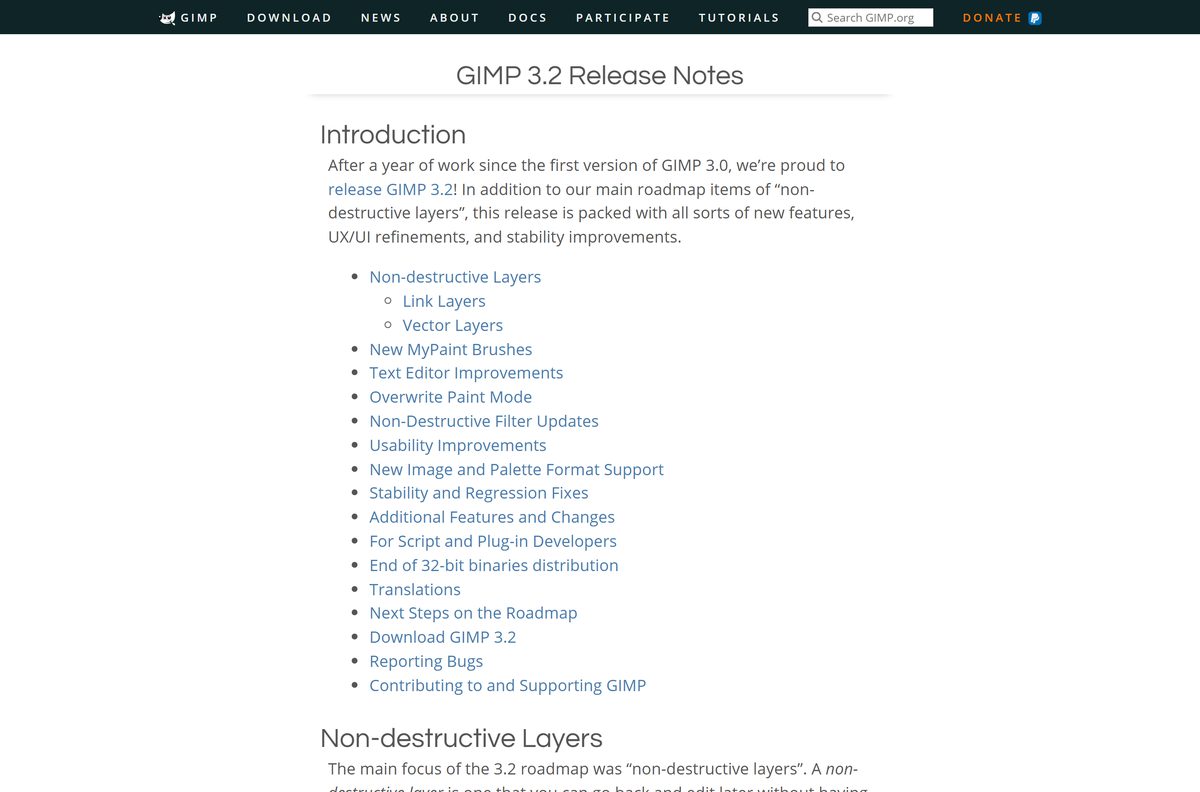
Non-destructive layers, link layers that reference an external image, vector layers from the Path tool, twenty new MyPaint brushes, a draggable on-canvas text editor, and an Overwrite paint mode.
Why do PNG and GIF files open as indexed images?
Those formats carry a limited colour palette, so the file arrives indexed. The manual warns that many tools work poorly on indexed images and some filters do not run at all, so convert to RGB before editing.
Which download do you need for an ARM laptop?
On a Windows on Arm PC, the Microsoft Store package covers arm64 directly. On an Apple Silicon Mac, take the arm64 disk image rather than the Intel one, which runs through translation.






