Epson Scan 2 is Epson’s free scanning software and scanner driver for Windows 11, Windows 10 and Mac. You download it from your printer or scanner’s own support page on epson.com, and it lets you scan documents and photos straight to your computer.
Each Epson model has its own Epson Scan 2 package. For the popular ET-3750, the Windows installer is 60.6 MB and the Mac package is 66.1 MB.
Below you get the right file for your machine, install steps for Windows and Mac, network scanner setup, fixes for connection errors, and how to remove it.
Which Epson Scan 2 download do you need?
Epson Scan 2 is not one universal file. Every Epson model gets its own Scanner Driver and Epson Scan 2 Utility package, so start from your product’s support page. The rows below use the Epson ET-3750 as the example.
| Your situation | File to download | Size |
|---|---|---|
| Windows 11, or Windows 10, 8.1, 8, 7 or Vista (32-bit or 64-bit) | ET3700_ET3750_EScan2_65230_NA.exe | 60.6 MB |
| Mac on macOS 10.6 up to macOS 27 | ET3700_3750_EScan2_6784_NA.dmg | 66.1 MB |
| New printer, want print and scan drivers in one go | ET3750_Lite_NA.exe (Combo Package) | 14.9 MB |
| A different Epson model | Search your model on Epson support | Varies by model |
The model name is part of the file name. If the file name does not match your product, it is the wrong package.
Download Epson Scan 2 from the official Epson site
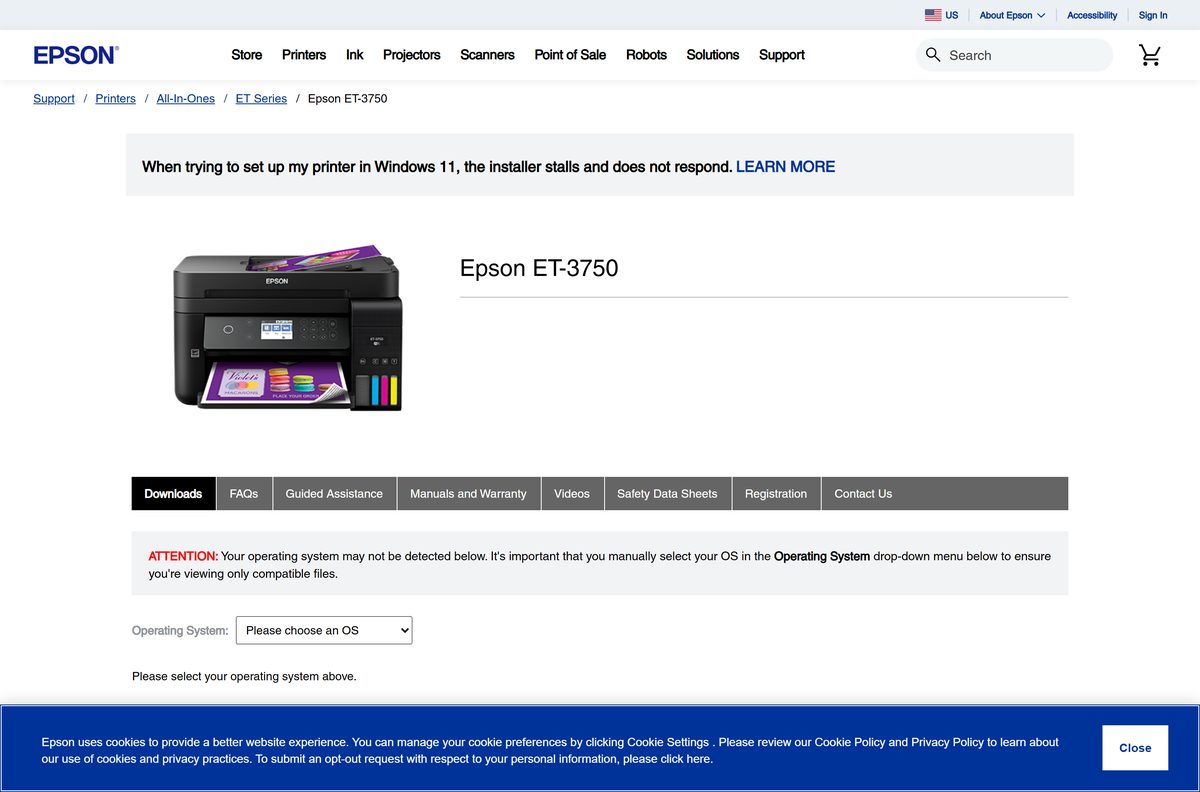
Epson lists Epson Scan 2 under Scanner Driver and Epson Scan 2 Utility in the Downloads tab of each product page on epson.com. The files are served from Epson’s own ftp.epson.com server.
- Epson Scan 2 v6.5.23.0 for Windows (ET-3700/ET-3750) — 60.6 MB · released 12 November 2020; Windows 11 back to Vista
- Epson Scan 2 v6.7.84 for Mac (ET-3700/ET-3750) — 66.1 MB · released 19 September 2025; macOS 10.6 to macOS 27
- Drivers and Utilities Combo Package for Windows (ET-3750) — 14.9 MB · printer driver, Epson Scan 2, Event Manager, OCR component and Software Updater
- Example product page: Epson ET-3750 support downloads — choose your operating system to see the matching files
- Epson US support home — search your exact model to reach its own Downloads tab
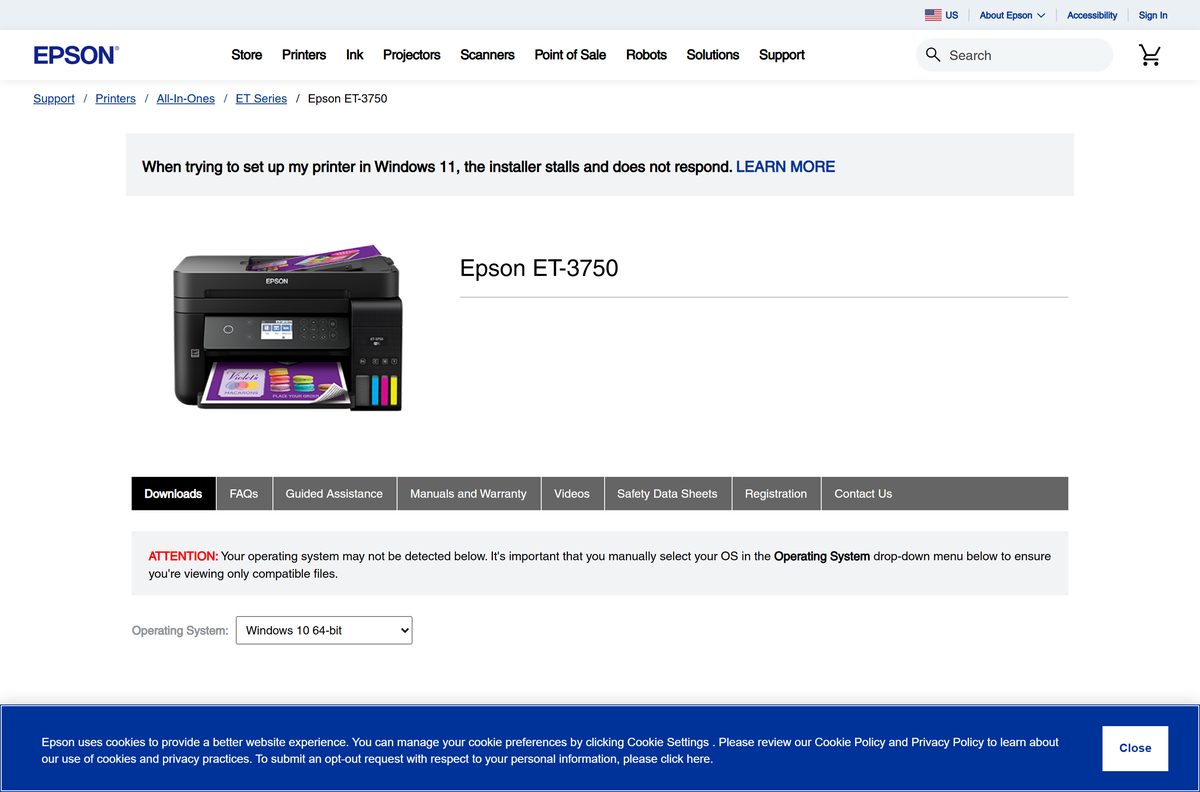
Select your exact operating system on the product page before you download. The page then lists only the files built for it.
How to install Epson Scan 2 on Windows 11 and 10
Connect the printer or scanner by USB or join it to the same network as your PC before you start.
- Open your product’s support page on epson.com and select your version of Windows in the operating system list.
- Open the Downloads tab and download Scanner Driver and Epson Scan 2 Utility.
- Open your Downloads folder and double-click the .exe file.
- Select Yes when User Account Control asks for permission.
- Accept the licence agreement and follow the prompts to finish setup.
- Restart the PC if you plan to scan over the network.
- Click Start, search for Epson Scan 2 and open it.
- Pick your settings, place the document on the glass and click Scan.
On Windows 10, open it from Start > EPSON > Epson Scan 2.
Which Epson Scan 2 download do you need for your Mac?
Open the Apple menu and select About This Mac to read your macOS version. For the ET-3750, one .dmg covers every listed release.
| Your Mac runs | Download | Size |
|---|---|---|
| macOS 11 Big Sur through macOS 27 | ET3700_3750_EScan2_6784_NA.dmg | 66.1 MB |
| macOS 10.6 to 10.15 | ET3700_3750_EScan2_6784_NA.dmg | 66.1 MB |
| Another Epson model | Your model’s page on Epson support | Varies by model |
Double-click the .dmg, run the installer inside it and enter your Mac password when asked.
To scan, open the Applications folder, open Epson Software and select Epson Scan 2.
Is Epson Scan 2 free?
Yes. Epson Scan 2 is a free download from epson.com, with no licence key or subscription. Epson ships it as the scanner driver for its own scanners and all-in-ones, so it only works with a supported Epson product. A site that asks for payment, or wraps the driver in its own download manager, is not Epson.
Should you install the Epson Scan 2 package or the Combo Package?
Many Epson all-in-one pages list two Windows routes to Epson Scan 2. The ET-3750 page offers the scanner package and a Drivers and Utilities Combo Package.
Install the Combo Package on a new PC, and the Scanner Driver and Epson Scan 2 Utility package when printing already works. The 14.9 MB Combo Package installs the printer driver, Epson Scan 2, Epson Event Manager, the EPSON Scan OCR Component and Epson Software Updater in one run. The 60.6 MB scanner package adds only the scanner driver and Epson Scan 2, which is all you need to fix or reinstall scanning.
How to add a network scanner in Epson Scan 2 Utility
A Wi-Fi or Ethernet Epson product must be added in Epson Scan 2 Utility before Epson Scan 2 can reach it. Note the scanner’s IP address from its control panel or network status sheet first.
- On Windows 11, click Start, search for Epson Scan 2 Utility and select it.
- Select Settings from the Scanner drop-down list.
- Select your scanner and click Add.
- Search for the scanner on the network, or enter its IP address manually.
- Click OK to save your settings.
- Close Epson Scan 2 Utility and open Epson Scan 2 to scan.
On a Mac, open Applications > Epson Software > Epson Scan 2 Utility and follow the same steps.
How to check your Epson Scan 2 version and update it
- Open Control Panel and select Programs > Programs and Features.
- Find the Epson Scan 2 entry and read the Version column.
- Compare it with the version on your model’s Downloads tab on epson.com.
- If Epson lists a newer package, download it and run it.
- Restart the computer and run a test scan.
Epson also lists Epson Software Updater in the Combo Package, which checks for newer Epson software for your product.
Check the Epson Scan 2 system requirements
| Field | Value |
|---|---|
| Software | Epson Scan 2 (Scanner Driver and Epson Scan 2 Utility) |
| Developer | Seiko Epson Corporation (Epson America in the US) |
| Latest version | Varies by model. ET-3750: 6.5.23.0 for Windows (12 November 2020); 6.7.84 for Mac (19 September 2025) |
| Licence | Free download from Epson |
| Windows | Windows 11, 10, 8.1, 8, 7 and Vista, 32-bit and 64-bit (ET-3750 package) |
| macOS | macOS 10.6 through macOS 27 (ET-3750 package) |
| Download size | 60.6 MB Windows .exe; 66.1 MB Mac .dmg (ET-3750) |
| Offline installer | Yes, the model package is a full standalone installer |
| Not supported | Windows 10 S |
| Official download source | epson.com product support pages, files on ftp.epson.com |
| Last verified | 19 September 2026 |
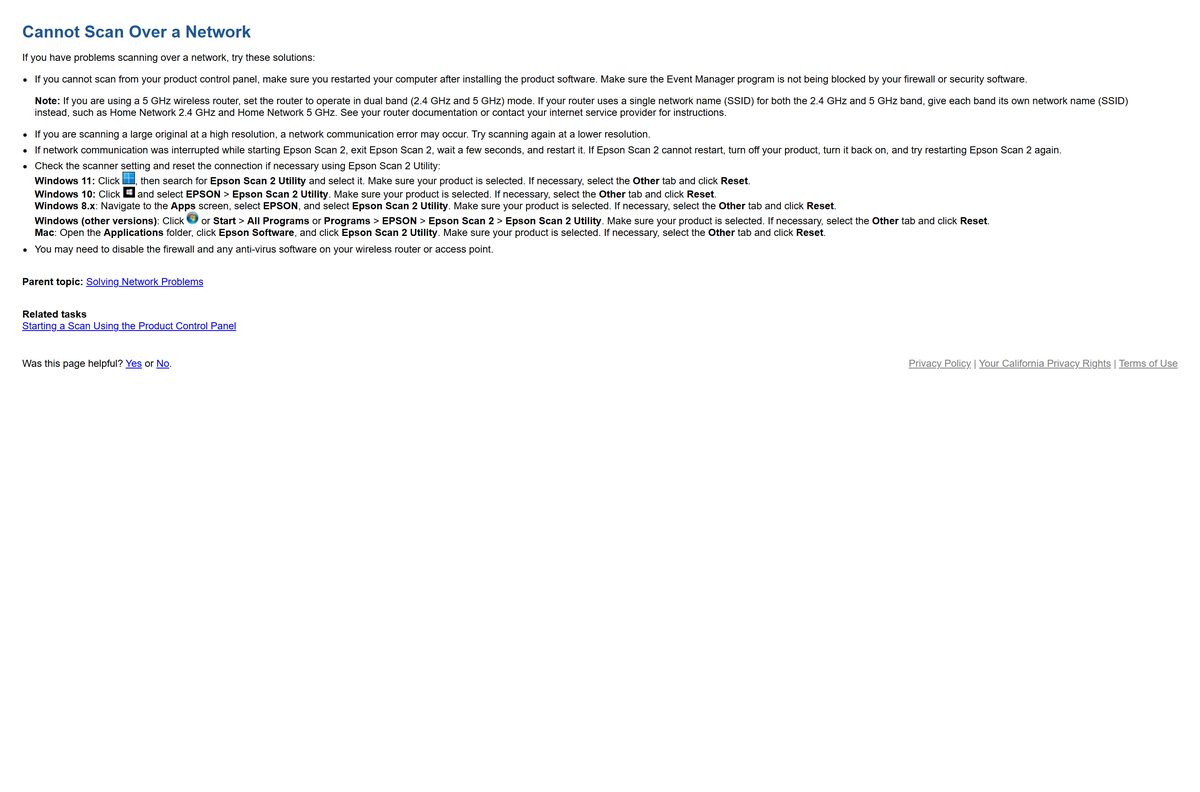
Fix Epson Scan 2 not connecting or not installing
Epson Scan 2 cannot connect to the scanner
The saved connection to the product is stale.
- Click Start, search for Epson Scan 2 Utility and select it.
- Make sure your product is selected in the Scanner list.
- Open the Other tab and click Reset.
- Open Epson Scan 2 again and run a scan.
Scanning over the network fails
A firewall, a 5 GHz-only router setup or a large high-resolution scan breaks the connection.
- Restart the computer if you installed the Epson software recently.
- Make sure your firewall or security software is not blocking Event Manager.
- Set a 5 GHz router to dual band (2.4 GHz and 5 GHz) mode, with a separate network name for each band.
- Scan again at a lower resolution if the original is large.
- Add the scanner again by IP address in Epson Scan 2 Utility.
The installer will not run or reports the wrong product
The package was built for a different model or for an unsupported system.
- Check that the model in the file name matches your printer or scanner.
- Download the package again from your own product page on epson.com.
- Check that you are not on Windows 10 S, which cannot run Epson Scan 2 from Epson’s website.
- Right-click the installer and select Run as administrator.
How to uninstall Epson Scan 2
Removing Epson Scan 2 leaves the printer driver in place, so printing keeps working.
- On Windows 11, press Windows + I and open Apps > Installed apps.
- Select the three dots next to Epson Scan 2 and choose Uninstall.
- Confirm, then restart the PC.
- On a Mac, download Epson’s Uninstaller v1.3.2 (0.77 MB) from your model’s Downloads tab.
- Open it and follow its prompts to remove Epson Scan 2.
On Windows 10, use Control Panel > Programs > Uninstall a program instead. The Mac uninstaller file is Uninstaller_132.dmg.
Which Epson tool should you use alongside Epson Scan 2?
Epson Scan 2 does the scanning. These other free Epson downloads sit on the same support pages and add features around it.
| Tool | Cost | Best for |
|---|---|---|
| Epson Scan 2 | Free | Scanning from the computer with control of resolution, colour and file type |
| Epson Event Manager | Free | Sending scans from the printer’s own Scan button to your PC or Mac |
| EPSON Scan OCR Component | Free | Turning scans into searchable, editable text |
| Epson Software Updater | Free | Checking for newer Epson software for your product |
Frequently asked questions
What is Epson Scan 2?
Epson Scan 2 is Epson’s free scanning software and scanner driver for its scanners and all-in-one printers. It lets you pick resolution, colour and file type, then scan and save the image from your Windows PC or Mac.
Where is the official Epson Scan 2 download?
Epson lists it in the Downloads tab of each product’s support page on epson.com, as Scanner Driver and Epson Scan 2 Utility. Search your exact model on Epson’s support site, pick your operating system and download that package.
Is Epson Scan 2 free?
Yes. Epson Scan 2 is a free download from epson.com for owners of supported Epson scanners and all-in-ones. There is no paid edition or licence key, and a site that charges for it is not Epson.
Does Epson Scan 2 work on Windows 11?
Yes. The ET-3750 package, version 6.5.23.0, lists Windows 11 along with 32-bit and 64-bit Windows 10, 8.1, 8, 7 and Vista. Check your own model’s page, because each model ships its own package.
Is there an Epson Scan 2 download for Mac?
Yes. Epson publishes a separate .dmg package for Mac on each model’s support page. For the ET-3750 it is version 6.7.84, a 66.1 MB file listed for macOS 10.6 through macOS 27.
How big is the Epson Scan 2 download?
Size depends on the model. The ET-3750 package is 60.6 MB for Windows and 66.1 MB for Mac. Epson’s Drivers and Utilities Combo Package for the same printer is 14.9 MB.
Is there an Epson Scan 2 offline installer?
Yes. The Scanner Driver and Epson Scan 2 Utility package on your model’s page is a full standalone installer. Copy it to a USB drive and run it on a PC without internet access.
Is Epson Scan 2 64-bit?
One Windows installer covers both 32-bit and 64-bit editions. You do not choose an architecture; the same file installs on Windows 11 and on 64-bit or 32-bit Windows 10.
Can I use one Epson Scan 2 file for any Epson printer?
No. Epson builds a separate package per model, and the file name carries the model, such as ET3700_ET3750_EScan2_65230_NA.exe. Download the package listed on your own product’s support page.
Why can Epson Scan 2 not find my scanner?
The connection needs resetting or the scanner was never added. Open Epson Scan 2 Utility, make sure your product is selected, then open the Other tab and click Reset. For network models, add the scanner by IP address.
Is Epson Scan 2 safe to download?
Yes, when you take it from epson.com. The installer links on Epson’s support pages point to Epson’s own ftp.epson.com server. Avoid download portals that repackage the driver.
Does Epson Scan 2 work on Windows 10 S?
No. Epson states that the Epson Scan 2 software from its website cannot be used on Windows 10 S. Software for that system must come from the Microsoft Store instead.







Download Epson Printer Drivers for PC, Windows 11/10 & Mac (Free) - Techdows
[…] Epson Scan 2 download guide […]