Epson printer drivers are free downloads from epson.com, and there is one set per printer model rather than one driver for the whole brand. You pick your product, pick your operating system, and Epson lists the exact files built for that combination.
This page uses the EcoTank ET-2800 as the worked example. Its Windows printer driver is version 3.80.05, a 71.7 MB installer dated 11 August 2026. Swap in your own model and the page layout is identical.
Below you get the right file for your machine, install steps for Windows and Mac, the update route, fixes for drivers that will not install or print, and clean removal.
Which Epson printer driver download do you need?
Epson splits the software into a printer driver and a scanner driver, then offers a small Combo Package that fetches both. Match your machine to a row, then download the same file from your own model’s page.
| Your machine | File to download (ET-2800 example) | Size |
|---|---|---|
| 64-bit Windows 11 or Windows 10 | ET2800_ET2803_X64_38005_NA.exe | 71.7 MB |
| Windows 11 on an ARM chip, 24H2 or later | ET2800_ET2803_X64_38005_NA.exe | 71.7 MB |
| 32-bit Windows 10, 8.1, 7 or Vista | ET2800_ET2803_X86_38005_NA.exe | 35.1 MB |
| Mac, any supported macOS release | ET_L_1348_AM.dmg | 82.6 MB |
| New printer, want print and scan software in one run | ET2800_ET2803_Lite_NA.exe (Combo Package) | 2.2 MB |
| A different Epson model | Search your model on Epson support | Varies by model |
The model number sits inside the file name. If it does not carry your model, it is the wrong package.
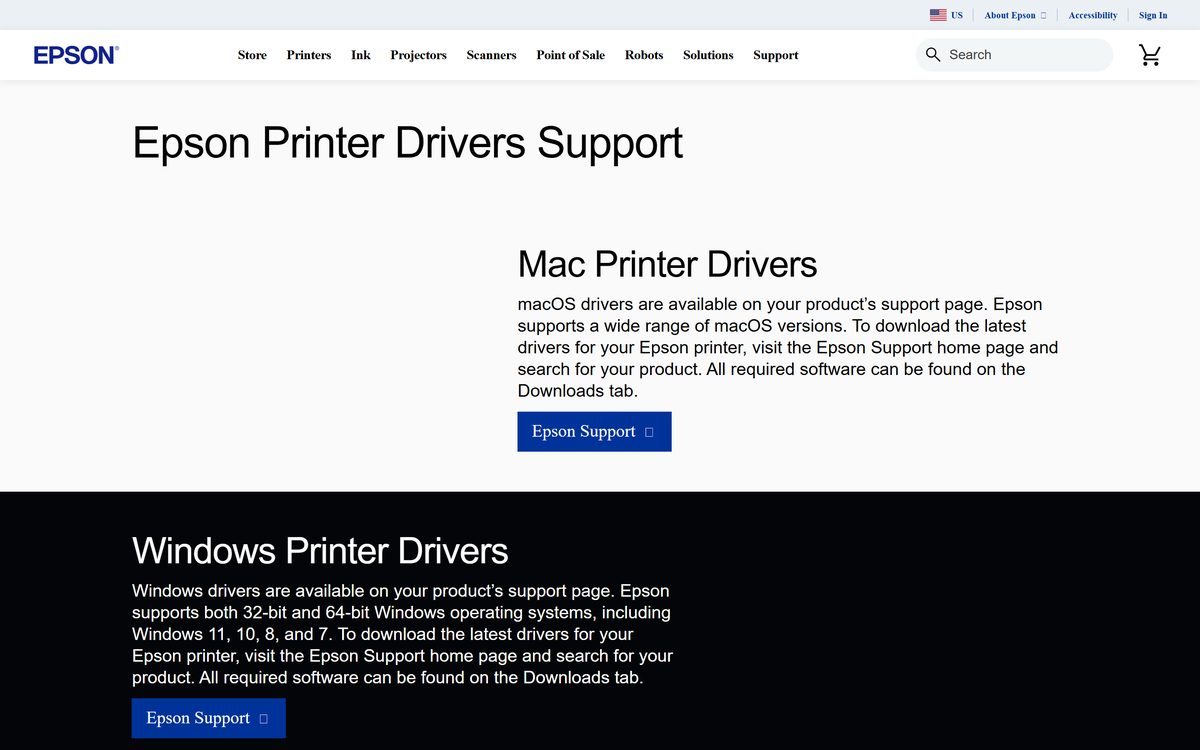
Download the official Epson printer drivers for Windows 11 and 10
Every driver lives in the Downloads tab of a product support page on epson.com, and the files themselves are served from ftp.epson.com. The links below are the ET-2800 set.
- Printer Driver v3.80.05 for Windows, 64-bit — 71.7 MB · released 11 August 2026; also covers Windows 11 on ARM, 24H2 or later
- Printer Driver v3.80.05 for Windows, 32-bit — 35.1 MB · for 32-bit Windows 10, 8.1, 7 and Vista
- Drivers and Utilities Combo Package Installer — 2.2 MB · web installer; downloads the printer driver, scanner driver, Photo+, OCR and Software Updater
- Scanner Driver and Epson Scan 2 Utility v6.7.81.0 — 68.7 MB · needed for scanning and copying to the computer
- Epson Software Updater v5.02 — 6.0 MB · checks for newer drivers and utilities for your product
- Epson printer drivers support page — the starting point for any Epson printer
- Epson support home, search your model — type the model number, then open the Downloads tab
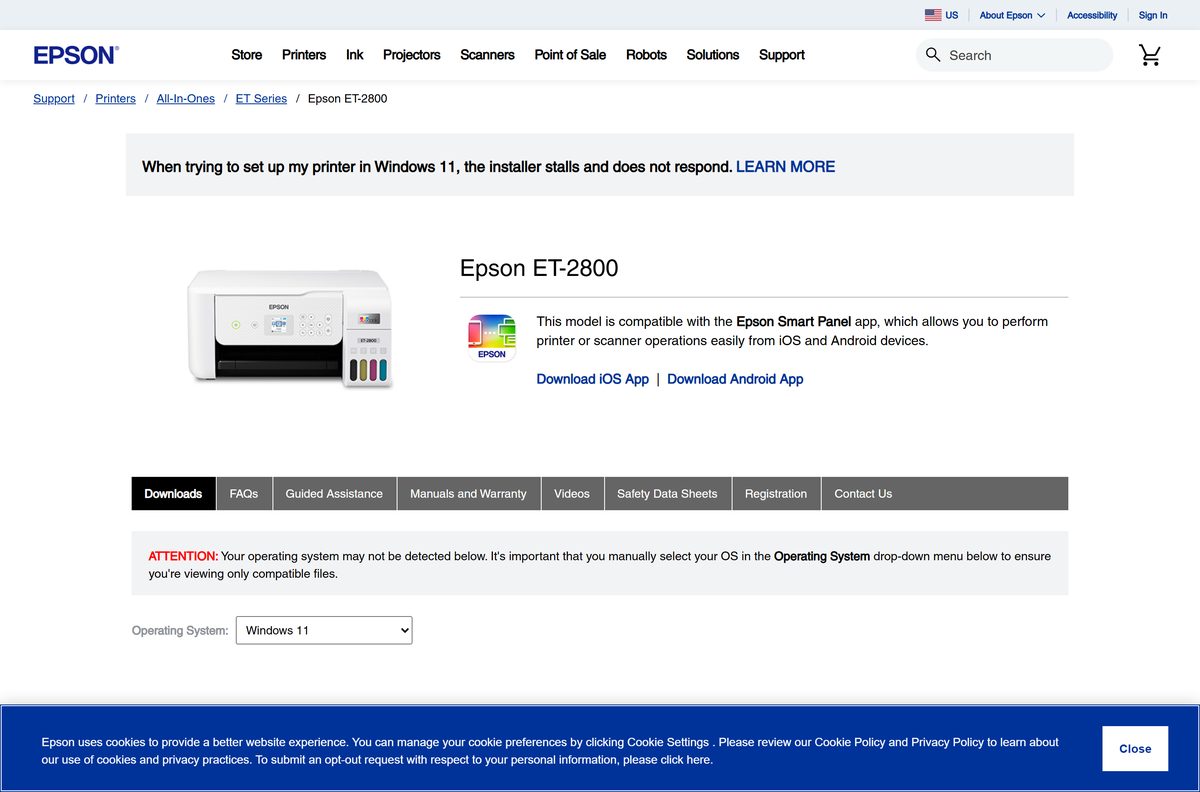
Select your operating system on the product page first. The list then shows only the files built for it.
How to install Epson printer drivers on Windows 11 and 10
Leave the printer switched on and connected by USB, or joined to the same network as the PC, before you start.
- Open Epson support and search for your printer model.
- Open the Downloads tab and choose your Windows version from the operating system list.
- Download Printer Driver for a print-only install, or Drivers and Utilities Combo Package Installer for print and scan together.
- Open your Downloads folder and double-click the .exe file.
- Select Yes when User Account Control asks for permission.
- Accept the software licence agreement and follow the prompts.
- Pick USB or a network connection when setup asks how the printer is attached.
- Restart the PC when setup finishes, then print a test page from Settings > Bluetooth & devices > Printers & scanners.
Close antivirus software and other running programs if setup stops partway through.
Which Epson printer driver download do you need for your Mac?
Open the Apple menu and select About This Mac to read your macOS version. One .dmg covers every supported release, and it is the same file for Intel and Apple silicon.
| Your Mac runs | Download (ET-2800 example) | Size |
|---|---|---|
| macOS 10.7 through the current release | ET_L_1348_AM.dmg (Printer Driver v13.48) | 82.6 MB |
| You also want to scan or copy to the Mac | ET2800_ET2803_EScan2_6784_NA.dmg | 66.7 MB |
| New printer, want everything in one run | ET2800_ET2803_Lite_64NR_NA.dmg (Combo Package) | 17.2 MB |
| A different Epson model | Search your model on Epson support | Varies by model |
Double-click the .dmg, run the installer inside it, then add the printer under System Settings > Printers & Scanners.
Is the Epson printer drivers download free?
Yes. Every driver and utility on an Epson product support page is a free download, with no licence key and no subscription. Epson publishes them as the software for hardware you already own, so the only requirement is an Epson printer. A site that charges for a driver, or wraps it in its own download manager, is not Epson.
Should you install the Combo Package or the individual driver?
Both routes end with a working printer. The difference is what else lands on the machine, and whether the installer needs the internet.
Install the individual Printer Driver when you only print, and the Combo Package when the printer is new or you also scan. The ET-2800 Combo Package is 2.2 MB because it downloads the printer driver, scanner driver, Photo+, ScanSmart, the OCR component and Software Updater while it runs. The individual 71.7 MB driver is standalone, which is what a PC with no connection needs.
How to check your Epson driver version and update it
The Windows printer software checks for updates on its own. These are the manual routes.
- Right-click the printer icon at the right end of the Windows taskbar, clicking the up arrow first if it is hidden.
- Select Software Update and let the check finish.
- Alternatively, open Printer Settings, go to the Maintenance tab and select Software Update.
- Or click Start and open EPSON Software Updater from the EPSON or Epson Software group.
- On a Mac, open Applications > Epson Software and select EPSON Software Updater.
- On macOS 10.12 to 14, open the App Store, select Updates and look for an Epson Software update.
Install a new driver straight over the old one. Removing the previous version first is not required.
Check the Epson printer driver system requirements
| Field | Value |
|---|---|
| Software | Epson Printer Drivers (per-model driver and utility packages) |
| Developer | Seiko Epson Corporation, distributed in North America by Epson America, Inc. |
| Latest version | Varies by model. ET-2800: printer driver 3.80.05 for Windows (11 August 2026), 13.48 for Mac (12 June 2026) |
| Licence | Free download from Epson |
| Windows | Windows 11, 10, 8.x, 7 and Vista, 32-bit and 64-bit |
| Windows Server | Windows Server 2003 SP2 through 2019; printer driver and Epson Scan 2 only |
| macOS | macOS 10.7 through macOS 14 in the ET-2800 guide, with packages listed up to macOS 27.x |
| Download size | 71.7 MB Windows 64-bit .exe, 35.1 MB 32-bit .exe, 82.6 MB Mac .dmg (ET-2800) |
| Architecture | x64, x86, and ARM64 through the 64-bit driver on Windows 11 24H2 or later |
| Offline installer | Yes for the individual driver; the 2.2 MB Combo Package is a web installer |
| Official download source | epson.com product support pages, files on ftp.epson.com |
| Last verified | 22 September 2026 |
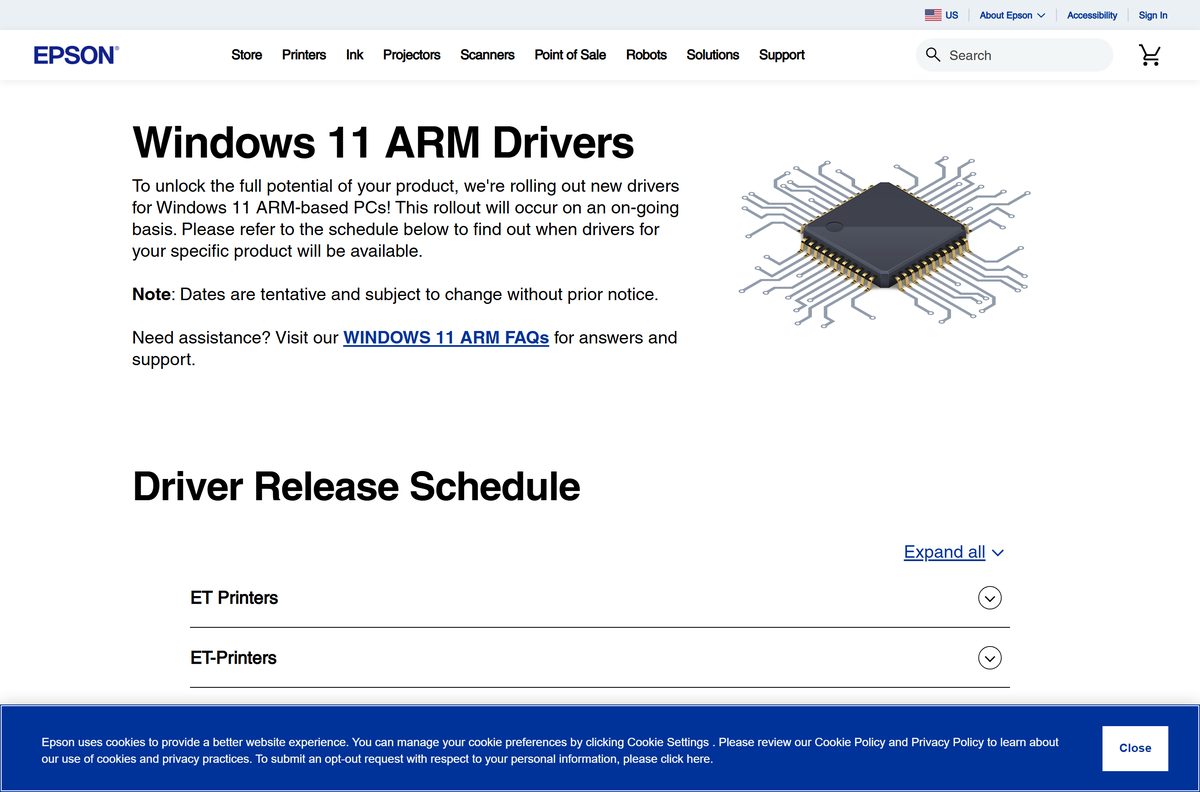
Epson adds Windows 11 ARM drivers model by model and publishes the schedule on its ARM drivers page. Where none exists yet, Windows 11 installs its own basic driver.
What the Epson driver package puts on your computer
The Combo Package is a bundle, not a single driver. Knowing what each piece does tells you which extra file to fetch when you install the printer driver alone.
| Component | What it does | Where to get it |
|---|---|---|
| Printer Driver | Prints, and carries the Maintenance tab with head cleaning and nozzle checks | ET-2800 driver, 71.7 MB |
| Scanner Driver and Epson Scan 2 Utility | Scans from the computer with control of resolution, colour and file type | Epson Scan 2 download guide |
| Epson ScanSmart | Preview, crop and save scans as PDF or JPEG without opening the driver | Epson ScanSmart download guide |
| Epson Event Manager | Maps the printer’s own Scan button to an action on the computer | Epson Event Manager download guide |
| Epson Connect Printer Setup Utility | Registers the printer for Email Print and Remote Print | ECPSU_1411.exe, 3.9 MB |
| Epson Software Updater | Checks Epson for newer drivers and utilities | ESU_502.exe, 6.0 MB |
Install only the printer driver if the machine never scans.
Fix Epson printer drivers not installing or not printing on Windows 11 and 10
Each symptom below has one cause worth checking first, then the fix Epson documents for it.
The installer stops or throws an error partway through
Another program is holding a file, or the account lacks installation rights.
- Confirm the printer is switched on and every cable is seated at both ends.
- Close antivirus software, screen savers and any other running programs.
- Run the installer again from your Downloads folder.
- Try a different USB cable if Windows never recognises the connection.
- Ask your system administrator for installation rights if the error mentions permissions.
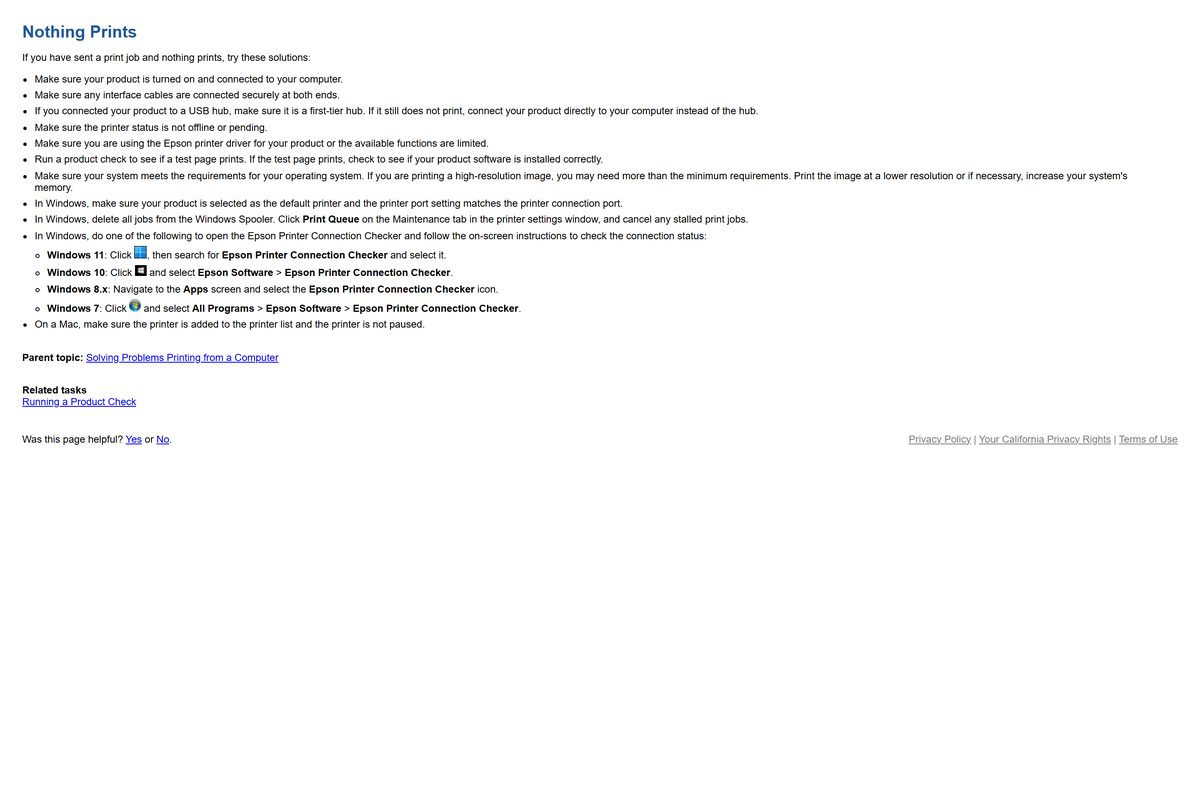
The driver installed but nothing prints
Windows is sending jobs to the wrong printer, the wrong port, or a queue that has stalled.
- Check that the printer is not showing as offline or pending.
- Open Settings > Bluetooth & devices > Printers & scanners and confirm your printer is the default.
- Open the Maintenance tab in the printer settings window, click Print Queue and cancel any stalled jobs.
- Click Start, search for Epson Printer Connection Checker and run it.
- Connect the printer straight to the PC rather than through a USB hub.
The printer icon is missing from the taskbar
EPSON Status Monitor 3 is switched off, so the shortcut icon never appears.
- Restart the computer first, since that alone often restores it.
- Open Settings > Bluetooth & devices > Printers & scanners, select your printer and select Printing preferences.
- Click the Maintenance tab, then Extended Settings.
- Select Enable EPSON Status Monitor 3 and click OK.
- Click Monitoring Preferences and tick the option that adds the shortcut icon to the taskbar.
- Click OK to close each window.
No Epson driver is listed for Windows 11
Epson has not shipped a driver for that model on Windows 11 yet.
- Open your model’s page on epson.com and select Windows 11 in the operating system list.
- Connect the printer by USB or join it to the same network as the PC.
- Let Windows 11 install its own basic driver, which covers printing and scanning at a basic level.
- Check the Windows 11 ARM drivers page if your PC uses an ARM chip.
- Install the Epson driver over the basic one once it appears on the Downloads tab.
How to uninstall Epson printer drivers
Reinstalling over the top usually works without removing anything. Remove the driver when a repair install has already failed.
- Turn the printer off, close every open program and disconnect the interface cables.
- On Windows 11, click Start, search for Settings, then open Apps > Apps & features.
- Select your Epson printer software, select Uninstall, then select Yes at the User Account Control prompt.
- Select Epson Scan 2 in the same list and select Uninstall to remove the scanner driver.
- Repeat for Epson Event Manager and Epson ScanSmart if they are installed.
- Restart the computer before you reinstall.
- On a Mac, download the Uninstaller utility from the Utilities section of your model’s Downloads tab.
- Run it, double-click the Uninstaller icon, tick each program and click Uninstall.
- Remove any leftover entry in Printers & Scanners with the minus icon.
Which Epson driver route fits your setup?
The per-model driver is the full-feature option. These are the other supported ways to print to an Epson printer.
| Route | Cost | Best for |
|---|---|---|
| Per-model printer driver from epson.com | Free | Full print quality options, maintenance tools and status monitoring |
| Drivers and Utilities Combo Package | Free | A new printer where print and scan should be set up in one pass |
| Basic driver built into Windows 11 | Free | A model Epson has not covered yet; installs itself on USB or network connection |
| Epson Connect Remote Print Driver | Free | Printing to the printer from outside the house or office |
| Epson Software Updater | Free | Keeping an already-installed driver current without hunting for files |
The built-in Windows driver prints and scans at a basic level only.
Frequently asked questions
Where is the official Epson printer drivers download?
On epson.com. Open the Epson support home page, search your printer model, open the Downloads tab and select your operating system. Epson then lists the printer driver, scanner driver and utilities built for that release, with the files served from ftp.epson.com.
Are Epson printer drivers free?
Yes. Epson publishes every driver and utility for its printers as a free download, with no licence key, registration fee or subscription. Any site charging for an Epson driver is not Epson.
Do Epson printer drivers work on Windows 11?
Yes for most models. The ET-2800 printer driver 3.80.05 lists Windows 11 support, and the 64-bit build also covers ARM devices on Windows 11 24H2 or later. Where Epson has no driver yet, Windows 11 installs a basic one automatically.
How big is the Epson printer driver download?
It depends on the model. The ET-2800 printer driver is 71.7 MB for 64-bit Windows and 35.1 MB for 32-bit Windows, while the Mac driver is an 82.6 MB disk image. The Combo Package is only 2.2 MB because it downloads the rest during setup.
Is there an offline installer for Epson printer drivers?
Yes. The individual Printer Driver file is a full standalone installer that runs without an internet connection. The Drivers and Utilities Combo Package is not, because it fetches each component while it installs.
Is there an Epson printer driver for Mac?
Yes. Each model’s Downloads tab has a .dmg printer driver once you select a macOS version. For the ET-2800 it is version 13.48, an 82.6 MB file, and the same disk image serves Intel and Apple silicon Macs.
Do I need a 64-bit or 32-bit Epson driver?
Match the file to your Windows build. The ET-2800 offers a 64-bit installer for 64-bit Windows and ARM devices on Windows 11 24H2 or later, and a separate 32-bit installer for 32-bit Windows 10, 8.1, 7 and Vista.
Is the Epson printer drivers download safe?
It is when it comes from epson.com. The Downloads tab links to files hosted on ftp.epson.com and shows the version, release date and size for each one. Driver bundles from third-party download portals carry no such guarantee.
What is the latest Epson printer driver version?
There is no single version, because Epson builds a driver per model. The ET-2800 currently ships printer driver 3.80.05 for Windows, dated 11 August 2026, and 13.48 for Mac, dated 12 June 2026.
Why will the Epson driver not install?
Usually another program is in the way or the account lacks rights. Close antivirus software and other programs, check the printer is on with cables seated, try a different USB cable, and ask an administrator if the error mentions permissions.







How to reset a printer ink pad counter and fix the Epson ink pad error - Techdows
[…] with a maintenance box manage waste ink in a cartridge you swap yourself. The printer and its Epson printer software tell you when the box needs […]