The Epic Games Launcher download is free on Windows 11, Windows 10 and Mac, straight from the Epic Games Store website. Install it, sign in with a free Epic Games account, and you can claim free games, buy new ones and play Fortnite.
This guide covers the right download for your system, installing on Windows and Mac, the Microsoft Store route, updates, fixes for install errors and a clean uninstall.
Which Epic Games Launcher download do you need?
Epic ships the launcher for 64-bit Windows 10, Windows 11 and macOS 13.5 or higher. Match your machine to a row, then click the link.
| Your machine | Download | Notes |
|---|---|---|
| Windows 11, or Windows 10 64-bit | Epic Games Store website | Click Download in the upper right corner |
| Windows 11 or 10, installing through Microsoft | Epic Games Store in the Microsoft Store | Published by Epic Games Inc., free |
| Mac on macOS 13.5 or higher | Epic Games Store website | Open it on the Mac and click Download |
| Windows 7, Windows 8 or 32-bit Windows | Epic install help | The standard installer does not run; Epic points to a legacy launcher |
| Chromebook or Linux | Launcher system requirements | No official launcher for these systems |
Not sure which Windows you have? Open Settings > System > About and read System type. It must say 64-bit operating system.
Download the Epic Games Launcher from the official Epic links
Every link below points to Epic Games or Microsoft. On Windows, the installer file is named EpicInstaller followed by the build number, currently EpicInstaller-20.3.3.exe .
- Epic Games Store website — click Download at the top right; Windows and Mac
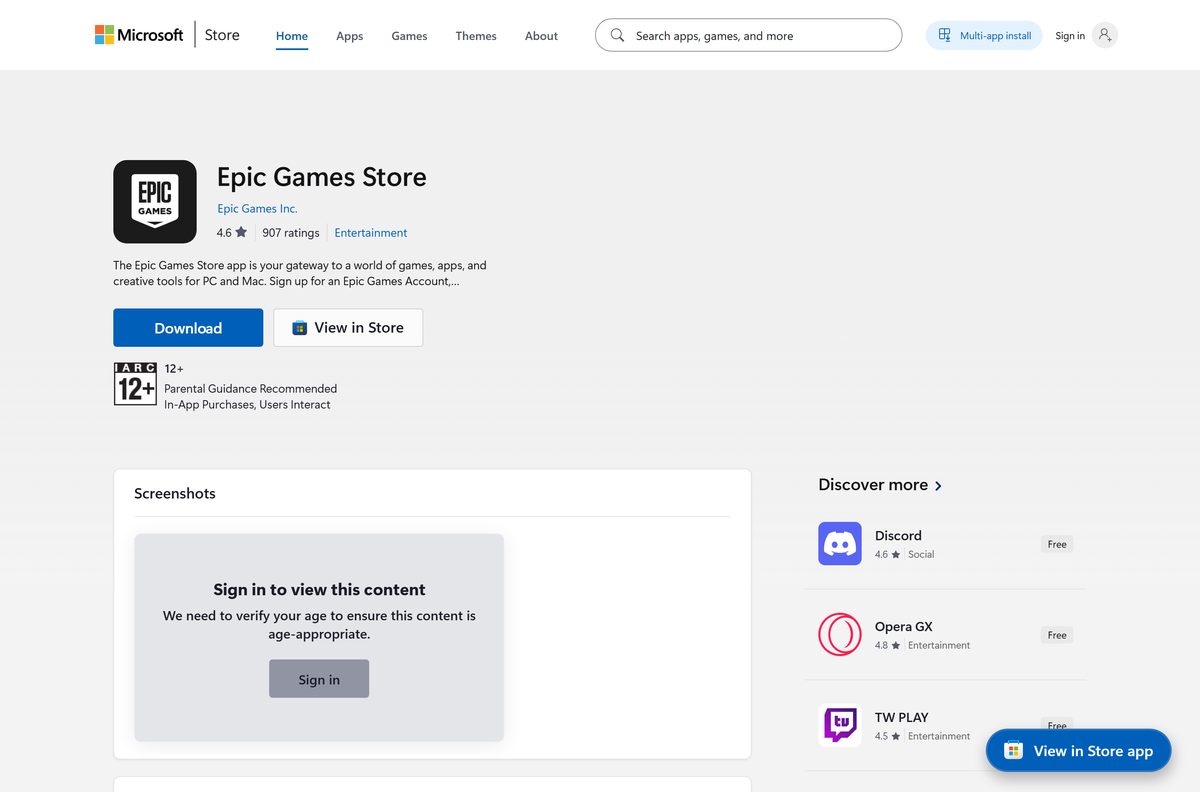
- Epic Games Store in the Microsoft Store — Windows 11 and 10, free
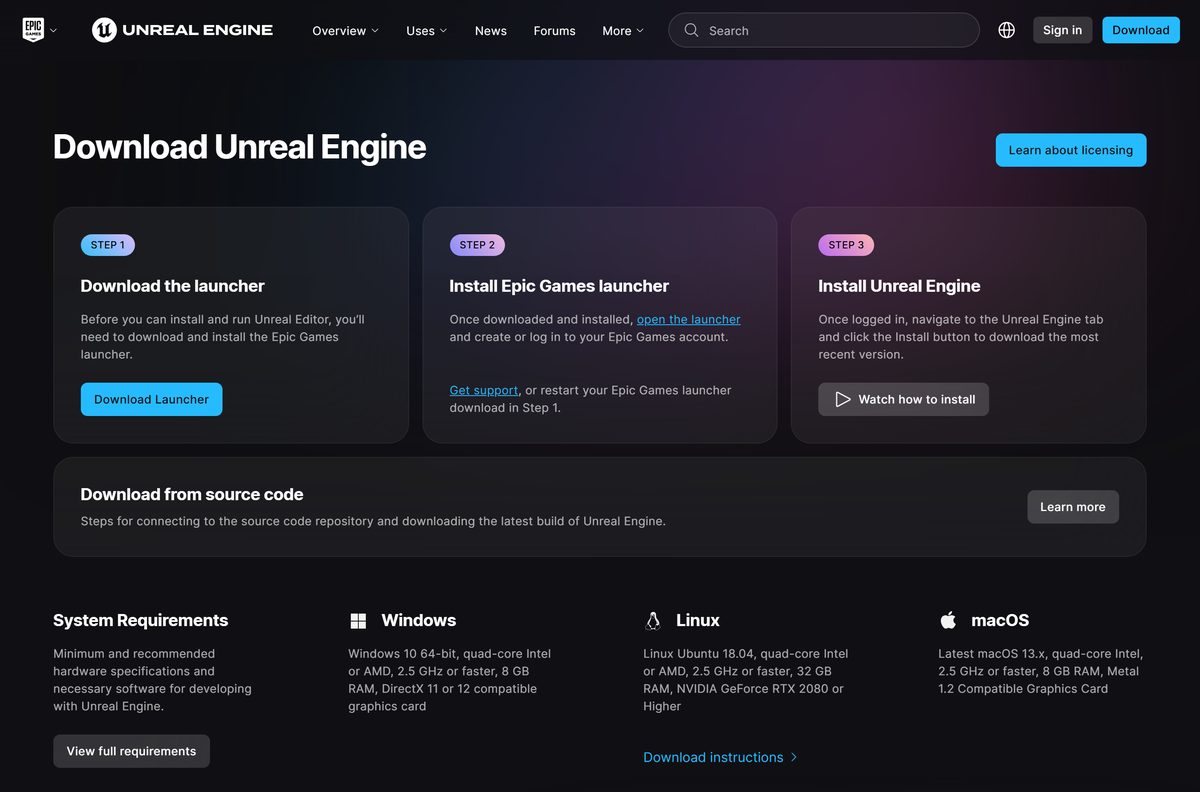
- Unreal Engine download page — Download Launcher button, same Epic Games Launcher
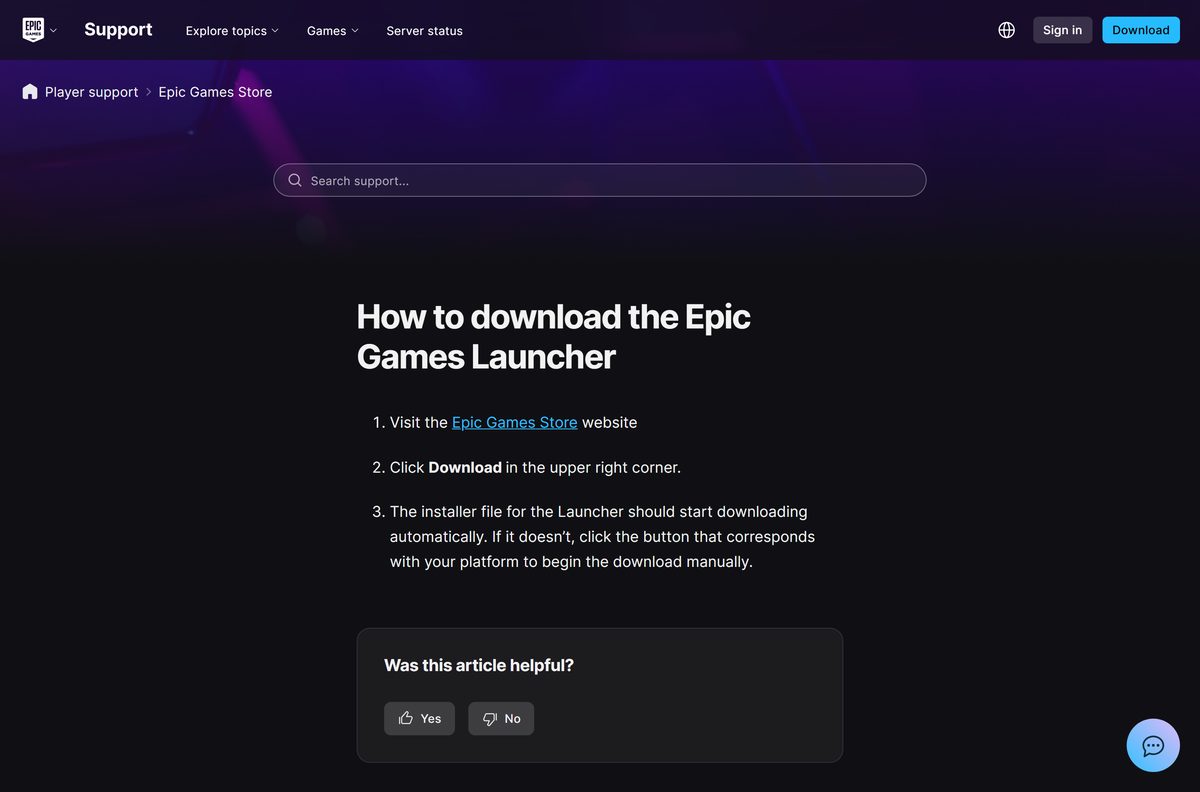
- How to download the Epic Games Launcher (Epic support) — Epic’s own download steps
How to install the Epic Games Launcher on Windows 11 and 10
The launcher installs under an Epic Games\Launcher folder. Create a free Epic Games account first if you do not have one.
- Open the Epic Games Store website in your browser.
- Click Download in the upper right corner. If the file does not start, click the button for your platform.
- Open your Downloads folder and double-click EpicInstaller-20.3.3.exe .
- Select Yes at the User Account Control prompt.
- Keep the default install folder, usually on drive C:, or choose another one.
- Follow the setup prompts and wait for the install to finish.
- Open the Epic Games Launcher and sign in with your Epic Games account, or create one.
- Open a game in the store or your library and click Install to download it.
If the installer offers a Repair button instead, a copy is already installed. Click Repair to fix it in place.
Install the Epic Games Launcher from the Microsoft Store
Epic publishes the launcher in the Microsoft Store under the name Epic Games Store. Epic suggests this route when the regular installer fails.
- Click Start, search for Microsoft Store and open it.
- Search for Epic Games Store and open the listing published by Epic Games Inc.
- Select Install.
- Approve the User Account Control prompt if it appears.
- Open the launcher when the install finishes and sign in with your Epic Games account.
You can also open the Epic Games Store listing in a browser and select Get.
Which Epic Games Launcher download do you need for your Mac?
Open the Apple menu and select About This Mac to check your macOS version. The launcher needs macOS 13.5 or higher and does not support macOS betas.
| Your Mac says | Download | What to do |
|---|---|---|
| macOS 13.5 or newer (release build) | Epic Games Store website | Click Download, open the installer and follow the prompts |
| A macOS beta | Launcher system requirements | Return to a release build first; betas are not supported |
| macOS older than 13.5 | Launcher system requirements | Update macOS from System Settings > General > Software Update |
The launcher then sits in your Applications folder. Not every Epic game runs on a Mac, so check the platforms on a game’s store page before you buy.
Is the Epic Games Launcher free?
Yes. The Epic Games Launcher is free, and all you need is a free Epic Games account to sign in. The launcher, your library and the free games Epic hands out cost nothing. You pay only for games and add-ons you choose to buy. Any site selling the launcher, or offering a pre-loaded copy with paid games unlocked, is not Epic. Download only from store.epicgames.com or the Microsoft Store.
How to check your Epic Games Launcher version and update it
The launcher checks for updates on its own. Use these steps when it asks for an update or a game will not start until you update.
- Open the Epic Games Launcher.
- Click the Settings icon in the top right corner, next to your profile.
- Select Settings.
- If RESTART AND UPDATE appears, select it.
- Accept the User Account Control prompt if Windows shows one.
- Wait for the launcher to restart on the new version.
Store installs can also update from the Microsoft Store Library page.
Check the Epic Games Launcher system requirements before you download
These are Epic’s requirements for the launcher itself. Each game has its own, usually higher, requirements.
| Field | Value |
|---|---|
| Software | Epic Games Launcher |
| Developer | Epic Games, Inc. |
| Latest version | 20.3.3 (Windows installer); the launcher updates itself |
| License | Free; free Epic Games account required |
| Operating system | Windows 10 (64-bit), Windows 11, macOS 13.5 or higher |
| Processor | Intel Core i3 / AMD FX |
| Memory | 4GB |
| Graphics | DirectX 9.0c compatible GPU: NVIDIA GeForce 7800 (512MB), AMD Radeon HD 4600 (512MB) or Intel HD 4000 |
| Storage | 3GB |
| Architecture | 64-bit Windows; no 32-bit Windows installer |
| Official download source | store.epicgames.com, Microsoft Store |
| Offline installer | Single installer file; sign-in and game downloads need internet |
| Last verified | 2026-09-25 |
Check your own PC in Settings > System > About. On a Mac, use Apple menu > About This Mac.
Fix the Epic Games Launcher not installing on Windows 11 or 10
The installer will not start or fails part-way
Background apps or antivirus software interfere with setup.
- Close background applications you do not need.
- Temporarily disable your antivirus software.
- Run the Epic installer again.
- Re-enable your antivirus once the launcher is installed.
Setup cannot write to the install folder
Your account lacks read and write access to that folder.
- Right-click the install folder and select Properties.
- Open the Security tab and select your user name.
- Confirm Read and Write are ticked under Allow.
- Run the installer again.
The older version of Epic Games Launcher cannot be removed
A broken earlier installation blocks the new one.
- Run Microsoft’s install and uninstall troubleshooter.
- Select the Epic Games Launcher when it asks which program has the problem.
- Install the launcher again from store.epicgames.com.
Invalid Drive error during setup
A drive letter changed since an earlier install.
- Click Start, type Disk Management and press Enter.
- Right-click the drive whose letter changed and select Change Drive Letter and Paths.
- Click Change, set the original letter, usually C:, and click OK.
- Run the installer again.
The launcher says your operating system is not supported
A compatibility setting or an old Windows version.
- Right-click the Epic Games icon in the system tray and select Exit.
- Right-click EpicGamesLauncher.exe in Epic Games\Launcher\Engine\Binaries\Win64 and select Properties.
- On the Compatibility tab, tick Run this program in compatibility mode for and pick the newest Windows listed.
- Click Apply, then OK, and open the launcher again.
Nothing else works
Setup files keep failing on this PC.
- Install from the Microsoft Store instead, where Epic lists the launcher as Epic Games Store.
- Run Windows Update and install every pending update.
- Update your graphics driver from NVIDIA, AMD or Intel.
How to uninstall the Epic Games Launcher completely
Uninstalling the launcher also removes the games installed through it. Your purchases stay in your Epic Games account.
- Right-click the Epic Games icon in the system tray and select Exit.
- If Windows says the launcher is still running, open Task Manager, right-click Epic Games Launcher and select End Task.
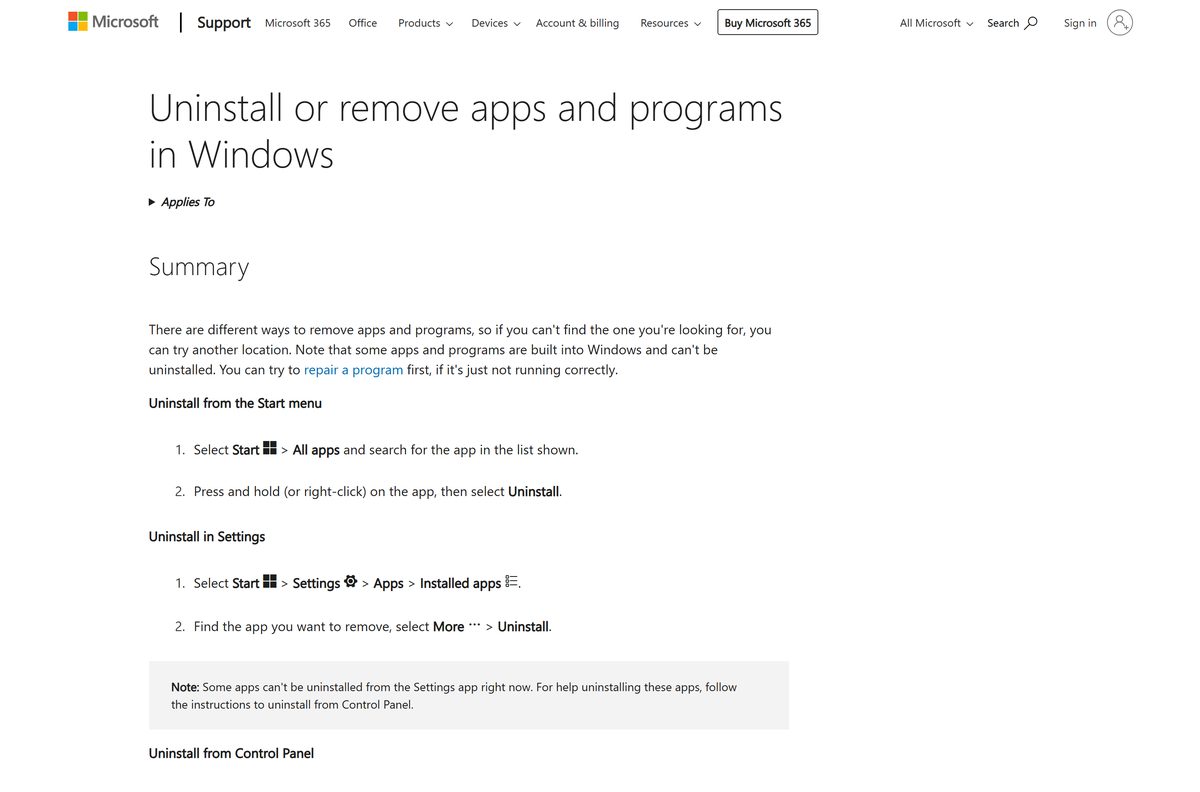
- Click Start, type Add or Remove Programs and press Enter.
- Select Epic Games Launcher in the list.
- Click Uninstall and confirm.
- If the uninstall fails, run Microsoft’s install and uninstall troubleshooter and try again.
On a Mac, quit the launcher, drag it from Applications to the Trash, then delete any Epic Games Launcher folders in ~/Library/Application Support , ~/Library/Caches , ~/Library/Preferences , ~/Library/Logs and ~/Library/Cookies .
Which Epic Games Launcher alternative should you pick?
Epic Games Store purchases and free games play only through the Epic Games Launcher. Other launchers are for games you own on other stores.
| Option | Cost | Pick it when |
|---|---|---|
| Steam | Free client | Most of your library is on Steam |
| GOG GALAXY | Free client | You buy DRM-free games from GOG |
| Ubisoft Connect | Free client | You play Ubisoft games |
Keep the Epic Games Launcher installed alongside them if you claim Epic’s free games.
Frequently asked questions
Is the Epic Games Launcher free to download?
Yes. The Epic Games Launcher is free from the Epic Games Store website and the Microsoft Store. You need a free Epic Games account to sign in, and you pay only for games you choose to buy.
Where is the official Epic Games Launcher download?
Go to store.epicgames.com and click Download in the upper right corner; the installer for your platform starts downloading. On Windows you can also install it from the Microsoft Store, where Epic lists it as Epic Games Store.
Does the Epic Games Launcher work on Windows 11?
Yes. Epic lists Windows 11 and 64-bit Windows 10 as supported systems for the launcher. Windows 7, Windows 8 and 32-bit Windows cannot run the standard installer.
How big is the Epic Games Launcher download?
Epic does not publish an installer size. Plan for 3GB of free storage, which is the launcher requirement Epic lists, plus the space for every game you install.
Is there an Epic Games Launcher offline installer?
The Windows download is a single installer file named EpicInstaller followed by the version number. It installs the launcher, but signing in and downloading games still need an internet connection.
Can you download the Epic Games Launcher on Mac?
Yes. Epic supports the launcher on macOS 13.5 or higher. Open store.epicgames.com on your Mac and click Download to get the Mac installer. Beta versions of macOS are not supported.
Is the Epic Games Launcher 64-bit?
Yes. On Windows the launcher requires 64-bit Windows 10 or Windows 11, and it runs from a Win64 folder. The standard installer does not work on 32-bit Windows.
Is the Epic Games Launcher safe?
Yes, when you get it from store.epicgames.com or the Microsoft Store listing published by Epic Games Inc. Some antivirus programs flag it by mistake; Epic advises adding the launcher as an exception if that happens.
What is the latest version of the Epic Games Launcher?
The current Windows installer is build 20.3.3. The launcher updates itself: open Settings from the icon in the top right and select Restart and Update when it appears.
Why is the Epic Games Launcher not installing?
The usual causes are a 32-bit or old Windows version, antivirus interference, missing folder permissions or a leftover older installation. Check your system, pause background apps and antivirus, then run the installer again or use the Microsoft Store.
Is there an Epic Games Launcher for Chromebook or Linux?
No. Epic lists only Windows 10, Windows 11 and macOS as supported systems for the launcher. Chromebooks and Linux PCs have no official Epic Games Launcher.
Will uninstalling the Epic Games Launcher delete my games?
Yes, uninstalling the launcher removes the games installed through it, but your purchases stay in your Epic Games account. Reinstall the launcher and sign in to download them again.






