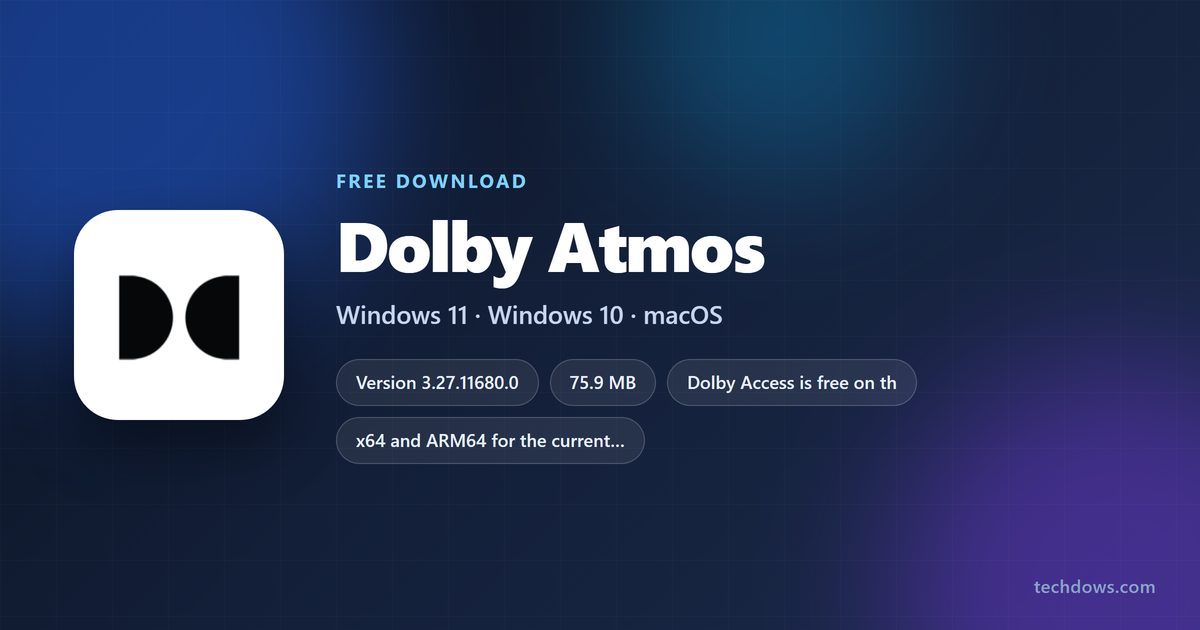
The Dolby Atmos download for Windows 11 and Windows 10 is the free Dolby Access app from the Microsoft Store. Install it, then start the Dolby Atmos for Headphones trial or set up a Dolby Atmos TV, soundbar or receiver.
Dolby Laboratories publishes the app for x64 and ARM64 PCs and for Xbox consoles. Home theater use is free, and the headphones license is a one-time purchase after the trial.
Below are the official links, the Store and winget install steps, how to switch Windows to Dolby Atmos, the Mac route, what costs money, and fixes for an install that fails.
Which Dolby Atmos download do you need?
Match your sound setup to a row. Every Windows row uses the same Store app.
| Your setup | What to get | Cost |
|---|---|---|
| Any headphones or earbuds on a Windows 11 or 10 PC | Dolby Access on the Microsoft Store | Free trial, then one-time purchase |
| A Dolby Atmos TV, soundbar, receiver or monitor connected over HDMI | Dolby Access on the Microsoft Store | Free |
| A headset sold with Dolby Atmos for Headphones activation | Dolby partner headsets | Included with the headset |
| A laptop that shipped with Dolby Atmos | Update the preinstalled Dolby Access from the Store Library | Free |
| Xbox console | Dolby Access on the Microsoft Store | Same as PC |
| Mac | Spatial Audio with Dolby Atmos in Apple Music | Apple Music subscription |
The Store installs the right package for your Windows build and processor on its own.
Download Dolby Atmos from the official Dolby and Microsoft links
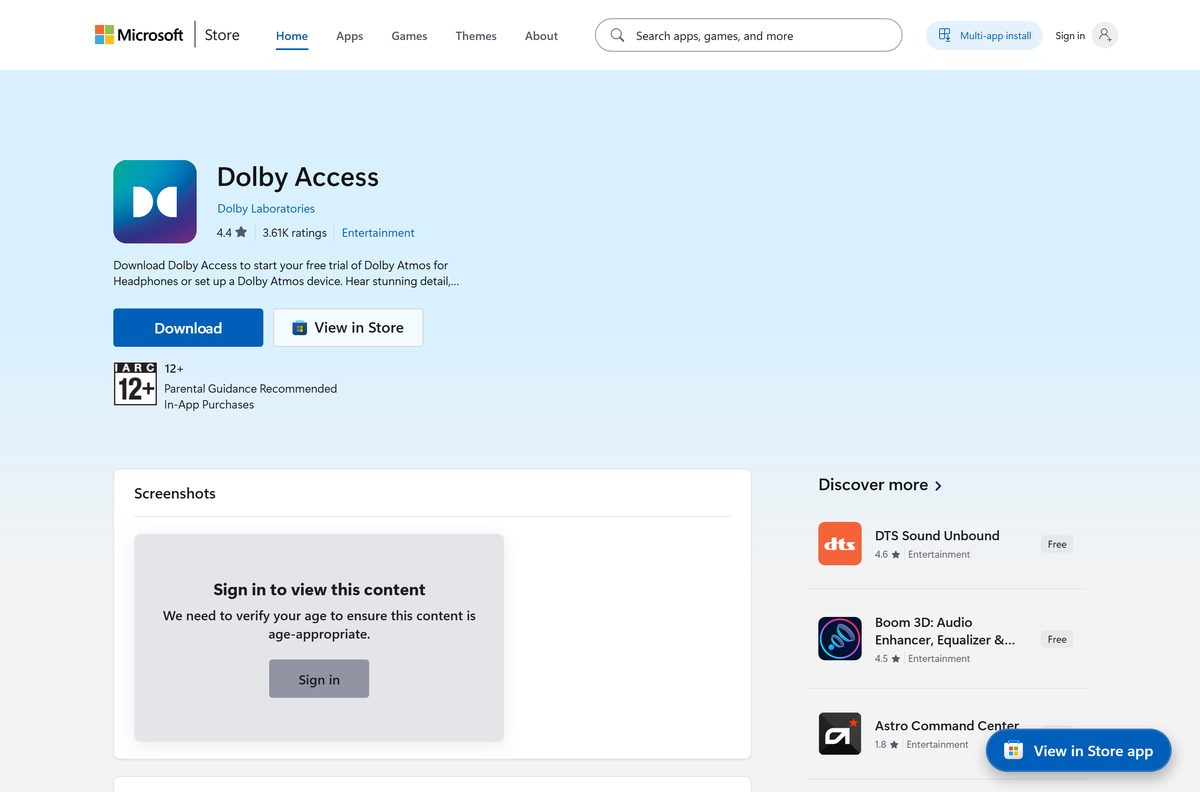
- Dolby Access on the Microsoft Store — 75.9 MB (x64) · publisher Dolby Laboratories
- Dolby gaming and Dolby Access page — home theater setup and headphones license
- Dolby Atmos for Headphones — free trial and partner headsets
- Microsoft: turn on spatial sound in Windows
- Apple: Spatial Audio with Dolby Atmos in Apple Music — Mac
Dolby does not publish a standalone Windows installer or driver pack for Dolby Atmos. Treat any .exe offered under that name as unofficial.
Check the Dolby Access system requirements before you install
Any Windows 11 PC qualifies. On Windows 10, the current package needs version 1903 or later.
| Field | Value |
|---|---|
| Software | Dolby Access (Dolby Atmos for Headphones, Dolby Atmos for home theater) |
| Developer | Dolby Laboratories |
| Latest version | 3.27.11680.0 (x64) and 3.27.11681.0 (ARM64) for Windows 11 |
| Windows 10 package | 3.27.11670.0 for version 1903 (build 18362) and later |
| Store package updated | 14 September 2026 |
| License | Free app; headphones license is a one-time in-app purchase with a free trial |
| Supported OS | Windows 11, Windows 10, Xbox consoles; no macOS app |
| Architecture | x64 and ARM64; x86 only in older 2.4 and 3.0 packages |
| Download size | 75.9 MB (x64), 73.8 MB (ARM64) |
| Installed size | 101.2 MB |
| Microsoft Store product | 9N0866FS04W8 |
| Store rating | 4.3 from 22,211 US ratings |
| Offline installer | No |
| Last verified | 2026-09-19 |
Press Windows + R, type winver and select OK to read your Windows version and build.
Install Dolby Access from the Microsoft Store or with winget
- Open Microsoft Store from the Start menu.
- Search for Dolby Access, or open the Dolby Access listing in your browser.
- Confirm the publisher line reads Dolby Laboratories.
- Select Get and wait for the install to finish.
- Select Open to launch Dolby Access.
- To use winget instead, open Terminal and run winget install 9N0866FS04W8 –source msstore .
- Accept the Store terms when winget asks, then open Dolby Access from the Start menu.

How to turn on Dolby Atmos for Headphones on Windows 11 and 10
Dolby Access adds Dolby Atmos to the Windows spatial sound list. Start the trial or buy the license in the app first.
- Plug in or pair your headphones.
- Open Dolby Access and choose the headphones setup, then start the free trial or complete the purchase.
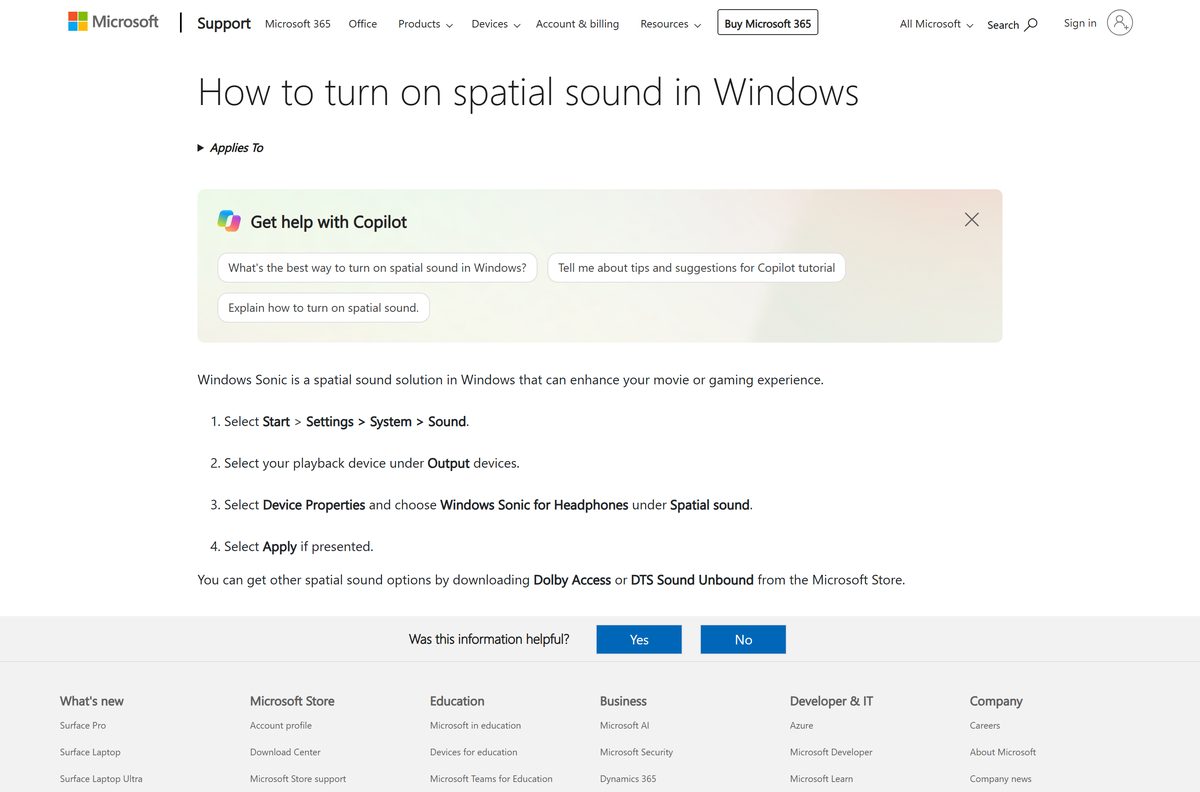
- Select Start > Settings > System > Sound.
- Select your headphones under Output.
- Select Device Properties.
- Under Spatial sound, choose Dolby Atmos for Headphones.
- Select Apply if the button appears, then play a Dolby Atmos game, film or show.
For a TV, soundbar or receiver, connect it over HDMI and pick it as the output device instead. Dolby Access then offers the home theater setup.
What Dolby Atmos works with on a Windows PC
| Output device | How Dolby Atmos reaches it | What you pay |
|---|---|---|
| Any wired or wireless headphones | Dolby Atmos for Headphones in Dolby Access | One-time purchase after the trial |
| Partner headsets with Dolby activation | Activation included with the headset | Nothing extra |
| Dolby Atmos TV, soundbar, receiver or monitor | HDMI connection plus Dolby Access home theater setup | Free |
| Laptop speakers with factory Dolby Atmos | The manufacturer’s Dolby Access build | Free |
| Any headphones, no Dolby license | Windows Sonic for Headphones, built into Windows | Free |
A game, film or show needs a Dolby Atmos soundtrack to play in Atmos. Look for the Dolby Atmos label in the game settings or the streaming app.
How to get Dolby Atmos on your Mac
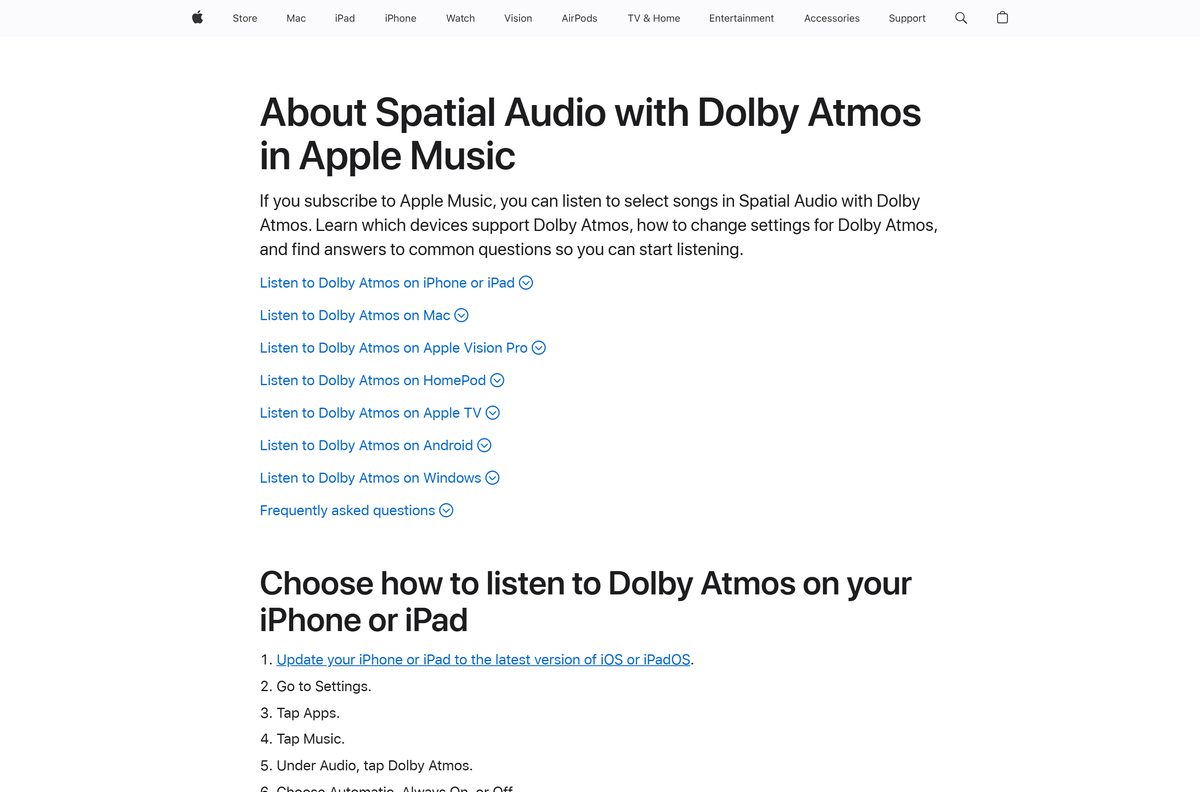
Dolby Access has no Mac version. macOS plays Dolby Atmos through Spatial Audio in the Apple Music app, and that needs an Apple Music subscription.
| Your Mac setup | What to do | Guide |
|---|---|---|
| MacBook Pro or MacBook Air (2018 or later), iMac (2021) or Apple Studio Display speakers | Open Music > Settings > Playback and pick an option in the Dolby Atmos menu | Apple Music Spatial Audio on Mac |
| AirPods (3rd generation), AirPods Pro or AirPods Max | Use the same Dolby Atmos setting; head tracking follows your AirPods | Apple Music Spatial Audio on Mac |
| Any other Mac or headphones | Update to the latest macOS, then check the Dolby Atmos setting | About Spatial Audio with Dolby Atmos |
Albums and songs in Dolby Atmos show the Dolby icon in Apple Music.
Is Dolby Atmos free?
Dolby Access is free, and Dolby Atmos for home theater is free with a Dolby Atmos TV, soundbar or receiver. Dolby Atmos for Headphones is the paid part: a one-time purchase inside Dolby Access after a limited-time free trial, with the price shown in the app. Some partner headsets include the activation. There is no subscription, and any key generator or “free Dolby Atmos” installer outside the Store is not from Dolby.
How to check your Dolby Access version and update it
- Open Settings > Apps > Installed apps.
- Select the three-dot menu next to Dolby Access, then Advanced options, and read the Version line.
- Open Microsoft Store and select Library.
- Select Get updates to pull the latest Dolby Access package.
- Restart Dolby Access after the update finishes.
Laptops that shipped with Dolby Atmos use a manufacturer build of Dolby Access. Dolby’s release notes say those systems update the same way, through Library > Get updates.
Fix Dolby Atmos not installing or not working on Windows 11 and 10
The Store says Dolby Access does not work on this device
Windows 10 is older than the Store package needs.
- Press Windows + R, type winver and select OK.
- If the build is lower than 18362, open Settings > Update & Security > Windows Update and install the offered updates.
- Open the Store listing again and select Get.
The Microsoft Store download stalls or fails
A stale Store cache or a pending restart.
- Restart the PC if Windows installed updates since the last reboot.
- Press Windows + R, type wsreset.exe and select OK. The Store reopens when the reset finishes.
- Check that the date, time and region are correct, then select Get again.
Dolby Atmos for Headphones is missing from the Spatial sound list
The trial or license is not active, or the wrong output device is selected.
- Open Dolby Access and confirm the headphones trial or purchase is active.
- In Settings > System > Sound, select the headphones under Output, not the speakers.
- Open Device Properties and check the Spatial sound list again.
Dolby Atmos stopped working on a laptop with factory Dolby audio
The manufacturer’s Dolby Access build is out of date.
- Open Microsoft Store > Library.
- Select Get updates and let every Dolby package update.
- Restart the PC and open Dolby Access again.
Dolby Access installed but will not open
A damaged install, which Windows can repair.
- Open Settings > Apps > Installed apps, select the three-dot menu next to Dolby Access, then Advanced options.
- Select Repair and try the app again.
- If it still fails, select Reset, then set up your device again.
How to uninstall Dolby Access
- Open Settings > System > Sound, select your headphones, choose Device Properties and set Spatial sound to Off or Windows Sonic for Headphones.
- Open Settings > Apps > Installed apps.
- Select the three-dot menu next to Dolby Access.
- Select Uninstall, then Uninstall again to confirm.
- Reinstall later from the Store Library with the same Microsoft account.
Which spatial audio option to use instead of Dolby Atmos
| Option | Platform | Where to get it | Pick it when |
|---|---|---|---|
| Windows Sonic for Headphones | Windows 11 and 10 | Built into Windows | You want spatial sound on headphones without buying a license |
| DTS Sound Unbound | Windows 11 and 10 | Microsoft Store | Your game or headset favours DTS |
| Spatial Audio in Apple Music | Mac | Built into Apple Music | You listen on a Mac |
For games and films mixed in Dolby Atmos on headphones, Dolby Atmos for Headphones is the option that matches the soundtrack.
Other creative apps for PC include Wondershare Filmora and MuseScore Studio.
Frequently asked questions
Is Dolby Atmos free on Windows 11?
The Dolby Access app is free on the Microsoft Store, and Dolby Atmos for home theater costs nothing with a Dolby Atmos TV, soundbar or receiver. Dolby Atmos for Headphones is a paid, one-time in-app purchase that starts with a free trial.
Is Dolby Atmos a subscription?
No. Dolby sells Dolby Atmos for Headphones as a one-time purchase inside the Dolby Access app. Some partner headsets include the activation, so check the headset box before you pay.
Where is the official Dolby Atmos download for PC?
The official download is Dolby Access on the Microsoft Store, product 9N0866FS04W8, published by Dolby Laboratories. Microsoft’s spatial sound help page points to the same Store app.
How do I enable Dolby Atmos on my PC?
Install Dolby Access and set up headphones or a home theater in it. Then open Settings > System > Sound, select your output device, choose Device Properties and pick Dolby Atmos under Spatial sound.
How big is the Dolby Access download?
The current x64 package is about 75.9 MB and takes 101.2 MB once installed. The ARM64 package is about 73.8 MB. The Store picks the right one for your PC.
Is there a Dolby Atmos offline installer?
No. Dolby Access installs only through the Microsoft Store, so the PC needs an internet connection during setup. Any site offering a Dolby Atmos .exe or driver pack is not an official Dolby source.
Does Dolby Atmos work on 64-bit and ARM64 PCs?
Yes. The current Dolby Access release ships separate x64 and ARM64 packages for Windows. The older x86 packages exist only for early Windows 10 versions.
Can I get Dolby Atmos on a Mac?
Dolby Access has no Mac version. Macs play Spatial Audio with Dolby Atmos through the Apple Music app, which needs an Apple Music subscription. Turn it on under Music > Settings > Playback.
Is Dolby Access safe to install?
Yes, when it comes from the Microsoft Store listing published by Dolby Laboratories. Store apps are signed and update through Windows. Avoid third-party downloads that repackage the app or claim to unlock the headphones license.
What is the latest Dolby Access version?
The Microsoft Store lists version 3.27.11680.0 for Windows 11 on x64 and 3.27.11681.0 for ARM64. Windows 10 version 1903 and later gets the 3.27.11670.0 package.
Why won’t Dolby Access install?
The usual causes are a Windows 10 build older than the Store package needs, a stuck Store cache, or a pending restart. Update Windows, run wsreset.exe , restart the PC and select Get again.






