An Astro Command Center download for a Windows 11 or Windows 10 PC comes from the Microsoft Store, where Astro Gaming publishes it free. Logitech G still hosts a separate Mac build on its Astro Series Software page.
The software tunes MixAmp Pro TR and A50 headsets from the Gen 3 and Gen 4 era. Newer Astro hardware, such as the A50 X and the A50 Gen 5, is handled by Logitech G HUB instead.
This guide covers which build matches your headset, the official links, install steps for Windows and Mac, the G HUB question, and fixes for a headset the software will not detect.
Which Astro Command Center download do you need?
Match your headset or mixer to a row. The software you need depends entirely on the generation of the hardware.
| Your device | What to install | Size |
|---|---|---|
| A50 (Gen 3), A50 (Gen 4), MixAmp Pro TR (Gen 3 or Gen 4) on a PC | Astro Command Center in the Microsoft Store | 7.3 MB |
| The same devices, or an A20 (Gen 1), on a Mac | Download ACC for Mac on the Astro Series Software page | Not stated |
| A50 X LIGHTSPEED or A50 (Gen 5) | Logitech G HUB | See the G HUB guide |
| C40 TR controller | Astro C40 TR Configuration Software | Not stated |
| A20 headset on Windows | Neither. The Windows build does not support it | Use the Mac build for an A20 (Gen 1) |
The Windows and Mac builds differ on one device: only the Mac build lists the A20 (Gen 1) as supported.
Download Astro Command Center for Windows 11 and Windows 10
Two official addresses cover the desktop. Logitech G points the Windows button straight at the Microsoft Store listing.
- Astro Command Center in the Microsoft Store — 7.3 MB · published by Astro Gaming, listed at $0.00, version 1.1.55.0
- Astro Series Software on Logitech G — the vendor page that carries the Windows, Mac and C40 TR buttons
- Logitech G HUB — for the A50 X LIGHTSPEED and A50 (Gen 5) instead
No other site distributes this software. A setup file offered anywhere else is not from Astro Gaming.
How to install Astro Command Center on Windows 11 and 10
The Store handles the download and the install. Plug the MixAmp or the base station in first, so the software sees it on the first launch.
- Connect the base station or mixer to the PC with its USB cable.
- Open Microsoft Store from the Start menu.
- Type Astro Command Center in the search box and press Enter.
- Select the listing published by Astro Gaming.
- Select Get and wait for the 7.3 MB package to install.
- Select Open when the button changes.
- Wait for the headset to appear on the device strip along the top.
- Select the device, then edit the EQ, mic level and stream mix presets.
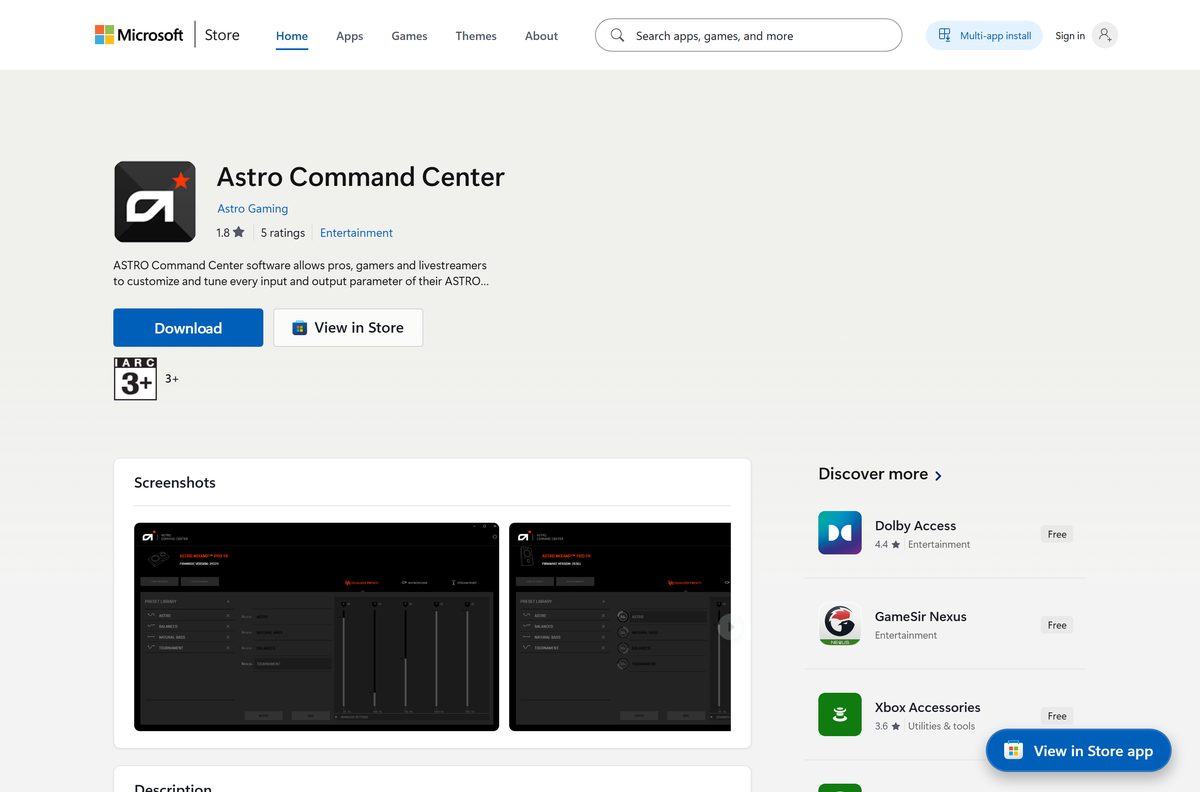
Install Astro Command Center with winget instead
One command replaces the whole Store interface. Windows Package Manager ships with Windows 11 and with current Windows 10 builds.
- Right-click Start and select Terminal or Windows PowerShell.
- Type winget install 9PFZ8RFZG5X4 -s msstore and press Enter.
- Accept the source agreement prompt the first time it appears.
- Wait for the line reading Successfully installed.
- Open the app from the Start menu with the base station connected.
The product ID is the same one the Store listing uses, so the command pulls the identical package.
Which Astro Command Center download do you need for your Mac?
The Mac build is a separate disk image, not a Store app, and it covers one device the Windows build does not.
| Your device | What to do | Supported in the Mac build |
|---|---|---|
| A50 (Gen 3) or A50 (Gen 4) | Select Download ACC for Mac on the Astro Series Software page | Yes |
| MixAmp Pro TR (Gen 3) or MixAmp Pro TR (Gen 4) | Same download, from the same page | Yes |
| A20 (Gen 1) | Same download; the Windows build skips this headset | Yes |
| A50 X LIGHTSPEED or A50 (Gen 5) | Install G HUB for Mac | No |
The button serves a file named ASTROCommandCenter.dmg. Open it, then drag the app into Applications.
Logitech states no version number, size or macOS floor for the Mac build.
Should you install Astro Command Center or G HUB?
Both are free, and both tune Astro audio. The split is by hardware generation, not by preference.
Install Astro Command Center for Gen 3 and Gen 4 hardware, and G HUB for the A50 X LIGHTSPEED and the A50 (Gen 5). Logitech G describes the Command Center as built for older generations of Astro Series headsets, while G HUB customises the newer Astro headsets alongside Logitech gaming mice, keyboards and sim racing gear. The mobile app on iOS and Android adds the A30 LIGHTSPEED and the A20 X to the G HUB side. Running both on one PC is fine when you own hardware from each era. The full setup for the newer software is covered in the Logitech G HUB download guide.
Firmware updates run from either program, depending on which one recognises the headset.
Is Astro Command Center free?
There is no paid tier, no licence key and no subscription.
Yes. The Microsoft Store lists the app at $0.00 and Logitech G states that the Astro Series software is free to download and install. The software is a companion to hardware you already own, so Logitech charges nothing for it. G HUB is free on the same terms. Any page asking for a payment, a serial number or an account before it hands over a setup file is not Astro Gaming.
How to check your Astro Command Center version and update it
The Store keeps the Windows build current. Version 1.1.55.0 is the package it serves today.
- Open Microsoft Store and select Library.
- Select Get updates and let any pending package install.
- Find the app in the list to confirm it is up to date.
- Open the software and connect the headset or mixer.
- Accept the firmware prompt if one appears, and keep the USB cable connected until it finishes.
- On a Mac, download the disk image again from Logitech G and replace the copy in Applications.
Firmware and software are separate. A current app can still prompt for a headset firmware update.
Check the Astro Command Center system requirements
The Windows floor is a Store requirement rather than a hardware one. Any PC that runs Windows 10 build 10586 clears it.
| Field | Value |
|---|---|
| App | Astro Command Center, listed in the Microsoft Store under Entertainment |
| Developer | Astro Gaming (Logitech) |
| Latest version | 1.1.55.0 |
| Price | Free, listed at $0.00 |
| Windows | Windows 10 build 10586 or newer, including Windows 11 |
| Download size | 7.3 MB from the Microsoft Store |
| Architecture | x64 package; older 1.0.376.0 releases also carried x86 |
| Mac | A separate disk image from Logitech G, with no stated macOS minimum |
| Xbox | A second package of the same release targets Xbox consoles |
| Package family | AstroGaming.AstroCommandCenter_9cg1kgznx2mv2 |
| Official source | Astro Series Software on Logitech G |
| Last verified | 22 September 2026 |
Which headsets can Astro Command Center configure?
Support is per device and per platform. Check the row for your hardware before you install anything.
| Device | Windows build | Mac build |
|---|---|---|
| MixAmp Pro TR (Gen 3) | Supported | Supported |
| MixAmp Pro TR (Gen 4) | Supported | Supported |
| A50 (Gen 3) | Supported | Supported |
| A50 (Gen 4) | Supported | Supported |
| A20 (Gen 1) | Not supported | Supported |
| C40 TR controller | Not supported; use the C40 TR software | Not supported |
| A50 X LIGHTSPEED, A50 (Gen 5) | Use G HUB | Use G HUB |
A headset outside this list will not appear in the app, however many times you reinstall it.
Fix Astro Command Center not installing or not detecting your headset
Each symptom below has one cause and one fix. Start with the row that matches what you see.
The Get button does nothing, or the install stalls at 0%
The Microsoft Store itself is out of date more often than the package is.
- Select Start > Settings > Windows Update > Check for updates.
- Open Microsoft Store, select Library, then Get updates.
- Close the Store and reopen it from the Start menu.
- Open the listing again and select Get.
Windows says the app is not compatible with this device
The package needs Windows 10 build 10586 or newer, and installs on x64 hardware.
- Press Windows + R, type winver and press Enter.
- Read the build number in the About Windows box.
- Run Windows Update and restart if the build is older than 10586.
- Select Get again once the update finishes.
The app opens but no device appears
Either the hardware is outside the supported list, or the base station is on a hub that drops the data connection.
- Check your model against the compatibility table above.
- Plug the base station or mixer directly into a USB port on the PC, not into a hub or a monitor.
- Switch the USB cable for one you know carries data.
- Close the app, reconnect the device, then open the app again.
- Install G HUB instead if you own an A50 X or an A50 (Gen 5).
A firmware update stops part way through
The device lost power or its USB connection during the write.
- Leave the cable connected and keep the base station powered.
- Close the app, then open it again to let the update resume.
- Move the cable to a rear USB port on a desktop PC.
- Run the update once more from the device page.
The Mac build will not open
macOS blocks an app on first launch when it was opened by a double click.
- Open Applications in Finder.
- Hold Control, click the app, then select Open.
- Select Open again in the dialog that appears.
- Grant any audio or input permission macOS asks for.
How to uninstall Astro Command Center
The Windows copy is a Store package, so it removes cleanly from Settings.
- Select Start > Settings > Apps > Installed apps.
- Find the entry published by Astro Gaming.
- Select More, then Uninstall, and confirm.
- Disconnect the base station or mixer from the PC.
- On a Mac, drag the app from Applications to the Trash and empty it.
- Install G HUB afterwards if you are moving to newer hardware.
Headset firmware stays on the device. Removing the software does not roll it back.
What to use instead of Astro Command Center
Three official programs cover the rest of the Astro range.
| Software | Covers | Platform |
|---|---|---|
| Logitech G HUB | A50 X LIGHTSPEED, A50 (Gen 5) and other Logitech G gear | Windows and Mac |
| Logitech G mobile app | A50 X LIGHTSPEED, A50 (Gen 5), A30 LIGHTSPEED, A20 X | iOS and Android |
| Astro C40 TR Configuration Software | C40 TR controller only | Windows and Mac |
| Windows sound settings | Basic output and mic levels with no EQ presets | Windows 11 and 10 |
Pick by hardware. None of these programs adds support for a headset the others already cover.
Frequently asked questions
Is the Astro Command Center download free?
Yes. The Microsoft Store lists the app at $0.00, and Logitech G states that Astro Series software is free to download and install. There is no paid tier, no licence key and no subscription attached to it.
What is the official Astro Command Center download page?
On Windows it is the Microsoft Store listing published by Astro Gaming. Logitech G links to it from the Astro Series Software page, which also carries the Mac button and the separate C40 TR download.
Has Astro Command Center been discontinued?
No. Logitech G still publishes the Windows and Mac builds, and the Store package was updated in 2026. Newer headsets moved to G HUB, but the older Gen 3 and Gen 4 hardware is still served here.
Can I download Astro Command Center on Windows 11?
Yes. Open Microsoft Store, search for the app, select Get and wait for the button to read Open. The package needs Windows 10 build 10586 or newer, so every Windows 11 PC clears the requirement.
How big is the Astro Command Center download?
The Microsoft Store package for desktop is 7.3 MB. The Xbox package of the same release is larger at about 17 MB. Logitech states no size for the Mac disk image on its download page.
Is there an Astro Command Center offline installer?
Not for Windows. The desktop build ships only as a Microsoft Store package, so the Store performs the install. The Mac route is a standalone disk image you download once and copy into Applications.
Is there an Astro Command Center app for Mac?
Yes. Select Download ACC for Mac on the Logitech G Astro Series Software page. The Mac build supports the MixAmp Pro TR Gen 3 and Gen 4, the A50 Gen 3 and Gen 4, and the A20 Gen 1.
Does Astro Command Center support the A50 X or A50 Gen 5?
No. Those headsets are configured in Logitech G HUB, and the Logitech G mobile app covers them too. The Command Center is limited to the Gen 3 and Gen 4 generation of Astro hardware.
Does Astro Command Center run on a 32-bit PC?
Not any more. The current Store package is x64 only. Older 1.0.376.0 releases carried both x64 and x86 builds, but the Store serves the newer package to every supported PC.
Is the Astro Command Center download safe?
The Windows copy is signed and vetted by Microsoft and published under the name Astro Gaming. The Mac copy comes from Logitech’s own site. Avoid any other site offering a setup file for it.
What is the latest Astro Command Center version?
The Microsoft Store package is 1.1.55.0 for desktop, with a matching 1.1.55.70 build for Xbox. Logitech publishes no version number at all for the Mac download on its software page.
Why does Astro Command Center not detect my headset?
The usual causes are unsupported hardware and a USB hub that carries power but no data. Check your model against the compatibility table, then plug the base station straight into the PC.







Download Logitech G HUB for PC, Windows 11/10 & Mac (Free) - Techdows
[…] Logitech G mice, keyboards, headsets, racing wheels and microphones. Older ASTRO headsets use ASTRO Command Center […]