A switch connects devices within one local network so they can talk to each other, while a router connects separate networks together and gives those devices access to the internet.
Below are how each one works, their types and advantages, how they compare with hubs, modems, access points and firewalls, and how to add a switch to your router.
Router vs switch: the key differences
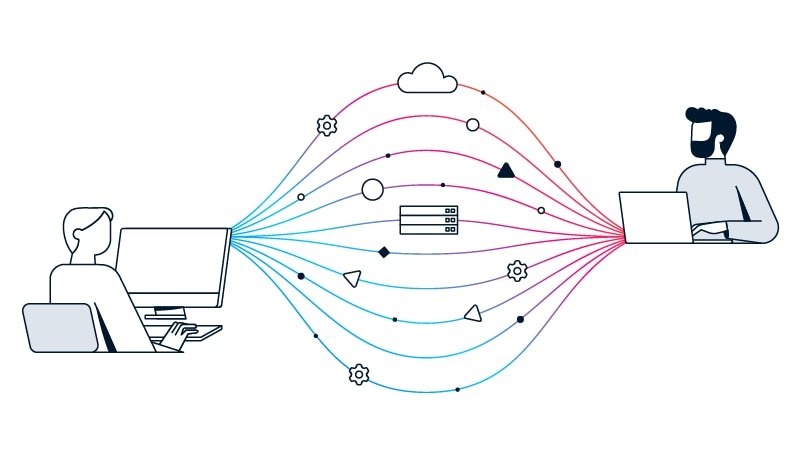
Cisco sums up the split in one line: switches allow different devices on a network to communicate, and routers allow different networks to communicate.
| Feature | Router | Switch |
|---|---|---|
| Main job | Connects networks and shares one internet connection | Connects devices inside one local network (LAN) |
| Addresses it reads | Destination IP address | Destination MAC address |
| OSI layer | Network layer (layer 3) | Data link layer (layer 2) |
| Internet access | Yes, links the LAN to the internet | No, it needs a router for that |
| Typical ports | One internet (WAN) port plus a few LAN ports | Five to 52 Ethernet ports on fixed models |
| Wi-Fi | Built in on home wireless routers | Not usually; add an access point |
| Security features | Firewall, content filtering, guest networks, WPA2 Wi-Fi | Managed models add VLANs and security settings; unmanaged have none |
| Where it sits | At the edge, between your network and the internet | Inside the network, plugged into a router port |
What is a router?
A router receives and sends data on computer networks and connects networks to each other, including your home or office network to the internet. Cisco describes it as a dispatcher that directs traffic and chooses the most efficient route for each data packet.
Most home routers combine several jobs in one box, which is why they get confused with modems, hubs and switches.
| Type of router | What it does | Where you find it |
|---|---|---|
| Core router | Carries maximum bandwidth between other routers and switches | Internet service providers, cloud providers and very large enterprises |
| Edge (gateway) router | The network's outermost link to external networks such as the internet; usually Ethernet ports only | Where the network meets the provider |
| Distribution (interior) router | Takes data from the edge router and sends it to users, often over Wi-Fi | Inside larger networks |
| Wireless router (residential gateway) | Combines edge and distribution roles with Wi-Fi | Most homes and small offices |
| Virtual router | Router functions delivered as software in the cloud | Large businesses with complex networks |
How does a router work?
Every data packet carries a header with the sender, data type, size and, most importantly, the destination IP address. The router reads that header, prioritizes the packet and picks the best route for it.
| Router function | What it gives you |
|---|---|
| Packet routing by IP address | Data reaches the right network, local or across the internet |
| Internet sharing | Many users and devices share one internet connection |
| Traffic priority | Decides which devices or kinds of traffic go first |
| Built-in firewall and content filtering | Extra protection from unwanted content and malicious websites |
| Guest network | Visitors get Wi-Fi without reaching your own devices and files |
| USB storage and printer sharing | On many models, a drive or printer becomes available to the whole network |
Advantages of a router follow from those functions: one internet connection for every device, separate networks that stay apart, and a security layer at the edge. On a home network, the router is also where you change Wi-Fi settings, such as the WPS button and pairing.
Routers help a business in the same ways: they connect employees to the local network and the internet, screen out malicious websites with built-in firewall and content filtering, and turn an attached hard drive or printer into a shared resource for the whole office. The types of routers in the table above show which class fits a home, a small office or a large enterprise.
What is a switch?
A network switch connects devices such as computers, printers, servers and wireless access points within one local area network. It works at the data link layer and forwards each packet only to the device it is meant for, using the destination MAC address.
Switches fall into two categories: modular switches, which take expansion modules, and fixed-configuration switches with a set number of ports.
| Type of switch | What it offers | Best for |
|---|---|---|
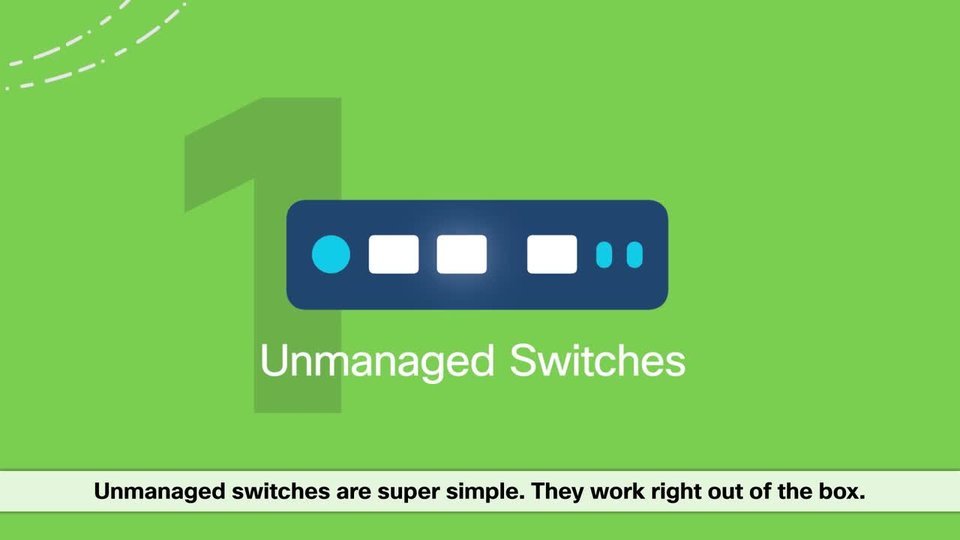
| Unmanaged | Plug and play, no settings and no security features | Homes, a desk, a lab or a meeting room that needs more ports |
| Smart (smart managed) | Some management, segmentation, quality of service and security | Small businesses on a budget |
| Managed | Fully configurable: VLANs, QoS, security settings and performance data | Larger networks where reliability and security matter |
| Modular | Expansion modules for firewall, wireless, extra ports or power | Networks that change; costs the most |
| PoE switch | Powers IP phones, cameras and access points over the data cable | Devices in places without a power outlet |
| Stackable | Several switches managed as one unit that routes around a failed member | Growing networks |
How does a switch work?
A switch learns which device sits on which port and stores that in a MAC-address table. When a packet arrives, it sends it out of the one port that leads to the destination device instead of to every port.
| Advantage of a switch | Why it matters |
|---|---|
| More usable bandwidth | Several devices can communicate at the same time |
| Less congestion than a hub | Data goes only to the device that needs it |
| Separate collision domain per port | Traffic from one device does not collide with another's |
| Traffic isolation and VLANs | Managed switches split one physical network into secure virtual networks |
| Easy expansion | Add ports by connecting another switch to the router or to an existing switch |
| Speed choices | Fast Ethernet (10/100 Mbps), Gigabit (10/100/1000 Mbps), 10 Gigabit and up to 40/100 Gbps |
Router vs switch vs hub
A hub is the oldest of the three: a central connection point for devices in a LAN that shares its bandwidth between everything plugged in.
| Device | How it forwards data | Effect |
|---|---|---|
| Hub | Shares bandwidth across all connected devices | The more devices you add, the longer data takes to arrive |
| Switch | Sends each packet only to its destination port, using MAC addresses | Avoids the hub's slowdowns and collisions |
| Router | Sends packets between networks, using IP addresses | Connects the LAN to the internet and to other networks |
Router vs switch vs modem, access point, gateway and firewall
Home internet kits often combine several of these devices in one box. Each still has a distinct job.
| Device | Job | How it relates to a router and a switch |
|---|---|---|
| Modem | Connects your network to the internet provider's line | Cisco notes that edge router and modem are somewhat interchangeable terms; the router sits behind it or is built in |
| Wireless access point (AP) | Lets Wi-Fi devices join a wired network | Plugs into a switch or router port and extends Wi-Fi coverage |
| Gateway | Connects different networks by translating between protocols | The Wi-Fi router from an internet provider is both a router and a gateway |
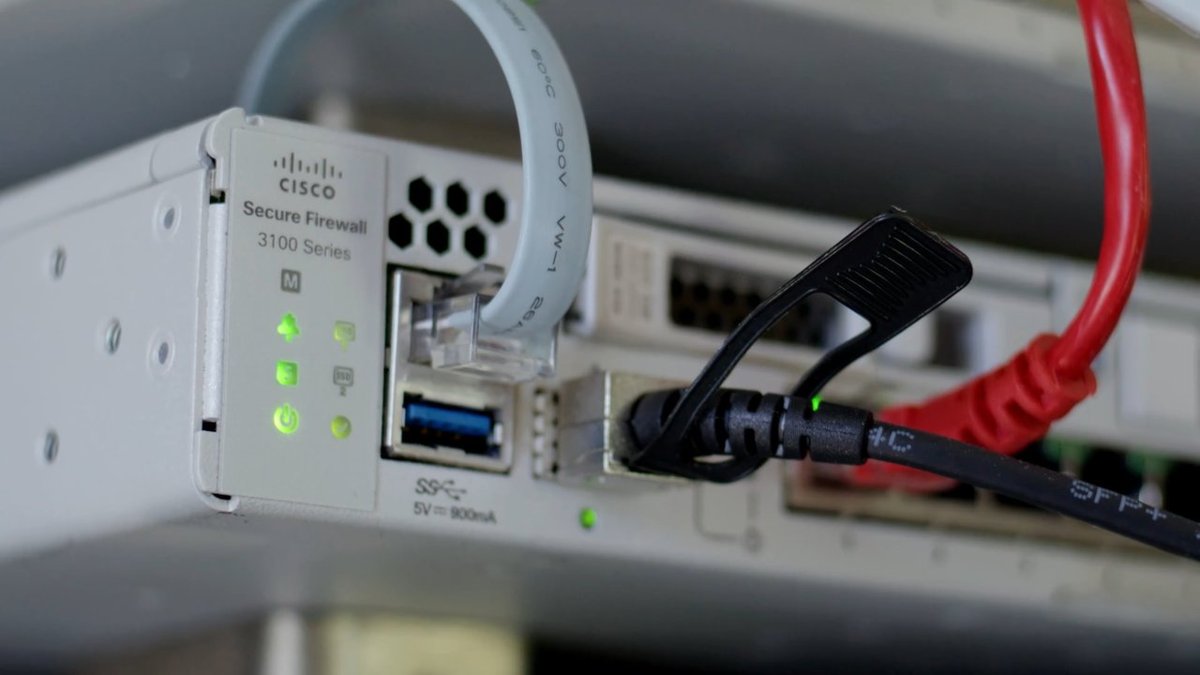
| Firewall | Allows or blocks traffic based on security rules | Many routers have one built in; businesses add a dedicated device |
| Switch | Connects devices inside the LAN | Adds wired ports behind the router |
Do you need a router or a switch?
| Your situation | What you need | Why |
|---|---|---|
| New internet connection, no network yet | Router (often supplied by the provider) | Only a router shares internet access between devices |
| Router has run out of Ethernet ports | Unmanaged switch | Plugs into one router port and adds more wired ports |
| Wi-Fi is weak in part of the building | Access point or mesh system | A switch adds wired ports, not wireless coverage |
| Need separate networks, such as staff and guests | Router with guest network, or a managed switch with VLANs | Keeps traffic apart |
| IP cameras or phones with no power outlet nearby | PoE switch | Sends power and data over one cable |
How to connect a network switch to a router
An unmanaged switch needs no configuration, so adding one takes a few minutes.
- Place the switch near the devices you want to wire up and plug in its power adapter.
- Connect an Ethernet cable from a free LAN port on the router to any port on the switch.
- Connect each wired device, such as a desktop PC, printer or game console, to another port on the switch.
- Wait for the port lights on the switch to show a link for each connected device.
- On a managed switch, sign in to its management page and set up VLANs or quality of service if you need them.
Do not plug the switch into the router's internet (WAN) port; that port is meant for the modem or the provider's line.
How to check a device behind the switch reaches the router
- On a Windows PC connected to the switch, open Command Prompt.
- Type
ipconfigand press Enter. - Under the Ethernet adapter, confirm an IPv4 Address appears and Default Gateway shows your router's address.
- Open a website to confirm internet access passes through the switch and router.
If the PC shows no default gateway, check its IP and Ethernet settings before you blame the switch.
On a Mac connected to the switch, find the router's IP address in network settings to run the same check.
Router vs switch FAQ
What is a router vs a switch?
A router connects different networks and shares an internet connection between devices, using IP addresses. A switch connects devices inside one local network so they can exchange data, using MAC addresses. Most networks use both.
Can a switch replace a router?
No. A standard switch only connects devices within one network and cannot share an internet connection. You still need a router to reach the internet; the switch plugs into it to add more wired ports.
Is a Wi-Fi router also a switch?
Yes, in practice. A home wireless router combines a router, a small built-in switch for its LAN ports, a Wi-Fi access point and usually a firewall in one box.
What is the difference between a router, a switch and a hub?
A hub shares bandwidth across all devices, so it slows down as you add more. A switch sends data only to the destination device. A router connects whole networks together and to the internet.
What is the difference between a router, a switch and a modem?
The modem connects your network to the internet provider's line, the router shares that connection and directs traffic, and the switch adds wired ports for more devices inside the network.
Is a switch the same as an access point?
No. A switch connects wired devices with Ethernet cables. A wireless access point lets Wi-Fi devices join a wired network, and it usually plugs into a switch or router port itself.
Does a switch slow down the internet?
A switch does not limit your internet speed as long as its port speed matches your connection. Use a Gigabit switch for gigabit internet, because a Fast Ethernet switch tops out at 100 Mbps.
Router vs switch in networking: which OSI layer?
A switch works at layer 2, the data link layer, and forwards frames by MAC address. A router works at layer 3, the network layer, and forwards packets by IP address.
Router or switch: which one should you buy?
Get a router first for internet access, and add an unmanaged switch only when you run out of wired ports. The router is the only device that shares one internet connection across the network, while a switch simply extends it with more Ethernet ports.

![Network adapter driver for Windows 11 [Download/Update]](https://techdows.com/wp-content/uploads/2026/10/Network-adapter-driver-for-Windows-11-DownloadUpdate-600x338.jpg)