
Microsoft disabled these Google services in their Chromium based Edge browser
Microsoft has disabled or replaced these Google services in Chromium-based Edge browser, they’ve kept some features however..
428 articles
Microsoft Edge coverage from Techdows: feature guides, settings and flags, tips for Collections, vertical tabs and more, plus fixes for common Edge problems. Updated for the latest Edge versions on Windows 11, Windows 10, and Mac.
Microsoft has disabled or replaced these Google services in Chromium-based Edge browser, they’ve kept some features however..

If you’ve intalled extensions in Chromium based Edge browser using developer mode, the Edge browser, like Chrome, asks to disable them on every startup

Microsoft enables text suggestions for hardware keyboard on Windows 10 in Chromium based Edge and Google Chrome Canary browsers
Since new Microsoft Edge powered by Chromium now available is in version 75, it supports Picture in Picture mode and you don’t need to enable any flag for it to work.

How to install extensions from Chrome Web Store in Micorosft Edge browser based on Chromium
Bing is only search engine Chromium based Microsoft Edge browser offers, here how to add Google & set as default Search engine in Edge Powered by Chromium.

Addons site for Microsoft’s Chromium-based Edge insider build goes live and now can be accessed in any browser.
Take a look at screenshots of Microsoft Edge Powered by Chromium dev build UI, New Tab Page, Settings, Add-ons store, application menu, and more details.
Screenshots of Chromium-based Microsoft Edge Icon and installer screenshots leaked on the Internet

Edge preview build based on Chromium to be available as separate download in early 2019, you don’t need to be using Windows 10 insider builds to install it.
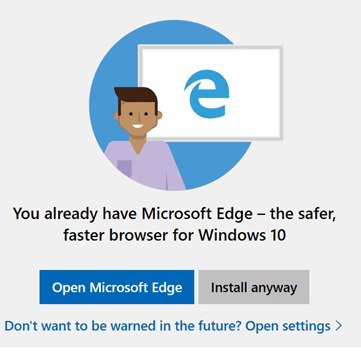
Windows 10 insider build 17744, which will be available in next month to the public as Windows 10 2018 October update has warned a user when he tries to install Firefox browser to open and use Microsoft Edge. We know Windows 10 nudges to use Edge as the default browser, but this is definitely different. …
Avast has released Avast Online Security Extension for Microsoft Edge and is now available on Microsoft Store for download