Picture-in-Picture (PiP) lets you pop a video out into a small floating window that stays on top of other windows while you work. Chrome supports it, and so does Microsoft’s Chromium-based Edge, whose first Canary and Dev builds arrived on April 8, 2019. The catch is sound: the floating window gives you very few controls, so muting a video that is playing in it is not obvious.
How Picture-in-Picture came to Chrome
Safari added Picture-in-Picture in macOS Sierra in September 2016. Chrome on Android got it with Android O through a native Android API, and Google then built a web API for PiP that was compatible with Safari’s. Chrome 71 extended PiP to video from a webcam, a screen capture or a canvas element.
What controls the PiP window has
Google’s developer documentation lists the controls. By default, a play/pause button is always shown in the Picture-in-Picture window. Starting in Chrome 74, websites can also add previous track and next track buttons through the Media Session API. A volume or mute button is not part of that list, so the mute has to come from somewhere else.
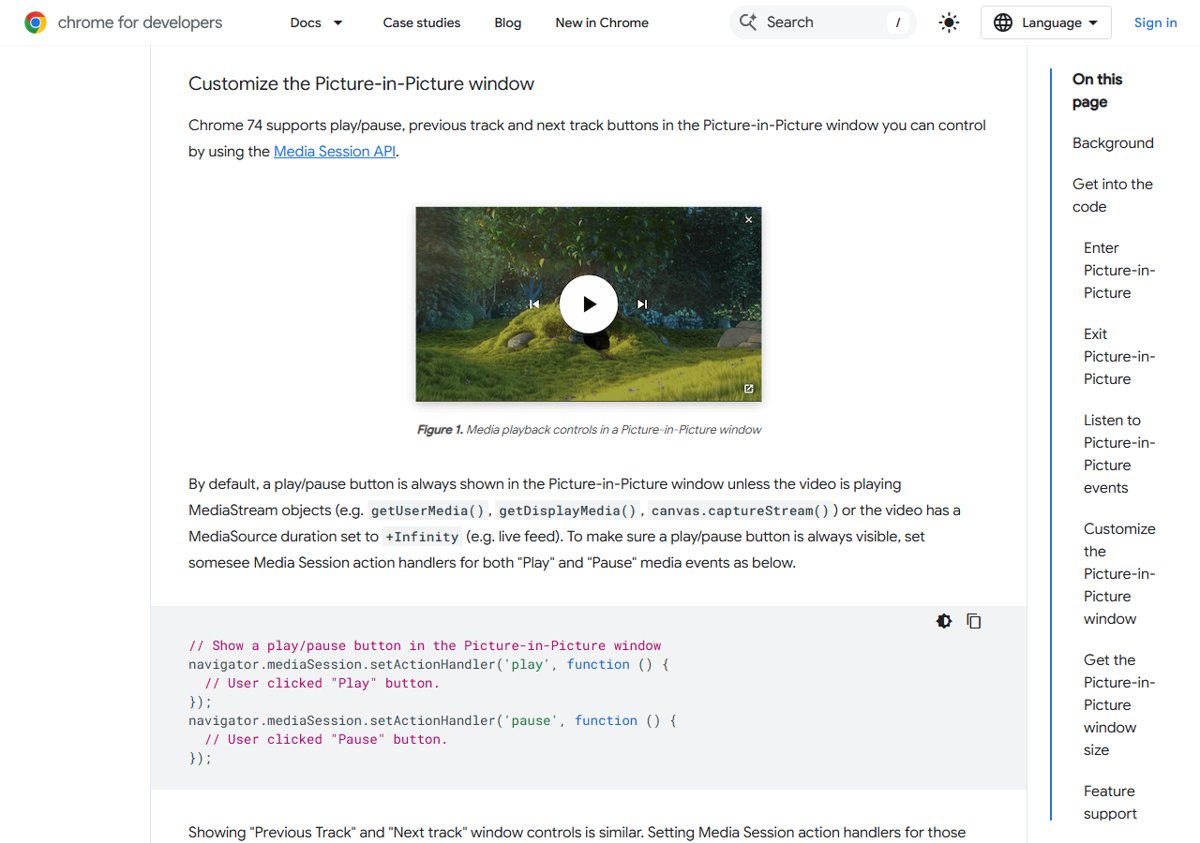
When you start PiP, Chrome shrinks the page’s own video into a small window that you can move around. It is still the same video, so the controls on the original page, including the site’s own mute button, still apply to it.
Method 1: mute it on the page
- Switch back to the tab that opened the PiP window.
- Use the video player’s own mute or volume control on the page.
- The floating window keeps playing, without sound.
Method 2: mute the whole site in Chrome or Edge
Chrome treats sound as a site permission. You can block it for one site, which also silences that site’s PiP window:
- Select the icon to the left of the web address and open Site settings.
- Find Sound and set it to Mute.
- To change it for all sites instead, go to More > Settings > Privacy and security > Site settings.
Edge is built on the same Chromium code and has a matching site permissions page in its settings. Our guide to managing site settings in Chrome walks through the permission screens in more detail.
Method 3: lower the browser’s volume in Windows
Windows can mute a single app. Open the volume mixer and turn Chrome or Edge down. This silences every tab in that browser, not just the PiP video. See how to mute sound in Windows 11 for the mixer steps.
For web developers
A site can add its own mute control. Google’s sample code for the PiP API sets video.muted = true on the video element, and the newer Document Picture-in-Picture API lets a page put any HTML, including a mute button, inside the floating window.