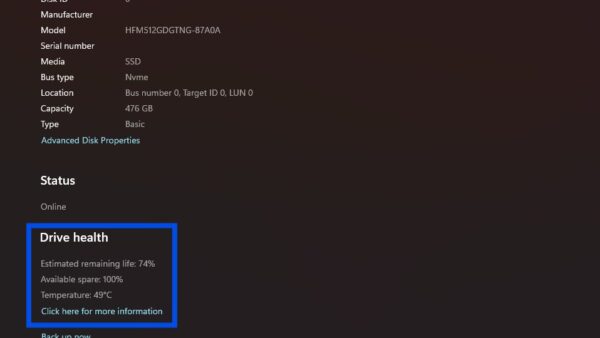
Does Windows 11 26H2 corrupt SSD drives?
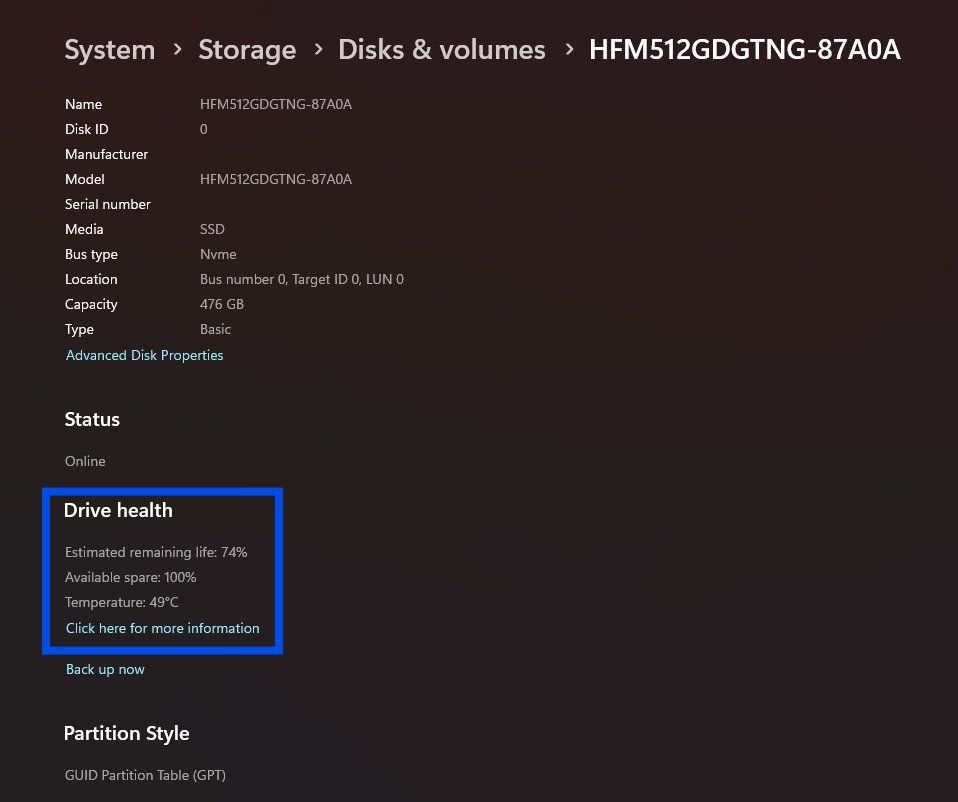
Does Windows 11 26H2 corrupt SSDs? Microsoft lists no SSD or storage issue for 26H2. Check drive health, back up, and fix a missing or failing drive after updating.
2,112 articles
Does Windows 11 26H2 corrupt SSDs? Microsoft lists no SSD or storage issue for 26H2. Check drive health, back up, and fix a missing or failing drive after updating.
Windows 11 26H2 keeps your Group Policy settings, but it changes some defaults and starts honouring Machine Identity Isolation. What changes and how to check.
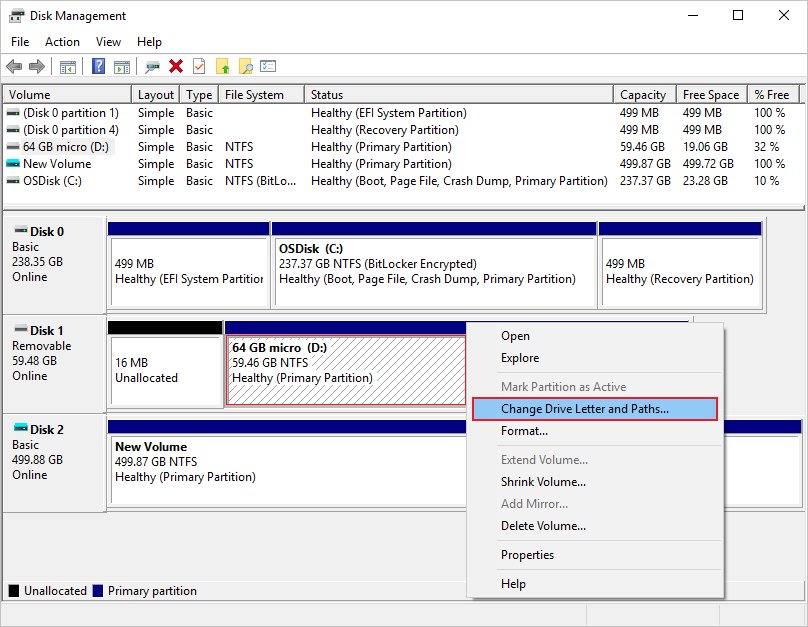
Windows 11 26H2 not detecting a USB drive? Try another port and cable, rescan in Disk Management, add a drive letter, or reinstall the driver.
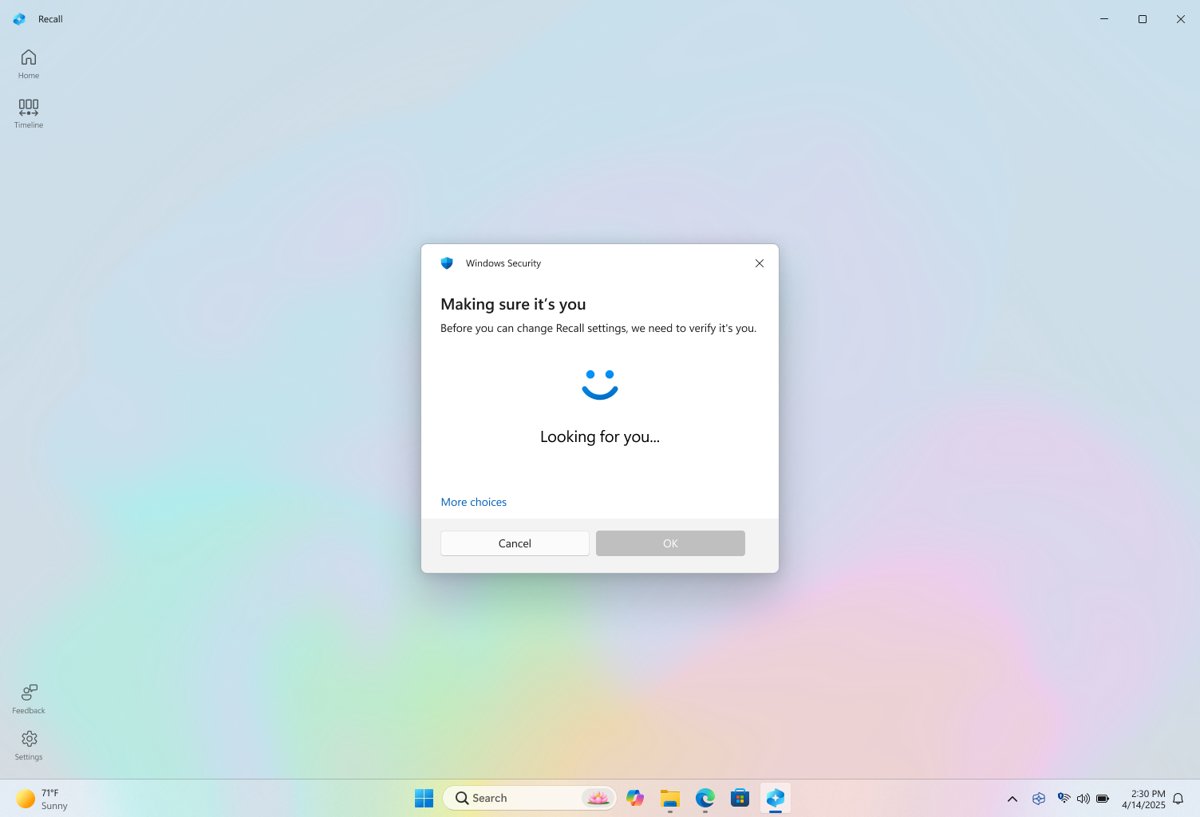
Windows 11 26H2 has Recall only on Copilot+ PCs, and it stays off until you opt in. Requirements, how to turn it on or remove it, and work PC rules.
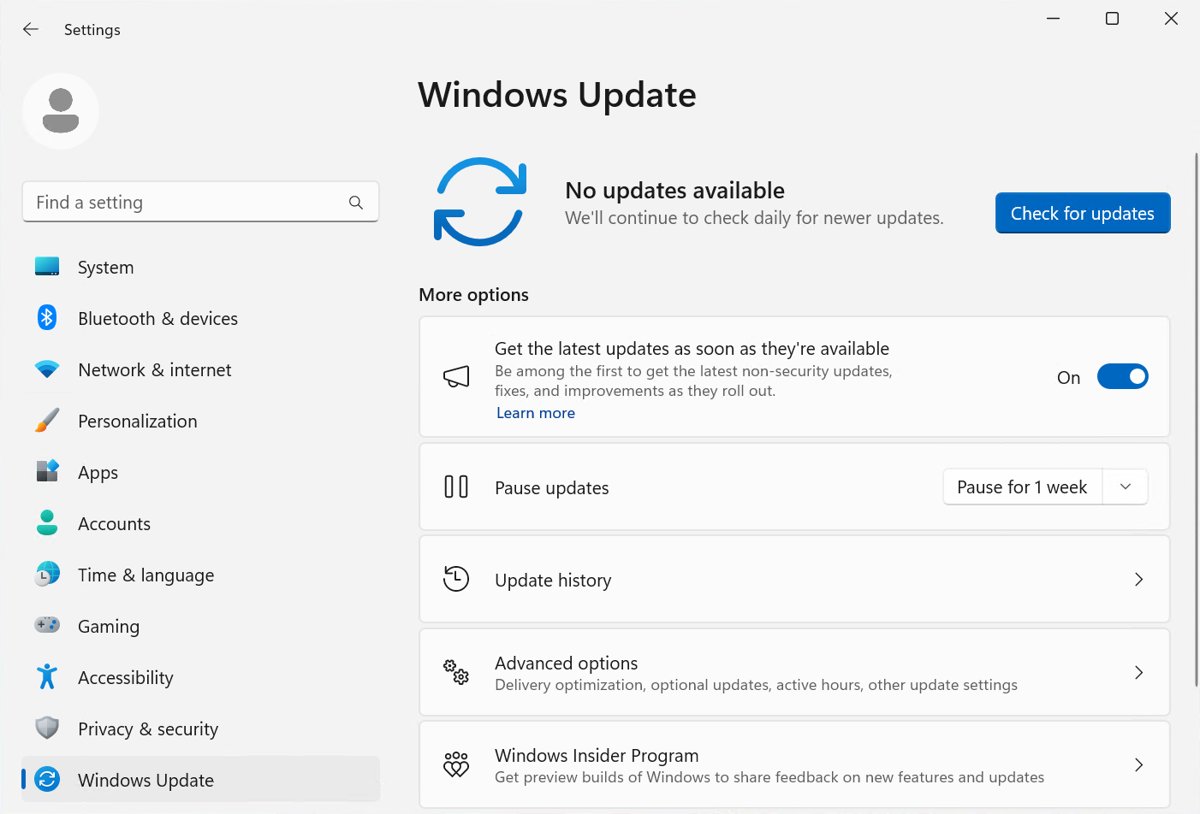
Pause updates in Windows 11 26H2 for up to 35 days, extend the pause as often as you need, and hold back the 26H2 feature update. Steps, limits and policies.
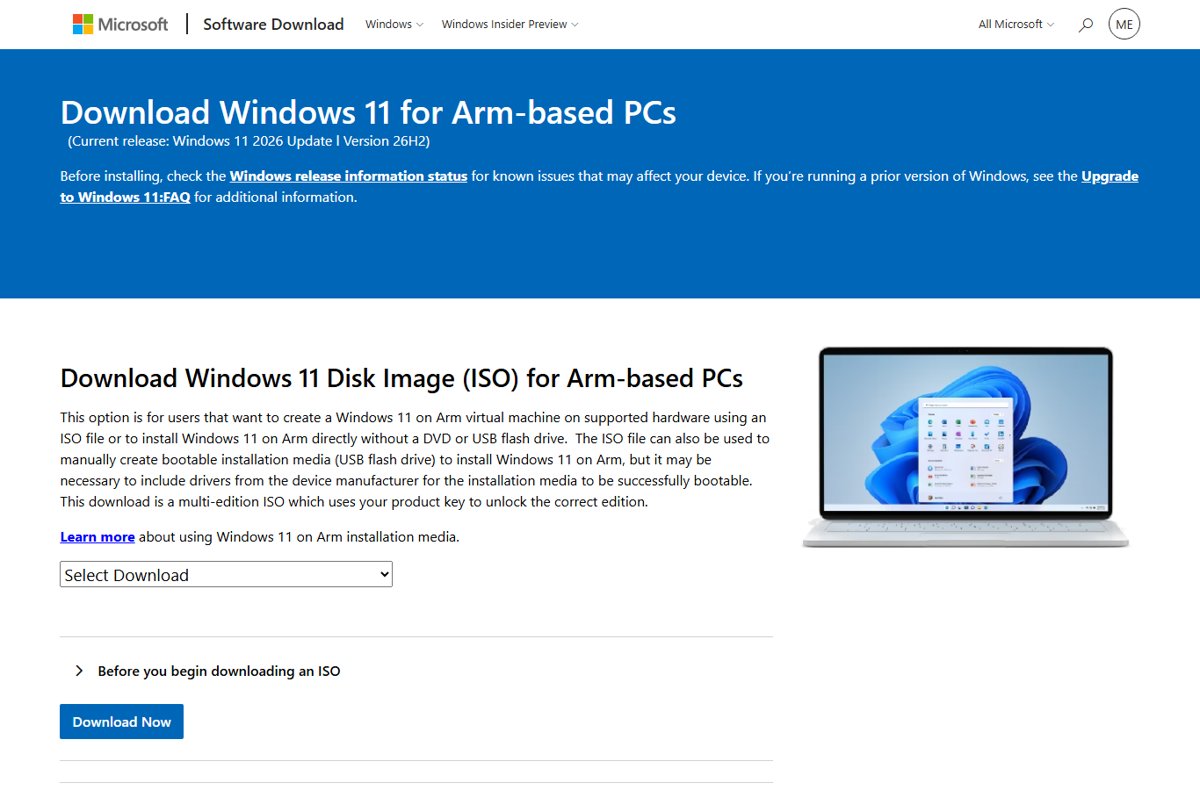
Yes, you can still install Windows 11 25H2: it is supported until October 2027, but Microsoft’s download pages now serve 26H2. How to install 25H2 and stay on it.
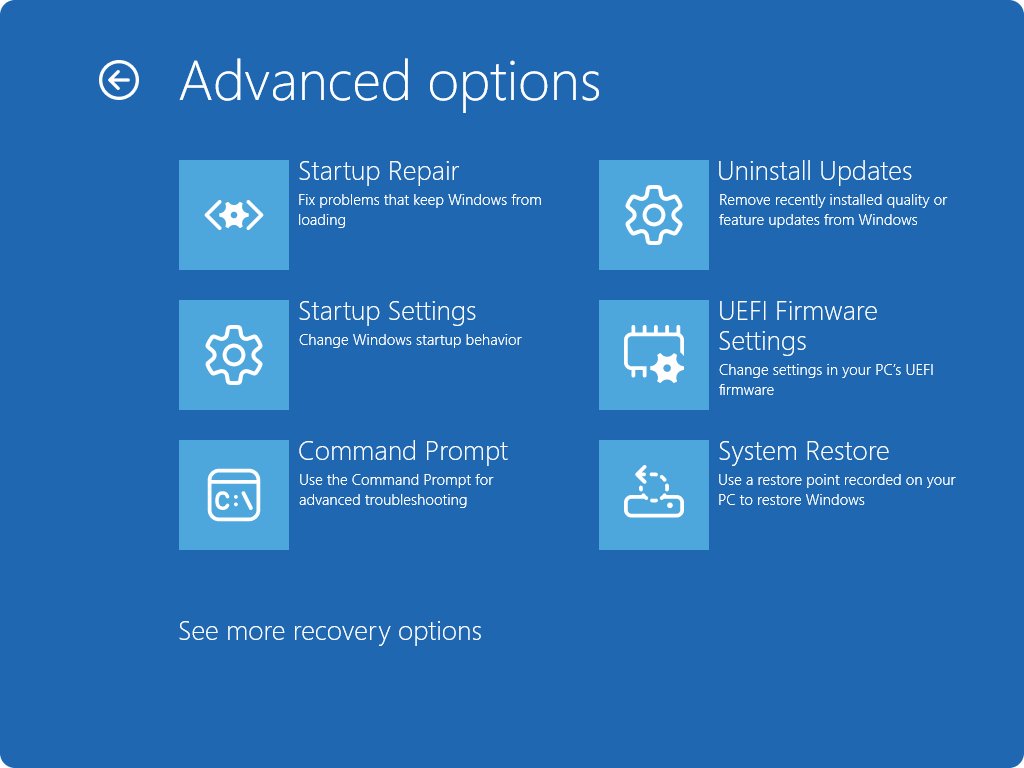
Uninstall Windows 11 26H2 and go back to 25H2 or 24H2: remove the KB5121794 update, use Go back in Recovery, or roll back from Windows RE or DISM.
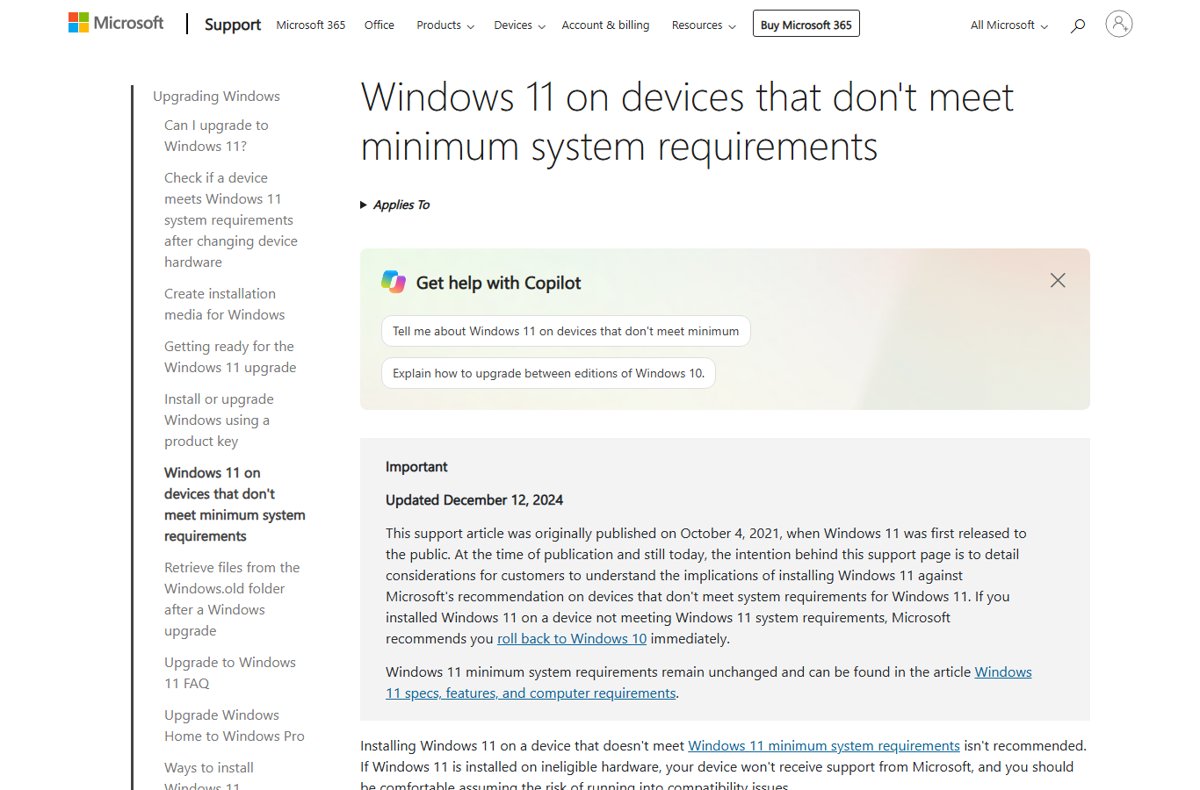
Can you install Windows 11 26H2 on an older PC? Yes if it meets the Windows 11 requirements. How to check, which route to use, and what unsupported PCs lose.
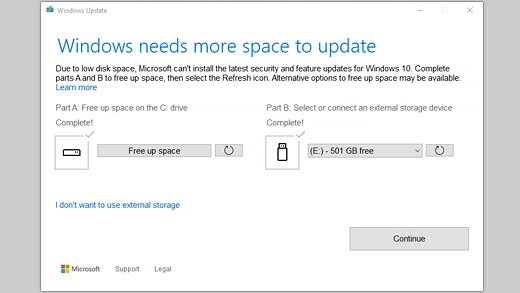
How long Windows 11 26H2 takes to install: a quick enablement package and one restart on 24H2 or 25H2, a longer full upgrade from 23H2, Windows 10 or USB.
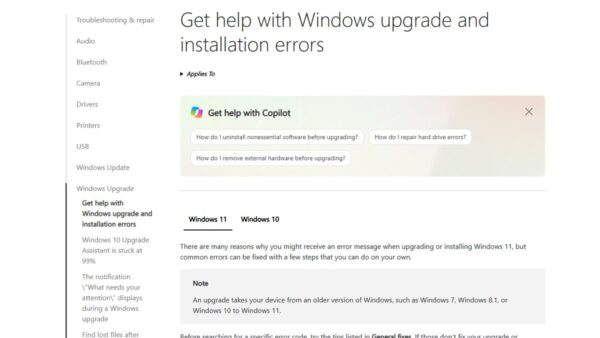
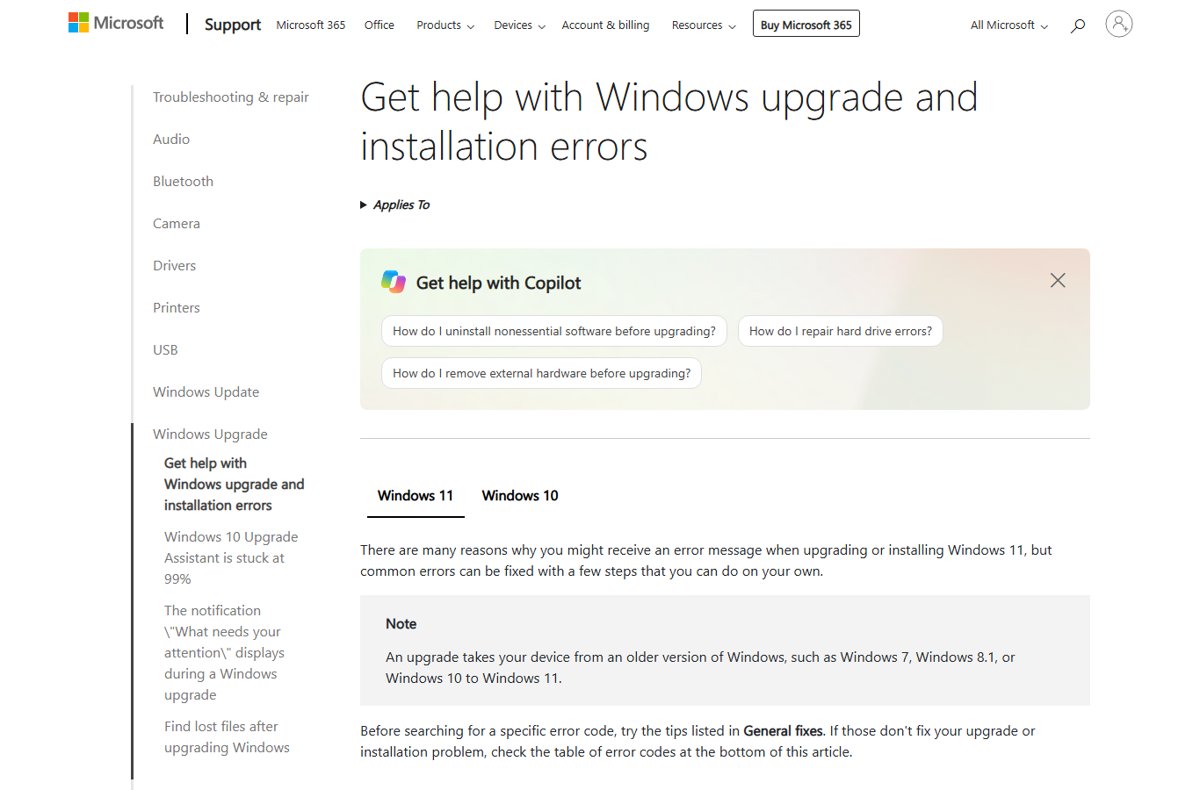
Install Windows 11 26H2 without USB: download the official ISO, mount it in File Explorer and run setup.exe. Keep files or start fresh, plus fixes if Setup fails.
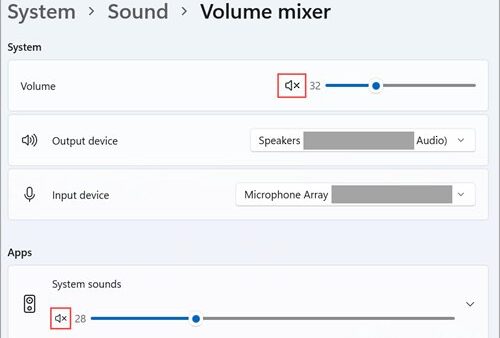
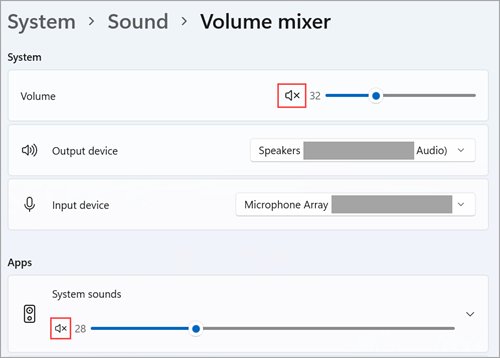
Windows 11 26H2 audio not working? Check the output device, then update, roll back or reinstall the Realtek driver. Fixes for no sound, crackling, missing devices.
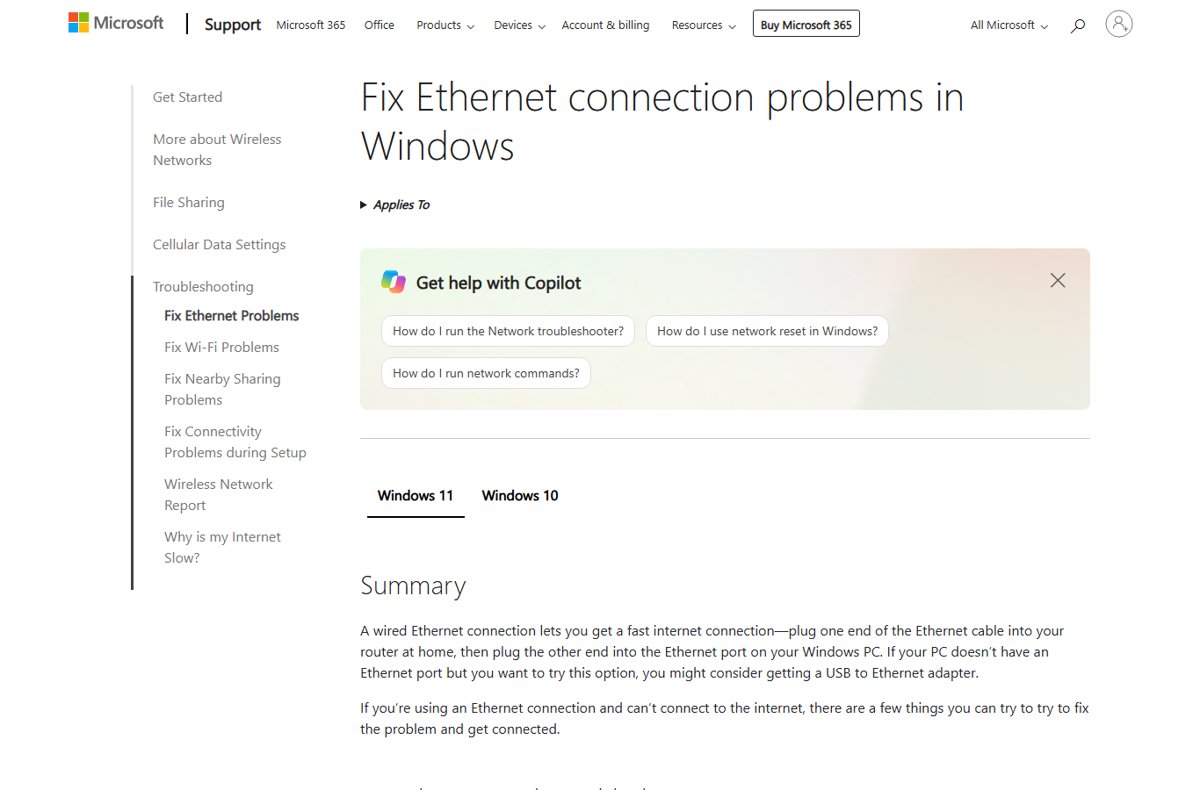
Windows 11 26H2 Ethernet driver problems: reinstall or roll back the network adapter driver in Device Manager, reset TCP/IP, and fix Code 10, 43 and 52 errors.