
Techdows

Windows how-to guides, fixes and software downloads

  • Home
  • Settings and hardware

    • Printers
    • Sound and microphone
    • Wi-Fi and network
    • Bluetooth
    • Display and monitors
    • Drivers
    • Keyboard shortcuts and symbols

    Using Windows

    • File Explorer
    • Storage and disk space
    • Taskbar, Start and desktop
    • Apps and default programs
    • Accounts and sign-in
    • Copilot in Windows
    • Command Prompt and PowerShell

    Updates and fixes

    • Windows Update
    • Windows 11 26H2
    • Error codes and BSOD
    • Boot, BIOS and recovery
    • Security and Defender
    • Task Manager and performance
    • DLL and runtime errors

    Popular fixes

    • Get help in Windows 11
    • Connect a wireless printer
    • Re-pair Bluetooth earbuds for stereo sound
    • Cancel a stuck print job
    • Change default programs

    All Windows guides →

  • Browse by type

    • Web browsers
    • Office and productivity apps
    • PC games and launchers
    • Phone and media apps
    • Developer tools
    • Creative apps
    • CAD software
    • System utilities and drivers

    Popular downloads

    • GTA V for PC
    • YouTube app for PC
    • Google Meet for PC
    • Cisco Packet Tracer
    • TikTok for PC

    Windows tools

    • PC Health Check app
    • HEVC Video Extension
    • DirectX 12
    • Cinebench R23

    All download guides →

  • Browser guides

    • Microsoft Edge
    • Google Chrome
    • Firefox
    • Web browsers for PC

    Microsoft Edge

    • Fix WebView2 using too much memory
    • Internet Explorer mode in Edge
    • Manage Edge favorites
    • Set or remove Edge as default

    Chrome and Firefox

    • Make Chrome the default browser
    • Restore closed tabs
    • Change the default web browser

    All browser guides →

  • Office guides

    • Outlook
    • Excel
    • Word and PowerPoint
    • OneDrive
    • Install Microsoft 365

    Meetings and other tools

    • Teams, Zoom and Google Meet
    • Google Docs and Sheets
    • PDF tools

    Office apps

    • Office product key
    • Office Deployment Tool
    • What is OneDrive?
    • Turn off OneDrive in Windows 11

    Outlook and Teams

    • Outlook inbox view changed
    • Schedule an email in Outlook
    • Outlook dark mode
    • Teams breakout rooms

    All Office and productivity guides →

  • PHP security

    • PHP2Shell patch download
    • PHP critical RCE security update
    • CVE-2026-109618 fix
    • CVE-2026-109619 explained
    • Mitigations if you can't update

    Update PHP

    • Update PHP to the latest version
    • Check your PHP version
    • Update PHP on Ubuntu and Debian
    • Restart PHP-FPM

    Hosting and local servers

    • Update PHP in XAMPP
    • Change PHP version in cPanel
    • Update PHP in Laragon and WampServer
    • Update PHP Docker images
    • WordPress PHP version check

    PHP downloads

    • PHP 8.5.12 download
    • PHP 8.4.27 download
    • PHP 8.3.36 and 8.2.35 download
    • Download PHP for Windows

    PHP2Shell by platform

    • PHP 8.3 fix on Ubuntu 24.04
    • PHP 8.1 fix on Ubuntu 22.04
    • PHP 8.2 and 8.4 fix on Debian
    • Update PHP on IIS
    • Cloudflare PHP2Shell WAF rule

    All PHP guides →

  • Sections

    • Gaming
    • Apple
    • Android
    • Apps and services
    • Developer and IT

    Apple

    • iPhone tips and fixes
    • Reset and restore iPhone
    • iPad
    • Mac and macOS
    • Apple Account and iCloud
    • Apple devices on Windows

    Apps, Android and gaming

    • Gmail and Google account
    • YouTube
    • Social media accounts
    • Streaming TV
    • Android and Samsung Galaxy
    • PC gaming and Xbox
    • Roblox and Minecraft on PC

    Developer and IT

    • WSL and developer setup
    • Virtual machines
    • Group Policy and Intune
    • Windows Server
    • Website error codes
  • News
Home›How to

How to

3,749 articles

Apple
Hard reboot iPad - touching an iPad screen

How to hard reboot iPad (easy steps)

November 4, 2026 by Philip Celasco Leave a Comment
Hard reboot iPad - touching an iPad screen

Hard reboot an iPad by pressing volume up, volume down, then holding the top button until the Apple logo appears. Steps for Home button models and fixes.
Posted in: Apple, How to
Apple
Factory reset iPhone - orange smartphone on a gray fabric surface

How to factory reset iPhone: A step-by-step guide

November 4, 2026 by Philip Celasco Leave a Comment
Factory reset iPhone - orange smartphone on a gray fabric surface

Factory reset iPhone from Settings > General > Transfer or Reset iPhone > Erase All Content and Settings. Plus locked-iPhone, computer and iCloud routes.

Posted in: Apple, How to
How to
Outlook links opening in Edge - web search on a phone browser

Fix Outlook links opening in Edge: Use system default browser

November 4, 2026 by Philip Celasco Leave a Comment
Outlook links opening in Edge - web search on a phone browser

Fix Outlook links opening in Edge: set Open hyperlinks from Outlook in to your default browser in new or classic Outlook, then check Windows default apps and policy.
Posted in: How to, Office and productivity
How to
What is a MagSafe case - clear phone case

What is a MagSafe case? 5 easy facts you need

November 4, 2026 by Philip Celasco Leave a Comment
What is a MagSafe case - clear phone case

A MagSafe case has a ring of magnets that lines up with the magnets in your iPhone, so MagSafe chargers, wallets and battery packs snap on through the case.


Posted in: How to
How to
Open EPS image files on Windows - design work on a computer screen

How to open EPS image files on Windows

November 4, 2026 by Philip Celasco Leave a Comment
Open EPS image files on Windows - design work on a computer screen

Open EPS image files on Windows with Adobe Illustrator for vector editing, or free with GIMP or LibreOffice Draw. Convert EPS to PNG, PDF or SVG for Office.
Posted in: How to, Windows
How to
Change user permissions in Windows 11 - caution cone on a computer keyboard

How to change user permissions in Windows 11

November 4, 2026 by Philip Celasco Leave a Comment
Change user permissions in Windows 11 - caution cone on a computer keyboard

Change user permissions in Windows 11 from Settings > Accounts > Other users > Change account type, or set file and folder permissions on the Security tab.
Posted in: How to, Windows
Developer and IT
Configure iSCSI target and initiator on Windows Server - server rack

Configure an iSCSI target and initiator on Windows Server

November 4, 2026 by Philip Celasco Leave a Comment
Configure iSCSI target and initiator on Windows Server - server rack

Configure an iSCSI target and initiator on Windows Server: install FS-iSCSITarget-Server, create a VHDX LUN, connect the initiator on port 3260 and enable MPIO.


Posted in: Developer and IT, How to
Browsers
WhatsApp Web videos not playing in Safari - WhatsApp on a phone home screen

web.whatsapp.com videos not playing in Safari? How to fix it

November 4, 2026 by Philip Celasco Leave a Comment
WhatsApp Web videos not playing in Safari - WhatsApp on a phone home screen

web.whatsapp.com videos not playing in Safari? Reload, update macOS, clear WhatsApp site data and turn off content blockers to get videos playing again on a Mac.
Posted in: Browsers, How to
Apple
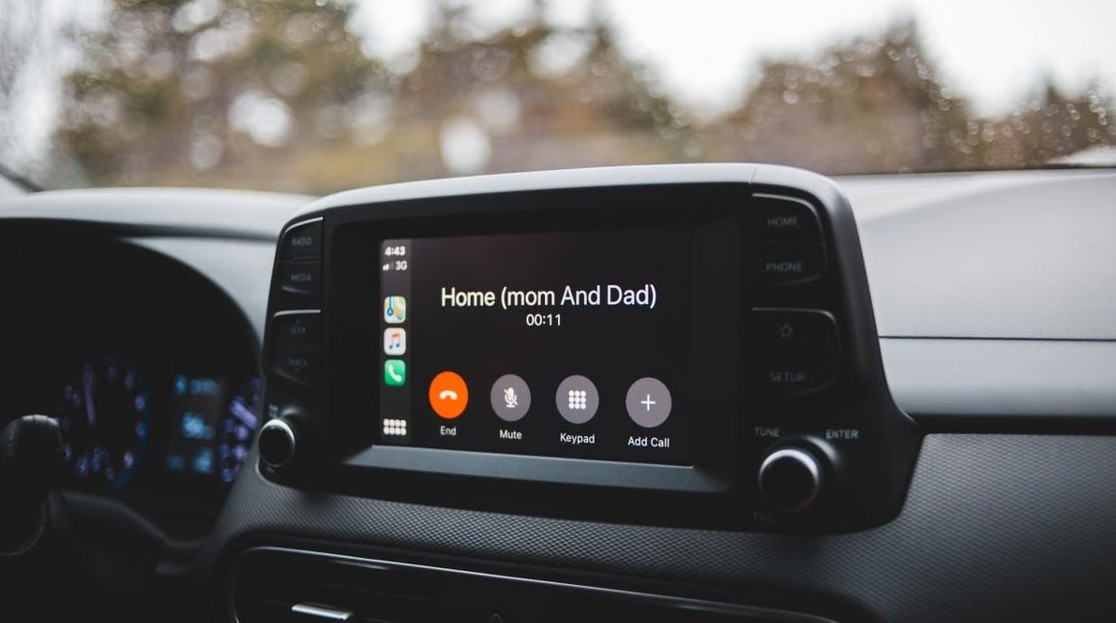
iOS 27 CarPlay not working after update - car infotainment screen

iOS 27 CarPlay not working after update? How to fix it

November 4, 2026 by Philip Celasco Leave a Comment
iOS 27 CarPlay not working after update - car infotainment screen

iOS 27 CarPlay not working after the update on two iPhones? Forget the car, check cable, Wi-Fi and Bluetooth, Screen Time limits and car firmware to fix it.
Posted in: Apple, How to
How to
Install free VMware ESXi hypervisor - server hardware close-up

How to install free VMware hypervisor (ESXi)

November 4, 2026 by Philip Celasco Leave a Comment
Install free VMware ESXi hypervisor - server hardware close-up

Install free VMware ESXi 8: download vSphere Hypervisor from the Broadcom portal, boot the ISO, set the root password, then manage it in the Host Client.
Posted in: How to
How to
Riot Repair Tool - gaming PC desk setup

What is Riot Repair Tool?

November 4, 2026 by Philip Celasco Leave a Comment
Riot Repair Tool - gaming PC desk setup

Riot Repair Tool, formerly Hextech Repair Tool, gathers logs and can re-patch League. How to download it, use it for VALORANT and fix it when stuck on logs.
Posted in: How to
How to
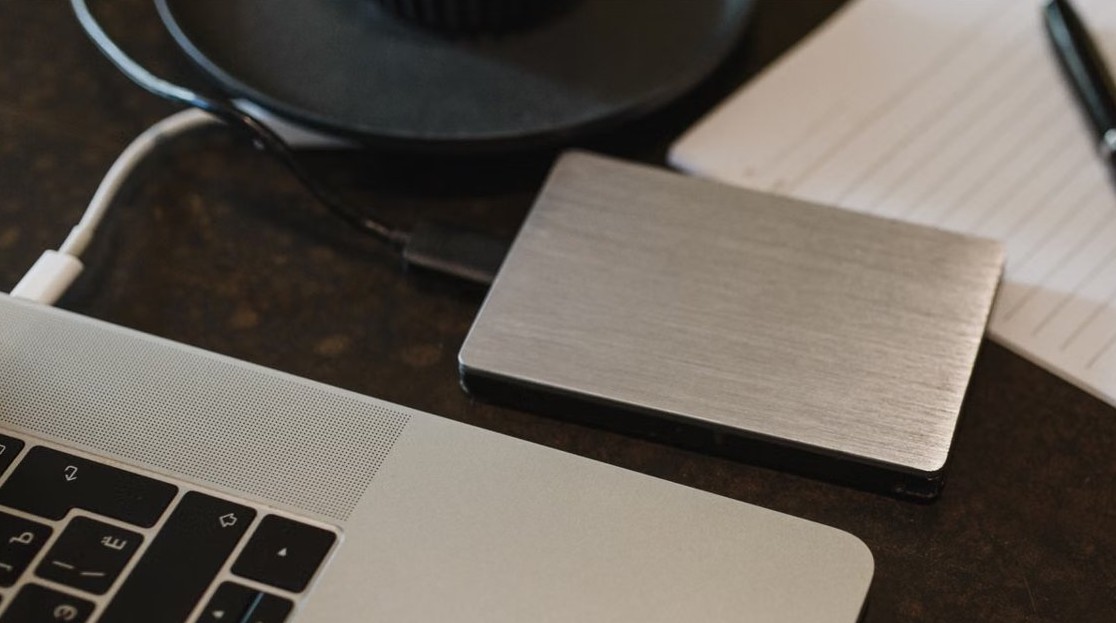
Find deleted files on Windows 11 - external hard drive connected to a laptop

How to find deleted files on Windows 11: A step-by-step guide

November 4, 2026 by Philip Celasco Leave a Comment
Find deleted files on Windows 11 - external hard drive connected to a laptop

Find deleted files on Windows 11 in the Recycle Bin first, then File History, Previous Versions, the OneDrive recycle bin and Windows File Recovery.

Posted in: How to, Windows
« Previous 1 … 90 91 92 … 313 Next »

More from Techdows

Paying cash at Apple Store - Apple Store entrance inside a shopping mall
Paying cash at Apple Store: does the Apple Store accept cash?
How to · 4 hours ago
Manage mouse DPI settings in Logitech G Hub - Logitech mouse with its USB receiver
How to manage mouse DPI settings using Logitech G Hub?
How to · 3 hours ago
iPhone 15 running slow - iPhone Pro on a desk in purple light
iPhone 15 running slow? How to fix it
How to · 2 hours ago
Connect Beats Solo 4 to Fire tablet - Beats wireless headphones
How to connect Beats Solo 4 to a Fire tablet
How to · 1 hour ago
Printable iPhone User Guide - iPhone lock screen on a desk stand
Printable iPhone User Guide download: how to get and print it
How to · 31 minutes ago
AirPods won't connect - AirPod resting on an iPhone
Fix AirPods won’t connect [7 ways to fix]
How to · 48 minutes ago
Enable Windows Defender manually - combination padlock for security
How to enable or start Windows Defender manually
How to · 1 hour ago
Bought Minecraft from Microsoft - Minecraft bee papercraft held in a hand
Bought Minecraft from Microsoft? When you have to buy it again on the App Store
How to · 1 hour ago

© 2009–2026 Techdows · About · Contact · Privacy Policy

Copyright © 2026 Techdows.

Techdows WordPress Theme by Techdows