
Techdows

Windows how-to guides, fixes and software downloads

  • Home
  • Settings and hardware

    • Printers
    • Sound and microphone
    • Wi-Fi and network
    • Bluetooth
    • Display and monitors
    • Drivers
    • Keyboard shortcuts and symbols

    Using Windows

    • File Explorer
    • Storage and disk space
    • Taskbar, Start and desktop
    • Apps and default programs
    • Accounts and sign-in
    • Copilot in Windows
    • Command Prompt and PowerShell

    Updates and fixes

    • Windows Update
    • Windows 11 26H2
    • Error codes and BSOD
    • Boot, BIOS and recovery
    • Security and Defender
    • Task Manager and performance
    • DLL and runtime errors

    Popular fixes

    • Get help in Windows 11
    • Connect a wireless printer
    • Re-pair Bluetooth earbuds for stereo sound
    • Cancel a stuck print job
    • Change default programs

    All Windows guides →

  • Browse by type

    • Web browsers
    • Office and productivity apps
    • PC games and launchers
    • Phone and media apps
    • Developer tools
    • Creative apps
    • CAD software
    • System utilities and drivers

    Popular downloads

    • GTA V for PC
    • YouTube app for PC
    • Google Meet for PC
    • Cisco Packet Tracer
    • TikTok for PC

    Windows tools

    • PC Health Check app
    • HEVC Video Extension
    • DirectX 12
    • Cinebench R23

    All download guides →

  • Browser guides

    • Microsoft Edge
    • Google Chrome
    • Firefox
    • Web browsers for PC

    Microsoft Edge

    • Fix WebView2 using too much memory
    • Internet Explorer mode in Edge
    • Manage Edge favorites
    • Set or remove Edge as default

    Chrome and Firefox

    • Make Chrome the default browser
    • Restore closed tabs
    • Change the default web browser

    All browser guides →

  • Office guides

    • Outlook
    • Excel
    • Word and PowerPoint
    • OneDrive
    • Install Microsoft 365

    Meetings and other tools

    • Teams, Zoom and Google Meet
    • Google Docs and Sheets
    • PDF tools

    Office apps

    • Office product key
    • Office Deployment Tool
    • What is OneDrive?
    • Turn off OneDrive in Windows 11

    Outlook and Teams

    • Outlook inbox view changed
    • Schedule an email in Outlook
    • Outlook dark mode
    • Teams breakout rooms

    All Office and productivity guides →

  • PHP security

    • PHP2Shell patch download
    • PHP critical RCE security update
    • CVE-2026-109618 fix
    • CVE-2026-109619 explained
    • Mitigations if you can't update

    Update PHP

    • Update PHP to the latest version
    • Check your PHP version
    • Update PHP on Ubuntu and Debian
    • Restart PHP-FPM

    Hosting and local servers

    • Update PHP in XAMPP
    • Change PHP version in cPanel
    • Update PHP in Laragon and WampServer
    • Update PHP Docker images
    • WordPress PHP version check

    PHP downloads

    • PHP 8.5.12 download
    • PHP 8.4.27 download
    • PHP 8.3.36 and 8.2.35 download
    • Download PHP for Windows

    PHP2Shell by platform

    • PHP 8.3 fix on Ubuntu 24.04
    • PHP 8.1 fix on Ubuntu 22.04
    • PHP 8.2 and 8.4 fix on Debian
    • Update PHP on IIS
    • Cloudflare PHP2Shell WAF rule

    All PHP guides →

  • Sections

    • Gaming
    • Apple
    • Android
    • Apps and services
    • Developer and IT

    Apple

    • iPhone tips and fixes
    • Reset and restore iPhone
    • iPad
    • Mac and macOS
    • Apple Account and iCloud
    • Apple devices on Windows

    Apps, Android and gaming

    • Gmail and Google account
    • YouTube
    • Social media accounts
    • Streaming TV
    • Android and Samsung Galaxy
    • PC gaming and Xbox
    • Roblox and Minecraft on PC

    Developer and IT

    • WSL and developer setup
    • Virtual machines
    • Group Policy and Intune
    • Windows Server
    • Website error codes
  • News
Home›How to

How to

3,722 articles

How to
Close the PC app store - Windows laptop on a desk

How to close PC app store
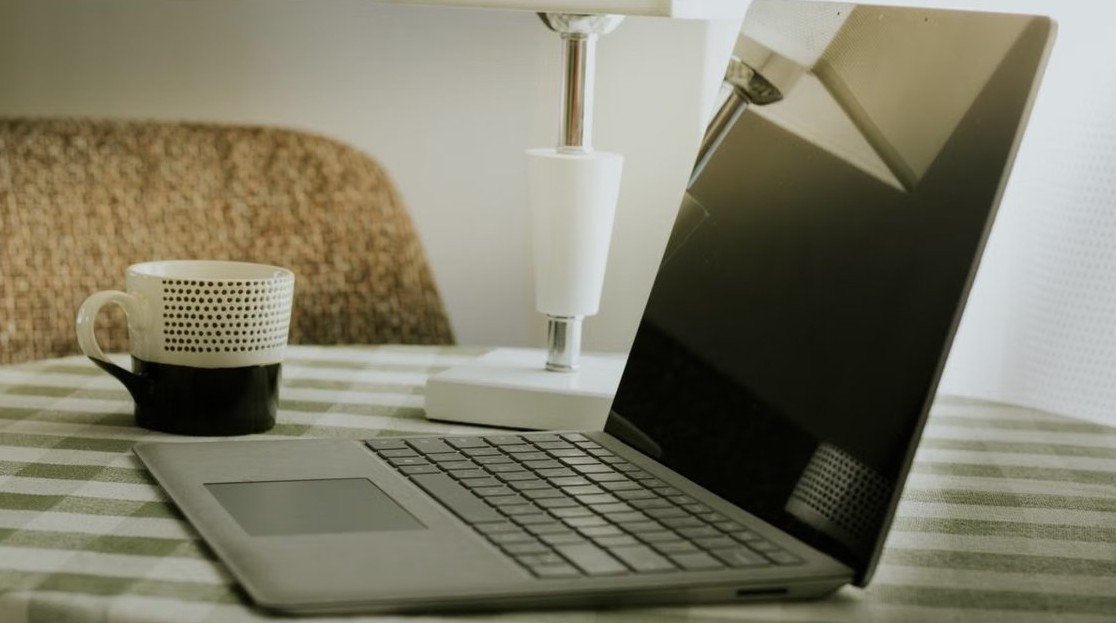
November 15, 2026 by Philip Celasco Leave a Comment
Close the PC app store - Windows laptop on a desk

Close the PC app store (Microsoft Store) with the X button or Alt + F4, force it shut in Task Manager or Command Prompt, or close the Store account for good.
Posted in: How to
How to
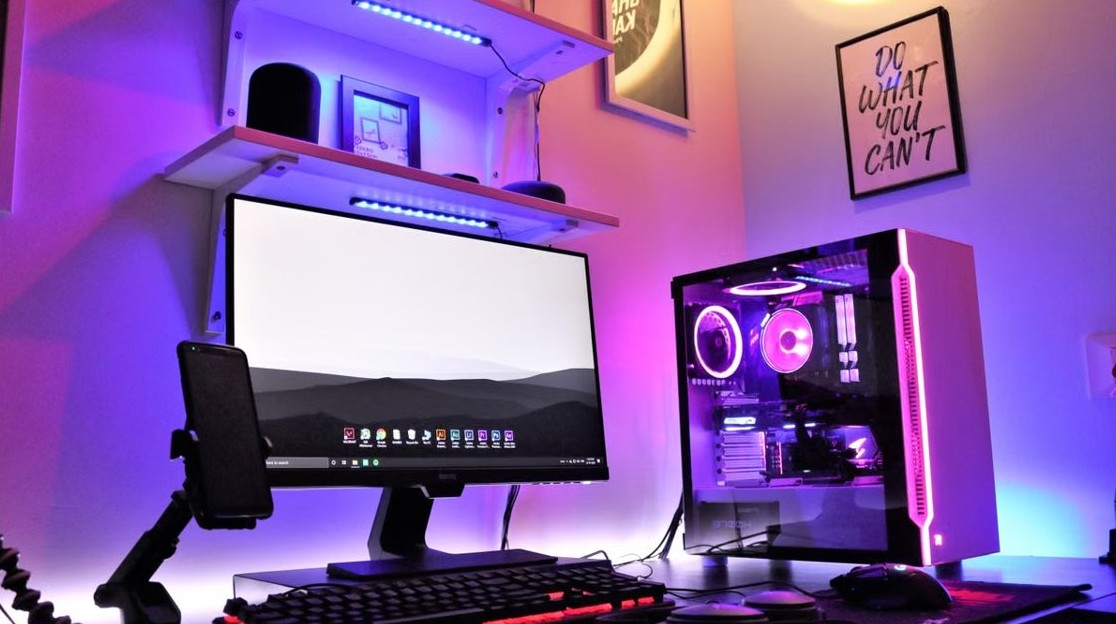
Computer turns on but monitor says no signal - desktop PC tower and monitor

Computer turns on but monitor says no signal (9 ways to fix)

November 15, 2026 by Philip Celasco Leave a Comment
Computer turns on but monitor says no signal - desktop PC tower and monitor

Monitor says no signal while the computer turns on? Check the cable and input source first, then the graphics port, driver, RAM and CMOS with these 9 fixes.

Posted in: How to
How to
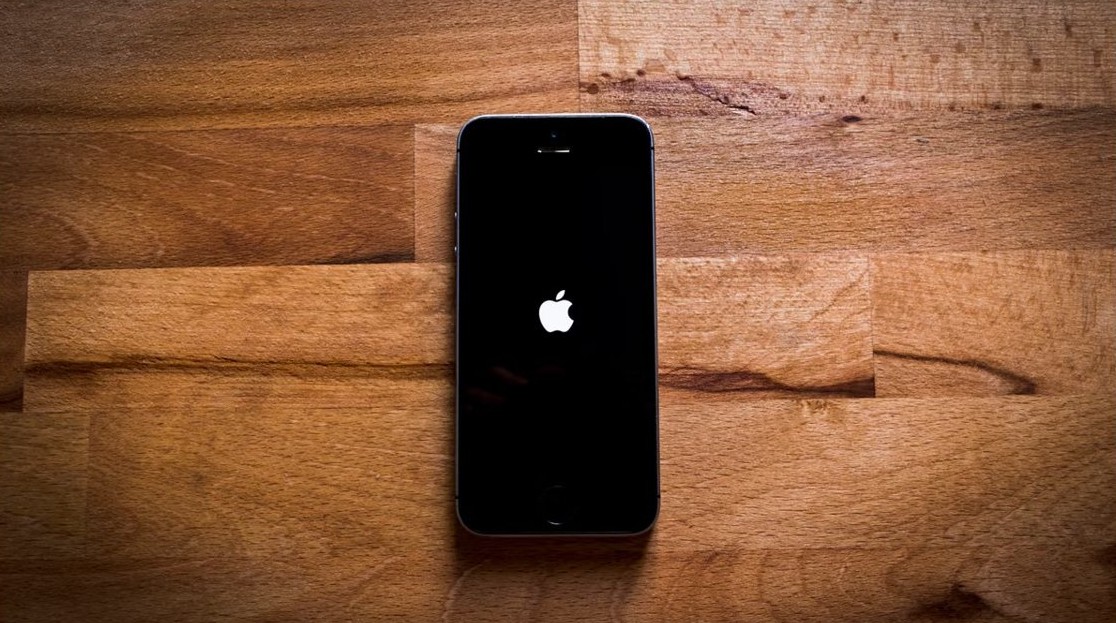
iPhone randomly shuts off with full battery - iPhone restarting with Apple logo

iPhone randomly shuts off with full battery, then shows 10% after a forced restart? How to fix it

November 15, 2026 by Philip Celasco Leave a Comment
iPhone randomly shuts off with full battery - iPhone restarting with Apple logo

iPhone randomly shuts off with a full battery and shows 10% after a forced restart? Check Battery Health, update iOS, avoid the cold and get the battery serviced.
Posted in: How to
How to
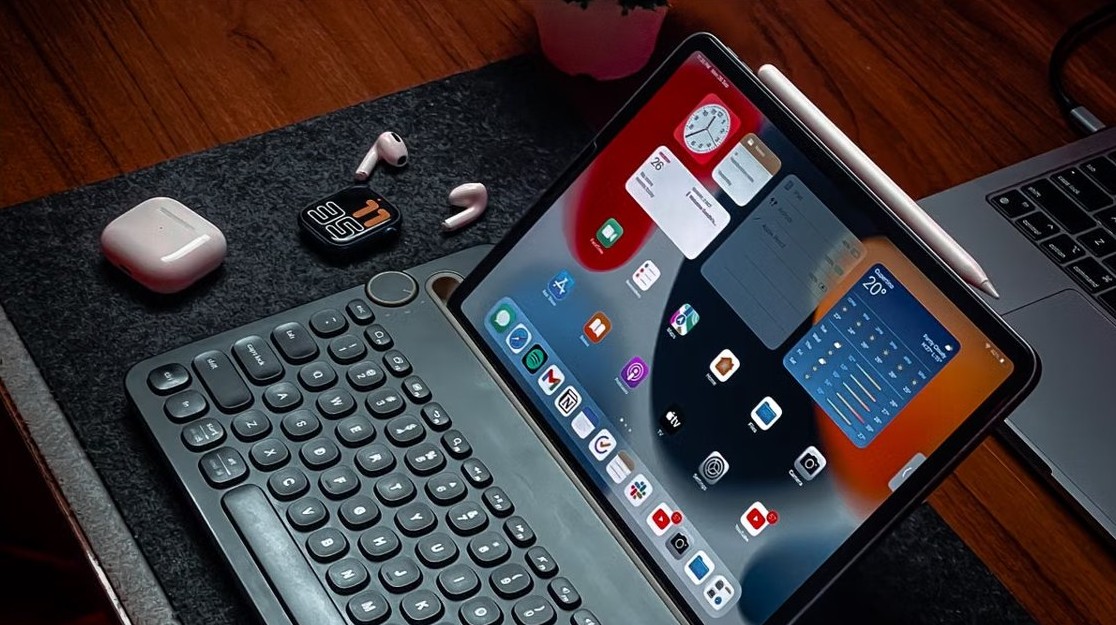
Configure the Weather app on iPad Pro - iPad with Weather widget and keyboard

How to configure the Weather app on iPad Pro

November 15, 2026 by Philip Celasco Leave a Comment
Configure the Weather app on iPad Pro - iPad with Weather widget and keyboard

Configure the Weather app on iPad Pro: change units, saved cities, notifications, Precise Location, maps and widgets from the sidebar and Settings.


Posted in: How to
How to
Classic Solitaire on Windows 11 - deck of playing cards

How to get back the classic Solitaire and Minesweeper on Windows 11/10

November 15, 2026 by Philip Celasco Leave a Comment
Classic Solitaire on Windows 11 - deck of playing cards

Get classic Solitaire and Minesweeper back on Windows 11/10 with the free Microsoft Store apps. Install steps, Klondike and Classic mode, themes, ads and fixes.

Posted in: How to
How to
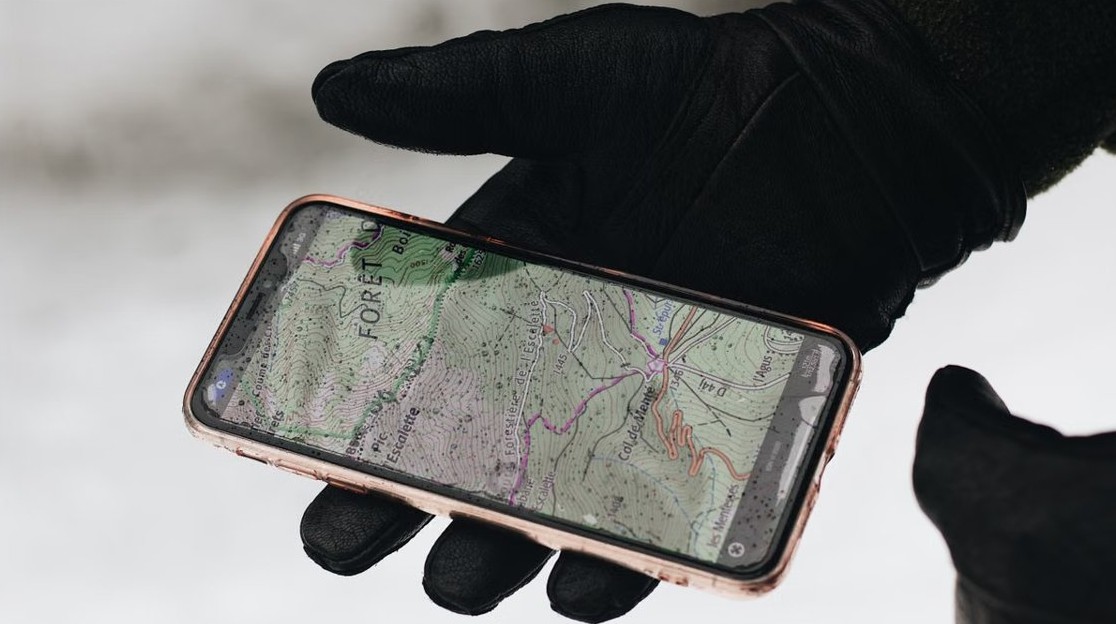
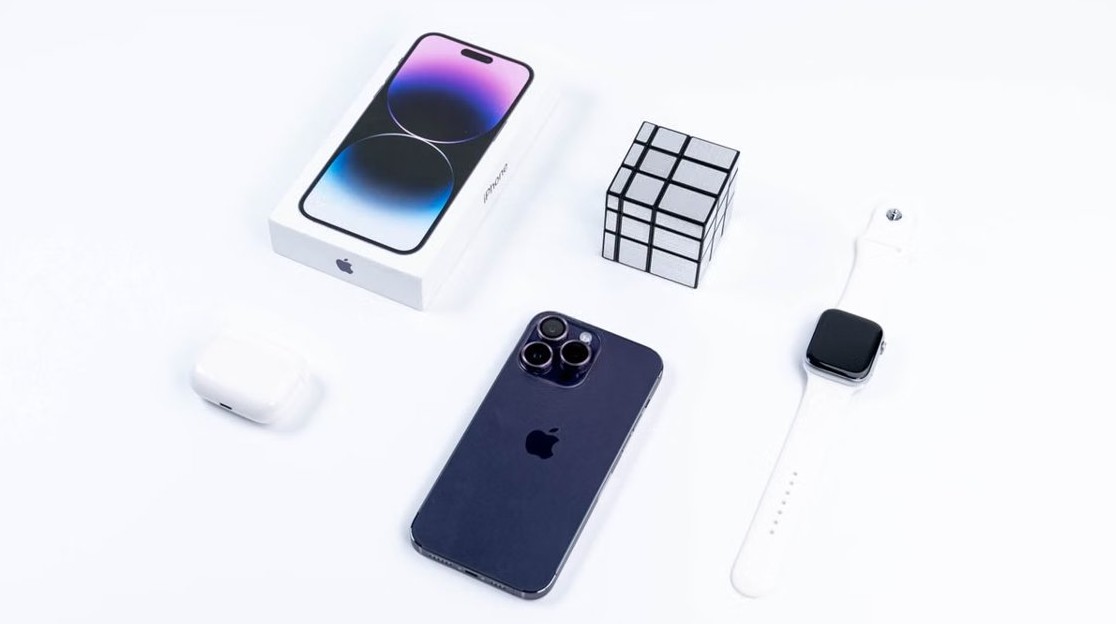
Find My iPhone - iPhone showing a map location in hand

Find My iPhone: How to use, locate & track lost iPhone (complete guide)

November 15, 2026 by Philip Celasco Leave a Comment
Find My iPhone - iPhone showing a map location in hand

Find My iPhone locates a lost iPhone on a map from another Apple device or icloud.com/find. Turn it on, play a sound, use Lost Mode, erase it and fix offline errors.
Posted in: How to
How to
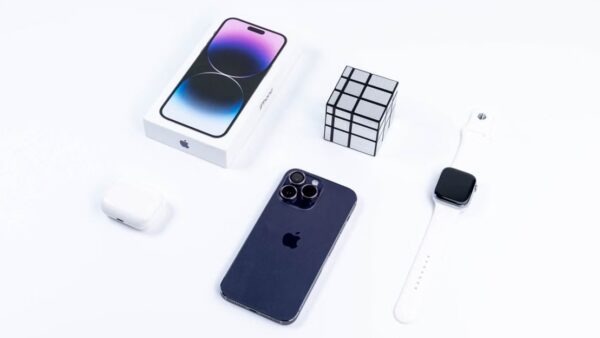
App Store verification required loop - iPhone with Apple accessories

Verification required App Store loop on iPhone: how to fix it

November 15, 2026 by Philip Celasco Leave a Comment
App Store verification required loop - iPhone with Apple accessories

Verification Required App Store loop? It means an unpaid balance. Pay it via Fix Payment Information, a new card or account credit, then downloads work again.


Posted in: How to
How to
Fix keyboard problems in Windows 11/10 - black computer keyboard

Fix keyboard problems using Keyboard troubleshooter in Windows 11/10

November 15, 2026 by Philip Celasco Leave a Comment
Fix keyboard problems in Windows 11/10 - black computer keyboard

Run the Keyboard troubleshooter from Settings in Windows 10 and older Windows 11, and fix keyboard problems on newer builds where Microsoft removed it.


Posted in: How to
How to
Apple Music album artwork showing up in the OneDrive app - stack of music CDs with album covers

Apple Music album artwork showing up in the OneDrive app? How to stop it

November 15, 2026 by Philip Celasco Leave a Comment
Apple Music album artwork showing up in the OneDrive app - stack of music CDs with album covers

Apple Music artwork filling the OneDrive app? Stop OneDrive backing up your Windows Music folder, keep the files on your PC, and fix iTunes music after the switch.


Posted in: How to
How to
Type the Apple logo on a Mac - typing on a MacBook keyboard

Apple icon emoji: how to type the Apple logo on a Mac with Polish Pro

November 15, 2026 by Philip Celasco Leave a Comment
Type the Apple logo on a Mac - typing on a MacBook keyboard

Apple icon emoji on a Mac with the Polish Pro layout: insert the Apple logo from the Character Viewer by its code, find its key, and set a text replacement.


Posted in: How to
How to
Fix runtime error 1004 in Excel VBA - laptop showing a spreadsheet chart

Fix runtime error 1004 VBA Excel macro

November 15, 2026 by Philip Celasco Leave a Comment
Fix runtime error 1004 in Excel VBA - laptop showing a spreadsheet chart

Fix runtime error 1004 in an Excel VBA macro: find the failing line with Debug, then fix Select, Copy, Validation.Add, protected sheet and macro security causes.
Posted in: How to
How to
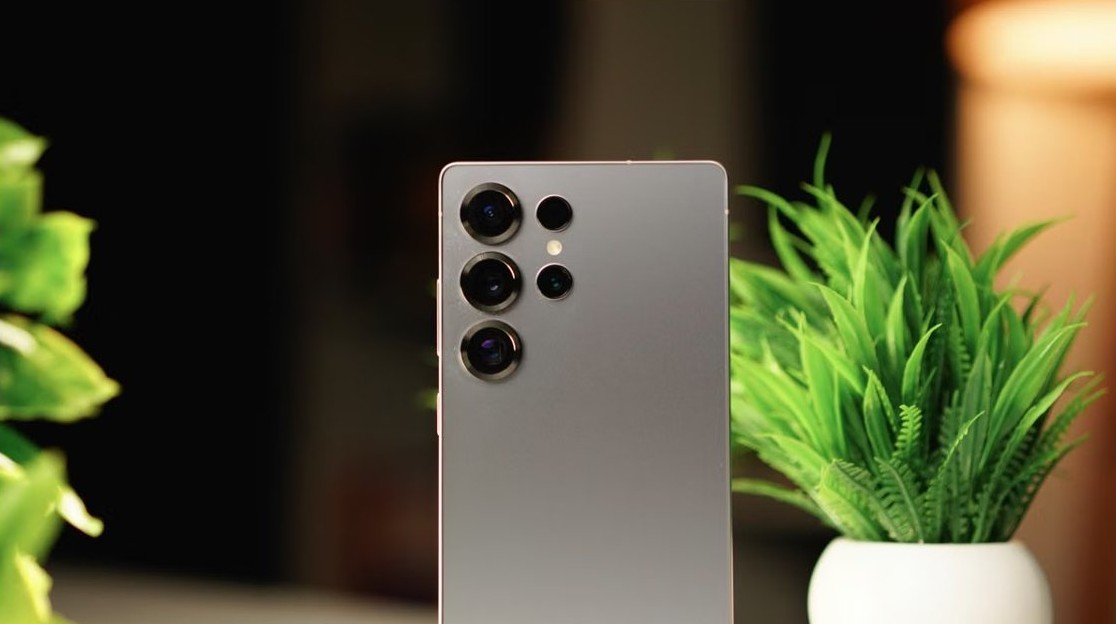
Custom notification sound on Android - Samsung Galaxy phone on a desk

How to make a custom notification sound Android: Step-by-step guide

November 15, 2026 by Philip Celasco Leave a Comment
Custom notification sound on Android - Samsung Galaxy phone on a desk

Make a custom notification sound on Android: copy an MP3 to the Notifications folder, then pick it as the default sound or per app on Pixel and Samsung phones.

Posted in: How to
« Previous 1 … 13 14 15 … 311 Next »

More from Techdows

Activate eSIM on a T-Mobile postpaid account - phone showing eSIM screen
How to activate eSIM on a T-Mobile postpaid account
How to · 5 hours ago
Voice typing in Windows 11 - microphone next to a Windows laptop
Set up and optimize voice typing & speech recognition in Windows 10/11
How to · 5 hours ago
Amazon Kindle Cloud Reader - Kindle e-reader on a wooden tray
What is the Amazon Kindle Cloud Reader and how to use it
How to · 5 hours ago
Scan MacBook Pro for viruses and malware - MacBook Pro screen showing code
How to scan your MacBook Pro for viruses and malware
How to · 4 hours ago
Can't log in to apps on iPhone because of cookie settings - iPhone on a table
Can't log in to apps on iPhone because of cookie settings? How to fix it
How to · 4 hours ago
Change colors of system elements and font sizes in Windows 11/10 - customized Windows 11 desktop
Change colors of system elements & font sizes in Windows 11/10
How to · 3 hours ago
Flip camera on Windows 10 - laptop webcam video call on screen
How to flip camera on Windows 10: A step-by-step guide for users
How to · 3 hours ago
iCloud Passwords not autofilling in Microsoft Edge - iPhone held over a Windows laptop
iCloud Passwords not autofilling in Microsoft Edge on Windows? How to fix it
How to · 3 hours ago

© 2009–2026 Techdows · About · Contact · Privacy Policy

Copyright © 2026 Techdows.

Techdows WordPress Theme by Techdows