
How to disable Windows Defender in Windows 10 & 11 (Windows Security)

Disable Windows Defender in Windows 10 and 11 from Windows Security, a third-party antivirus, Group Policy or PowerShell, with the risks and how to turn it back on.
3,752 articles
Disable Windows Defender in Windows 10 and 11 from Windows Security, a third-party antivirus, Group Policy or PowerShell, with the risks and how to turn it back on.

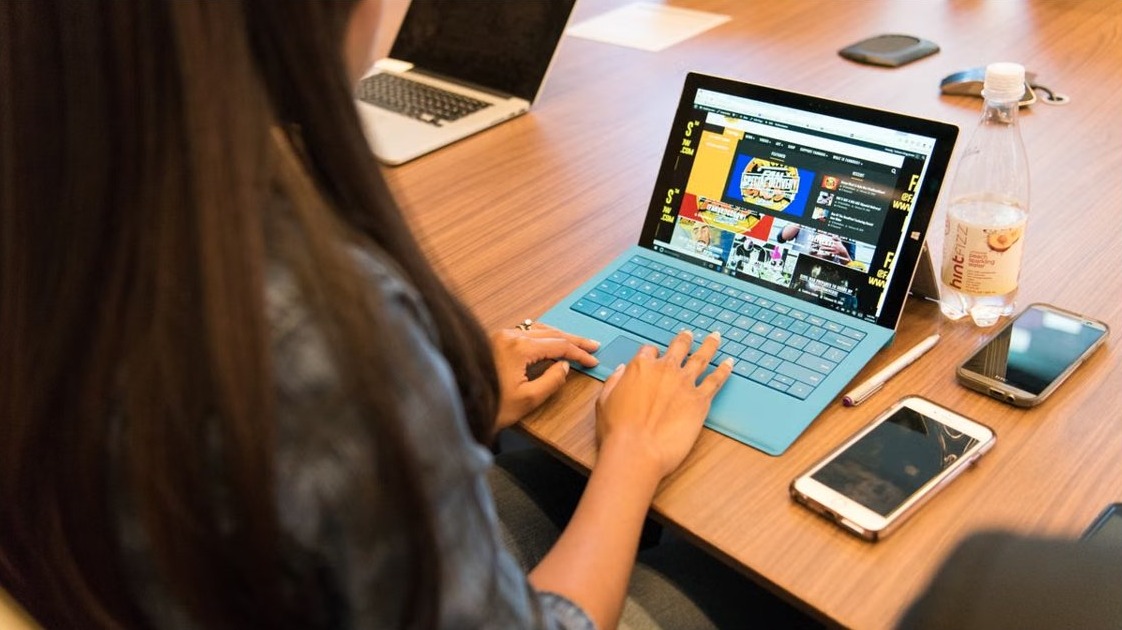
Add a user account in Windows 11 from Settings > Accounts > Other users > Add account, or use netplwiz, Computer Management, net user or PowerShell.

Link a Microsoft account to your Windows digital license: sign in as an administrator, open Settings > System > Activation, select Add an account and sign in.


appwiz.cpl opens Programs and Features. Press Windows+R, type appwiz.cpl and press Enter to uninstall, repair or change programs and manage updates.
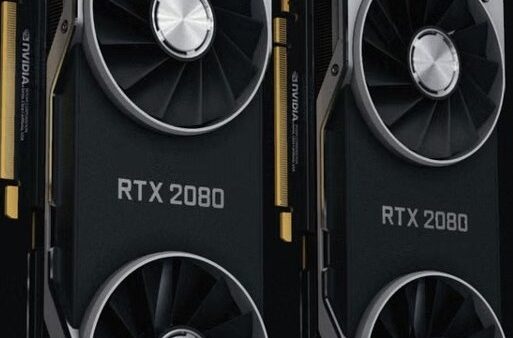
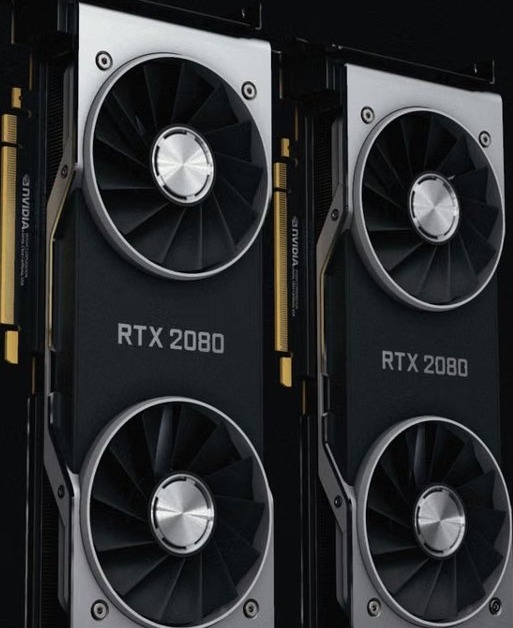
Update graphics driver on Windows 11 or 10 with Windows Update optional updates, Device Manager, or the NVIDIA, AMD and Intel driver pages; roll back bad ones.


Set Microsoft Edge as default browser in Settings > Apps > Default apps > Set default. To remove it, pick another browser there; then fix PDFs and Outlook.


Change display language in Windows 11 or 10 from Settings > Time & language > Language & region, add the language pack, sign out, then set region and keyboard.


Activate Windows Security in Windows 11/10: open the app, select Virus & threat protection > Manage settings and turn on Real-time protection, firewall & more.


Type e with an accent (é, è, ê, ë): hold Alt and type 0233 on Windows, press and hold E on a Mac, iPhone or Android, or use Ctrl+’ then e in Microsoft Word.


Get Bing’s daily photos as your Windows 11 wallpaper: choose Windows spotlight in Settings > Personalization > Background, or install the Bing Wallpaper app.


Adjust screen brightness on Windows 11 or 10 with Win + A, Settings, laptop keys, adaptive brightness, energy saver, monitor buttons or PowerShell, plus fixes.

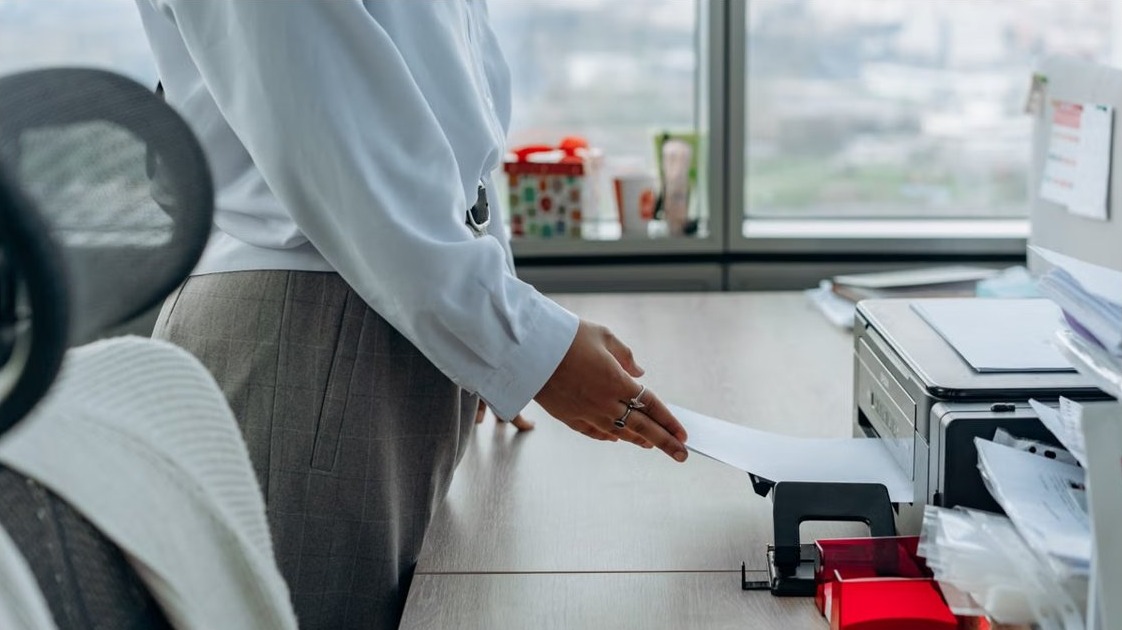
Open Devices and Printers in Windows 11/10 by typing control printers in Run. Also Search, Control Panel, Settings, File Explorer, CMD, shortcuts and fixes.