Techdows

Windows how-to guides, fixes and software downloads

  • Home
  • Settings and hardware

    • Printers
    • Sound and microphone
    • Wi-Fi and network
    • Bluetooth
    • Display and monitors
    • Drivers
    • Keyboard shortcuts and symbols

    Using Windows

    • File Explorer
    • Storage and disk space
    • Taskbar, Start and desktop
    • Apps and default programs
    • Accounts and sign-in
    • Copilot in Windows
    • Command Prompt and PowerShell

    Updates and fixes

    • Windows Update
    • Windows 11 26H2
    • Error codes and BSOD
    • Boot, BIOS and recovery
    • Security and Defender
    • Task Manager and performance
    • DLL and runtime errors

    Popular fixes

    • Get help in Windows 11
    • Connect a wireless printer
    • Re-pair Bluetooth earbuds for stereo sound
    • Cancel a stuck print job
    • Change default programs

    All Windows guides →

  • Browse by type

    • Web browsers
    • Office and productivity apps
    • PC games and launchers
    • Phone and media apps
    • Developer tools
    • Creative apps
    • CAD software
    • System utilities and drivers

    Popular downloads

    • GTA V for PC
    • YouTube app for PC
    • Google Meet for PC
    • Cisco Packet Tracer
    • TikTok for PC

    Windows tools

    • PC Health Check app
    • HEVC Video Extension
    • DirectX 12
    • Cinebench R23

    All download guides →

  • Browser guides

    • Microsoft Edge
    • Google Chrome
    • Firefox
    • Web browsers for PC

    Microsoft Edge

    • Fix WebView2 using too much memory
    • Internet Explorer mode in Edge
    • Manage Edge favorites
    • Set or remove Edge as default

    Chrome and Firefox

    • Make Chrome the default browser
    • Restore closed tabs
    • Change the default web browser

    All browser guides →

  • Office guides

    • Outlook
    • Excel
    • Word and PowerPoint
    • OneDrive
    • Install Microsoft 365

    Meetings and other tools

    • Teams, Zoom and Google Meet
    • Google Docs and Sheets
    • PDF tools

    Office apps

    • Office product key
    • Office Deployment Tool
    • What is OneDrive?
    • Turn off OneDrive in Windows 11

    Outlook and Teams

    • Outlook inbox view changed
    • Schedule an email in Outlook
    • Outlook dark mode
    • Teams breakout rooms

    All Office and productivity guides →

  • PHP security

    • PHP2Shell patch download
    • PHP critical RCE security update
    • CVE-2026-109618 fix
    • CVE-2026-109619 explained
    • Mitigations if you can't update

    Update PHP

    • Update PHP to the latest version
    • Check your PHP version
    • Update PHP on Ubuntu and Debian
    • Restart PHP-FPM

    Hosting and local servers

    • Update PHP in XAMPP
    • Change PHP version in cPanel
    • Update PHP in Laragon and WampServer
    • Update PHP Docker images
    • WordPress PHP version check

    PHP downloads

    • PHP 8.5.12 download
    • PHP 8.4.27 download
    • PHP 8.3.36 and 8.2.35 download
    • Download PHP for Windows

    PHP2Shell by platform

    • PHP 8.3 fix on Ubuntu 24.04
    • PHP 8.1 fix on Ubuntu 22.04
    • PHP 8.2 and 8.4 fix on Debian
    • Update PHP on IIS
    • Cloudflare PHP2Shell WAF rule

    All PHP guides →

  • Sections

    • Gaming
    • Apple
    • Android
    • Apps and services
    • Developer and IT

    Apple

    • iPhone tips and fixes
    • Reset and restore iPhone
    • iPad
    • Mac and macOS
    • Apple Account and iCloud
    • Apple devices on Windows

    Apps, Android and gaming

    • Gmail and Google account
    • YouTube
    • Social media accounts
    • Streaming TV
    • Android and Samsung Galaxy
    • PC gaming and Xbox
    • Roblox and Minecraft on PC

    Developer and IT

    • WSL and developer setup
    • Virtual machines
    • Group Policy and Intune
    • Windows Server
    • Website error codes
  • News
Home›Android

Android

155 articles

Android tips, app guides, and news from Techdows: how-tos for phones and tablets, useful settings, app download and setup guides, and fixes for everyday Android problems. Practical steps you can follow on any recent Android version. Start with the Android and Samsung Galaxy guide for resets, finding a lost phone, transfers and connecting a phone to a PC.

Android
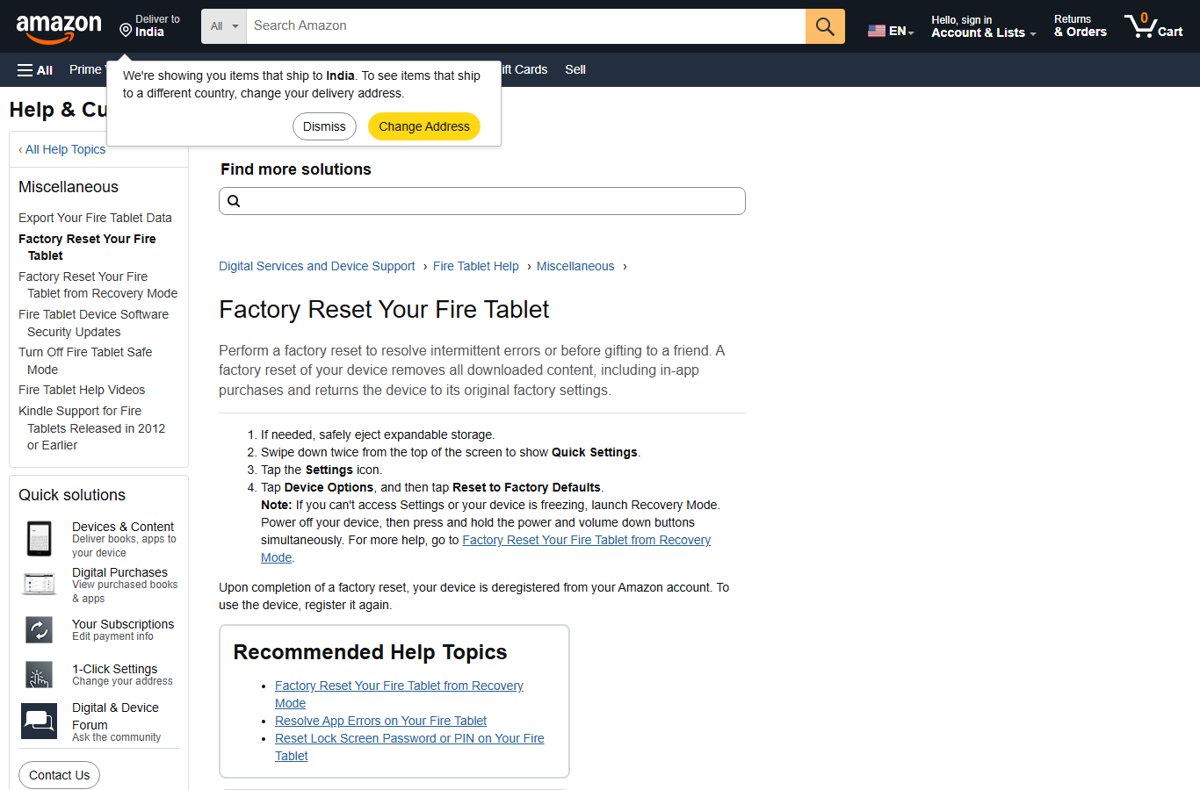
How to Factory Reset Kindle Fire

How to factory reset Kindle Fire
October 22, 2026 by Philip Celasco Leave a Comment
How to Factory Reset Kindle Fire

Factory reset a Kindle Fire from Settings > Device Options > Reset to Factory Defaults, or use the power and volume buttons in Recovery Mode when it is locked.
Posted in: Android, How to
Android
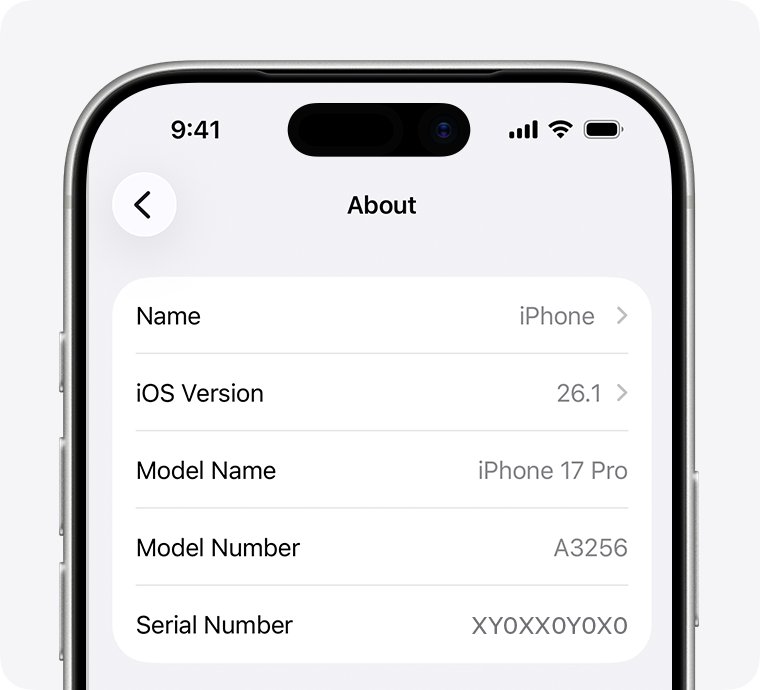
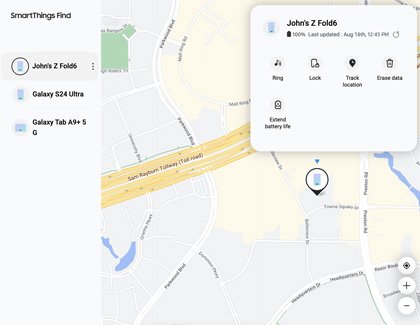
Can you track a lost phone with its serial number? What works instead

Can you track a lost phone with its serial number? What works instead

October 20, 2026 by Philip Celasco Leave a Comment
Can you track a lost phone with its serial number? What works instead

You can’t track a lost phone with its serial number or IMEI. Use Find My on iPhone or Find Hub on Android, then give the serial number to police and your carrier.
Posted in: Android, How to
Android
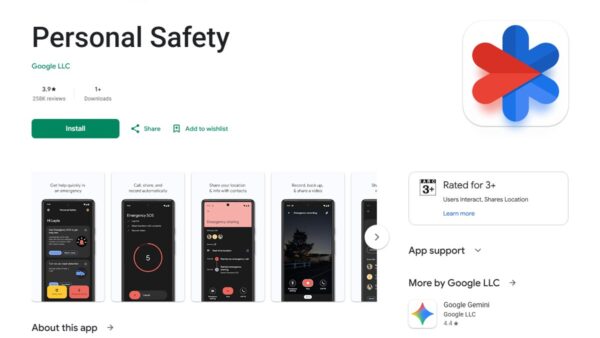
How to locate your lost Samsung Galaxy phone or tablet

How to locate your lost Samsung Galaxy phone or tablet

October 19, 2026 by Philip Celasco Leave a Comment
How to locate your lost Samsung Galaxy phone or tablet

Find my phone on Samsung: locate a lost Galaxy phone or tablet with Samsung Find or SmartThings Find, then ring, lock or erase it, or use Google Find Hub.
Posted in: Android, How to
Android
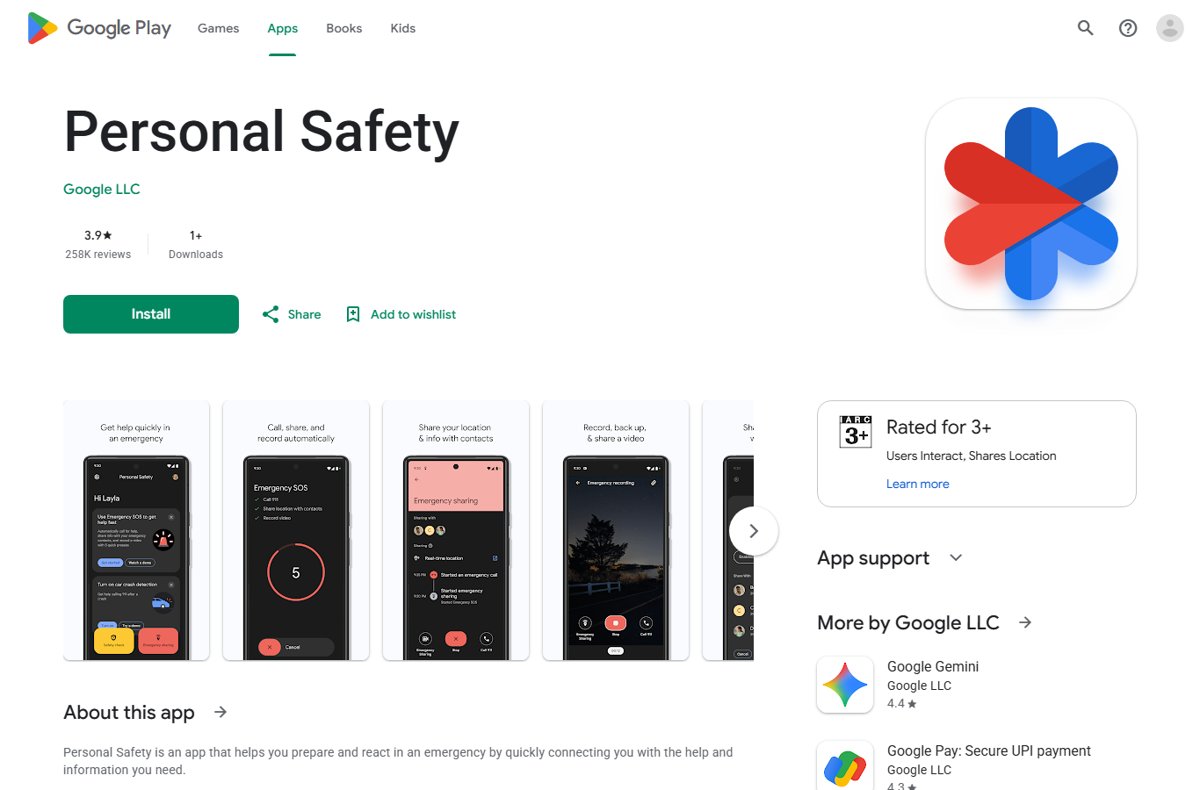
Google Play Store page for the Personal Safety app showing preview screens

How to add emergency contact on Android

October 17, 2026 by Philip Celasco Leave a Comment
Google Play Store page for the Personal Safety app showing preview screens

Add an emergency contact on Android in the Personal Safety app: Your info > Emergency contacts > Add contact. Plus Emergency SOS setup, medical info and fixes.
Posted in: Android, How to
Android
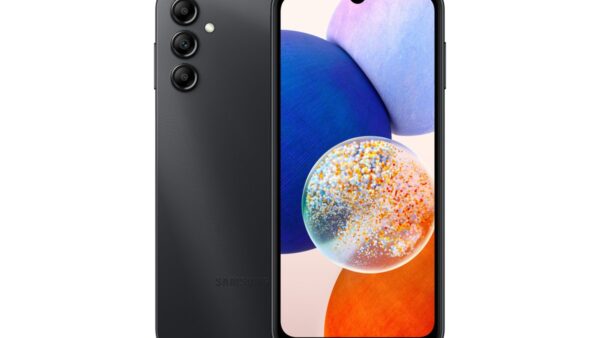
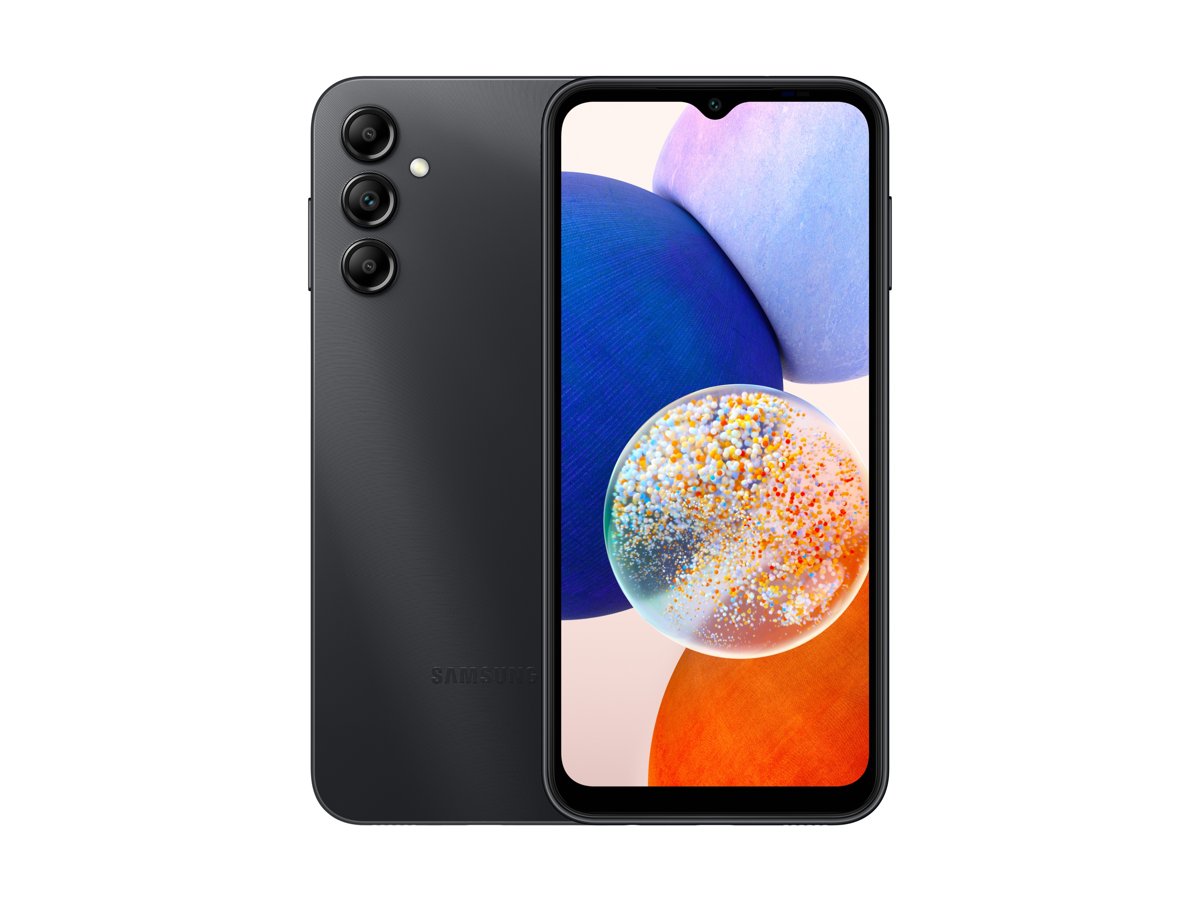
Black Galaxy A14 5G shown from the back and the front

Samsung Galaxy A14 5G

October 17, 2026 by Philip Celasco Leave a Comment
Black Galaxy A14 5G shown from the back and the front

Samsung Galaxy A14 5G specs: Dimensity 700 or Exynos 1330 chip, 6.6-inch 90Hz screen, 5,000mAh battery, RAM, cameras, model codes, eSIM and updates.
Posted in: Android, How to
Android
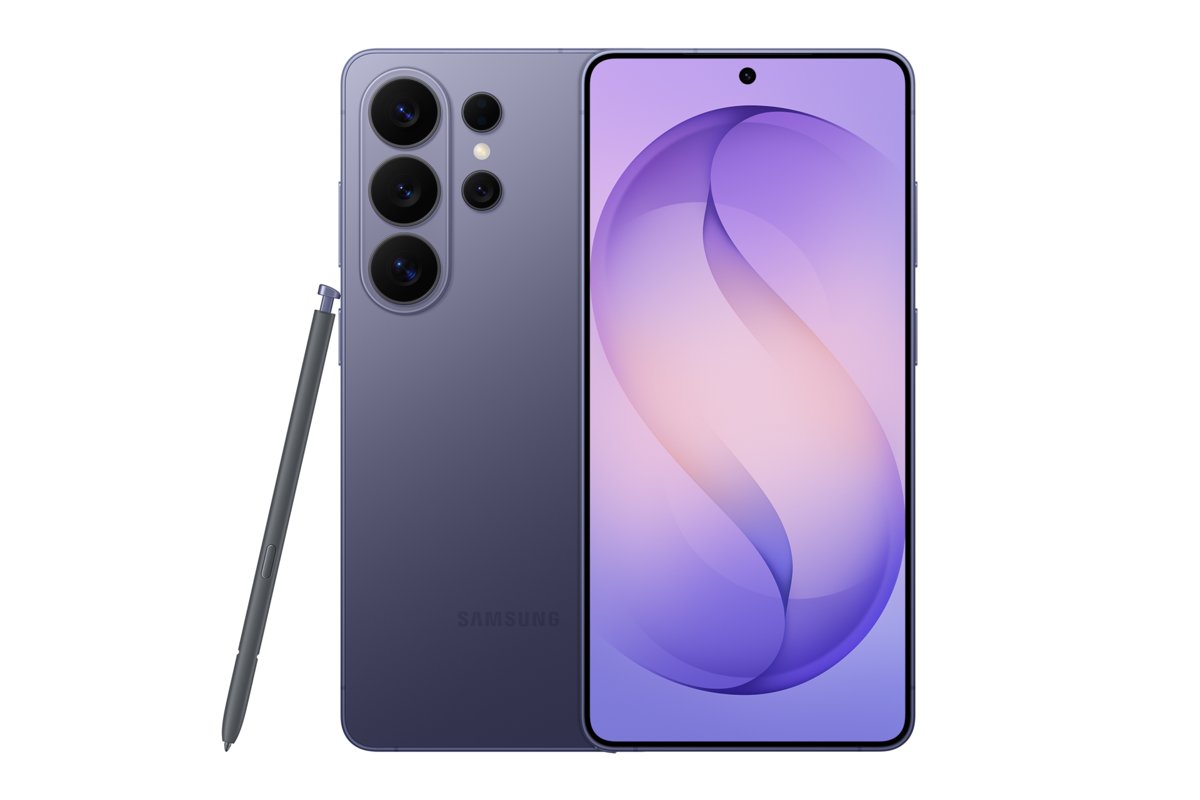
Galaxy S26 Ultra in violet, front and back, with its S Pen

Samsung Galaxy S26 Ultra vs. Galaxy S26 and S26 Plus: flagship specs comparison

October 16, 2026 by Philip Celasco Leave a Comment
Galaxy S26 Ultra in violet, front and back, with its S Pen

Galaxy S26 Ultra vs Galaxy S26 and S26+ compared on Samsung’s own specs: display, cameras, chip, battery, charging, RAM, storage, S Pen and US prices.
Posted in: Android, How to
Android
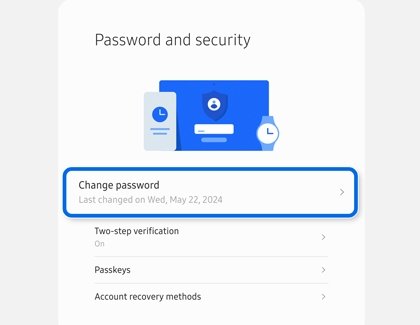
Samsung account Password and security page listing Two-step verification and Passkeys

How to find my Samsung account backup code and use it to sign in

October 15, 2026 by Philip Celasco 1 Comment
Samsung account Password and security page listing Two-step verification and Passkeys

Find your Samsung account backup codes under Two-step verification on a Galaxy phone or account.samsung.com, then sign in with one when SMS codes fail.
Posted in: Android, How to
Android
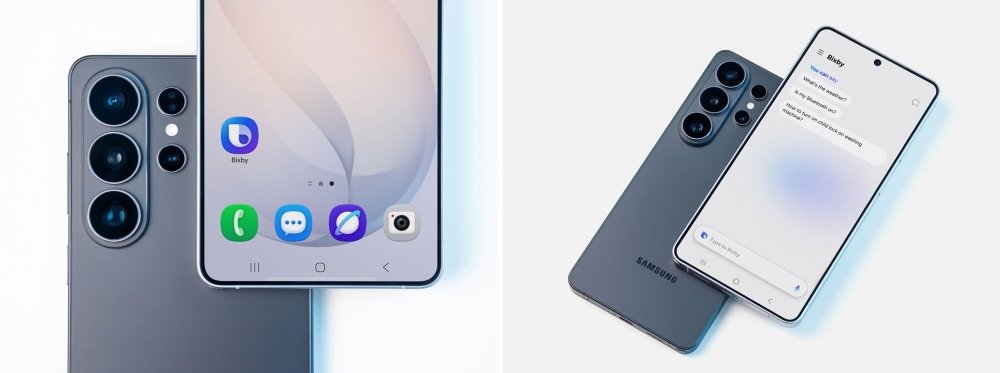
Galaxy phone home screen with the Bixby app icon beside its suggestions screen

What is Bixby? Samsung’s smart assistant explained

October 14, 2026 by Philip Celasco Leave a Comment
Galaxy phone home screen with the Bixby app icon beside its suggestions screen

Bixby is Samsung’s built-in assistant for Galaxy phones, tablets, watches and more. See what it does, how to set it up, its side button, Galaxy AI and Gemini.
Posted in: Android, How to
Android
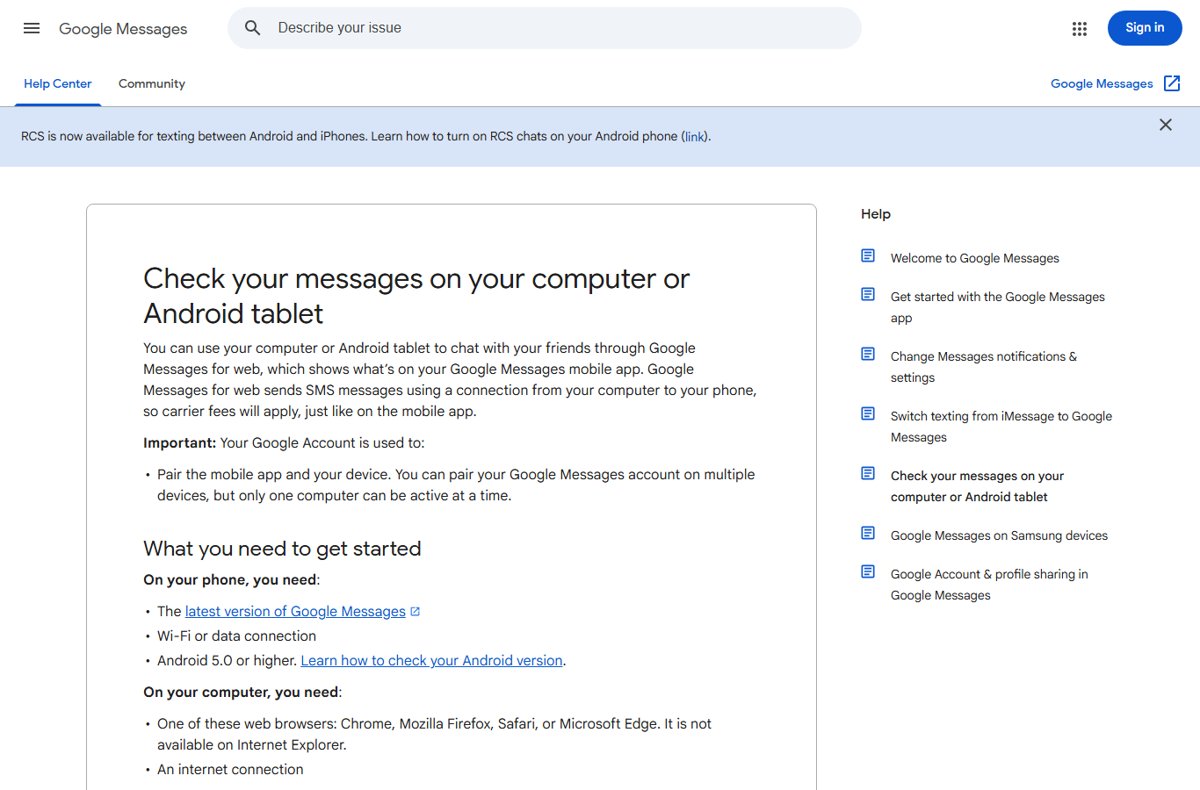
Google Messages Help page listing phone and computer requirements for Messages for web

How to get Google Messages for web: a step-by-step guide

October 14, 2026 by Philip Celasco Leave a Comment
Google Messages Help page listing phone and computer requirements for Messages for web

Get Google Messages for web on your PC: open messages.google.com/web, sign in with the Google Account on your Android phone and tap the matching emoji to pair.
Posted in: Android, How to
Android
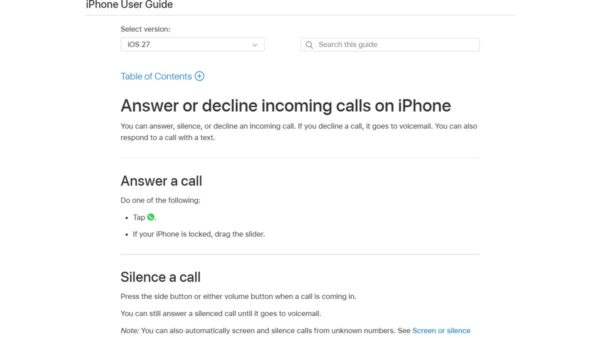
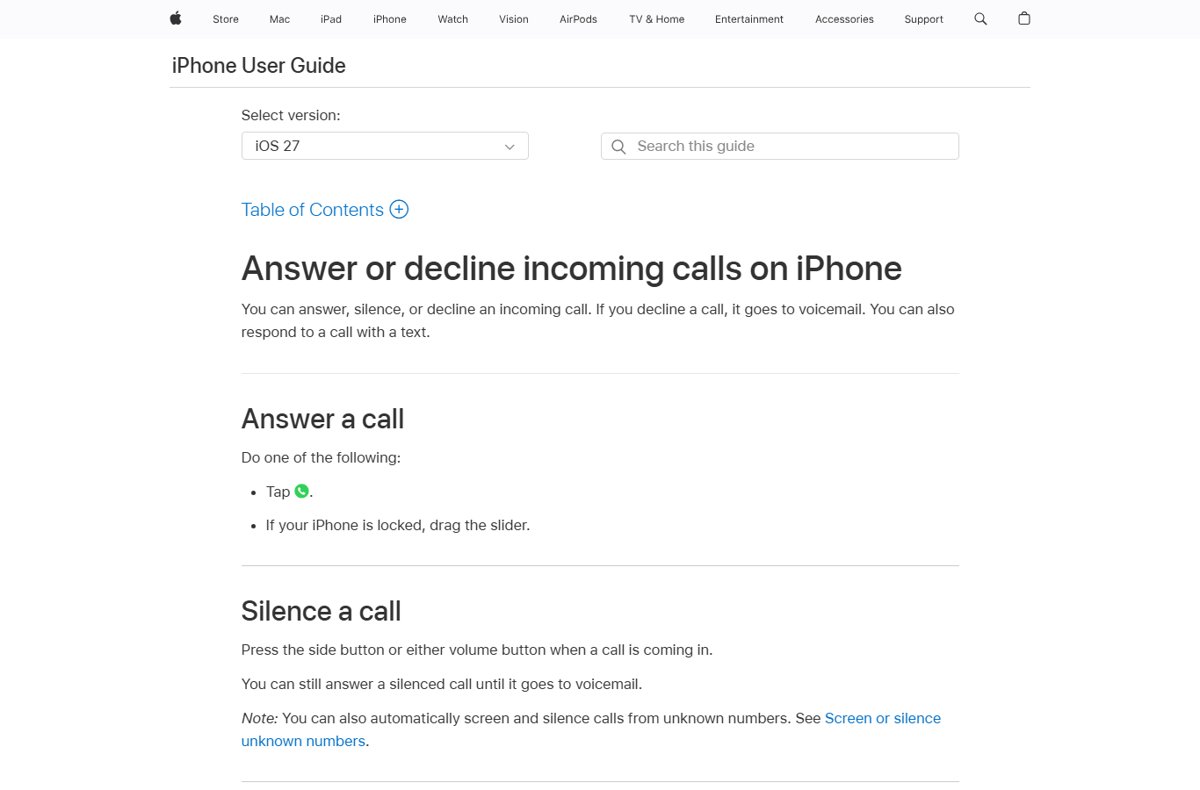
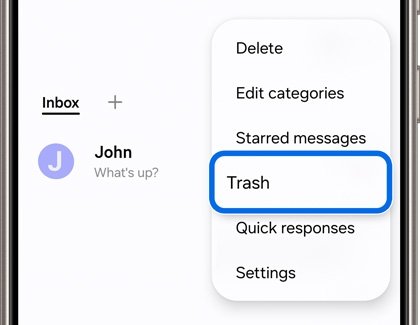
Apple iPhone User Guide page on answering, silencing or declining calls

How to dial directly to voicemail

October 13, 2026 by Philip Celasco Leave a Comment
Apple iPhone User Guide page on answering, silencing or declining calls

Dial directly to voicemail: skip a Verizon greeting with *, reach your own mailbox with *86 or 1, and send calls straight to voicemail on iPhone and Android.
Posted in: Android, How to
Android
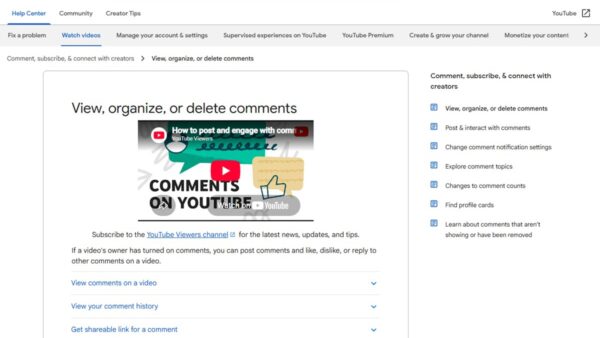
Samsung Messages more options menu with Trash highlighted below Starred messages

How to recover deleted text messages on Android: a step-by-step guide

October 13, 2026 by Philip Celasco Leave a Comment
Samsung Messages more options menu with Trash highlighted below Starred messages

Recover deleted text messages on Android from the Google Messages or Samsung Messages Trash, a Google or Samsung Cloud backup, or your carrier. Steps and fixes.
Posted in: Android, How to
Android
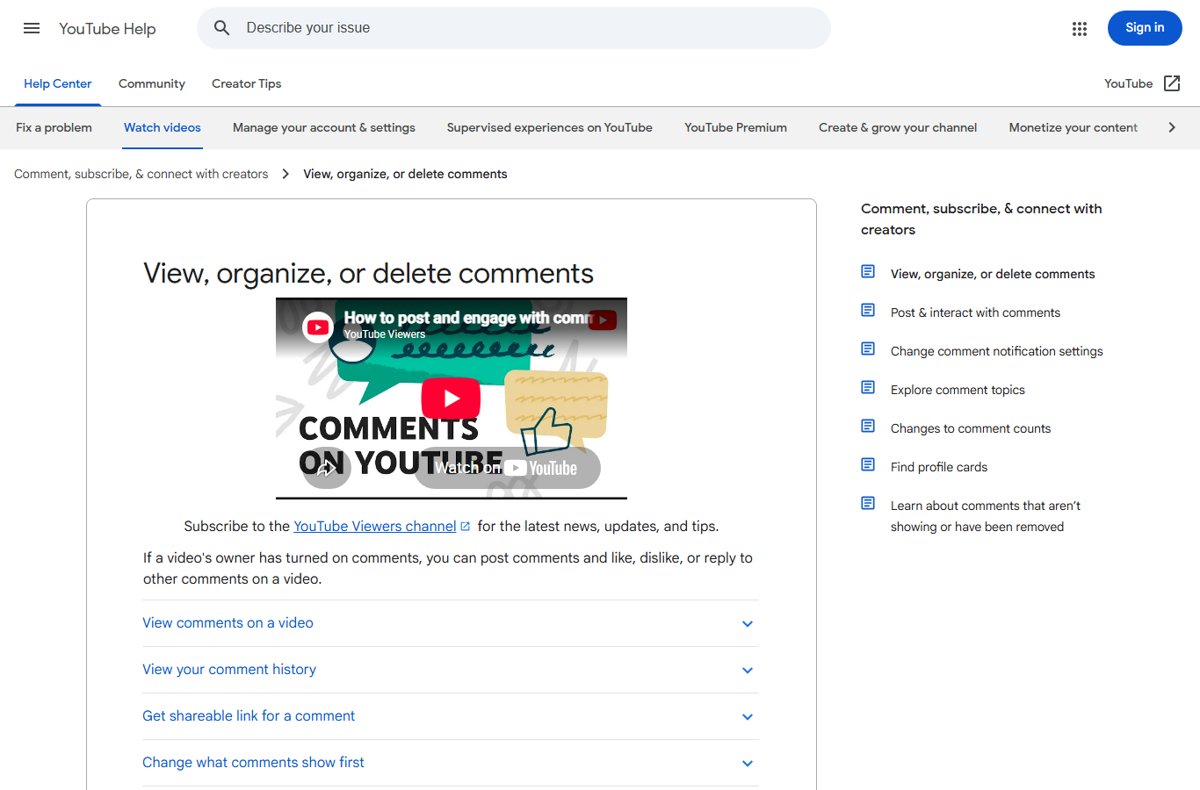
YouTube Help page View, organize, or delete comments with expandable topics

How to view YouTube comment history Android & iOS

October 11, 2026 by Philip Celasco 1 Comment
YouTube Help page View, organize, or delete comments with expandable topics

View YouTube comment history on Android and iOS by opening the Comment History page in your phone browser. Edit, delete or find a missing comment, step by step.

Posted in: Android, How to
« Previous 1 2 3 … 13 Next »

More from Techdows

Can't log in to apps on iPhone because of cookie settings - iPhone on a table
Can't log in to apps on iPhone because of cookie settings? How to fix it
How to · 5 hours ago
Change colors of system elements and font sizes in Windows 11/10 - customized Windows 11 desktop
Change colors of system elements & font sizes in Windows 11/10
How to · 5 hours ago
Flip camera on Windows 10 - laptop webcam video call on screen
How to flip camera on Windows 10: A step-by-step guide for users
How to · 5 hours ago
iCloud Passwords not autofilling in Microsoft Edge - iPhone held over a Windows laptop
iCloud Passwords not autofilling in Microsoft Edge on Windows? How to fix it
How to · 4 hours ago
Alphabetize in Word - letter tiles arranged in alphabetical order
How to alphabetize in Word: step-by-step guide for easy sorting
How to · 4 hours ago
Create and use a Microsoft Teams calendar - weekly calendar on a laptop screen
How to create and use a Microsoft Teams calendar
How to · 4 hours ago
Change Microsoft Word margins in Office 365 - stack of printed documents on a desk
How to change Microsoft Word margins in Office 365: a step-by-step guide
How to · 4 hours ago
Enable transcription in Teams meeting - laptop showing an online meeting call
How to enable and view transcription in Teams meeting
How to · 3 hours ago

© 2009–2026 Techdows · About · Contact · Privacy Policy

Copyright © 2026 Techdows.

Techdows WordPress Theme by Techdows