Techdows

Windows how-to guides, fixes and software downloads

  • Home
  • Settings and hardware

    • Printers
    • Sound and microphone
    • Wi-Fi and network
    • Bluetooth
    • Display and monitors
    • Drivers
    • Keyboard shortcuts and symbols

    Using Windows

    • File Explorer
    • Storage and disk space
    • Taskbar, Start and desktop
    • Apps and default programs
    • Accounts and sign-in
    • Copilot in Windows
    • Command Prompt and PowerShell

    Updates and fixes

    • Windows Update
    • Windows 11 26H2
    • Error codes and BSOD
    • Boot, BIOS and recovery
    • Security and Defender
    • Task Manager and performance
    • DLL and runtime errors

    Popular fixes

    • Get help in Windows 11
    • Connect a wireless printer
    • Re-pair Bluetooth earbuds for stereo sound
    • Cancel a stuck print job
    • Change default programs

    All Windows guides →

  • Browse by type

    • Web browsers
    • Office and productivity apps
    • PC games and launchers
    • Phone and media apps
    • Developer tools
    • Creative apps
    • CAD software
    • System utilities and drivers

    Popular downloads

    • GTA V for PC
    • YouTube app for PC
    • Google Meet for PC
    • Cisco Packet Tracer
    • TikTok for PC

    Windows tools

    • PC Health Check app
    • HEVC Video Extension
    • DirectX 12
    • Cinebench R23

    All download guides →

  • Browser guides

    • Microsoft Edge
    • Google Chrome
    • Firefox
    • Web browsers for PC

    Microsoft Edge

    • Fix WebView2 using too much memory
    • Internet Explorer mode in Edge
    • Manage Edge favorites
    • Set or remove Edge as default

    Chrome and Firefox

    • Make Chrome the default browser
    • Restore closed tabs
    • Change the default web browser

    All browser guides →

  • Office guides

    • Outlook
    • Excel
    • Word and PowerPoint
    • OneDrive
    • Install Microsoft 365

    Meetings and other tools

    • Teams, Zoom and Google Meet
    • Google Docs and Sheets
    • PDF tools

    Office apps

    • Office product key
    • Office Deployment Tool
    • What is OneDrive?
    • Turn off OneDrive in Windows 11

    Outlook and Teams

    • Outlook inbox view changed
    • Schedule an email in Outlook
    • Outlook dark mode
    • Teams breakout rooms

    All Office and productivity guides →

  • PHP security

    • PHP2Shell patch download
    • PHP critical RCE security update
    • CVE-2026-109618 fix
    • CVE-2026-109619 explained
    • Mitigations if you can't update

    Update PHP

    • Update PHP to the latest version
    • Check your PHP version
    • Update PHP on Ubuntu and Debian
    • Restart PHP-FPM

    Hosting and local servers

    • Update PHP in XAMPP
    • Change PHP version in cPanel
    • Update PHP in Laragon and WampServer
    • Update PHP Docker images
    • WordPress PHP version check

    PHP downloads

    • PHP 8.5.12 download
    • PHP 8.4.27 download
    • PHP 8.3.36 and 8.2.35 download
    • Download PHP for Windows

    PHP2Shell by platform

    • PHP 8.3 fix on Ubuntu 24.04
    • PHP 8.1 fix on Ubuntu 22.04
    • PHP 8.2 and 8.4 fix on Debian
    • Update PHP on IIS
    • Cloudflare PHP2Shell WAF rule

    All PHP guides →

  • Sections

    • Gaming
    • Apple
    • Android
    • Apps and services
    • Developer and IT

    Apple

    • iPhone tips and fixes
    • Reset and restore iPhone
    • iPad
    • Mac and macOS
    • Apple Account and iCloud
    • Apple devices on Windows

    Apps, Android and gaming

    • Gmail and Google account
    • YouTube
    • Social media accounts
    • Streaming TV
    • Android and Samsung Galaxy
    • PC gaming and Xbox
    • Roblox and Minecraft on PC

    Developer and IT

    • WSL and developer setup
    • Virtual machines
    • Group Policy and Intune
    • Windows Server
    • Website error codes
  • News
Home›Android

Android

155 articles

Android tips, app guides, and news from Techdows: how-tos for phones and tablets, useful settings, app download and setup guides, and fixes for everyday Android problems. Practical steps you can follow on any recent Android version. Start with the Android and Samsung Galaxy guide for resets, finding a lost phone, transfers and connecting a phone to a PC.

Android
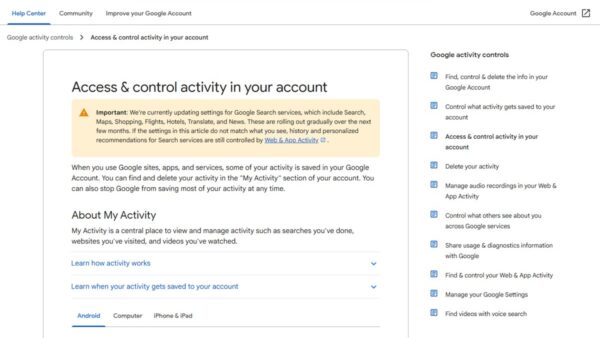
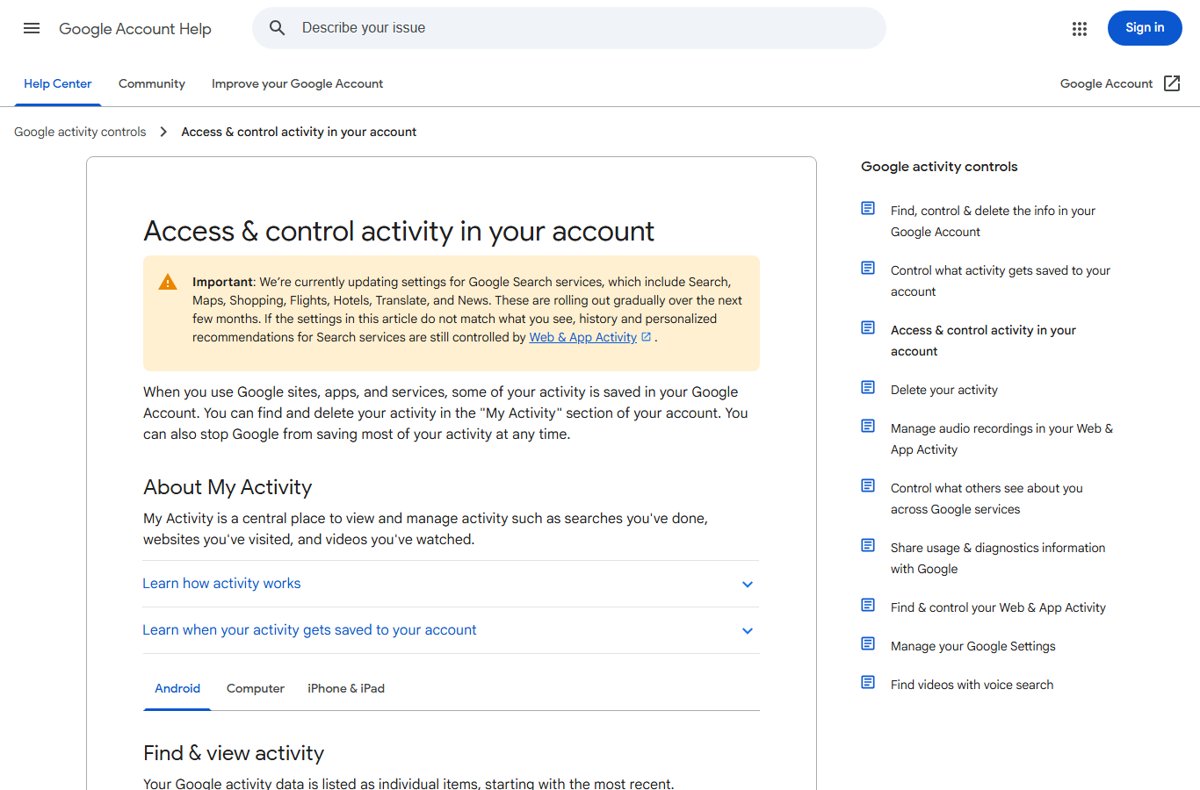
Google Account Help article on accessing and controlling activity in your account

How to access Google “My Activity” on Android
October 11, 2026 by Philip Celasco Leave a Comment
Google Account Help article on accessing and controlling activity in your account

Access Google My Activity on Android from Settings, Google, Manage your Google Account, Data & privacy, or at myactivity.google.com. Delete, pause and export it.
Posted in: Android, How to
Android
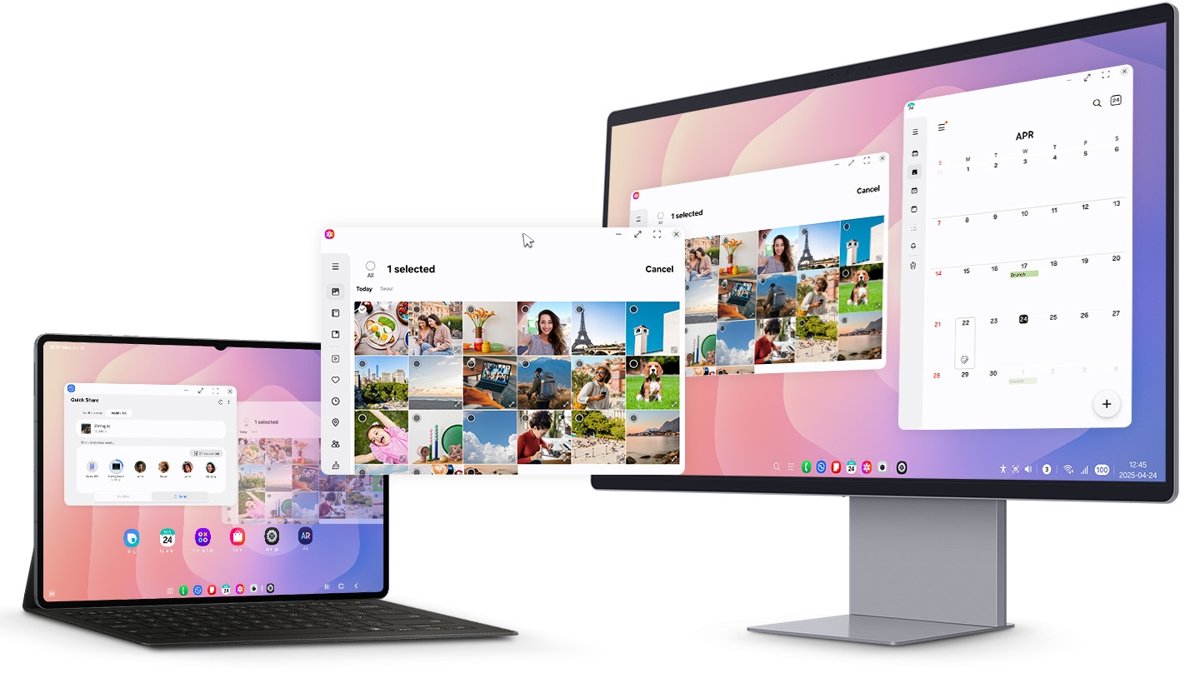
Samsung DeX desktop on a Galaxy tablet and an external monitor

How to use Samsung DeX on Windows 11

October 10, 2026 by Philip Celasco Leave a Comment
Samsung DeX desktop on a Galaxy tablet and an external monitor

Use Samsung DeX on Windows 11 the current way: pair your Galaxy phone with Phone Link, run its apps in windows, drag files across, or run full DeX on a monitor.
Posted in: Android, How to
Android
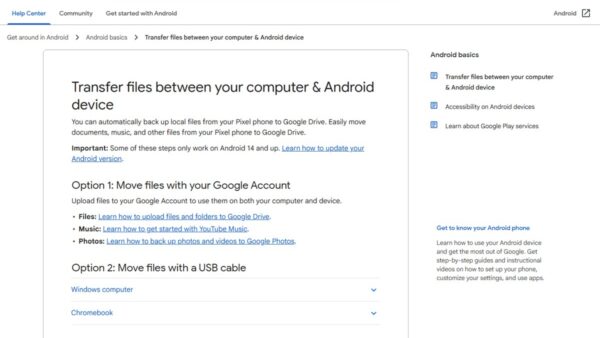
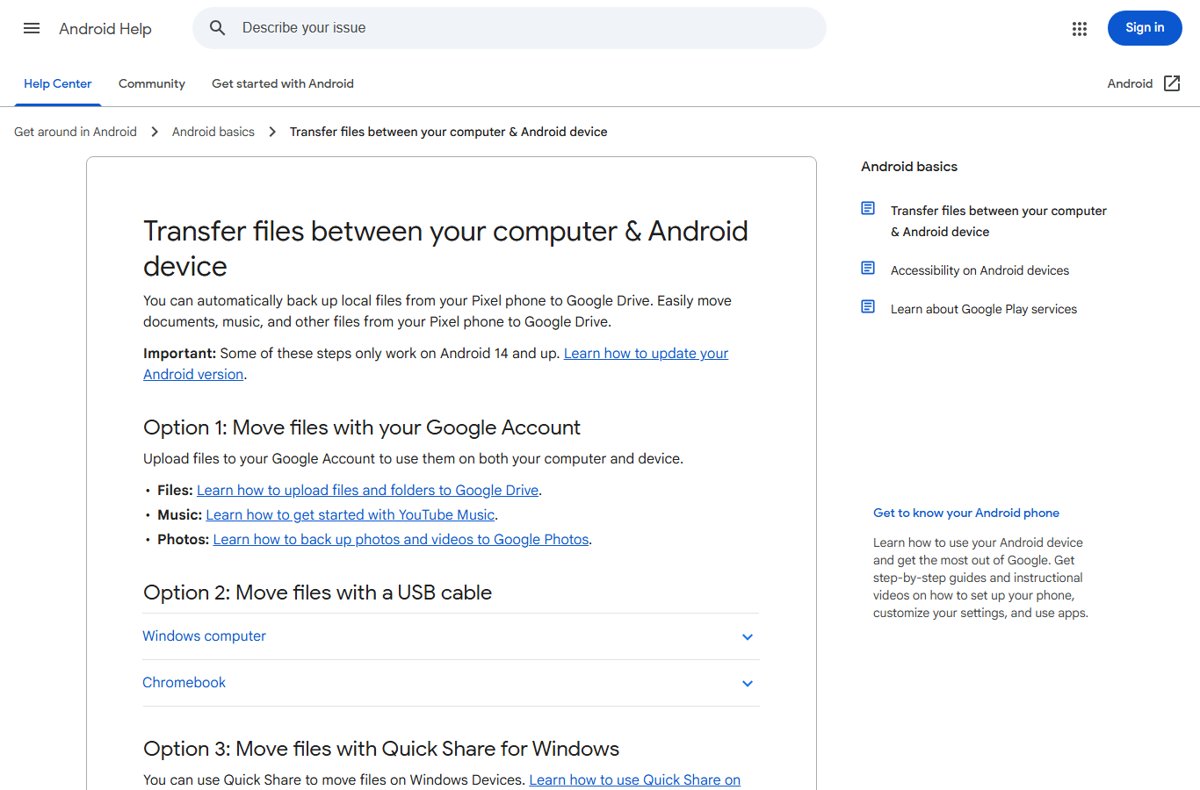
Android Help page on transferring files between a computer and an Android device

Installing APK on Android from PC: a step-by-step guide

October 9, 2026 by Philip Celasco 2 Comments
Android Help page on transferring files between a computer and an Android device

Install an APK on Android from your PC with adb install over USB or Wi-Fi, or copy it by File Transfer and tap to install. Setup, checks and fixes.
Posted in: Android, How to
Android
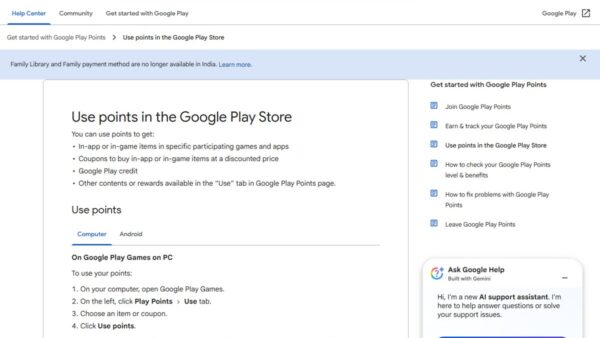
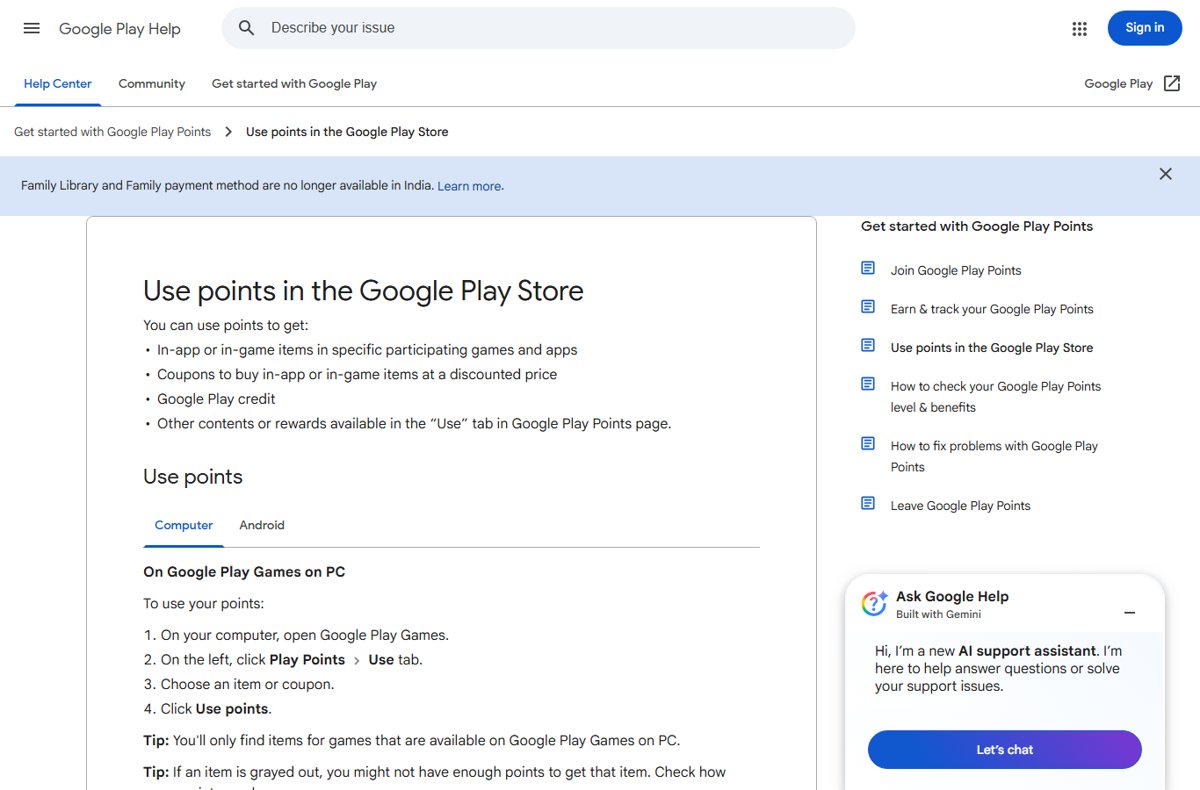
Google Play Help page on using Play Points on Google Play Games on PC

Google Play Points: how to earn and use them

October 9, 2026 by Philip Celasco Leave a Comment
Google Play Help page on using Play Points on Google Play Games on PC

Google Play Points: how to join, earn points on apps, games and subscriptions, check your level, and use points for Play Credit, coupons and in-game items.
Posted in: Android, How to
Android
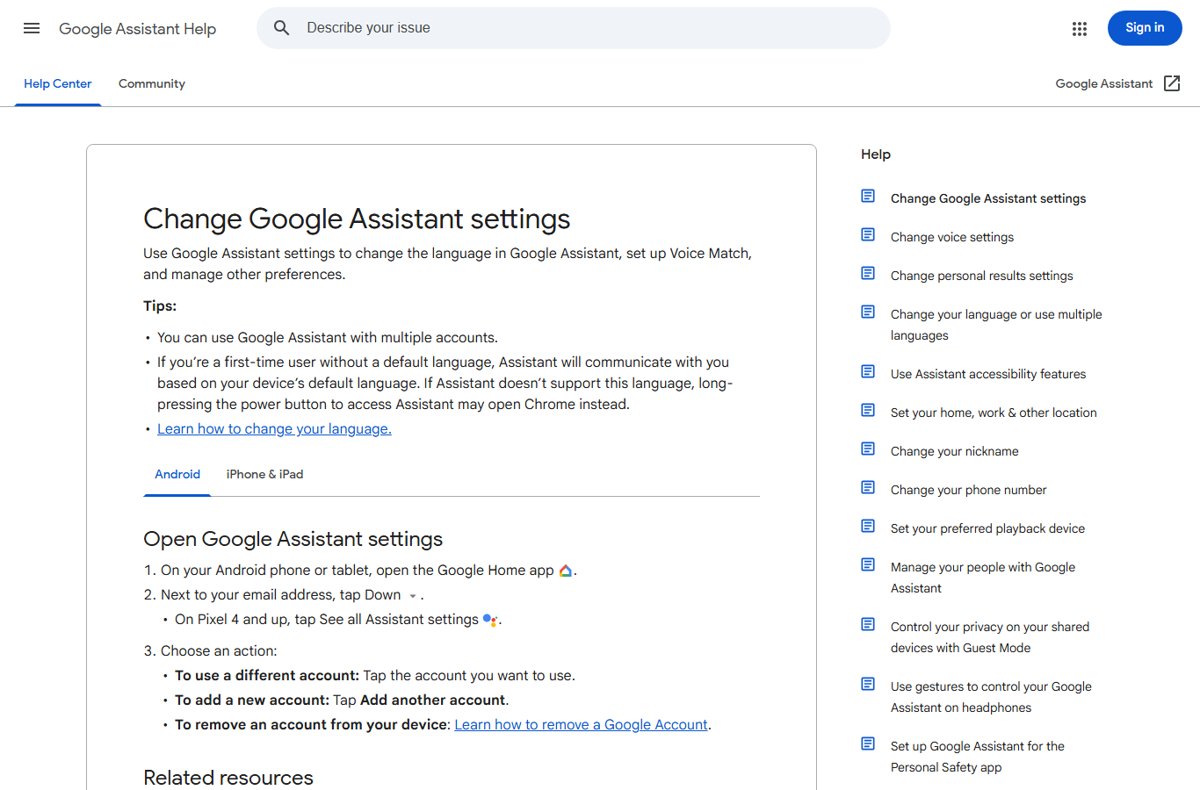
Google Assistant Help page listing steps to open Assistant settings on Android

Hey Google, open Assistant settings: a step-by-step guide

October 8, 2026 by Philip Celasco 1 Comment
Google Assistant Help page listing steps to open Assistant settings on Android

Say “Hey Google, open Assistant settings” to jump straight to Google Assistant settings. Manual routes for Android, iPhone, Gemini phones, plus privacy and fixes.
Posted in: Android, How to
Android
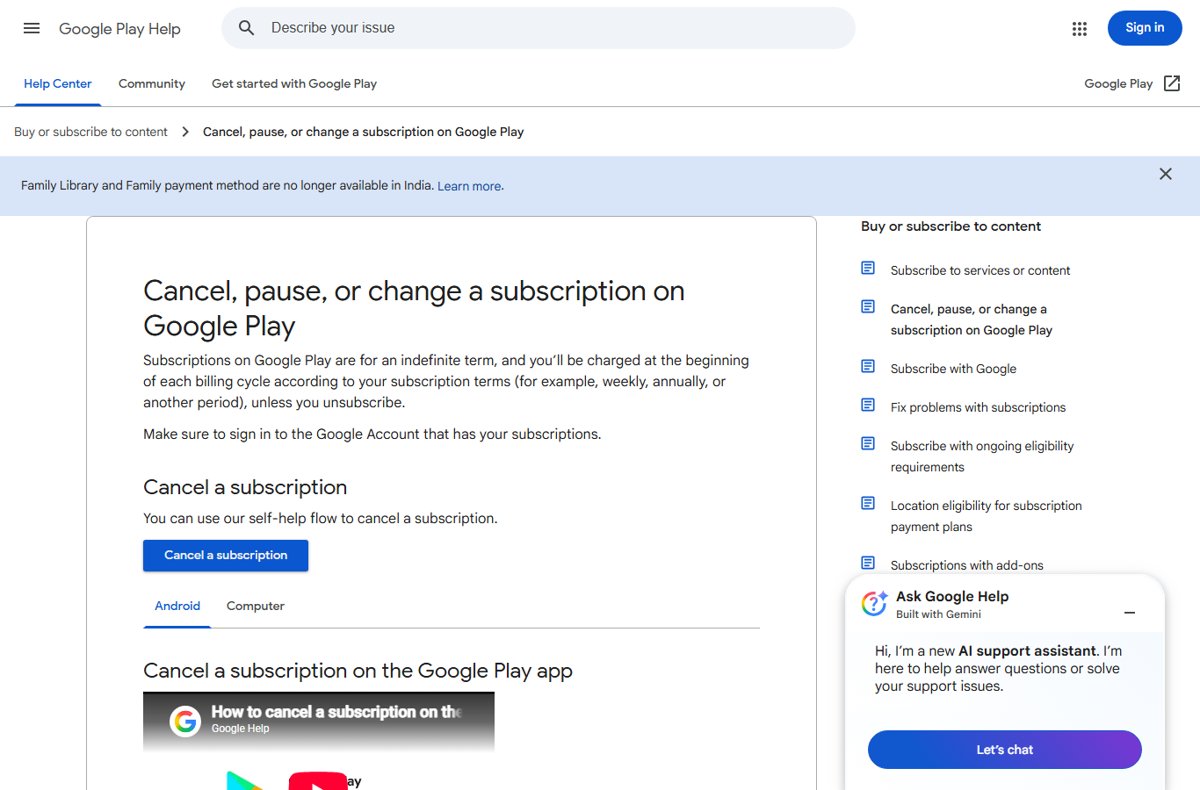
Google Play Help page for canceling, pausing or changing a subscription

How to manage your Google Play subscriptions on Android

October 8, 2026 by Philip Celasco Leave a Comment
Google Play Help page for canceling, pausing or changing a subscription

Manage Google Play subscriptions on Android: open Payments & subscriptions in the Play Store to cancel, pause, resume, change plans or update payment methods.
Posted in: Android, How to
Android
Phone's Samsung Flow welcome screen beside a Windows PC pairing window

How To Use Samsung Flow

October 7, 2026 by Philip Celasco Leave a Comment
Phone's Samsung Flow welcome screen beside a Windows PC pairing window

How to use Samsung Flow: install it on your Galaxy phone and Windows PC, pair with a passcode, then share files, sync notifications and mirror your screen.
Posted in: Android, How to
Android
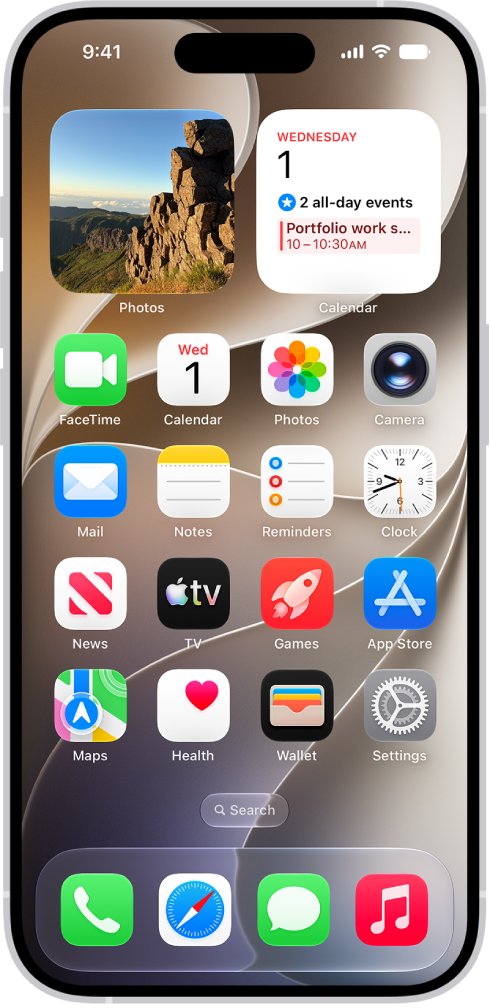
iPhone Home Screen with the gray Settings gear icon visible

How to Open Phone Settings: A Step-by-Step Guide

October 7, 2026 by Philip Celasco 3 Comments
iPhone Home Screen with the gray Settings gear icon visible

Open phone settings on iPhone by tapping the Settings icon, or on Android by swiping up to All Apps. Steps for Samsung Galaxy, Pixel, search and fixes.
Posted in: Android, How to
Android
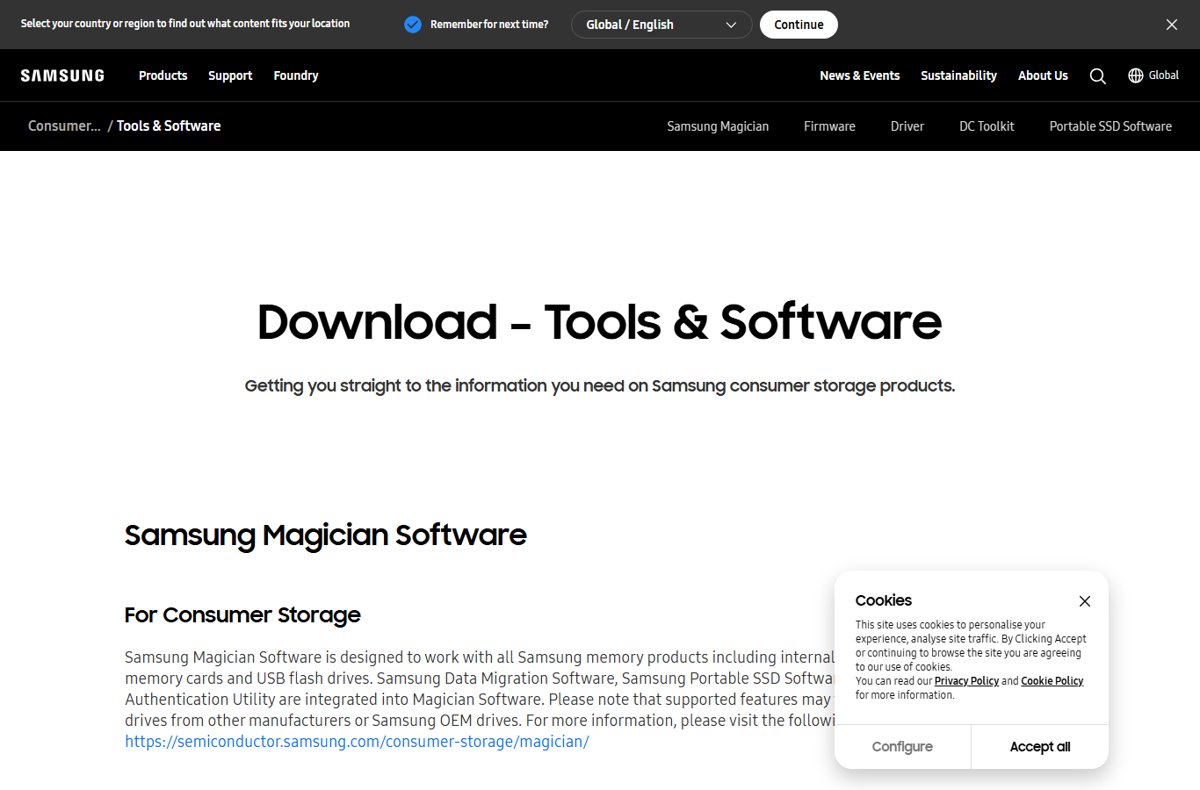
Samsung's Tools and Software page describing Magician Software integration

Samsung Data Migration Windows 11

October 6, 2026 by Philip Celasco Leave a Comment
Samsung's Tools and Software page describing Magician Software integration

Samsung Data Migration is now built into Samsung Magician. Clone a drive to a Samsung SSD on Windows 11, confirm it boots, and fix a failed migration.
Posted in: Android, How to
Android
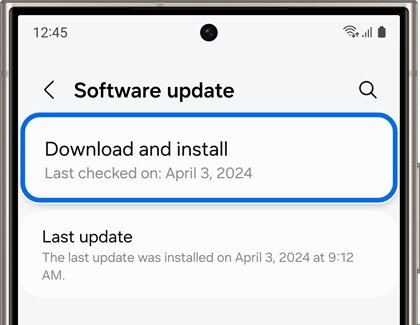
Samsung Software update screen with Download and install highlighted

How to Turn On or Off (disable) Google Play Protect on Android devices

October 4, 2026 by Philip Celasco Leave a Comment
Samsung Software update screen with Download and install highlighted

Turn Google Play Protect on or off in the Play Store: profile icon, Play Protect, Settings, then Scan apps with Play Protect. Samsung, Pixel and fixes included.
Posted in: Android, How to
Android
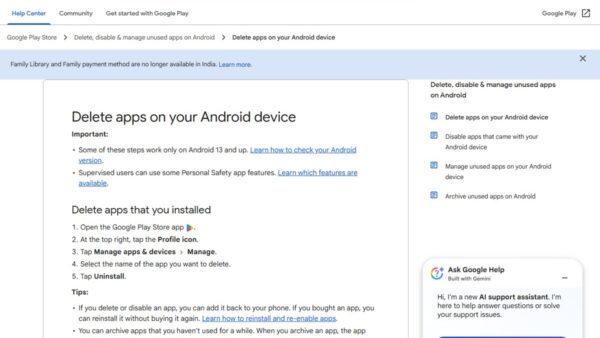
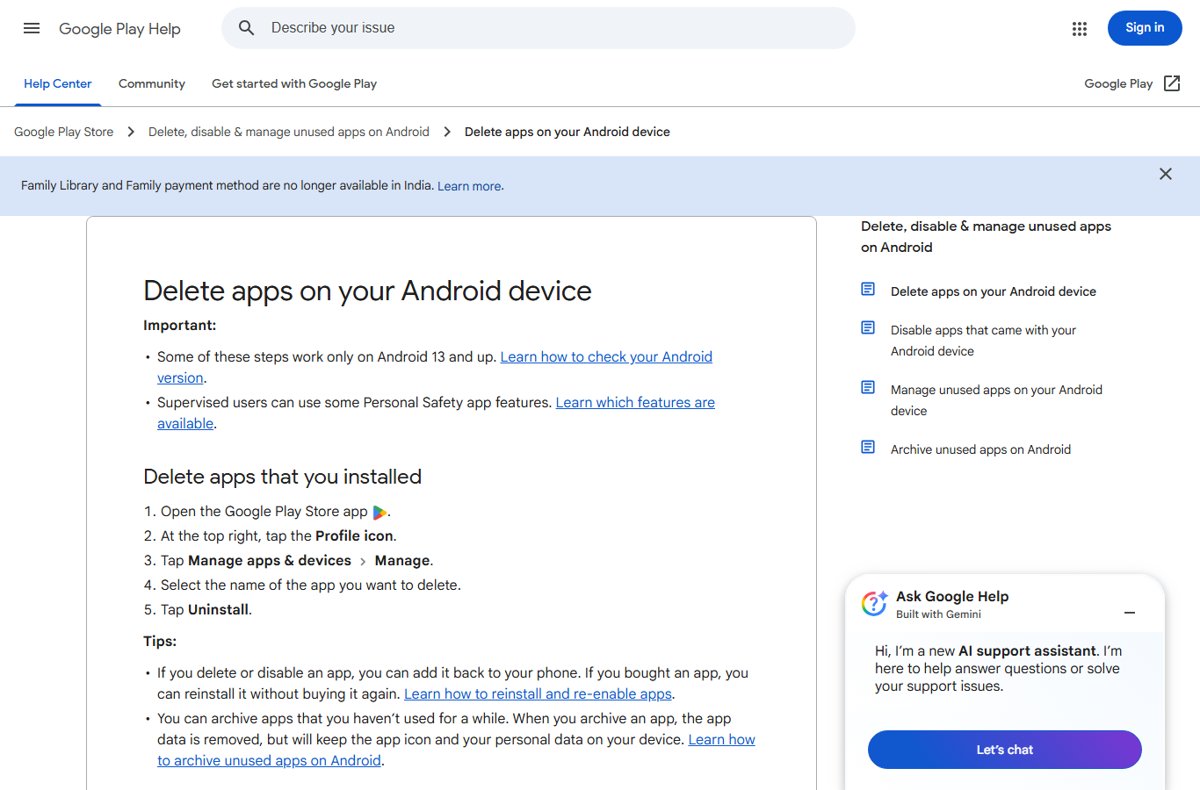
Google Play Help steps to delete apps on Android

How to Completely Delete and Uninstall Apps on Android

October 3, 2026 by Philip Celasco 1 Comment
Google Play Help steps to delete apps on Android

Uninstall apps on Android from Settings or the Play Store, clear leftover data, cancel subscriptions, disable preinstalled apps and fix apps that will not delete.
Posted in: Android, How to
Android
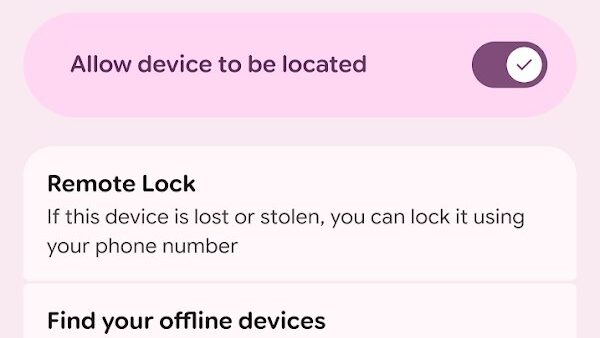
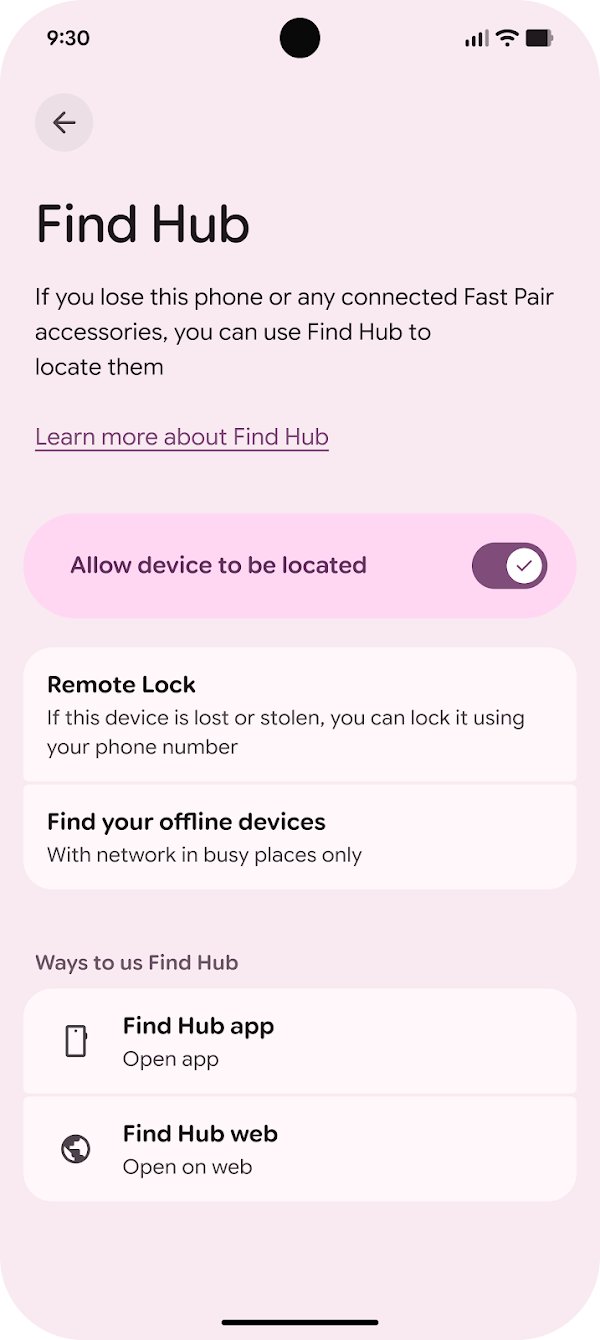
Find Hub settings screen with Allow device to be located toggle on

How To Set Up and Use Android Device Manager

September 26, 2026 by Philip Celasco 1 Comment
Find Hub settings screen with Allow device to be located toggle on

Set up Android Device Manager, now Google’s Find Hub: turn it on, then locate, ring, lock or erase a lost Android phone from android.com/find or another phone.

Posted in: Android, How to
« Previous 1 2 3 4 … 13 Next »

More from Techdows

Can't log in to apps on iPhone because of cookie settings - iPhone on a table
Can't log in to apps on iPhone because of cookie settings? How to fix it
How to · 5 hours ago
Change colors of system elements and font sizes in Windows 11/10 - customized Windows 11 desktop
Change colors of system elements & font sizes in Windows 11/10
How to · 5 hours ago
Flip camera on Windows 10 - laptop webcam video call on screen
How to flip camera on Windows 10: A step-by-step guide for users
How to · 5 hours ago
iCloud Passwords not autofilling in Microsoft Edge - iPhone held over a Windows laptop
iCloud Passwords not autofilling in Microsoft Edge on Windows? How to fix it
How to · 4 hours ago
Alphabetize in Word - letter tiles arranged in alphabetical order
How to alphabetize in Word: step-by-step guide for easy sorting
How to · 4 hours ago
Create and use a Microsoft Teams calendar - weekly calendar on a laptop screen
How to create and use a Microsoft Teams calendar
How to · 4 hours ago
Change Microsoft Word margins in Office 365 - stack of printed documents on a desk
How to change Microsoft Word margins in Office 365: a step-by-step guide
How to · 4 hours ago
Enable transcription in Teams meeting - laptop showing an online meeting call
How to enable and view transcription in Teams meeting
How to · 3 hours ago

© 2009–2026 Techdows · About · Contact · Privacy Policy

Copyright © 2026 Techdows.

Techdows WordPress Theme by Techdows