The best password manager for 2026 is 1Password for most paying users and Bitwarden for anyone who wants a full-featured free plan, with Proton Pass as the strongest free alternative.
This guide compares the main options on price, free tiers, family sharing and business plans, explains the built-in managers in Google Chrome, Microsoft Edge and Apple devices, and shows how to move your saved passwords across.
What is the best password manager?
There is no single winner for every reader, so match your situation to a row. Prices are the vendors' listed US prices in October 2026, billed annually.
| Your situation | Pick | Why |
|---|---|---|
| You want one paid manager that works everywhere | 1Password Individual ($3.99/month) | Apps for Windows, macOS, Linux, iOS, Android and browsers, plus a Secret Key and Travel Mode |
| You want to pay nothing | Bitwarden Free | Unlimited passwords on unlimited devices, open source, passkey support |
| You want free plus email aliases | Proton Pass Free | Unlimited logins and devices plus 10 hide-my-email aliases |
| You share logins with a household | Bitwarden Families ($3.99/month, 6 users) or 1Password Families ($5.99/month, 5 users) | Shared vaults with separate private vaults for each member |
| You run a small team | Bitwarden Teams ($4/user) or Keeper Business Starter ($2/user) | Admin console, shared folders and event logs at a low per-seat price |
| You only use Apple devices or only Chrome | Apple Passwords or Google Password Manager | Free, built in and already syncing your saved logins |
What is a password manager?
A password manager is an app that creates, stores and autofills a unique password for every account, locked behind one master password or your device sign-in.
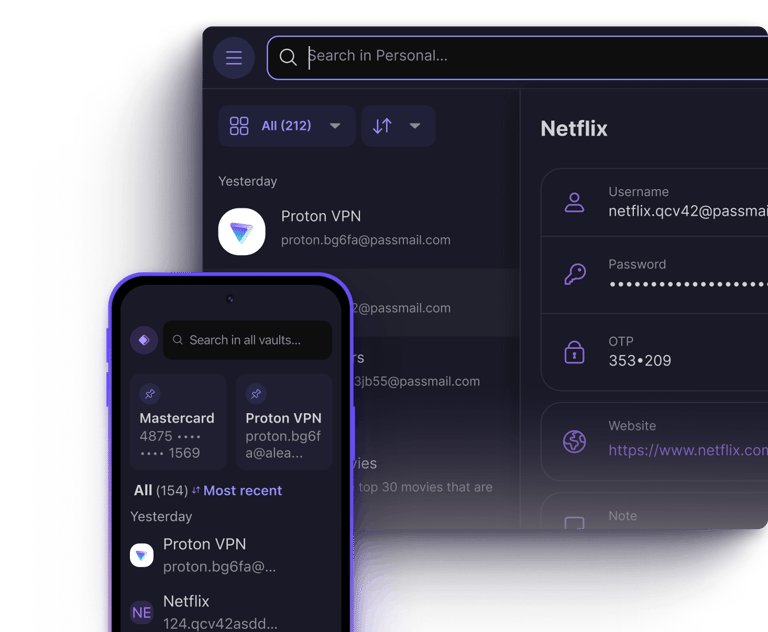
Dedicated managers such as Bitwarden, 1Password and Proton Pass use zero-knowledge, end-to-end encryption: your vault is encrypted on your device, so the company stores only data it cannot read.
| Job | What the password manager does |
|---|---|
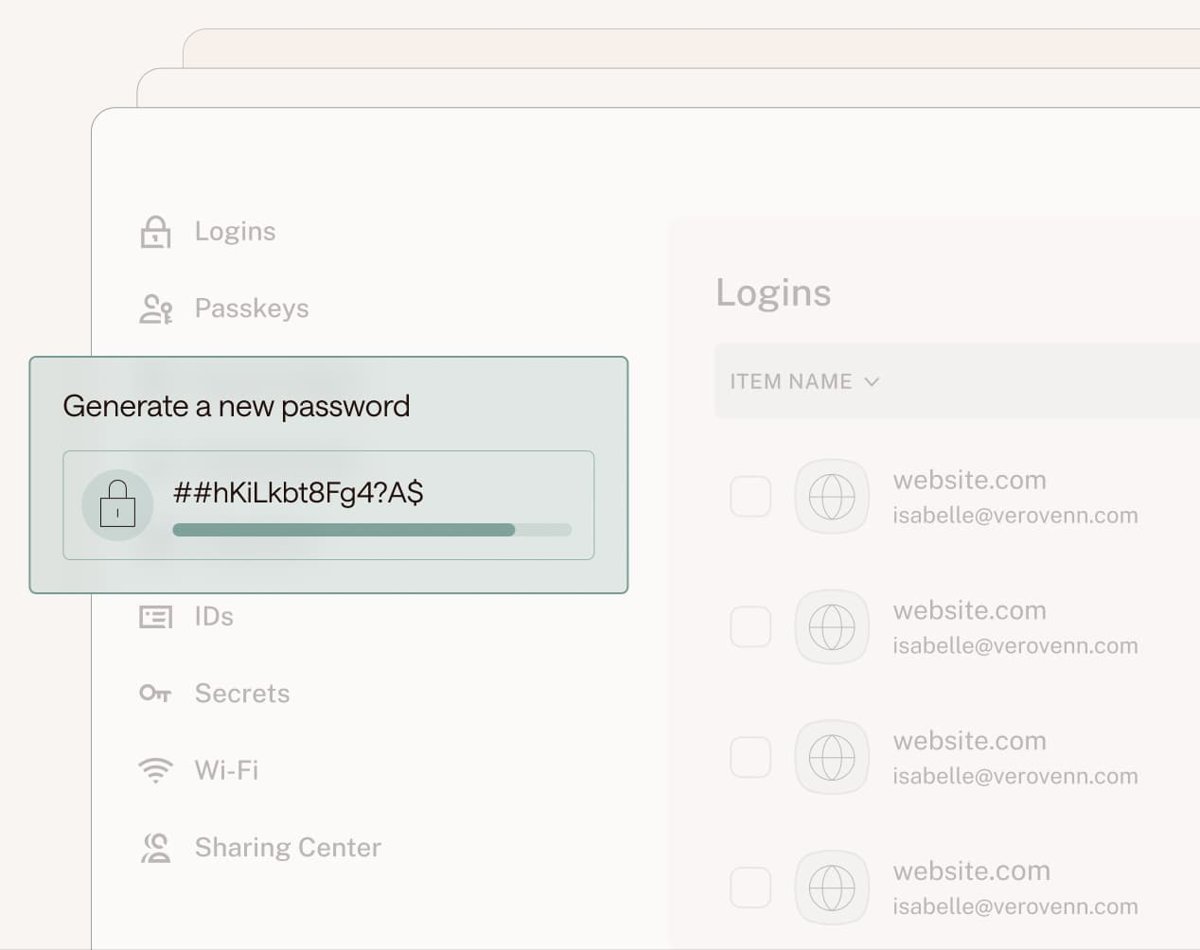
| Create | Generates a long random password or passkey when you sign up for an account |
| Store | Saves logins, notes, payment cards and identities in an encrypted vault |
| Fill | Autofills the right login on the matching website or app |
| Sync | Keeps the vault the same on your PC, phone and browser extensions |
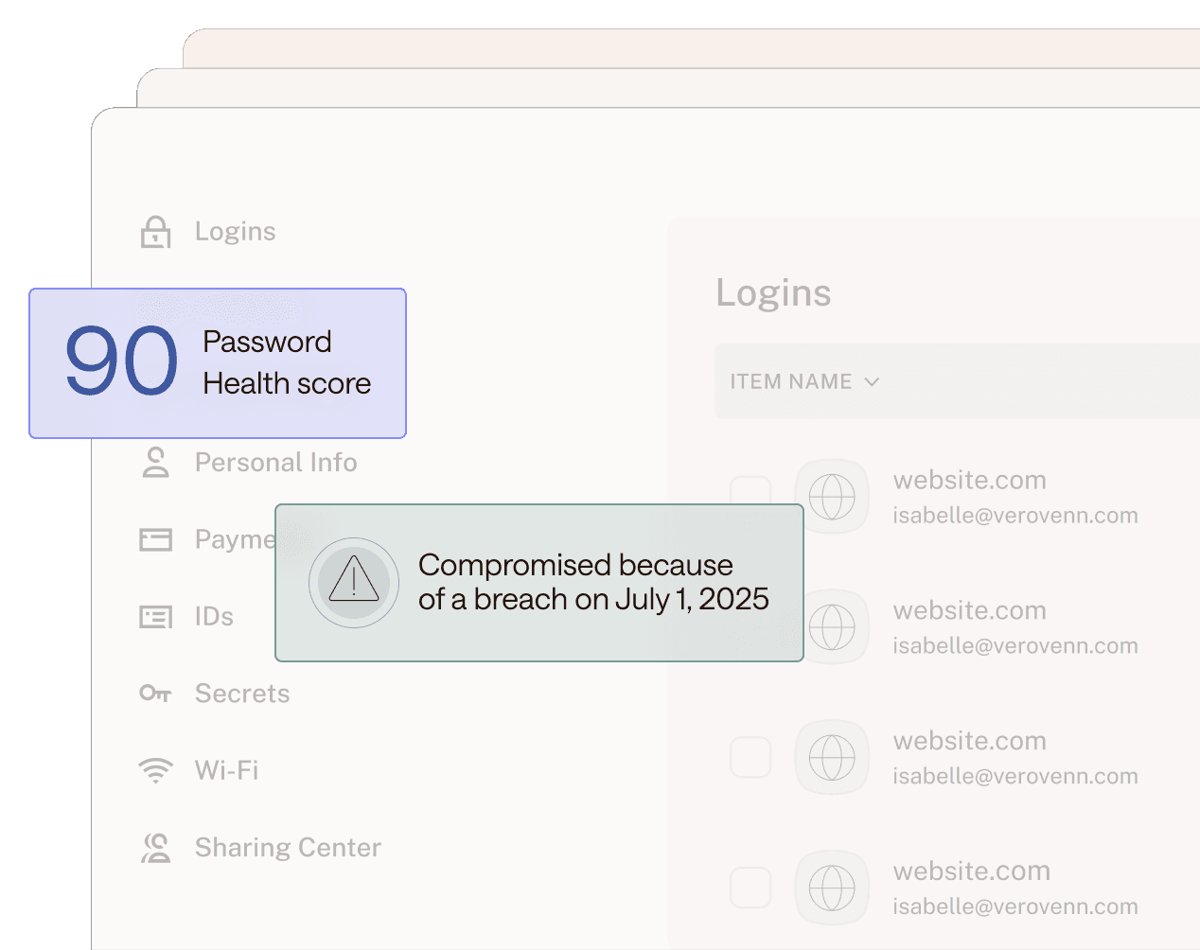
| Warn | Flags weak, reused or leaked passwords so you can change them |
| Share | Sends a login to a family member or colleague without revealing it in plain text |
Identity protection tools overlap with this: Proton Pass Plus, Dashlane Premium, LastPass and Keeper's BreachWatch add-on also watch for your details in data leaks on the dark web.
Best overall password manager
1Password is the best overall pick because it covers every major platform, has a 14-day free trial, and adds account protection that most rivals lack.
| 1Password Individual | Details from 1Password |
|---|---|
| Price | $3.99/month billed yearly; new customers see $2.99/month for the first year |
| Trial | 14 days free, no credit card required |
| Platforms | macOS, Windows, iOS, Android, Linux, browser extensions and a CLI |
| Security extras | Secret Key added to your master password, Travel Mode, Watchtower alerts for weak or compromised logins |
| Storage | 1 GB of encrypted document storage per user |
| Suits | Anyone willing to pay for a polished manager that works on mixed Windows, Mac, iPhone and Android devices |
1Password has no permanent free plan, so if the price matters more than polish, start with Bitwarden instead.
Best free password manager
Bitwarden is the best free password manager because its free plan has no device or password limit and its code is open source. On a computer, the Bitwarden extension in Chrome fills saved logins on sign-in pages at no cost.
Proton Pass Free is the runner-up. It matches Bitwarden on unlimited logins and devices and adds hide-my-email aliases.
| Free plan | Bitwarden Free | Proton Pass Free | LastPass Free |
|---|---|---|---|
| Devices | Unlimited | Unlimited | One device type only (computer or mobile, not both) |
| Passwords | Unlimited | Unlimited logins, notes and cards | Unlimited |
| Passkeys | Yes | Yes, on all devices | Not listed for Free |
| Sharing | With one other user | Vaults with 2 others | One password with one person at a time |
| Extras | Bitwarden Send, email alias integration, encrypted export | 10 hide-my-email aliases, weak and reused password alerts | Dark web monitoring |
| Paid upgrade | Premium $1.65/month ($19.80/year) | Pass Plus, billed $35.88 per year | Premium $3.00/month |
Bitwarden suits most people who want free and complete. Proton Pass suits people who already use Proton Mail or want aliases to cut spam. LastPass Free only suits someone who uses passwords on a single kind of device.
Best password manager for families
Bitwarden Families is the best value for families at $3.99/month for six people, while 1Password Families suits households that want the most polished apps.
| Family plan | Price (billed yearly) | People covered | Notable extras |
|---|---|---|---|
| Bitwarden Families | $3.99/month ($47.88/year) | 6 | Unlimited sharing and collections, 5 GB for family items |
| 1Password Families | $5.99/month ($4.49 first-year promo) | 5 | Unlimited shared vaults and simple admin controls |
| Proton Pass Family | Billed $59.88 per year | 6 | Pass Plus for every member plus a family admin panel |
| LastPass Families | $4.00/month | 6 | Six Premium accounts |
| Keeper Family | $7.67/month ($91.99/year) | 5 | 10 GB file storage, emergency access, private vaults for each member |
| Dashlane Family | $8.13/month | 10 | VPN for the plan manager only |
Pick Dashlane Family only if you need more than six seats, since it is the one plan here that covers 10 accounts.
Best password manager for small businesses
Bitwarden Teams is the best fit for most small businesses at $4 per user per month, with Keeper Business Starter the cheapest option for 5 to 10 people.
| Business plan | Price per user/month (annual) | Who it suits |
|---|---|---|
| Keeper Business Starter | $2.00 | Sole traders and teams of 5 to 10 users |
| Bitwarden Teams | $4.00 | Growing teams that want sharing, event logs, directory sync and SCIM |
| Keeper Business | $4.00 | Companies that want delegated admin and a free Family Plan per user |
| LastPass Teams | $4.25 | Teams of up to 50 users |
| Bitwarden Enterprise | $6.00 | Firms needing SSO, enterprise policies or self-hosting |
| 1Password Teams Starter Pack | $24.95/month flat for 10 members | Small teams that want 1Password's apps and up to 20 seats |
| Dashlane Omnix Password Management | $8.00 | Companies that want SSO, SCIM and admin vault policies |
| 1Password Business | $8.99 | Established businesses using Okta, Entra ID or Duo |
Best premium password manager, budget pick and best for travelers, sharing and VPN access
These picks each match a specific need.
| Need | Pick | Why it fits |
|---|---|---|
| Best password manager for most people and best interface | 1Password | The same polished apps on Windows, macOS, Linux, iOS, Android and browsers |
| Another good password manager | Proton Pass | Unlimited devices free, plus aliases |
| Best premium, full-featured manager | 1Password Individual | Secret Key, Watchtower alerts, a CLI and 1 GB of document storage |
| Best for bundled services | Proton Unlimited ($119.88/year) | Bundles Proton Pass with Proton Mail, Calendar, VPN and Drive |
| Best DIY option (self-hosted) | Bitwarden | Offers self-host options for a vault server you control |
| Best budget pick | Bitwarden Premium ($19.80/year) | TOTP authenticator, 5 GB of attachments, emergency access and vault health reports |
| Best for beginners | Google Password Manager or Apple Passwords | Built into Chrome, Android, iPhone and Mac |
| Best for VPN access | Dashlane Premium | A VPN and scam protection are included in the Premium plan |
| Best for frequent travelers | 1Password | Travel Mode hides every vault not marked safe for travel until you turn it off |
| Best for sharing passwords | Bitwarden Families or Keeper | Unlimited sharing: Bitwarden Families for six people, Keeper with shared folders |
| Best digital inheritance options | Bitwarden Premium, Proton Pass Plus or Keeper Family | Emergency access lets a trusted contact reach your vault if you cannot |
| Best for on-device storage | Google Password Manager signed out of Chrome | Chrome keeps passwords only on the device when you are not signed in |
Password manager feature comparison: how the top picks stack up
| Password manager | Free plan | Individual price | Family plan | Trial or guarantee | Stand-out feature |
|---|---|---|---|---|---|
| 1Password | No | $3.99/month | $5.99/month, 5 users | 14-day free trial | Secret Key and Travel Mode |
| Bitwarden | Yes, unlimited devices | $1.65/month | $3.99/month, 6 users | Free plan; Families trial | Open source, self-host option |
| Proton Pass | Yes, unlimited devices | Billed $35.88/year | Billed $59.88/year, 6 users | 30-day money-back guarantee | Hide-my-email aliases, Swiss jurisdiction |
| Keeper | Not listed | $3.58/month | $7.67/month, 5 users | Free trial on business plans | BreachWatch dark web alerts add-on |
| Dashlane | Not listed | $5.42/month | $8.13/month, 10 users | 14-day free trial | Built-in VPN and scam protection |
| LastPass | Yes, one device type | $3.00/month | $4.00/month, 6 users | 30-day Premium trial | Dark web monitoring on every plan |
Prices are the vendors' own US list prices, billed annually, and promotional rates change often, so confirm on the pricing page before you buy.
Google, Microsoft Edge and Apple Passwords: built-in password managers
Your browser or phone already includes a free password manager. It is enough if you stay inside one ecosystem, but it is weaker at sharing and cross-platform use.
| Built-in manager | Where to find it | Syncs to | Limits |
|---|---|---|---|
| Google Password Manager | Chrome, or passwords.google.com in any browser | Every device signed in to your Google Account | Saves only to the device when you are not signed in to Chrome |
| Microsoft Password Manager (Edge) | Edge Settings > Passwords and autofill > Microsoft Password Manager | Any device signed in to Edge with your Microsoft account | Needs a personal account profile; work or school admins can restrict it |
| Apple Passwords | The Passwords app on iOS 18, iPadOS 18, macOS Sequoia and later | Apple devices through iCloud Keychain; Chrome, Edge and Firefox on Windows through iCloud for Windows | No Android app |
Windows itself does not have a separate password vault app; Microsoft's password manager lives in Edge, and Windows Settings shows your passkeys under Accounts > Passkeys > Advanced options.
If you live in Chrome, you can add Google Password Manager as an app or put a Password Manager shortcut on the desktop.
Set up Google Password Manager on Chrome, Android or iOS
Google Password Manager needs no download: it is part of Chrome and your Google Account. Sign in to Chrome first so passwords save to your account and follow you to every device.
Chrome on Windows or Mac
Saving is controlled from the Google Password Manager settings page.
- Open Chrome and select More (three dots) > Passwords and autofill > Google Password Manager.
- Select Settings on the left and turn on Offer to save passwords and passkeys.
- To view and use passwords, go back to Passwords, select a site and select the Show password icon, or select Edit to change it.
Chrome on Android
Chrome offers to save passwords by default.
- Open Chrome and tap More > Settings > Autofill and passwords > Google Password Manager.
- Tap Settings and turn on Offer to save passwords.
- To view a saved password, tap the site, then Show password, and confirm with your fingerprint or passcode.
Use Google Password Manager on iOS
iPhone and iPad need Chrome chosen as an AutoFill provider before it can fill other apps.
- Open Chrome and tap More > Settings > Autofill and passwords > Password Manager.
- Tap Settings and turn on Offer to Save Passwords.
- Tap Passwords in Other Apps > Open Settings, then in iOS Settings go to General > AutoFill & Passwords.
- Turn on AutoFill Passwords and Passkeys and select Chrome. On iOS 18.2 and later, this setting is under Default Apps > Passwords & Codes.
Google keeps your info safe with encryption and leak warnings. On-device encryption (passwords.google.com > Settings > On-Device Encryption > Set up) keeps the key with you, but cannot be turned off later.
When you are signed out of Chrome, passwords stay safe on that device only and do not sync.
Import and export passwords in Google Password Manager
Import passwords from another manager without losing anything by checking the CSV file first. Google imports up to 3,000 passwords at a time and stores up to 10,000 in one Google Account.
Import passwords into Google Password Manager
Only .csv files with url, username and password columns import cleanly.
- Export a .csv file from your old password manager.
- Open the file and check the first line has the column names url, username and password.
- In Chrome on your computer, select More > Passwords and autofill > Google Password Manager > Settings.
- Under Import passwords, select Select file, pick the .csv file and follow the prompts.
- Split files with more than 3,000 passwords and import each part separately, then delete every .csv file.
Export passwords from Google Password Manager
Export creates a plain-text file anyone on the device can read.
- In Chrome, select More > Passwords and autofill > Google Password Manager.
- Select Settings on the left.
- Next to Export passwords, select Download file, then import that file into your new manager and delete it.
How to find the Microsoft Password Manager in Edge and Windows Settings
Microsoft Password Manager is available only when Edge is signed in with a personal Microsoft account. Work or school profiles may have features restricted by the IT admin.
Store passwords and passkeys in the Microsoft Password Manager
Edge prompts you the first time you enter a password or create a passkey.
- Enter a password on a website for the first time and accept the prompt to save it.
- When you create a passkey, choose to save it to your device or a credential manager.
- Sign in to Edge with the same Microsoft account on other devices to reuse saved passwords there.
Find the Microsoft Password Manager in Edge
Saved passwords sit under the Passwords and autofill settings.
- Open Edge, select the three dots next to your profile image, then Settings.
- Select Passwords and autofill > Microsoft Password Manager.
- Select the arrow next to a password and enter your device PIN or password if asked.
- Select the eye icon to view it, or Edit > Save to change it. Editing in Edge does not change the password on the website itself.
Find the Microsoft Password Manager in Windows Settings
Windows shows passkeys saved in Microsoft Password Manager once Edge is signed in with a personal account.
- Open Settings on Windows.
- Select Accounts > Passkeys > Advanced options.
Other password managers worth testing
These managers did not take a category above, but each is the right choice for a specific reader.
| Password manager | Price (individual) | Choose it if |
|---|---|---|
| Keeper | $3.58/month ($42.99/year) | You want unlimited sharing and are happy to add BreachWatch ($26.99/year) for dark web alerts |
| Dashlane | $5.42/month | You want a VPN and AI scam warnings bundled with the password manager |
| LastPass | $3.00/month | You already use it and accept the 2022 breach history described below |
| Proton Pass Plus | Billed $35.88/year | You want unlimited email aliases, a built-in 2FA authenticator and dark web monitoring |
LastPass breach: what password managers have been hacked
LastPass is the best-known password manager breach. In its own notices, LastPass says an attacker took source code from its development environment in August 2022, then used that information to reach cloud storage and copy a backup of customer vault data.
LastPass says usernames, passwords, secure notes and form-fill data in that backup stayed encrypted with 256-bit AES, but website URLs and account details such as names, email addresses, billing addresses, phone numbers and IP addresses were not encrypted.
If you used LastPass in 2022 with a master password weaker than its defaults, change the passwords of the sites stored in your vault, as LastPass itself advises. The copied vault data is only as safe as the master password protecting it, and the unencrypted URLs show attackers which sites you use.
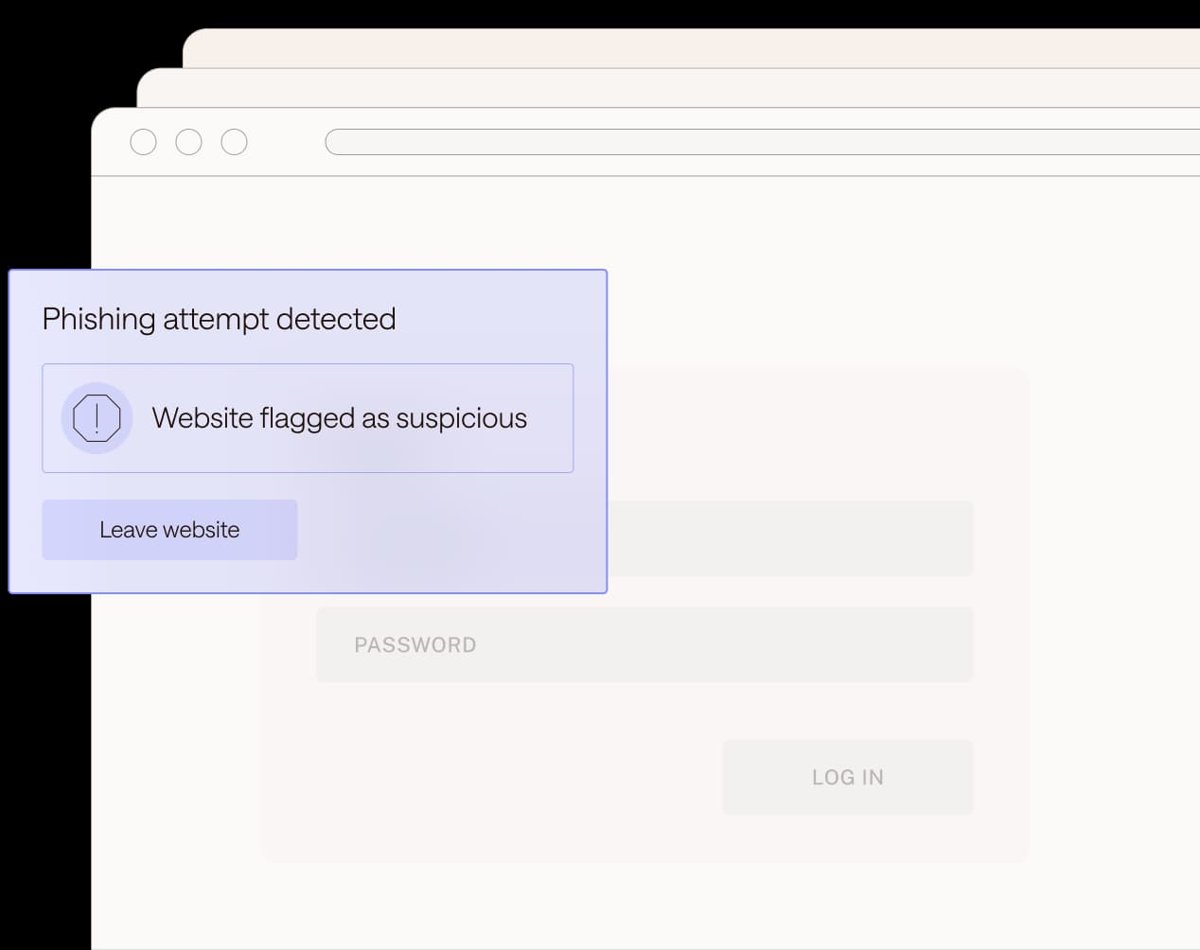
Password managers to avoid are those without zero-knowledge encryption, two-step login or an export option, plus free plans locked to one device type.
Factors to consider in a password manager
| Factor | What to look for | Options that meet it |
|---|---|---|
| Encryption | Zero-knowledge, end-to-end encryption so the vendor cannot read your vault | Bitwarden, 1Password, Proton Pass, Dashlane, Keeper, LastPass |
| Platforms | Apps for every device you own, including Linux if needed | 1Password, Bitwarden, Proton Pass |
| Free tier | Unlimited devices on the free plan | Bitwarden, Proton Pass |
| Passkeys | Saves and fills passkeys as well as passwords | Bitwarden, Proton Pass, 1Password, Google, Apple, Microsoft |
| Sharing | Family or team vaults with separate private vaults | All family and business plans above |
| Two-factor codes | Built-in TOTP authenticator | Bitwarden Premium, Proton Pass Plus, Apple Passwords |
| Emergency access | A trusted contact can reach your vault if you cannot | Bitwarden Premium, Proton Pass Plus, Keeper Family, LastPass Premium |
| Control of your data | Self-hosting or open-source code | Bitwarden |
How to test password managers before you pay
Every paid option here offers a trial, a free plan or a refund window, so try two of them on your own devices before committing.
- Shortlist two managers from the comparison table that support all of your devices.
- Start the free option: Create Free Account on Bitwarden or the free Proton Pass plan, or the 14-day trial for 1Password or Dashlane, or LastPass's 30-day Premium trial.
- Install the browser extension and the phone app, then sign in on both.
- Save three or four logins you use daily, including a banking or email site.
- Sign out of one of those sites and confirm the manager fills the login on your PC and on your phone.
- Open the password health or security report and check it flags weak or reused passwords.
- Keep the manager whose autofill worked on every device, and cancel the other trial before it renews.
How to move passwords from Microsoft Edge into a password manager
Exporting creates an unencrypted CSV file, so import it straight away and delete it. Edge for Android and iOS cannot export passwords; use Edge on a desktop computer.
- Open Microsoft Edge on your PC, press Alt + F and select Passwords.
- Open the options menu at the top of the password list and select Export passwords, then select Export to confirm.
- Choose a save location for the CSV file.
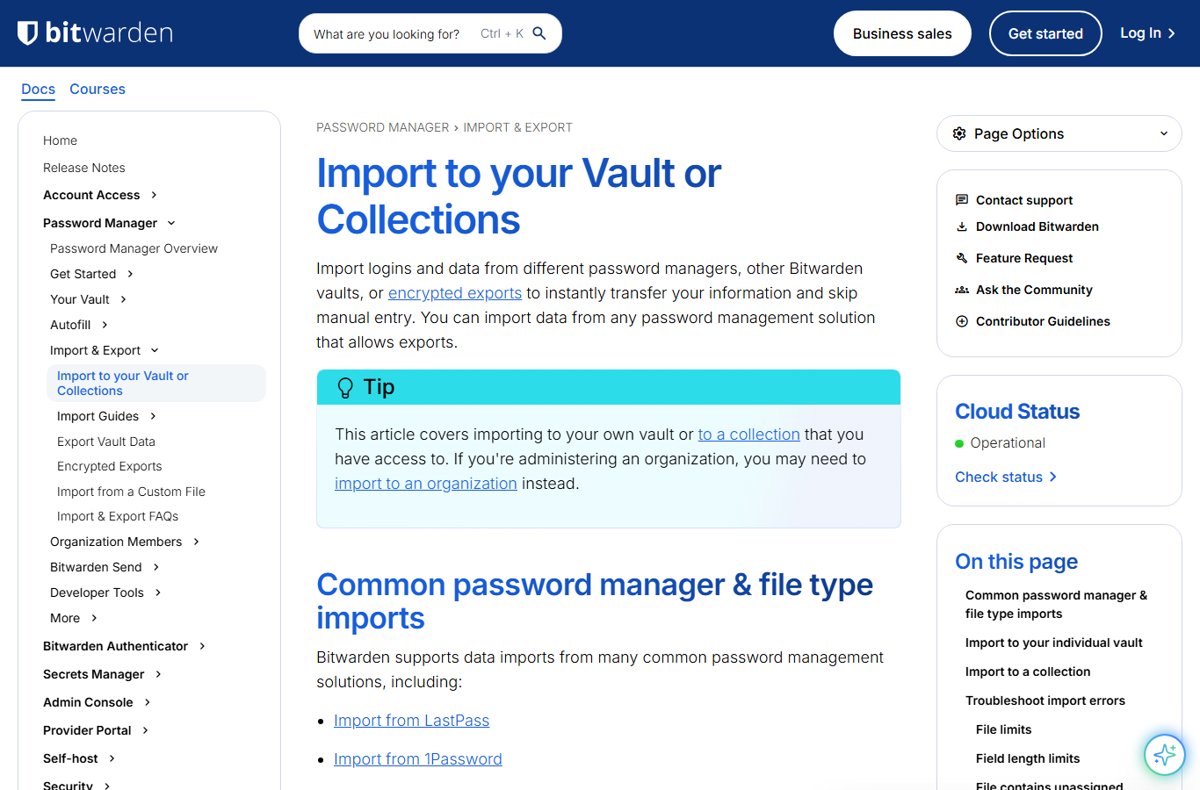
- In the Bitwarden web app, select Tools > Import.
- Choose My vault, set File format to the Edge or Chrome CSV format, select Choose File and pick the export.
- Select Import, then delete the CSV file with Shift + Delete so no plain-text copy remains.
Bitwarden also imports from Chrome, LastPass, 1Password and Firefox. Import does not check for duplicates, so import each file only once.
How to check your password manager is working
- Compare the number of items in the new vault with the number of saved passwords in your browser.
- Visit a site from the import, sign out and confirm the extension offers to fill the login.
- Run the vault health or Watchtower report and change any password it lists as weak, reused or exposed.
- In Edge, open Settings > Passwords and autofill > Microsoft Password Manager > Password security check to see which saved passwords appear in known leaks.
- Once the new manager fills logins everywhere, turn off password saving in your browser so two vaults do not drift apart.
Password manager not working: fixes by symptom
Microsoft Password Manager not working in Edge
Edge offers Microsoft Password Manager only on a personal Microsoft account profile, and autofill can be switched off.
- Make sure the Edge profile you are using is signed in with a personal Microsoft account, not a work or school account.
- Open Settings > Passwords and autofill > Microsoft Password Manager > More settings.
- Turn on Autofill passwords and passkeys.
- On a work or school profile, ask your IT admin, because policy can restrict the feature.
Password manager not working across devices
Passwords were saved to one device instead of your account, or the free plan limits device types.
- In Chrome, sign in with your Google Account; when you are not signed in, Chrome saves passwords only to that device.
- In Edge, sign in with the same Microsoft account on each device so saved passwords follow you.
- On Apple devices, turn on iCloud Keychain under Settings > your name > iCloud > Passwords and Keychain.
- On LastPass Free, use it on computers or on mobile only, or upgrade to Premium for both.
Edge no longer asks for a custom primary password
Microsoft retired Custom Primary Password on June 4, 2026 and moved Edge to device sign-in.
- Open Settings > Passwords and autofill > Microsoft Password Manager > More settings.
- Select Prompt for the device sign-in options before viewing or filling website password.
- Confirm with Windows Hello or your device password.
Apple Passwords not available on a Windows PC
Apple Passwords reaches Windows only through iCloud for Windows and its browser extension, which needs two-factor authentication on your Apple Account.
- Open iCloud for Windows and sign in with your Apple Account.
- Select the arrow next to Passwords and Keychain and turn on Passwords & Keychain, or select Approve and enter the code sent to your trusted device.
- Select the arrow next to Passwords and Keychain again, then Install Extension next to Chrome, Edge or Firefox.
- Follow the onscreen prompts and select Done; the extension turns off the browser's own password saving.
Best password manager FAQ
How do password managers work?
A password manager stores your logins in an encrypted vault that unlocks with one master password, a passkey or your device sign-in. Its browser extension and apps then create strong passwords for new accounts and autofill saved logins on the right sites.
How do password managers store passwords?
Dedicated password managers encrypt your vault on your own device before it is uploaded. Bitwarden, 1Password, Proton Pass, Dashlane and Keeper describe this as zero-knowledge encryption, meaning the company holds only encrypted data it cannot read.
How do password managers work across devices?
The encrypted vault syncs through the vendor's cloud to every device where you sign in to the same account. Bitwarden and Proton Pass allow unlimited devices on their free plans, while LastPass Free is limited to one device type.
Why use a password manager?
A password manager lets you use a different strong password on every account without memorising them. That matters because a password reused on several sites lets one leak unlock all of them.
Are password managers safe?
Reputable password managers are safe because your vault is encrypted with a key only you hold. Protect the master password and turn on two-step login, since the vault is only as strong as those two locks.
Can a password manager be hacked?
Yes, a password manager company can be breached, as LastPass reported in 2022. In that case LastPass says passwords stayed encrypted, but unencrypted website URLs and account details were copied, so a strong master password is essential.
What password manager should I use?
Use 1Password if you want a paid manager for mixed devices, Bitwarden if you want a complete free plan, and Proton Pass if you also want email aliases. Stay with Apple Passwords or Google Password Manager only if every device you use is in that ecosystem.
What password managers are free?
Bitwarden, Proton Pass and LastPass offer free plans, and Google Password Manager, Microsoft Password Manager in Edge and Apple Passwords are free with your account. Bitwarden and Proton Pass have no device limit on the free tier.
What password manager does Microsoft Edge use?
Microsoft Edge uses Microsoft Password Manager. Open Settings > Passwords and autofill > Microsoft Password Manager to see saved passwords, and sign in with a personal Microsoft account to sync them to other devices.
What password manager does Windows use?
Windows does not include a separate password vault app. Saved website passwords live in Microsoft Password Manager inside Edge, and passkeys appear in Windows Settings under Accounts > Passkeys > Advanced options.
What password manager does Apple recommend?
Apple's support pages point you to its own Passwords app, available from iOS 18, iPadOS 18 and macOS Sequoia. It syncs through iCloud Keychain and warns when a saved password appears in a known data leak.
Can I use Apple password manager on Windows?
Yes. Install iCloud for Windows and set up iCloud Passwords to use your Apple passwords in Google Chrome or Microsoft Edge on a Windows PC.
Is a password manager worth it?
A password manager is worth it for anyone with more than a handful of online accounts. Free options such as Bitwarden cover the basics, and paid plans from about $1.65 to $5.42 a month add file storage, emergency access and breach alerts.
Best password manager for 2026: bottom line
Choose 1Password if you will pay for the smoothest cross-platform manager, and Bitwarden if you want a complete password manager for free. 1Password covers every major platform with extra account protection and a 14-day trial, while Bitwarden's free plan has no device or password limit and its paid tiers are the cheapest listed here.