The official 1Password download installs a native desktop app on Windows 11, Windows 10, macOS and Linux, and every plan starts with a 14-day free trial. Version 8.12.36 is the current release for Windows and Mac.
On Windows you pick between an MSIX bundle, an MSI package and the Microsoft Store. The Mac app comes as a small zip file from 1password.com.
This guide covers which file to take, installing on each platform, deploying the MSI, what the plans cost after the trial, and fixes for a setup that fails.
Which 1Password download do you need?
Open Settings > System > About on Windows and read System type and the Windows Version line. The MSIX bundle covers both x64 and ARM64 PCs, so the version matters more than the chip.
| Your machine | Take this | Size |
|---|---|---|
| Windows 11, or Windows 10 version 20H1 or later | 1PasswordSetup-latest.msixbundle | 458.5 MB |
| Windows on ARM, such as a Snapdragon laptop | Microsoft Store listing | 458.5 MB bundle |
| Windows 10 19H2 or earlier, or a managed fleet | 1PasswordSetup-latest.msi | 222.6 MB |
| Mac on macOS 12 Monterey or later | 1Password.zip | 20.8 MB |
| Ubuntu or Debian on x86_64 | 1password-latest.deb | 159.4 MB |
| Fedora, CentOS or RHEL on x86_64 | 1password-latest.rpm | 137.4 MB |
Both the MSIX bundle and the MSI carry the whole app, so either one installs on a PC without an internet connection.
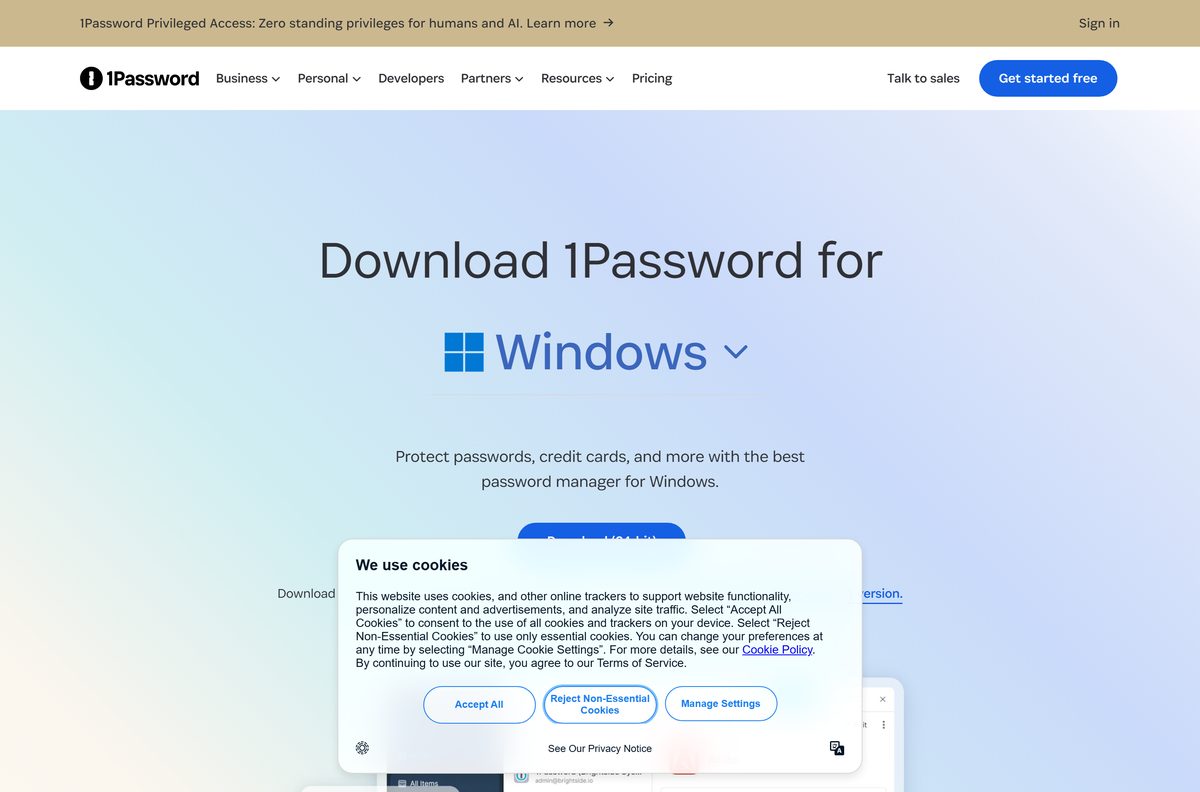
Download 1Password for Windows 11 and 10 from the official page
The Windows page offers one button labelled Download (64-bit) and a Microsoft Store badge. Both deliver the same current release.
- 1PasswordSetup-latest.msixbundle — 458.5 MB · x64 and ARM64, Windows 10 20H1 or later
- 1PasswordSetup-latest.msi — 222.6 MB · for older Windows 10 builds and deployment
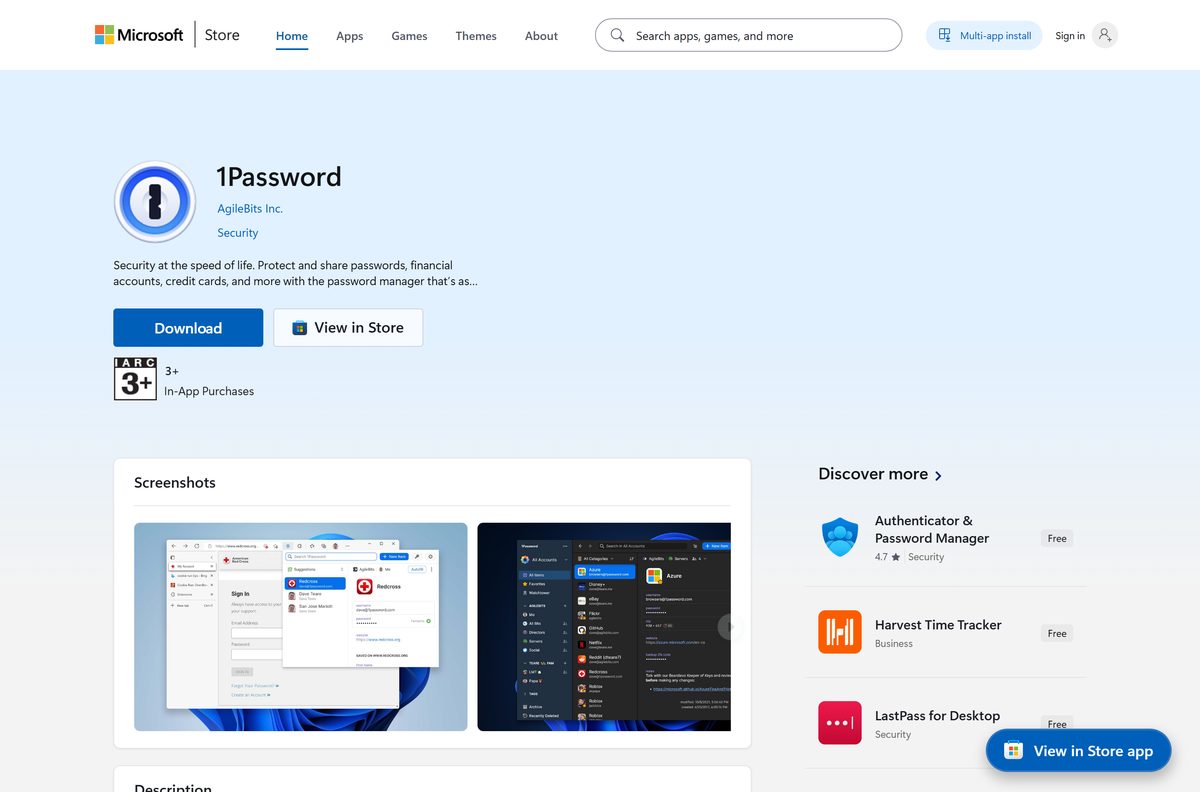
- Microsoft Store listing — published by AgileBits Inc.
- 1Password Windows download page — release notes linked below the button
The Store listing shows a price of $0 because the app is free to install. The subscription is what you pay for once the trial ends.
How to install 1Password on Windows 11 and 10
Before you start, find your Emergency Kit. It holds the Secret Key that you need the first time you sign in on a new device.
- Open 1password.com/downloads/windows.
- Select Download (64-bit) and save 1PasswordSetup-latest.msixbundle .
- Double-click the saved file to open it in App Installer.
- Select Install and wait for the package to finish.
- Open 1Password from the Start menu.
- Select Sign in, then enter your email address, Secret Key and account password.
- Select your account at the top of the sidebar, then Settings > Security.
- Turn on Unlock using Windows Hello, then lock the app and unlock it once with your password.
New to 1Password? Create the account on 1password.com first to start the 14-day trial, then sign in to the desktop app.
Install 1Password from the Microsoft Store
The Store build is the same package as the direct download, in one bundle for x64 and ARM64. Updates arrive through the Store.
- Open the Microsoft Store listing.
- Select Get, then Install when the Store app opens.
- Wait for the 458.5 MB bundle to download and install.
- Select Open.
- Sign in with your email address, Secret Key and account password.
Download the 1Password MSI package for deployment
1Password recommends the Microsoft Store or the MSIX for company rollouts. The MSI exists for Windows 10 version 19H2 and earlier, and it lacks passkey saving in the app.
| Package | Size | Use it for |
|---|---|---|
| 1PasswordSetup-latest.msi | 222.6 MB | Windows 10 19H2 or earlier and MSI-based deployment tools |
| 1PasswordSetup-latest.msixbundle | 458.5 MB | Store, App Installer or line-of-business deployment on Windows 10 20H1 and Windows 11 |
Start from this command in an elevated prompt: msiexec /i 1PasswordSetup-latest.msi /norestart MANAGED_INSTALL=1 MANAGED_UPDATE=1 . MANAGED_UPDATE=1 stops users from updating the app themselves, so test it on one PC before a wide rollout.
Which 1Password download do you need for your Mac?
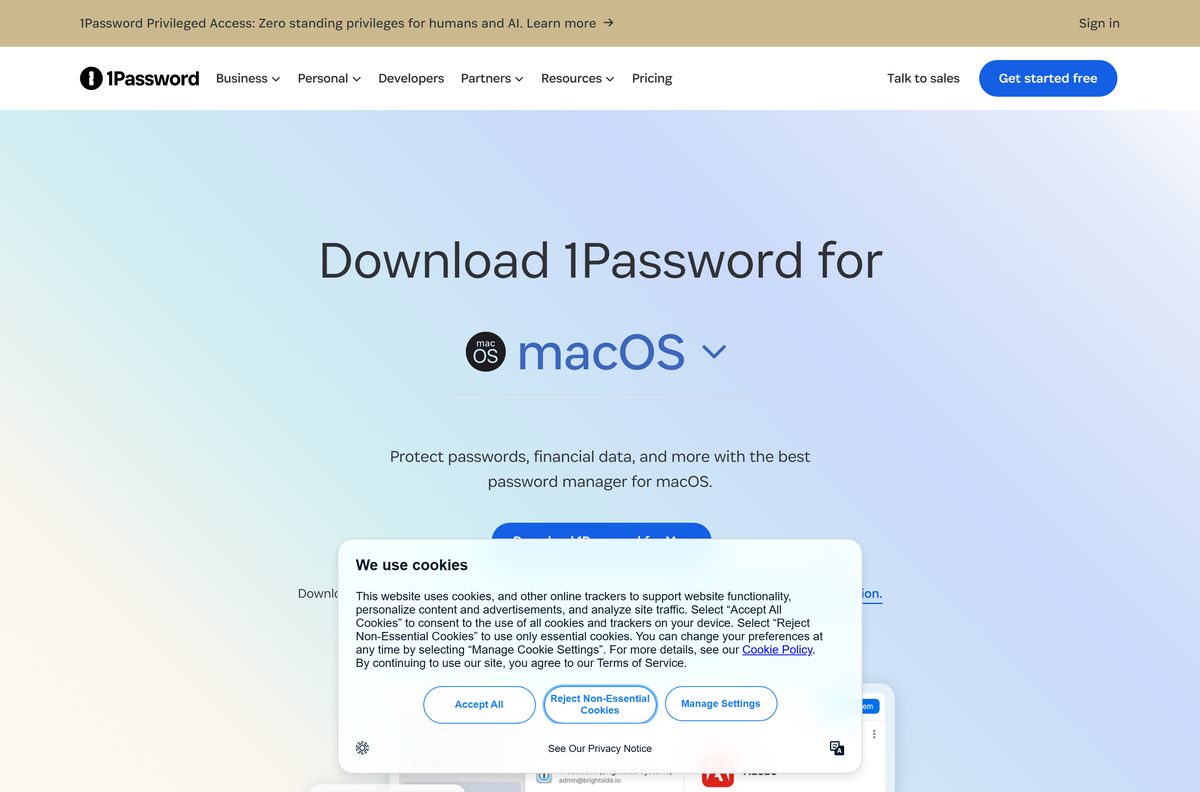
1Password 8 needs macOS 12 Monterey or later. The download page offers a single Download 1Password for Mac button for every supported Mac.
| You want | Download | Size |
|---|---|---|
| The desktop app on macOS 12 or later | 1Password.zip | 20.8 MB |
| Autofill inside Safari 18.6 or later | 1Password for Safari (Mac App Store) | 77.6 MB |
| Release notes before you update | 1Password for Mac release notes | Web page |
Open the downloaded zip, run what it contains and follow the prompts, then sign in with your email address, Secret Key and account password.
Install 1Password on Linux, phones and browsers
One subscription covers every device you sign in on. Each platform below has its own minimum version.
| Platform | Get it from | Needs |
|---|---|---|
| Linux | 1Password for Linux | 64-bit x86 or ARM, glibc 2.31 or later |
| iPhone and iPad | App Store | iOS 18 or iPadOS 18 |
| Android | Google Play | Android 12; passkeys need Android 14 |
| Chrome, Edge, Firefox, Brave | Browser extensions | Chrome, Edge and Firefox 140; Brave 1.82.0 |
| Safari | 1Password for Safari | Safari 18.6 on macOS Ventura 13 |
Linux ARM64 machines and distributions without a .deb or .rpm use the other methods on the Linux install page.
Is 1Password free?
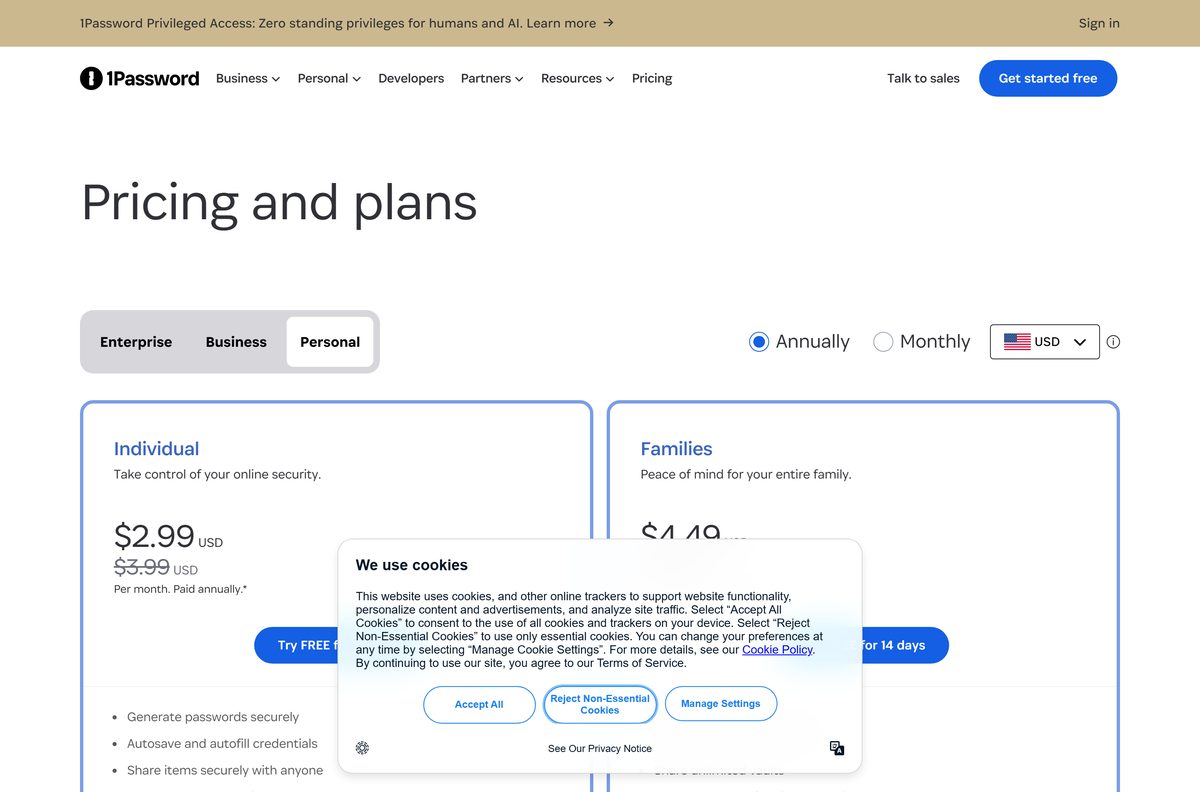
The apps are free to download, but using them needs a subscription after a 14-day trial. There is no free plan for personal use.
Individual costs $2.99 a month billed annually, or $3.99 month to month. Families costs $4.49 a month billed annually, or $5.99 month to month. The lower annual prices apply to new customers who sign up on 1password.com.
Treat any “1Password free full version”, licence key or cracked installer as malware. The only builds are the ones on 1password.com and the official app stores.
Start the 14-day trial on the Individual or Families plan. The trial unlocks the full app on every platform, so you can import your logins and test autofill before paying. If you need a free plan, see the Bitwarden download guide instead.
Check the 1Password system requirements and specifications
| Specification | Detail |
|---|---|
| Software | 1Password |
| Developer | AgileBits Inc. |
| Latest version | 8.12.36 (Windows and Mac, released 2026-09-08) |
| Licence / price | Paid subscription, 14-day free trial |
| Windows | Windows 10 64-bit or later; MSIX needs version 20H1 or later |
| Windows architecture | x64 and ARM64 |
| macOS | macOS 12 Monterey or later |
| Linux | 64-bit x86 or ARM, glibc 2.31 or later |
| Windows download size | 458.5 MB MSIX bundle, 222.6 MB MSI |
| Mac download size | 20.8 MB zip |
| Offline installer | Yes, the MSIX bundle and the MSI |
| Official download source | 1password.com/downloads |
| Last verified | 2026-09-24 |
Fix 1Password not installing on Windows 11 or 10
The MSIX bundle refuses to install on Windows 10
The MSIX package needs Windows 10 version 20H1 or later.
- Open Settings > System > About and check the Windows Version.
- Install the latest Windows 10 feature update from Windows Update if you can.
- If the PC must stay on 19H2 or earlier, download the MSI package instead.
- Run the MSI and sign in as usual.
Passkeys do not save in the desktop app
The MSI build does not support saving and using passkeys in the app.
- Open Settings > Apps > Installed apps and uninstall 1Password.
- Download the MSIX bundle or use the Microsoft Store listing.
- Install it and sign in again.
Unlock using Windows Hello does not appear
Windows Hello must be set up in Windows before 1Password can use it.
- Open Settings > Accounts > Sign-in options.
- Set up Facial recognition, Fingerprint recognition or a PIN.
- Open 1Password and select your account at the top of the sidebar, then Settings > Security.
- Turn on Unlock using Windows Hello.
Sign-in asks for a Secret Key you do not have
A new device needs the Secret Key the first time you sign in.
- Search your Downloads folder for a PDF named 1Password Emergency Kit.
- On a business account that uses single sign-on, ask your administrator instead.
How to uninstall 1Password from Windows and Mac
Removing the app does not delete your account. Confirm that you can reach your data on another device or on 1password.com first.
- On Windows, open Settings > Apps > Installed apps.
- Select 1Password, then Uninstall.
- Delete the 1Password folder in %LOCALAPPDATA% to remove local data.
- On a Mac, select the 1Password icon in the menu bar, then Quit.
- Drag 1Password from Applications to the Trash.
- Remove the browser extension from your browser’s extensions page.
Frequently asked questions
Is 1Password free?
No. The apps are free to download, but you need a subscription after the 14-day free trial. Individual costs $2.99 a month billed annually and Families costs $4.49 a month billed annually.
What is the official 1Password download page?
1password.com/downloads is the official page. It links the Windows, Mac, Linux, iOS and Android apps, the browser extensions and the command line tool. The Microsoft Store listing is published by AgileBits Inc.
Does 1Password work on Windows 11?
Yes. 1Password 8 runs on Windows 11 and on 64-bit Windows 10. The MSIX bundle needs Windows 10 version 20H1 or later, and the MSI covers older Windows 10 builds.
How big is the 1Password download?
The Windows MSIX bundle is 458.5 MB and the MSI is 222.6 MB. The Mac zip is 20.8 MB. On Linux, the .deb package is 159.4 MB and the .rpm is 137.4 MB.
Is there a 1Password offline installer?
Yes. The MSIX bundle and the MSI both contain the whole Windows app, so you can copy either file to a PC with no internet and install it there.
How do you download 1Password for Mac?
Open 1password.com/downloads/mac and select Download 1Password for Mac. The 20.8 MB 1Password.zip file needs macOS 12 Monterey or later. Safari autofill uses the separate 1Password for Safari extension from the Mac App Store.
Does 1Password support ARM64 on Windows?
Yes. The Microsoft Store package and the MSIX bundle contain both x64 and ARM64 builds, so Snapdragon laptops install the native version. There is no 32-bit Windows build.
Is 1Password safe to download?
Download it from 1password.com, the Microsoft Store, the App Store or Google Play and you get AgileBits’ own build. Avoid download portals and anything sold as a free licence key.
What is the latest 1Password version?
1Password 8.12.36 is the current stable release for Windows and Mac, released on 8 September 2026. The Microsoft Store carries the same 8.12.36 build.
Why will 1Password not install?
The most common cause is a Windows 10 build older than 20H1, which cannot install the MSIX bundle. Update Windows, or install the MSI package from 1password.com instead.
Can you use 1Password on Linux?
Yes. 1password.com offers .deb and .rpm packages for x86_64, and the Linux install page covers other methods. You need a 64-bit x86 or ARM processor and glibc 2.31 or later.
How do you uninstall 1Password?
On Windows, open Settings, then Apps, then Installed apps, select 1Password and select Uninstall. On a Mac, quit 1Password from the menu bar and drag it from Applications to the Trash. Your account stays intact.







Best password manager for 2026 - Techdows
[…] is the best overall pick because it covers every major platform, has a 14-day free trial, and adds account protection that most rivals […]