The best free music apps for Windows in Microsoft Store are Spotify for streaming, Media Player and VLC for your own files, Amazon Music, Pandora, Deezer and iHeart for free ad-supported listening, and Audacity for recording and editing.
This guide shows what each free tier actually gives you, which app suits which listener, how to install them from the Store, and how to fix the two problems that most often follow.
Best music apps for Windows 11/10
Every app below has a Microsoft Store listing and costs nothing to install. Streaming services with a paid tier are marked, so you know where the free version stops.
| App (Store listing name) | What it does | Free version | Paid tier |
|---|---|---|---|
| Spotify – Music and Podcasts | Streams music and podcasts | Yes, with ads | Premium, $12.99 a month after a first free month |
| Windows Media Player | Microsoft's player for music files on your PC | Fully free | None |
| Apple Music | Apple Music catalog plus your imported files | App is free; catalog needs a subscription | Apple Music subscription |
| Amazon Music | Stations, top playlists and podcasts | Yes, Amazon Music Free | Amazon Music Unlimited |
| Pandora | Personalized radio stations | Yes, ad-supported | Pandora Plus and Premium |
| Deezer Music | Music streaming | Yes, Deezer Free with ads | Paid Deezer plans |
| iHeart: Radio, Music, Podcasts | Live AM/FM radio, podcasts, playlists | Yes | None needed for the free features |
| VLC | Plays almost any audio or video file | Fully free, open source | None |
| Audacity | Records and edits audio | Fully free, open source | None |
Which free music app should you install on Windows?
| What you want | Install this | Why |
|---|---|---|
| Stream any song or podcast for free | Spotify | Large catalog on a free, ad-supported plan with no card required |
| Play MP3 and other files already on your PC | Windows Media Player | Made by Microsoft and free, with no account |
| Play unusual file formats | VLC | Free, open source player built for wide format support |
| Hands-off radio that learns your taste | Pandora | Personalized stations on the free tier |
| Live local radio and talk shows | iHeart | Live AM and FM stations plus podcasts |
| Free playlists inside an Amazon account | Amazon Music | Free stations and top playlists, no card required |
| You already pay for Apple Music | Apple Music | Official Windows app for the service |
| Record or edit audio, make music | Audacity | Free audio editor tested on Windows 10 and 11 |
How to install a free music app from Microsoft Store
- Select Start, then select Microsoft Store.
- Type the app's name, such as Spotify, in the search box at the top.
- Select the listing whose name matches the table above.
- Select the install button on the app's page and wait for the download.
- Open the app from the Store page or from the Start menu.
Store apps update themselves, and you can update Microsoft Store apps manually when one lags behind. If the Store itself is missing, you can reinstall the Microsoft Store app first.
To look beyond this list, open the music category on the Microsoft Store website and pick Top free or Best-rated under Charts. Top free apps and best-rated apps marked Free+ offer in-app purchases.
Spotify: free music streaming app for Windows
Spotify's free plan plays millions of songs and podcasts with no credit card. You can also get the Spotify app for PC straight from Spotify.
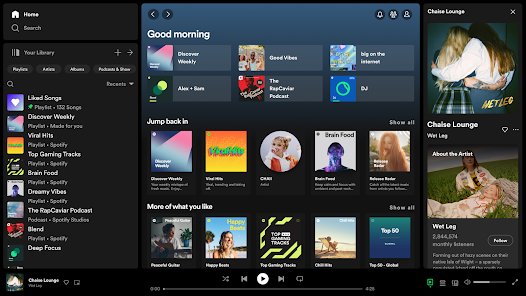
| Feature | Spotify Free | Spotify Premium |
|---|---|---|
| Price | $0, no card required | $12.99 a month; first month free if you have not tried Premium |
| Ads | Yes | No |
| Play albums in any order and repeat | Limited | Yes |
| Skips | Limited | Unlimited |
| Downloads for offline listening | No | Yes |
| Lossless audio | No | Up to 24-bit/44.1 kHz |

Windows Media Player: Microsoft's free music player
Microsoft's own media player is listed in the Store as Windows Media Player and is free. It is the simplest choice for music you already own as files, and it needs no account or subscription.

The classic Windows Media Player 12 also remains in Windows for CD tasks such as ripping and burning.
| Task | Use | Note |
|---|---|---|
| Play music files stored on your PC | Windows Media Player from the Store | Free, made by Microsoft |
| Rip a CD to your PC | Classic Windows Media Player | Called ripping; copies tracks from the disc |
| Burn an audio CD | Classic Windows Media Player | Audio CDs hold up to 80 minutes |
| Burn a data CD of MP3 or WMA files | Classic Windows Media Player | About 700 MB, roughly 8 hours of music |
| Play MP4 or other formats it lacks | VLC | Windows Media Player 12 needs extra decoders for MP4 |
Apple Music app for Windows: free download, paid catalog
The Apple Music app is free to install from the Store, but streaming its catalog requires an Apple Music subscription. A free Apple Music trial lets you test it first.
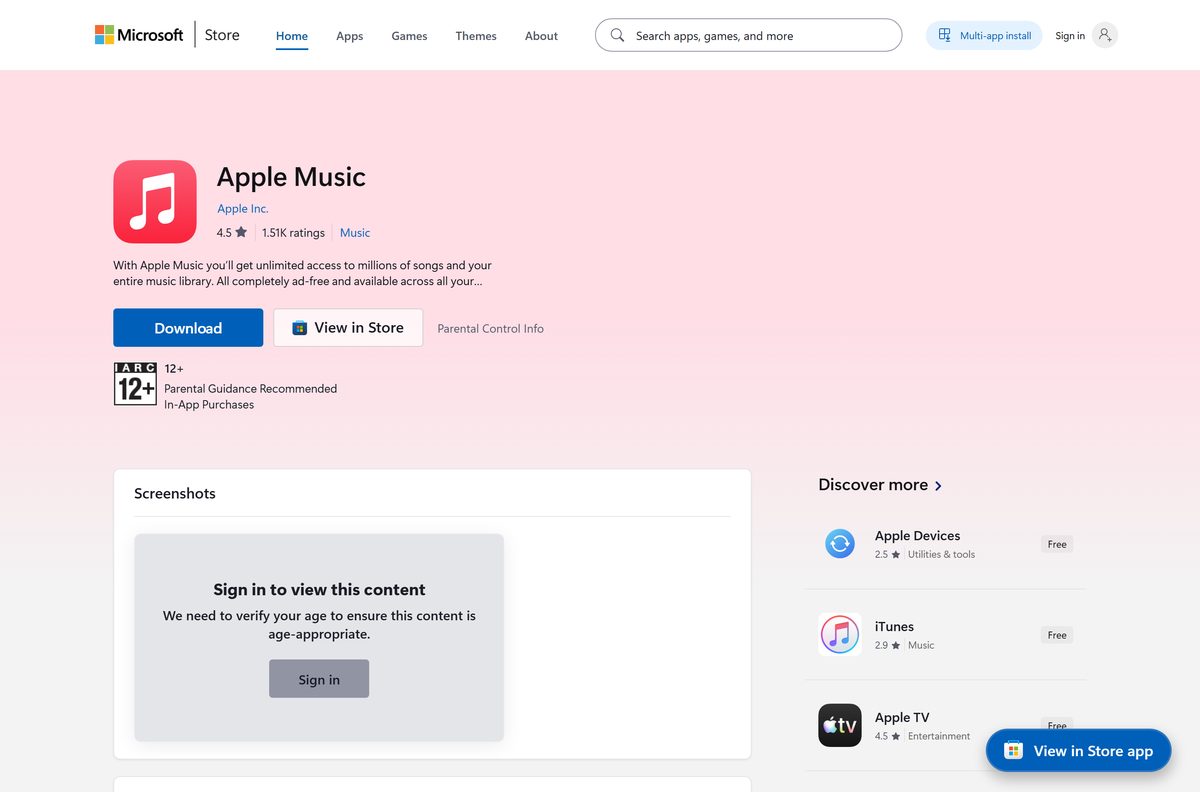
| What you can do | Subscription needed? |
|---|---|
| Stream the Apple Music catalog | Yes |
| Import songs already on your computer into the app's library | No |
| Buy and download music from the iTunes Store | No, you pay per purchase |
| Start with your old library | No; the app opens with an empty library until you import |
Amazon Music Free on Windows
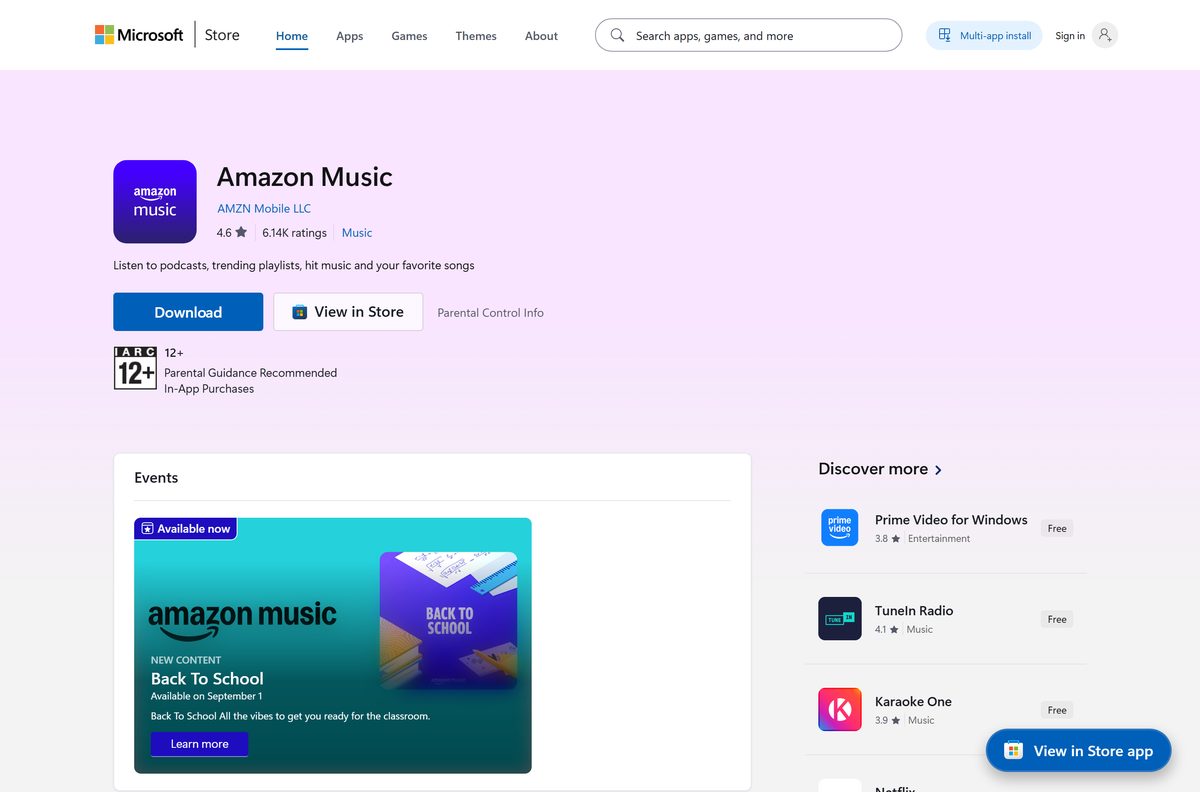
| Item | Amazon Music Free | Amazon Music Unlimited |
|---|---|---|
| Price | $0, no credit card required | Paid subscription |
| Catalog | Thousands of stations and top playlists | Full on-demand catalog of 100 million songs |
| Podcasts | Millions of episodes | Included |
| Store listing | Amazon Music | Same app |
Pandora free radio app for Windows
Pandora builds personalized radio stations. Its free tier is ad-supported, and listening to an ad can unlock skips and temporary Premium access.
| Tier | Ads | Skips and replays | On-demand play | Offline |
|---|---|---|---|---|
| Free (ad-supported) | Yes | Unlock skips by listening to ads | No | No |
| Pandora Plus | No | More skips and replays | No | Yes |
| Pandora Premium | No | More skips and replays | Yes, search and play any song | Yes |
Pandora is not available in every country; outside its service area the site shows a region notice instead of the player.
Deezer Free on Windows
Deezer Music is in the Store with a free, ad-funded plan. Deezer is not available in every country, so check that the service opens where you live before installing.
| Deezer Free feature | What you get |
|---|---|
| Ads | Yes |
| Playlists with a play icon on the cover | Unlimited skips |
| Shuffle | Up to six skips per hour |
| Picking a single track from an artist page in the app | 30-second preview |
| Audio quality | Basic (64 kb/s) or Standard (128 kb/s) |
| Lyrics and offline listening | Paid plans only |
iHeart radio, music and podcasts app for Windows
| Feature | Detail |
|---|---|
| Price | Free app |
| Live radio | AM and FM stations, local and worldwide |
| Podcasts | Shows from iHeartRadio, ESPN, NPR and others |
| Playlists | Curated by mood, activity, decade and genre |
| Extras | Presets, a Live Radio Dial and Top Trending rankings |
VLC media player from Microsoft Store
VLC is a free and open source player that handles far more formats than Windows Media Player. The Store carries two listings: VLC, the full desktop player, and VLC UWP, a separate UWP app.
Install the one named VLC unless you have a reason to want the UWP app.
| Point | VLC |
|---|---|
| Price | Free, open source |
| Windows support | Windows XP SP3 up to the latest Windows 11 |
| Best use | Local music and video files in formats other players reject |
| Streaming catalog | None; it plays files and network streams you provide |
Best free apps to make music on Windows: Audacity
For recording and editing rather than listening, Audacity is the free pick in the Store. It is open source, free for everyone, and tested on Windows 10 and Windows 11.
| Point | Audacity |
|---|---|
| Price | Free, and its makers say it will stay free |
| Licence | Open source |
| Tested on | Windows 10 and Windows 11 |
| ARM PCs | The ARM64 build requires Windows 11 or later |
| Good for | Recording vocals or instruments, cutting tracks, converting audio |
Best Windows 11/10 apps in Microsoft Store to pair with a music app
EarTrumpet is a free volume control and mixer for Windows PC. It sits beside any player above and is useful when music and calls share one speaker.
| Store app | Why install it with a music app | Price |
|---|---|---|
| EarTrumpet | Volume control and mixer for each app's sound | Free |
| VLC | Covers file formats a streaming app cannot play | Free |
| Audacity | Edits or records the audio you play back | Free |
Fix music app problems on Windows 11
Select an app to open this file keeps popping up in Windows 11
No default app is set for that music file type, so Windows asks each time.
- Open Settings and go to Apps > Default apps.
- Type the file extension, such as .mp3, in the search bar.
- Select the matching result.
- Choose the music app you want, such as Windows Media Player or VLC.
- Repeat for other types you use, such as .flac or .m4a.
The app didn’t start in the required time on Windows 11
A Store app failed to launch, often because Windows, the Store or the app itself needs an update or repair.
- Close the app with the Close (X) button and open it again.
- Select Start > Settings > Windows Update > Check for updates and install updates.
- Open Microsoft Store, select Library > Get updates to update the Store and your apps.
- Repair or reset the app from the installed apps list in Windows Settings.
- If it still fails, uninstall it and reinstall it from Library in Microsoft Store.
Music app missing from Microsoft Store search
The app is not offered in your region, family settings hide it, or the Store cache is stale.
- Press Windows + R, type wsreset.exe and select OK.
- Open the Store and search for the app again.
- Restart the PC if it was updated recently.
- If it still does not appear, the app is not available in your country or region or not compatible with your device.
Free Windows music apps FAQ
What's the best free music app for Windows?
For streaming, Spotify is the strongest free choice because its free plan plays millions of songs and podcasts with no credit card. For music files you already own, Windows Media Player and VLC are fully free with no ads or accounts.
What are the best free music apps for Windows 11?
On Windows 11, start with Spotify for free streaming, Windows Media Player or VLC for music files, and Pandora or iHeart for radio. Each has a Microsoft Store listing, so it installs and updates through the Store.
Which music app is totally free?
Windows Media Player, VLC and Audacity are totally free with no paid tier. Spotify, Amazon Music, Pandora and Deezer have free plans but carry ads and limits that a paid subscription removes.
Does Microsoft have a music player?
Yes. Microsoft's player is listed in Microsoft Store as Windows Media Player and is free. It plays music files on your PC. The classic Windows Media Player 12 still handles CD ripping and burning.
What are some good free music apps for PC?
Good free music apps for PC include Spotify, Amazon Music, Pandora, Deezer and iHeart for streaming and radio, Windows Media Player and VLC for local files, and Audacity for recording. All have Microsoft Store listings.
Which app is good for downloading music on Windows?
Spotify Premium downloads songs for offline listening, and the Apple Music app can buy and download tracks from the iTunes Store. Free tiers such as Spotify Free and Deezer Free do not include offline downloads.
What are the best free apps to make music on Windows?
Audacity is the main free option in Microsoft Store for recording and editing audio. It is open source, free for everyone, and tested on Windows 10 and Windows 11, with an ARM64 build for Windows 11.
Bottom line: which free Microsoft Store music app to start with
Install Spotify for free streaming and VLC for your own files; add Pandora or iHeart if you prefer radio. That pair covers on-demand streaming and every local format at no cost, while the radio apps fill the gap for listeners who would rather not pick each song.


![[Fix] Microsoft Software Protection Platform (sppsvc) high CPU usage](https://techdows.com/wp-content/uploads/2026/10/Fix-Microsoft-Software-Protection-Platform-sppsvc-high-CPU-usage-600x338.jpg)