Download Oracle SQL Developer for PC, Windows 11/10 & Mac (Free)
Oracle SQL Developer download for Windows 11, 10 and Mac: get the free 26.2 zip from Oracle, pick the right build, unzip it, run it and fix startup errors.
2,147 articles

Oracle SQL Developer download for Windows 11, 10 and Mac: get the free 26.2 zip from Oracle, pick the right build, unzip it, run it and fix startup errors.
Red Dead Redemption 2 download for PC: buy it on the Rockstar Store, Steam or Epic, install it on Windows 11 and 10, and fix a download that stalls.
Epson Scan 2 download for Windows 11, 10 and Mac: get the free scanner driver package for your Epson model, install it, add a network scanner and fix errors.
HBO Max download for PC: install the web app on Windows 11, Windows 10 and Mac in about a minute, plus the free iPhone, Android and Xbox apps.
Microsoft Family Safety download for PC is free: get the Windows 11 and 10 app from the Microsoft Store, the phone apps, or the browser dashboard.
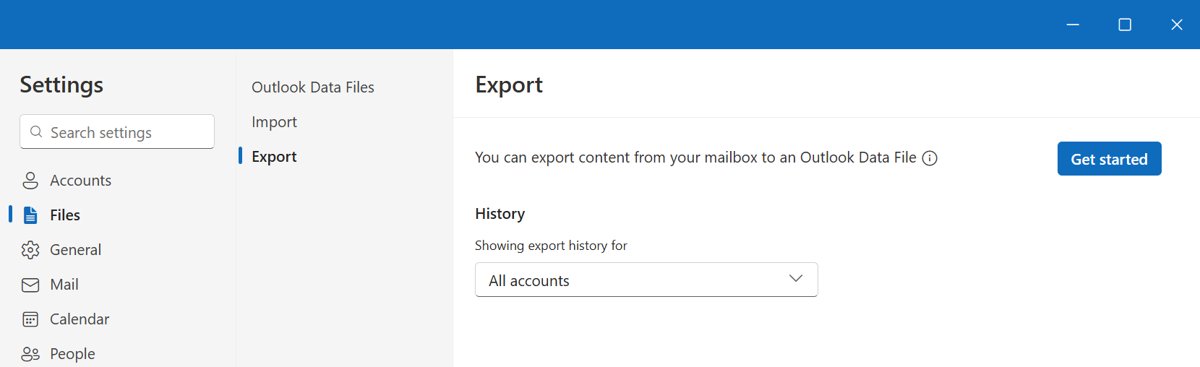
Outlook PST files store email, contacts and calendar items on your PC. Learn when a PST helps, its 50 GB limit, new Outlook support and better alternatives.
Scratch download for PC and Mac: get the free Scratch app from the Microsoft Store on Windows 11 and 10, or as a DMG or App Store app on macOS, and code offline.
thinkorswim download for Windows 11, Mac and Linux: official Schwab installer links and sizes, install steps, the free Guest Pass, requirements and fixes.
My Verizon download for PC: install My Verizon on Windows 11, Windows 10 and Mac from Edge or Safari, or get the free iPhone and Android app.
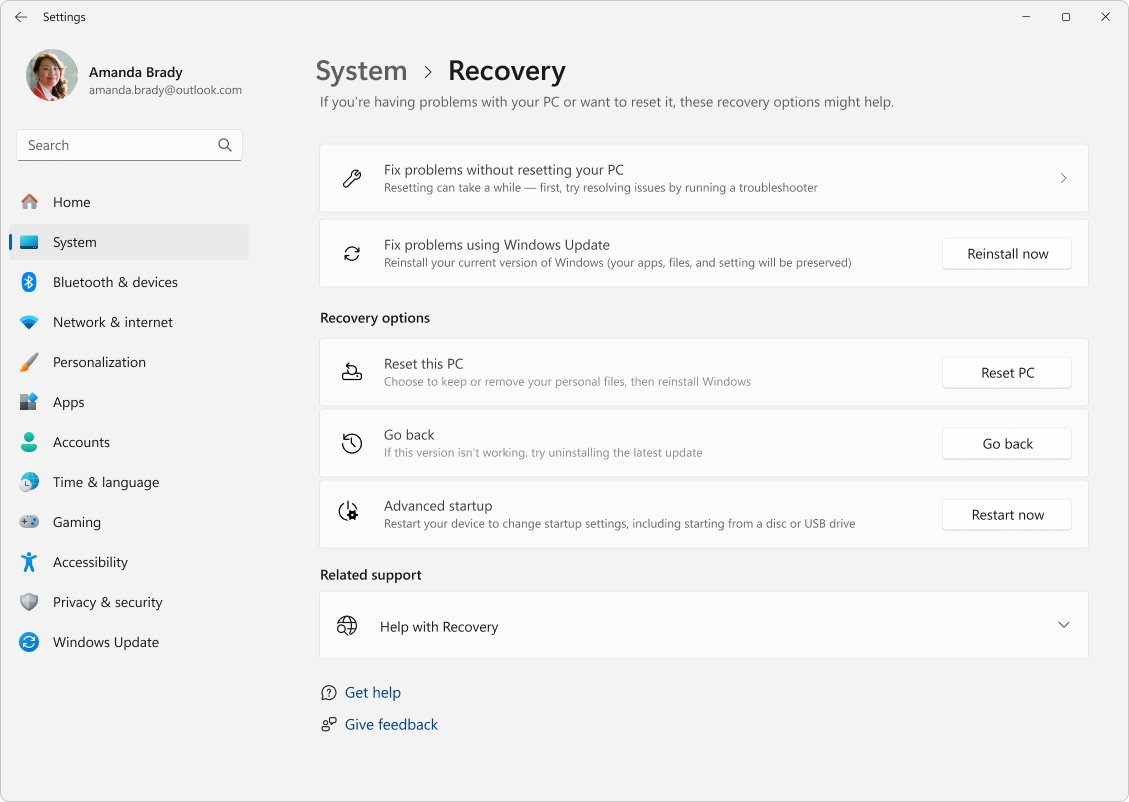
Force a Windows 11 update from Settings > Windows Update > Check for updates, then use optional updates, a cache reset, Installation Assistant, ISO or the Catalog.
Notepad++ download for Windows 11 and 10 from the official site: pick the right package, install it, check the signature and set it as your default editor.
Safari download is free and built into every Mac, iPhone and iPad. Get Safari 27, the Technology Preview for developers, update steps, fixes and FAQs.