
How to show the menu bar on all screens in macOS Ventura

Show the menu bar on all screens in macOS Ventura: turn on Displays have separate Spaces in Desktop & Dock, then log out. Fixes for second monitors included.
3,915 articles

Show the menu bar on all screens in macOS Ventura: turn on Displays have separate Spaces in Desktop & Dock, then log out. Fixes for second monitors included.

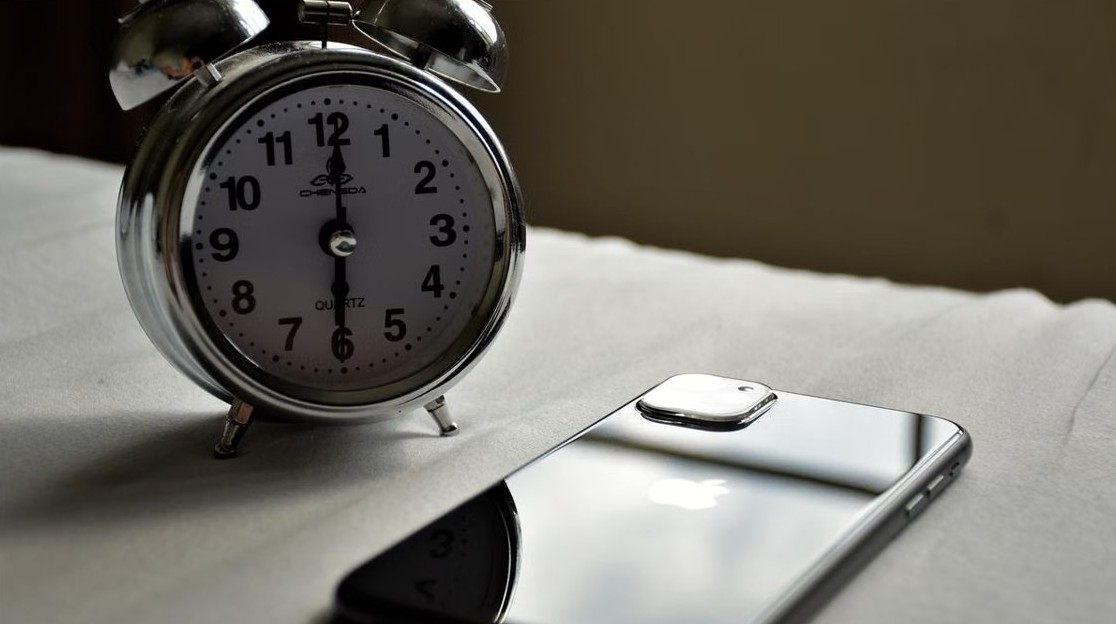
iPhone alarm wrong after daylight savings time? Turn on Set Time Automatically, fix the time zone, check your wake up alarm, then test it.
Do Not Disturb on iPhone is in Control Center under Focus, and in Settings > Focus > Do Not Disturb. Find it on any model and see what it silences.
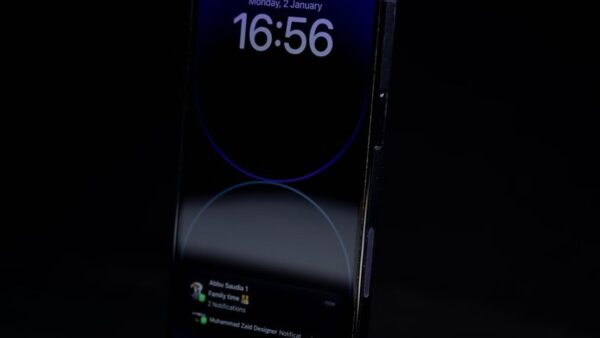
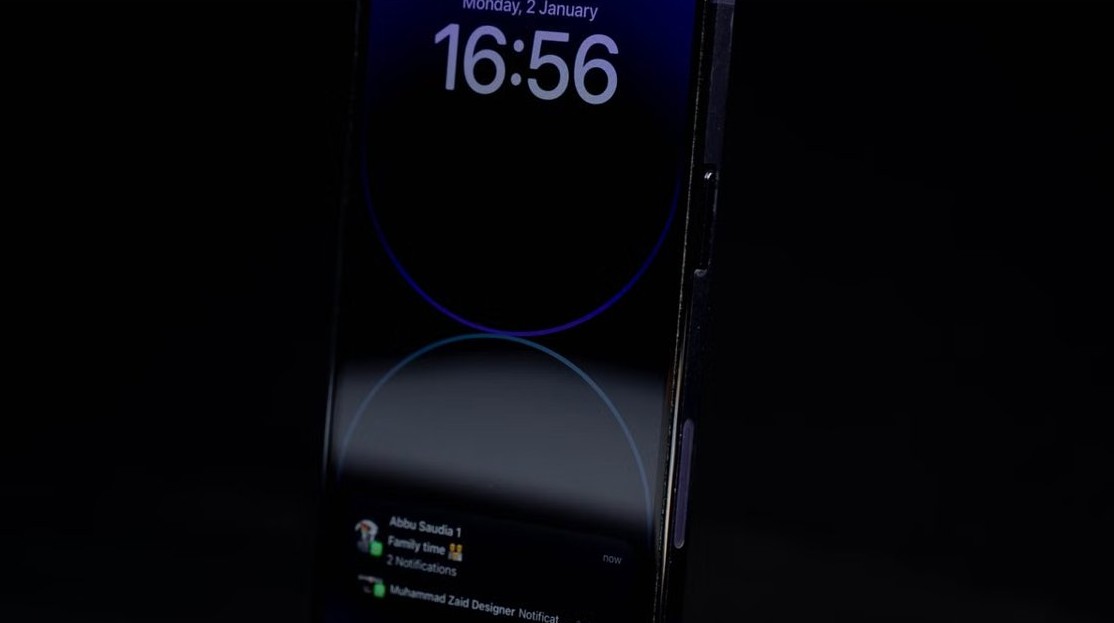
Find the Notification Center on iPhone: swipe down from the top-left on iOS 27, top center on iOS 16 to 26, or up on the Lock Screen. Clear, mute and manage it.

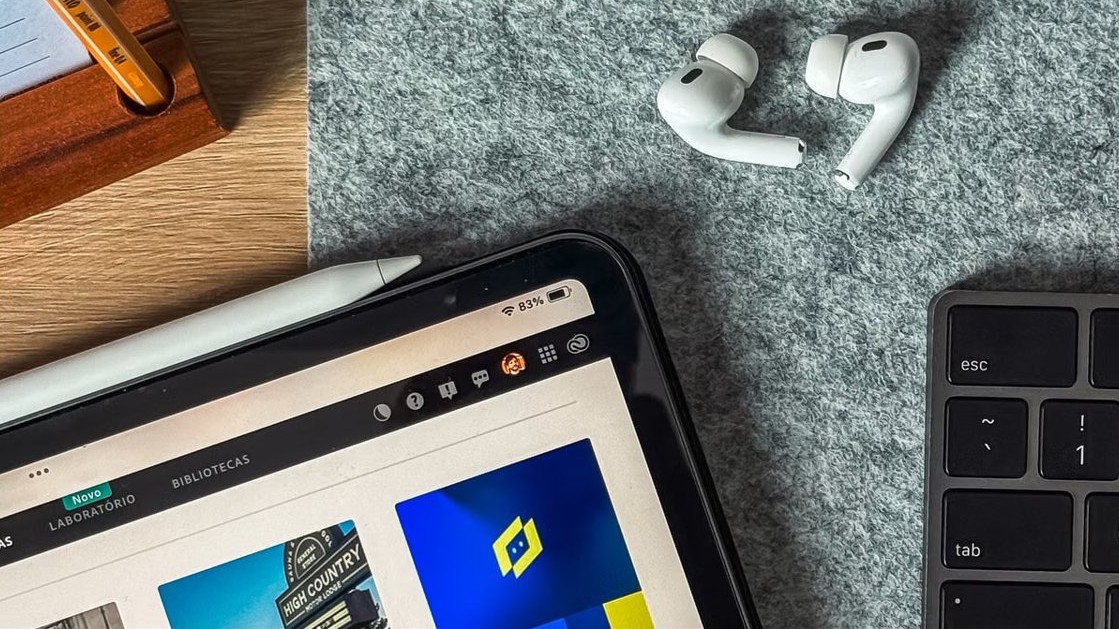
How to close apps on iPad: open Exposé or the App Switcher, swipe up on the app preview, and use the window controls in Windowed Apps or Stage Manager.
Screenshot on a Lenovo laptop with Windows + Shift + S or Windows + PrtSc. Shortcut keys for IdeaPad, Yoga, ThinkBook and ThinkPad, plus fixes when PrtSc fails.
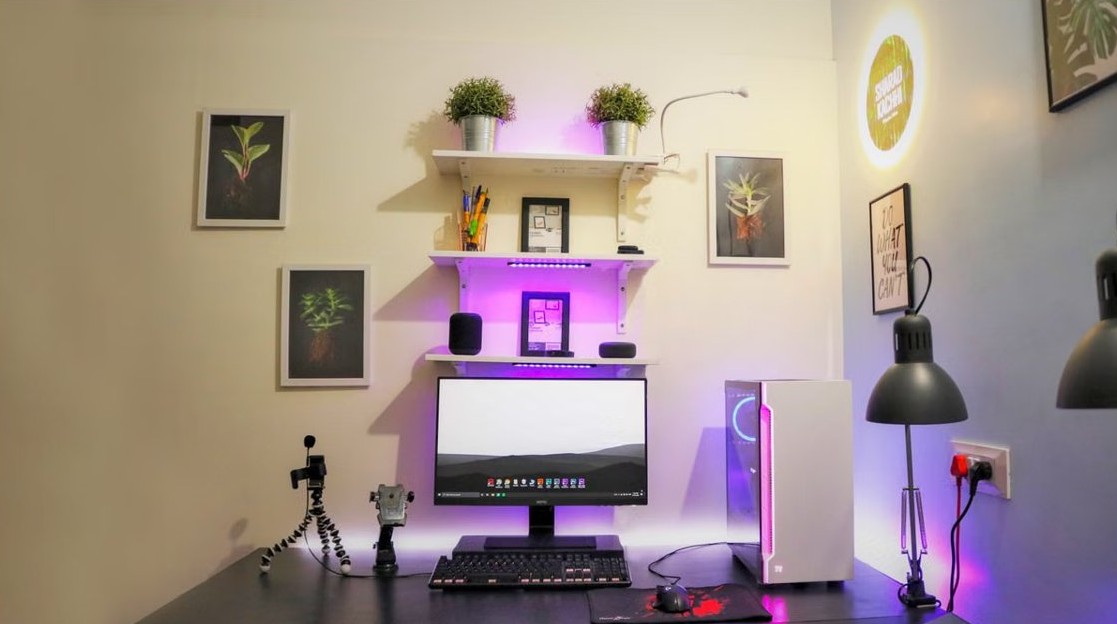
Reset display settings in Windows 11 by restoring the Recommended resolution and scale, then resetting Night light, HDR, colors and filters. Black screen fixes too.


Set up a Firestick by plugging it into your TV’s HDMI port, joining Wi-Fi and signing in to Amazon. Includes steps per model, remote setup and common fixes.


Fix HDR in Windows 11 after updates: turn it back on, roll back the GPU driver, recalibrate, check cables, and undo an update only when the timeline fits.


My Card is your own contact card in Contacts. Correct it on iPhone by choosing your own contact with Make this My Card, then edit the name, address and photo.
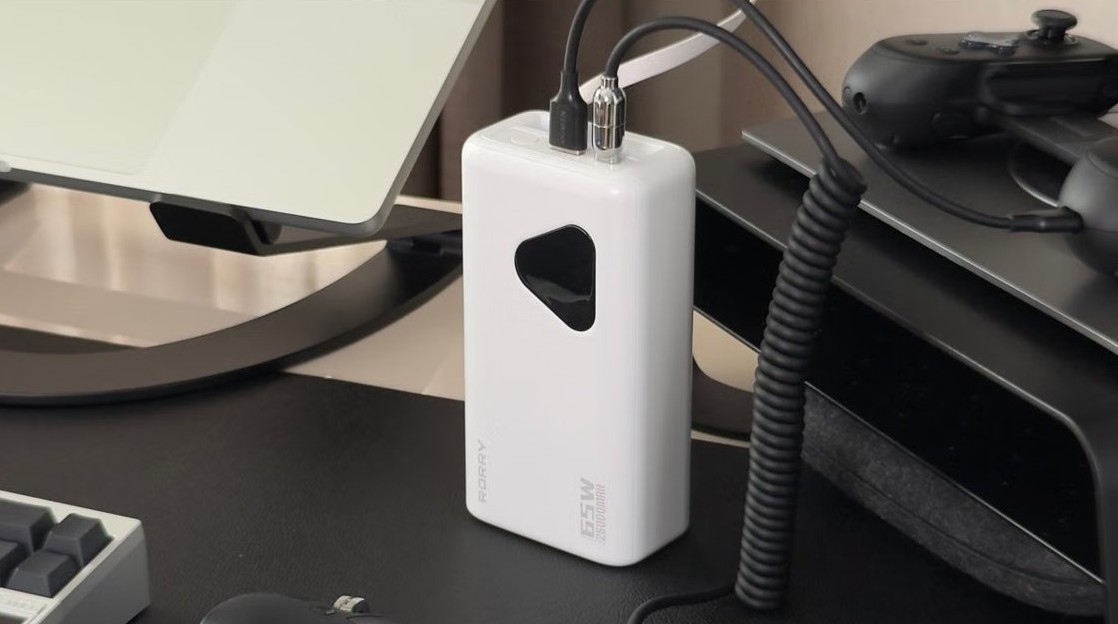
Change Battery Saver Mode settings in Windows 11 under Power & battery: set the turn-on level, brightness and always-on option, plus fixes and driver steps.

Fix Access Denied in the Windows Temp folder: close the app holding the file, reset permissions with icacls, take ownership, and clear stuck temp files safely.