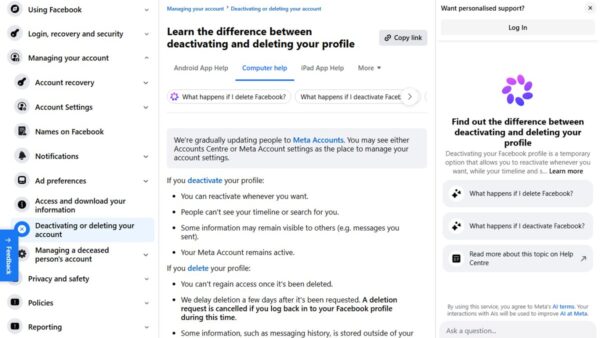
How to delete, close, or deactivate your Facebook account
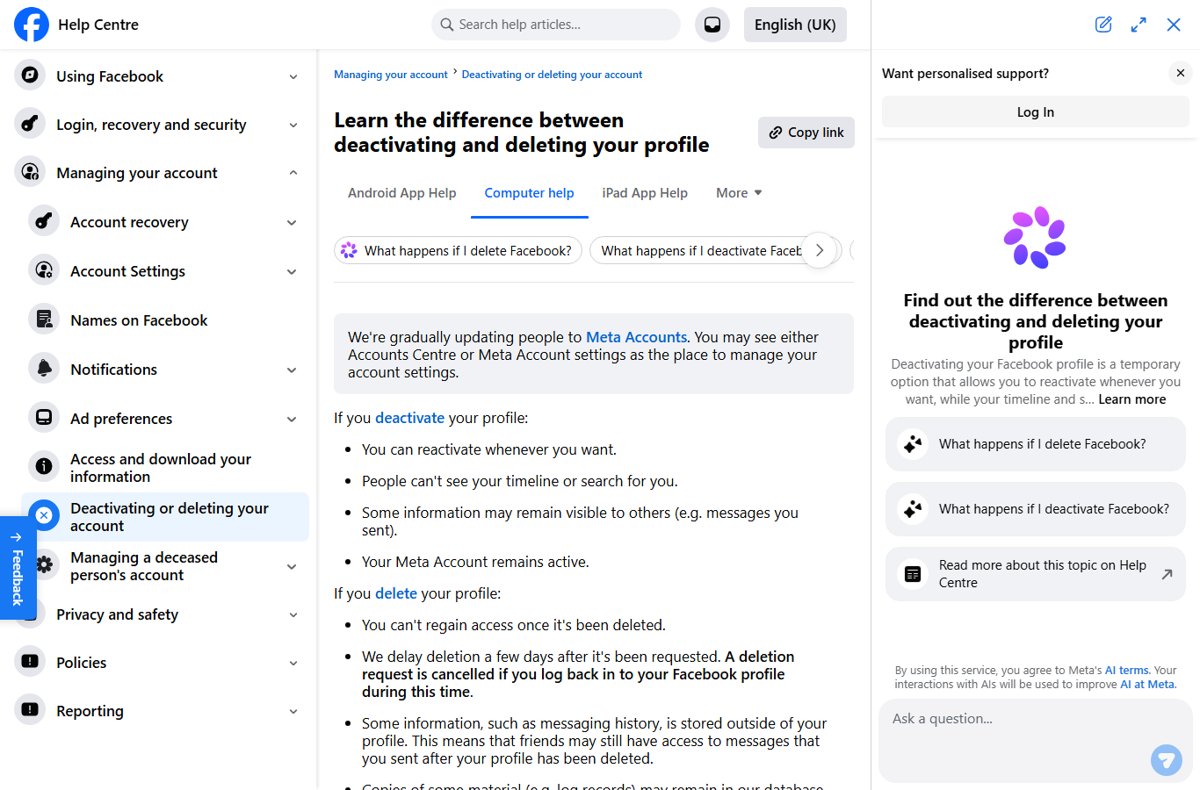
Delete or deactivate your Facebook account from Accounts Center on a computer or in the app. Covers the 30-day cancel window, data export and Messenger.
1,966 articles

Delete or deactivate your Facebook account from Accounts Center on a computer or in the app. Covers the 30-day cancel window, data export and Messenger.
Windows Terminal download for PC: install the free Microsoft app on Windows 11 and 10 from the Store, winget, an MSIX bundle or a portable ZIP.
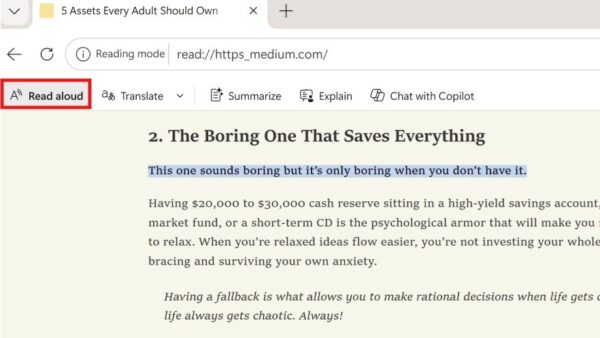
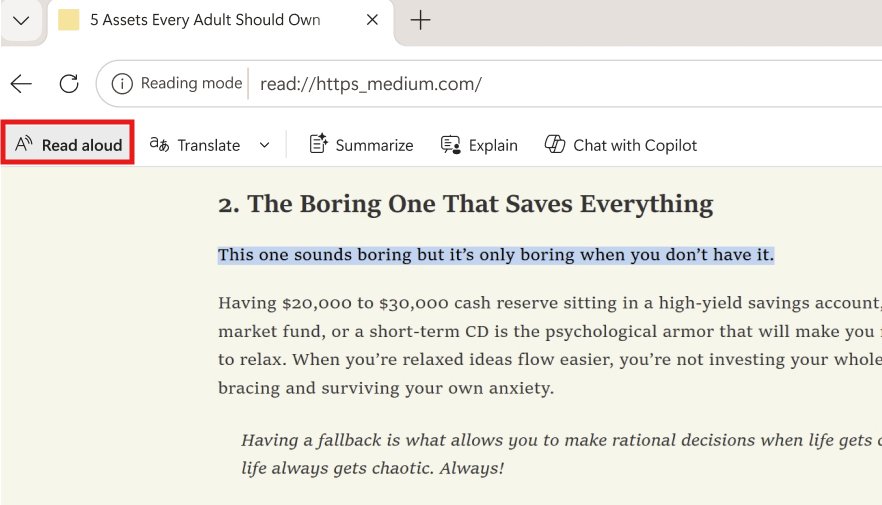
Use Immersive Reader in Edge by pressing F9 or selecting the Reading mode icon in the address bar. Steps for read aloud, translate, themes, line focus and fixes.
Audiomack download for PC: install the free Audiomack app on Windows 11, 10 and Mac from audiomack.com, get the phone apps, and see what Audiomack+ costs.
Epson Event Manager download for Windows 11, 10 and Mac: get the free 20.2 MB installer from Epson, set up the scan button, and fix common scan errors.
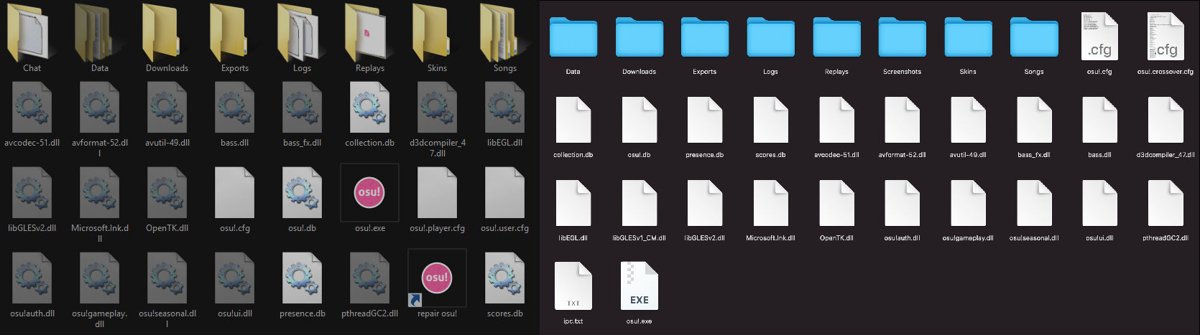
osu! custom cursor guide: install a cursor skin from an .osk file, swap only cursor.png in your current skin, tune cursor size and fix an old cursor that stays.
Quicken download for Windows 11, Windows 10 and Mac comes from quicken.com. Get the Classic installer, sizes, prices, requirements and install steps.
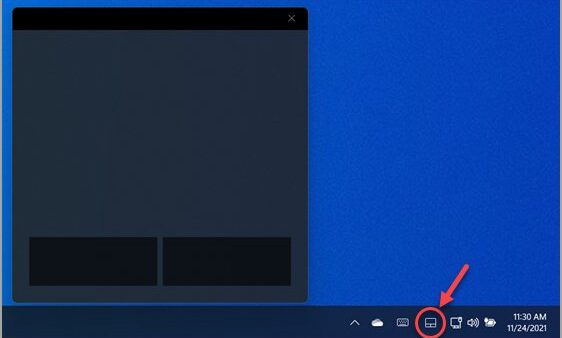
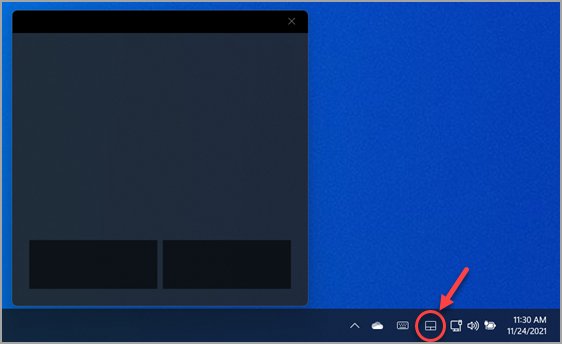
Enable or disable Leave touchpad on when a mouse is connected in Windows 11 from Settings or the LeaveOnWithMouse registry value, and fix a touchpad that stays off.
Quizlet download for PC, Mac, iPhone and Android: install quizlet.com as a desktop app in Edge, Chrome or Safari, or get the free phone app.
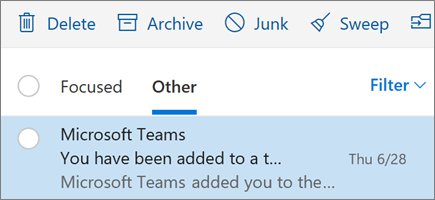
Outlook not showing all emails in the inbox? Clear the filter, check Focused and Other, Junk, rules and sync settings, then download old mail in classic Outlook.
Adobe Express download for Windows 11, 10 and Mac: the free Microsoft Store app, the Edge and Chrome install, Premium pricing, requirements and fixes.
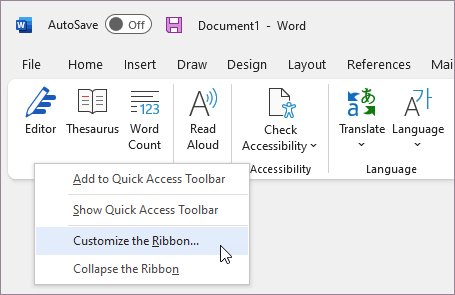
Enable the Developer tab in Office: go to File > Options > Customize Ribbon and tick Developer. Steps for Word, Excel, PowerPoint, Outlook and Mac, plus fixes.