Outlook: not all emails are showing in inbox [resolved]
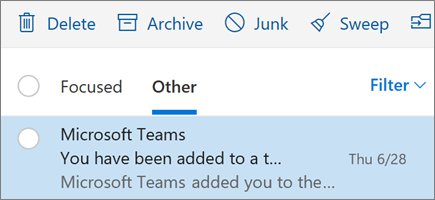
Outlook not showing all emails in the inbox? Clear the filter, check Focused and Other, Junk, rules and sync settings, then download old mail in classic Outlook.
1,969 articles

Outlook not showing all emails in the inbox? Clear the filter, check Focused and Other, Junk, rules and sync settings, then download old mail in classic Outlook.
Adobe Express download for Windows 11, 10 and Mac: the free Microsoft Store app, the Edge and Chrome install, Premium pricing, requirements and fixes.
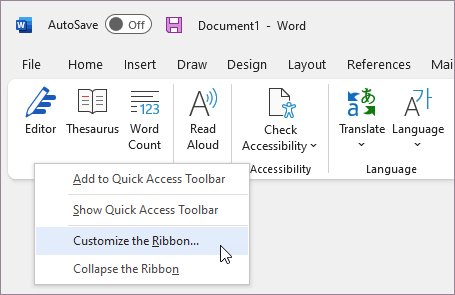
Enable the Developer tab in Office: go to File > Options > Customize Ribbon and tick Developer. Steps for Word, Excel, PowerPoint, Outlook and Mac, plus fixes.
Splashtop Streamer download for Windows 11, 10, Mac and Linux from splashtop.com. Get the 71.8 MB installer, log in, deploy it silently and fix common errors.
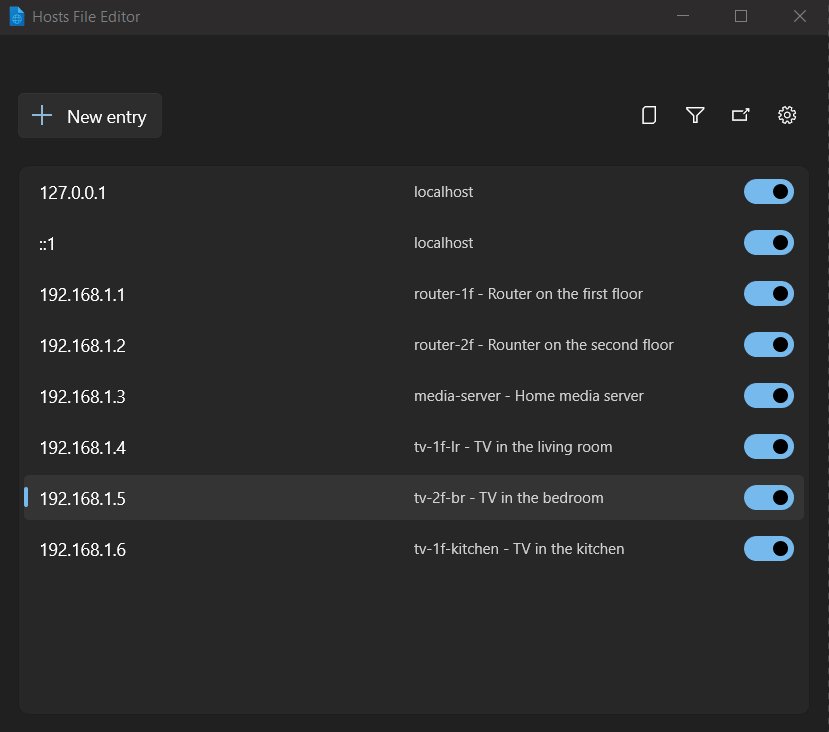
Fix ERR_CONNECTION_TIMED_OUT on Windows 11 and 10: reset TCP/IP with netsh, flush DNS, clear the proxy and hosts file, update the adapter driver, restart the router.
Intel driver download for Windows: get the free Intel Driver & Support Assistant from intel.com, install it, scan for driver updates and fix common errors.
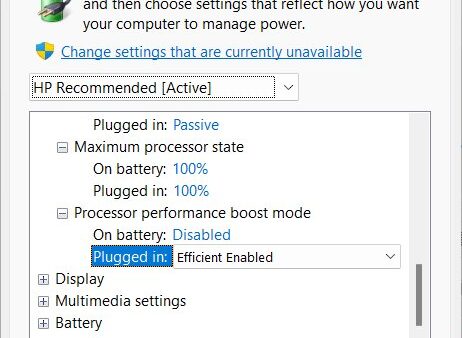
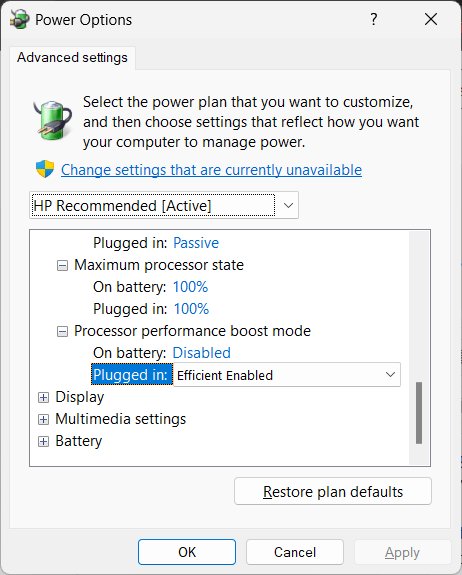
Disable CPU throttling in Windows 11 with Best performance power mode, a 100% maximum processor state, powercfg and the Power Throttling policy. Heat limits stay.
GIMP download for Windows 11, Windows 10 and Mac: install version 3.2.6 free from gimp.org, or take the x64 and ARM64 build from the Microsoft Store.
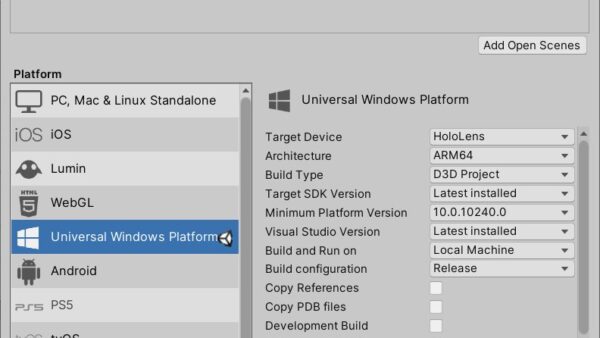
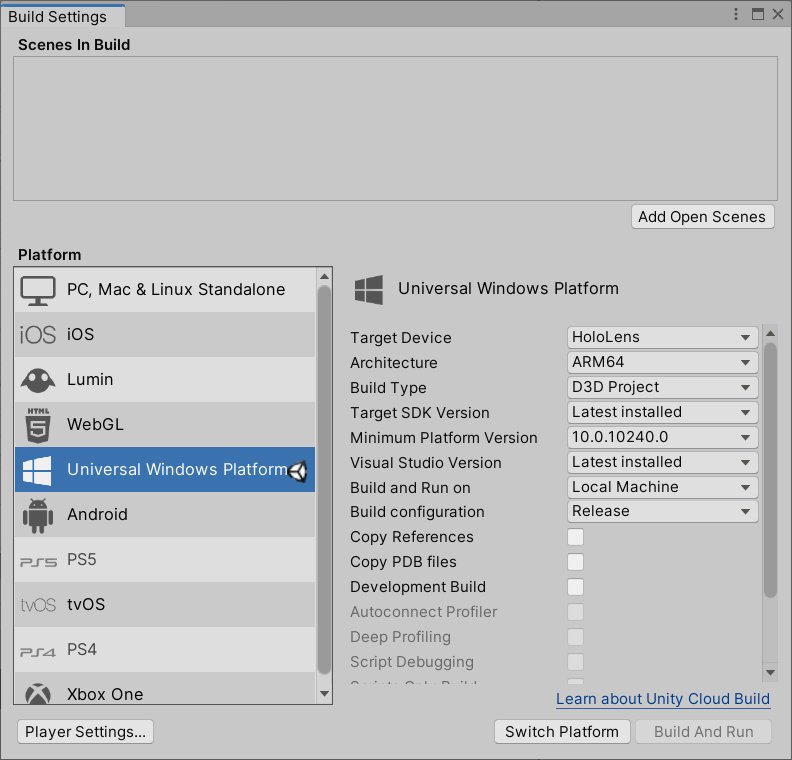
HoloLens 2 app development in 2026: Microsoft has stopped making the device. Pin the right Unity, OpenXR and Visual Studio versions, then build and deploy.
SketchUp download for Windows 11, Windows 10 and Mac: official Trimble installers, sizes, the free web version, the 7-day trial and setup fixes.
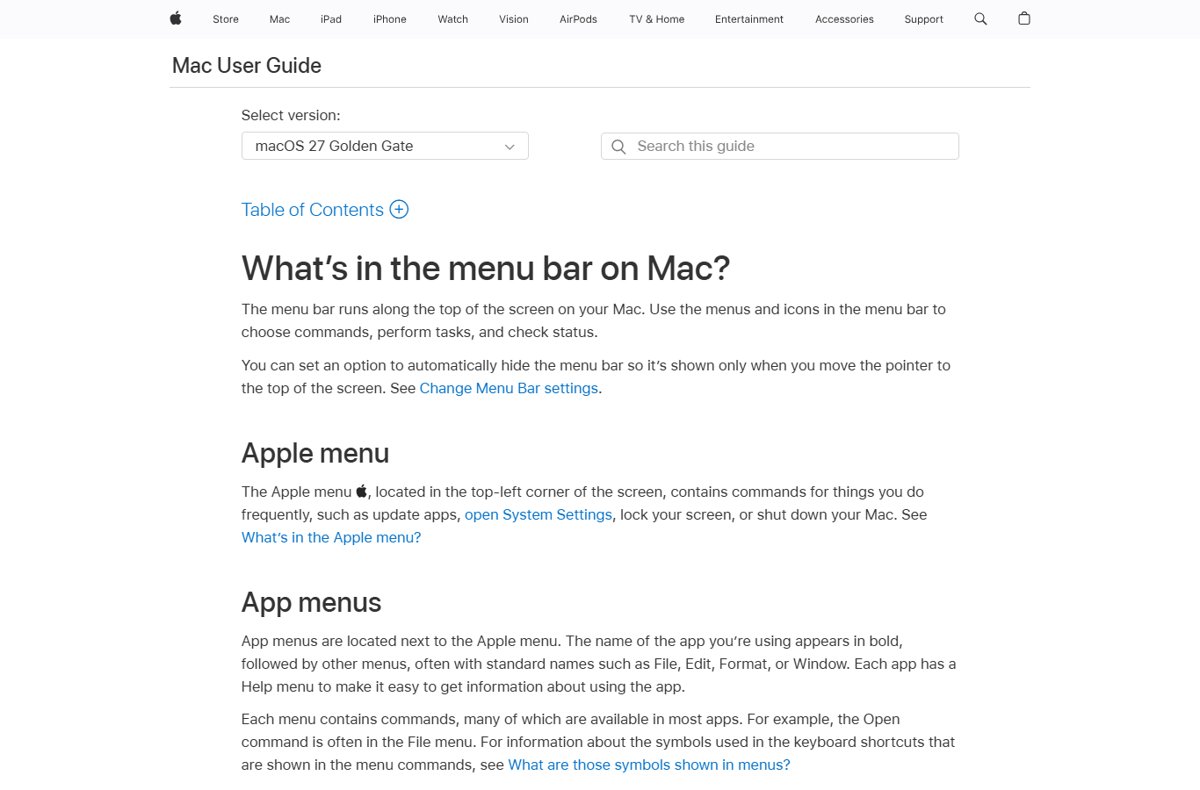
Google Chrome has no classic menu bar on Windows, Linux or ChromeOS. Its menu is the three-dot More button at the top right; on a Mac, the menu bar sits up top.
Canon printer drivers download links, install steps for Windows 11 and 10, Mac AirPrint notes, and fixes when the setup cannot find your printer.