Download Google Photos for PC, Windows 11/10 & Mac (Free)
Google Photos download for PC and Mac: install the free desktop app from Chrome or Edge on Windows 11, Windows 10 and macOS, plus Google Drive for desktop.
3,332 articles

Google Photos download for PC and Mac: install the free desktop app from Chrome or Edge on Windows 11, Windows 10 and macOS, plus Google Drive for desktop.
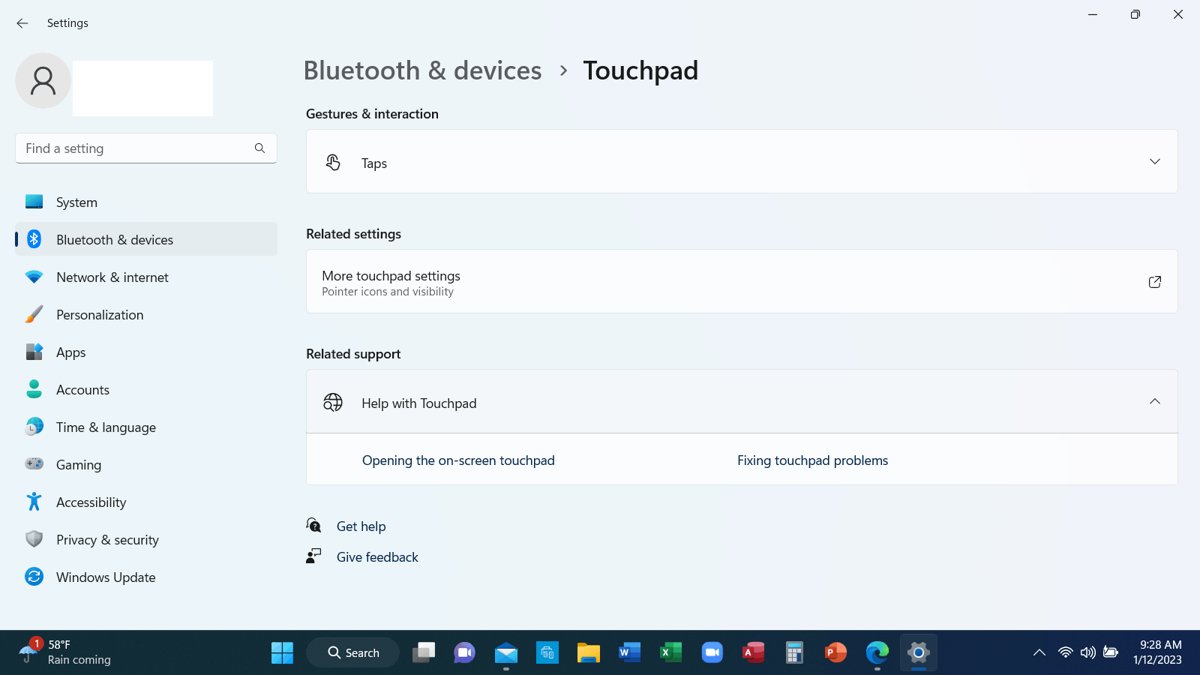
Enable or disable the touchpad in Windows 11/10 from Settings > Touchpad. Turn it off when a mouse connects, use Device Manager, and re-enable it without a mouse.
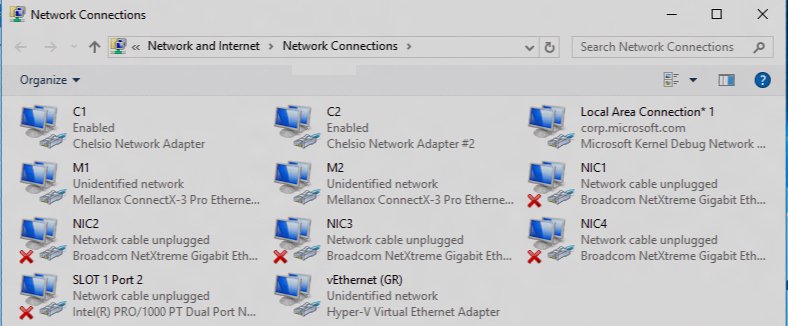
The ncpa.cpl command opens Network Connections in Windows 11 and 10. Run it from Win + R, manage adapters, set IP and DNS, check admin rights and fix problems.
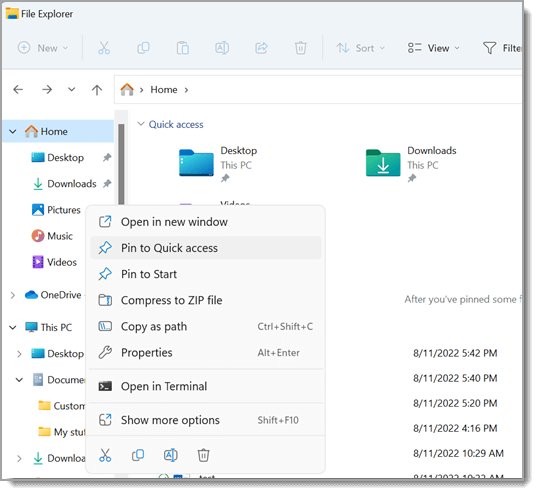
My Documents folder in Windows 11/10 is now called Documents and lives at C:\Users\YourName\Documents, unless OneDrive backup has moved it. Find it fast.
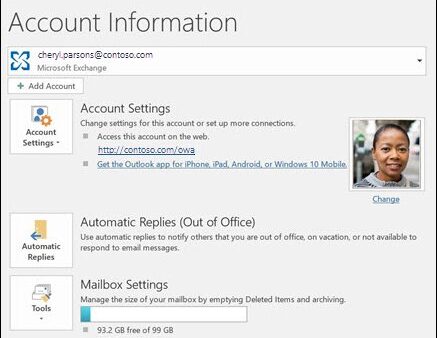
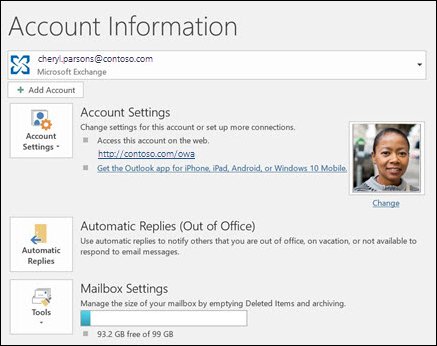
Put out of office on Outlook with File > Automatic Replies in classic Outlook, or Settings > Accounts > Automatic replies in new Outlook and the web. All versions.
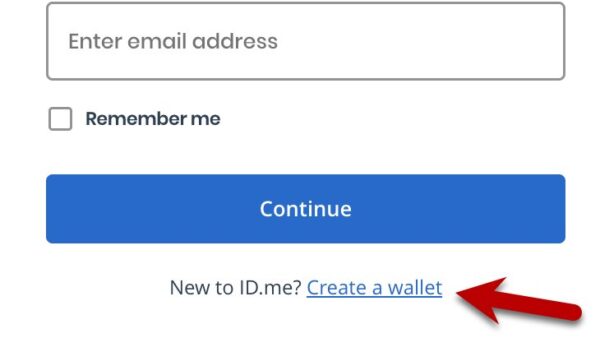
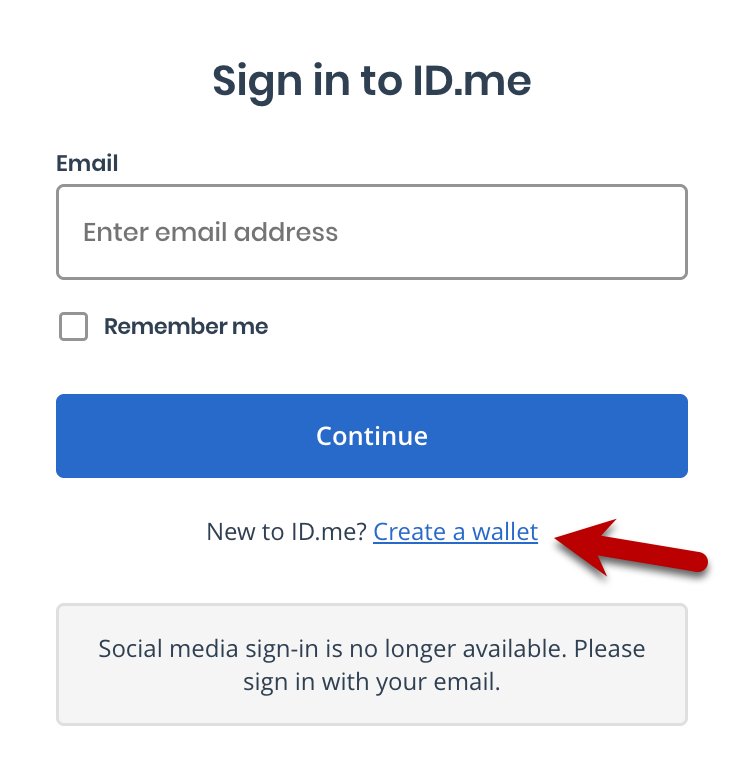
How to create an ID.me account: open the ID.me button on the IRS, VA or SSA site, make a wallet, confirm email, add MFA and verify your identity once.
Google Earth Pro download for Windows 11, 10 and Mac: get the free official installer from Google, install steps, offline setup files, winget and fixes.
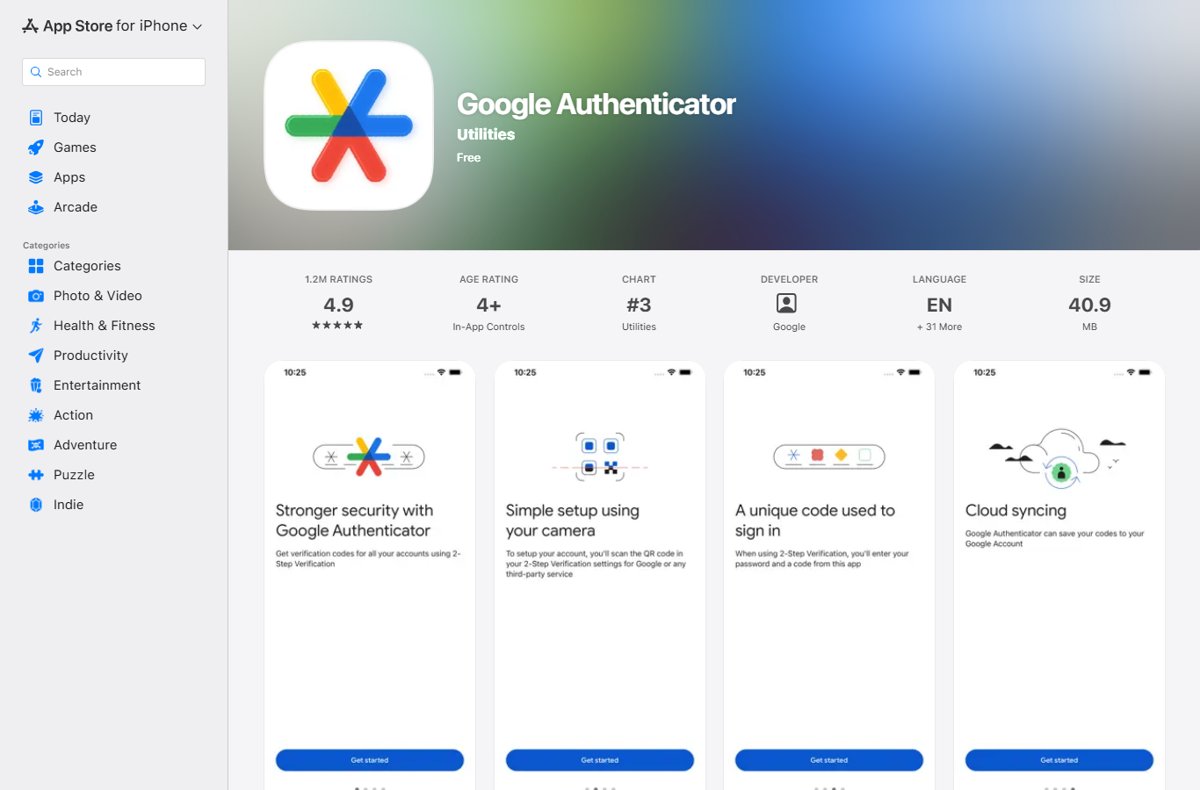
Set up Google Authenticator on Android or iPhone, add codes by QR code or setup key, sync them to your Google Account, move to a new phone and recover a lost one.
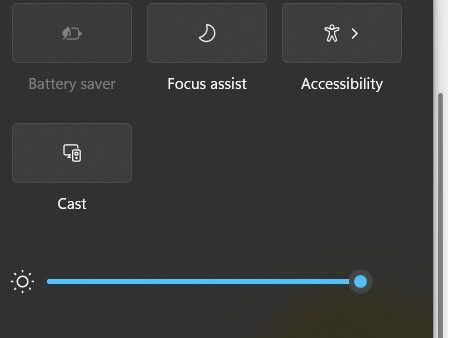
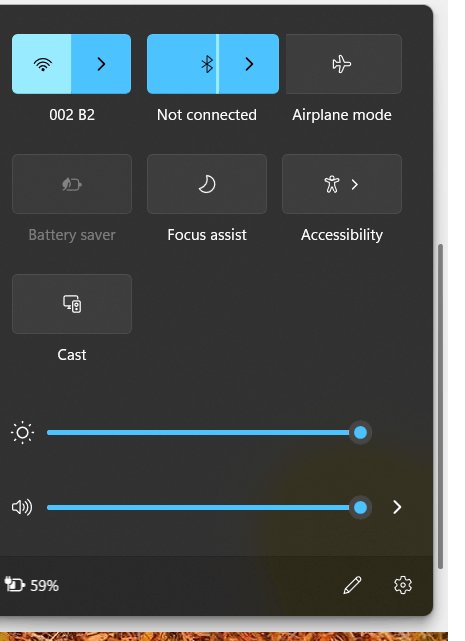
Turn Bluetooth on or off in Windows 11 from Quick Settings, Settings > Bluetooth & devices, or Device Manager, plus fixes when the Bluetooth toggle is missing.
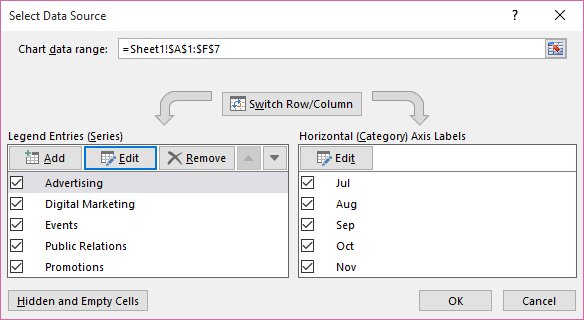
Hide chart series with no data in Excel: filter out empty source rows, use NA() formulas, run a short VBA macro, or build dynamic named ranges. Steps and fixes.
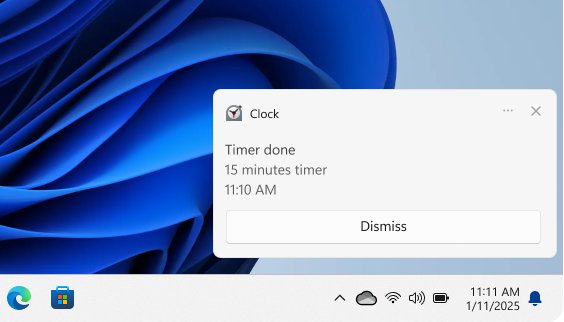
Turn off notifications in Windows 11 under Settings > System > Notifications, or in Windows 10 under Notifications & actions. Plus one app, sounds and browsers.
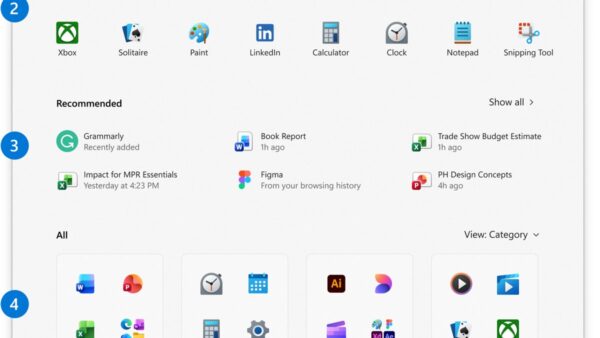
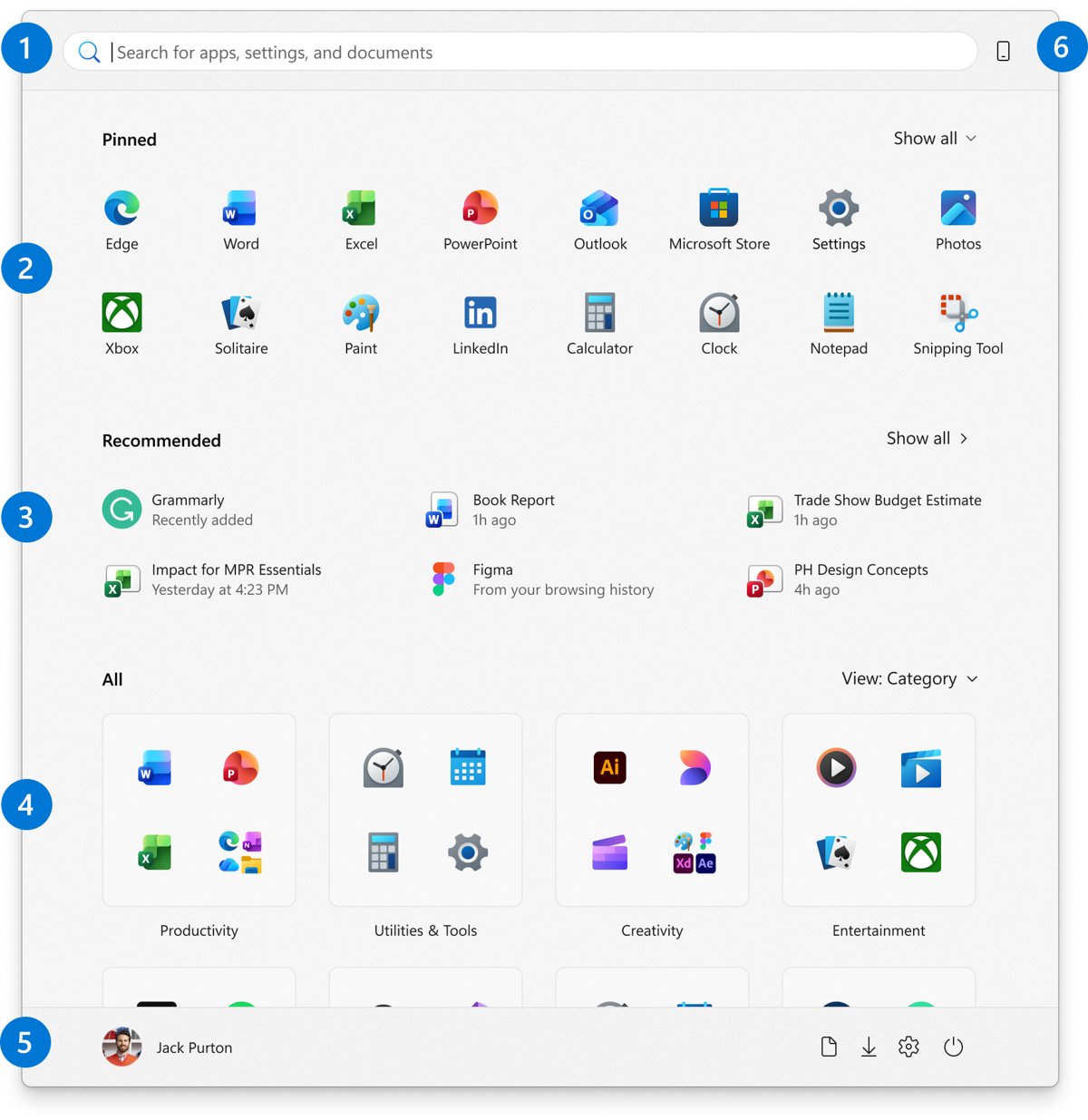
Add toolbar-style shortcuts in Windows 11: the taskbar Toolbars menu is gone, so pin apps and folders, use Quick access, Start folders and the Edge favorites bar.