
PHP 8.3.36 and 8.2.35 download: security fixes and changes

PHP 8.3.36 download and PHP 8.2.35 download from php.net: both fix critical RCE flaws CVE-2026-109618 and CVE-2026-109619. Changelog, builds and EOL dates.
4,040 articles

PHP 8.3.36 download and PHP 8.2.35 download from php.net: both fix critical RCE flaws CVE-2026-109618 and CVE-2026-109619. Changelog, builds and EOL dates.
PHP 8.4.27 download for Windows: pick the right x64 or x86, TS or NTS zip from php.net, check its SHA256 hash, upgrade safely and read the full changelog.


PHP 8.5.12 download for Windows: x64/x86 Thread Safe and NTS zips, source tarballs, SHA256 hashes, install steps and the full 8.5.12 changelog with both RCE fixes.
PHP vulnerability mitigation for CVE-2026-109618 and CVE-2026-109619: php.net settings that cut exposure until you update to PHP 8.5.12, 8.4.27, 8.3.36 or 8.2.35.
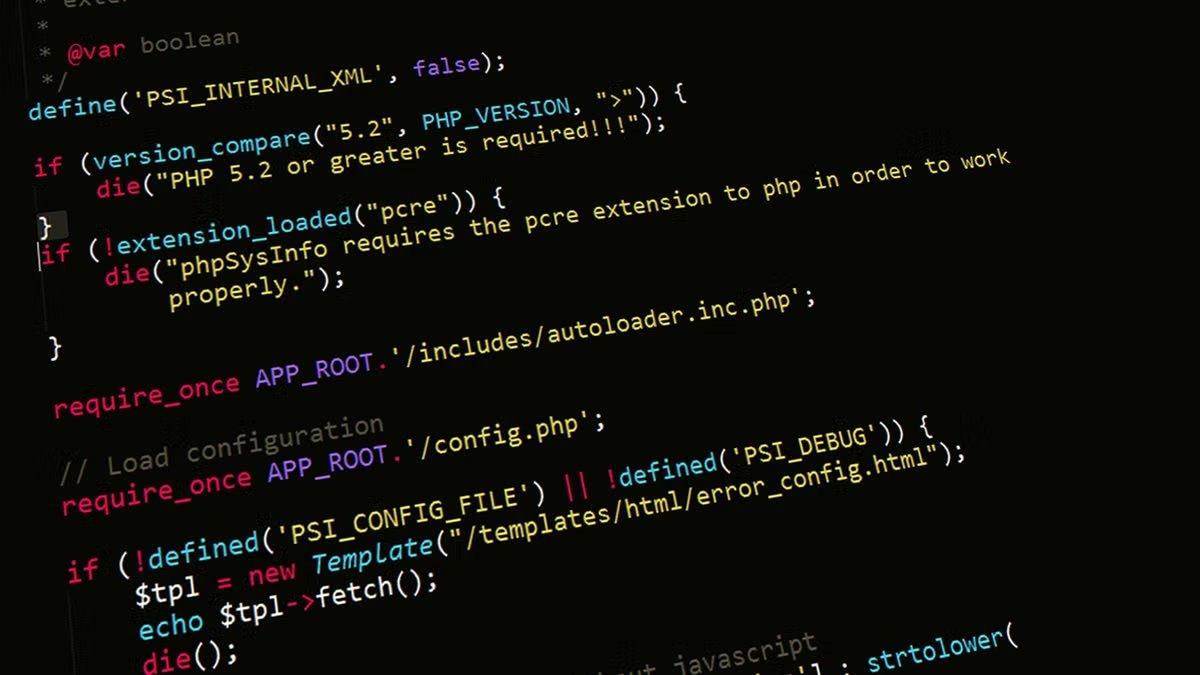
How to update PHP version to 8.5.12, 8.4.27, 8.3.36 or 8.2.35 on Windows, Ubuntu, Debian, RHEL, Docker, XAMPP and cPanel, then restart workers and verify the fix.
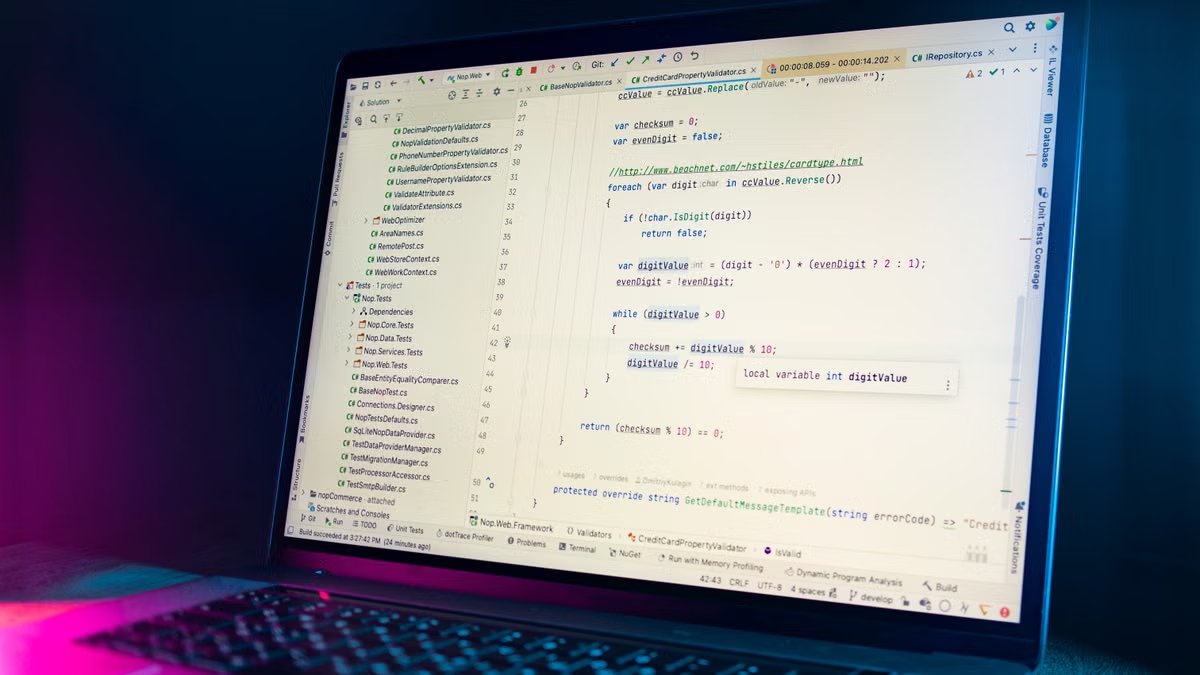
PHP security update 8.5.12, 8.4.27, 8.3.36 and 8.2.35 fixes critical RCE flaws CVE-2026-109618 and CVE-2026-109619. Who is at risk and how to patch now.
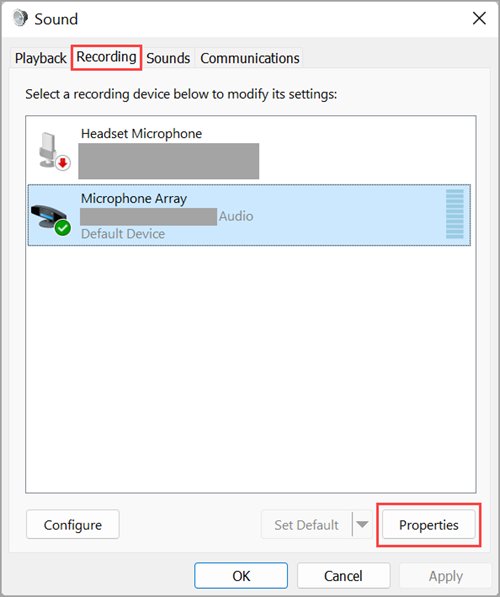
Fix mic echo on Windows 11 and 10: wear headphones, lower speaker and mic levels, turn off Listen to this device, disable enhancements and update the driver.
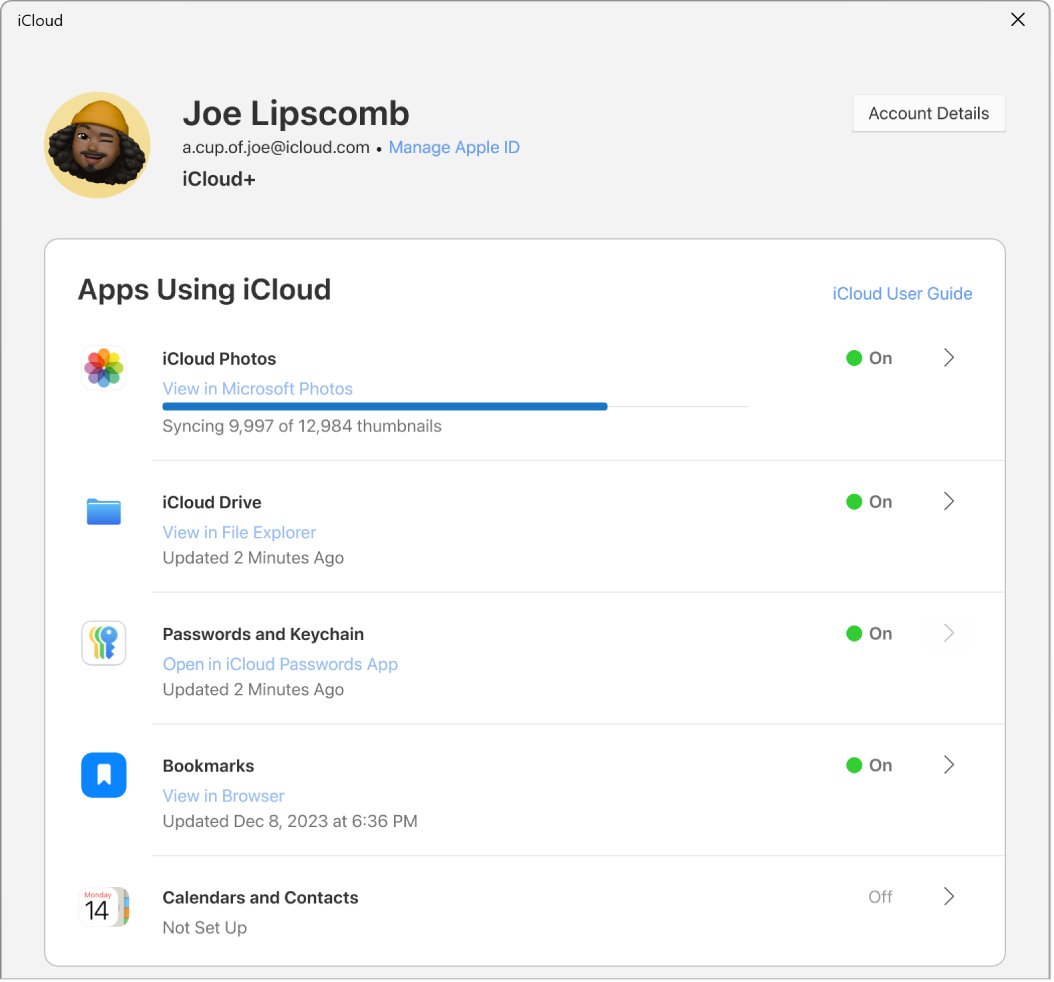
iCloud for Windows 11 not syncing or stuck at sign-in? Update it from the Microsoft Store, check Advanced Data Protection rules, repair the app and turn sync on.
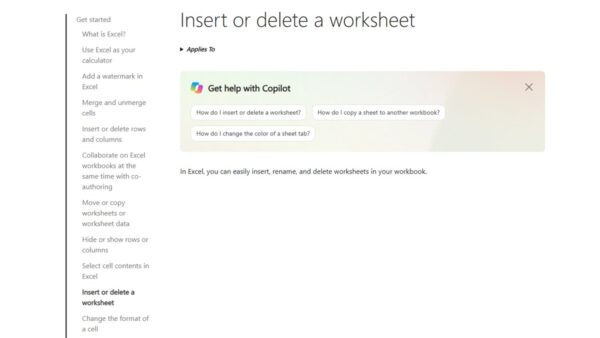
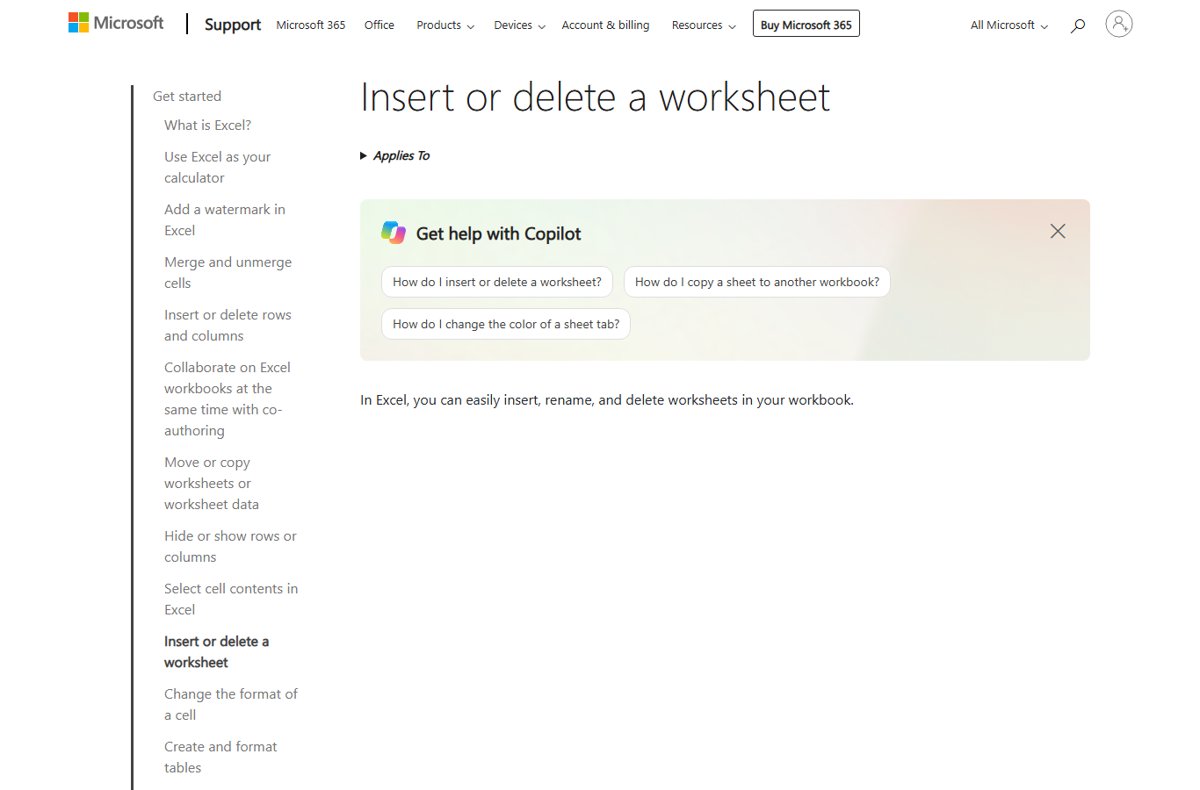
Delete a spreadsheet in Microsoft Excel by right-clicking its sheet tab and choosing Delete. Also covers multiple sheets, the Home tab, shortcuts and VBA.
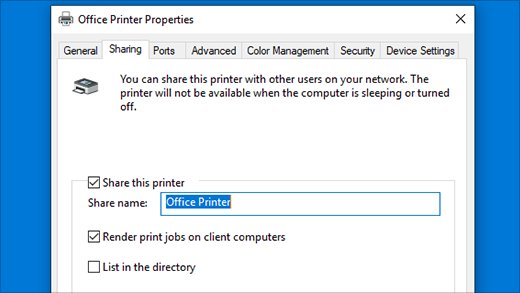
Set up a local print server in Windows 10/11: share the printer from one host PC, connect other PCs by \\name\share, manage queues and fix connection errors.
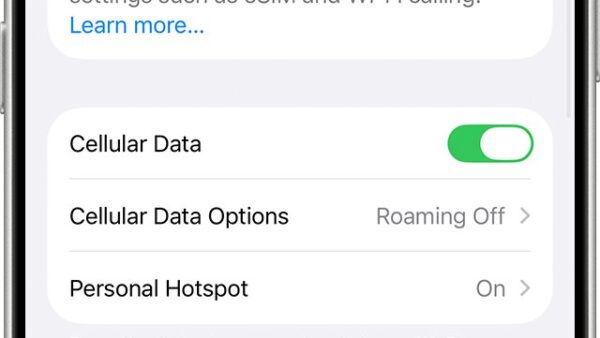
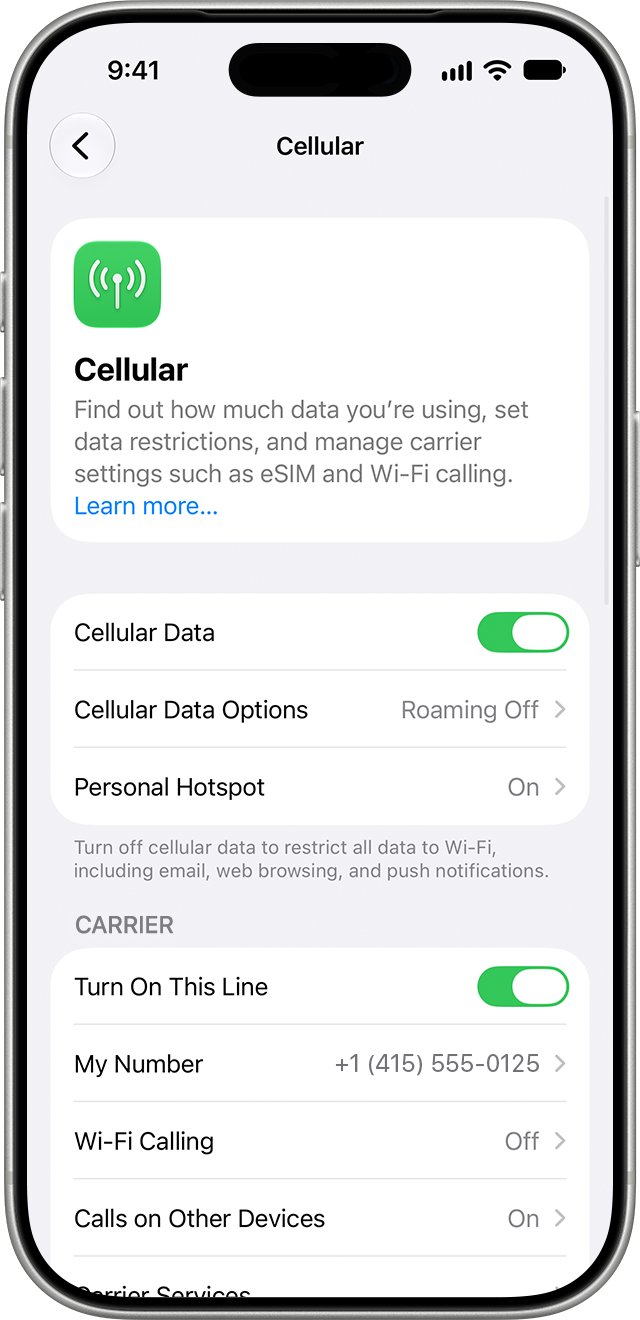
iPhone can make calls but cellular data and Wi-Fi won’t work? Remove VPN profiles, check Cellular Data options, update carrier settings and reset network settings.
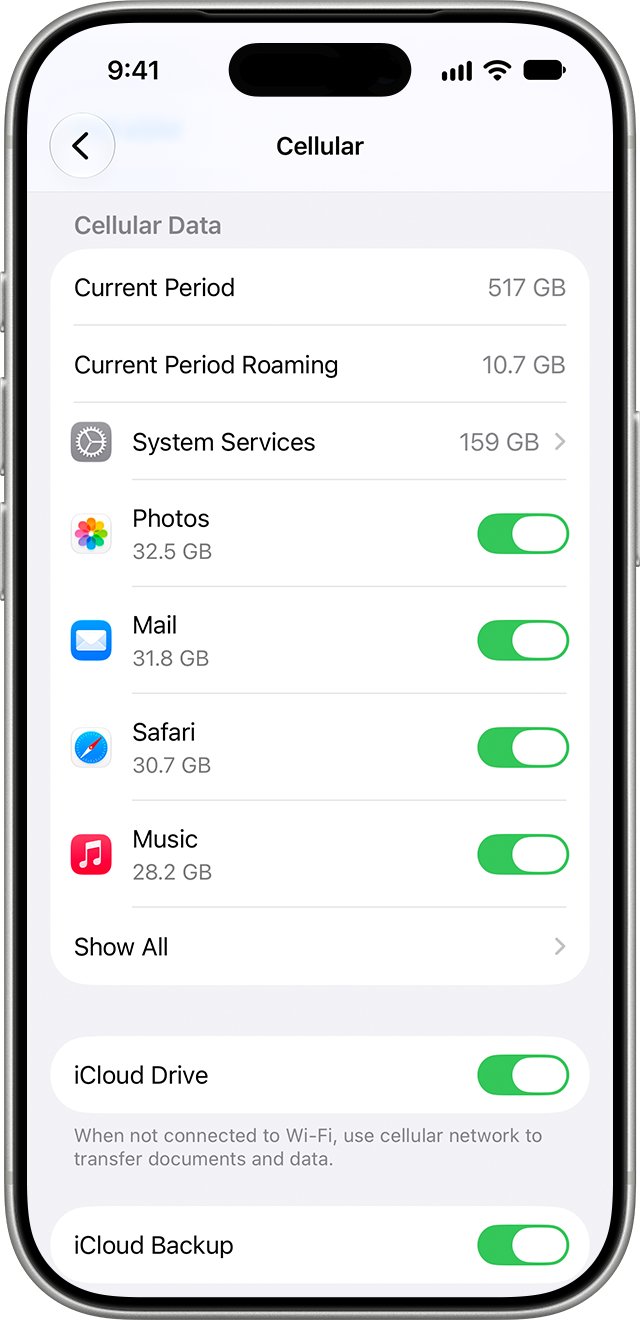
Fix “Your device couldn’t connect to the server” in iCloud Drive on iPhone: check Apple System Status, cellular data access, Low Data Mode, Private Relay and VPNs.