
Developer tools for Windows 11/10: code editors, languages, Git, WSL and databases

Developer tools for Windows 11/10: install order, code editors and IDEs compared, Python, Node.js, Java, Git, WSL, Docker, databases and where to get each one.
4,040 articles

Developer tools for Windows 11/10: install order, code editors and IDEs compared, Python, Node.js, Java, Git, WSL, Docker, databases and where to get each one.


Microsoft Word and PowerPoint guide: start, format, save and print documents, build slides, delete blank pages and recover unsaved or damaged files.

Group Policy Editor, gpupdate, Intune and Microsoft Entra ID explained for Windows admins: consoles, commands, which tool fits each job, and fixes when policy fails.
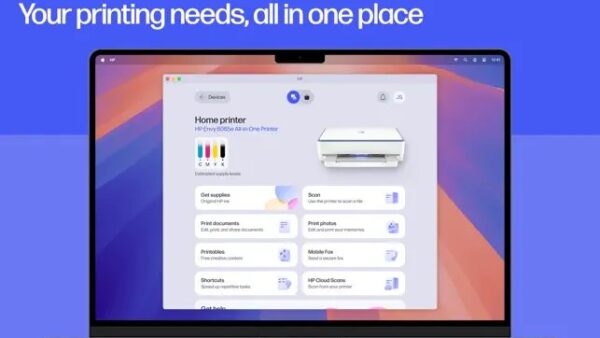
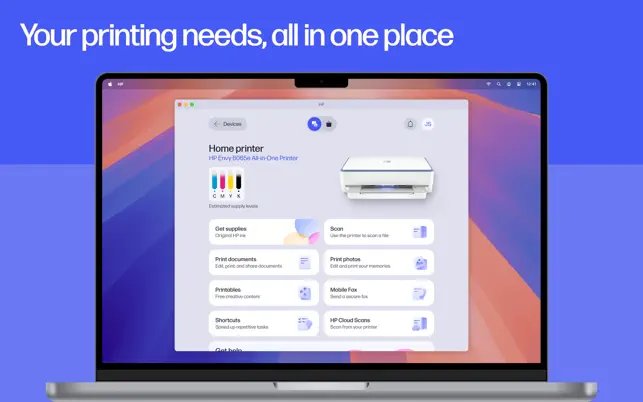
Scan a document on an HP printer with the HP app, HP Printer Assistant, Windows Fax and Scan, the Windows Scan app or Image Capture on a Mac, plus fixes.


Install WSL on Windows 11 with one command, add Ubuntu, then set up Python, VS Code, Visual Studio, Git, Node.js, Docker, Java and .NET, plus fixes for errors.
CBS download for PC and Mac: install cbs.com as an app in Edge or Safari, get the free CBS app for iPhone and Android, then add a TV provider for live TV.
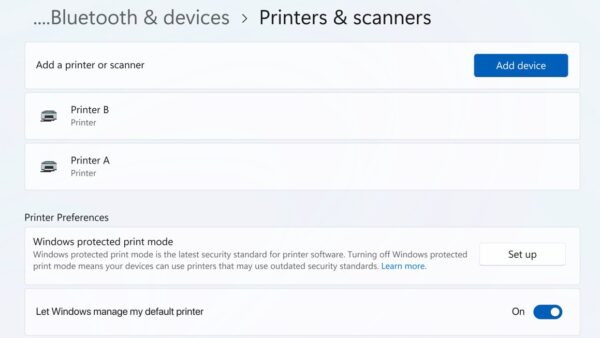
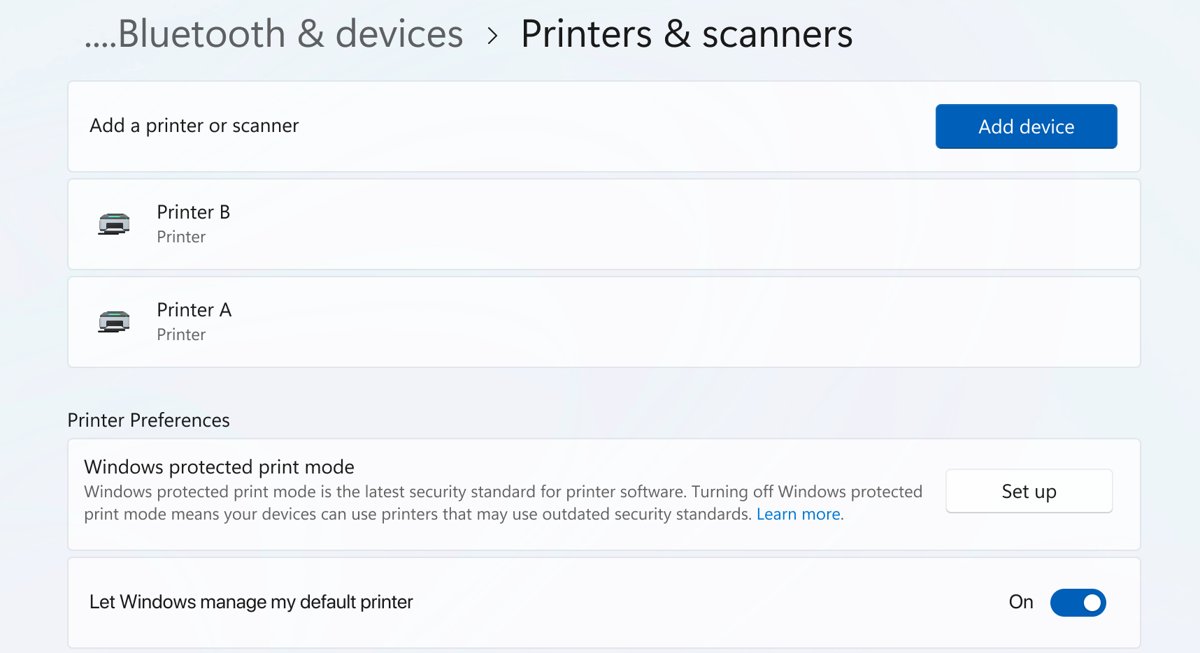
Install an Epson printer on Windows 11, Windows 10 or Mac: connect it by USB or Wi-Fi, add the driver from Epson or Windows, then print a test page.


Windows Media Player in Windows 11/10: open Media Player or the Legacy app, add HEVC, AV1 and VP9 codecs, compare players and fix files that will not play.
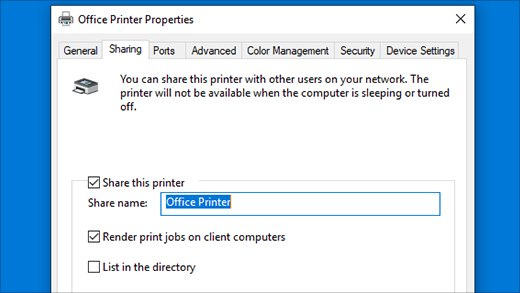
Computer cannot find your wireless printer? Check its Wi-Fi network, add it by IP address, restart Print Spooler, update drivers and run the Windows troubleshooter.
Asana download for PC: install the free desktop app on Windows 11, Windows 10 and Mac, with official links, file sizes, requirements and plan pricing.


Edit a PDF in Windows 11 or 10 with Word, Edge or Acrobat, then combine, compress, convert JPG to PDF, print to PDF and password-protect PDF files for free.
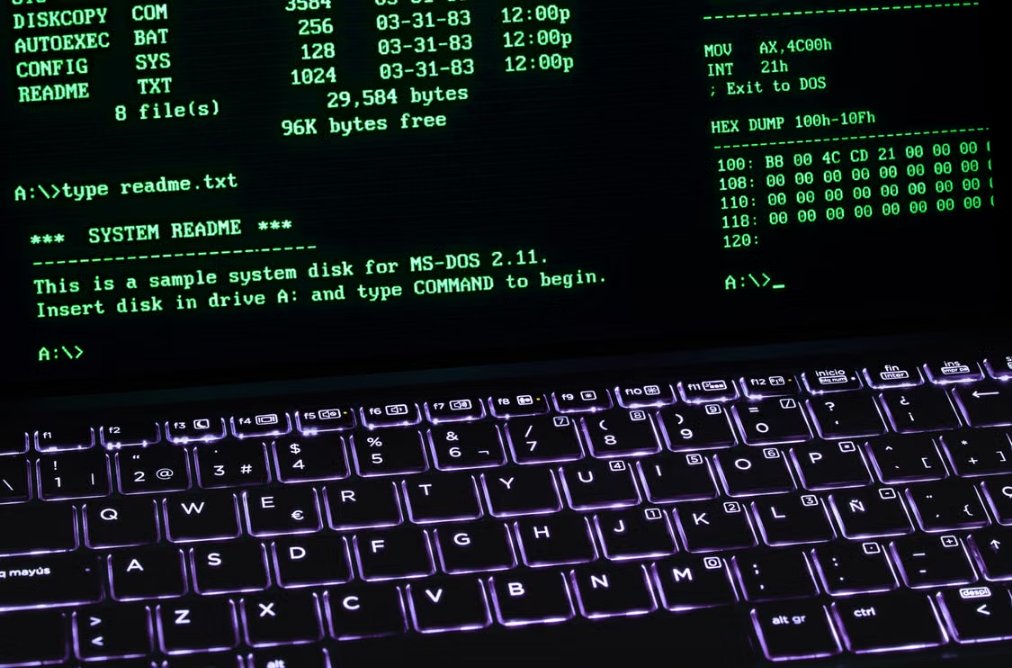
Run commands for Windows 11 and 10: press Win + R and type a .msc or .cpl name. Plus CMD and PowerShell commands, admin windows, PowerShell 7 and fixes.