How to Enable or Disable Internet Explorer Mode in Microsoft Edge on Windows 11
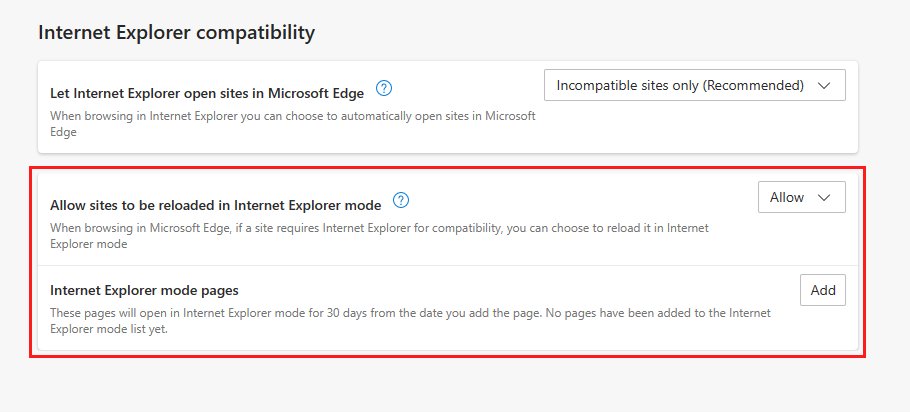
Enable Internet Explorer mode in Microsoft Edge on Windows 11 from Default browser settings, add IE mode pages, turn it off, and manage it with Group Policy.
2,009 articles

Enable Internet Explorer mode in Microsoft Edge on Windows 11 from Default browser settings, add IE mode pages, turn it off, and manage it with Group Policy.
Microsoft 365 download for Windows 11, 10 and Mac: the official installer, 1-month free trial, offline installer, free web apps, prices and install fixes.
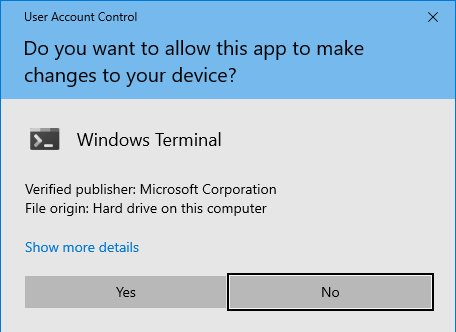
Run Device Manager as admin: press Win + R, type devmgmt.msc and press Ctrl + Shift + Enter. CMD, PowerShell, shortcut and runas routes, plus fixes.
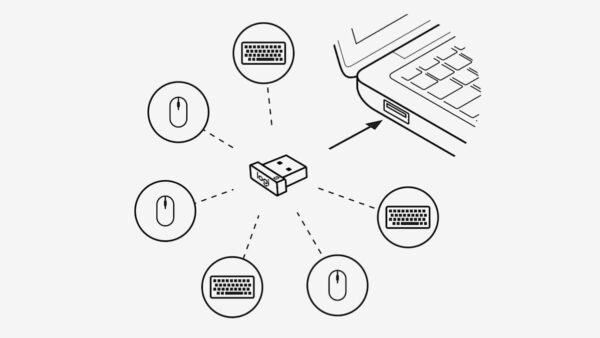
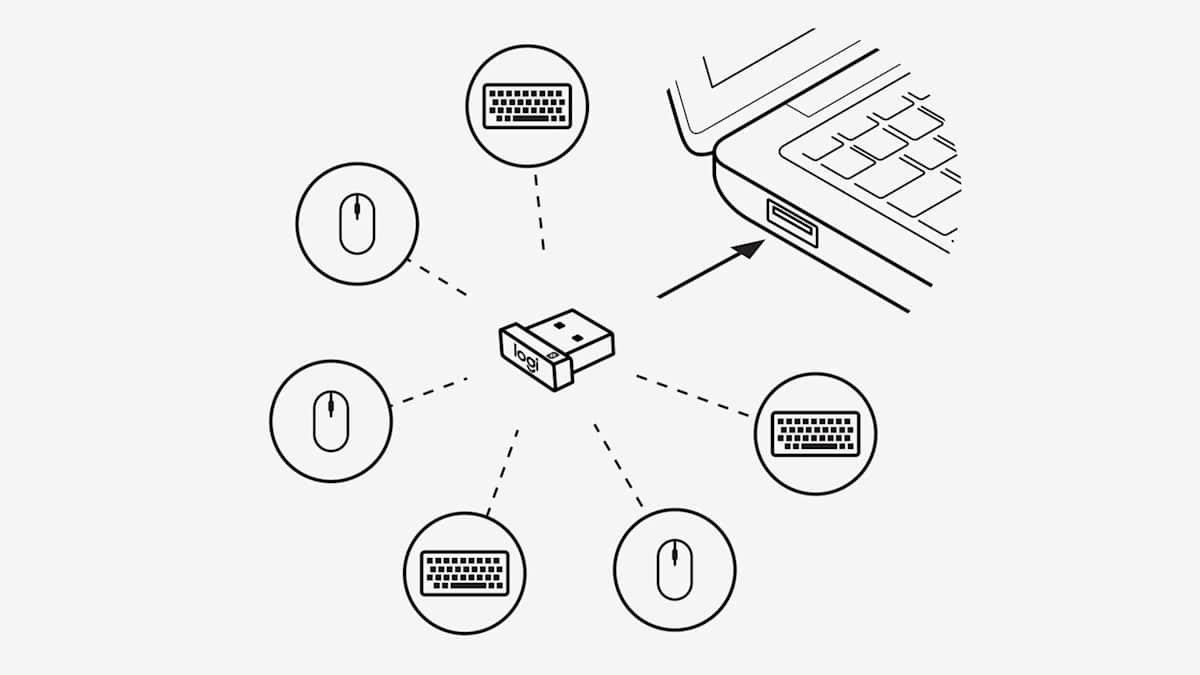
Download Logitech Unifying Software for Windows 11 from Logitech’s support page, pair or unpair devices, and see when Logi Options+ is the better choice.
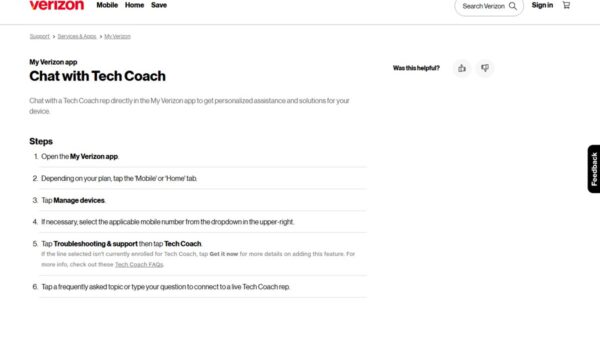
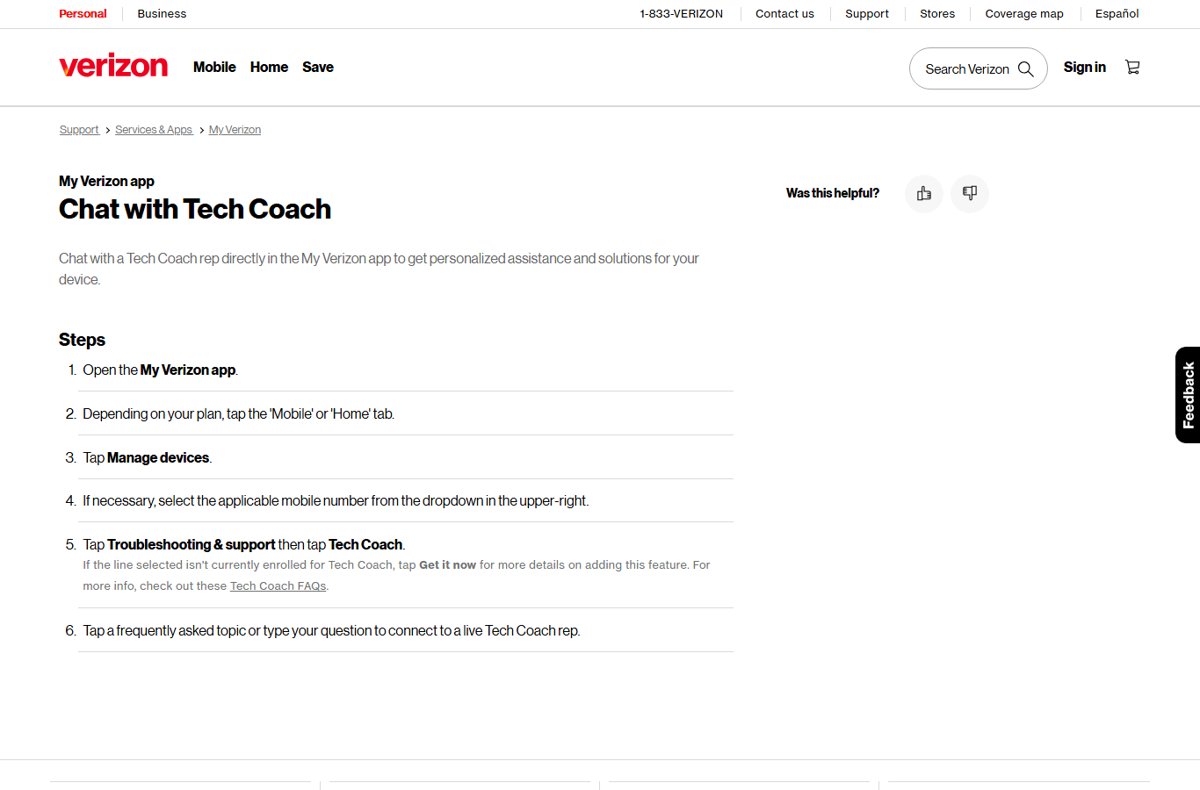
Talk to a real person at Verizon Wireless: dial *611 or 800-922-0204, or type Live Agent in Verizon chat. Hours, what to have ready and how to spot fake numbers.
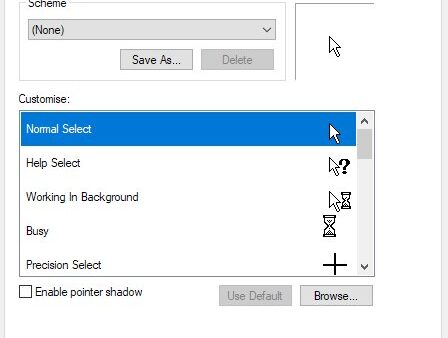
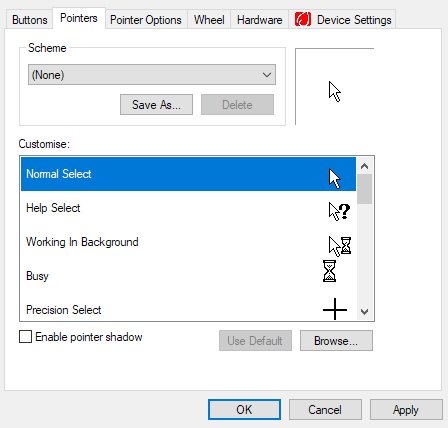
Customize mouse buttons, pointer and cursor on Windows 11: swap buttons, set speed, change pointer size, color and scheme, and enlarge the text cursor.
Oculus download for PC: get the free Meta Horizon Link app, formerly the Oculus app, for Windows 11 and 10, with PC requirements, setup steps and fixes.
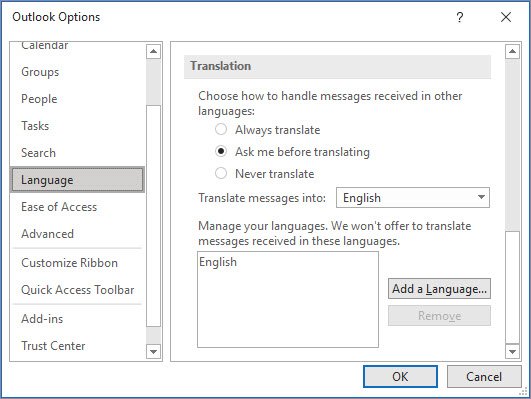
Use Translator in Bing by pasting text into bing.com/translator and picking a target language. Covers Bing search, Edge page translation, voice and camera.
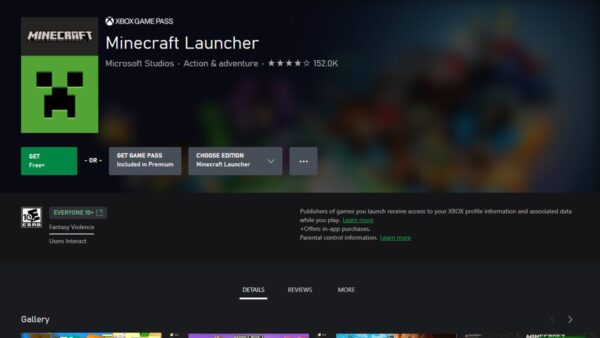
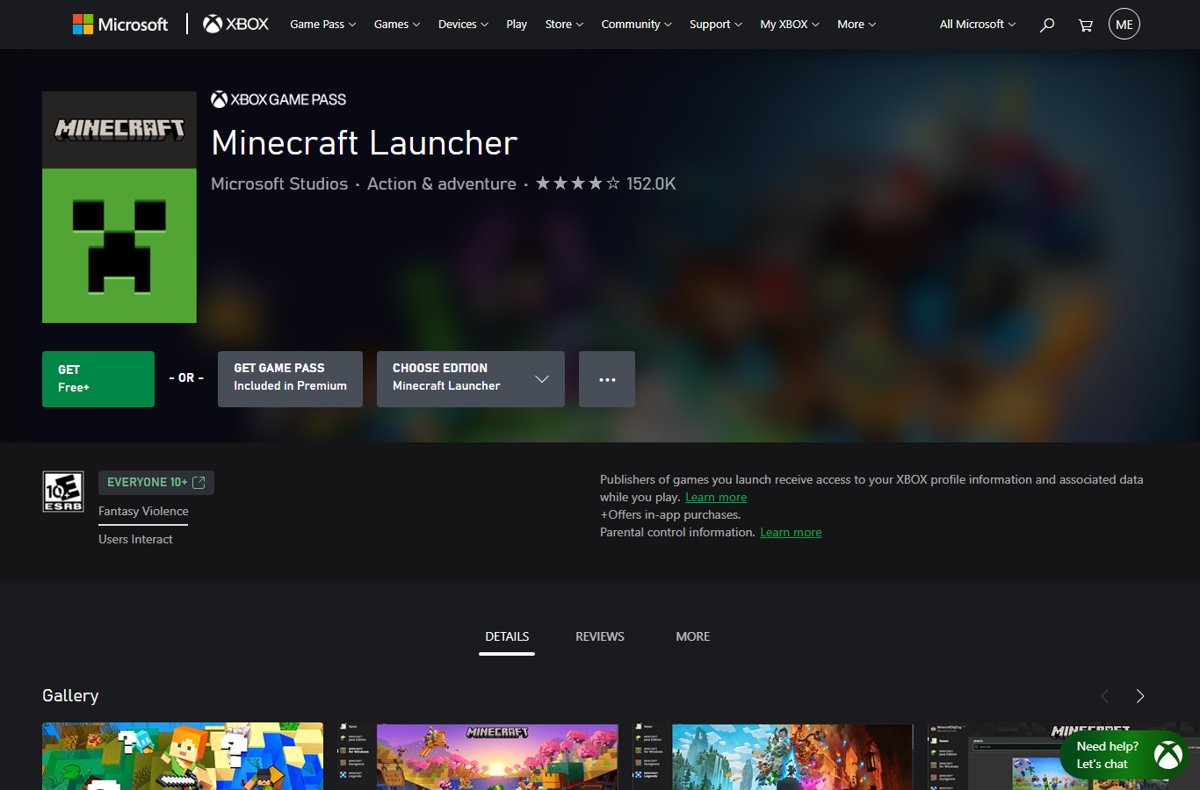
Minecraft Launcher for Windows 10 and 11: install it from the Microsoft Store, sign in, play Java or Bedrock, switch versions and skins, and fix launch errors.
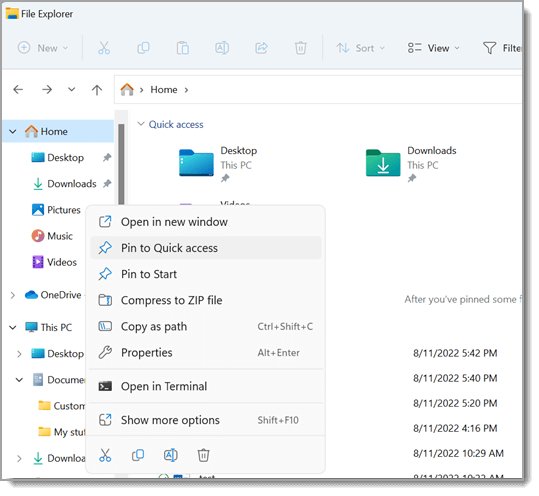
Get help with File Explorer in Windows 11/10 from the Get Help app, Microsoft Support and built-in fixes: restart Explorer, repair search, run sfc and more.
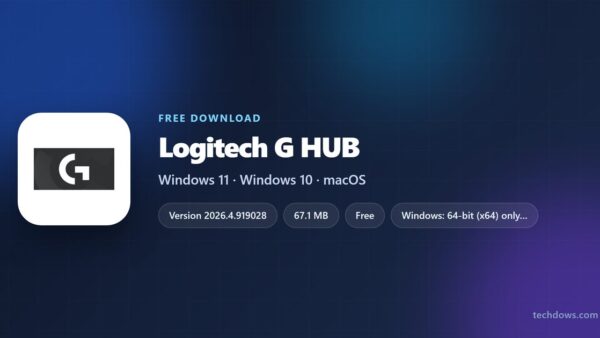
Logitech G HUB download for Windows 11, 10 and Mac: get the official 67.1 MB installer, install steps, the winget command, the Mac launch fix and uninstalling.
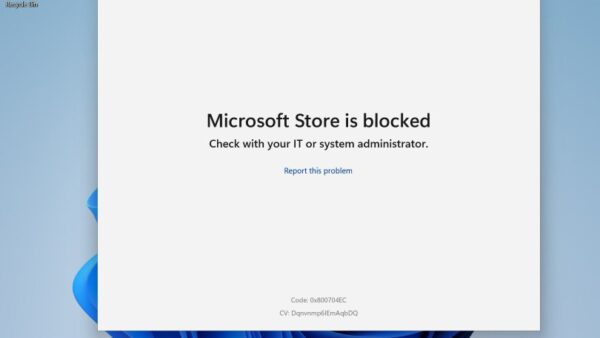
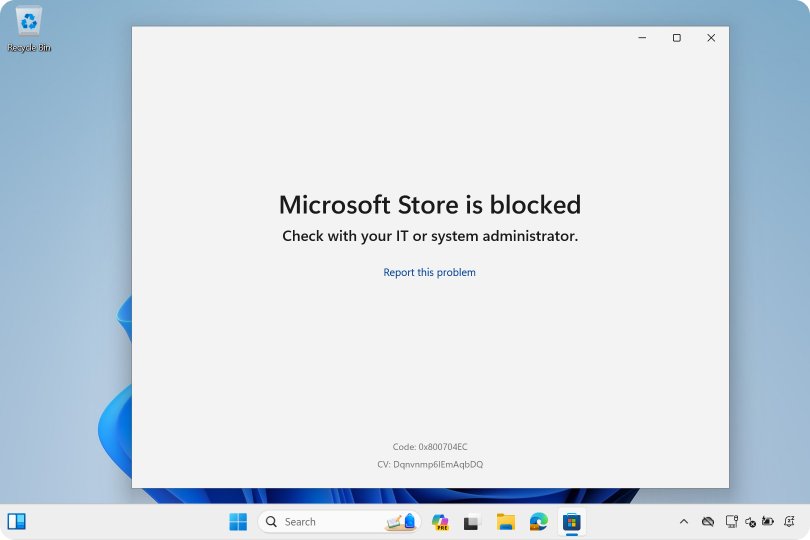
Download Microsoft Store apps on Windows 11 and 10: open the built-in Store, sign in, install apps, and repair, reset or restore the Store app when it breaks.