How to Switch Out of S Mode [Works for Windows 10/11]
Switch out of S mode in Windows 11 or 10 free from the Microsoft Store: select Get on the Switch out of S mode page. Settings route, checks, and fixes.
2,012 articles

Switch out of S mode in Windows 11 or 10 free from the Microsoft Store: select Get on the Switch out of S mode page. Settings route, checks, and fixes.


Where are saved images? Find them in Pictures, Downloads and Screenshots on Windows and Mac, and in Photos, Google Photos and Files on iPhone and Android.
A 403 Forbidden error means the server understood your request but refuses it. Nine fixes, split into what visitors can try and what site owners must check.
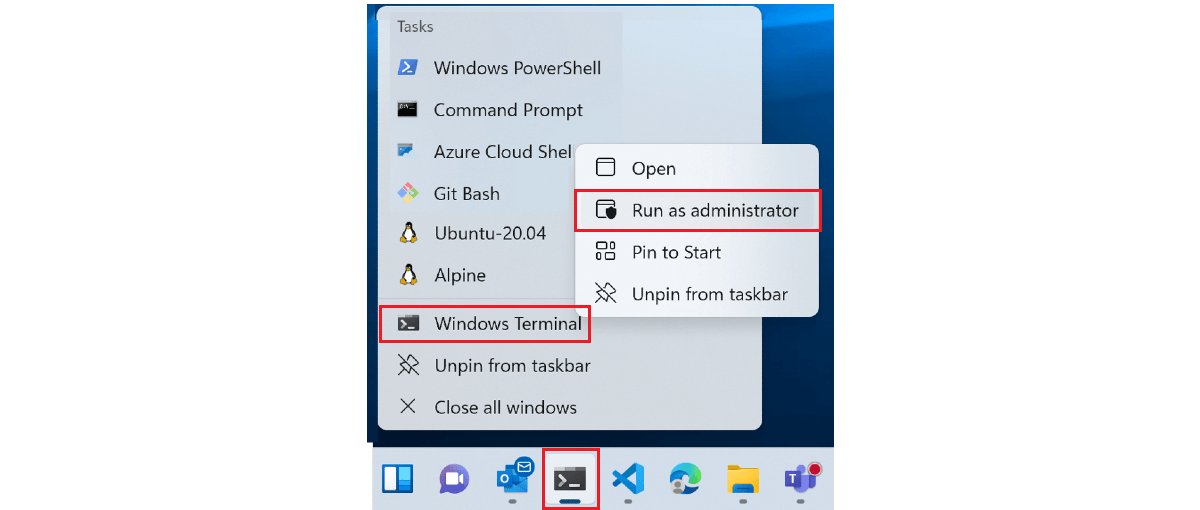
Run ipconfig in CMD on Windows 11 or 10: open Command Prompt, type ipconfig /all, and use every switch from /release to /setclassid, with output explained and fixes.
Install Active Directory Users and Computers on Windows 10 and 11 Pro or Enterprise through Optional features or one PowerShell command, then open dsa.msc.


AMD Ryzen CPU list for desktops, from Ryzen 1000 (Zen) to Ryzen 9000 (Zen 5): cores, threads, boost clock, cache, TDP and socket for each model, from AMD.
appwiz.cpl opens Programs and Features in Windows 11 and 10. Open it from Run, uninstall, change or repair programs, manage updates and features, fix blocks.
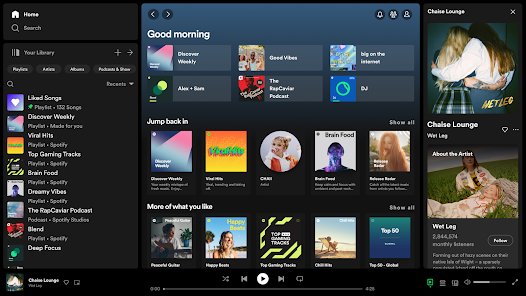
Create a new Spotify account when you already have one: log out, sign up at spotify.com/signup with a different email, Google or Apple login, then switch.
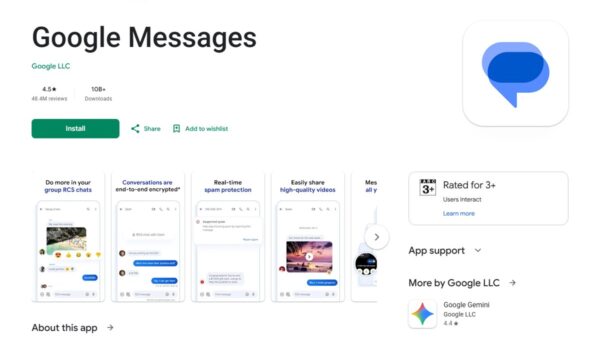
Use Google Messages on Android: set it as your default SMS app, turn on RCS chats, pair Messages for web, schedule texts, block spam, back up and fix problems.
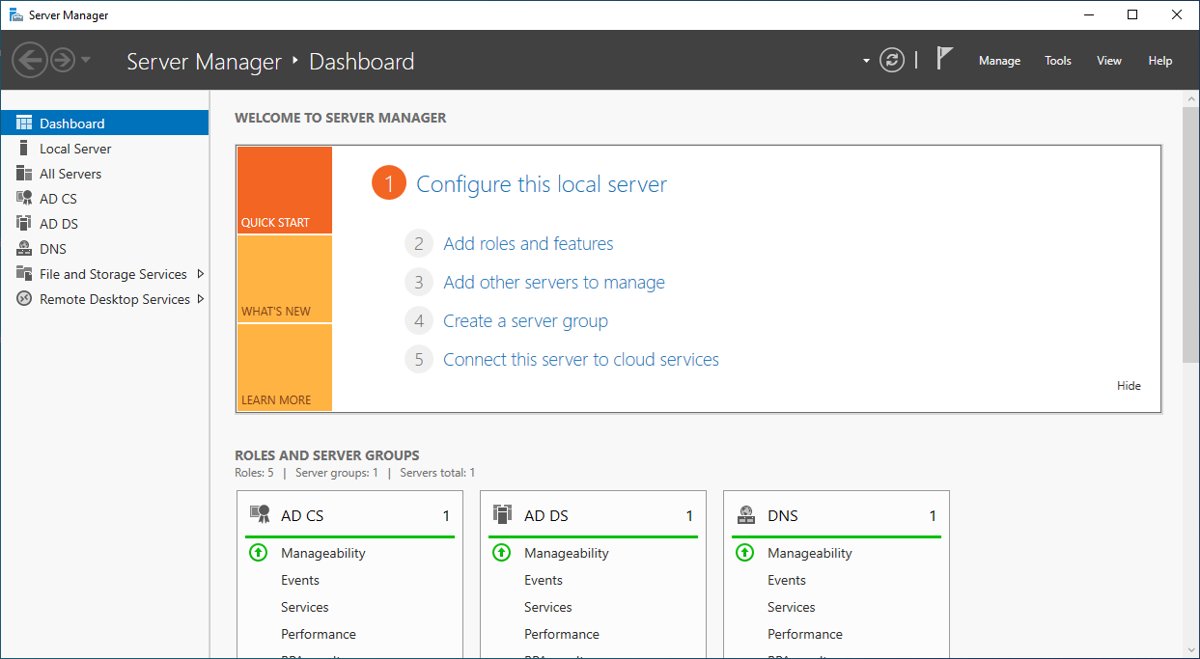
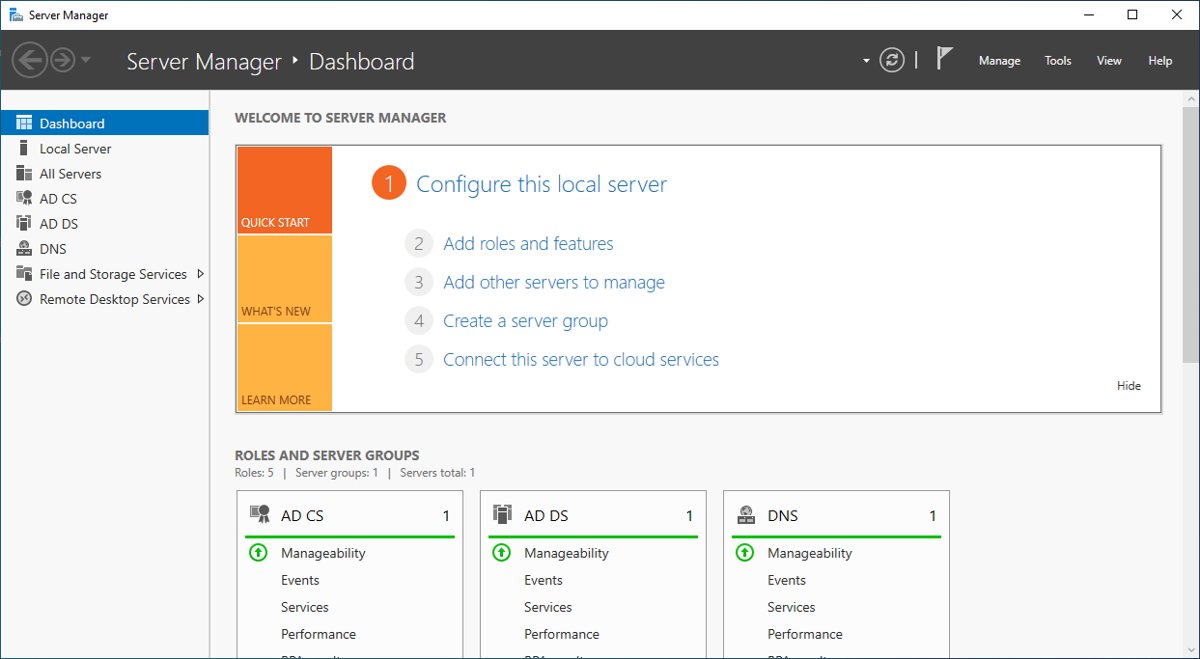
Install Server Manager on Windows 11 Pro or Enterprise as the RSAT: Server Manager optional feature, from Settings, PowerShell or DISM, then add your servers.
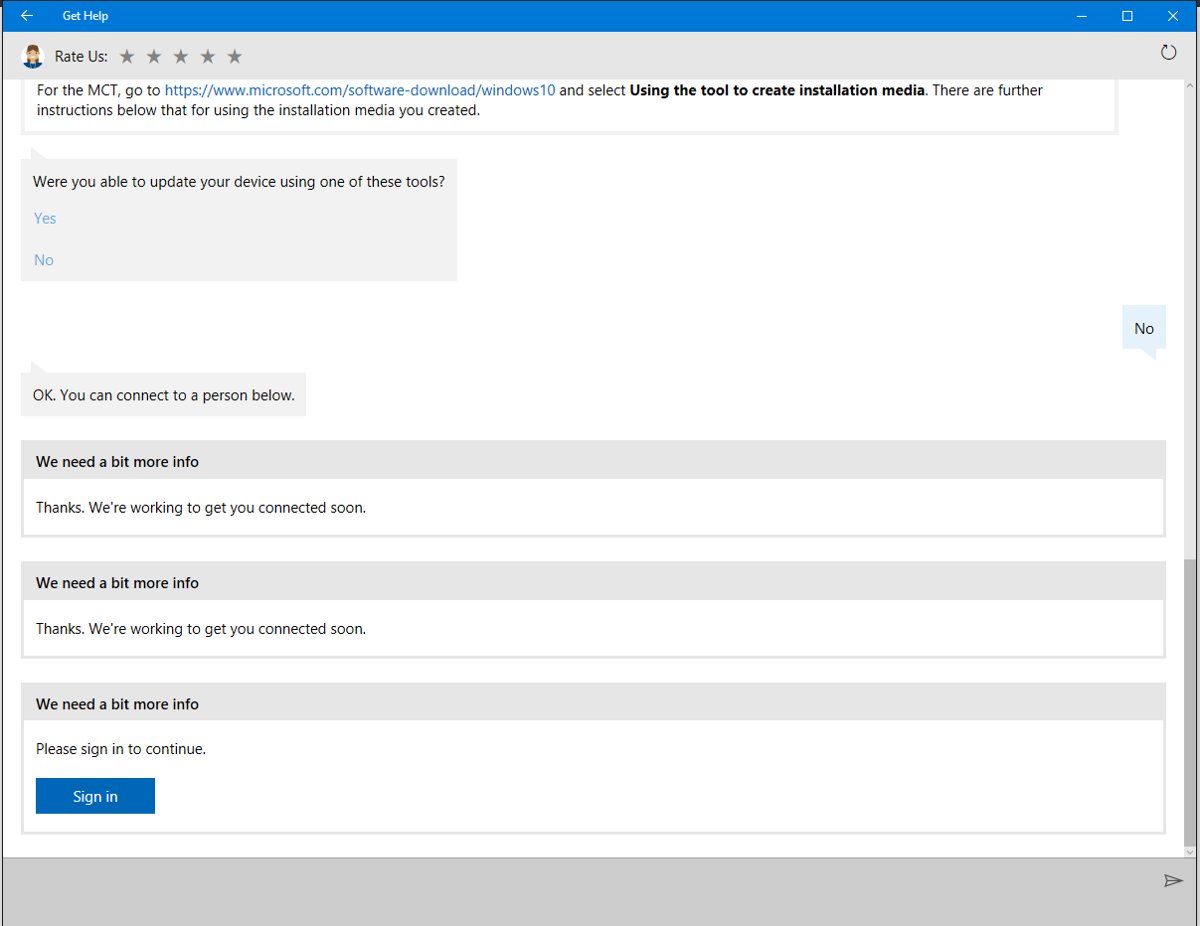
Get help in Windows with the Get Help app, taskbar search, built-in troubleshooters, Quick Assist and Microsoft support chat or callback. Steps for each route.
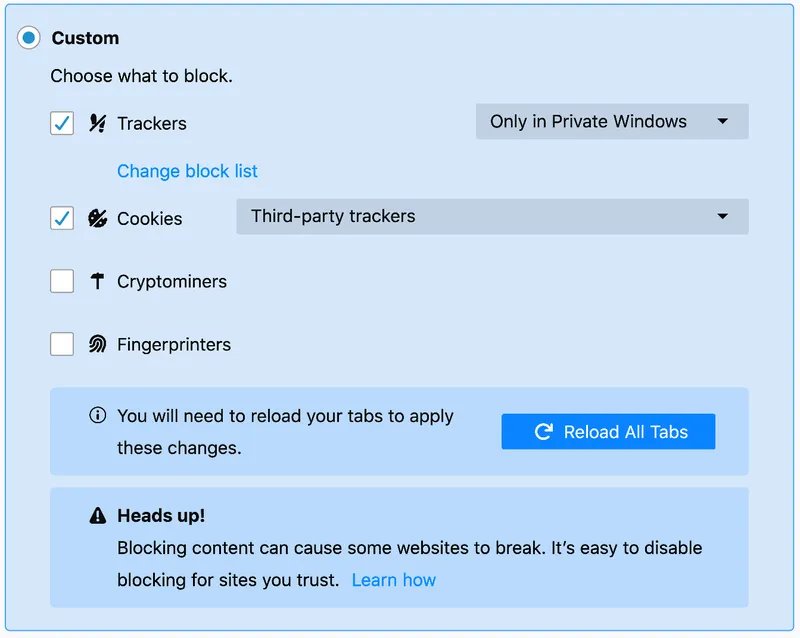
Delete trackers on Windows 11: reset the advertising ID, delete diagnostic data and activity history, clear cookies in Edge, Chrome and Firefox, and use Strict mode.