The Microsoft Outlook download is free for Windows 11, Windows 10 and Mac, straight from Microsoft. Outlook for Windows installs from the Microsoft Store, and Outlook for Mac installs from the Mac App Store or a Microsoft installer package.
This guide covers which file your device needs, the official links, installing with the Store, winget or the offline packages, the Mac installer, new versus classic Outlook, and fixes when setup fails.
Which Microsoft Outlook download do you need?
Match your device and situation to a row. Every link below ends on a Microsoft, Apple or Google domain.
| Your situation | What to get | Size or price |
|---|---|---|
| Windows 11 or 10 PC, personal use | Outlook for Windows in the Microsoft Store | Free |
| Windows PC where the Store is blocked | Outlook for Windows Setup.exe | 4.4 MB bootstrapper |
| Windows PC with no reliable internet | Offline MSIX package for x64 | 32.4 MB |
| Mac, installed from the App Store | Microsoft Outlook on the Mac App Store | Free |
| Mac, installed from a package file | Microsoft_Outlook_Installer.pkg | 1.2 GB |
| Classic Outlook with .pst files and mail merge | Microsoft 365 plans | From $99.99 a year |
| iPhone or iPad | Microsoft Outlook on the App Store | Free |
| Android phone or tablet | Microsoft Outlook on Google Play | Free |
New Windows PCs and PCs running Windows 11 version 23H2 already have Outlook for Windows installed. Check the Start menu for Outlook (new) before you download anything.
Download Microsoft Outlook from the official Microsoft links
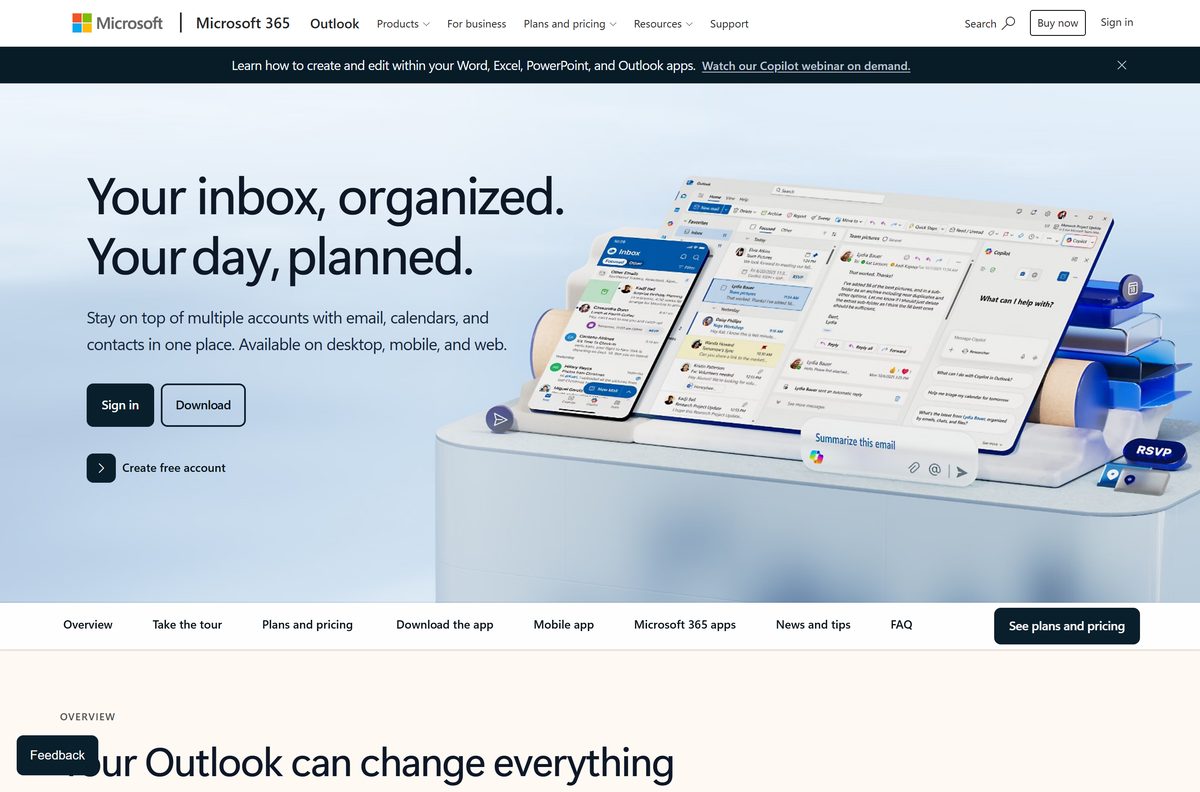
Microsoft distributes Outlook through its own product pages, the Microsoft Store, the Office content delivery network and Apple’s App Store.
- Outlook product page — download buttons for Windows, Mac, iOS and Android, plus plans
- Outlook for Windows (Microsoft Store) — free, published by Microsoft Corporation
- Outlook for Windows Setup.exe — 4.4 MB · installs without the Store app
- Offline MSIX for x64 Windows — 32.4 MB
- Offline MSIX for Arm64 Windows — 31.9 MB
- Offline MSIX for x86 Windows — 22.4 MB
- Outlook for Mac installer package — 1.2 GB · Microsoft_Outlook_16.113.26091740_Installer.pkg
- Outlook for Mac on the Mac App Store — free, requires macOS 14.0 or later
The Setup.exe file is a small bootstrapper. It pulls the rest of Outlook from Microsoft’s servers while it installs, so keep the PC online until it finishes.
Install Microsoft Outlook from the Microsoft Store or with winget
The Store route suits most home PCs. It installs per user, needs no administrator rights, and keeps Outlook updated in the background.
- Open the Outlook for Windows listing in your browser.
- Select Get or View in Store to hand the install to the Microsoft Store app.
- Select Get in the Microsoft Store and wait for the download to finish.
- Select Open, or search for Outlook in the Start menu.
- Sign in with your Outlook.com, Microsoft 365, Gmail, Yahoo or iCloud account.
- To use winget instead, press Windows + X and select Terminal.
- Run winget install -i -e –id=9NRX63209R7B –source=msstore –accept-package-agreements and accept the prompts.
The winget command installs the same Microsoft Store package, per user and without administrator rights.
How to install Microsoft Outlook on Windows 11 and 10 without the Store
Use Setup.exe when the Microsoft Store is blocked or missing. Microsoft serves it straight from the Office content delivery network.
- Download Setup.exe from Microsoft.
- Right-click Start and select Terminal.
- Change to your downloads folder with cd $HOME\Downloads .
- Run .\Setup.exe –quiet –start- for an install for your own user account.
- For every user on a shared PC, open PowerShell 7 with Run as administrator instead.
- Run .\Setup.exe –provision true –quiet –start- from the same folder.
- Wait for the command to return, then open Outlook (new) from the Start menu.
- Sign in with your email account.
The provisioning command installs Outlook for every user account on the PC.
Install Microsoft Outlook offline with the MSIX packages
Microsoft publishes a full MSIX package of Outlook for Windows per processor type. Copy it to a USB drive or network share and install with no download at all.
| What you need | Where to get it or what to run |
|---|---|
| Intel or AMD 64-bit PC | Microsoft.OutlookForWindows_x64.msix, 32.4 MB |
| Snapdragon or other Arm64 PC | Microsoft.OutlookForWindows_arm64.msix, 31.9 MB |
| 32-bit Windows | Microsoft.OutlookForWindows_x86.msix, 22.4 MB |
| Install for the current user | Add-AppxPackage -Path .\Microsoft.OutlookForWindows_x64.msix |
| Install for every user on the PC | Add-AppxProvisionedPackage -Online -PackagePath .\Microsoft.OutlookForWindows_x64.msix -SkipLicense |
| Package family name | Microsoft.OutlookForWindows_8wekyb3d8bbwe |
Run the per-user command in a normal PowerShell window and the all-users command in an elevated one. Swap the file name for the Arm64 or x86 package on those machines.
Test the package on one PC before rolling it out. Signing in still needs an internet connection.
Which Microsoft Outlook download do you need for your Mac?
Both Mac routes install the same app, built natively for Apple silicon. Pick the one that fits how you manage the Mac.
| What you want | Download | Size |
|---|---|---|
| Automatic updates through Apple | Microsoft Outlook on the Mac App Store | 1.1 GB |
| A package file to copy or deploy | Microsoft_Outlook_Installer.pkg | 1.2 GB |
| Outlook on an iPad | Microsoft Outlook for iPhone and iPad | Free |
Outlook for Mac requires macOS 14 Sonoma or later. Open the package from Finder > Downloads, follow the installer, then sign in when Outlook opens.
Outlook for Mac is free with Outlook.com, Gmail, iCloud, Yahoo and IMAP accounts. A Microsoft 365 plan removes the ads and adds storage.
Is Microsoft Outlook free?
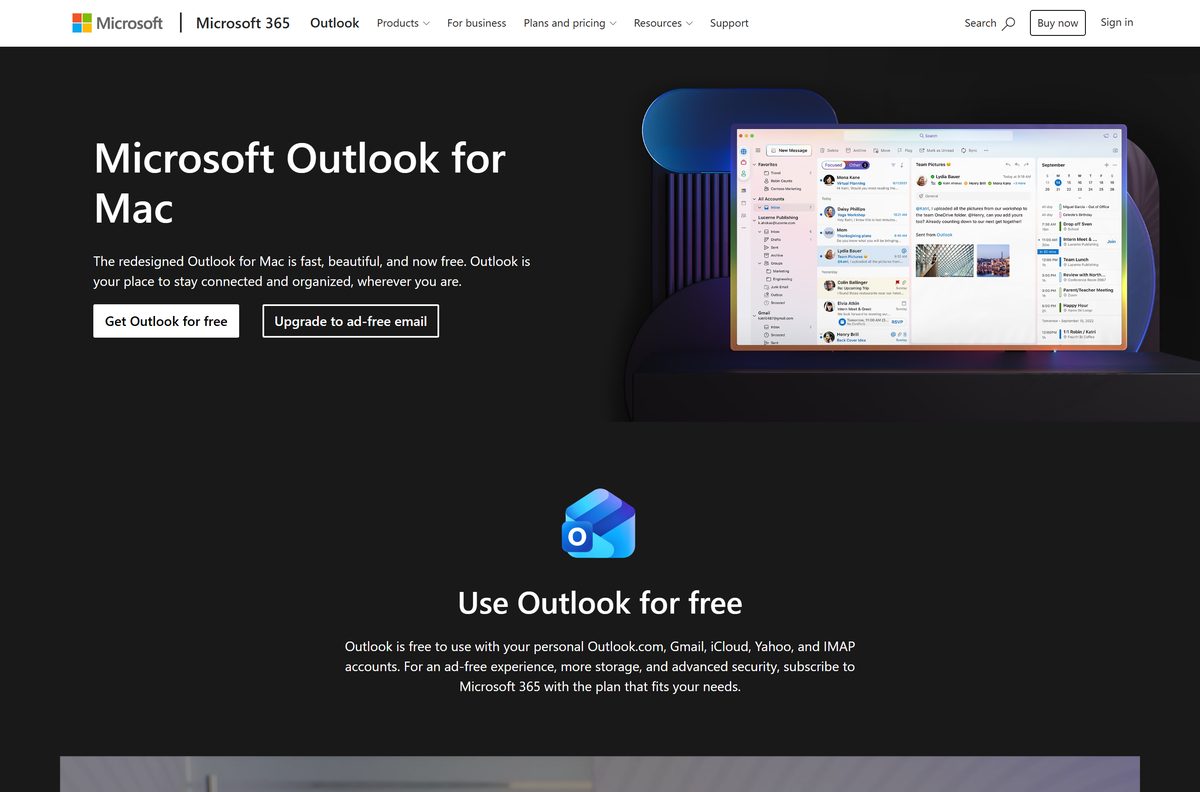
Yes. Outlook for Windows, Outlook for Mac and the mobile apps are free to download and use with a personal email account. Microsoft includes Outlook for Windows free with Windows, lists it at $0.00 in the Microsoft Store, and makes Outlook for Mac free for personal use. The free Outlook.com plan carries ads and 15 GB of mailbox storage. Microsoft 365 Basic at $19.99 a year removes the ads and raises mailbox storage to 100 GB. Microsoft 365 Personal at $99.99 a year and Family at $129.99 a year add the classic Outlook desktop app alongside Word, Excel, PowerPoint and OneNote. A site charging for an Outlook download or an Outlook product key is not selling anything Microsoft recognises.
New Outlook or classic Outlook: which should you install?
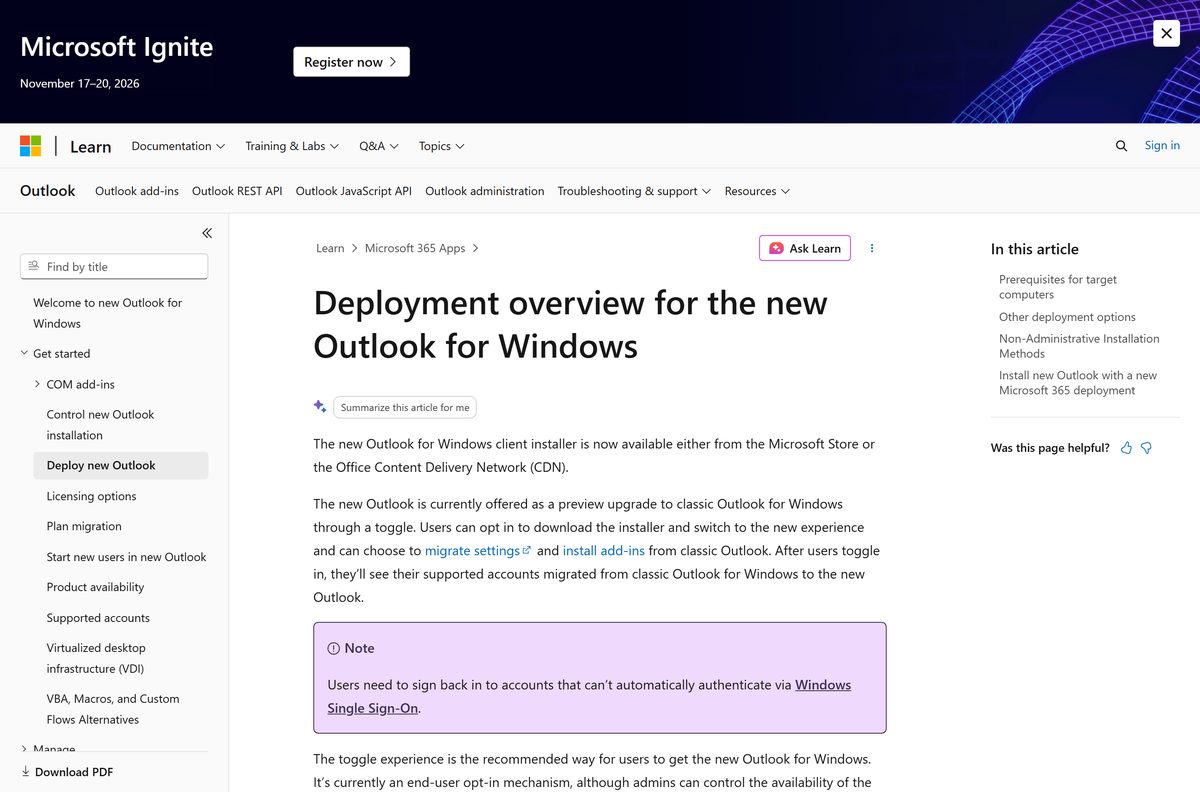
Install the free new Outlook for Windows. Add classic Outlook only if you rely on .pst files, mail merge from Word or other Office integrations. New Outlook is the free Store app covered above. Classic Outlook comes with the Microsoft 365 desktop apps. Microsoft recommends running both side by side where full .pst support, Word mail merge, People cards and Share To in Windows are needed, because those features still rely on classic Outlook. Since Microsoft 365 Version 2502, new installs of the desktop apps include both versions by default. Classic Outlook Version 2303 Build 16227.20318 or later shows a Try the new Outlook toggle that switches between them.
Check the Microsoft Outlook system requirements
Setup refuses to run on a PC below these figures. Press Windows + R, type winver and select OK to read your Windows version and build.
| Field | Value |
|---|---|
| Developer | Microsoft Corporation |
| Latest version | 1.2026.902.100 on Windows, 16.113.1 on Mac |
| License | Free; Microsoft 365 plans are optional |
| Windows | Windows 11, or Windows 10 version 2004 (build 19041) or later |
| Windows Server | Server 2022 (build 20348.2402) or later; not Server 2016 or 2019 |
| Mac | macOS 14 Sonoma or later |
| Architecture | x64, Arm64 and x86 on Windows; Apple silicon native on Mac |
| Runtime | Microsoft Edge WebView2, kept up to date |
| Download size | 4.4 MB Setup.exe or 32.4 MB x64 MSIX; 1.2 GB Mac package |
| Offline installer | Yes, MSIX packages for Windows and a full .pkg for Mac |
| Official source | microsoft.com, Microsoft Store, Mac App Store |
| Last verified | 2026-09-19 |
Windows 10 builds older than 19041 cannot install new Outlook. Update Windows first under Settings > Update & Security > Windows Update.
How to check a Microsoft Outlook installer is genuine
Outlook is a common name for fake installers. The source address and the digital signature settle it quickly.
- Check the address first. Genuine files come from microsoft.com, go.microsoft.com, apps.microsoft.com or apps.apple.com.
- On Windows, right-click the downloaded Setup.exe or .msix file and select Properties.
- Open the Digital Signatures tab, select the signature, then select Details.
- Confirm the signer reads Microsoft Corporation. A missing Digital Signatures tab means the file did not come from Microsoft.
- On a Mac, open Terminal and run pkgutil –check-signature ~/Downloads/Microsoft_Outlook_16.113.26091740_Installer.pkg .
- Confirm the certificate chain names Microsoft Corporation.
- Delete any Outlook download that asks for payment, a product key or a browser extension.
Fix Microsoft Outlook not installing on Windows 11 or 10
The Store says Outlook is not available for this device
The PC runs a Windows 10 build older than 19041, or Windows Server 2016 or 2019.
- Press Windows + R, type winver and select OK.
- Compare the build number with 19041.
- Install the latest feature update through Windows Update.
- Use Outlook on the web in a browser until the update finishes.
The Microsoft Store is blocked on a work PC
Your organisation has turned off Store access, so the Get button never appears.
- Download Setup.exe from the Office content delivery network.
- Run .\Setup.exe –quiet –start- in Terminal from the download folder.
- Ask your IT team for the MSIX package if Setup.exe is blocked too.
The Try the new Outlook toggle is missing
Classic Outlook is older than Version 2303 Build 16227.20318, or an admin policy hides the toggle.
- In classic Outlook, select File > Office Account > Update Options > Update Now.
- Restart Outlook and look for the toggle in the upper-right corner.
- Install new Outlook from the Microsoft Store directly if the toggle stays hidden.
Outlook will not start after it installs
New Outlook needs an up-to-date Microsoft Edge WebView2 Runtime.
- Open Settings > Apps > Installed apps and find Microsoft Edge WebView2 Runtime.
- Run Windows Update and install every pending update.
- Restart the PC and open Outlook again.
A work or school account will not sign in
Outlook on the web is turned off for that mailbox, which new Outlook requires.
- Confirm you can sign in to Outlook on the web in a browser.
- Ask your Microsoft 365 administrator to enable Outlook on the web for the mailbox.
- Sign in to new Outlook again once the change applies.
How to uninstall Microsoft Outlook
New Outlook is a Store app, so it uninstalls separately from Microsoft 365 and classic Outlook.
- Open Settings > Apps > Installed apps.
- Find Outlook (new), select the three dots, then Uninstall.
- To remove it for all users, open PowerShell with Run as administrator.
- Run Remove-AppxPackage -AllUsers -Package (Get-AppxPackage Microsoft.OutlookForWindows).PackageFullName .
- To stop Windows updates reinstalling it, run Remove-AppxProvisionedPackage -AllUsers -Online -PackageName (Get-AppxPackage Microsoft.OutlookForWindows).PackageFullName .
- On a Mac, open Finder > Applications and drag Microsoft Outlook to the Bin.
Classic Outlook is part of the Microsoft 365 installation. Remove it through Programs and Features in Control Panel, which removes the whole suite.
Choose a Microsoft Outlook alternative
Every option below is free. Check what the device already has before installing another mail app.
| Tool | Where it comes from | Best for |
|---|---|---|
| Outlook on the web | Microsoft, free with an account | Outlook mail and calendar with nothing to install |
| Outlook for iPhone and iPad | Apple App Store, free | Reading and replying away from a desk |
| Apple Mail | Built into every Mac | Mail on a Mac with no extra download |
| Gmail | Google, free in the browser | Google accounts and labels-based mail |
Pick classic Outlook when you depend on .pst archives or Word mail merge. The free new Outlook covers everyday mail, calendar and contacts.
Frequently asked questions
Is Microsoft Outlook free?
Yes. Outlook for Windows is included free with Windows and costs $0.00 in the Microsoft Store, and Outlook for Mac is free for personal use. Microsoft 365 plans from $19.99 a year are optional and remove ads, add storage or add classic Outlook.
What is the official Microsoft Outlook download page?
The Outlook page on microsoft.com links every platform. Windows users can also install from the Microsoft Store listing 9NRX63209R7B, and Mac users from the Mac App Store or Microsoft’s installer package on go.microsoft.com.
Does Microsoft Outlook work on Windows 11?
Yes. New Outlook comes preinstalled on new Windows devices and on Windows 11 version 23H2. It also installs on Windows 10 version 2004, build 19041, or later.
How big is the Microsoft Outlook download?
The Windows Setup.exe is 4.4 MB and fetches the rest during install. The offline x64 MSIX package is 32.4 MB, and the Outlook for Mac installer package is 1.2 GB.
Is there a Microsoft Outlook offline installer?
Yes. Microsoft publishes full MSIX packages of Outlook for Windows for x64, Arm64 and x86, which install with Add-AppxPackage and no download. The Mac .pkg installer package already contains the full app.
Is there a Microsoft Outlook download for Mac?
Yes. Outlook for Mac is free on the Mac App Store and as a 1.2 GB installer package from Microsoft. It runs natively on Apple silicon and needs macOS 14 Sonoma or later.
Is Microsoft Outlook 64-bit and does it run on Arm?
Yes. Outlook for Windows ships separate x64, Arm64 and x86 packages, and the Microsoft Store picks the right one automatically. Outlook for Mac is built natively for Apple silicon.
Is it safe to download Microsoft Outlook?
Yes, from Microsoft’s own links. Genuine files come from microsoft.com, go.microsoft.com, apps.microsoft.com or apps.apple.com and carry a Microsoft Corporation digital signature. Avoid any site that charges for Outlook or bundles its own installer.
Which Microsoft Outlook version is current?
Outlook for Windows is at 1.2026.902.100 in Microsoft’s offline packages and updates itself through the Microsoft Store. Outlook for Mac is at 16.113.1, released on 18 September 2026.
Why will Microsoft Outlook not install?
The usual causes are a Windows 10 build older than 19041, Windows Server 2016 or 2019, a Microsoft Store blocked by a work policy, or an outdated WebView2 runtime. Setup.exe or the MSIX package gets round a blocked Store.
Can I install Outlook without the Microsoft Store?
Yes. Run Microsoft’s Setup.exe with the –quiet –start- switches, or install the offline MSIX package with Add-AppxPackage in PowerShell. Both come from Microsoft’s Office content delivery network.
Is Microsoft Outlook free on iPhone?
Yes. Microsoft Outlook is a free App Store download for iPhone and iPad, published by Microsoft Corporation, and it requires iOS 18.0 or later. The Android version is free on Google Play.