Plex Media Server is a free download from plex.tv, and it installs on Windows 11, Windows 10 and macOS in a few minutes. It is the server half of Plex: the software that indexes your own movie, TV, music and photo folders and streams them to every Plex app you sign in to.
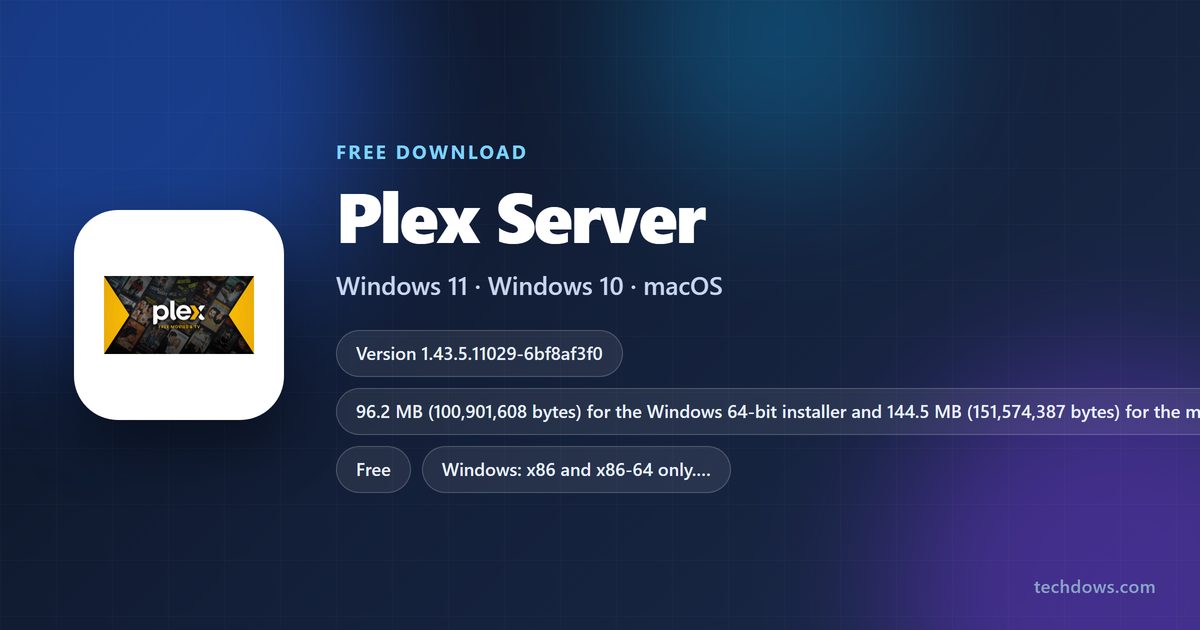
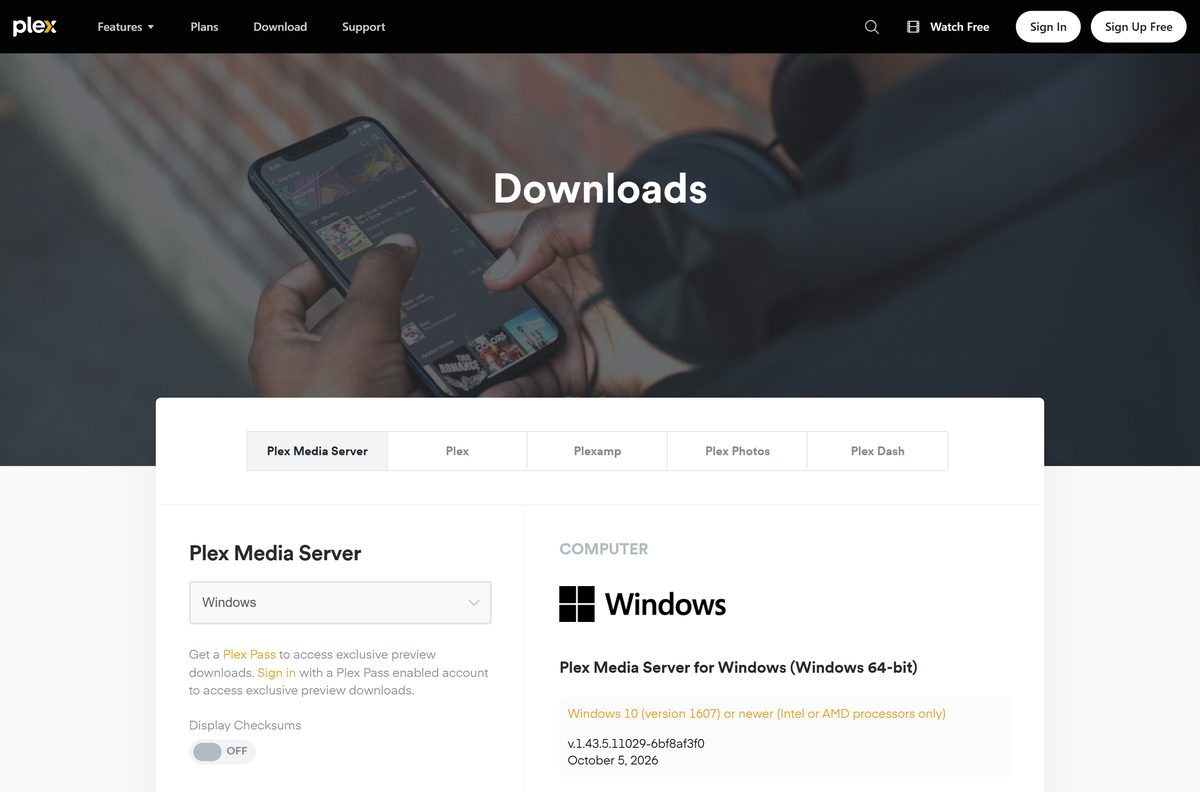
Release 1.43.5 is current, dated 5 October 2026. The Windows 64-bit installer is 96.2 MB, the macOS universal package is 144.5 MB, and both are complete standalone files.
Below: the file your machine needs, the Windows and macOS steps, where the media folders go, how to claim the server, and what Plex Pass adds.
Which Plex Media Server download do you need?
Plex publishes one server build per platform. Match the machine that will host the library to a row, then take that file.
| Machine hosting the library | File to download | Size |
|---|---|---|
| Windows 11 or Windows 10, 64-bit | Windows 64-bit .exe | 96.2 MB |
| A 32-bit Windows 10 install | Windows 32-bit .exe | 99.6 MB |
| Windows on ARM, such as a Snapdragon PC | No build; Plex supports x86 and x86-64 only | n/a |
| Any Mac on macOS 10.13 or newer | macOS universal .zip | 144.5 MB |
| A Synology, QNAP, ASUSTOR or other NAS | NAS section of the downloads page | Varies by model |
The 32-bit file is the outlier: it stays on build 1.42.2.10156-f737b826c while every other platform ships the current release.
Download Plex Media Server from the official Plex links
Every link below resolves to plex.tv or its own download host. The page lists the player apps beside the server, so select Plex Media Server, not Plex for Windows or Mac.
- Plex Media Server downloads page — Windows, macOS, Linux, FreeBSD, Docker and NAS builds
- Windows 64-bit installer — 96.2 MB · 100,901,608 bytes
- Windows 32-bit installer — 99.6 MB · Older build
- macOS universal package — 144.5 MB · Apple silicon and Intel in one file
- Linux packages — 79.4 MB Debian and Ubuntu deb, 102.5 MB Fedora, CentOS and SUSE rpm
- Plex downloads feed — File names and a SHA-1 hash per package
How to install Plex Media Server on Windows 11 and Windows 10
Sort the media first. Plex warns that mixing films and episodes under one path leads to incorrect matching, badly classified content and files that get ignored.
- Create one top-level folder per content type, such as D:\Media\Movies and D:\Media\TV Shows .
- Open plex.tv/media-server-downloads and select Plex Media Server.
- Choose Windows and save the 64-bit installer, 96.2 MB.
- Double-click the file and accept the default path, C:\Program Files\Plex\Plex Media Server .
- Select Launch on the installer’s final screen.
- Sign in to your Plex account, or create one, in the browser window the server opens.
- Work through the Setup Wizard and give the server a friendly name.
- Select Add Library, pick the type, then select Browse for Media Folders and point it at the folder from step one.
- Repeat that step for each remaining content type and finish the wizard.
- Reopen the web app later by right-clicking the Plex icon in the system tray and selecting Open Plex….
A custom program-files path sticks: Plex reuses it for every later update until the InstallFolder registry value is cleared.
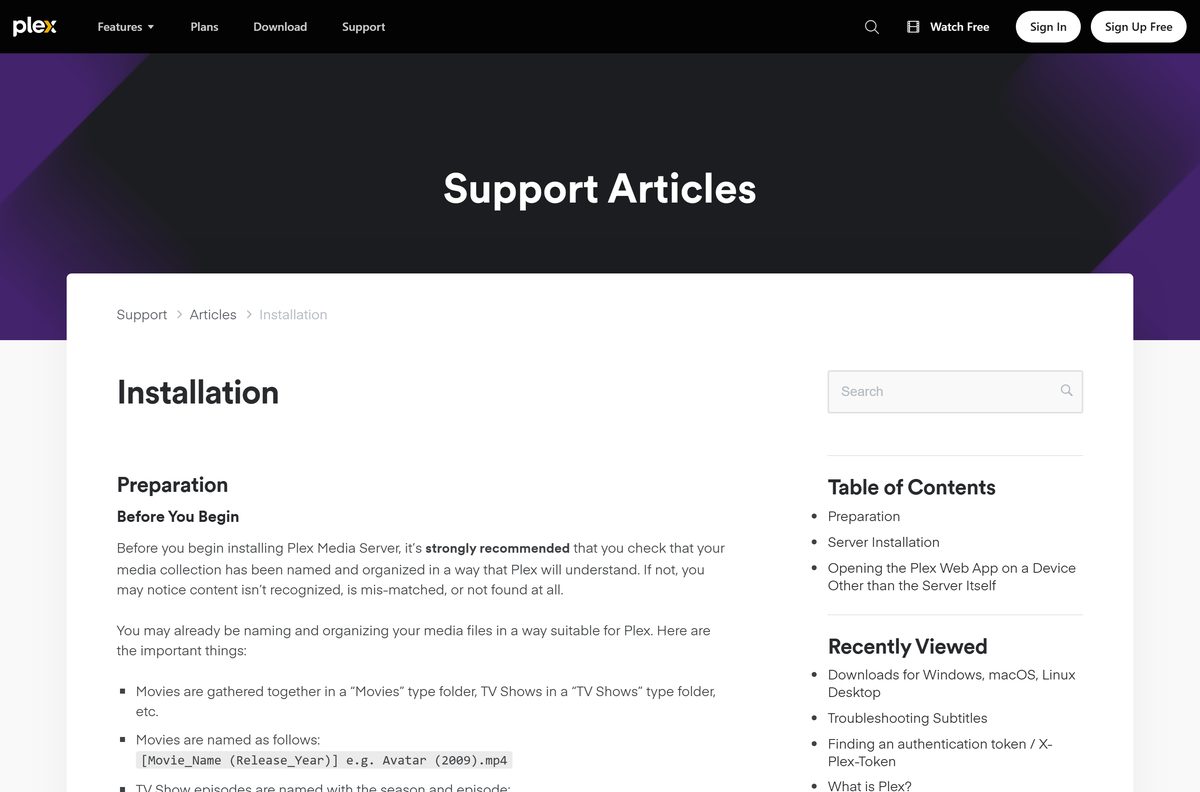
Which Plex Media Server file does your Mac need?
One file covers every supported Mac. Plex ships a single universal package, so there is no separate Apple silicon download and no separate Intel download.
| Your Mac | What to download | What to do with it |
|---|---|---|
| Apple silicon, M1 through M4 | universal package, 144.5 MB | Unzip it, drag Plex Media Server into Applications, then open it |
| Intel Mac on macOS 10.13 or newer | The same universal package | Identical steps; one file covers both chips |
| macOS older than 10.13 High Sierra | No supported build | Plex supports macOS 10.13 High Sierra or newer |
| Any Mac once the server runs | Nothing further | Open the web app from the Plex icon in the menu bar |
The server opens no window of its own on a Mac. Configure it in the browser, at http://127.0.0.1:32400/web if the menu-bar icon is hidden.
How to check the Plex Media Server installer before you run it
Plex publishes a SHA-1 hash for every server package in its own downloads feed, which makes the saved file checkable in one command.
- Confirm the address bar read plex.tv or downloads.plex.tv before the transfer started.
- Open the downloads feed and find the checksum value beside your file name.
- On Windows, open Terminal in the download folder and run Get-FileHash -Algorithm SHA1 .\PlexMediaServer-1.43.5.11029-6bf8af3f0-x86_64.exe .
- Check the result against 14bfe02d2977bbe885029f13de368e3cb2194214 .
- On a Mac, run shasum -a 1 PlexMediaServer-1.43.5.11029-6bf8af3f0-universal.zip in Terminal.
- Check that result against d0eacdf87acf2e5f80c7d565ea8631f93e4aa2b2 .
- Delete the file and fetch it again from the official page if either hash differs.
The byte counts agree too: 100,901,608 for the Windows installer, 151,574,387 for the macOS package.
How to lay out your media folders before the first library scan
Each content type gets its own top-level folder, and that folder is what you hand Plex. The scanners read folder and file names, so the layout decides how much gets matched correctly.
| Library type | Folder to point Plex at | How the files underneath are named |
|---|---|---|
| Movies | D:\Media\Movies | One folder per film: Movies/Avatar (2009)/Avatar (2009).mkv |
| TV Shows | D:\Media\TV Shows | Show folder, then season folder: TV Shows/Dexter/Season 01/Dexter s01e01.mp4 |
| Music | D:\Media\Music | Its own top-level folder, never mixed in with video |
| Photos and Other Videos | D:\Media\Photos | Separate again, not nested inside Movies or TV Shows |
| Any library type | Never a drive root such as D:\ | Plex says to make a folder such as D:/Movies and point the library there |
One library can take several folders, and their contents merge into one view. Loose movie files in a flat folder work, but Plex recommends the folder-per-film layout: it speeds up scanning and keeps posters and subtitles together.
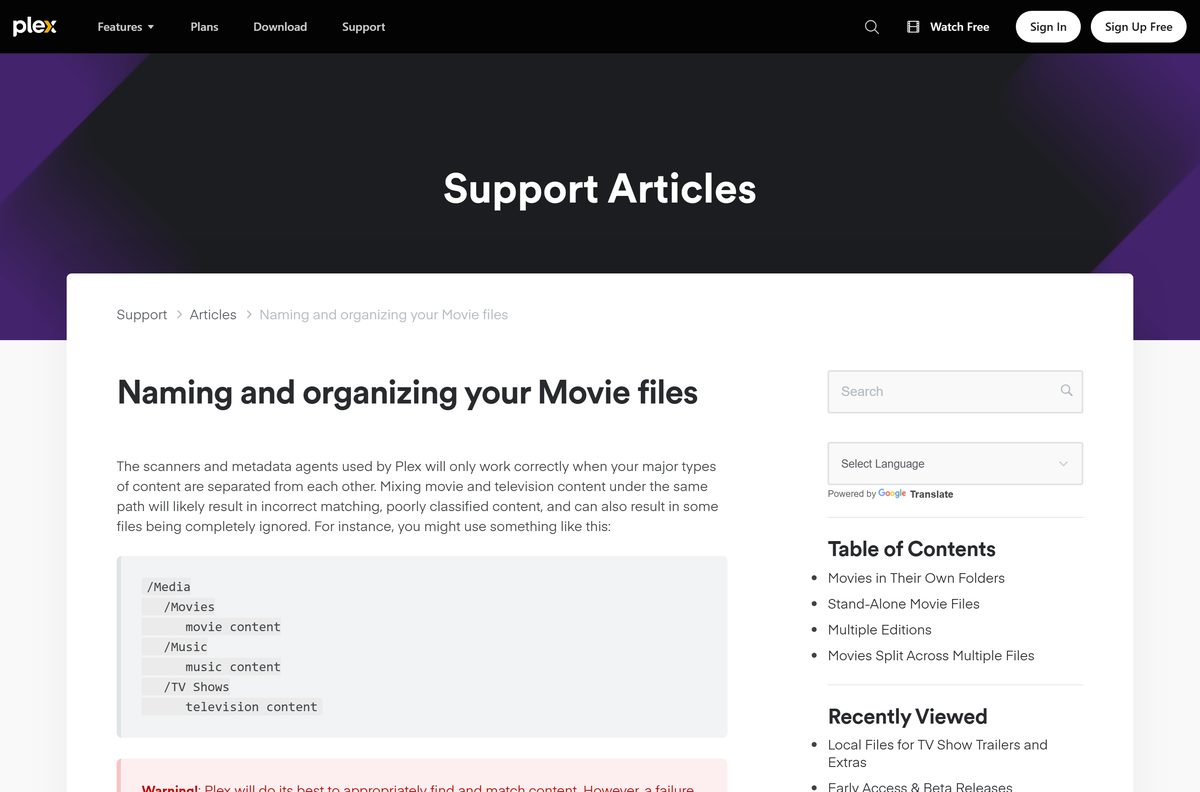
Is Plex Media Server free?
Yes. The server software is free, and so is playing your own media on the same network as it. Plex states plainly that Plex Media Server is free to use and that local playback of personal content costs nothing. One paid condition applies to video: since 29 April 2025, streaming personal video away from the server’s network needs an active Plex Pass on the server admin’s account, an active Plex Pass on the viewer’s account, or an active Remote Watch Pass on the viewer’s account. Music streamed to Plexamp and photos in Plex Photos sit outside that rule.
A Plex Pass on the admin account covers everyone who streams from that server; a Remote Watch Pass covers only the account that bought it. Plex Pass also adds hardware-accelerated transcoding, DVR recording from a compatible tuner and antenna, skip intro and skip credits, trailers and extras, LyricFind lyrics and HDR to SDR tone mapping.
Should you switch the server to the Plex beta channel?
Stay on the Public channel unless a Plex Pass and a spare machine are both in hand. The Server Update Channel under Settings, Server, General offers Public or Beta, and the Beta option appears only for Plex Pass subscribers. Plex says beta and preview releases can carry new functionality and fixes early, and that they are also more prone to unanticipated issues. A library the whole house watches is the wrong place to find that out.
How to check your Plex Media Server version and update it
The installed build and the update check live on the same settings page, and opening that page runs the check.
- Open the web app from the system tray on Windows or the menu bar on macOS.
- Select the wrench icon to open Settings.
- Select Server, then General.
- Read the installed build under Server Version.
- Let the automatic update check finish; it runs every time that page opens.
- Select the download or install action shown there if a newer build is listed.
- Set Server version updates to Automatically during scheduled maintenance to stop checking by hand.
- Update a Linux install from its package or repository and a NAS install from the device’s own store, because that automatic option covers Windows and macOS only.
Installing a newer build over an existing one keeps the libraries and the metadata. Only a full uninstall clears them.
Check Plex Media Server system requirements before you download
The floor is low, and the CPU is the part that decides how well the server copes once several people stream at once.
| Item | Detail |
|---|---|
| Software | Plex Media Server |
| Developer | Plex, Inc. |
| Latest version | 1.43.5.11029-6bf8af3f0, released 5 October 2026 |
| License | Free, with an optional Plex Pass subscription |
| File size | 96.2 MB Windows 64-bit, 144.5 MB macOS universal |
| Supported OS | Windows 10 (1607) or newer, Windows Server 2016 (1607) or newer, macOS 10.13 or newer |
| Architecture | x86 and x86-64 on Windows, no Windows ARM build; one universal package on macOS |
| Minimum CPU | Intel Core i3 or equivalent |
| RAM | 4 GB is typically more than sufficient |
| Filesystem | Must allow symlinks and hardlinks |
| Web app port | 32400 |
| Offline installer | Yes, the Windows and macOS files are standalone |
| Official download source | Plex (plex.tv) |
| Last verified | 25 October 2026 |
Transcoding is what pushes past that floor. When the CPU cannot keep up, playback pauses and buffers while the server catches up.
Fix Plex Media Server not installing or not showing up
The installer finishes but no server window opens
Plex states that the server has no interface of its own. It runs in the background and is managed in a browser.
- Look for the Plex icon in the Windows system tray or the macOS menu bar.
- Right-click it and select Open Plex….
- Open http://127.0.0.1:32400/web in a browser if the icon is missing.
- Start the server from the Start menu, or from Applications on a Mac, if nothing answers there.
The server never appears in the Plex Web App
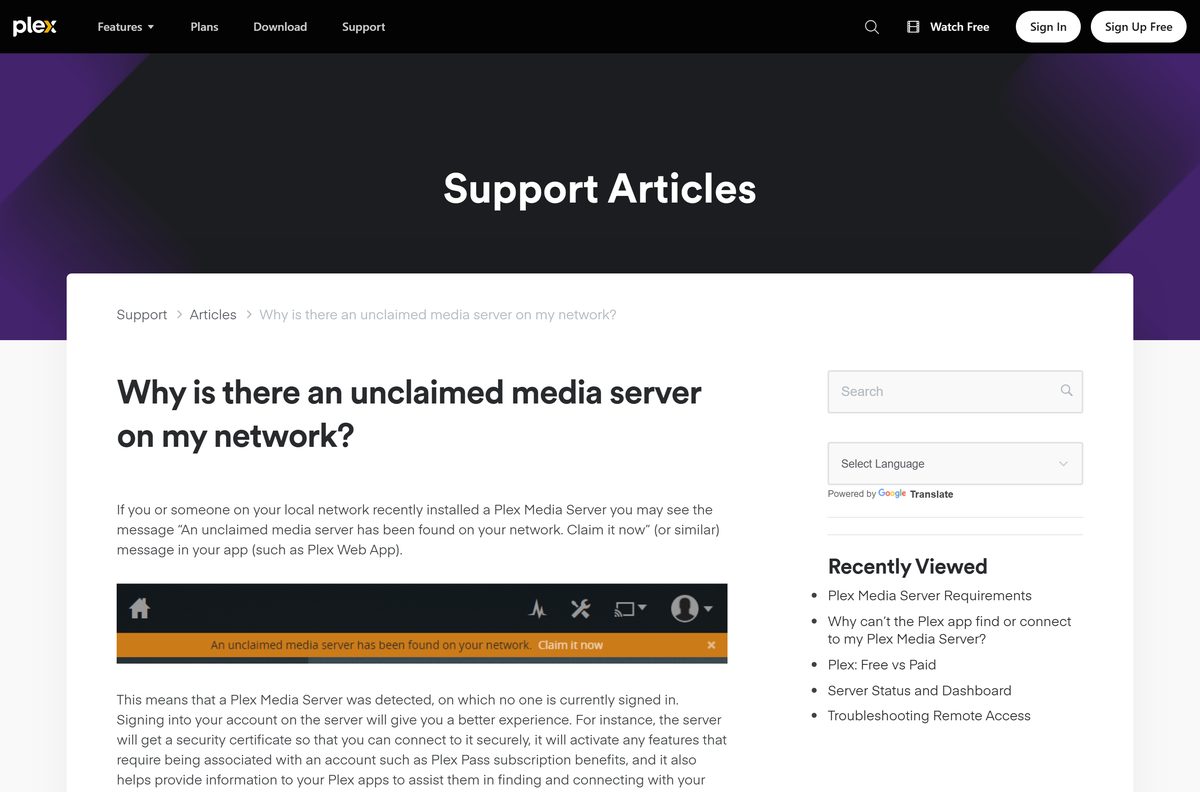
An unclaimed server belongs to no account yet, so the hosted web app has nothing to show.
- Right-click the tray or menu-bar icon and select Open Plex….
- Select Claim it now in the unclaimed-server notice.
- Sign in to your Plex account on the page that opens.
- Open Settings, Server, General and use Claim Server if that notice never appeared.
A Plex app on the same network cannot find the server
- Update the server to the current release.
- Sign the server in to your Plex account, then sign the app in to the same account.
- Turn off any VPN or proxy running on the computer or the router.
- Check that the server is listed on the Devices page of your account.
- Confirm the server and the app share a subnet, with a matching subnet mask.
The server quits on its own every 20 to 30 minutes on Windows
Plex attributes this to third-party DLLs interfering with the Windows network library mswsock.dll, most often ones installed by adware.
- Open Task Manager and watch whether Plex Media Server.exe vanishes from Processes.
- Open Settings, Apps, Installed apps and remove any toolbar, download assistant or web companion program.
- Run a full scan in Windows Security.
- Reinstall the current build, restart the PC, then watch the tray icon for an hour.
How to uninstall Plex Media Server from Windows and macOS
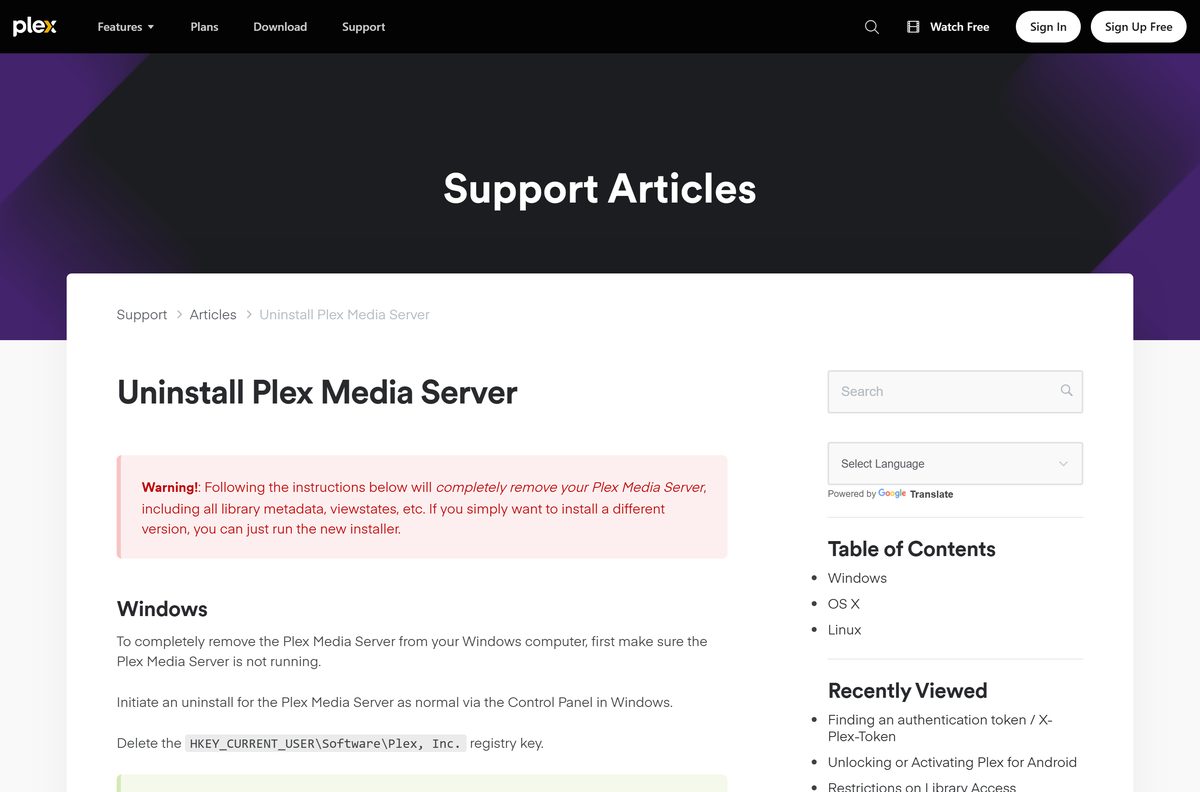
A plain uninstall leaves the library database behind. These steps clear it as well, which Plex warns removes all metadata and watch states.
Windows 11 and Windows 10
- Right-click the Plex icon in the system tray and quit the server.
- Open Control Panel, Programs and Features, select Plex Media Server and uninstall it.
- Back up the registry, then delete the key HKEY_CURRENT_USER\Software\Plex, Inc. in Registry Editor.
- Delete the folder %LOCALAPPDATA%\Plex Media Server .
- Remove the server entry from the Devices page of your Plex account.
macOS
- Select the Plex icon in the menu bar and quit the server.
- In Finder, open Go, Go to Folder… and enter ~/Library/ .
- Delete Application Support/Plex Media Server/ , Caches/PlexMediaServer/ and Logs/Plex Media Server/ .
- Run defaults delete com.plexapp.plexmediaserver in Terminal.
- Delete /Applications/Plex Media Server.app , then restart the Mac.
- Remove any leftover Plex Media Server entry from Login Items.
Installing a different version needs none of this. Plex says the new installer alone is enough when the goal is a version change.
Where to run Plex Media Server: on a PC, a Mac or a NAS
The same release goes out for every host Plex supports, so the choice is about hardware and the update route rather than the software.
| Where the server runs | What Plex publishes | What to watch for |
|---|---|---|
| A Windows 11 or Windows 10 PC | 64-bit and 32-bit installers | x86 or x86-64 only; a Windows ARM machine has no build |
| A Mac on macOS 10.13 or newer | One universal package | The app has to sit in the Applications folder |
| Ubuntu, Debian, Fedora, CentOS, SUSE or FreeBSD | deb, rpm and FreeBSD builds | Updates come from a package or repository, not the settings page |
| A QNAP, Synology, Netgear, ASUSTOR, TerraMaster, Seagate or WD NAS | Per-vendor NAS packages and a Docker image | Check the model against Plex’s compatibility list first |
Windows and macOS hosts are the easiest to keep current, because the in-settings updater runs only there. A NAS is tempting for the storage, but Plex warns that many consumer models have weak CPUs and that some ARM-based ones cannot transcode at all.
Frequently asked questions
Is Plex Media Server free?
Yes. Plex states the server software is free and that local playback of your own media costs nothing. Streaming personal video away from the server’s network needs a Plex Pass or a Remote Watch Pass.
Where is the official Plex Media Server download page?
The official page is plex.tv/media-server-downloads. It carries the Windows installers, the macOS package, the Linux and FreeBSD packages and the NAS builds. Select the server, not the player app beside it.
Does Plex Media Server work on Windows 11?
Yes. Plex supports Windows 10 version 1607 or newer and Windows Server 2016 version 1607 or newer, which covers every Windows 11 build. The processor has to be x86 or x86-64.
How big is the Plex Media Server download?
The Windows 64-bit installer is 96.2 MB, or 100,901,608 bytes, and the macOS package is 144.5 MB. The Debian deb is 79.4 MB and the Fedora rpm is 102.5 MB.
Is there a Plex Media Server offline installer?
Yes. The Windows and macOS files are complete standalone installers, not small web bootstrappers. Keep the machine online during setup anyway, because the Setup Wizard signs the server in to an account.
Is Plex Media Server available for Mac?
Yes. Plex publishes one macOS package, a universal build covering Apple silicon and Intel Macs alike. It needs macOS 10.13 High Sierra or newer. Unzip it and drag the app into Applications.
Does Plex Media Server have a 64-bit or ARM64 download?
The 64-bit Windows installer carries the current release and a 32-bit one stays on an older build. Plex supports x86 and x86-64 only on Windows, so no ARM64 file exists.
Is Plex Media Server safe to download?
It is safe from plex.tv. Plex publishes a SHA-1 hash for every server package in its own downloads feed, so the saved file can be hashed and compared before it runs.
What is the latest version of Plex Media Server?
Release 1.43.5.11029-6bf8af3f0, dated 5 October 2026, is current for Windows, macOS, Linux, FreeBSD and the NAS builds. The Windows 32-bit installer stays on an earlier build.
Why won’t Plex Media Server install or start on my PC?
Check that Windows is version 1607 or newer and that the processor is x86 or x86-64. If the installer finishes and nothing opens, that is expected: open it from the system tray.
Do I need to claim my Plex Media Server?
Claiming signs the server in to your Plex account. Plex says it gives the server a security certificate, turns on account-linked features such as Plex Pass benefits, and helps apps find the server.