You can download Stardew Valley for Windows 11, Windows 10, Mac and Linux from Steam or GOG, and on Windows from the Microsoft Store too. The farming game costs $14.99 once, and every update since launch has been free.
GOG sells a DRM-free offline installer, Game Pass members can install the Microsoft Store build at no extra cost, and the iPhone and iPad version is a separate $4.99 app.
This guide covers which store to pick, the install steps, the system requirements, version checks, install fixes and a clean uninstall.
Which Stardew Valley download do you need?
ConcernedApe sells the game through stores rather than a setup file on its own site. Match your device to a row, then follow that link.
| Your situation | What to get | Where |
|---|---|---|
| Windows 11 or 10 PC, and you already use Steam | Steam copy, $14.99, with Steam Cloud saves | Steam store page |
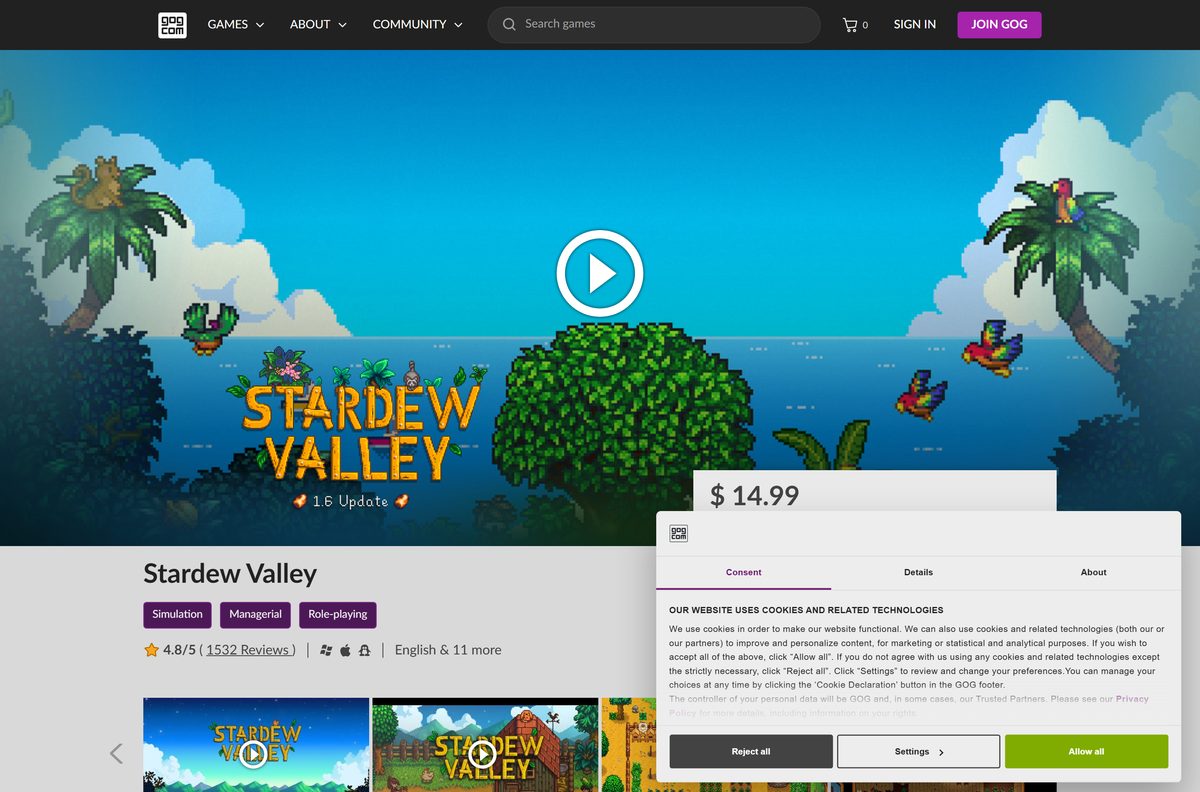
| You want an installer that works offline | GOG copy, $14.99, with a 616 MB Windows installer | GOG store page |
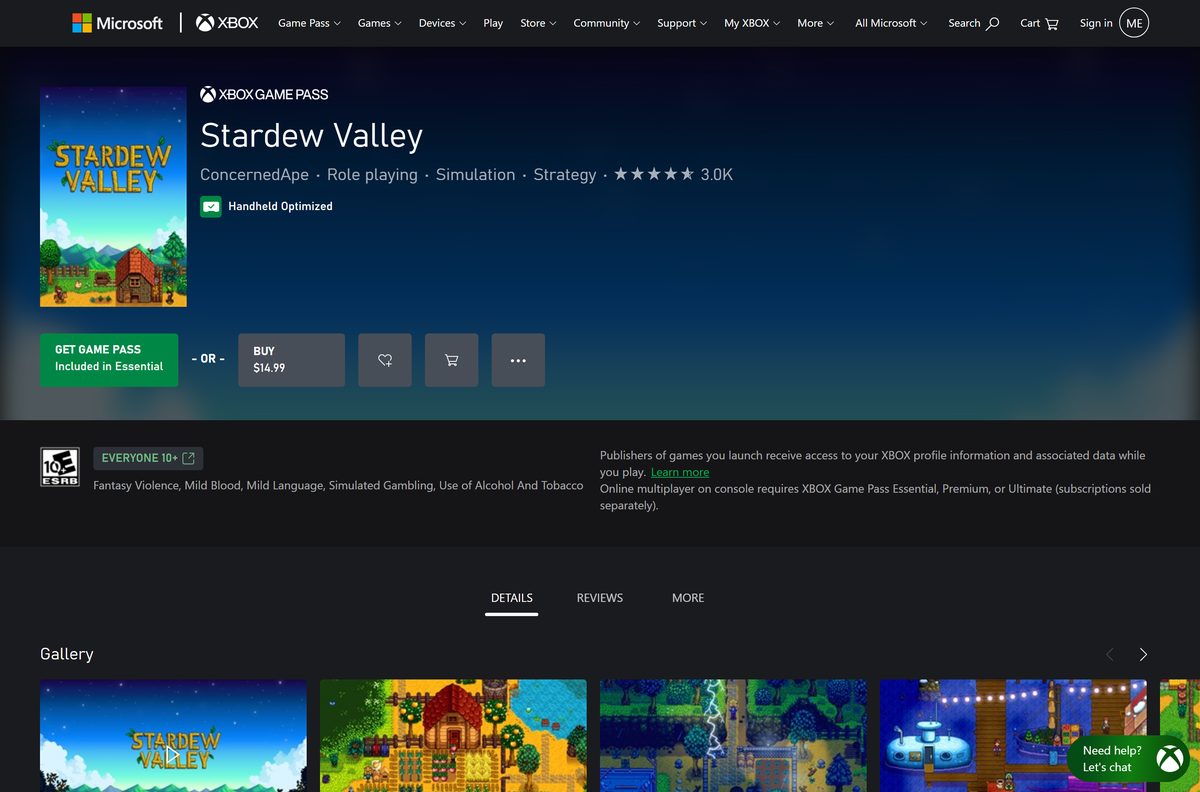
| You pay for Xbox Game Pass | Microsoft Store build, included in the subscription | Xbox store page |
| Windows PC without Steam or GOG | Microsoft Store build, $14.99, x64 only | Microsoft Store listing |
| Mac or Linux computer | Steam or GOG copy; one purchase covers every desktop system | Steam store page |
| iPhone or iPad | The App Store version, $4.99 | App Store listing |
A Steam or GOG purchase covers Windows, macOS and Linux. The Microsoft Store and App Store copies are separate purchases.
Download Stardew Valley from the official store links
These are the only places the game is sold. Any site offering a free setup file is not one of them.
- Stardew Valley on Steam (app 413150) — $14.99 · Windows, macOS and Linux
- Stardew Valley on GOG — $14.99 · DRM-free installers for Windows, Mac and Linux
- Stardew Valley on the Microsoft Store — 694 MB package · $14.99, or included with Game Pass
- Stardew Valley on the App Store — 442 MB · $4.99, iPhone and iPad
- Steam desktop client — install this first for the Steam copy
Steam asks for 500 MB of free space, so any modern drive has room.
How to install Stardew Valley on Windows 11 and 10 with Steam
The Steam route takes a few minutes once the purchase clears.
- Open the Steam client page and select Install Steam.
- Run the setup, start Steam and sign in or create a free account.
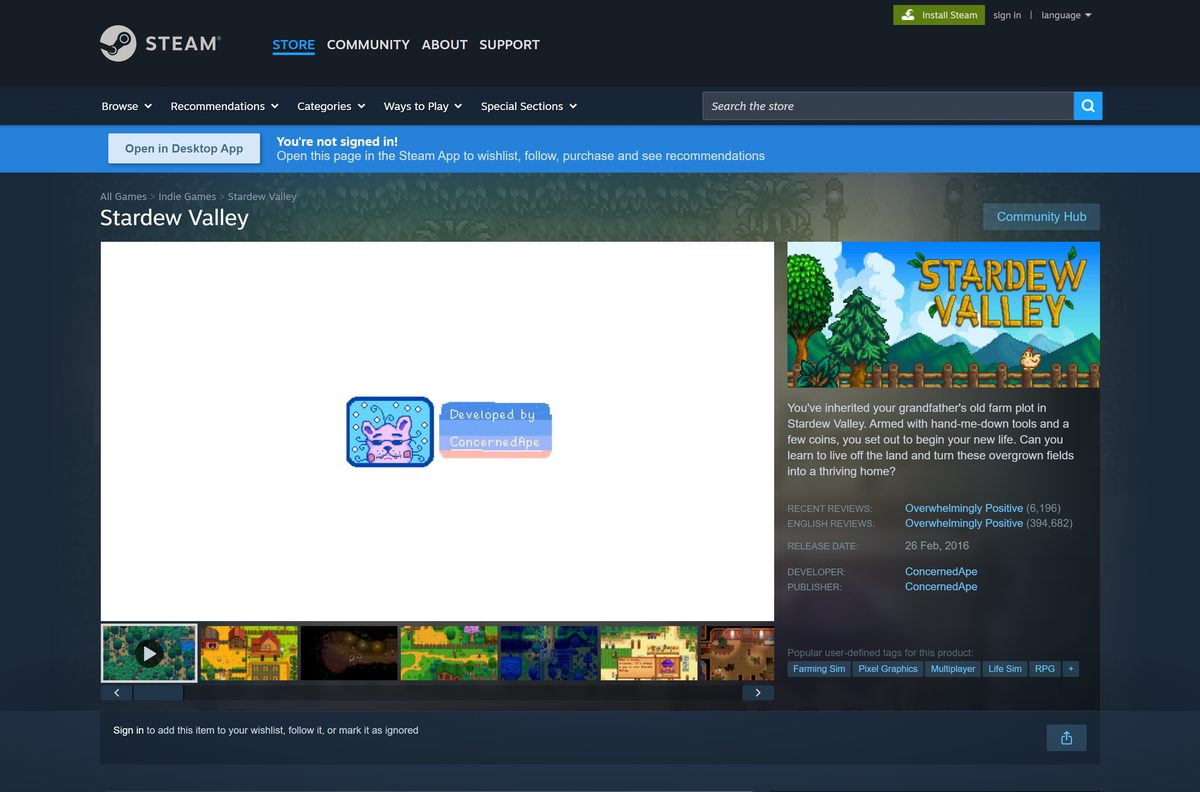
- Open the Stardew Valley store page and select Add to Cart.
- Select Purchase for myself, then pay the $14.99.
- Open Library, select the game and select Install.
- Pick a drive in the install dialog, then select Install again.
- Select Play once the download bar under Downloads finishes.
Steam patches the game on its own, and Steam Cloud keeps your saves across computers.
Install Stardew Valley from the Microsoft Store or Game Pass
The Microsoft Store build is a 694 MB x64 package that targets Windows 10 and later. Game Pass members get it at no extra charge.
- Open the Microsoft Store listing and sign in with your Microsoft account.
- Select Buy to pay $14.99, or select the Game Pass option if your plan includes it.
- Let the Store or the Xbox app download the package.
- Select Play from the Store page, or open the game from the Start menu.
- Sign in to Xbox when the game asks, so achievements and Xbox cloud saves work.
Game Pass access lasts only as long as the subscription. Buy the game to keep it.
Which Stardew Valley download do you need for your Mac?
There is no Mac App Store listing, so Mac copies come from Steam or GOG.
| Your Mac | What to get | Link |
|---|---|---|
| Any Mac on OS X 10.10 or later, using Steam | Steam for Mac, then the game | Steam client |
| Any Mac, and you want an offline installer | GOG Mac installer, 467 MB | GOG store page |
| You already own it on Steam for Windows | Nothing new; the same licence covers macOS | Steam store page |
| You only have an iPad | The iPad version from the App Store, $4.99 | App Store listing |
Steam lists 2 GB of memory and OpenGL 2 graphics as the Mac minimum.
Is Stardew Valley free?
Steam marks the game as paid rather than free to play.
No. Stardew Valley costs $14.99 on Steam, GOG, the Microsoft Store and the Xbox store, and $4.99 on iPhone and iPad. The only way to play without buying is Xbox Game Pass, whose store listing shows the game included from the Essential plan upward. Every content update has been free after purchase, including the 1.6 series. A site offering the PC game as a free download is distributing a pirated copy.
ConcernedApe says a major 1.7 content update is in development, with no release date yet.
Choose whether to buy Stardew Valley on Steam, GOG or Game Pass
The game is identical on each store. The difference is the launcher, the installer and who holds your licence.
Buy it on Steam if you use mods or play co-op with Steam friends. Buy it on GOG if you want an installer you can keep offline. Steam adds cloud saves, trading cards and beta branches that hold older versions for mod users. GOG sells DRM-free installers that need no activation or internet connection, and GOG states its multiplayer is cross-compatible with the Steam version. Game Pass suits you only if you already pay for the subscription.
Split-screen, LAN and online co-op work on every PC store.
How to check your Stardew Valley version and update it
The current release is 1.6.15, which arrived on Steam on December 20, 2024.
- Open Library in Steam, right-click the game and select Properties.
- Select Updates and set it to Always keep this game updated.
- Read the 1.6.15 patch notes to see what the current build changed.
- Select Betas and pick previous_version if a mod needs 1.6.14.
- On GOG, open GOG GALAXY and let it update the game, or download the newer installer from your library.
- On the Microsoft Store, open Library in the Store and select Get updates.
Switch the beta back to None once your mods catch up.
Check the Stardew Valley download details
These are the figures the stores publish for the PC, Mac and phone versions.
| Field | Details |
|---|---|
| Game | Stardew Valley |
| Developer | ConcernedApe |
| Latest version | 1.6.15 (iPhone and iPad: 1.6.15.1) |
| Price | $14.99 on PC and Mac; $4.99 on iPhone and iPad |
| Platforms | Windows, macOS, Linux, iPhone, iPad |
| Architecture | 64-bit (x64); legacy 32-bit on Steam’s Compatibility branch |
| Installer size | 616 MB Windows, 467 MB Mac, 471 MB Linux (GOG) |
| Microsoft Store package | 694 MB, x64 |
| Offline installer | Yes, DRM-free from GOG |
| Release date | February 26, 2016 |
| Official download source | Steam, GOG, Microsoft Store, App Store |
| Last verified | 2026-09-24 |
Version 1.5.5 moved the game to 64-bit MonoGame on .NET 5.
Check your computer against the Stardew Valley system requirements
The minimums are low enough for most laptops sold in the last decade.
| Component | Windows | Mac | Linux |
|---|---|---|---|
| Operating system | Windows Vista or greater | Mac OS X 10.10 or later | Ubuntu 12.04 LTS |
| Processor | 2 GHz | 2 GHz | 2 GHz |
| Memory | 2 GB RAM | 2 GB RAM | 2 GB RAM |
| Graphics | 256 MB video memory, shader model 3.0+ | 256 MB video memory, OpenGL 2 | 256 MB video memory, OpenGL 2 |
| DirectX | Version 10 | Not used | Not used |
| Storage | 500 MB available space | 500 MB available space | 500 MB available space |
| Resolution (GOG) | 1280×720 minimum at 16:9 | 1280×720 minimum at 16:9 | 1280×720 minimum at 16:9 |
Press Windows + R, type dxdiag and select OK to read your processor, memory and graphics card.
Fix Stardew Valley not installing or not starting
Pick the symptom that matches yours.
The Steam download stalls or stays at 0 bytes
A stale download cache or a busy content server usually causes it.
- Pause and resume the job under Downloads.
- Open Steam > Settings > Downloads and select Clear Download Cache.
- Change Download Region to a nearer city, then restart Steam.
The game installs but closes on launch
Damaged files or an old graphics driver stop the first start.
- Right-click the game, select Properties > Installed Files, then Verify integrity of game files.
- Update your graphics driver from your GPU maker’s site.
- Restart Windows and launch from the Steam Library.
Mods break after an update
Mods built for the previous build can fail on the newest patch.
- Open Properties > Betas for the game.
- Select previous_version to roll back to 1.6.14.
- Return to None once the mod authors update.
You run 32-bit Windows
The main build is 64-bit since version 1.5.5.
- Open Properties > Betas in Steam.
- Select the Compatibility branch, which ConcernedApe kept for the legacy 32-bit build.
A GOG copy has no launcher to fix: run its installer again to repair the files.
How to uninstall Stardew Valley
Removing the game frees about 500 MB. Your licence stays on the store account.
- In Steam, right-click the game in Library and select Manage > Uninstall.
- For a GOG or Microsoft Store copy, open Settings > Apps > Installed apps in Windows 11.
- Select the three dots next to Stardew Valley, then Uninstall.
- On a Mac, drag the game out of Applications, or remove it from the Steam Library.
- Reinstall at any time from the same store without paying again.
Steam Cloud and Xbox cloud saves bring your farm back after a reinstall.
Frequently asked questions
Is Stardew Valley free to download?
No. The PC and Mac game costs $14.99 on Steam, GOG and the Microsoft Store, and the iPhone and iPad version costs $4.99. Xbox Game Pass members can play the Microsoft Store build as part of their subscription.
Where is the official Stardew Valley download?
ConcernedApe sells the game through Steam, GOG, the Microsoft Store and the App Store. Buy it on one of those stores and install it through that store’s app or installer. No official free setup file exists elsewhere.
Does Stardew Valley work on Windows 11?
Yes. Steam lists Windows Vista or greater as the minimum, so Windows 11 and Windows 10 both run it. The Microsoft Store package is an x64 build for Windows 10 and later.
How big is the Stardew Valley download?
GOG’s Windows installer is 616 MB, the Mac installer 467 MB and the Linux installer 471 MB. The Microsoft Store package is 694 MB, and Steam asks for 500 MB of free space.
Can you play Stardew Valley offline?
Yes. The single-player game needs no connection once installed. The GOG version is DRM-free, needs no activation and runs without any internet connection at all.
Is Stardew Valley on Mac?
Yes. Steam and GOG both sell a macOS version, and one purchase on either store covers Windows, macOS and Linux. The Mac minimum is OS X 10.10 with 2 GB of memory. There is no Mac App Store listing.
Is Stardew Valley 32-bit or 64-bit?
It is 64-bit. Version 1.5.5 moved the game to MonoGame on .NET 5, and ConcernedApe kept the legacy 32-bit build on Steam’s Compatibility beta branch. The Microsoft Store package is x64 only.
What is the latest version of Stardew Valley?
Version 1.6.15, released on Steam on December 20, 2024, is the current PC build, and GOG’s installers match it. ConcernedApe has announced a 1.7 content update that is in development with no release date.
Is Stardew Valley on Xbox Game Pass?
Yes. The Xbox store listing shows the game included in several Game Pass plans, starting with Essential. You can also buy it outright on the same page for $14.99 and keep it.
Can GOG and Steam players play co-op together?
Yes. GOG states that its multiplayer, through GOG GALAXY, LAN and Direct IP, is cross-compatible with the Steam version. Online, LAN and split-screen co-op are all supported on PC.