The Ubisoft download for PC is Ubisoft Connect, a free launcher for Windows 11 and Windows 10. Install it from ubisoft.com, the Microsoft Store or winget, sign in with a Ubisoft account, and your Ubisoft games, friends and rewards sit in one app.
Ubisoft publishes the app, and the launcher costs nothing. You pay only for the games, add-ons and the Ubisoft+ subscription you choose to buy.
This guide covers which install route to pick, the official links, setup steps, updates, requirements, Mac options and fixes for a failed install.
Which Ubisoft Connect download do you need?
All three Windows routes install the same launcher from Ubisoft. Match your situation to a row and use that link.
| Your situation | Where to get it | What you get |
|---|---|---|
| Windows 11 or 10 PC, quickest route | ubisoft.com download page | UbisoftConnectInstaller.exe, newest build first |
| You prefer installs tracked by the Microsoft Store | Microsoft Store listing | The same installer, 252.2 MB |
| You script installs or set up several PCs | winget package Ubisoft.Connect | One command, silent install |
| Intel-based Mac | Boot Camp with Windows 10 | Windows on the Mac, then any route above |
The Microsoft Store package trails the ubisoft.com build by one release, so the first route gets the newest launcher on day one.
Download Ubisoft Connect from the official sources
Ubisoft is the publisher on every listing below. A setup file from any other site is not the real launcher.
- Ubisoft Connect download page on ubisoft.com — Starts the Windows installer download automatically
- Ubisoft Connect – PC on the Microsoft Store — 252.2 MB · Free, Windows 10 and 11
- Ubisoft Connect overview on ubisoft.com — Features, rewards and Ubisoft+
- Ubisoft account page — Create the free account the launcher asks for
- Ubisoft Help — Official support articles and contact options
If the ubisoft.com download does not start, select Try again on that page to restart it.
How to install Ubisoft Connect on Windows 11 and 10
The installer needs administrator rights, because it installs the launcher for every user on the PC.
- Open the Ubisoft Connect download page in your browser.
- Wait for UbisoftConnectInstaller.exe to finish downloading. Select Try again if nothing starts.
- Open your Downloads folder and double-click UbisoftConnectInstaller.exe.
- Select Yes in the User Account Control prompt.
- Follow the prompts in the setup window.
- Keep the default install folder, C:\Program Files (x86)\Ubisoft\Ubisoft Game Launcher , unless you need another drive.
- Wait for the files to copy, then close the setup and open Ubisoft Connect from the Start menu.
- Sign in with your Ubisoft account, or select the option to create one.
For an unattended install on a managed PC, run the same file with the /S switch from an elevated Terminal.
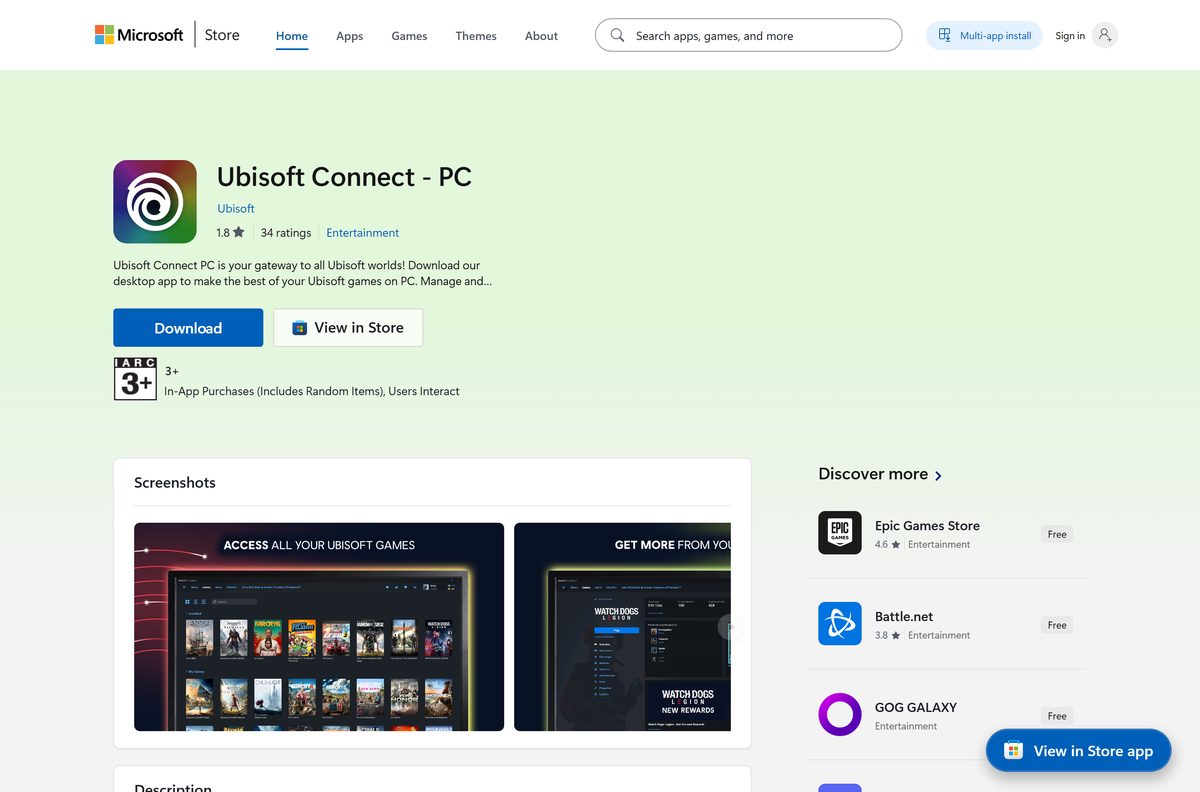
Install Ubisoft Connect from the Microsoft Store or with winget
Both routes suit PCs where you already manage apps through Microsoft’s tools. The winget ID for the ubisoft.com build is Ubisoft.Connect , and the Store product ID is XPDP2QW12DFSFK .
To install the ubisoft.com build from Terminal, run winget install –id Ubisoft.Connect -e . To install the Store package instead, run winget install XPDP2QW12DFSFK -s msstore .
- Open the Ubisoft Connect – PC listing on the Microsoft Store.
- Select Get or Install and allow the Microsoft Store app to open.
- Select Get again inside the Store app.
- Select Yes when Windows asks for administrator permission.
- Wait for the Store to show Open, then select it.
- Sign in with your Ubisoft account.
For winget, right-click Start, select Terminal (Admin), and paste either command. Add –silent to skip the setup windows on a managed PC.
Can you get Ubisoft Connect on a Mac?
Ubisoft offers Ubisoft Connect as a desktop app on PC and inside games on PC and console. The Microsoft Store listing is PC only, and Apple’s App Store has no Ubisoft Connect app. Your Mac’s chip decides what you can do.
| Your Mac | What works | Where to start |
|---|---|---|
| Intel-based Mac | Install Windows 10 with Boot Camp, then install Ubisoft Connect in Windows | Apple Boot Camp guide |
| Apple silicon Mac (M-series) | No Boot Camp support, so there is no native way to run the launcher | Ubisoft Help |
| Any Mac, account tasks only | Manage your Ubisoft account, profile and security in a browser | Ubisoft account page |
To see your chip, open the Apple menu and select About This Mac. A Chip line naming Apple M1 or later means Apple silicon; a Processor line naming Intel means Boot Camp is available.
Is Ubisoft Connect free?
Ubisoft calls Ubisoft Connect a free service that only requires a Ubisoft account. The Microsoft Store lists the price as Free.
Yes. Download and use the launcher at no cost. What costs money is inside it: games, DLC, in-game content and the Ubisoft+ subscription, which gives access to 100+ games on PC. Free games, trials and free weekends also appear in the library.
Playing earns Units. Redeem 100 Units for 20% off your next Ubisoft Store purchase, although the discount excludes in-game purchases, subscriptions and virtual currency.
Ignore any site selling a Ubisoft Connect license or a cracked launcher. The real app has no paid edition.
How to check your Ubisoft Connect version and update it
The ubisoft.com build released on September 1, 2026 is version 173.1.13333. The Microsoft Store package is 173.0.13316.
- Open Settings and select Apps, then Installed apps.
- Type Ubisoft in the search box.
- Read the version number under Ubisoft Connect.
- To update with winget, open Terminal and run winget upgrade –id Ubisoft.Connect -e .
- If you installed from the Microsoft Store, open the Store, select Library, then Get updates.
- Restart Ubisoft Connect after the update finishes.
Check the Ubisoft Connect requirements before you install
The launcher itself is light. Each game you install through it has its own, much higher requirements.
| Field | Value |
|---|---|
| Software | Ubisoft Connect |
| Developer | Ubisoft |
| Latest version | 173.1.13333 (ubisoft.com and winget); 173.0.13316 on the Microsoft Store |
| Price | Free, Ubisoft account required |
| File size | 252.2 MB (Microsoft Store installer) |
| Supported OS | Windows 10 and Windows 11 |
| Architecture | 32-bit (x86) installer; the Store lists x86 and x64 PCs |
| Install folder | C:\Program Files (x86)\Ubisoft\Ubisoft Game Launcher |
| Permissions | Administrator rights to install |
| macOS | No Mac app |
| Official sources | ubisoft.com, Microsoft Store, winget |
| Last verified | 2026-09-13 |
To check your PC, open Settings, select System, then About. System type shows whether Windows is 64-bit, which Steam lists as a requirement for Assassin’s Creed Shadows.
Fix Ubisoft Connect not downloading or installing on Windows 11 or 10
Find the symptom that matches your screen and follow the fix under it.
The download on ubisoft.com never starts
The page starts the file automatically, and a pop-up or download blocker can stop it.
- Select Try again on the download page.
- Allow downloads for ubisoft.com if your browser shows a blocked-download icon.
- Install from the Microsoft Store listing if the browser still refuses.
The installer closes or reports it cannot write files
The setup installs for all users and needs administrator rights.
- Right-click UbisoftConnectInstaller.exe and select Run as administrator.
- Select Yes in the User Account Control prompt.
- Sign in to Windows with an administrator account if the prompt asks for a password you do not have.
Setup fails after an older install was removed
A half-removed launcher leaves its folder behind.
- Restart the PC.
- Open File Explorer and go to C:\Program Files (x86)\Ubisoft .
- Rename the Ubisoft Game Launcher folder to Ubisoft Game Launcher old.
- Run the installer again, then delete the renamed folder once the new launcher opens.
The launcher installs but will not open
Pending Windows updates or a stale process can block the first launch.
- Press Ctrl + Shift + Esc, end any Ubisoft Connect task, and try again.
- Open Settings, select Windows Update, and install every pending update.
- Restart and open Ubisoft Connect from the Start menu.
How to uninstall Ubisoft Connect
Uninstall your Ubisoft games from inside the launcher first if you want their files gone too. Your purchases stay on your Ubisoft account.
- Close Ubisoft Connect, including its icon in the system tray.
- Open Settings and select Apps, then Installed apps.
- Search for Ubisoft Connect.
- Select the three dots next to it, then Uninstall.
- Confirm with Uninstall and follow the removal window.
- Delete C:\Program Files (x86)\Ubisoft\Ubisoft Game Launcher if the folder is still there.
From Terminal, winget uninstall –id Ubisoft.Connect -e does the same job.
Which launchers can you use alongside Ubisoft Connect?
Many Ubisoft games also sell on other stores. The purchase happens there, but the game still links to a Ubisoft account.
| Launcher | Publisher | Use it for |
|---|---|---|
| Steam | Valve | Buying Ubisoft games in an existing Steam library. Steam’s listing for Assassin’s Creed Shadows requires a Ubisoft account |
| Epic Games Launcher | Epic Games | Ubisoft titles bought on the Epic Games Store |
| EA app | Electronic Arts | EA games, which Ubisoft Connect does not run |
Install Ubisoft Connect if you buy from Ubisoft directly or subscribe to Ubisoft+. Buy on Steam or Epic only when you want the game in that library.
Frequently asked questions
Is Ubisoft Connect free to download?
Yes. Ubisoft describes Ubisoft Connect as a free service that only needs a Ubisoft account, and the Microsoft Store lists it as Free. Games, DLC and the Ubisoft+ subscription cost extra.
Where is the official Ubisoft Connect download?
Use the download page at ubisoft.com/en-us/ubisoft-connect/download, or the Ubisoft Connect – PC listing on the Microsoft Store. Both list Ubisoft as the publisher. The winget package ID is Ubisoft.Connect.
Does Ubisoft Connect work on Windows 11?
Yes. The Microsoft Store lists Windows 10 as the minimum, which covers Windows 11. The launcher installs to Program Files (x86) and needs administrator rights on either version.
How big is the Ubisoft Connect download?
The installer from the Microsoft Store is 252.2 MB. Games download separately after you sign in, and Assassin’s Creed Shadows alone needs 115 GB on Steam.
Is there a Ubisoft Connect offline installer?
The installer is a full 252.2 MB setup file rather than a small web stub. You still need an internet connection to sign in with your Ubisoft account and to download games.
Can you download Ubisoft Connect on a Mac?
No. Ubisoft ships the launcher for PC only, and the App Store has no Ubisoft Connect app. An Intel-based Mac can install Windows 10 with Boot Camp and run the launcher there.
Is Ubisoft Connect 64-bit?
The installer is a 32-bit (x86) package that installs into Program Files (x86). The Microsoft Store lists x86 and x64 PCs as supported, so it runs on 64-bit Windows 10 and 11.
Is it safe to download Ubisoft Connect?
Yes, from ubisoft.com, the Microsoft Store or winget. All three name Ubisoft as the publisher. Avoid download portals and anything sold as a paid or cracked version of the launcher.
What is the latest version of Ubisoft Connect?
Version 173.1.13333, released September 1, 2026, is the current ubisoft.com build in the winget catalog. The Microsoft Store package is 173.0.13316.
Why won’t Ubisoft Connect install on my PC?
The usual causes are missing administrator rights, a leftover folder from an old install, or a blocked browser download. Run the installer as administrator, rename the old Ubisoft Game Launcher folder, or install from the Microsoft Store.
Do Ubisoft games on Steam need Ubisoft Connect?
They need a Ubisoft account. Steam’s listing for Assassin’s Creed Shadows names Ubisoft Account as a required third-party account, and it supports linking to your Steam account.

Download Rainbow Six Siege for PC, Windows 11/10 (Free) - Techdows
[…] Six Siege download for PC is free on Windows 11 and Windows 10 through Free Access. Grab it from Ubisoft Connect, Steam or the Epic Games Store, sign in with a Ubisoft account, and play Quick Match, Unranked and […]