The Phasmophobia download for PC comes from Steam, where the co-op ghost-hunting game costs $19.99 on Windows 11 and Windows 10. Buy it once, and Steam installs the full game and keeps it updated.
Kinetic Games develops and publishes Phasmophobia. Up to four players investigate a haunted location together, and the PC version supports both flat-screen play and VR headsets.
Read on for the store links, install steps, PC and VR requirements, console options and fixes for failed installs.
Which Phasmophobia download do you need?
Each platform sells the game through its own store. Match your device to a row and use that link.
| Your device | Where to get it | Price | |
|---|---|---|---|
| Windows 11 or Windows 10 PC, 64-bit | Phasmophobia on Steam | $19.99 | |
| Windows PC with a VR headset | Phasmophobia on Steam (VR supported) | $19.99, same purchase | |
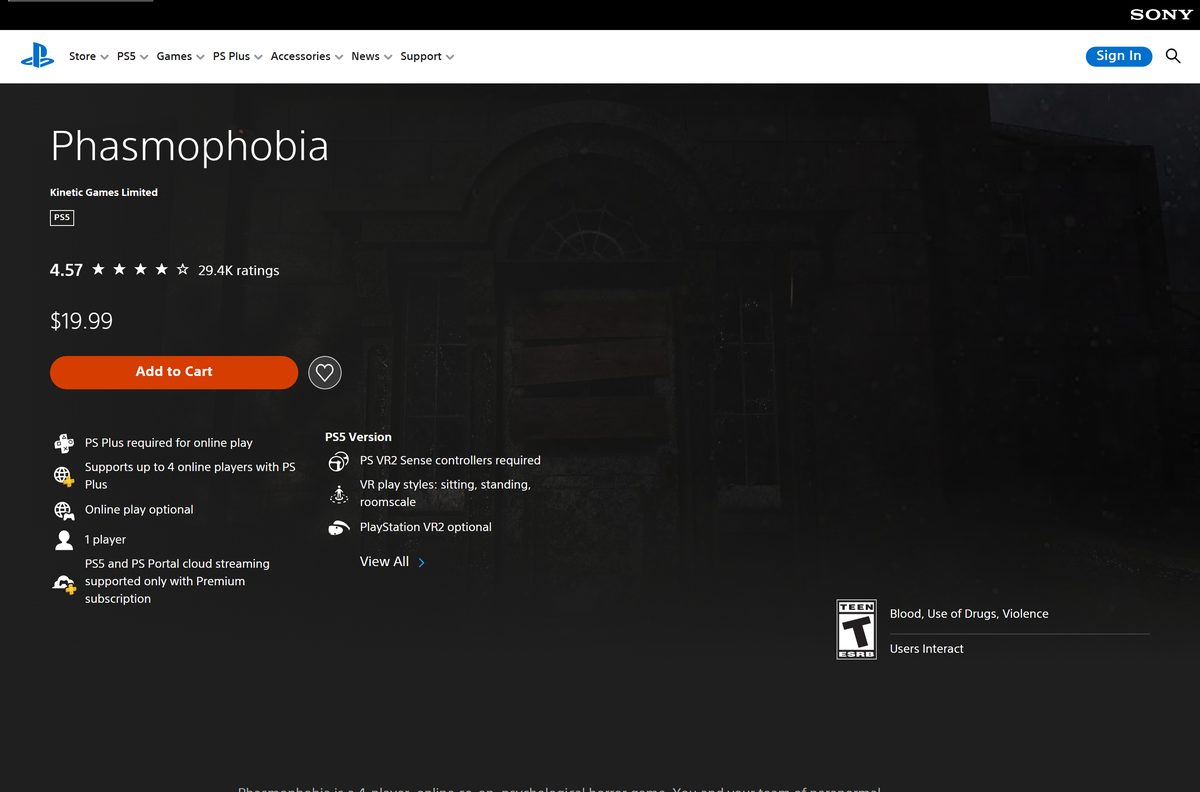
| PlayStation 5, with or without PS VR2 | Phasmophobia on PlayStation | $19.99 | |
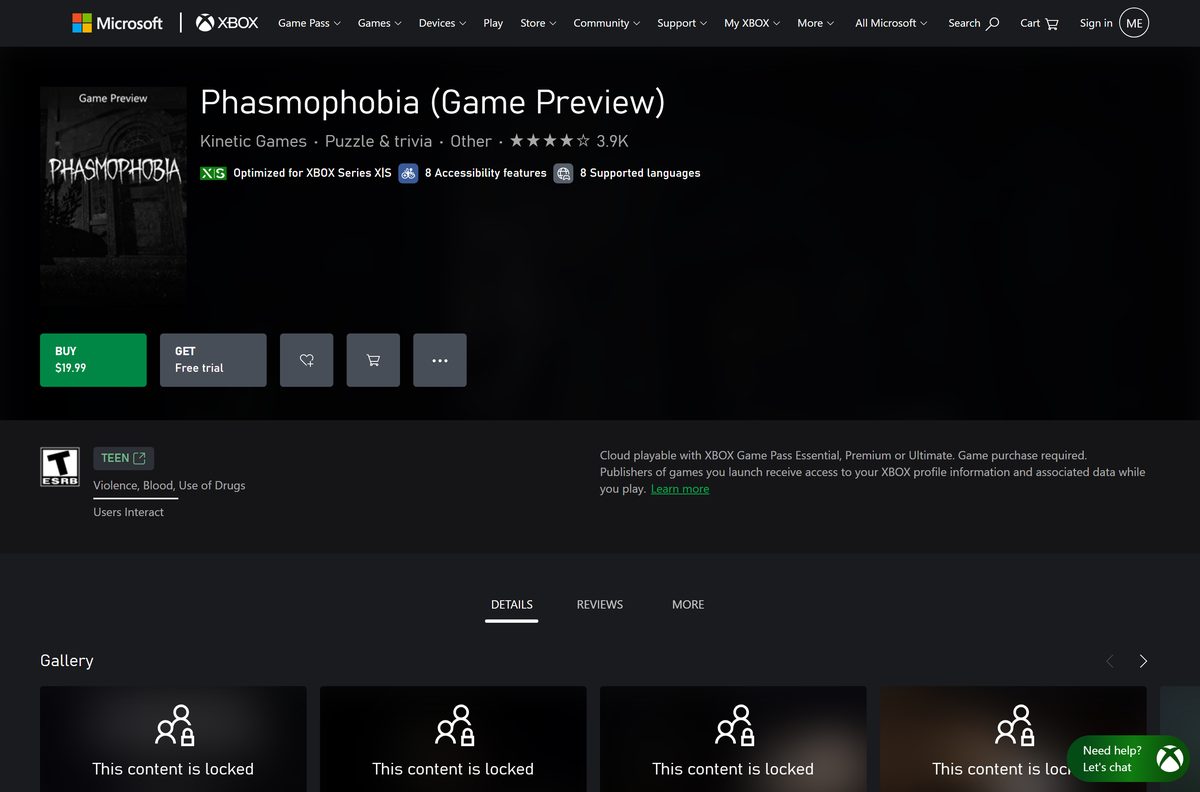
| Xbox Series X | S | Phasmophobia (Game Preview) on Xbox | $19.99 |
| Mac | Steam platform list (Windows only) | No macOS build |
The PC version installs only through Steam. The Xbox listing is a console Game Preview, so it does not install on a Windows PC.
Where to buy Phasmophobia from the official stores
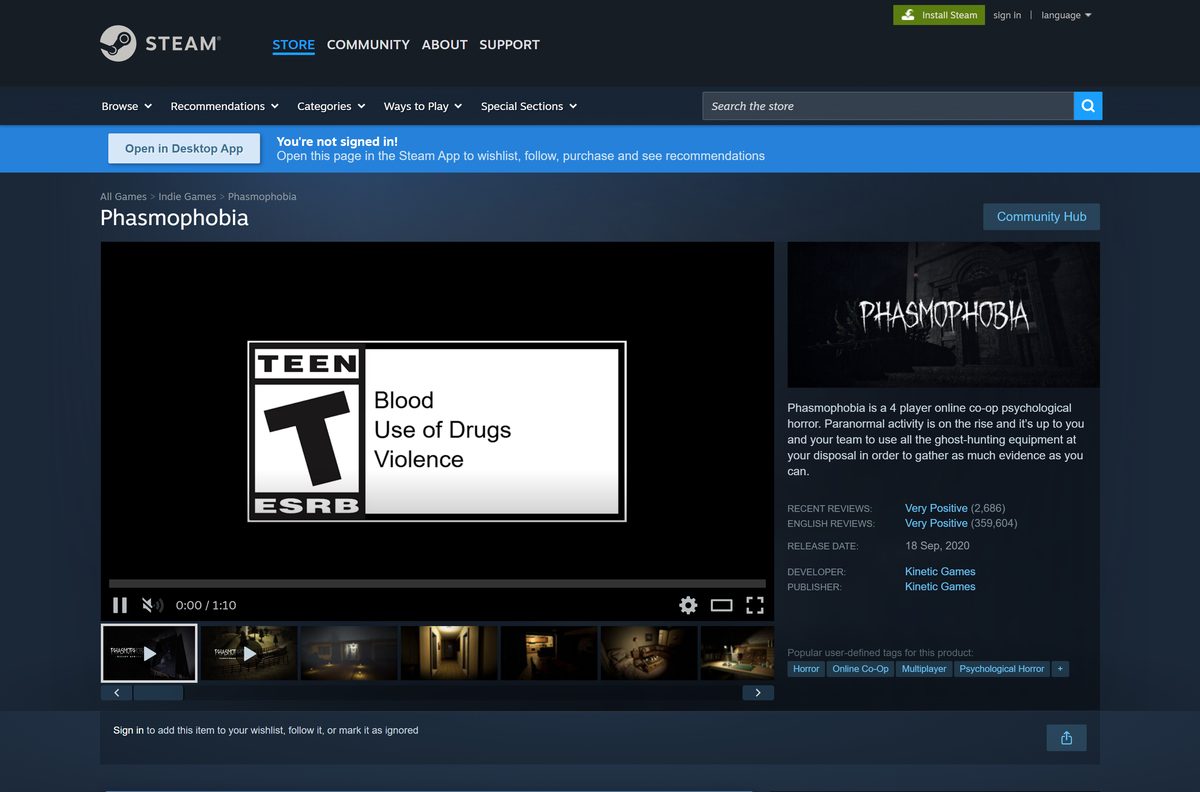
Kinetic Games appears as developer and publisher on every official listing.
- Phasmophobia on Steam — Windows only, $19.99, Early Access, VR supported
- Phasmophobia on PlayStation — PS5, $19.99, PS VR2 optional
- Phasmophobia (Game Preview) on Xbox — Xbox Series X|S, $19.99
- Steam client for Windows — Install this first to download the PC version
The game is tied to the account that bought it. Sign in with the Steam account you plan to keep before you pay.
How to install Phasmophobia on Windows 11 and 10 with Steam
Steam handles the purchase, download and updates. Install the Steam client first if your PC does not have it.
- Download and install the Steam client, then sign in or create an account.
- Open the Phasmophobia store page in Steam.
- Select Add to Cart, then Purchase for myself, and complete the payment.
- Select Install when Steam offers it, or find Phasmophobia in your Library.
- Pick a drive with at least 21 GB free, then confirm the install.
- Wait for the download to finish, then select Play.
Steam keeps the game updated in the background. Leave automatic updates on so your build matches the other players in your lobby.
How to verify and repair the Phasmophobia game files
There is no setup file to checksum, because Steam downloads the game itself. Steam can instead check every installed file and replace damaged ones.
- Close Phasmophobia and open Steam.
- Right-click Phasmophobia in your Library.
- Select Properties.
- Open the Installed Files tab and select Verify integrity of game files.
- Wait for the check to finish, then launch the game again.
How can you play Phasmophobia if you use a Mac?
Phasmophobia has no macOS version. Steam lists Windows as its only platform and publishes no Mac requirements.
| Your situation | What to do | Link | |
|---|---|---|---|
| Mac, plus a 64-bit Windows 10 or 11 PC | Buy the game on Steam and install it on the PC | Phasmophobia on Steam | |
| Mac, plus a PS5 | Buy the PS5 version from the PlayStation Store | Phasmophobia on PlayStation | |
| Mac, plus an Xbox Series X | S | Buy the Game Preview from the Xbox store | Phasmophobia on Xbox |
| Mac only | There is no native version; check the platform list before you pay | Steam platform list |
Is Phasmophobia free to download?
No. Every official store sells the game at the same $19.99 price, and none lists a free version or demo.
Pay $19.99 on Steam for the PC version; a free Phasmophobia download is not legitimate. Steam, the PlayStation Store and the Xbox store all list the game at $19.99. Kinetic Games states on Steam that the price will change during Early Access once significant content is added, and likely again at full release, with advance warning to players.
Treat any site offering a free full version, a cracked setup or a repack as a scam or malware risk.
Should you play Phasmophobia on PC or on console?
The same game and price appear on all three platforms. The choice comes down to the hardware you already own and how you want to play VR.
Buy on Steam if you have a capable Windows PC or a PC VR headset; pick PS5 if you own PS VR2. Steam’s version supports OpenXR headsets and tracked controllers alongside flat-screen play. The PS5 version supports PlayStation VR2 as an option. The Xbox Series X|S version is a Game Preview, the console counterpart of Early Access.
How to check your Phasmophobia version and update it
Phasmophobia receives regular patches. Version 0.19.0.2 arrived on September 16, 2026, and fixed lobby issues on PS5 and Xbox Series X|S.
- Open the Phasmophobia news hub on Steam and read the newest patch notes.
- Close Phasmophobia completely.
- Restart Steam so it checks for the new build.
- Open your Library and select Phasmophobia.
- Let the pending update finish before you select Play.
Check the Phasmophobia PC system requirements before you buy
Steam’s minimum specs are for VR play. Kinetic Games notes that lower specs may work for non-VR play.
| Field | Value |
|---|---|
| Game | Phasmophobia |
| Developer | Kinetic Games |
| Publisher | Kinetic Games |
| Latest version | v0.19.0.2 (September 16, 2026) |
| Price | $19.99 on Steam, PlayStation and Xbox |
| Status | Early Access on Steam; Game Preview on Xbox |
| Supported OS | 64-bit Windows 10 or later; no macOS or Linux version |
| Architecture | 64-bit (x64) only |
| Processor | Intel Core i5-4590 or AMD Ryzen 5 2600 minimum; Intel Core i5-10600 or AMD Ryzen 5 3600 recommended |
| Memory | 8 GB RAM |
| Graphics | NVIDIA GTX 970 or AMD Radeon R9 390 minimum; NVIDIA RTX 2060 or AMD Radeon RX 5700 recommended |
| DirectX | Version 11 |
| Network | Broadband internet connection recommended |
| Storage | 21 GB available space |
| VR | OpenXR headsets on PC; PS VR2 on PS5 |
| Offline installer | No, Steam downloads the game |
| Official sources | Steam, PlayStation Store, Xbox store |
| Last verified | 2026-09-24 |
To check your own PC, open Settings, select System, then About. The Installed RAM and System type lines show your memory and whether Windows is 64-bit.
Which VR setups can play Phasmophobia?
VR is optional on every platform that supports it. Flat-screen and VR players can join the same lobby.
| Platform | VR support | What you need | |
|---|---|---|---|
| Windows PC (Steam) | Yes, through OpenXR | A PC headset with tracked controllers and at least the minimum specs above | |
| PS5 | Yes, PlayStation VR2 optional | A PS VR2 headset and PS VR2 Sense controllers | |
| Xbox Series X | S | No VR listed | A controller for flat-screen play |
| Mac | Not available | No macOS version exists |
Fix Phasmophobia not downloading, installing or launching on Windows 11 or 10
Find the symptom that matches your screen and follow the fix under it.
Steam says there is not enough disk space
The target drive has less than the 21 GB the game needs.
- Open Settings, select System, then Storage, and check the free space on each drive.
- Free up space, or choose another drive in the Steam install dialog.
- Select Install again.
The game crashes or will not start after an update
A game file is damaged or incomplete.
- Right-click Phasmophobia in your Steam Library and select Properties.
- Open Installed Files and select Verify integrity of game files.
- Update your graphics driver from NVIDIA, AMD or Intel.
- Restart your PC and launch the game.
The game opens in the wrong mode, VR or flat-screen
A connected headset or SteamVR running in the background changes how the game starts.
- Turn off or disconnect the headset if you want flat-screen play.
- Close SteamVR before you start a flat-screen session.
- Select Play in Steam and pick the launch option you want if Steam asks.
The download stalls or runs slowly
The Steam download region or cache is causing trouble.
- Open Steam and select Steam, then Settings.
- Open Downloads and select Clear Cache.
- Pick a nearby Download Region, then restart Steam and resume the download.
How to uninstall Phasmophobia on PC
Uninstalling frees the 21 GB of game files. The game stays in your Steam library, so you can reinstall it at no extra cost.
- Open Steam and go to your Library.
- Right-click Phasmophobia.
- Select Manage, then Uninstall.
- Select Uninstall again to confirm.
Frequently asked questions
Is Phasmophobia free to download?
No. Phasmophobia costs $19.99 on Steam, the PlayStation Store and the Xbox store. No official free version or demo is listed, so a site offering it free is not a legitimate source.
Where is the official Phasmophobia download for PC?
Steam is the only PC store listing the game. Kinetic Games develops and publishes it, and Steam installs it through the Steam client after you buy it.
Does Phasmophobia work on Windows 11?
Steam lists 64-bit Windows 10 as the minimum operating system, and Windows 11 is a 64-bit release that exceeds that minimum. Your graphics card still needs DirectX 11 and a GTX 970 or Radeon R9 390 for VR.
How big is the Phasmophobia download on PC?
Plan for 21 GB. Steam lists 21 GB of available storage in both the minimum and recommended requirements for Windows.
Is there a Phasmophobia offline installer?
No. Steam downloads and updates the game, and no standalone setup file appears on any official listing. A site offering a full offline setup is not an official source.
Can you play Phasmophobia on a Mac?
Not natively. Steam lists Windows as the only platform and shows no Mac requirements. Mac owners can play the console version on PS5 or Xbox Series X|S instead.
Can you play Phasmophobia in VR?
Yes. On PC, Steam lists VR support through OpenXR with tracked controllers. On PS5, PlayStation VR2 is optional and needs PS VR2 Sense controllers.
Is Phasmophobia still in Early Access?
Yes. Steam lists it as Early Access since September 18, 2020, and Kinetic Games plans a full release in the second half of 2026. The Xbox version is a Game Preview.
What is the latest version of Phasmophobia?
Version 0.19.0.2 arrived on September 16, 2026, after the 0.19.0.0 Quality of Life Part 2 update on August 25. Restart Steam to pull the newest build.
Does Phasmophobia have cross-play?
Yes. Steam states players can team up with any combination of input types, and the PlayStation listing mentions playing alongside friends on other platforms. Up to four players share one investigation.