You can download OBS Studio free for Windows 11, Windows 10 and Mac from obsproject.com. The Windows file is a complete 152 MB offline installer, and macOS gets separate Apple Silicon and Intel disk images.
Version 32.2.2 landed on 14 August 2026 under the GNU General Public License v2. There is no paid edition, no trial timer and no licence key.
This guide covers which file to take, the official sources, setup on Windows and macOS, the ARM64 build’s limits, and fixes for OBS Studio not installing.
Which OBS Studio download do you need?
Match your machine to a row, then take that file. Press Windows + I, open System > About and read the System type line if you are unsure.
| Your machine | File to download | Size |
|---|---|---|
| Windows 11 or 10, 64-bit Intel or AMD | Windows x64 installer | 152 MB |
| Same PC, but you cannot install software | Windows x64 zip | 179 MB |
| Windows 11 on a Snapdragon or other ARM64 chip | Windows ARM64 zip | 159 MB |
| Mac with an M1, M2, M3 or M4 chip | macOS Apple Silicon disk image | 179 MB |
| Mac with an Intel processor | macOS Intel disk image | 190 MB |
| Windows 7, Windows 8 or 32-bit Windows | Nothing current. Version 27.2.4 was the last | Archived |
Version 28 moved to Qt 6 and ended support for Windows 7, Windows 8 and every 32-bit build.
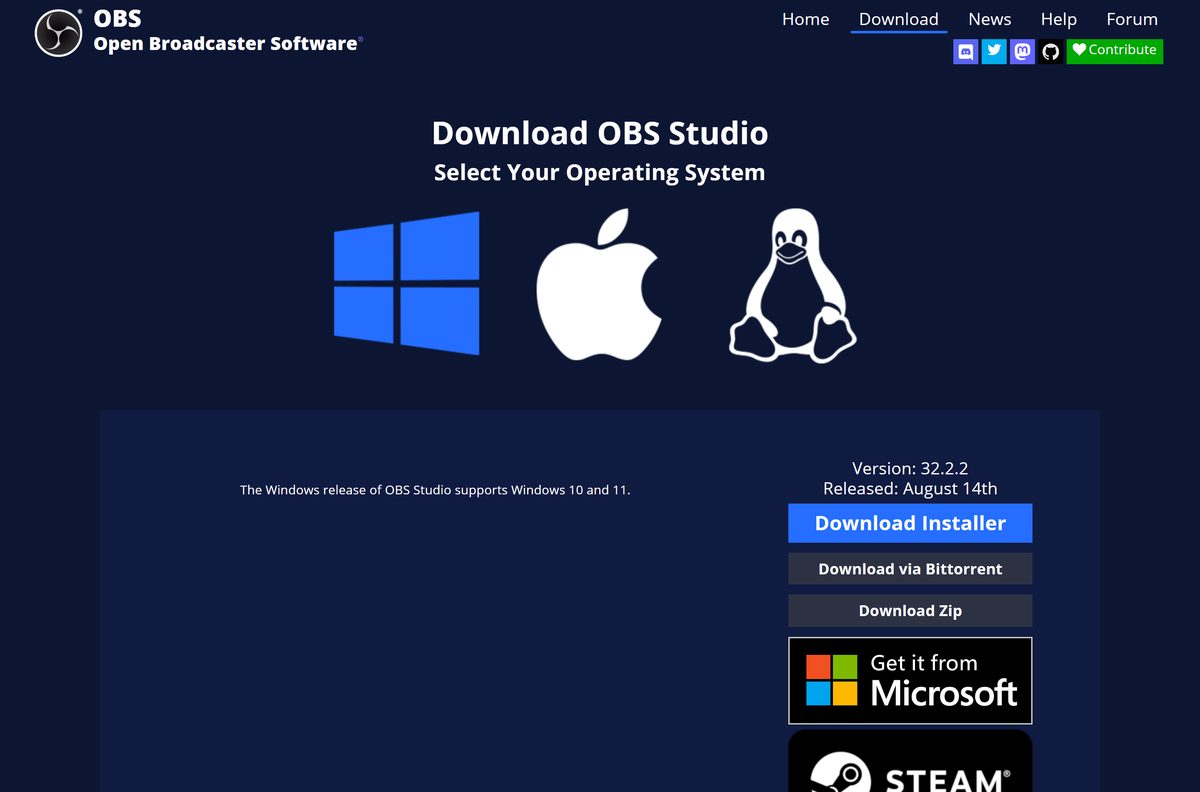
Download OBS Studio from the official sources
OBS Project pushes the same signed build through the four channels below. Everything else is a repackaged copy.
- obsproject.com/download — Windows, macOS and Linux builds from the project’s CDN
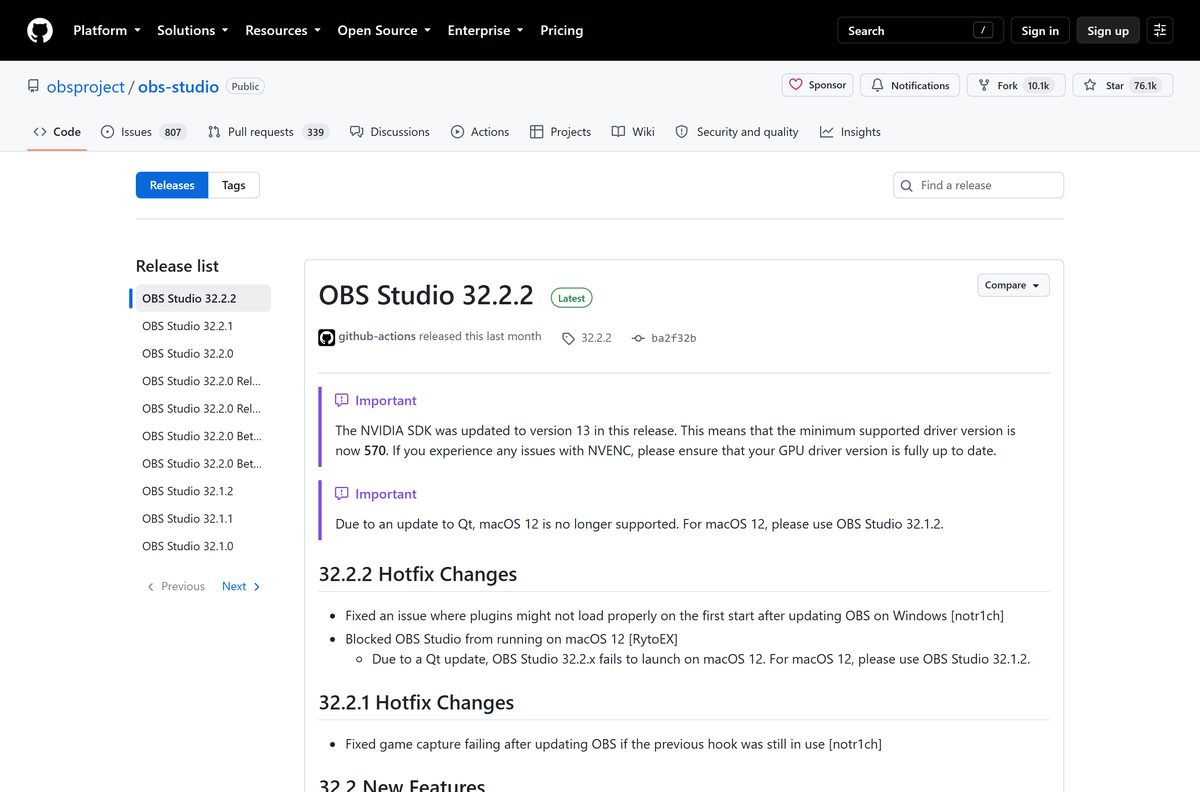
- OBS Studio releases on GitHub — every release back to 2013, plus source archives
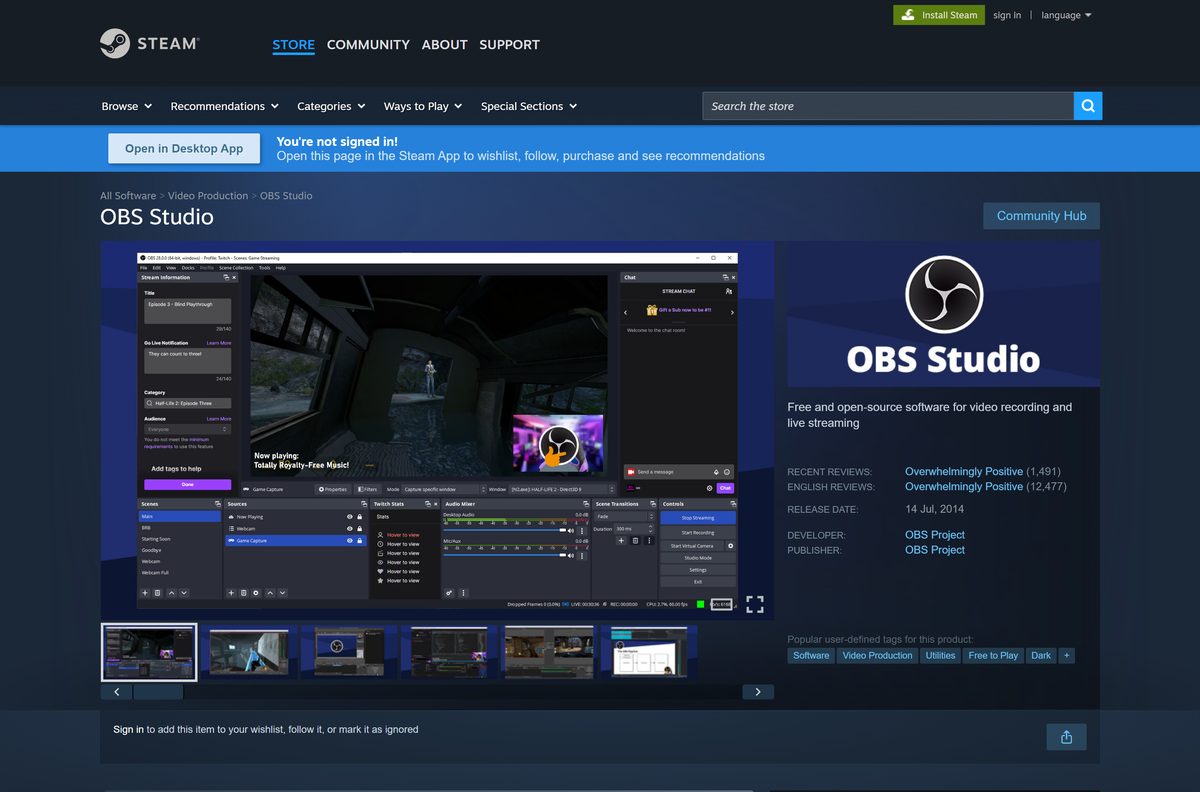
- OBS Studio on Steam — published by OBS Project, free, Windows x64 and macOS
- OBS Studio on Flathub — the Linux route the project points at
Windows names the publisher in the User Account Control prompt. It should read OBS Project, LLC, and nothing else.
Check the OBS Studio system requirements before you install
OBS Studio is small to install and demanding to run. The footprint is fixed; the encoding load rises with your resolution and frame rate.
| Field | Value |
|---|---|
| Software | OBS Studio |
| Developer | OBS Project |
| Latest version | 32.2.2, released 14 August 2026 |
| License | GNU General Public License v2 or later |
| Price | Free, no paid tier |
| Windows installer size | 152 MB, 466 MB unpacked |
| Supported OS | Windows 10 and 11 (64-bit), macOS 13 Ventura or later |
| Architecture | x64 and ARM64 on Windows, Apple Silicon and Intel on Mac |
| Minimum hardware | 64-bit CPU, 4 GB RAM, 600 MB storage, DirectX 10.1 GPU |
| Offline installer | Yes, the Windows setup holds the whole application |
| Official download source | obsproject.com |
| Last verified | 2026-09-11 |
The project’s store listing names a GeForce GTX 900 series or Radeon RX 400 series card as the Windows floor. NVENC needs NVIDIA driver 570 or newer.
How to install OBS Studio on Windows 11 and 10
Setup takes about a minute. Close capture and overlay software first, because OBS Studio hooks the same graphics calls they do.
- Download the x64 installer from obsproject.com/download.
- Double-click the file in your Downloads folder.
- Select Yes at the User Account Control prompt.
- Leave the folder at C:\Program Files\obs-studio and work through the setup pages.
- Wait while setup copies the files and installs the bundled Visual C++ runtime.
- Finish setup and launch OBS Studio.
- Select Yes when the Auto-Configuration Wizard offers to work out your settings.
- Pick Optimize for streaming, recording is secondary, or Optimize just for recording.
- Let the wizard test your machine, then select Apply Settings.
Skipping the wizard costs nothing. It reruns from the Tools menu whenever your hardware changes.
Install OBS Studio with winget, the Microsoft Store or Steam
Windows package managers fetch the project’s own EXE and check its hash before running it. Same file, version tracking handled for you.
- Open Terminal from the Start menu.
- Run winget install -e –id OBSProject.OBSStudio .
- Run winget upgrade OBSProject.OBSStudio later to move up a version.
- For Chocolatey run choco install obs-studio , or for Scoop run scoop bucket add extras then scoop install obs-studio .
- In the Microsoft Store, search for OBS Studio, check the publisher reads OBS Project, and select Get.
- On Steam, open the OBS Studio page and select Install.
Microsoft’s catalogue entry still points at the 32.0.1 installer, several releases behind. Open Help > Check For Updates straight after a Store install.
How to verify the OBS Studio installer is genuine
The Windows installer carries an extended validation code signing certificate. Reading it takes ten seconds and rules out a repackaged copy.
- Right-click the downloaded installer and select Properties.
- Open the Digital Signatures tab.
- Select the entry in the list and click Details.
- Confirm the signer name reads OBS Project, LLC.
- Click View Certificate and confirm DigiCert issued it and the date has not passed.
- To check the bytes instead, run Get-FileHash .\OBS-Studio-32.2.2-Windows-x64-Installer.exe -Algorithm SHA256 .
A copy pulled from the project CDN on 11 September 2026 returned 159,809,104 bytes, SHA-256 c3a0b880adbe64dc4bcb68f93016916ab5b55ae43fd227115287bf80257d92dc , and a valid signature for OBS Project, LLC. No Digital Signatures tab means it is not the project’s build.
Run OBS Studio from a USB stick without installing it
The zip build runs from any folder, removable drives included. Portable mode keeps scenes, profiles and plugins beside the executable.
- Download the Windows x64 zip and extract it to a folder you own, never into Program Files.
- Create an empty file called portable_mode.txt in that folder.
- Open bin\64bit and run obs64.exe .
- Add –portable to a shortcut’s Target field if you prefer a launch flag to the marker file.
- Copy the whole folder onto the USB stick once your scenes are set up.
Media inside a scene does not travel with the folder. Point images and clips at paths that exist on every machine.
A zip install outside Program Files needs the ALL APPLICATION PACKAGES group given full control, or game capture on Store apps fails.
Which OBS Studio download do you need for your Mac?
Open the Apple menu and select About This Mac. The chip line and the macOS version decide your file.
| Your Mac | Download | Size |
|---|---|---|
| Apple M1 to M4 on macOS 13 or later | macOS Apple Silicon disk image | 179 MB |
| Intel processor on macOS 13 or later | macOS Intel disk image | 190 MB |
| macOS 12 Monterey or macOS 11 Big Sur | OBS Studio 32.1.2, the last build that runs | Archived |
| macOS 10.15 Catalina | OBS Studio 31.0.4 | Archived |
Installing is three moves: open the disk image, drag OBS onto Applications, launch it. macOS then blocks capture until you open the OBS Studio menu, select Review App Permissions, and turn on Screen Recording, Camera and Microphone.
An Intel build on an Apple Silicon Mac now updates itself to the Apple Silicon build, and Intel plugins stop loading.
Is OBS Studio free?
Yes, for personal and commercial work alike. OBS Project releases it under the GNU General Public License v2 or later, with the full source on GitHub. There is no trial timer, no paid edition and no feature behind a login. Any page selling an OBS Studio licence key, a pro unlock or a priority download is charging for something the project gives away.
Should you install the newest OBS Studio or an older build?
Take the current release unless your Mac or a plugin forces your hand. Every release ships as a full installer, so an older build is a clean install rather than a downgrade patch. Three cases justify going back: a Mac on macOS 12 or earlier, where the 32.2 series refuses to launch; a plugin not yet rebuilt for the current API; and Windows 7, Windows 8 or 32-bit Windows, dropped at version 28. The GitHub releases page is the only official archive.
How to check your OBS Studio version and update it
OBS Studio carries its own updater on Windows and macOS. The same menu shows which build you are on.
- Open OBS Studio and select Help in the menu bar.
- Select About and read the version number.
- Select Help > Check For Updates.
- Select Update Now when the New update available dialog appears.
- Select Help > Check File Integrity if the app misbehaves afterwards, which redownloads modified files.
- Add –disable-updater to the shortcut’s Target field to stop the automatic check.
The updater patches in place and keeps your scenes, profiles and plugins.
What the Windows ARM64 build cannot do yet
OBS Project ships an ARM64 zip for Snapdragon PCs and labels it experimental. Read this before you commit a Copilot+ PC to a stream.
| Feature | Windows x64 | Windows ARM64 |
|---|---|---|
| Installer and built-in updater | Yes | No, zip only |
| Game capture | Yes | No |
| Hardware encoders | Yes | No |
| Lua and Python scripting | Yes | No |
| AJA capture devices | Yes | No |
| Virtual camera | Yes | Manual setup, one architecture at a time |
| Browser and media sources | Yes | Yes, with hardware acceleration on |
| Third-party plugins | Yes | Only plugins compiled for ARM |
Display and window capture do work on ARM64, so desktop recording and webcam scenes are fine.
Fix OBS Studio not installing, not opening or capturing a black screen
The installer stops or fails part way
Setup cannot replace files a running copy still holds open.
- Close OBS Studio, then end obs64.exe in Task Manager.
- Close overlay software such as MSI Afterburner, RivaTuner, EVGA Precision and FRAPS.
- Right-click the installer and select Run as administrator.
- Add the installer to your antivirus allowlist if setup stalls twice at the same point.
OBS Studio installs but will not open
A third-party plugin, script or old tablet driver is blocking startup.
- Right-click the shortcut, select Properties, and add –safe-mode after the path in Target.
- Launch it. OBS Studio starts with plugins, scripting and WebSockets disabled.
- Remove your most recent plugin from C:\Program Files\obs-studio\obs-plugins\64bit.
- Update or remove old Wacom tablet drivers, which OBS Project lists as a known cause.
- Uninstall D3DGear if present. Closing it does not help, because it installs global DirectX hooks.
Game capture shows a black screen
OBS Studio has fewer rights than the game, or sits on a different GPU.
- Right-click the shortcut and select Run as administrator. Call of Duty and Valorant need this.
- Open Settings > System > Display > Graphics and set OBS Studio and the game to High performance.
- Switch the game to borderless mode and use Window Capture instead.
- Switch a DirectX 12 game to DirectX 11 where the game allows it.
- Close RivaTuner Statistics Server and any frame rate counter.
OBS Studio crashes while recording or streaming
The encoder is overloaded, or a competing hook is in the way.
- Select Help > Log Files > Show Log Files and open the newest file.
- Lower the output resolution or frame rate under Settings > Output.
- Update your GPU driver.
- Select Help > Check File Integrity to redownload anything corrupted.
How to uninstall OBS Studio and clear its settings
Removing the app leaves your scenes and profiles behind on purpose. Delete the settings folder too for a clean slate.
- Close OBS Studio.
- Press Windows + I, then select Apps > Installed apps.
- Select the three dots beside OBS Studio and choose Uninstall.
- Confirm Uninstall and let the removal finish.
- Press Windows + R, type %APPDATA%\obs-studio and select OK.
- Delete that folder to clear scenes, profiles, logs and plugin settings.
- For a package manager install, run winget uninstall OBSProject.OBSStudio in place of steps 2 to 4.
On a Mac, drag OBS from Applications to the Bin, then delete ~/Library/Application Support/obs-studio.
Which OBS Studio alternative fits what you actually need?
Check what your computer already has. Two of these are on your machine now.
| Tool | Where it comes from | Best for |
|---|---|---|
| Xbox Game Bar | Built into Windows 11 and 10 | One game, Windows + Alt + R, no scene setup |
| Snipping Tool | Built into Windows 11 | A short screen clip with Windows + Shift + R |
| QuickTime Player | Built into macOS | Screen or camera recording with nothing to install |
| Streamlabs Desktop | Streamlabs, built on the OBS engine | Prebuilt overlays and alerts instead of hand-built scenes |
| OBS Studio through Steam | OBS Project | The same app, updated by a launcher you already run |
Stay with OBS Studio for multi-service streaming, Studio Mode or plugins. Its scene collections import from Streamlabs Desktop, XSplit Broadcaster and OBS Classic.
Other creative apps for PC include VirtualDJ and xTool Studio.
Frequently asked questions
Is the OBS Studio download free?
Yes. It is free and open source under the GNU General Public License v2 or later, for personal and commercial use, with no paid tier.
What is the official OBS Studio download page?
obsproject.com/download is the project’s own page. The GitHub releases page, the Steam listing and Flathub carry the same builds.
Does OBS Studio work on Windows 11?
Yes. Windows 10 and Windows 11 are both supported on 64-bit hardware, with a DirectX 10.1 class GPU or better.
How big is the OBS Studio download?
The Windows x64 installer is 152 MB and unpacks to 466 MB. The Windows zip is 179 MB, and the Mac disk images are 179 MB and 190 MB.
Is there an OBS Studio offline installer?
Yes. The Windows EXE holds the entire application, including the Visual C++ runtime, so setup needs no internet connection.
Is there an OBS Studio version for Mac?
Yes. Separate disk images cover Apple Silicon and Intel Macs, both needing macOS 13 Ventura or later. Older Macs need an archived build.
Is there a 32-bit or ARM64 OBS Studio download?
The 32-bit build ended at version 28, and 27.2.4 was the last that ran on it. An experimental ARM64 zip exists, without game capture.
Is OBS Studio safe to download?
The Windows installer is signed by OBS Project, LLC with an extended validation certificate. Check the Digital Signatures tab in Properties first.
Which OBS Studio version is current?
The current release is 32.2.2, published on 14 August 2026. Check yours under Help, then About, inside the app.
Why will OBS Studio not install?
A running copy or an overlay tool is usually holding files open. Close obs64.exe in Task Manager, shut down MSI Afterburner, then run setup as administrator.
How do I download an older version of OBS Studio?
The GitHub releases page carries every build back to 2013 as a full installer. It is the only official archive, and old builds get no security fixes.







6 best free virtual webcam software for Windows [2026 update] - Techdows
[…] OBS Studio is free and open source, supports Windows 10 and Windows 11, and includes a virtual camera with no watermark or time limit. It shares your OBS scene with any app that can use a webcam, which helps in apps that cannot capture the screen directly. […]