The TikTok download for a PC is a free Microsoft Store app, and it is the only Windows build TikTok publishes. TikTok Pte. Ltd. lists it as product 9NH2GPH4JZS4, and it installs on Windows 11 and on Windows 10 version 2004 or later.
There is no TikTok app for Mac. Apple’s Mac App Store carries nothing from TikTok Pte. Ltd., and the iPhone app is not offered on Apple silicon Macs. On a Mac, tiktok.com in a browser is the app.
This guide covers the Store download and its real size, the winget command, running TikTok without installing it, what Mac users get instead, and fixes when the app will not install or open.
Which TikTok download do you need?
Match your machine to a row. Every Windows row points at the same Microsoft Store listing.
| Your device | What to install | Size |
|---|---|---|
| Windows 11, any supported version | TikTok in the Microsoft Store | 718 KB |
| Windows 10, version 2004 (build 19041) or later | TikTok in the Microsoft Store | 718 KB |
| Windows 10, builds 16299 to 18362 | The Store serves the older x86 package instead | 771 KB |
| Windows 8.1, Windows 8 or Windows 7 | Nothing to install. Open tiktok.com | 0 |
| Mac, Intel or Apple silicon | Nothing to install. Open tiktok.com | 0 |
| Xbox Series X and S or Xbox One | The same Store listing, Xbox package | 714 KB |
| iPhone, iPad or iPod touch | TikTok on the App Store | 1 GB |
| Android phone or tablet | TikTok on Google Play | Varies by device |
No package targets a build below 16299, so an older PC never sees an install button.
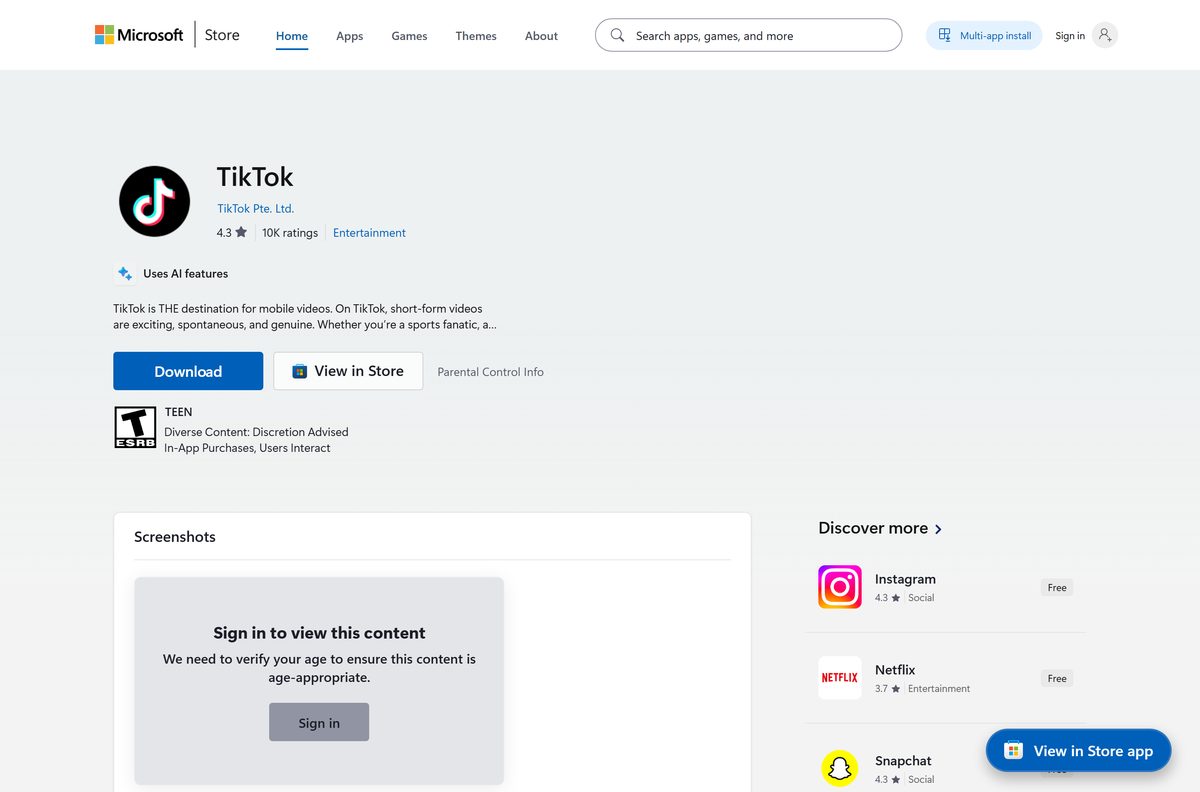
Download TikTok for Windows 11 and 10 from the official source
tiktok.com carries no download button for Windows and no .exe of any kind. One channel holds the Windows app.
- TikTok in the Microsoft Store, product 9NH2GPH4JZS4 — published by TikTok Pte. Ltd., free, 718 KB
- tiktok.com in any browser — nothing to install, and the same feed on Windows, Mac, ChromeOS or Linux
- TikTok on the App Store — iPhone, iPad and iPod touch · 1 GB · iOS 14.0 or later
- TikTok on Google Play — Android phones and tablets
A search for a TikTok setup file returns download portals. Those files are the portal’s build, not TikTok’s, and Microsoft’s guidance is to get apps from official publisher websites or stores.
Check the TikTok system requirements and download size
The Windows package is under 1 MB, because the app streams its feed rather than storing it.
| Field | Value |
|---|---|
| Software | TikTok |
| Developer | TikTok Pte. Ltd. |
| Latest version | 1.0.5.0, the Windows desktop package |
| Store product ID | 9NH2GPH4JZS4 |
| Package identity | BytedancePte.Ltd.TikTok |
| Price | Free, with in-app purchases |
| Supported OS | Windows 11, and Windows 10 version 2004 (build 19041) or later |
| Older Windows 10 | Builds 16299 to 18362 receive the x86 package, version 1.0.4.0 |
| Architecture | Neutral MSIX bundle, so x64, ARM64 and x86 install the same file |
| Download size | 718 KB (735,057 bytes) |
| Installed size | 872 KB (892,928 bytes) |
| Offline installer | No |
| Mac version | None |
| Store rating | 4.0 from 42,686 ratings |
| First released | 24 June 2021 |
| Last verified | 2026-09-11 |
Microsoft records a minimum user age of 12 on the listing, alongside an ESRB rating of Teen and a PEGI parental guidance flag.
How to install TikTok on Windows 11 and 10
The whole install runs from the Store listing, and 718 KB arrives in seconds.
- Press Windows + R, type winver and select OK to confirm the build is 19041 or higher.
- Open the TikTok listing, or search TikTok inside the Microsoft Store app.
- Check the publisher line reads TikTok Pte. Ltd. before going further.
- Select Get, or Install if the account has held the app before.
- Wait for the package to download, then select Open.
- Sign in with your TikTok account when the app asks for one.
- Right-click TikTok in the Start menu and select Pin to Start to keep it reachable.
If Get is greyed out, or the page reports that the app is not available for this device, step 1 is the thing to recheck.
Install TikTok with winget from the command line
The Store product ID doubles as the winget package ID. TikTok publishes nothing in the winget community repository, so the msstore source has to be named.
- Open Terminal from the Start menu.
- Run winget install 9NH2GPH4JZS4 –source msstore .
- Accept the source agreement if winget asks for one.
- Confirm the output names TikTok and the publisher TikTok Pte. Ltd.
- Run winget list –name TikTok to see the installed entry.
- Launch the app from the Start menu.
winget search tiktok on the default source returns other publishers’ apps, matched on a tag rather than a name.
Run TikTok without installing anything
tiktok.com carries the same feed the Windows app shows, and Edge, Chrome and Safari can pin it as its own window.
- Open tiktok.com in Microsoft Edge.
- Open the Settings and more menu, select Apps, then Install this site as an app.
- Name it TikTok and select Install.
- In Google Chrome instead, open the three-dot menu, then Cast, save and share, then Install page as app.
- On a Mac, open the site in Safari and select File, then Add to Dock.
- Launch the pinned window from the Start menu, the taskbar or the Dock.
Nothing is installed from TikTok on this route, so it works on Windows 8.1, on every Mac, and on a PC where the Microsoft Store itself is broken.
Is TikTok free?
Yes. The Windows app costs nothing and there is no paid tier to download. Microsoft’s listing prices TikTok at 0.00 and records in-app purchases, which cover coins, gifts to creators and TikTok Shop orders. None of that is required to watch, post or go live. Any page selling a TikTok installer, a licence key or a premium unlock is charging for something TikTok gives away.
Which TikTok download do you need for your Mac?
None of them, because none exists. TikTok Pte. Ltd. publishes no macOS app, and Apple’s compatibility list for the iPhone app names iPhone, iPad, iPod touch and Apple Vision.
| What you want on a Mac | What Apple actually offers | Where |
|---|---|---|
| Watch, post and go live | The full site in Safari, Chrome or Firefox | tiktok.com |
| An icon in the Dock | Safari’s Add to Dock turns the site into its own window | tiktok.com |
| The iPhone app on an M-series Mac | Not offered. The compatibility list stops at Apple Vision | TikTok on the App Store |
| Edit clips before posting them | CapCut, from ByteDance, is on the Mac App Store | CapCut for Mac |
The Windows package is 718 KB wrapped around the same website a browser already opens.
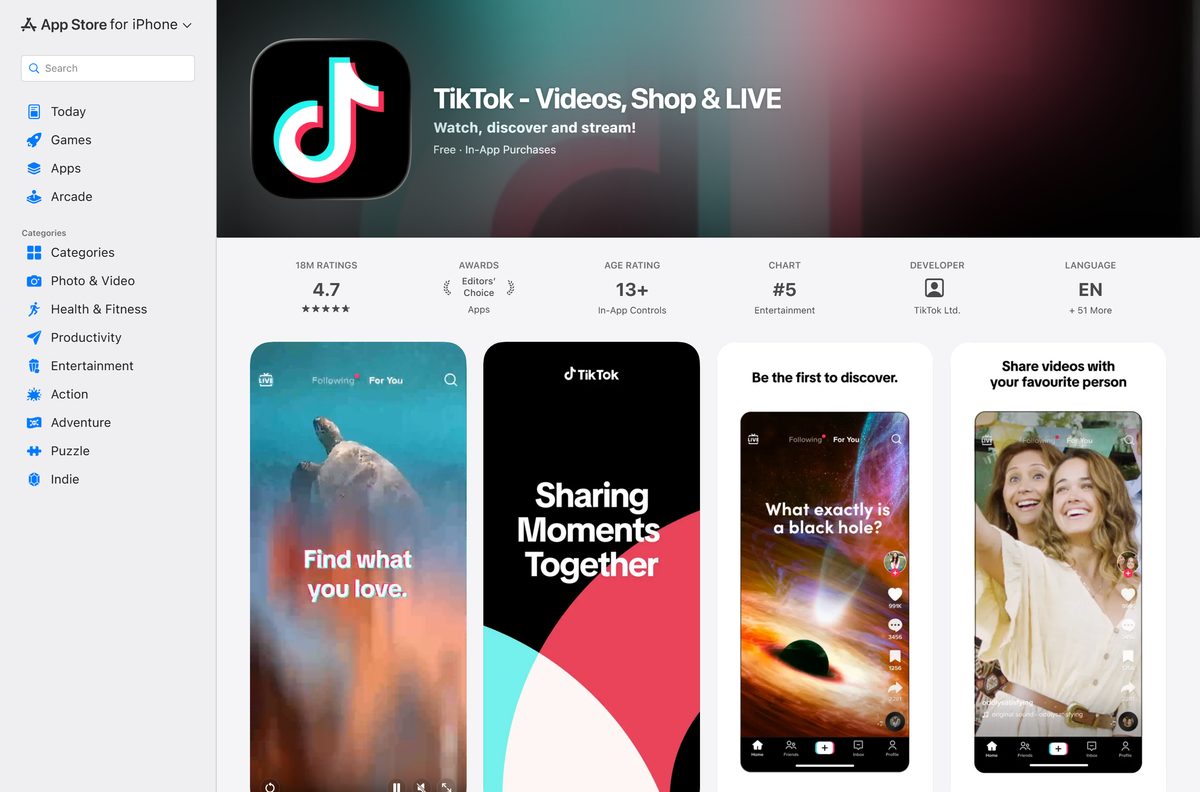
How to verify the TikTok app on your PC is genuine
Windows records the publisher of every Store package. One command settles whether the copy on the PC came from TikTok.
- On the Store listing, check the line under the title reads TikTok Pte. Ltd.
- Open Terminal after installing and run Get-AppxPackage -Name BytedancePte.Ltd.TikTok .
- Confirm PackageFamilyName reads BytedancePte.Ltd.TikTok_6yccndn6064se .
- Confirm Publisher reads CN=73D412C5-1507-4ADC-B58F-491FD52592E3 , the certificate on Microsoft’s listing.
- Treat any TikTok setup file ending in .exe or .msi as another publisher’s build, because TikTok ships none for Windows.
A Store search for TikTok Studio, TikTok LIVE Studio or a TikTok downloader returns exactly one app from TikTok Pte. Ltd., the one above. Everything else on those result pages belongs to a different publisher.
How to check your TikTok version and update it
The Store updates the app on its own schedule. Forcing it takes two selections.
- Open Microsoft Store and select Library.
- Select Get updates and let any TikTok update install.
- Run Get-AppxPackage -Name BytedancePte.Ltd.TikTok | Select-Object Version in Terminal and compare it with 1.0.5.0.
The Store’s Settings page carries an App updates toggle. Switching it off freezes TikTok at the installed version.
Fix TikTok not installing or not opening on Windows 11 and 10
The Store says TikTok is not available for your device
The PC is below Windows 10 build 19041, which the current package requires.
- Press Windows + R, type winver and select OK.
- Read the build number on the second line of the box.
- Open Settings, then Windows Update, and install everything offered if it is below 19041.
- Restart and open the listing again, or use tiktok.com if the PC cannot reach that build.
The download stalls at 0% or the install fails
The Store cache, a pending restart or a wrong clock is blocking it.
- Restart the PC first if Windows installed updates recently.
- Press Windows + R, type wsreset.exe and select OK. A blank window opens, closes, and the Store reopens.
- Confirm the date, time and region on the PC are correct.
- Start the install again.
TikTok opens to a blank or black window
The app package is damaged, or it cannot reach the network.
- Open Settings, then Apps, then Installed apps.
- Select the three dots beside TikTok, then Advanced options.
- Select Repair, and Reset if Repair changes nothing.
- Check the feed loads at tiktok.com, then reinstall if both fail.
TikTok says it is not available in your country or region
TikTok blocks the service by country. No installer changes that, and the app will keep reporting it.
- Open tiktok.com in a browser and check for the same notice.
- Read the notice TikTok serves for that country, such as the page it shows in India.
- Open Settings, then Time & language, then Language & region, and confirm the country matches where the PC actually is.
How to uninstall TikTok from Windows 11 and 10
The app removes like any Store package and leaves no separate uninstaller behind.
- Open Settings from the Start menu.
- Select Apps, then Installed apps.
- Search for TikTok and select the three dots beside it.
- Select Uninstall, then Uninstall again to confirm.
- To remove it from a command line instead, run winget uninstall 9NH2GPH4JZS4 in Terminal.
- For the current Windows account only, run Get-AppxPackage -Name BytedancePte.Ltd.TikTok | Remove-AppxPackage in PowerShell.
Removing the app does not touch the TikTok account or the videos on it. That happens inside the app or at tiktok.com.
What to install instead of the TikTok Windows app
The Microsoft Store carries the other big social apps as first-party listings, and each one is free.
| App | Publisher on the listing | What it gives you on a PC |
|---|---|---|
| Reels and messages, from a 1.4 MB package | ||
| Snapchat | Snap Inc. | Spotlight, chat and lenses |
| CapCut | BYTEDANCE PTE. LTD | Editing clips before you post them |
| Meta | Reels inside the Facebook feed |
Instagram is the closest swap, because it is a genuine Store app with a vertical video feed. Nothing on Windows replaces the TikTok feed itself.
WhatsApp for PC is another Store-only social app, and the Xbox app for PC covers the console side.
Other phone and media apps for PC include Wyze and Stellarium.
Frequently asked questions
Is TikTok free to download on a PC?
Yes. The Microsoft Store lists TikTok at 0.00 with no paid tier and no licence to buy. In-app purchases cover coins, gifts and TikTok Shop, and none are required.
What is the official TikTok download page for Windows?
The Microsoft Store listing for product 9NH2GPH4JZS4, published by TikTok Pte. Ltd. tiktok.com offers no Windows download, so the Store is the only official channel for a PC app.
Does the TikTok app work on Windows 11?
Yes. The current package targets Windows 11 and Windows 10 build 19041 or later. Older Windows 10 builds, 16299 to 18362, receive a separate x86 package from the same listing.
How big is the TikTok download for Windows?
718 KB, or 735,057 bytes, and 872 KB once installed. The app is that small because it streams its feed rather than storing it. The Xbox package is 714 KB.
Is there a TikTok offline installer or .exe file?
No. TikTok publishes no .exe, .msi or .msix for Windows, so there is nothing to save for an offline install. Any TikTok setup file elsewhere was built by whoever hosts it.
Is there a TikTok app for Mac or MacBook?
No. TikTok Pte. Ltd. publishes no macOS app, and Apple’s compatibility list for the iPhone app covers iPhone, iPad, iPod touch and Apple Vision only. Use tiktok.com in a browser.
Is the TikTok Windows app 64-bit or ARM64?
Neither, and both. The current package is an architecture-neutral MSIX bundle, so x64, ARM64 and x86 PCs install the same file. Only the legacy Windows 10 package is x86-specific.
Which TikTok version is current on Windows?
The Windows desktop package is 1.0.5.0, and its Store entry was last updated on 9 June 2026. Read the copy on your own PC with Get-AppxPackage in Terminal.
Is TikTok safe to download from other sites?
Those files are not TikTok’s. The Store search returns one app from TikTok Pte. Ltd., and every other TikTok-named result there belongs to a different publisher.
Is there a TikTok Studio or TikTok LIVE Studio app in the Microsoft Store?
No. Searching the Store for either name returns the standard TikTok app plus unrelated publishers’ software. The winget community repository carries no TikTok package either.
Why will TikTok not install from the Microsoft Store?
The usual cause is a Windows 10 build below 19041, which no current package supports. After that, check for a pending restart, run wsreset.exe, and confirm the clock and region.
How do you uninstall TikTok from a laptop?
Open Settings, then Apps, then Installed apps, select the three dots beside TikTok and choose Uninstall. From a command line, winget uninstall 9NH2GPH4JZS4 does the same.







Who owns TikTok in 2026? The answer depends on your country - Techdows
[…] U.S. users the TikTok app, its name, accounts and content stayed the same. What changed is the legal company behind the […]