The Wyze app download is free on iPhone, iPad and Android, and it is where you set up, watch and control your Wyze cameras, plugs, bulbs and sensors. On a Windows PC or Mac, you open Wyze Web View at my.wyze.com in a browser and install it as an app.
The iPhone and iPad build is 723.8 MB and needs iOS 16 or later. Android phones need Android 9.0 or later, and Wyze Labs publishes both listings.
Below you will find the right route for each device, install steps, what Cam Plus adds, the Mac App Store option for Apple silicon, and fixes for install and sign-in problems.
Which Wyze app download do you need?
Match your device to a row, then use the link in that row. Every route signs in to the same Wyze account and the same devices.
| Your device | What to install | Size |
|---|---|---|
| Android phone or tablet on Android 9.0 or later | Wyze on Google Play | Play states no size |
| iPhone or iPad on iOS 16 or later | The Official Wyze App on the App Store | 723.8 MB |
| Windows 11 or Windows 10 PC | Wyze Web View at my.wyze.com | Runs in the browser |
| Mac with Apple silicon | The iPad app from the Mac App Store, or Wyze Web View | 723.8 MB |
| Intel Mac | Wyze Web View at my.wyze.com | Runs in the browser |
Download the Wyze app from the official page and stores
The Wyze app page on wyze.com links all three official routes: the App Store, Google Play and the web view.
- Wyze app page — Official links for iOS, Android and the web
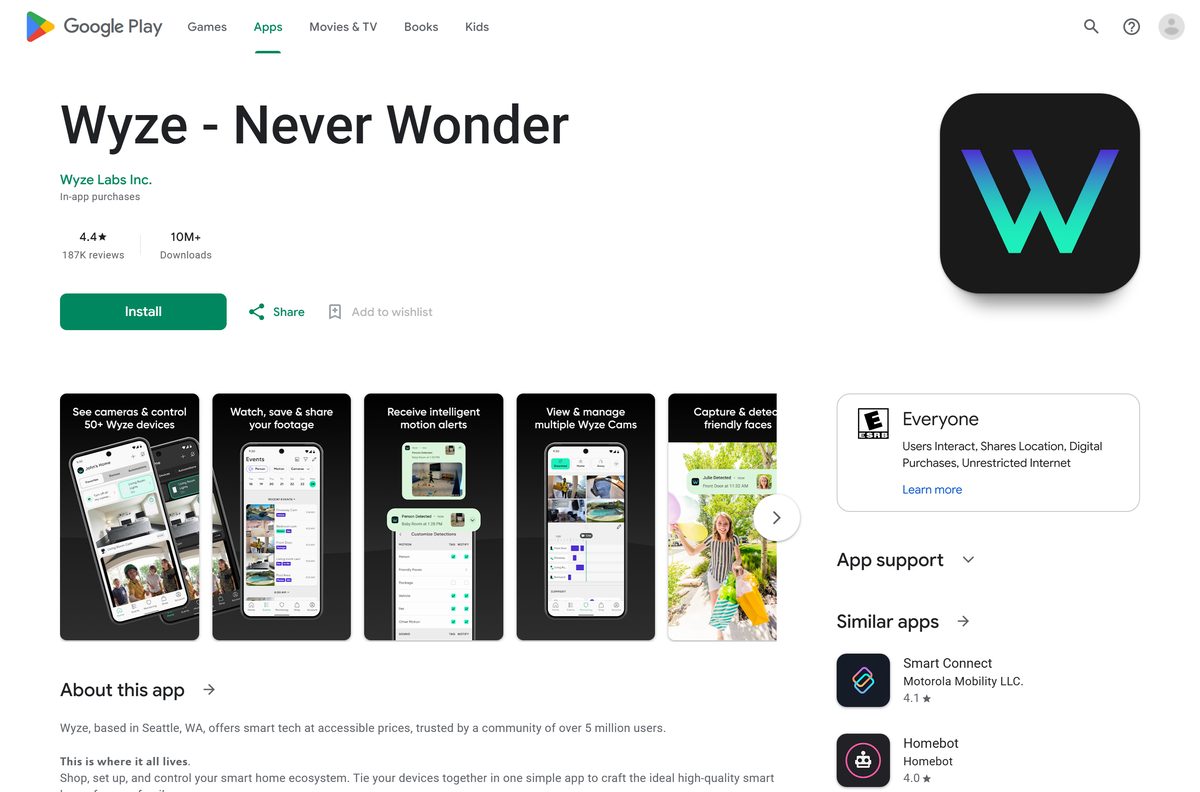
- Wyze on Google Play — Wyze Labs Inc., free with in-app purchases, 10M+ downloads
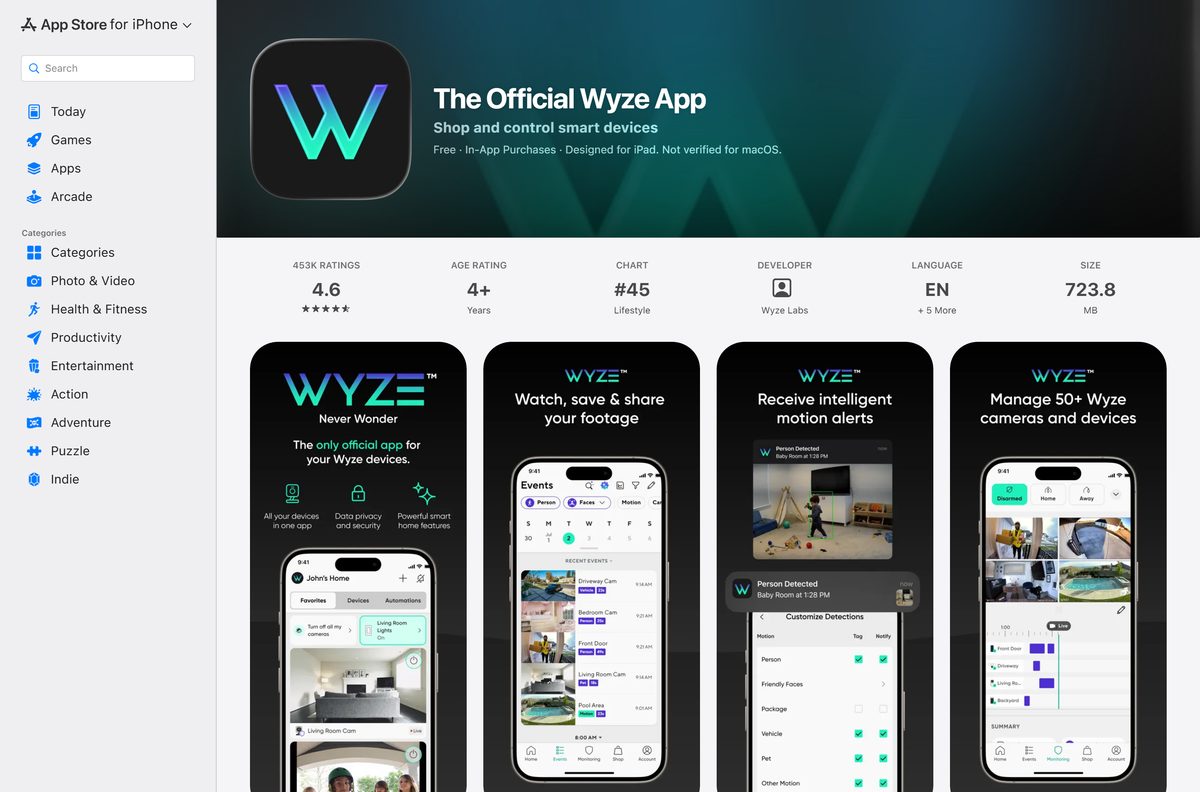
- The Official Wyze App on the App Store — 723.8 MB · Wyze Labs, Inc., iPhone and iPad, iOS 16.0 or later
- Wyze Web View — Browser access from any computer with internet
In either store, search for Wyze and open the listing whose developer is Wyze Labs. The Android package name is com.hualai.
How to install Wyze Web View as an app on Windows 11 and 10
Wyze describes Web View as a way to monitor your Wyze Cams from a web browser on any computer with internet access. Microsoft Edge can install any site as an app with its own window and taskbar icon.
- Open Microsoft Edge and go to my.wyze.com.
- Sign in with the same email and password you use in the Wyze phone app.
- Select Settings and more (the three dots) at the top corner of the browser.
- Select More tools, then Apps, then Install this site as an app.
- Confirm the install. Wyze now opens in its own window.
- Go to edge://apps, select Details on the Wyze card, and choose Pin to taskbar or Pin to Start.
Turn on Auto-start on device login on the same Details page if you want your cameras on screen each time Windows starts.
How to install the Wyze app on an Android phone or iPhone
The phone app is where you shop for, set up and control every Wyze device. Install it first, even if you plan to watch on a computer.
- Open the Google Play Store on Android, or the App Store on iPhone or iPad.
- Search for Wyze and open the listing from Wyze Labs.
- Tap Install on Android, or Get on iPhone and confirm with Face ID, Touch ID or your password.
- Tap Open once the install finishes.
- Allow Notifications so motion alerts reach you.
- Sign in to your Wyze account, or tap to create a new one.
- Follow the in-app prompts to add your first Wyze camera or device.
The iPhone build is a 723.8 MB download, so start it on Wi-Fi.
Which Wyze download do you need for your Mac?
Wyze ships no DMG. Macs with Apple silicon can run iPhone and iPad apps from the Mac App Store, and the Wyze listing there reads Designed for iPad. Not verified for macOS. It installs, but Wyze has not tested it on a Mac.
To check your chip, open the Apple menu and select About This Mac. The Chip line reads Apple M1 or later on Apple silicon.
| Your Mac | What to use | Note |
|---|---|---|
| Apple silicon (M1 or later) | Install The Official Wyze App from the Mac App Store | iPad app, not verified for macOS |
| Apple silicon, and the iPad app misbehaves | Open Wyze Web View in Safari | Add it to the Dock from Safari’s File menu |
| Intel processor | Open Wyze Web View in Safari or Chrome | iPad apps do not run on Intel Macs |
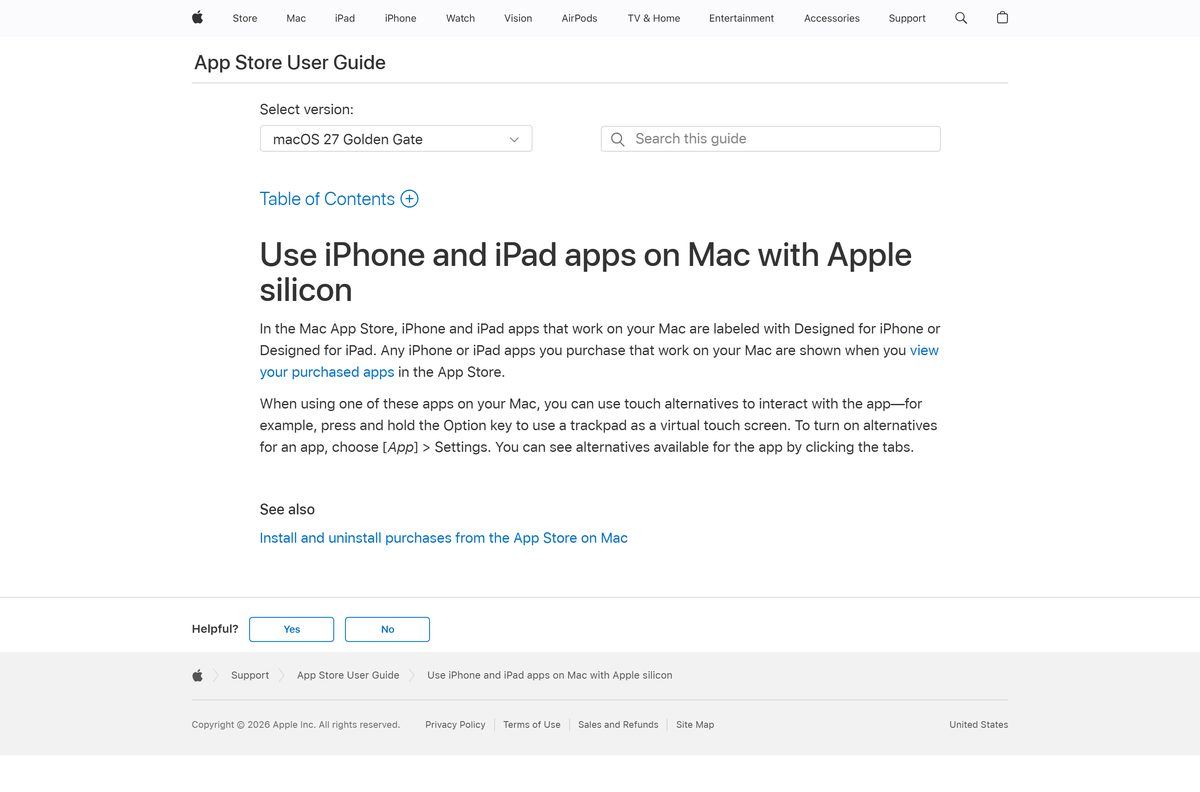
Apple labels every iPhone and iPad app that works on a Mac with Designed for iPhone or Designed for iPad. In the Mac App Store, open The Official Wyze App and click Get, and use the Option key to turn a trackpad into a virtual touch screen when the app expects a tap and hold.
Is the Wyze app free?
Yes. The app is free on the App Store and Google Play, and Wyze states no subscription is needed for its basic features. Motion alerts, live view, microSD recording, timelapse, automations and Alexa, Google Home and IFTTT links all work on the free app. The paid part is Cam Plus, which starts at $2.99 a month per camera and adds cloud recording, smart detection and livestream and past Events on the web.
Cam Unlimited costs $9.99 a month or $99 a year and covers every camera on the account. New plans get a 30-day free trial, and Cam Plus works with every Wyze Cam except the Wyze Cam v1.
Which Wyze plan should you pick: free, Cam Plus or Cam Unlimited?
Pick the plan by camera count. Up to three cameras cost less on Cam Plus. At four or more, Cam Unlimited is cheaper each month.
| Feature | Free app | Cam Plus | Cam Unlimited |
|---|---|---|---|
| Price | Free | $2.99 a month per camera | $9.99 a month or $99 a year |
| Cameras covered | All | One per plan | Unlimited |
| Motion alerts and live view | Yes | Yes | Yes |
| microSD local recording | Yes | Yes | Yes |
| Person, pet, vehicle and package detection | No | Yes | Yes |
| Livestream and past Events on the web | No | Yes | Yes |
| Facial recognition | No | No | Yes |
| Free trial | Not needed | 30 days on new plans | 30 days on new plans |
Compare the current plan prices on the Cam Plus page on wyze.com before you subscribe.
How to verify the Wyze app is genuine
Wyze has no installer file to checksum. The store listing and the web address are the proof.
- Open the store listings from the Wyze app page, not from a search ad.
- On Google Play, check that the developer reads Wyze Labs Inc. and the listing shows 10M+ downloads.
- On the App Store, check that the seller reads Wyze Labs, Inc. and the app is named The Official Wyze App.
- In the browser, check that the address bar reads my.wyze.com before you enter your password.
- Delete any Wyze EXE, DMG or APK you got from a download site, then change your Wyze password.
How to check your Wyze app version and update it
Wyze ships app updates through the stores. The web view updates itself on the server, so there is nothing to install.
- On iPhone, open the App Store, tap your profile picture, and pull down to refresh the update list.
- Tap Update next to The Official Wyze App if it appears.
- On Android, open the Wyze listing on Google Play and tap Update if the button shows.
- On a Mac with Apple silicon, open the App Store and select Updates in the sidebar.
Check the Wyze app system requirements
The store listing sets the iPhone minimum. A phone below it cannot install the current release.
| Field | Value |
|---|---|
| Software | Wyze (The Official Wyze App) |
| Developer | Wyze Labs, Inc. |
| Latest version | 3.22.0.35 on iPhone and iPad (16 September 2026); Android updated 19 September 2026 |
| Price | Free, with optional Cam Plus and Cam Unlimited plans |
| iPhone and iPad | iOS 16.0 or later |
| Android | Android 9.0 or later |
| Windows and Mac | Wyze Web View at my.wyze.com in a browser; iPad app on Apple silicon Macs |
| Download size | 723.8 MB on the App Store; Google Play states no size |
| Offline installer | None |
| Official source | wyze.com, the App Store and Google Play |
| Last verified | 2026-09-25 |
Google Play apps are built for Android devices and Chromebooks, and Google states they cannot be used on Windows or Mac computers.
Fix the Wyze app not installing or not showing cameras
The App Store says the Wyze app is not compatible
The iPhone or iPad runs a version below iOS 16.
- Open Settings, then General, then Software Update.
- Install any available update.
- Retry the App Store listing.
Google Play will not install Wyze
The phone runs a version below Android 9.0, or storage is full.
- Open Settings, then About phone, and check the Android version.
- Free up storage space on the phone.
- Retry Install on the Wyze listing.
Web View shows no live stream or past Events
Wyze lists livestream and Events on the web as a Cam Plus and Cam Unlimited feature.
- Confirm the camera has a Cam Plus or Cam Unlimited plan.
- Start the 30-day trial on a new plan if the camera has none.
- Reload my.wyze.com and sign in again.
The Microsoft Store shows no Wyze app
Wyze publishes no Windows app; the PC route is the web view.
- Open my.wyze.com in Microsoft Edge.
- Install it as an app with Install this site as an app.
- Skip third-party sites offering a Wyze EXE.
How to uninstall the Wyze app
Removing the app does not delete your Wyze account, your devices or your subscription.
- On iPhone, touch and hold the Wyze icon, tap Remove App, tap Delete App, then tap Delete.
- On Android, open the Wyze listing in the Play Store and tap Uninstall.
- On Windows, open Edge, go to edge://apps, select Details on the Wyze card, then select Uninstall.
- To remove the account as well, open the app first and go to Account, then Account, then Delete account, check the three boxes, tap Delete, and re-enter your password.
Account deletion removes all data permanently, and Wyze cannot recover it.
Frequently asked questions
Is there a Wyze app for Windows 11 or Windows 10?
Wyze publishes no Windows installer. Open Wyze Web View at my.wyze.com in Microsoft Edge and install it as an app, which gives it its own window and taskbar icon.
Can I watch Wyze cameras on my computer for free?
Wyze lists livestream and past Events on the web as a Cam Plus and Cam Unlimited feature. Cam Plus starts at $2.99 a month per camera, and new plans come with a 30-day free trial.
Is there a Wyze app for Mac?
There is no Mac download from Wyze. Macs with Apple silicon can install the iPad version from the Mac App Store, which Apple marks as not verified for macOS. Intel Macs use Wyze Web View in a browser.
How big is the Wyze app download?
The iPhone and iPad app is 723.8 MB on the App Store. Google Play does not state a size for the Android app. Start the download on Wi-Fi.
Is there a Wyze APK or offline installer?
No. Wyze links only the App Store, Google Play and its web view. Install the Android app from Google Play so it receives updates.
Do I need Cam Plus to use Wyze cameras?
No. Wyze states no subscription is needed for the app’s basic features, including motion alerts, live view on the phone and recording to a microSD card.
Who makes the Wyze app?
Wyze Labs, Inc., based in Seattle, publishes the app on both stores. On the App Store it is listed as The Official Wyze App, and on Google Play as Wyze – Never Wonder.
Which Wyze cameras work with Cam Plus?
Wyze states Cam Plus works with every Wyze Cam except the Wyze Cam v1. Each Cam Plus plan covers one camera, while Cam Unlimited covers every camera on the account.






