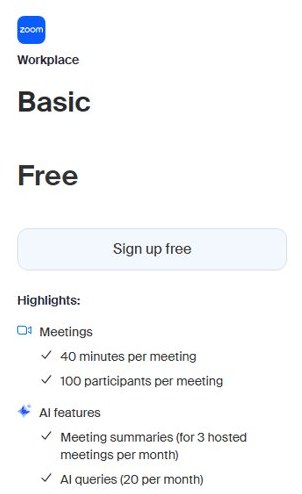
Yes, Zoom has a free version: the Basic plan gives you unlimited meetings of up to 40 minutes each with up to 100 participants, plus Team Chat, three editable whiteboards and local recording.
This guide covers how to sign up, every Basic feature and limit, how it compares with Zoom Pro, the security settings you get for free, and other free meeting apps.
How to get the Zoom free version
The Basic plan is Zoom's permanent free tier, not a time-limited trial. Signing up takes a few minutes in any browser.
- Open zoom.com in your browser.
- Select Sign Up Free at the top of the page.
- Follow the prompts to create the account and verify your email address.
- Pick the free Basic plan if setup offers you a paid plan.
- Install the Zoom Workplace app on your computer or phone, or host from the browser.
- Sign in to the app and start a meeting, which can run for up to 40 minutes.
On Windows or Mac, download the Zoom desktop app from Zoom's own download center rather than a third-party site.
Overview of Zoom
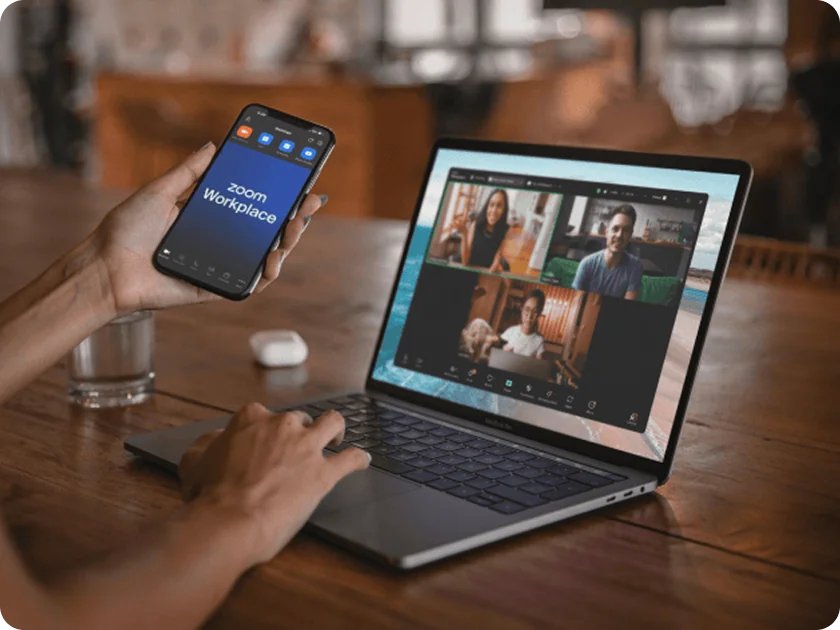
Zoom started as a video meeting service and now sells Zoom Workplace, a bundle of meetings, chat, whiteboards, docs, notes and an AI assistant. The free Basic plan includes a limited version of most of these tools.
| Zoom plan | Price (US) | Meeting length | Participants | Cloud recording |
|---|---|---|---|---|
| Basic | Free | 40 minutes per meeting | 100 | No, local recording only |
| Pro | $16.99 per user per month billed monthly, or $14.16 per month billed annually | Up to 30 hours | 100 | 10 GB per license |
| Business and Enterprise | Higher tiers, priced on Zoom's pricing page | Up to 30 hours | Higher caps | Yes |
Features of the free version
Zoom's pricing table lists these tools for Basic accounts. Core meeting features such as screen sharing and breakout rooms are not held back for paid plans.
| Tool | What the free Basic plan includes |
|---|---|
| Meetings | Unlimited meetings, up to 100 participants each |
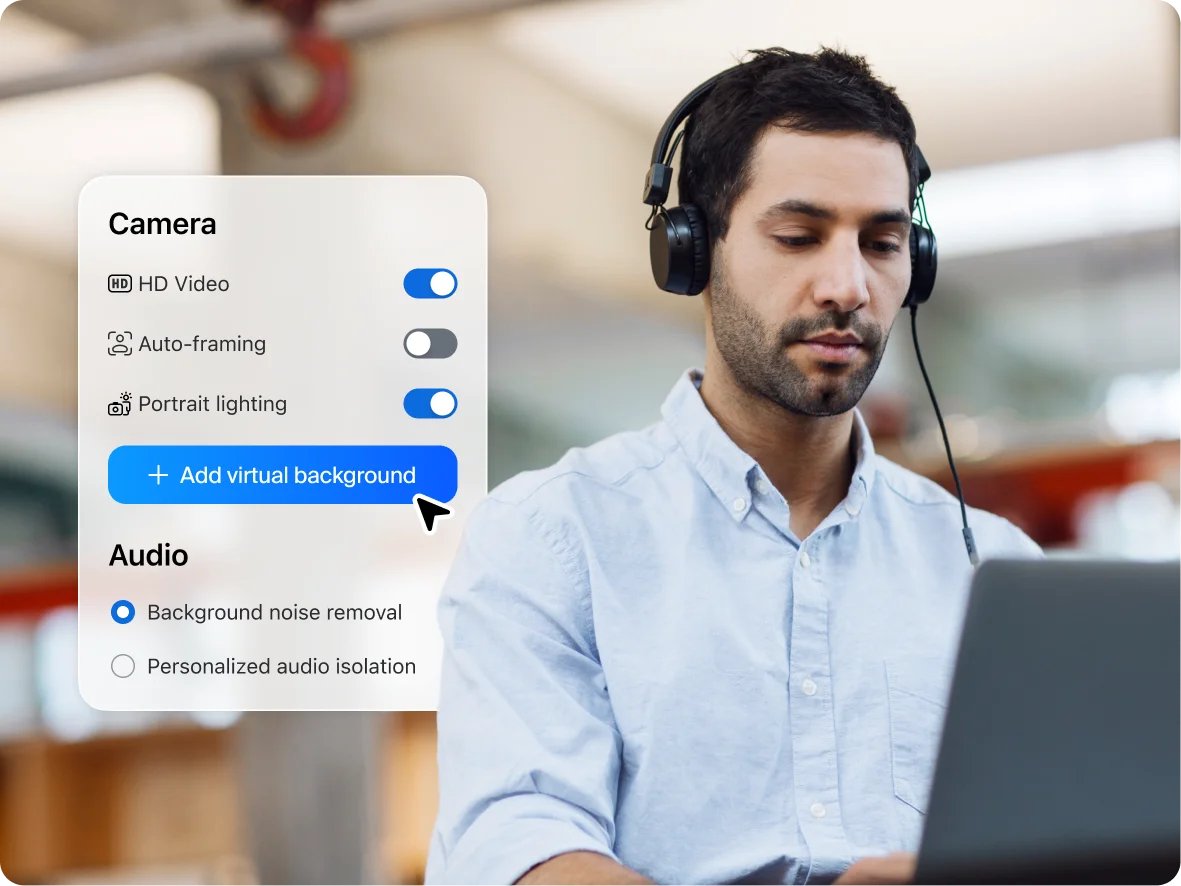
| In-meeting tools | Screen sharing, breakout rooms, virtual backgrounds, a waiting room and automated captions |
| Recording | Local recording to your own computer |
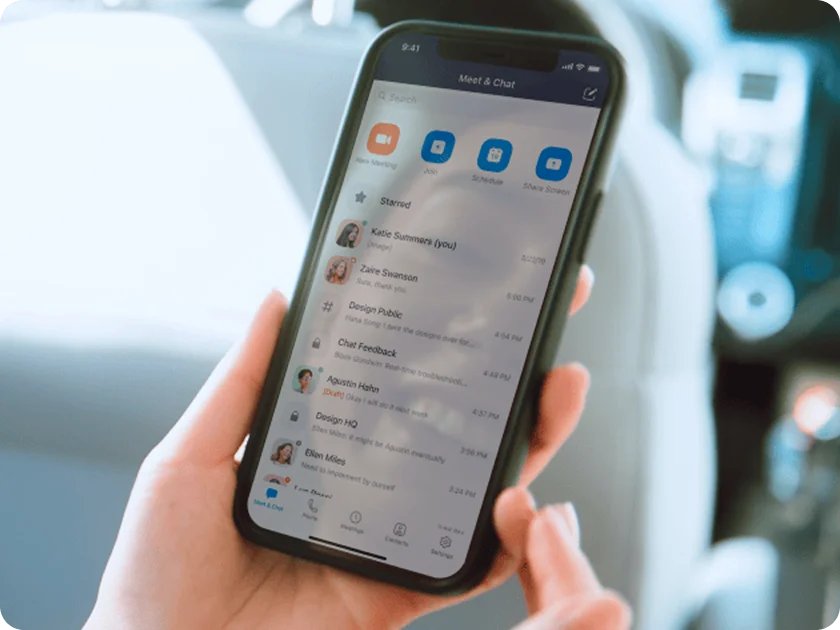
| Team Chat | Instant messaging, persistent meeting chat, and message and file history |
| Whiteboard | 3 editable whiteboards with PNG and PDF export |
| Docs (Canvas) | AI help me write for 3 docs per month, 7 days of version history, 10 MB attachments |
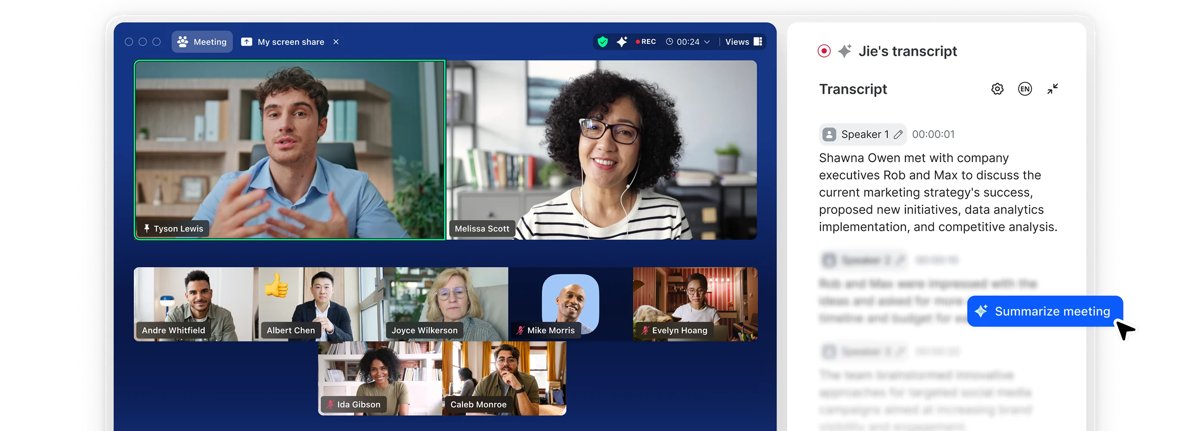
| AI Companion | Meeting summaries for 3 hosted meetings per month and 20 AI queries per month |
| Notes | AI note-taking 3 times per month |
| Clips | 5 clips of up to two minutes |
| Mail and calendar | Connect Gmail or Outlook and sync Google or Microsoft calendars |
| Scheduler | One personal booking page |
Breakout rooms work on Basic too, so you can split a Zoom meeting into breakout rooms without paying.
Limitations of the free version
The 40-minute cap is the limit most people hit first. The rest show up once you rely on Zoom for recordings, AI summaries or regular team work.
| Limit on Basic | What it means in practice | Removed by Pro? |
|---|---|---|
| 40 minutes per meeting | A long class, interview or family call ends at the limit and needs a new meeting | Yes, up to 30 hours |
| 100 participants | Larger events need a higher tier | No, Pro also caps at 100 |
| Local recording only | Recordings save to your computer and take up its disk space | Yes, 10 GB cloud storage |
| No polls | Zoom lists polls for Pro, Business and Enterprise only | Yes |
| 3 editable whiteboards | Older boards must be removed before you start a fourth | Yes |
| 3 AI meeting summaries per month | AI Companion recaps stop after the third hosted meeting | Yes, unlimited summaries |
| 5 two-minute clips | Video messages are short and few | Yes, unlimited clips |
| No Zoom Mail, Zoom Calendar or Live Chat Support | You keep using your current email and calendar | Yes |
Zoom free vs Pro: is the upgrade worth it?
Pro costs $16.99 per user per month billed monthly, or $14.16 per month billed annually, in the US. Match your own use to a row below.
| Your situation | Plan to use | Why |
|---|---|---|
| Short catch-ups and quick check-ins | Basic | 40 minutes covers them, and you can hold as many meetings as you like |
| Weekly classes, client calls or webinars-style talks over 40 minutes | Pro | Meetings run up to 30 hours without restarting |
| You need recordings you can share by link | Pro | It adds 10 GB of cloud recording per license |
| You use AI summaries after most meetings | Pro | Basic stops at 3 hosted meetings per month |
| Events with more than 100 people | Business or Enterprise | Basic and Pro both cap meetings at 100 participants |
Zoom 40-minute limit on the free plan
Zoom lists the limit as 40 minutes per meeting on Basic, and the pricing table shows no exception by meeting size. Plan any meeting you host on a free account to finish inside that window.
If a meeting will run long, schedule two back-to-back meetings and share both links in advance, or upgrade to Pro for that month. Zoom lists Basic meetings at 40 minutes and Pro meetings at up to 30 hours, and Pro can be billed monthly, so one month of Pro covers a busy period without a yearly commitment.
Security and privacy considerations
Basic accounts get the core meeting protections Zoom lists for its paid plans. Advanced compliance tools are reserved for higher tiers.
| Protection | On the free Basic plan? | What it does |
|---|---|---|
| Waiting room | Yes | Holds people in a lobby until the host admits them |
| Meeting passcodes | Yes | Only people with the passcode or the full invite link can join |
| Encryption by default | Yes | Zoom lists encryption as switched on by default |
| End-to-end encryption for Zoom Meetings | Yes | An extra layer of encryption Zoom lists for Basic meetings |
| Data loss prevention, archiving API, customer managed key | No | Enterprise compliance controls for organisations |
Share meeting links only with the people you invite, and keep the waiting room on for any meeting whose link is posted publicly.
Maximizing the use of Zoom’s free version
These habits get the most out of Basic without hitting its limits mid-meeting.
- Send a short agenda before the meeting so the discussion fits inside 40 minutes.
- Start local recording from the meeting controls if you need a copy, and check your disk space first.
- Move follow-up questions into Team Chat, which keeps message and file history after the meeting ends.
- Export finished whiteboards as PNG or PDF, then clear old boards to stay within the three editable boards.
- Save your 3 monthly AI meeting summaries for the meetings where notes matter most.
- Book a second meeting slot straight after the first if a session regularly needs more than 40 minutes.
Team Chat is free on Basic, so you can use Zoom chat during meetings to share links and files.
Zoom AI Companion on the free plan
AI Companion is included with Basic, but each feature has a monthly allowance.
| AI Companion feature | Basic allowance |
|---|---|
| Meeting summaries | 3 hosted meetings per month |
| AI queries | 20 per month |
| In-meeting questions | 3 |
| Workflow runs | 10 |
| AI help me write in Docs | 3 docs per month |
| AI note-taking in My Notes | 3 uses per month |
| Agents | Not available |
Alternative platforms
If 40 minutes is the problem, compare free tiers before paying. These limits come from each vendor's own pricing pages.
| Platform | Free meeting length | Free participant cap | Notes |
|---|---|---|---|
| Zoom Basic | 40 minutes per meeting | 100 | Unlimited meetings, local recording |
| Webex Free | 40 minutes per meeting | 100 | One meeting at a time per device; joining by phone needs a paid plan |
| Microsoft Teams (free) | Up to 60 minutes | Not stated on the free Teams page | Guests can join from a link without a Teams account |
| Zoom Pro | Up to 30 hours | 100 | Paid upgrade with 10 GB cloud recording |

Is the Zoom free version enough for you?
Stay on Basic if your meetings are under 40 minutes and you record locally; move to Pro once you regularly need longer meetings, cloud recordings or more than three AI summaries a month. Basic already includes screen sharing, breakout rooms, a waiting room, passcodes and end-to-end encryption, so the paid plan buys time and storage rather than core features.
Zoom free version FAQ
Is Zoom free to use?
Yes. Zoom's Basic plan is free and lets you host unlimited meetings of up to 40 minutes each with up to 100 participants. It also includes Team Chat, three editable whiteboards, local recording and a limited AI Companion allowance.
How long can a free Zoom meeting last?
A meeting on the free Basic plan lasts up to 40 minutes. Zoom Pro raises the limit to 30 hours per meeting. Basic has no cap on the number of meetings, so you can start another one when time runs out.
How many people can join a free Zoom meeting?
Up to 100 participants can join a Zoom meeting hosted on the free Basic plan. Zoom Pro has the same 100-participant cap, so larger meetings need a Business or Enterprise plan.
Can you record on Zoom for free?
Yes, but only to your own computer. Basic includes local recording, while cloud recording starts with Zoom Pro, which adds 10 GB of cloud storage per license.
How much does Zoom Pro cost?
In the US, Zoom Pro costs $16.99 per user per month billed monthly, or $14.16 per user per month when billed annually. It raises meetings to 30 hours and adds 10 GB of cloud recording storage.
Does the free version of Zoom have breakout rooms?
Yes. Zoom's pricing table lists breakout rooms, screen sharing, virtual backgrounds and automated captions as available on all plans, including the free Basic plan.
Is the free version of Zoom secure?
Basic includes the waiting room, meeting passcodes, encryption by default and end-to-end encryption for Zoom Meetings. Enterprise compliance tools such as data loss prevention and customer managed keys are only on higher tiers.
Does Zoom free include AI Companion?
Yes, with monthly limits. Basic includes AI meeting summaries for 3 hosted meetings per month, 20 AI queries per month and 3 in-meeting questions. Pro removes the limit on meeting summaries.