An iCloud email address has no password of its own, so you reset it by changing the Apple Account (formerly Apple ID) password it belongs to.
This guide covers the reset on iPhone, iPad, Mac and the web, what to do without your email or phone, and the separate app-specific password that Outlook and other mail apps need.
How to reset iCloud email password
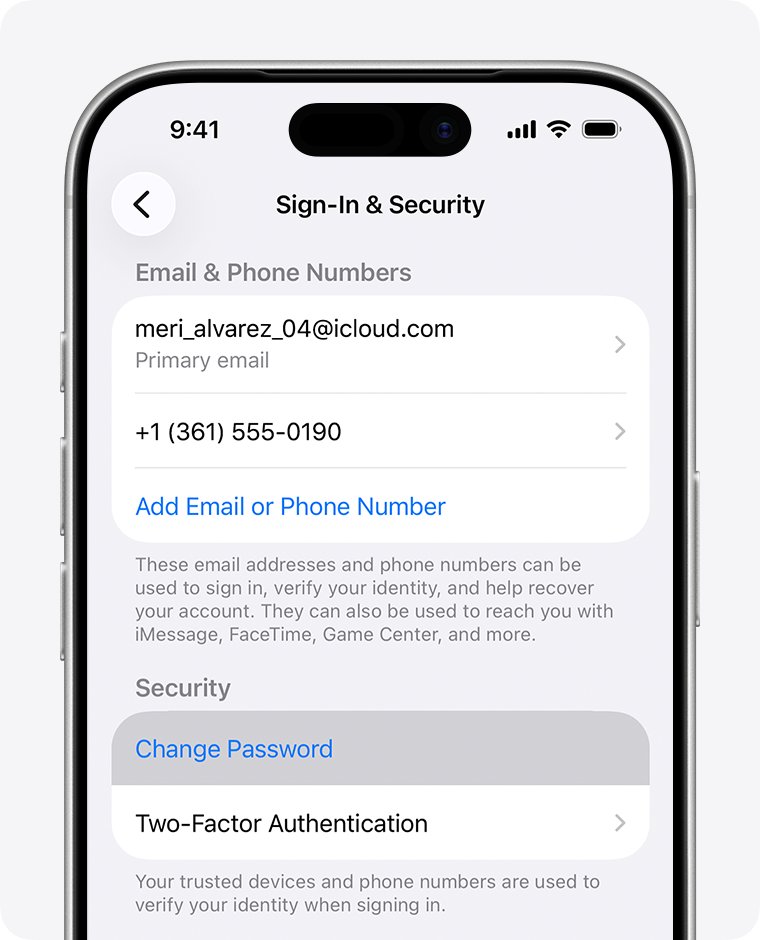
The fastest route is a trusted iPhone or iPad that is already signed in to your Apple Account. You do not need the old password, only the device passcode.
- Open the Settings app and tap [your name] at the top.
- Tap Sign-In & Security.
- Tap Change Password.
- Enter your iPhone or iPad passcode when asked, then type the new password twice.
- Choose Remove Other Devices to sign everything else out, or Keep All Devices Signed In.
- Use the new password the next time Mail, iCloud.com or another device asks for your iCloud email password.
Every route that can reset your Apple Account password also resets your iCloud Mail password, because the two are one credential. With Stolen Device Protection on, the iPhone can make you wait one hour before the change goes through.
Is iCloud email password the same as Apple ID password?
Yes. Apple uses your Apple Account to sign in to iCloud and every other Apple service, and iCloud Mail is one of those services. Once you create an @icloud.com address, Apple lets you sign in with it as well as with your Apple Account email, using the same password.
This catches people whose Apple ID is a Gmail, Outlook or work address. Because iCloud and your Apple ID share one sign-in, the @icloud.com inbox opens with the Apple ID password, not a second one.
| Where you use the iCloud address | Password it expects | What to reset or create |
|---|---|---|
| Mail on iPhone, iPad or Mac signed in to your Apple Account | Apple Account password | Change the Apple Account password |
| icloud.com/mail in any browser | Apple Account password, plus a verification code | Change the Apple Account password |
| Outlook, Thunderbird, Gmail app or another third-party mail app | App-specific password | Generate a new app-specific password at account.apple.com |
| An old @icloud.com, @me.com or @mac.com address that is its own Apple Account | That account's own Apple Account password | Reset that account at iforgot.apple.com using the iCloud address |
| An iCloud Mail alias | Same as the primary iCloud address | Nothing separate; an alias cannot be its own Apple Account |
Your primary @icloud.com address cannot be renamed later, and you can add up to nine iCloud Mail aliases alongside it. None of them has a password you can reset on its own.
Change iCloud Mail password on Mac
A Mac signed in to the same Apple Account is a trusted device too. It asks for the Mac login password instead of the old Apple Account password.
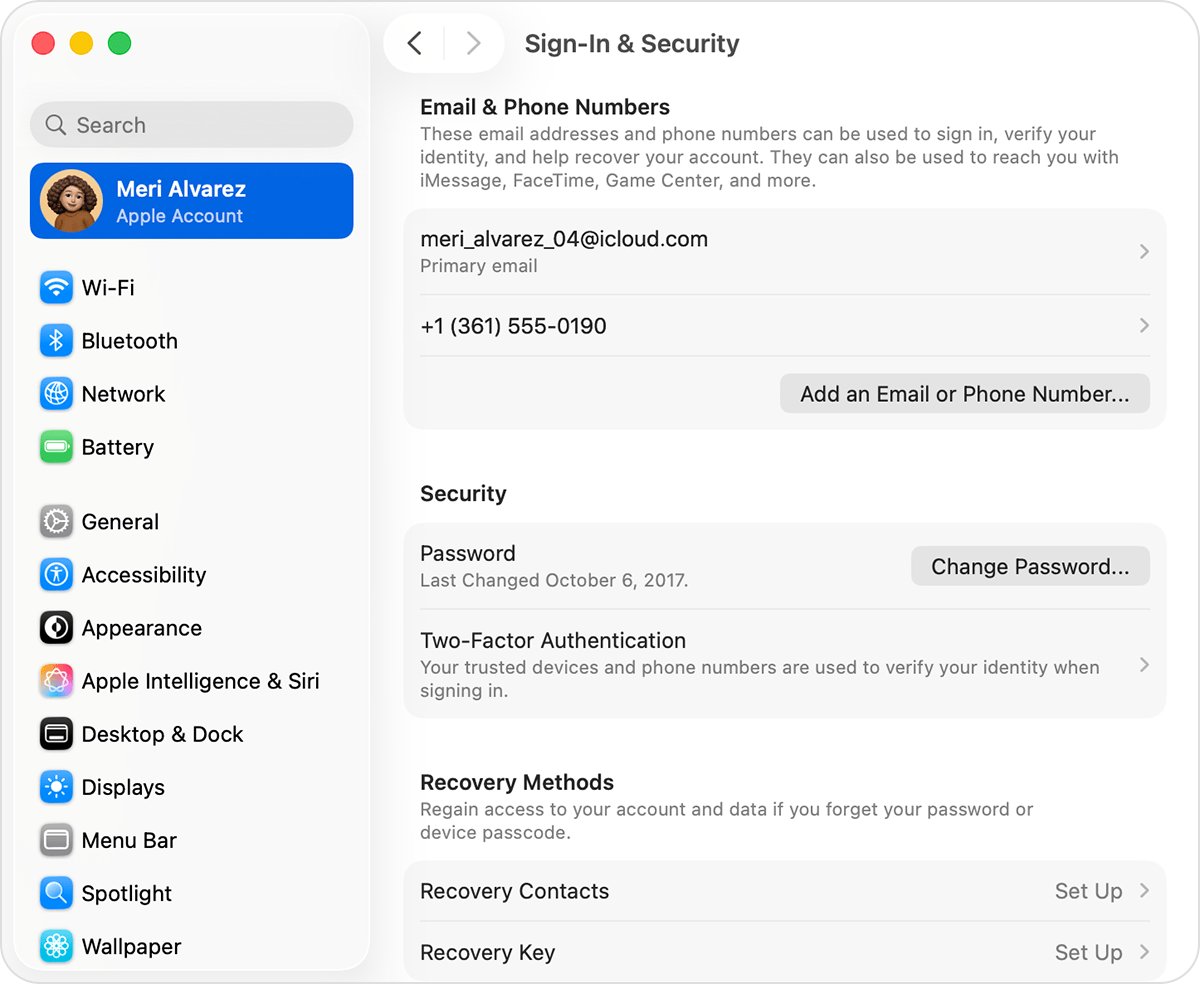
- Choose the Apple menu, then System Settings.
- Click [your name] at the top of the sidebar.
- Click Sign-In & Security.
- Click Change Password.
- Enter the password you use to unlock your Mac.
- Type the new Apple Account password, verify it, and follow the onscreen prompts.
The Mail app on the Mac then uses the new password for your iCloud inbox. Other Macs and iPhones signed in to the account ask for it the next time they connect.
Apple iCloud email login reset password on the web
Use account.apple.com when you know the current password and want to change it from a Windows PC, a Chromebook or a borrowed computer. When a trusted device is available, the site sends you there instead.
- Type account.apple.com into the browser address bar.
- Sign in with your Apple Account email, your @icloud.com address or your phone number.
- Enter the six-digit verification code shown on a trusted device or sent to your trusted phone number.
- Open Sign-In and Security.
- Select Password and follow the prompts to set a new one.
Forgot the current password? Select Forgot password? on the sign-in screen, or go to iforgot.apple.com, and use the steps in the next section.
Reset iCloud password without access to email
You do not need to open your iCloud inbox to reset the password. Apple verifies you through a trusted device, a trusted phone number or a recovery contact, and the email address is only one of several recovery factors.
- On any Apple sign-in screen, select Forgot password? or Forgot password or don't have an Apple Account?.
- Or open Safari on an iPhone or iPad with iOS 17 or later and go to iforgot.apple.com.
- Enter your Apple Account email, your @icloud.com address or your phone number.
- Confirm your trusted phone number and enter the verification code Apple sends to it.
- If Apple redirects you to a trusted device, approve the request there and set the new password.
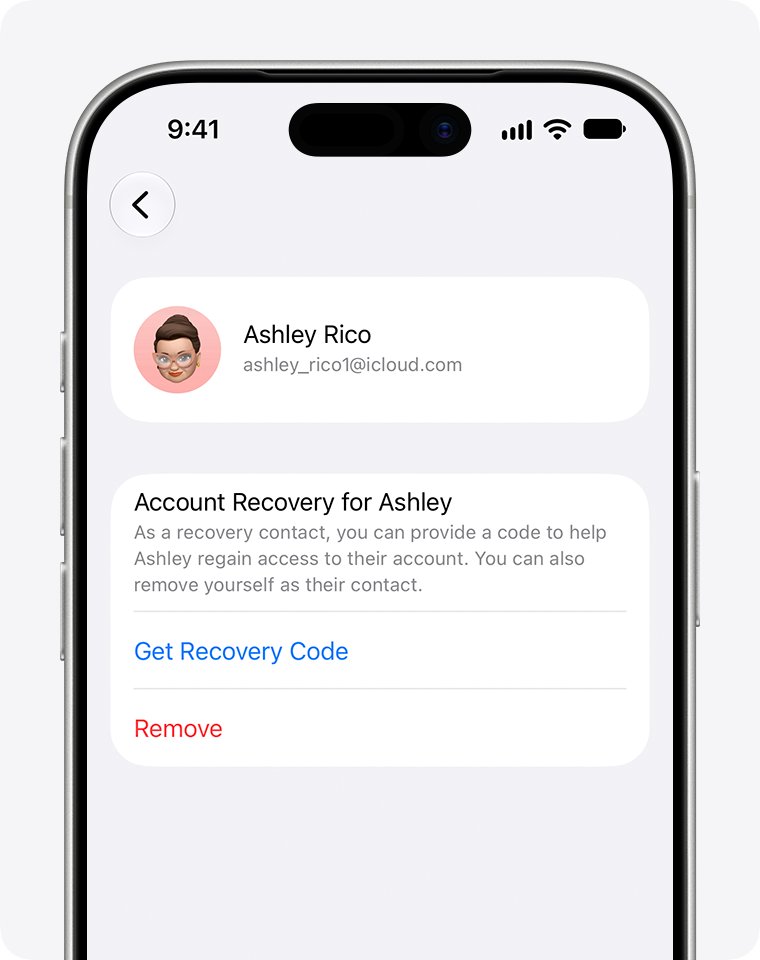
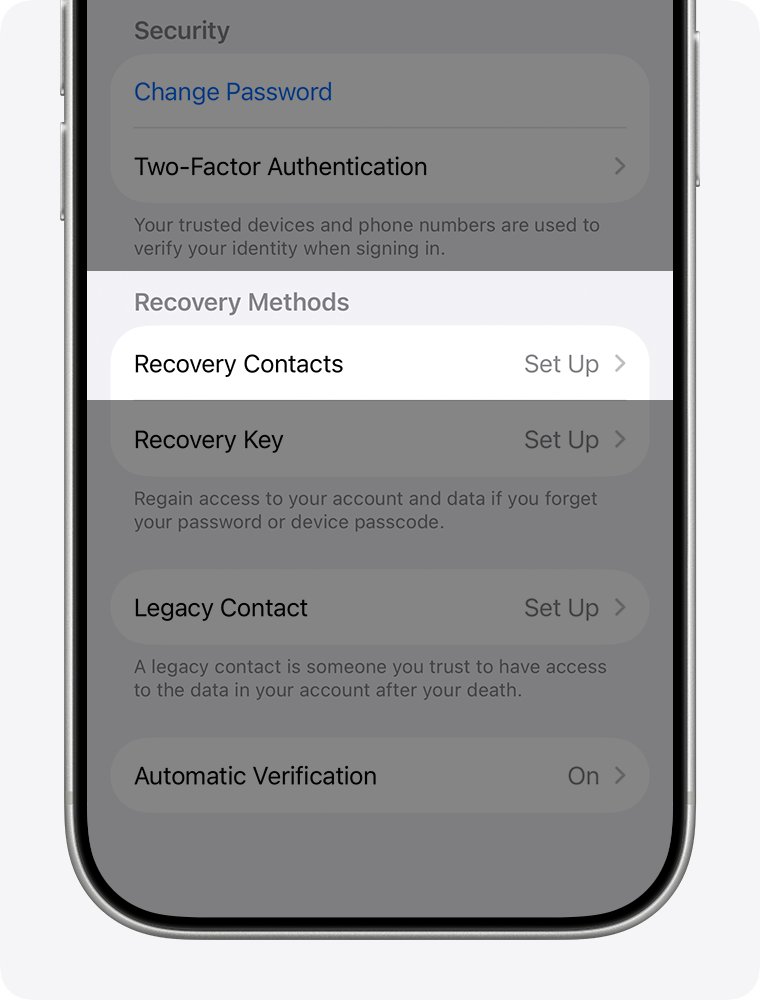
- If you set up a recovery contact, ask them for the six-digit code and enter it when asked.
- If Apple asks for the card on your account, enter its security code, or choose Don't have access to this card if the issuer declines it.
On a borrowed iPhone, open the Apple Support app, scroll to Support Tools, select Reset Password, then Help Someone Else. Apple does not store what you enter on that device.
Reset iCloud password without phone or email
When you have no trusted device, no trusted number and no access to the account email, request account recovery. Apple restores access after a waiting period of several days or more, and the wait is fixed for security.
- Go to iforgot.apple.com in Safari, or use Reset Password in the Apple Support app on a borrowed device.
- Enter your Apple Account email or @icloud.com address and follow the prompts until Apple offers account recovery.
- Give a phone number you can receive texts or calls on, and provide any recovery factors you still have.
- Wait for the confirmation email or iMessage with the date and time you can expect access; it arrives within 72 hours.
- If you started on the web, turn off your other Apple devices during the wait. A signed-in device in use cancels the request.
- When Apple texts or calls, follow its instructions, or go to apple.com/recover after the time in the confirmation email, and set a new password.
Do not submit a second request or ask Apple Support to speed it up. A new request can extend the wait, and Apple Support cannot shorten it. If you find an old iPad or Mac still signed in, change the password there instead; that cancels recovery and gives you access straight away.
iCloud email app-specific password for Outlook and other mail apps
Third-party mail apps never use your Apple Account password. They use an app-specific password, which is the closest thing iCloud Mail has to a separate email password, and resetting your Apple Account revokes every one of them.
- Make sure two-factor authentication is on for your Apple Account; app-specific passwords require it.
- Sign in at account.apple.com.
- In the Sign-In and Security section, select App-Specific Passwords.
- Select Generate an app-specific password and give it a label, such as the app's name.
- Copy the password Apple shows.
- Paste it into the password field of Outlook, Thunderbird or the other mail app when it asks for your iCloud password.
You can keep up to 25 active app-specific passwords. To retire one, return to App-Specific Passwords and select Remove next to it, or Revoke All. Outlook 2021 or later on Windows and other supported apps can sign in with your Apple Account directly instead.
iCloud Mail server settings for IMAP and SMTP
Apps set up by hand need these server details along with the app-specific password. iCloud Mail supports IMAP and SMTP only; POP is not supported.
| Setting | Incoming (IMAP) | Outgoing (SMTP) |
|---|---|---|
| Server name | imap.mail.me.com | smtp.mail.me.com |
| Port | 993 | 587 |
| Encryption | SSL required; try TLS if SSL errors | SSL required; try TLS or STARTTLS if SSL errors |
| Username | The name part of your address, such as johnappleseed; try the full address if it fails | Your full address, such as [email protected] |
| Password | App-specific password | The same app-specific password |
| Authentication | Required | SMTP authentication required |
How to find the Apple Account for an iCloud email address
If you are not sure which account your @icloud.com address belongs to, look up the sign-in addresses before you start a reset. Any email address or phone number on file signs in to the same account.
- On iPhone or iPad, open Settings, tap [your name], then tap Sign-In & Security.
- Read the email addresses and phone numbers listed there; each one signs in to this account.
- On a Mac, choose the Apple menu, System Settings, click [your name], then Sign-In & Security.
- On a Windows PC, open iCloud for Windows and read the address under your name.
- Go to account.apple.com and see whether the sign-in screen remembers an address.
- Search your inbox for Apple receipts or billing emails, which can include your primary address.
A masked address such as j*@icloud.com does not always show one asterisk per character. If the @icloud.com address does not appear on your current account, it belongs to a separate Apple Account, and you reset that one at iforgot.apple.com using the iCloud address.
How to sign in to iCloud Mail after a password reset
A successful reset shows up in three places. Check each one you use.
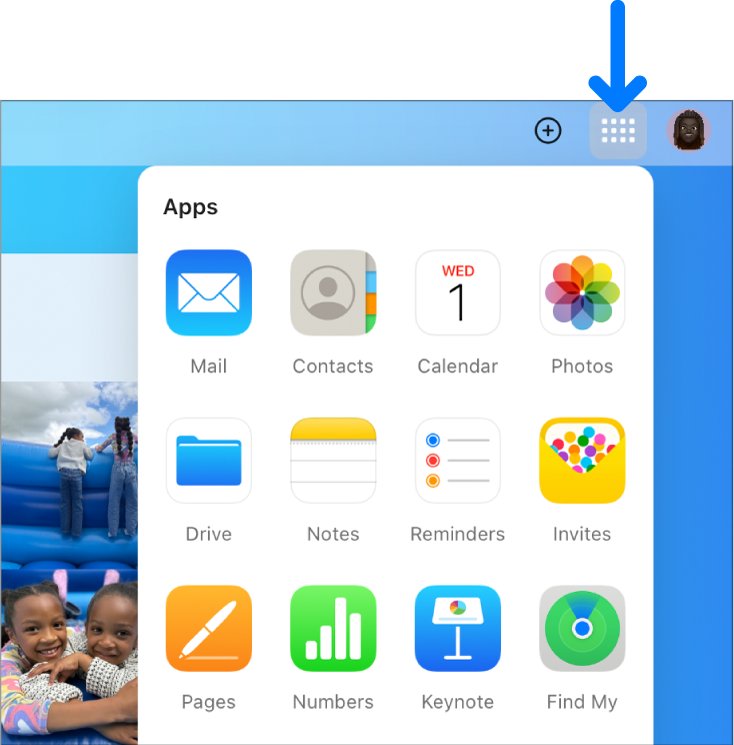
- Go to icloud.com/mail and sign in with your @icloud.com address or Apple Account email and the new password.
- Enter the verification code when asked. Your inbox should open.
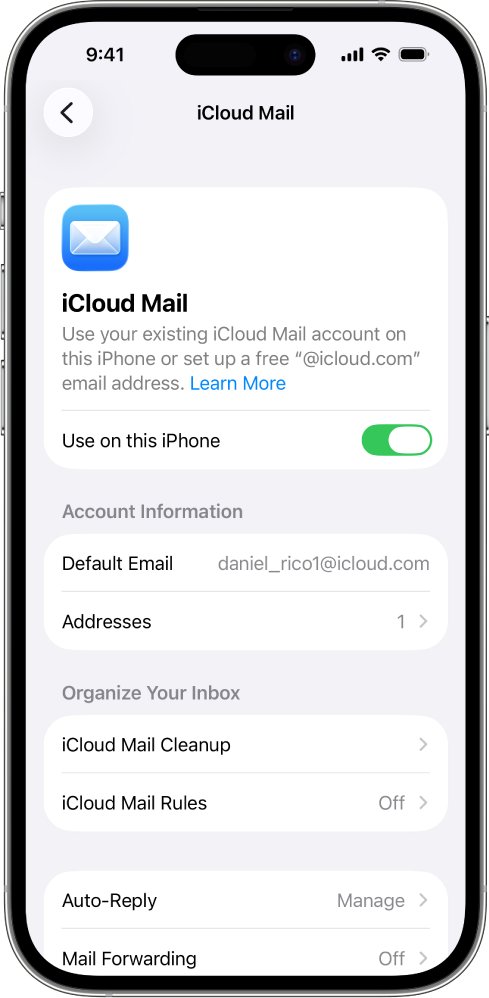
- On iPhone or iPad, open Settings, tap [your name], tap iCloud, tap Mail, and check that Use on this iPhone is on.
- Send yourself a test email from another account and confirm it arrives in the Mail app.
- In each third-party mail app, replace the old password with a newly generated app-specific password and confirm new mail downloads.
iCloud password reset not working
Can't access iCloud email to reset password
The reset email goes to your Apple Account email, which is the iCloud inbox you are locked out of.
- Skip the email option and choose your trusted phone number instead.
- Use a trusted iPhone, iPad or Mac to change the password from Sign-In & Security.
- Ask your recovery contact for a code if you set one up.
- If none of these work, request account recovery at iforgot.apple.com.
Unable to reset iCloud password with the card security code
The card issuer declined the verification, so Apple reports the details as incorrect even when they are right.
- Choose Don't have access to this card.
- Continue with your trusted phone number or recovery contact.
- Request account recovery if no other recovery factor is left.
Mail app keeps asking for the iCloud password after a reset
Changing the Apple Account password revokes all app-specific passwords and can sign other devices out.
- In Outlook or another third-party app, generate a new app-specific password at account.apple.com and paste it in.
- On another iPhone, iPad or Mac, open Settings or System Settings and sign in again with the new password.
- Restart the device if the prompt keeps returning.
iCloud Mail not sending or receiving after the password change
iCloud Mail is turned off on the device, Push is off, or iCloud storage is full.
- Open Settings, tap [your name], tap iCloud, tap Mail, and turn on Use on this iPhone.
- Open Settings, tap Apps, tap Mail, tap Mail Accounts, tap Fetch New Data, and turn on Push.
- Check that your iCloud storage is not full.
- Turn off any VPN, then turn the device off and back on.
Can't sign in to icloud.com/mail in a browser
An outdated browser, a stale cache or a network that blocks iCloud stops the page from loading.
- Update your browser to its latest version.
- Clear the browser cache; in Safari on iPhone, open Settings, tap Apps, tap Safari, then Clear History and Website Data.
- Try a different Wi-Fi network or mobile data, and contact your network administrator if that one works.
Account recovery is taking days
The recovery wait is deliberate and fixed, and activity on a signed-in device cancels the request.
- Keep your other Apple devices turned off if you started recovery on the web.
- Check the status at iforgot.apple.com using the same email and phone number you started with.
- Look in spam or junk for the confirmation email if 72 hours have passed.
An email that tells you to reset your iCloud password through its own link is a common phishing lure. Learn to spot a fake Apple security alert email, and type iforgot.apple.com yourself instead.
iCloud email password FAQ
How do I reset my iCloud email password?
Change your Apple Account password, because iCloud Mail has no password of its own. On iPhone, open Settings, tap your name, tap Sign-In & Security, then Change Password. Without a trusted device, go to iforgot.apple.com and follow the prompts.
How do I reset the password for iCloud Mail in Outlook?
Outlook and other third-party apps use an app-specific password, not your Apple Account password. Sign in at account.apple.com, open Sign-In and Security, select App-Specific Passwords and generate a new one, then paste it into Outlook's password field.
What if I can't access my iCloud email to reset my password?
You can still reset it. Apple verifies you through a trusted device, your trusted phone number or a recovery contact, so the iCloud inbox is not needed. If you have none of those, request account recovery at iforgot.apple.com and wait for Apple to contact you.
Why can't I reset my iCloud password?
The usual reasons are missing recovery factors, a card verification declined by the issuer, or a recovery key that changes the process. Choose Don't have access to this card if the card fails, and request account recovery when no trusted device or number is left.
Can Apple reset my iCloud password?
Apple can restore access through account recovery when you cannot reset the password yourself with a trusted device or phone number. Start it at iforgot.apple.com. Apple processes the request after a fixed waiting period, and Apple Support cannot shorten that wait.
Can I reset my iCloud password without a phone or email?
Yes, through account recovery. Start it at iforgot.apple.com or in the Apple Support app on a borrowed device. Apple sends a confirmation within 72 hours and restores access after a wait of several days or more, using a phone number you can reach.
I forgot my iCloud email password but know my Apple ID password. What now?
Use your Apple ID password. The @icloud.com address signs in with the same password as your Apple Account. If a third-party mail app rejects it, that app needs an app-specific password generated at account.apple.com instead.