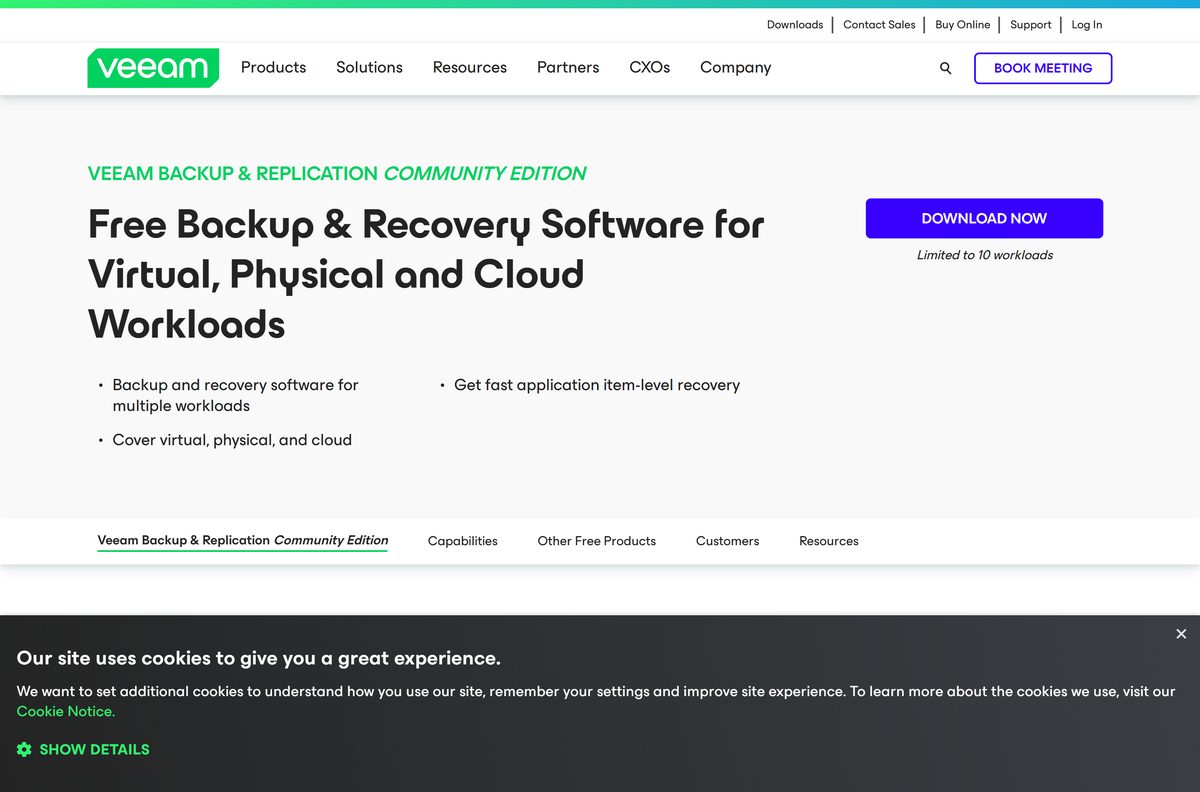
The Veeam download for Windows 11, Windows 10 and Mac starts at veeam.com, and the editions most people need cost nothing. Veeam Agent for Microsoft Windows and Veeam Agent for Mac run in their Free edition with no licence key, and Backup & Replication Community Edition protects up to 10 workloads.
This guide covers which product to pick, the account sign-in every file sits behind, installing on Windows and macOS, silent deployment, system requirements, and fixes for setups that fail.
Which Veeam download do you need?
Veeam ships a separate product per job. Match what you are protecting to a row and take that file.
| What you are protecting | Take this | What the free tier gives you |
|---|---|---|
| One Windows 11 or Windows 10 PC, laptop or tablet | Veeam Agent for Microsoft Windows FREE | One backup job to a local drive, a network share or a Veeam repository |
| One Mac running macOS 11 Big Sur or later | Veeam Agent for Mac | One backup job, with no object storage or Cloud Connect target |
| Up to 10 VMs, servers, laptops or NAS devices in one console | Backup & Replication Community Edition | Backup, replication and granular recovery across 10 workloads |
| More than 10 workloads, with vendor support behind it | Veeam Data Platform trial | A 30-day evaluation licence, then a per-workload purchase |
| Any product, when you want the current build and its checksums | Current product versions | Build numbers, release dates, package sizes and SHA-256 values |
Download Veeam from the official veeam.com pages
Veeam distributes every installer from veeam.com behind a free account. A copy hosted anywhere else has been repackaged.
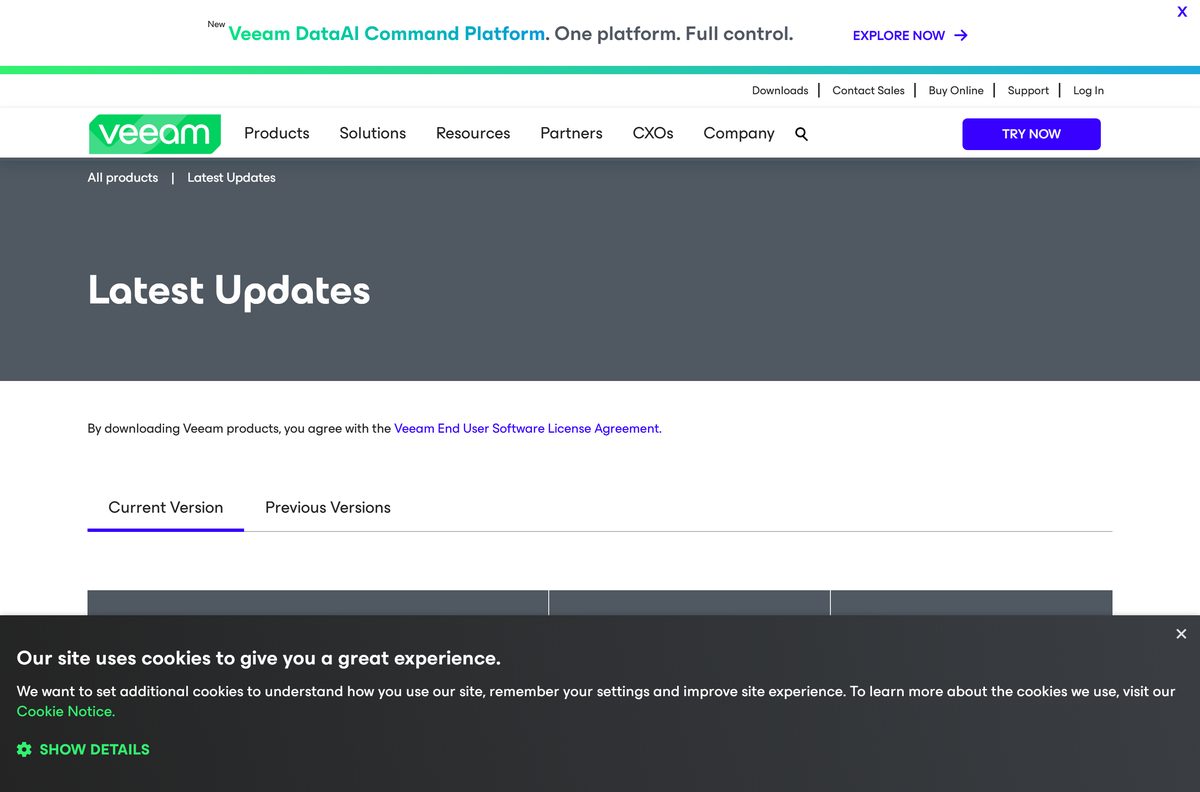
- Veeam downloads hub — every product, free and paid, in one list
- Current product versions — 175 MB Windows agent, 196 MB Mac agent, 21.2 GB Backup & Replication
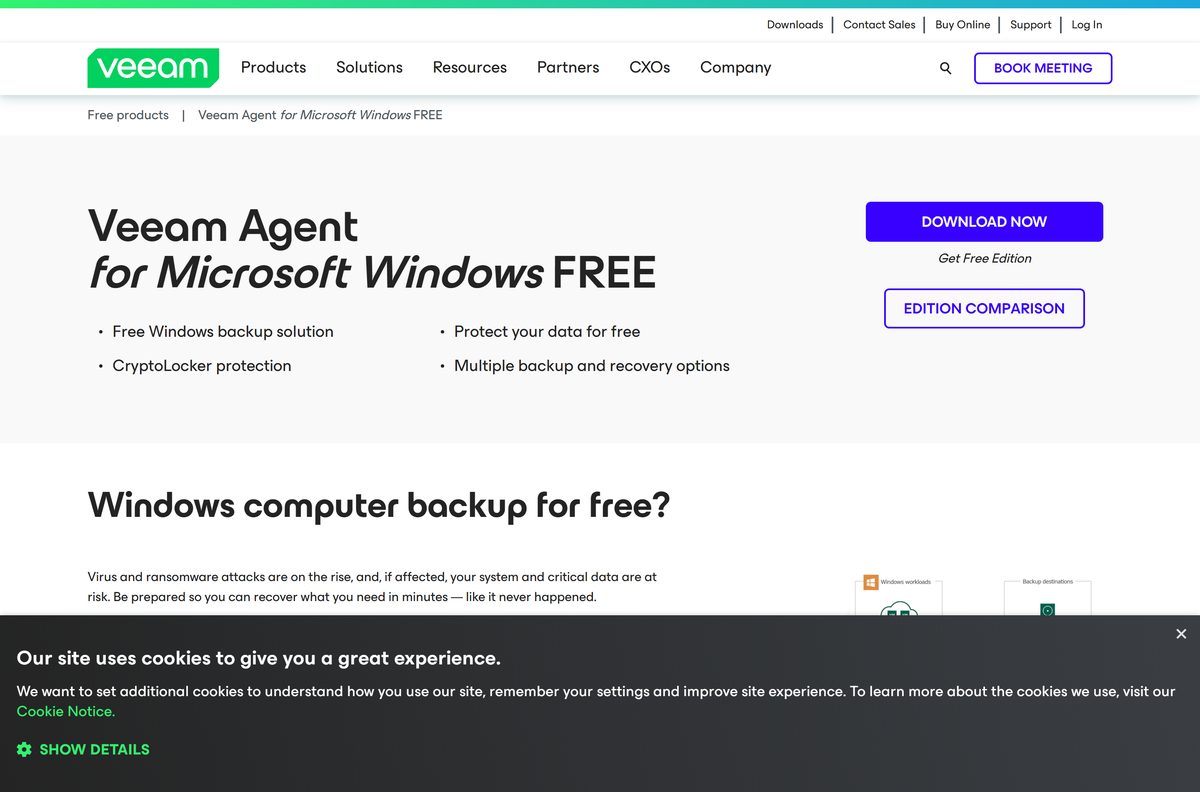
- Veeam Agent for Microsoft Windows FREE — image, volume, file and folder backup for one PC
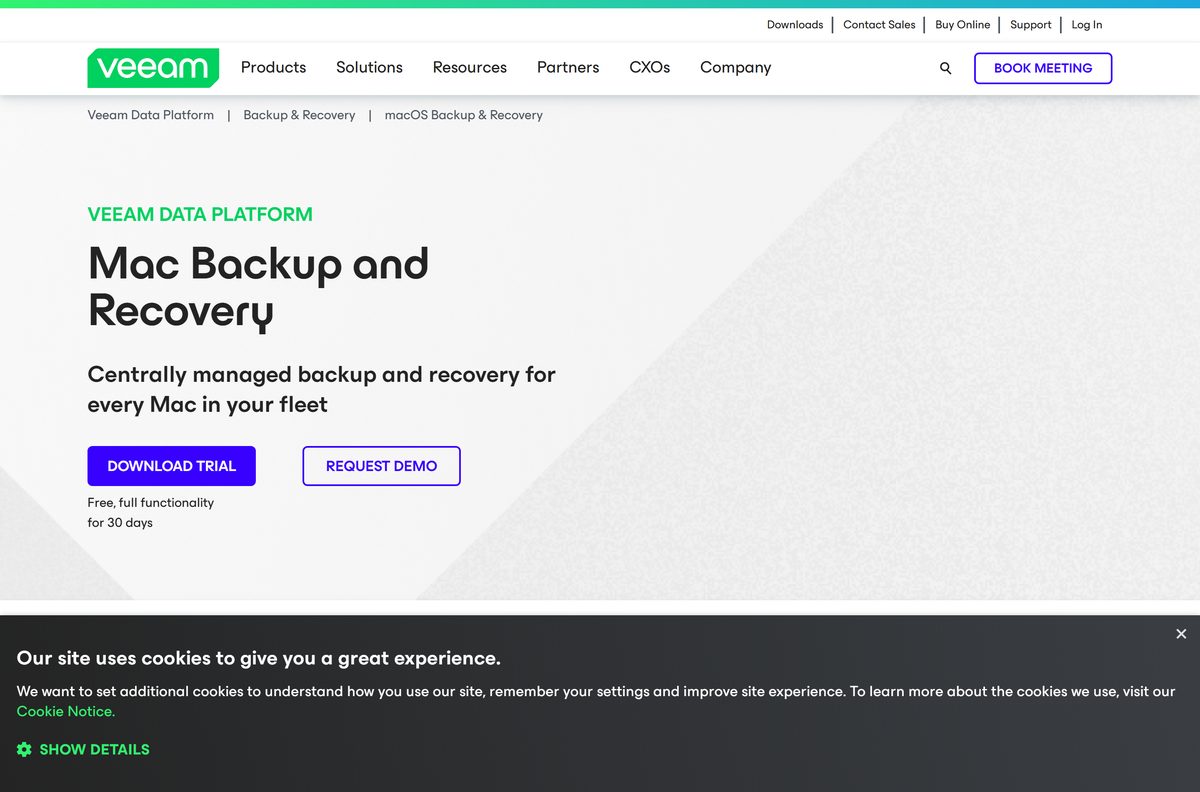
- Veeam Agent for Mac — one universal package for Intel and Apple silicon
- Backup & Replication Community Edition — free for up to 10 workloads, no support contract
- Data Platform packaging and licensing — the Foundation, Advanced and Premium tiers
The Download button on each page routes through login.veeam.com, so create the account before you start.
How to install Veeam Agent on Windows 11 and Windows 10
Allow a few minutes for the account step. Setup itself takes one screen and two clicks.
- Open the Veeam Agent for Microsoft Windows page and select DOWNLOAD NOW.
- Sign in with a Veeam account, or fill in the form with your email, name, phone, company and country.
- Type the verification code sent to that email address to unlock the file.
- Save the setup archive, then confirm at least 250 MB free on the system volume.
- Sign in to Windows with an account that has administrator rights.
- Double-click the saved setup archive to open it.
- Double-click the setup file inside the archive, then select Next.
- Select I Accept to accept the licence agreements and start the install.
- Restart the PC if setup asks for a reboot.
- Open the agent and create Veeam Recovery Media so a dead machine can boot and restore.
Install Veeam Agent silently on a fleet of PCs
Extract the setup archive first, then call the setup file from an elevated command prompt.
How to verify the Veeam setup file you downloaded
Veeam prints MD5, SHA-1 and SHA-256 values beside every product on its versions page.
- Open the current product versions page and find your product row.
- Select the copy icon beside SHA-256 to copy the published value.
- Open Windows PowerShell from the Start menu.
- Run Get-FileHash -Algorithm SHA256 “C:\path\to\setup file” against the file you saved.
- Compare the Hash column with the value you copied.
- Delete the file and take a fresh copy from veeam.com if the two strings differ.
Which Veeam download do you need for your Mac?
One package covers both Intel and Apple silicon. macOS 11 Big Sur through macOS 26 Tahoe are supported.
| Your Mac | Take this | What you get |
|---|---|---|
| A single Mac, backing up to a local, external or network target | Veeam Agent for Mac | Free edition, no licence key, one backup job |
| A Mac you want to back up to object storage or Cloud Connect | Veeam Data Platform trial | Needs the commercial Workstation or Server edition |
| A Mac managed centrally alongside PCs and servers | Backup & Replication Community Edition | The agent runs in managed mode against a Veeam repository |
| Anyone checking the current build before installing | Current product versions | Version 13.1.1.3, 196 MB, published August 13, 2026 |
Install from the .pkg inside the archive, enter the administrator password, and grant Full Disk Access afterwards. On macOS 11 and later, backups fail without it.
Is Veeam free?
Listings that sell a “Veeam full version” key are not resellers. The free editions never ask for one.
Yes for one PC or Mac, and yes for up to 10 workloads. Both agents fall back to the Free edition when no licence is installed, and that edition has no key and no expiry. Community Edition covers 10 workloads at no cost and no support programme. Paid Veeam Data Platform licences are metered per workload across the Foundation, Advanced and Premium tiers, and Veeam publishes no list price.
Downloading the commercial product issues a 30-day evaluation licence, after which the agents drop back to the Free edition.
Should you install the Veeam agent or Community Edition?
Install the Free agent on a single machine, and Community Edition once you count more than one. The Free agent runs one backup job from the computer it protects, with no console and no central schedule. Community Edition stands up a backup server, pulls 10 workloads into one place, and adds replication, Veeam Explorers and restores into AWS and Azure. It also wants 8 cores, 16 GB of RAM and 5 GB of disk.
How to check your Veeam Agent version and update it
The agent checks for new builds itself and installs them from the control panel.
- Double-click the Veeam Agent icon in the system tray, or right-click it and select Control Panel.
- Open the About tab and read the build number.
- Compare it with the build on the current product versions page.
- Select Download when a newer version is offered.
- Select Install once the download finishes.
- Read the licence agreements and select Accept and Update.
- Select Yes to keep the settings from the previous install.
- Select Finish, then reboot if setup asks for it.
Check the Veeam system requirements before you download
The agents are light. The backup server is not, and that decides most installs.
| Field | Detail |
|---|---|
| Software | Veeam Agent for Microsoft Windows, Veeam Agent for Mac, Backup & Replication Community Edition |
| Developer | Veeam Software |
| Latest version | 13.1.1.700 Windows agent, 13.1.1.3 Mac agent, 13.1.1.18 Backup & Replication |
| License / Price | Free editions with no key; paid Veeam Data Platform tiers metered per workload |
| Download size | 175 MB, 196 MB and 21.2 GB respectively, as listed on the Veeam versions page |
| Supported OS | Windows 11 22H2-25H2, Windows 10 22H2 and LTSC 2015-2021, Windows Server 2012 R2-2025, macOS 11-26 |
| Architecture | 64-bit only: x64 on Windows, x64 and Apple silicon on macOS |
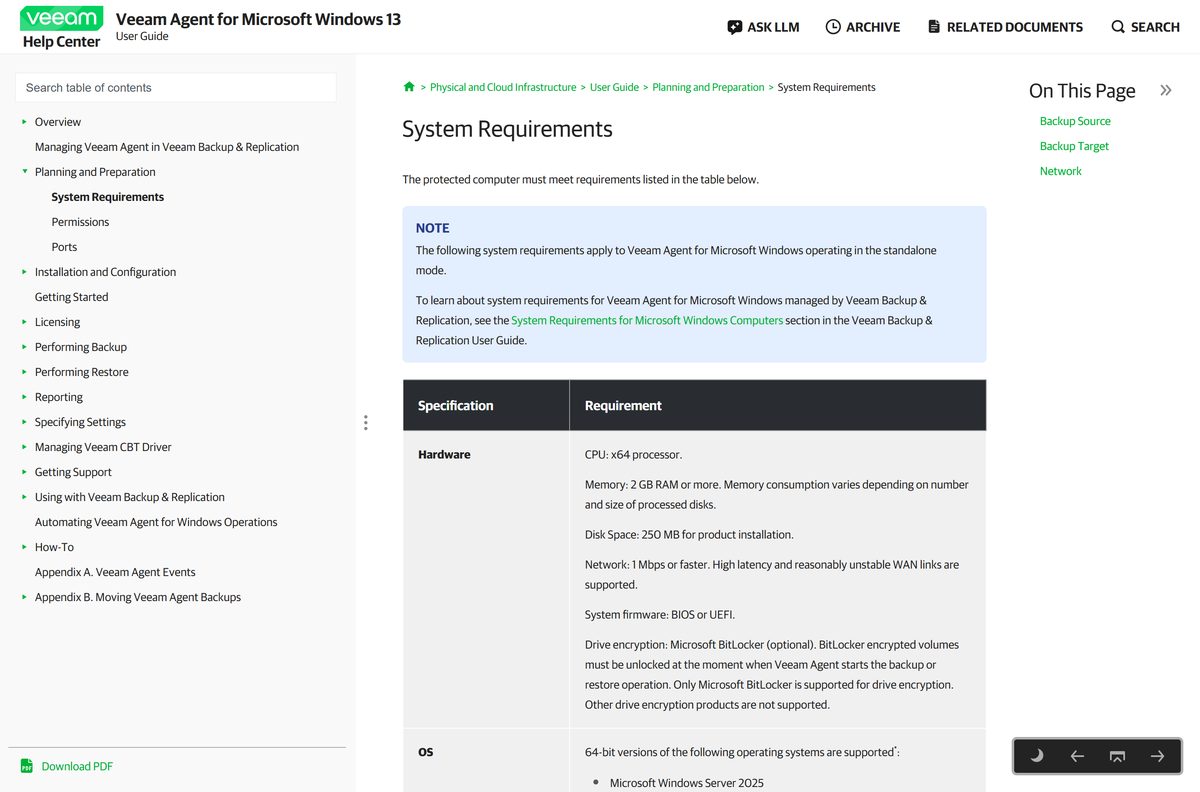
| Windows agent hardware | x64 processor, 2 GB RAM, 250 MB free on the system volume |
| Mac agent hardware | 2 GB RAM, 600 MB free disk space, 10 Mbps link to the target |
| Backup server hardware | 8 cores, 16 GB RAM plus 500 MB per concurrent job, 5 GB for the product |
| Offline installer | Yes, a full setup archive rather than a web stub |
| Official download source | veeam.com downloads |
| Last verified | September 22, 2026 |
Fix Veeam not downloading or installing on Windows 11 and 10
Veeam’s pre-install checklist also names pending operating system updates and Smart App Control on Windows 11 as causes of blocked setups.
The Download button keeps returning you to a sign-in page
Every installer sits behind a Veeam account, and the button routes through login.veeam.com.
- Open the Veeam Agent for Microsoft Windows page and select DOWNLOAD NOW.
- Register with your email, name, phone, company and country, or use a Google, Microsoft, LinkedIn or Facebook sign-in.
- Enter the verification code sent to that address.
- Select DOWNLOAD FREE again once the page reloads as a signed-in session.
Setup refuses to run on an older Windows build
Only 64-bit Windows 11 22H2 to 25H2 and Windows 10 22H2 or LTSC builds are supported.
- Press Windows + R, type winver and select OK.
- Read the version line in the About Windows box.
- Open Settings, then Windows Update, and install everything pending.
- Restart the PC and run the setup file again.
Installation finishes but the Veeam Agent service never starts
A prerequisite runtime was in use during setup, so the machine still needs its reboot.
- Restart the computer.
- Press Windows + R, type services.msc and select OK.
- Find Veeam Agent for Microsoft Windows in the list.
- Select Start if the service is stopped.
Backups fail straight after installing on a Mac
macOS 11 and later hold the agent back until Full Disk Access is granted.
- Open System Settings, then Privacy & Security.
- Select Full Disk Access.
- Switch on the entry for the agent, following Veeam’s own walkthrough.
- Start the backup job again.
How to uninstall Veeam Agent from Windows 11 and 10
Removing the agent leaves its prerequisite components behind, and those come off one at a time.
- Select Start and open Control Panel.
- Open Programs and Features.
- Right-click Veeam Agent in the programs list and select Uninstall.
- Wait for the removal to finish.
- Look for the leftovers in the same list: the SQLite database engine, the Veeam OpenSSL3 FIPS Provider, ASP.NET Core Runtime and the Windows Desktop Runtime.
- Right-click each component you no longer need and select Uninstall.
Which Veeam alternative fits a single computer?
Both desktop platforms ship a backup tool already, and for one machine that is often enough.
| Instead of | Use | When it fits |
|---|---|---|
| The Free agent on one Windows PC | Windows Backup | Folders, apps and settings synced to OneDrive, with no bare-metal image |
| The Free agent on one Mac | Time Machine | Hourly local snapshots to an external drive, restored from macOS Recovery |
| Separate agents on several machines | Backup & Replication Community Edition | Ten workloads, one console, replication and item-level recovery |
| Community Edition once you outgrow 10 workloads | Veeam Data Platform Essentials | Up to 50 workloads with a support contract behind them |
Frequently asked questions
Is the Veeam download free?
Yes. Both desktop agents run in their Free edition with no licence key, and Backup & Replication Community Edition protects up to 10 workloads at no cost. An account is still required.
Where is the official Veeam download page?
Veeam lists every product at veeam.com/products/downloads.html, and prints build numbers, release dates, sizes and checksums on its current-versions page. Both route the Download button through login.veeam.com.
Do you need an account to download Veeam?
Yes. Each product page redirects to the Veeam sign-in. Register with an email address, name, phone and company, or use a Google, Microsoft, LinkedIn or Facebook account, then confirm the emailed code.
Does Veeam work on Windows 11?
Yes. The Windows agent supports 64-bit Windows 11 versions 22H2 to 25H2. The Backup & Replication server and console support versions 23H2 to 25H2, plus Windows 10 LTSC 2021.
How big is the Veeam download?
Veeam lists the Windows agent at 175 MB, the Mac agent at 196 MB and Backup & Replication at 21.2 GB. Installing the agent needs 250 MB of free system-volume space.
Is there a Veeam offline installer?
Yes. Each product arrives as a complete setup archive carrying its own prerequisites, including the SQLite engine and the ASP.NET Core and Windows Desktop runtimes. Setup fetches nothing else.
Is there a Veeam download for Mac?
Yes. Veeam Agent for Mac is one universal package covering Intel and Apple silicon, on macOS 11 Big Sur through macOS 26 Tahoe. Grant Full Disk Access afterwards or jobs fail.
Does Veeam have a 32-bit version?
No. Every current build is 64-bit. The Windows agent needs an x64 processor, and Backup & Replication needs an x86-64 processor with at least 8 cores.
Is Veeam safe to download?
Yes, when the file comes from veeam.com. Each product row publishes MD5, SHA-1 and SHA-256 values, so you can hash the saved file and compare before running setup.
What is the latest version of Veeam?
The Windows agent is 13.1.1.700 and the Mac agent is 13.1.1.3, both published on August 13, 2026. Backup & Replication 13.1.1.18 followed on September 8, 2026.
What are the limits of the free Veeam edition?
The Free agent allows one backup job to a local drive, network share or Veeam repository. Object storage, Cloud Connect, synthetic full backup, backup cache and GFS retention need a licence.
Why will Veeam not install on my PC?
The usual causes are an unsupported Windows build, less than 250 MB free on the system volume, a pending reboot after a prerequisite runtime, or an incomplete download.






