The Serato DJ Pro download for Windows 11 and Mac comes straight from serato.com, and version 4.0.9 is the current release. One installer per platform covers both Intel and Apple silicon Macs, and new users can activate a 14-day free trial from inside the app.
Serato DJ Pro unlocks at no cost when you connect supported DJ hardware. Without that hardware it runs as a subscription or a one-time licence, and the free Serato DJ Lite covers the basics.
This guide covers which file to take, installing on Windows and macOS, what each licence costs, the system requirements, and fixes for a copy that will not start.
Which Serato DJ Pro download do you need?
serato.com publishes one Windows installer and one macOS installer for each release. The real choice is whether your hardware unlocks Pro, or whether the free Lite edition fits better.
| Your setup | Take this | Note |
|---|---|---|
| Windows 11 PC with an Intel or AMD processor | Serato DJ Pro Windows installer | Arrives as a ZIP archive |
| Mac with Apple M1 or later, or a 2017+ Intel Mac | Serato DJ Pro macOS installer | One PKG package for both chip types |
| Controller or mixer that unlocks Pro | Serato DJ hardware list | No licence or subscription needed |
| No DJ hardware yet, free only | Serato DJ Lite downloads | Practice Mode mixes with a laptop alone |
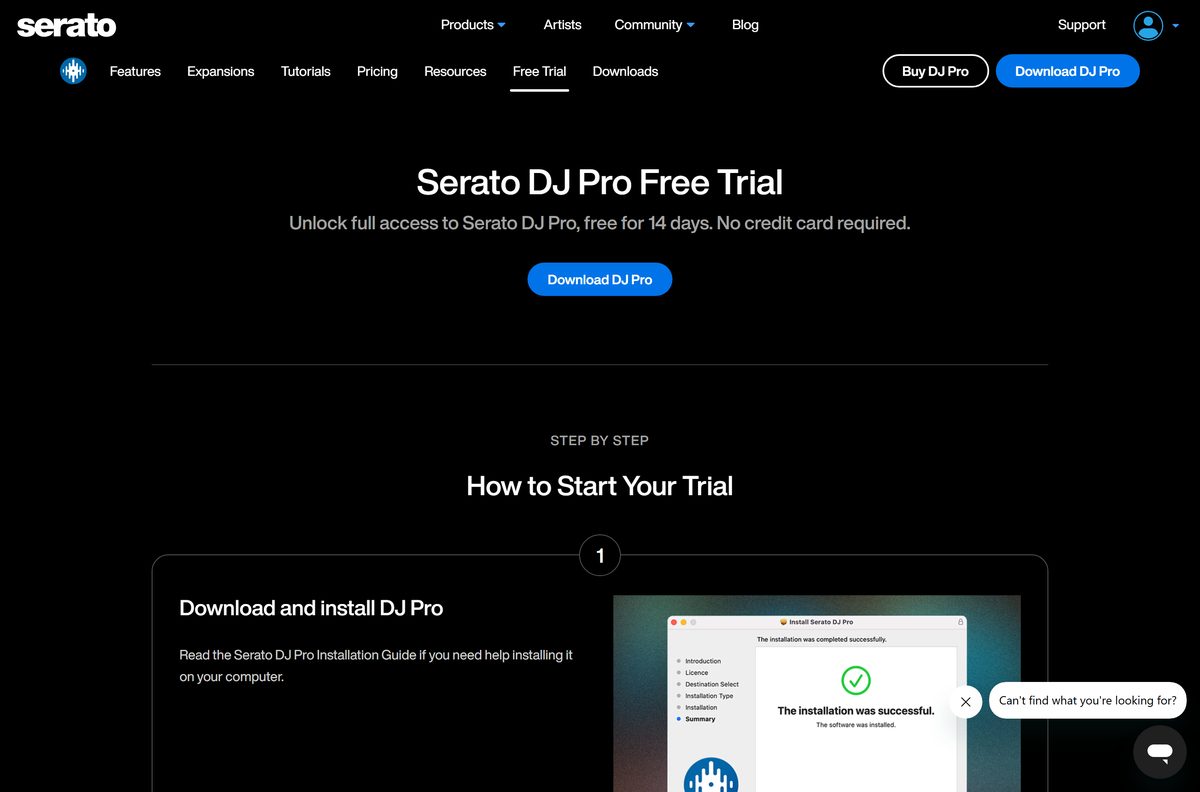
New users can activate a 14-day trial from inside the app, so install first and decide on a licence later.
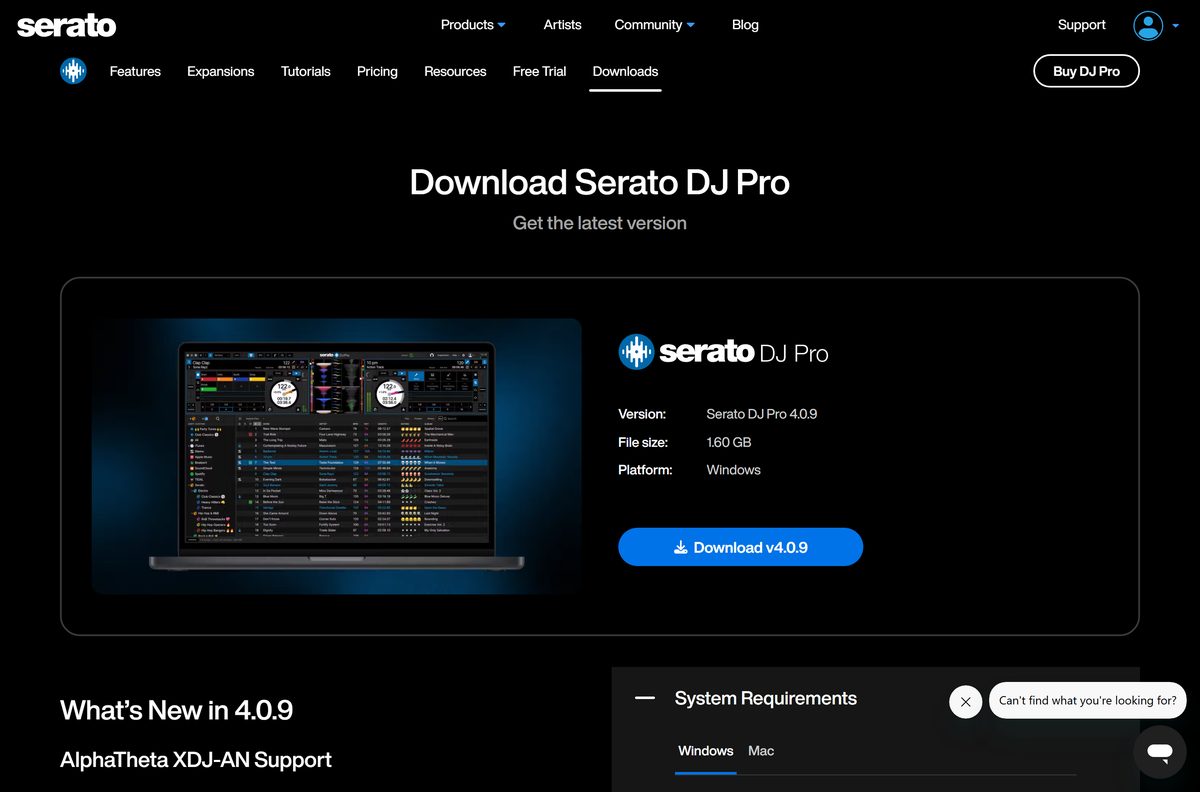
Download Serato DJ Pro from the official site
Serato hosts every current build on its own site. Copies on download portals are repackaged files that Serato does not update or support.
- Serato DJ Pro download page — Windows ZIP and macOS PKG, release notes and system requirements
- Serato DJ Pro free trial — 14 days of Pro and every Expansion, no credit card
- Serato DJ Pro pricing — subscription and one-time licence options
- Supported DJ hardware — controllers and mixers that unlock Pro
- Serato DJ Lite downloads — the free edition
- Serato support — quick start guides and help articles
The current release adds support for the AlphaTheta XDJ-AN, the Numark Party Mix III and the Numark MixTrack Go. It also fixes a crash on Windows that followed a recent Windows update.
How to install Serato DJ Pro on Windows 11
The Windows download is a ZIP archive with the setup file inside. Extract it before you run anything.
- Open the Serato DJ Pro download page and start the Windows download.
- Open your Downloads folder, right-click the Serato DJ Pro ZIP file and select Extract All.
- Select Extract to unpack the archive into a folder of the same name.
- Open the new folder and double-click the Serato DJ Pro installer.
- Select Yes at the User Account Control prompt.
- Accept the licence agreement and follow the setup wizard to the end.
- Launch Serato DJ Pro from the Start menu.
- Connect your controller, or click the trial notification to activate the 14-day trial.
Plug the controller in before you open the app. Hardware that unlocks Pro activates it without a trial or a licence.
Which Serato DJ Pro download do you need for your Mac?
Open the Apple menu and select About This Mac to read the chip and the macOS version. Serato lists macOS 26 Tahoe, 15 Sequoia and 14 Sonoma.
| Your Mac says | Download | Note |
|---|---|---|
| Apple M1 or later, macOS 14 or newer | Serato DJ Pro macOS installer | Recommended specification |
| Intel Core i5 or better, 2017 or later, macOS 14 or newer | Serato DJ Pro macOS installer | Same PKG package |
| macOS 26 Tahoe | Serato DJ Pro macOS installer | Supported from Serato DJ Pro 4.0.1 |
| macOS 13 Ventura or older | Serato DJ Pro system requirements | Not on the Pro OS list; update macOS first |
Double-click the PKG file, select Continue through each screen, then select Install and enter your Mac password. Open Serato DJ Pro from the Applications folder.
Is Serato DJ Pro free?
Serato DJ Pro is free only with DJ hardware that unlocks it. More than 100 supported controllers and mixers do this when connected.
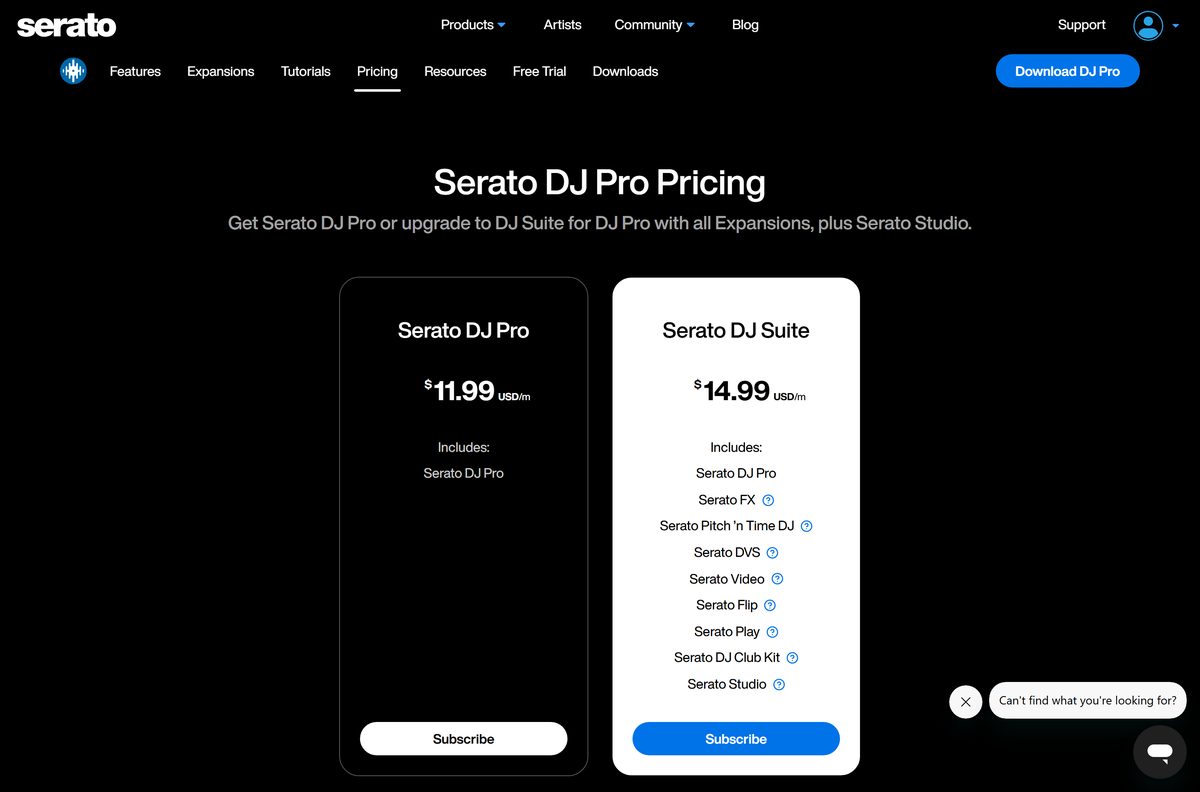
Without that hardware, Serato DJ Pro costs $11.99 USD a month or $299 USD as a one-time licence. Serato DJ Suite adds every Expansion, including DVS, Video, Serato FX and Pitch ‘n Time DJ, for $14.99 USD a month or $499 USD once.
Check the hardware list before you pay; if your controller unlocks Pro, you need no licence at all. Hardware that unlocks Serato DJ Pro removes the need for a licence or subscription. Everyone else gets a 14-day trial with no credit card, then chooses between buying, subscribing, the free Serato DJ Lite, or Practice Mode.
Practice Mode is a very basic version of Serato DJ Pro that stays free after the trial ends. A site offering a free full licence outside serato.com is selling a cracked copy.
Should you install Serato DJ Pro or Serato DJ Lite?
Both editions run on the same core technology. Serato DJ Lite is free to download and use, with no licence or subscription, and works with more than 50 controllers.
Install Serato DJ Lite if you are learning to mix; install Serato DJ Pro if you need to record sets or use more than the basic cue points. Recording, Quantize, up to 8 cue points, saved loops, beat jumping and Stems FX are Pro-only. Pro also adds Smart Sync, Key Analysis, MIDI mapping and over 20 professional effects.
Lite includes Practice Mode, so you can mix with a laptop keyboard and mouse before buying any DJ hardware.
How to check your Serato DJ Pro version and update it
Serato ships each update as a full installer. Installing the newer file replaces the older copy.
- On Windows, open Settings > Apps > Installed apps and find Serato DJ Pro to read its version.
- On a Mac, open Applications, select Serato DJ Pro and press Command + I to read the version.
- Compare that number with the release named on the download page.
- Close Serato DJ Pro if your version is older.
- Download the newer installer and run it over the existing copy.
- Open Serato DJ Pro and confirm your crates and library still load.
Read Show full release notes on the download page before updating in the middle of a gig season.
Check the Serato DJ Pro system requirements
serato.com lists a recommended tier for a typical setup and a high-performance tier for scratching, streaming, three or more decks, or Serato Video. Lower specifications still run, with a less smooth experience.
| Field | Value |
|---|---|
| Software | Serato DJ Pro |
| Developer | Serato |
| Latest version | 4.0.9, released July 7, 2026 |
| Licence | Free with supported hardware; otherwise $11.99/month or $299 once, with a 14-day trial |
| Windows | Windows 11 |
| macOS | macOS 26 Tahoe, 15 Sequoia or 14 Sonoma |
| Windows processor | 6th gen Intel Core i5 or AMD Ryzen 5 3000 series or higher, AVX required |
| Mac processor | Intel Core i5 (2017 or later) or Apple M1/M2 or higher |
| Memory | 8 GB, 16 GB for high performance |
| Storage | 15 GB or more spare local SSD space |
| Video memory (Windows) | Shared 512 MB; dedicated 1 GB for Serato Video, 2 GB for high performance |
| File size | Not published by serato.com |
| Official download source | serato.com |
| Last verified | 2026-09-25 |
Press Windows + R, type winver and select OK to read your Windows version.
Fix Serato DJ Pro not installing or opening
Most failures come from an unlisted OS, a processor without AVX, or an out-of-date release.
Serato DJ Pro crashes on Windows after a Windows update
Earlier releases crashed after a recent Windows update; the current release fixes it.
- Download the latest installer from the download page.
- Extract the ZIP and run the installer over your existing copy.
- Restart the PC and open Serato DJ Pro again.
The app will not start on an older PC
Serato DJ Pro requires a processor with AVX, from 6th gen Intel Core i5 or AMD Ryzen 5 3000 series upward.
- Press Ctrl + Shift + Esc to open Task Manager.
- Select Performance > CPU and read the processor name in the top-right corner.
- Compare it with the requirements table above, and use a newer PC if it falls short.
Serato DJ Pro misbehaves on macOS 26 Tahoe
Tahoe support starts at Serato DJ Pro 4.0.1.
- Open the version details as shown in the update section above.
- Install the current macOS package from serato.com if your copy is older than 4.0.1.
- Check your controller on the hardware list before a gig.
Pro features stay locked with a controller connected
Some controllers are official accessories or need a paid upgrade rather than unlocking Pro.
- Look up your controller on the Serato DJ hardware list.
- Activate the 14-day trial from the in-app notification if you have not used Pro before.
- Buy or subscribe on the pricing page to keep Pro after the trial.
How to uninstall Serato DJ Pro
Removing the app leaves your music files in place. Back up your library before you delete anything else.
- Close Serato DJ Pro and disconnect your DJ hardware.
- On Windows, open Settings > Apps > Installed apps.
- Select the three dots next to Serato DJ Pro, then select Uninstall twice.
- On a Mac, open the Applications folder in Finder.
- Drag Serato DJ Pro to the Trash and empty it.
- Restart the computer before installing a fresh copy.
To reinstall, download the current installer again from serato.com rather than reusing an old file.
Frequently asked questions
Is the Serato DJ Pro download free?
The download is free, and Serato DJ Pro runs free with DJ hardware that unlocks it. Otherwise it costs $11.99 USD a month or $299 USD once after a 14-day trial. Serato DJ Lite and Practice Mode stay free with no licence.
Where is the official Serato DJ Pro download page?
serato.com/dj/pro/downloads. It carries the Windows installer as a ZIP archive, the macOS installer as a PKG package, the release notes for the current version and the full system requirements for both platforms.
What is the latest version of Serato DJ Pro?
Version 4.0.9, released on July 7, 2026. It adds support for the AlphaTheta XDJ-AN, Numark Party Mix III and Numark MixTrack Go, and fixes a Windows crash that followed a recent Windows update.
Does Serato DJ Pro work on Windows 11?
Yes. Windows 11 is the Windows version serato.com lists in both its recommended and high-performance requirements. The PC also needs a 6th gen Intel Core i5 or AMD Ryzen 5 3000 series processor with AVX, and 8 GB of memory.
Does Serato DJ Pro support Windows 10?
Windows 10 does not appear in the current Serato DJ Pro system requirements, which list Windows 11 only. Upgrade the PC to Windows 11 before installing the current release, or check Serato support about older versions.
How big is the Serato DJ Pro download?
serato.com does not publish an installer size on the download page. Plan for at least 15 GB of spare local SSD space, which is the storage figure in both the recommended and high-performance requirements.
Is there a Serato DJ Pro download for Mac?
Yes. serato.com offers one macOS installer package for Apple silicon and Intel Macs. It runs on macOS 26 Tahoe, 15 Sequoia and 14 Sonoma, with an Intel Core i5 from 2017 or later, or Apple M1 and newer.
Is Serato DJ Pro 32-bit or 64-bit?
Serato DJ Pro targets 64-bit systems. The requirements list Windows 11, which exists only in 64-bit form, and modern Intel, AMD and Apple M-series processors. serato.com offers no 32-bit build of the current release.
Does Serato DJ Pro run on Apple silicon Macs?
Yes. The Mac requirements list Apple M1 and M2 or higher alongside Intel Core i5 and i9 processors, and one macOS installer package covers both chip types. No Windows on ARM processor appears in the Windows requirements.
Is there a Serato DJ Pro offline installer?
Serato DJ Pro ships as a full installer file rather than a web setup: a ZIP archive on Windows and a PKG package on Mac. Keep the file to reinstall the same version later without downloading it again.
Is Serato DJ Pro safe to download?
Yes, when it comes from serato.com. Copies on download portals are repackaged by third parties, and sites promising a free full licence distribute cracked builds. Take the installer from the official download page only.
Why won’t Serato DJ Pro install or open?
Check the basics first: Windows 11 or macOS 14 or newer, and a processor with AVX on Windows. A crash after a Windows update is fixed in the current release, and macOS 26 Tahoe needs Serato DJ Pro 4.0.1 or later.






