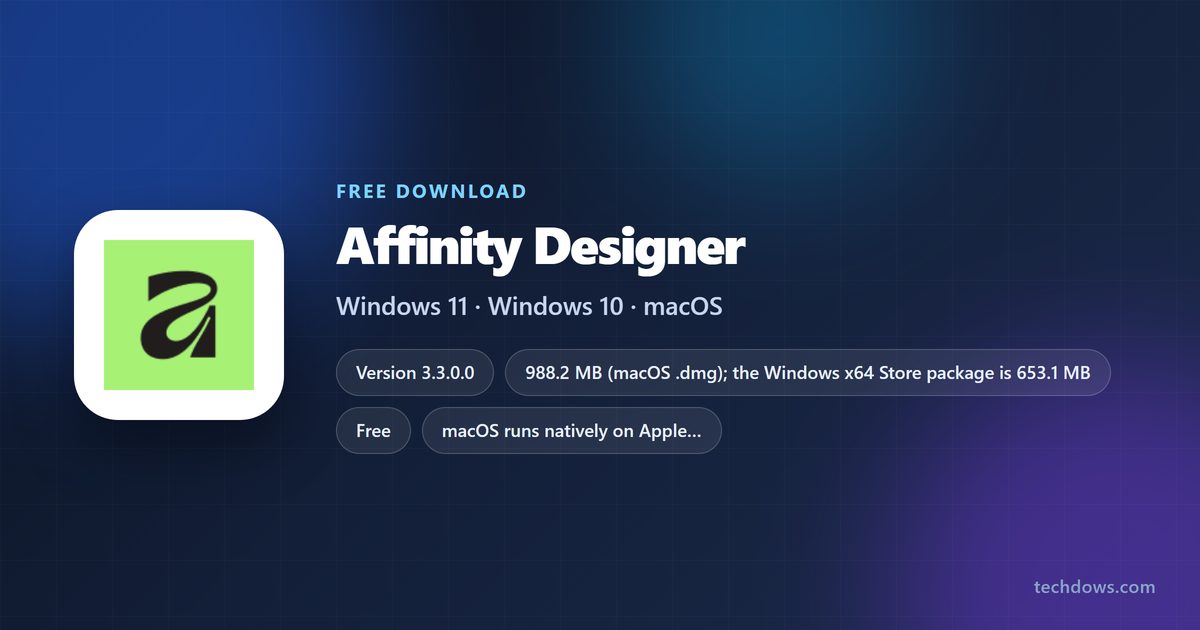
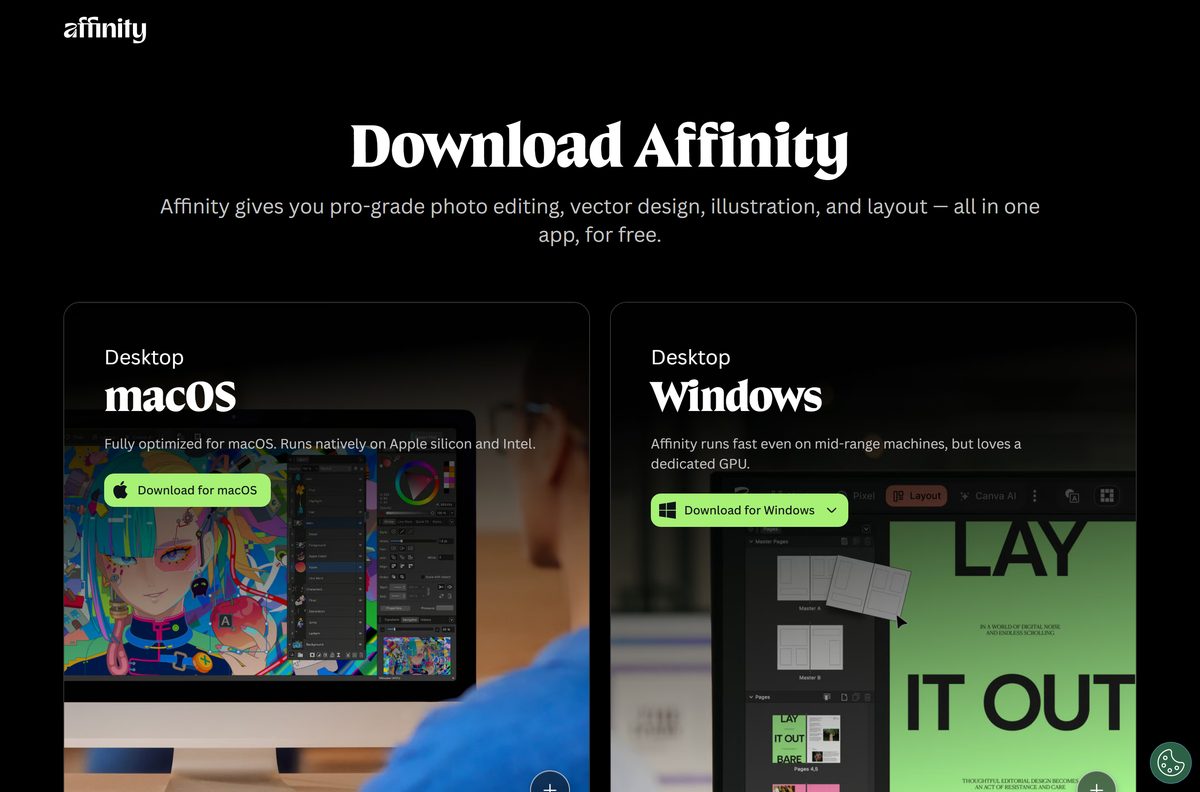
You can download Affinity Designer free on Windows 11, Windows 10 and macOS. Canva now ships the vector, photo and layout tools in one app called Affinity by Canva, and the download page hands you a full installer for either platform at no cost.
The macOS disk image is a 988.2 MB download and runs natively on Apple silicon and Intel. Windows gets four installer variants plus a Microsoft Store listing, where the x64 package is 653.1 MB and takes 1.50 GB once installed.
Below are the official links, the install steps for each platform, what the free label covers, and fixes for a stalled download.
What are the Affinity Designer system requirements?
Check your OS version first. On Windows, press Windows + R, type winver and press Enter. On a Mac, open the Apple menu and select About This Mac.
| Specification | Detail |
|---|---|
| Software | Affinity by Canva |
| Developer | Canva Pty Ltd |
| Latest version | 3.3.0.0 |
| License / price | Free; Canva AI Studio features need a paid Canva plan |
| macOS requirement | macOS 10.15 Catalina or later, Apple silicon or Intel |
| Windows requirement | Windows 10 build 19041 or later, and Windows 11 |
| macOS download | 988.2 MB disk image |
| Windows download | 653.1 MB (x64) or 646.4 MB (ARM64) from the Store |
| Installed size on Windows | 1.50 GB (x64), 1.56 GB (ARM64) |
| Architecture | Apple silicon, Intel, x64 and ARM; no 32-bit build |
| Official download source | affinity.studio download page |
| Account needed | A free Canva account, for one-time activation |
| Store rating | 4.1 out of 5 from 78 ratings |
| Last verified | 2026-09-22 |
Build 19041 is Windows 10 version 2004, the May 2020 Update. An older PC needs a Windows update first.
Which Affinity Designer download do you need?
Match your machine to a row. The app is identical on both desktop platforms.
| Your machine | What you get | Size | Where to get it |
|---|---|---|---|
| Mac on Apple silicon or Intel | Affinity disk image | 988.2 MB | affinity.studio download page |
| Intel or AMD 64-bit PC | Windows (Intel/AMD) installer, or the Store package | 653.1 MB from the Store | Microsoft Store listing |
| Windows on ARM PC, such as a Snapdragon laptop | Windows (ARM) installer, or the ARM64 Store package | 646.4 MB from the Store | Same Store listing |
| Managed PC fleet | Enterprise (Intel/AMD) or Enterprise (ARM) variant | Not stated | affinity.studio download page |
| 32-bit Windows installation | Nothing published | Not offered | Reinstall Windows as 64-bit first |
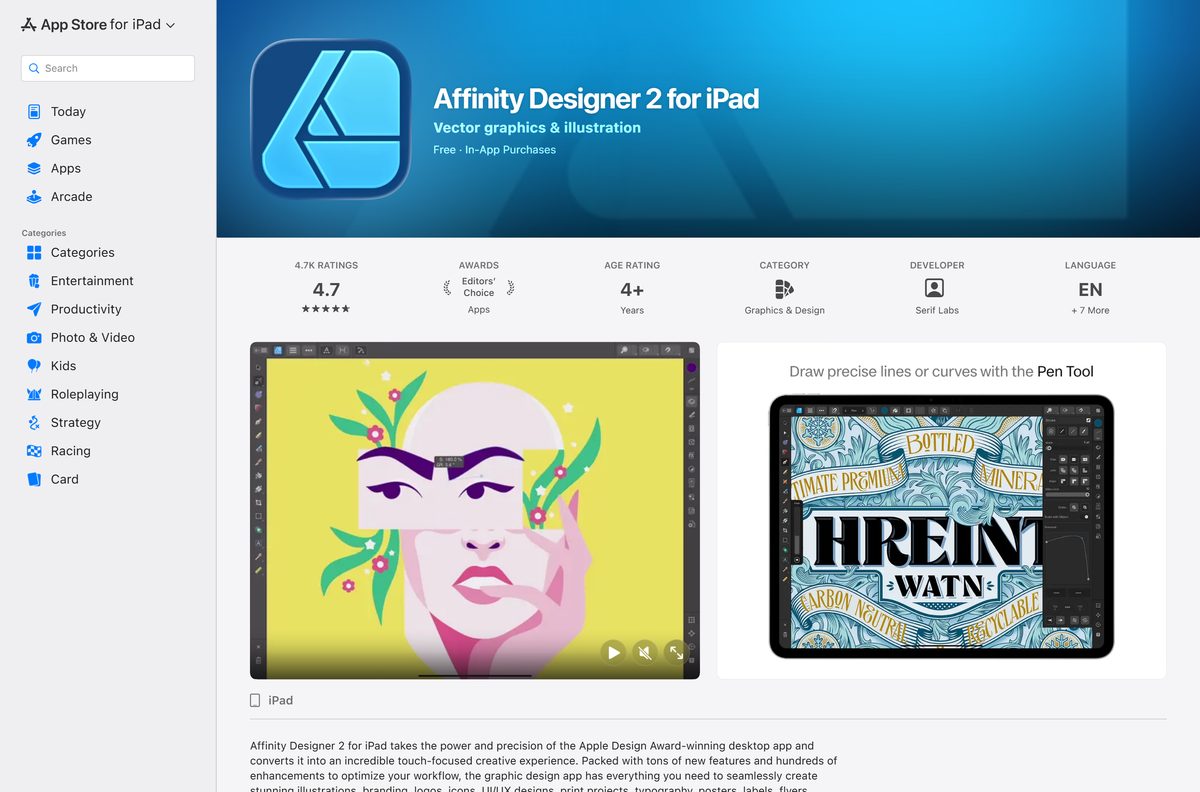
| iPad on iPadOS 15 or later | Affinity Designer 2 for iPad | 1.69 GB | App Store listing |
Download Affinity Designer from the official sources
Two sources are official for the desktop app: the publisher download page, and the Microsoft Store listing.
- Affinity download page for Mac and Windows — 988.2 MB on macOS · macOS disk image and four Windows installer variants
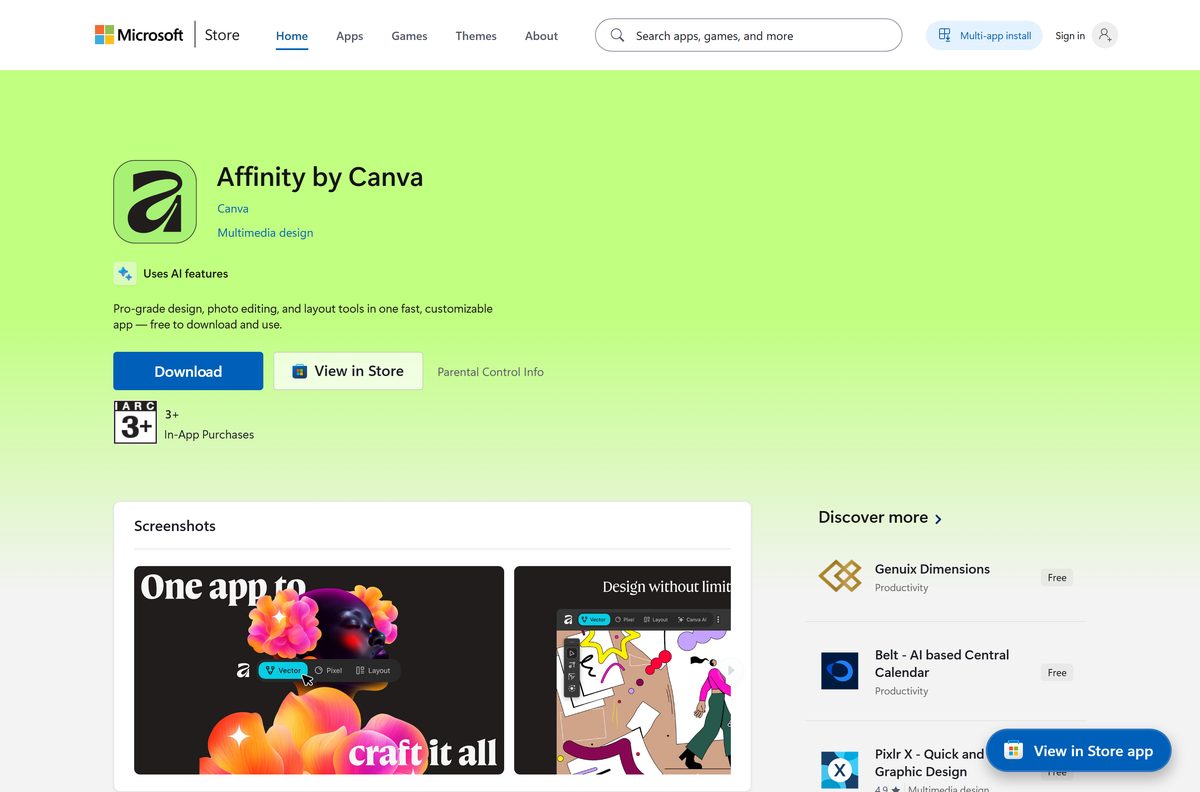
- Affinity by Canva on the Microsoft Store — 653.1 MB (x64) · free, published by Canva, product ID 9NW9CX6H2JGL
- Canva help hub for Affinity — account setup, install and Brand Kit articles
- Affinity Designer 2 for iPad on the App Store — 1.69 GB · free, seller Serif (Europe) Ltd.
Nothing else is an official source. Installers offered on download portals are repackaged copies and carry no support.
How to install Affinity Designer on Windows 11 and 10
Leave roughly 2 GB free on the system drive.
- Open the affinity.studio download page in your browser.
- Select Download for Windows.
- Pick the variant that matches your PC: Windows (Intel/AMD) or Windows (ARM).
- Sign in with your Canva account when the page asks, or create a free one.
- Open your Downloads folder and double-click the .exe or .msix file.
- Follow the setup wizard to the end.
- Launch the app from Start, then sign in to activate the free licence.
- Select File, then New to confirm the app creates a document.
How to install Affinity Designer from the Microsoft Store or winget
Take this route on a new PC or across several machines.
- Open the Microsoft Store listing in your browser.
- Select Get in Store app, and confirm the prompt that opens the Store.
- Confirm the publisher line reads Canva before going further.
- Select Get, and wait for the package to download.
- Select Open when the button changes.
- Or right-click Start, select Terminal, and run winget install 9NW9CX6H2JGL –source msstore .
- Accept the Store source agreement, then run winget list Affinity to confirm the entry.
How to install Affinity Designer on your Mac and check it is genuine
The Mac build arrives as a disk image rather than a Mac App Store download, so check where the file came from before you open it.
- Open the affinity.studio download page and select Download for macOS.
- Open Downloads in Safari or Finder and confirm the file came from downloads.affinity.studio .
- Check the size reads roughly 988 MB; a far smaller file is not the full installer.
- Double-click the .dmg file to mount it.
- Drag the app icon onto the Applications icon in the window that opens.
- Open Applications and double-click the app, then select Open at the Gatekeeper prompt.
- Sign in with your Canva account to activate the free licence.
- Eject the mounted disk image from the Finder sidebar and delete the .dmg .
Which Affinity Designer download do you need for your Mac or iPad?
Apple’s catalog lists no Mac App Store version for the publisher. The Mac build comes straight from the download page instead, as one universal app.
| Your device | What to get | Detail |
|---|---|---|
| Mac on macOS 10.15 or later | Affinity disk image from affinity.studio | 988.2 MB, free, Apple silicon and Intel |
| Mac on macOS 10.14 or older | Nothing compatible | Update macOS first, or stay on your current editor |
| Looking on the Mac App Store | No listing exists | The publisher ships the Mac build directly |
| iPad, vector work | Affinity Designer 2 for iPad | 1.69 GB, free, iPadOS 15.0 or later |
| iPad, photo editing | Affinity Photo 2 for iPad | Free, version 2.6.4 |
| iPad, page layout | Affinity Publisher 2 for iPad | Free, version 2.6.4 |
Is Affinity Designer free?
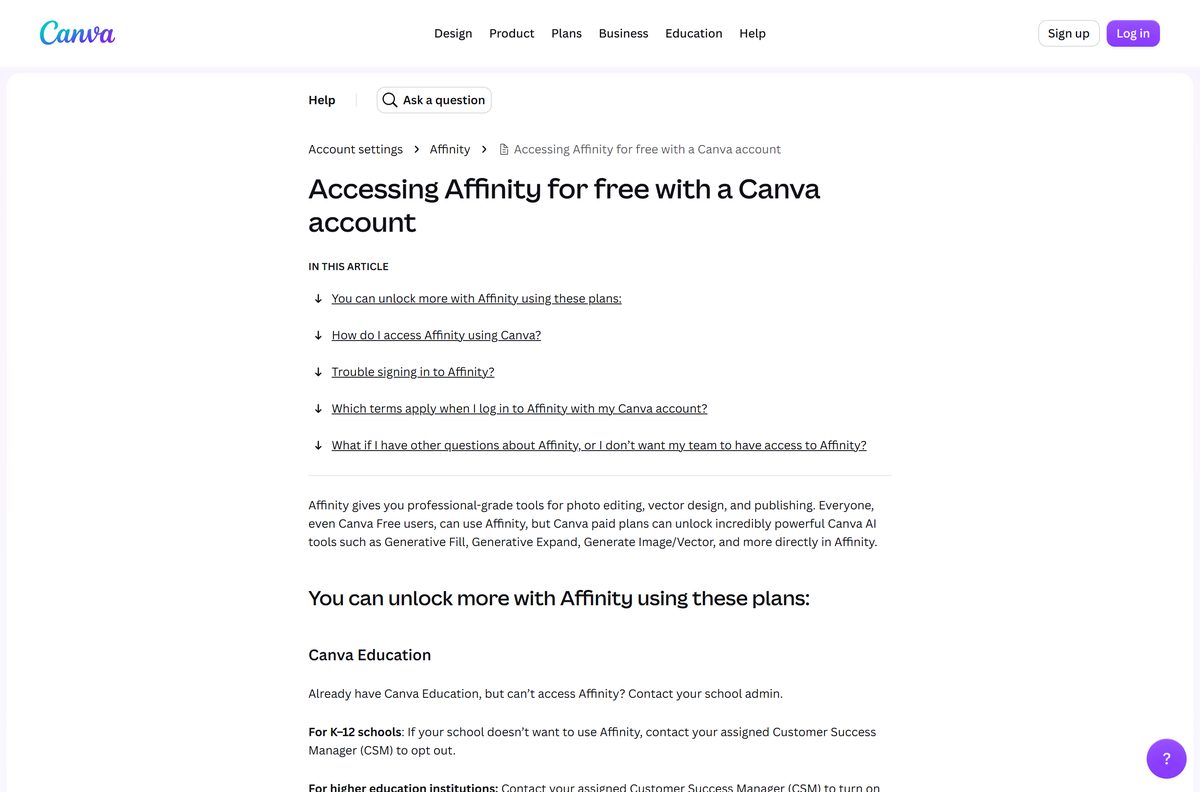
Yes, the app itself costs nothing on Mac and Windows. The download page states that every tool in the Pixel, Vector and Layout studios is usable with no restrictions and no payment, and the Microsoft Store lists the app at $0.00. Canva’s help centre confirms that all account types, Canva Free included, get Affinity. One part is paid: the Canva AI Studio inside the app unlocks with a paid Canva plan. Drawing, editing, layout, import and export need no plan.
Should you install the new Affinity or Affinity Designer 2?
Canva folded the separate vector, photo and layout programs into one app.
Install the current Affinity app on your Mac or PC. It carries the vector tools that shipped as Affinity Designer 2 alongside the photo and layout tools, and it is the version Canva now distributes for both desktop platforms. Affinity Designer 2 survives on the App Store as an iPad app at version 2.6.4, and the download page shows an iPad card marked coming soon.
How to check your Affinity Designer version and update it
The Store route updates itself. A copy from the download page updates in place when you launch it online.
- On Windows, open Settings, then Apps, then Installed apps, and read the version beside the entry.
- On a Mac, open the app and select Affinity, then About Affinity.
- Compare what you see with 3.3.0.0, the build the Microsoft Store currently ships.
- Open Microsoft Store, select your profile picture, then Settings, and turn App updates on.
- Select Library, then Get updates to pull the newest package now.
- On a Mac, quit and relaunch the app while online to let it fetch the current build.
What Affinity Designer can open
Check this before you cancel another subscription.
| Format | Comes from | Notes |
|---|---|---|
| PSD | Photoshop | Layers and structure preserved on import |
| AI | Illustrator | Opens as editable artwork |
| IDML | InDesign | Layout exchange format |
| INDD | InDesign | Native import, added in the September 2026 release |
| DWG | CAD software | Industry-standard drawing exchange |
| .afdesign and .afphoto | Affinity V1 and V2 | Open in the new app; the older apps cannot read new files |
| .af | Affinity itself | Imports into Cavalry and exports to Canva |
Fix Affinity Designer not installing on Windows or Mac
The Microsoft Store shows an error code and stops
A stale Store cache usually causes this.
- Press Windows + R, type wsreset.exe and press Enter.
- Wait for the Store to reopen by itself, then retry the install.
- If the code returns, open Settings, then System, then Troubleshoot, then Other troubleshooters.
- Run the Windows Store Apps troubleshooter and apply what it suggests.
The download stalls part way
These are large files, so a metered connection or a full disk halts them.
- Open Settings, then Network & internet, and turn Metered connection off.
- Free at least 3 GB on the system drive.
- Restart the PC and start the download again.
- On a Mac, delete the partial .dmg from Downloads before retrying.
macOS refuses to open the app
Gatekeeper holds a newly downloaded app until you confirm it once.
- Open Applications, right-click the app and select Open.
- Select Open again in the prompt.
- If nothing happens, open System Settings, then Privacy & Security.
- Scroll to the security notice and select Open Anyway.
Sign-in fails and the app will not activate
Activation needs a reachable Canva account on first launch.
- Confirm the machine is online, then select Continue with email in the app.
- Enter your address and the six-digit code sent to your inbox.
- Use Sign in with Canva instead if your organisation uses single sign-on.
- Ask your Canva admin to enable access if you see a permission message.
Windows says the app is not supported on this device
The build number is below 19041, or the installation is 32-bit.
- Press Windows + R, type winver and press Enter to read the build.
- Open Settings, then Windows Update, and install everything offered.
- Open Settings, then System, then About, and check System type reads 64-bit.
How to uninstall Affinity Designer
Removing the app leaves your documents where you saved them.
- On Windows, open Settings, then Apps, then Installed apps.
- Select the three dots beside the entry, then Uninstall, and confirm.
- Run winget uninstall 9NW9CX6H2JGL in Terminal instead if you installed it that way.
- On a Mac, open Applications and drag the app to the Bin.
- Empty the Bin to reclaim the space.
- Move any .af files you want to keep before you finish.
Which Affinity Designer alternatives are worth a look?
Compare on price and platform, because that is where these four differ most.
| App | Platform | Price on its store listing |
|---|---|---|
| CorelDRAW | Mac App Store, version 2026.1.0 | Free to install, subscription inside |
| Linearity Curve | Mac and iPad, version 6.12.0 | Free to install |
| Amadine | Mac App Store, version 1.8.4 | Free to install |
| Adobe Illustrator | iPad, version 3.0.10 | Free to install, subscription inside |
None of these gives you a free desktop licence on both Mac and Windows, which is the practical reason to start with the Affinity download page.
Frequently asked questions
Is the Affinity Designer download free?
Yes. The download page says every tool in the Pixel, Vector and Layout studios works with no restrictions and no payment. Only the Canva AI Studio features inside the app need a paid plan.
Where is the official Affinity Designer download for PC and Mac?
The affinity.studio download page, which serves a macOS disk image and four Windows installer variants. On Windows you can also use the Microsoft Store listing for product 9NW9CX6H2JGL, published by Canva.
Can I download Affinity Designer for Mac?
Yes. The download page offers a 988.2 MB disk image that runs natively on Apple silicon and Intel Macs, and needs macOS 10.15 Catalina or later. No Mac App Store listing exists.
Does Affinity Designer work on Windows 11?
Yes. It runs on Windows 11 and on Windows 10 build 19041 or later. The download page and the Microsoft Store serve the same app.
How big is the Affinity Designer download?
The macOS disk image is 988.2 MB. On Windows the Store package is 653.1 MB for x64 and 646.4 MB for ARM64, taking 1.50 GB and 1.56 GB installed.
Is there an Affinity Designer offline installer?
The downloaded file is a complete installer on both platforms. First-time setup still has to reach Canva once to activate the free licence, after which the app runs offline.
Do I need a Canva account to use it?
Yes. Canva’s help centre says you sign in with a verified Canva account, and that every account type including Canva Free qualifies. A paid plan only adds the AI tools.
Is the Mac app different from the Windows app?
No. The download page states it is the same app on different operating systems, and you can install it on as many of your own devices as you like.
Is there a 32-bit or ARM version?
ARM yes, 32-bit no. Windows gets an ARM installer and an ARM64 Store package, and Macs run natively on Apple silicon. A 32-bit Windows installation cannot install it.
Is the Affinity Designer download safe?
Take the file from the publisher download page or the Microsoft Store, where the publisher line reads Canva. Skip download portals: their repackaged installers carry no signature you can check.
What is the latest Affinity Designer version?
The Microsoft Store ships Affinity by Canva 3.3.0.0, updated on 15 September 2026. That release added the Blend Tool, in-app scripting and a deeper RAW workflow.
When does the new Affinity for iPad arrive?
The download page shows an iPad card marked coming soon, with no date attached. Until it ships, the App Store route stays Affinity Designer 2 for iPad, which is free.