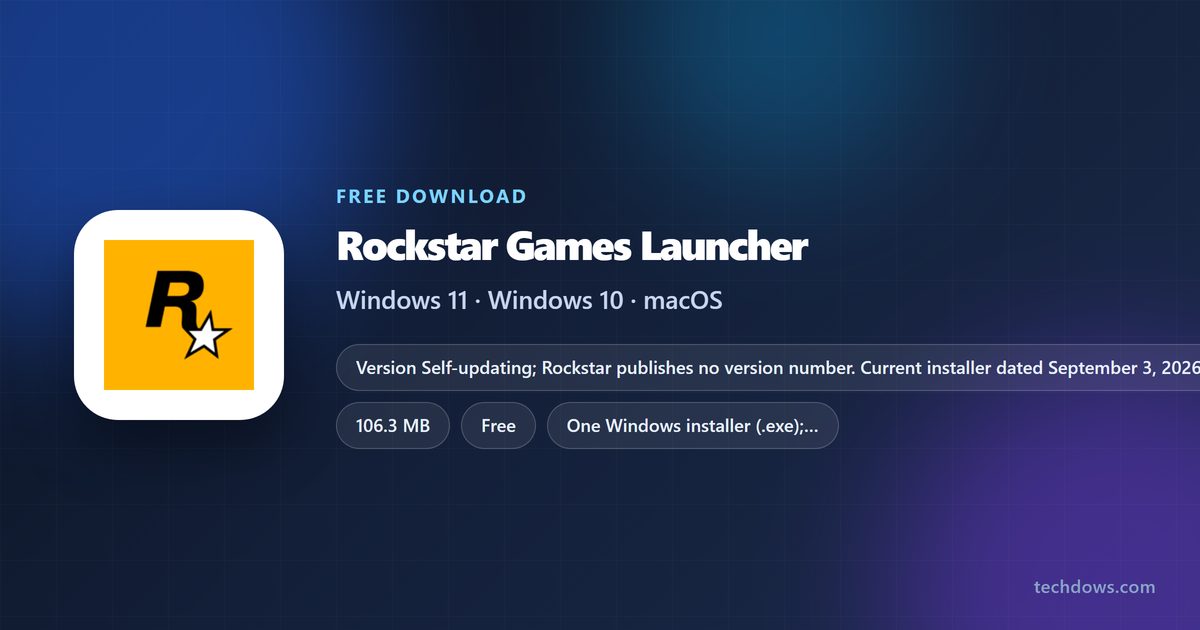
You can get the Rockstar download for Windows 11 and Windows 10 free from Rockstar Games’ own website. The Rockstar Games Launcher installs, updates and starts Rockstar PC games such as Grand Theft Auto V and Red Dead Redemption 2, and it signs you in to your Rockstar Games account.
This guide covers the official download link, installing and signing in, what is free, what Mac owners can play, system requirements, fixes for a launcher that will not install, and a clean uninstall.
Which Rockstar Games Launcher download do you need?
Rockstar ships one launcher installer, and it is for Windows. Match your device to a row.
| Your device | Get this | Size |
|---|---|---|
| Windows 11 or Windows 10 PC | Rockstar-Games-Launcher.exe | 106.3 MB |
| Mac | No launcher; buy supported games on Steam (Mac) or Amazon | Rockstar downloads page |
| iPhone or Android phone | Rockstar mobile games from the App Store or Google Play; no launcher needed | Mobile Games & Apps |
Pick the Windows row if you want GTAV or Red Dead Redemption 2 on a computer.
Download Rockstar Games Launcher for Windows 11 and Windows 10
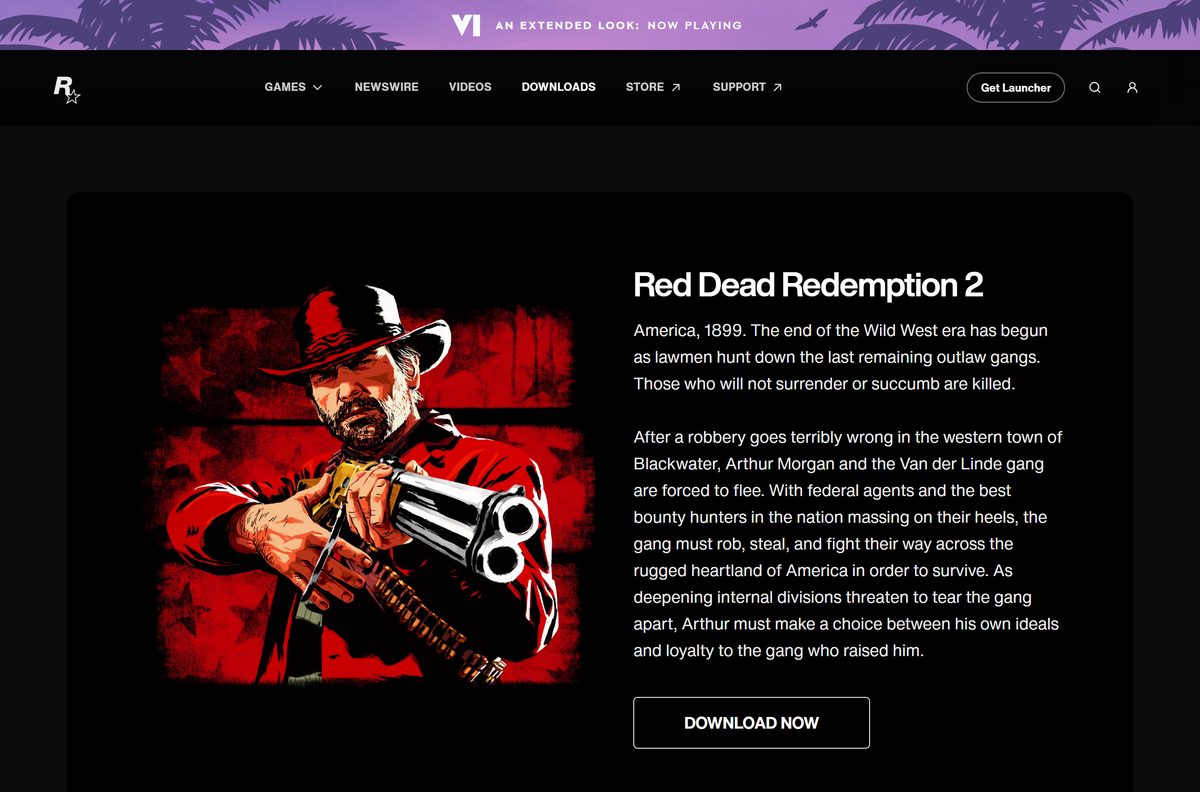
Rockstar lists the launcher at the top of its downloads page. The installer comes straight from Rockstar’s own download server.
- Rockstar Games downloads page — Rockstar Games Launcher under Featured Downloads
- Rockstar-Games-Launcher.exe for Windows — 106.3 MB
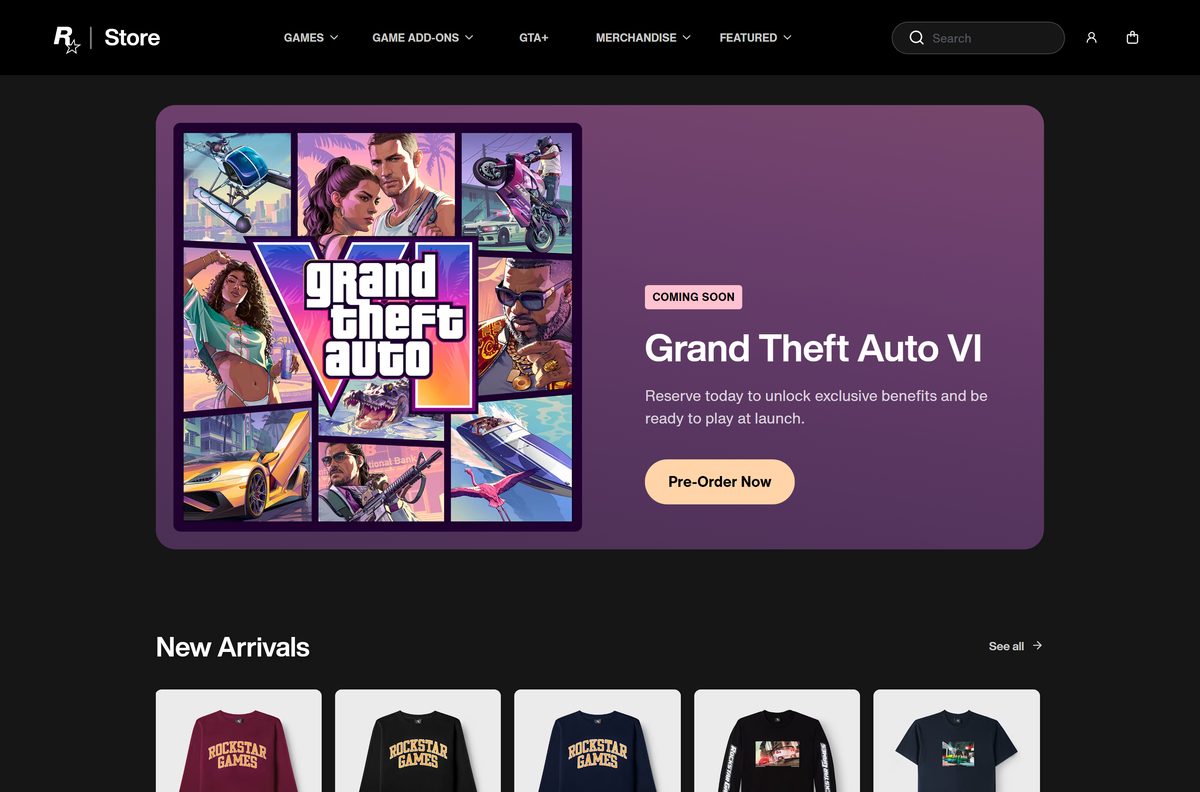
- Rockstar Store — Games, Shark Cards and Gold Bars for the launcher
The current installer is dated September 3, 2026. Once installed, the launcher keeps itself up to date, so a newer setup file never needs a manual download.
How to install Rockstar Games Launcher on Windows 11 and 10
Keep the PC online during setup. You need the connection to sign in and to activate games.
- Open the Rockstar Games downloads page in your browser.
- Select Rockstar Games Launcher under Featured Downloads, or select Get Launcher at the top of the page.
- Wait for Rockstar-Games-Launcher.exe to save to your Downloads folder.
- Double-click the file and select Yes at the User Account Control prompt.
- Follow the setup prompts to finish the install.
- Wait for setup to finish, then open Rockstar Games Launcher from the Start menu.
- Sign in with your Rockstar Games account.
- Open your library and install a game you own, or buy one from the Rockstar Store.
Games install into their own folders and are large. Check free space first: GTAV Enhanced alone asks for 105 GB on an SSD.
Which Rockstar download do you need for your Mac?
The Rockstar Games Launcher has no macOS version. Mac players buy the Mac editions Rockstar sells through other stores instead.
| Your situation | What to do | Where |
|---|---|---|
| You want an older Rockstar game on a Mac | Buy the Mac edition from Steam (Mac) or Amazon (Mac) | PC & Mac Games list |
| You want GTAV or Red Dead Redemption 2 | Play on a Windows PC; Rockstar sells the PC editions in the Rockstar Store | Rockstar Store |
| You want a Rockstar game on iPhone or iPad | Get it from the App Store | Mobile Games & Apps |
Only titles with a Steam (Mac) or Amazon (Mac) retailer on Rockstar’s downloads page have a Mac edition.
Is Rockstar Games Launcher free?
Yes. The Rockstar Games Launcher costs nothing to download or install. Rockstar charges for games, GTA Online Shark Cards, Red Dead Online Gold Bars and the GTA+ membership, all sold through the Rockstar Store. A site that asks you to pay for the launcher, or bundles it in its own setup program, is not Rockstar.
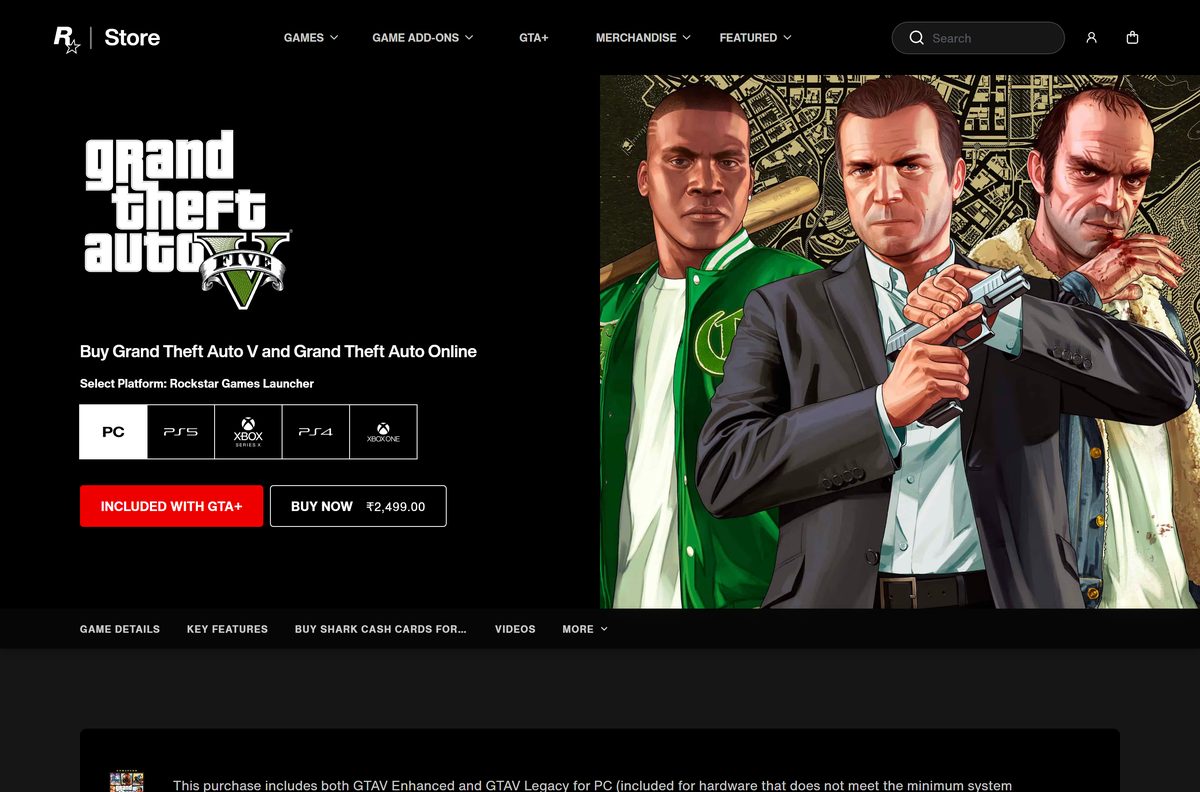
The Rockstar Store marks GTAV as included with GTA+, so check your membership before you buy the game separately.
Check the Rockstar Games Launcher requirements before you download
The launcher itself is a modest Windows app. The games you install through it set the real hardware bar.
| Field | Value |
|---|---|
| Software | Rockstar Games Launcher |
| Developer | Rockstar Games, Inc. |
| Latest version | No public version number; installer dated September 3, 2026; updates itself |
| License / Price | Free |
| File size | 106.3 MB (Rockstar-Games-Launcher.exe) |
| Supported OS | Windows 11 and Windows 10 |
| Architecture | One Windows installer; no processor list published |
| Account | Rockstar Games account required |
| Internet | Required for activation, online play and periodic entitlement checks |
| Extra software | DirectX, Chromium and Microsoft Visual C++ 2008 SP1 Redistributable install with games |
| Official download source | rockstargames.com/downloads |
| Offline installer | Full 106.3 MB setup file; sign-in still needs internet |
| Last verified | 2026-09-19 |
For GTAV Enhanced, Rockstar asks for at least Windows 10 with the latest update, 8 GB of RAM and a 4 GB graphics card, and recommends Windows 11. The full list is on the Rockstar Store GTAV page.
Fix Rockstar Games Launcher not installing on Windows 11 or 10
Restart the PC before anything else. A pending Windows update or a stuck background process often blocks setup.
The installer will not start or stops partway
A damaged download or missing administrator rights stops setup.
- Delete the old Rockstar-Games-Launcher.exe and download a fresh copy from the official downloads page.
- Right-click the new file and select Run as administrator.
- Select Yes at the User Account Control prompt.
- Allow the installer in your antivirus if it flags or quarantines the file.
A game refuses to install or start from the launcher
An outdated Windows build or missing runtime components block the game.
- Open Settings, select Windows Update and install every available update.
- Restart the PC after the updates finish.
- Reopen the launcher and install the game again so it adds DirectX, Chromium and Visual C++ 2008 SP1.
- Compare your PC with the game’s requirements on the Rockstar Store.
The launcher cannot sign in or activate a game
Activation and entitlement checks need a working connection to Rockstar.
- Open rockstargames.com in your browser to confirm the PC is online.
- Disconnect any VPN or proxy and try again.
- Sign out of the launcher, close it, then reopen it and sign in with your Rockstar Games account.
If the problem survives all of this, uninstall the launcher, restart and reinstall it from the official link.
How to uninstall Rockstar Games Launcher
Close the launcher and any running Rockstar game first.
- Open Settings and select Apps.
- Select Installed apps on Windows 11, or Apps & features on Windows 10.
- Type Rockstar in the search box.
- Select the three-dot menu next to Rockstar Games Launcher, or select the entry itself on Windows 10.
- Select Uninstall, then confirm with Uninstall.
- Select Yes at the User Account Control prompt and follow the uninstaller.
- Remove any Rockstar games you no longer play from the same list.
- Restart the PC before you reinstall the launcher.
Purchases stay attached to your Rockstar Games account, not the PC. Sign in again after a reinstall to get your library back.
Frequently asked questions
Is the Rockstar Games Launcher free?
Yes. The Rockstar Games Launcher is a free download from rockstargames.com. You pay only for the games, virtual currency or GTA+ membership you choose to buy, and those purchases happen in the Rockstar Store.
Where is the official Rockstar Games Launcher download?
Rockstar lists the launcher under Featured Downloads at rockstargames.com/downloads, and a Get Launcher button sits in the site header. The installer itself comes from gamedownloads.rockstargames.com as Rockstar-Games-Launcher.exe.
Does the Rockstar Games Launcher work on Windows 11?
Yes. The launcher runs on Windows 11 and Windows 10. Rockstar lists Windows 11 as the recommended system for GTAV Enhanced, which you buy and play through the launcher.
How big is the Rockstar Games Launcher download?
The installer, Rockstar-Games-Launcher.exe, is 106.3 MB. Every game you add afterwards needs far more space, and GTAV Enhanced alone asks for 105 GB on an SSD.
Is there a Rockstar Games Launcher offline installer?
The public installer is a full 106.3 MB setup file, so the launcher installs from that one download. Signing in, activating games and downloading them still need an internet connection.
Is there a Rockstar Games Launcher for Mac?
No. The launcher is a Windows program. Rockstar sells Mac editions of some older games through Steam (Mac) and Amazon instead.
Does the Rockstar Games Launcher run on 64-bit and ARM PCs?
Rockstar ships one Windows installer and publishes no processor architecture list for it. Check the requirements of the game you plan to play, because those decide whether a PC can run it.
Is the Rockstar Games Launcher safe to download?
Yes, when the file comes from rockstargames.com or gamedownloads.rockstargames.com. Rockstar gives the launcher away free, so skip any site that charges for it or wraps it in its own installer.
What is the latest version of the Rockstar Games Launcher?
Rockstar publishes no version number for the launcher. The official download currently serves an installer dated September 3, 2026, and the launcher keeps itself current after installation.
Why won’t the Rockstar Games Launcher install?
The usual causes are a damaged download, missing administrator rights, security software blocking setup, or an outdated Windows 10 build. Download a fresh copy from rockstargames.com, update Windows and run the installer as administrator.
Do I need the Rockstar Games Launcher to play GTA V on PC?
Yes, for copies bought from Rockstar. The Rockstar Store sells GTAV for the Rockstar Games Launcher platform and lists the launcher as required software for installation and online play.
Do I need a Rockstar Games account to use the launcher?
Yes. Installation and online play require signing in to a Rockstar Games account. Rockstar notes that the minimum age for an account varies by region.







Download Red Dead Redemption 2 for PC, Windows 11 and 10 - Techdows
[…] Rockstar Store copy needs the launcher on the PC first. The Rockstar Games Launcher download guide walks through that […]
Download GTA V for PC, Windows 11/10, Enhanced & Legacy (Free Launcher) - Techdows
[…] the Rockstar Games Launcher from Rockstar’s official […]