The Razer Cortex download for Windows 11 and Windows 10 is a free 14.2 MB installer from razer.com. Cortex boosts your PC for games, records clips, launches your library and tracks game deals.
Razer builds Cortex PC for 64-bit Windows. Phones get a separate app called Razer Cortex Mobile.
This guide covers the right download for your device, installing and updating Cortex, and fixes for Cortex not installing or not opening.
Which Razer Cortex download do you need?
Match your device to the row. Razer publishes one PC installer, so most readers need the first row.
| Your device | Download | Notes |
|---|---|---|
| Windows 11 or Windows 10 PC, 64-bit | RazerCortexInstaller.exe | 14.2 MB, the current Cortex PC |
| Windows 8 or Windows 7 PC | Razer Cortex 9 support page | Legacy Cortex 9, version 1.16.0.543 |
| iPhone or iPad | Razer Cortex Mobile on the App Store | Separate mobile app |
| Android phone or tablet | Razer Cortex Mobile on Google Play | Separate mobile app |
| Mac | Razer Cortex page | No macOS build; see the Mac section |
Press Windows + Pause or open Settings > System > About to confirm that System type reads 64-bit.
Download Razer Cortex from the official Razer page
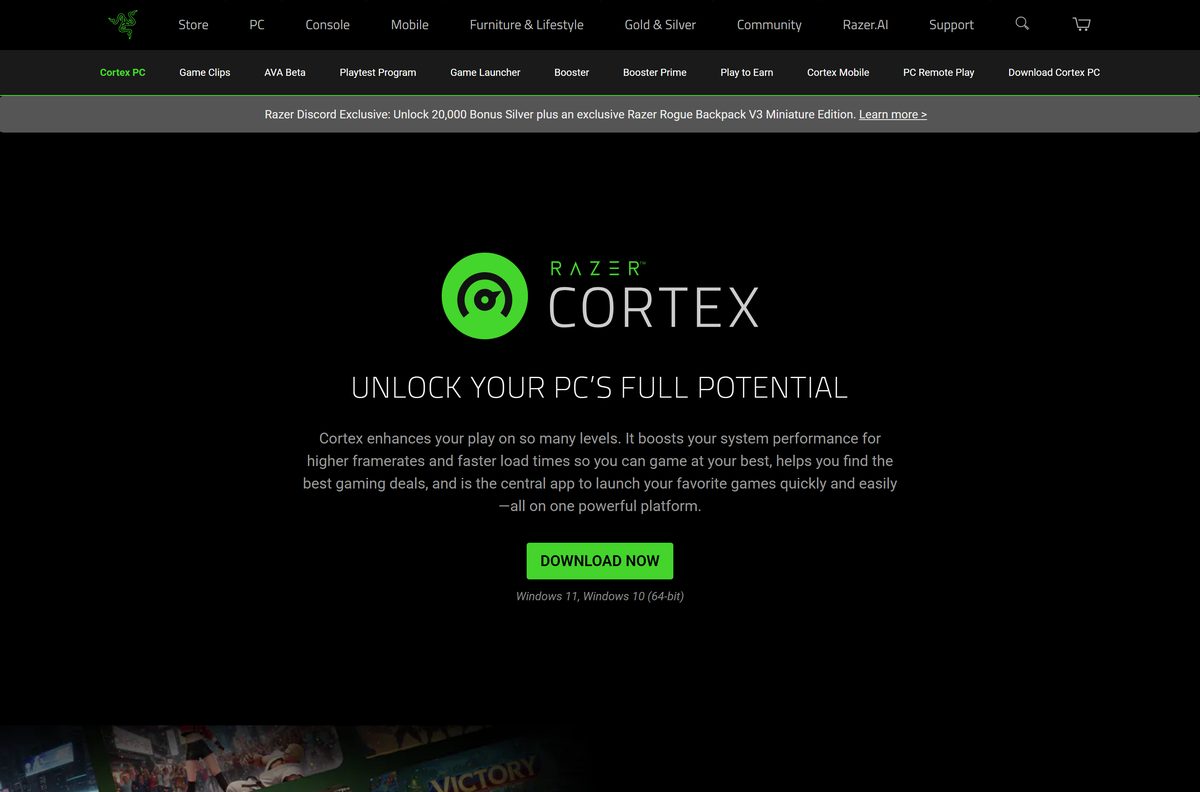
The DOWNLOAD NOW button on razer.com/cortex sends you to Razer’s own download server, dl.razerzone.com. The file is RazerCortexInstaller.exe.
- Razer Cortex official page — product page with the DOWNLOAD NOW button
- Razer Cortex PC installer — 14.2 MB · RazerCortexInstaller.exe, 14,923,464 bytes, Windows 11 and 10 64-bit
- Razer Cortex support — Razer’s own update instructions
Razer links this one installer and no separate offline package. Keep the PC online while setup runs.
How to install Razer Cortex on Windows 11 and 10
Sign in to Windows with an administrator account before you start.
- Open razer.com/cortex and click DOWNLOAD NOW.
- Save RazerCortexInstaller.exe to your Downloads folder.
- Double-click the file to start setup.
- Select Yes at the User Account Control prompt.
- Follow the installer screens and accept Razer’s terms.
- Wait while setup finishes, and keep the internet connection up.
- Open Razer Cortex from the Start menu.
- Sign in with your Razer ID when Cortex asks, or create a free one.
Game Booster starts on its own when you launch a game from the desktop or from Steam. You do not need to start games from Cortex.
Which Razer Cortex option works for your Mac?
Razer lists only Windows 11 and Windows 10 for Cortex PC. Pick the row that fits how you want to use Cortex.
| Your situation | Use this | Notes |
|---|---|---|
| Mac with Boot Camp running Windows 10 | RazerCortexInstaller.exe | Install it inside Windows, not macOS |
| You want Cortex rewards on your iPhone | Razer Cortex Mobile | Separate app from the App Store |
| You want to stream PC games to another device | Cortex Game Launcher Remote Play | The host PC runs Cortex on Windows 11 |
| macOS only, no Windows | Razer Cortex page | No macOS version exists |
Apple silicon Macs cannot run Boot Camp, so the first row applies only to Intel Macs.
Is Razer Cortex free?
Yes. Razer Cortex PC is a free download with no licence key or subscription. Razer offers the installer publicly on razer.com with no price or purchase step. Game Clips stores your clips in the cloud at no extra cost. Play to Earn pays you Razer Silver, a loyalty currency you redeem for Razer gear and games. A site that charges for the Cortex installer is not Razer.
Should you install Cortex PC or the old Razer Cortex 9?
Install the current Cortex PC on Windows 11 or 10. Use Razer Cortex 9 only on Windows 8 or 7. Razer lists Cortex 9, version 1.16.0.543, for Windows 8 and Windows 7 only. The current Cortex PC is the build that carries Booster Prime, Game Clips, Handheld Mode and Remote Play. Microsoft no longer sends security updates to Windows 8 or 7, so Razer does not recommend them.
How to check for Razer Cortex updates and install them
Cortex updates from its own tray menu. You do not need to download the installer again.
- Click the arrow at the lower right of the taskbar to expand the system tray.
- Right-click the Razer THS icon.
- Select Check for Updates from the menu.
- Click CHECK FOR UPDATES in the window that opens.
- Click UPDATE if a new version is listed, and wait for it to install.
- Reopen Razer Cortex once the update completes.
Check the Razer Cortex system requirements
Cortex asks for little beyond a 64-bit copy of Windows 11 or Windows 10.
| Field | Value |
|---|---|
| Software | Razer Cortex (Cortex PC) |
| Developer | Razer Inc. |
| Latest version | Not published by Razer; Cortex updates itself |
| Installer updated | 8 September 2026 |
| Licence | Free |
| File size | 14.2 MB (RazerCortexInstaller.exe) |
| Supported OS | Windows 11 and Windows 10, 64-bit |
| Remote Play host | Windows 11 only |
| Architecture | 64-bit Windows; no ARM64 build listed |
| Mac | Not available |
| Mobile | Razer Cortex Mobile for iPhone and Android |
| Official download source | razer.com/cortex |
| Offline installer | No separate package |
| Last verified | 2026-09-19 |
Booster Prime has one more condition. Your PC must meet the minimum requirements of the game you want to tune.
Which Razer Cortex tool should you use for your games?
Cortex bundles several tools in one app. Each tool does one job.
| Tool | What it does | Use it when |
|---|---|---|
| Game Booster | Tunes processing power and memory for higher frame rates | Any game feels sluggish |
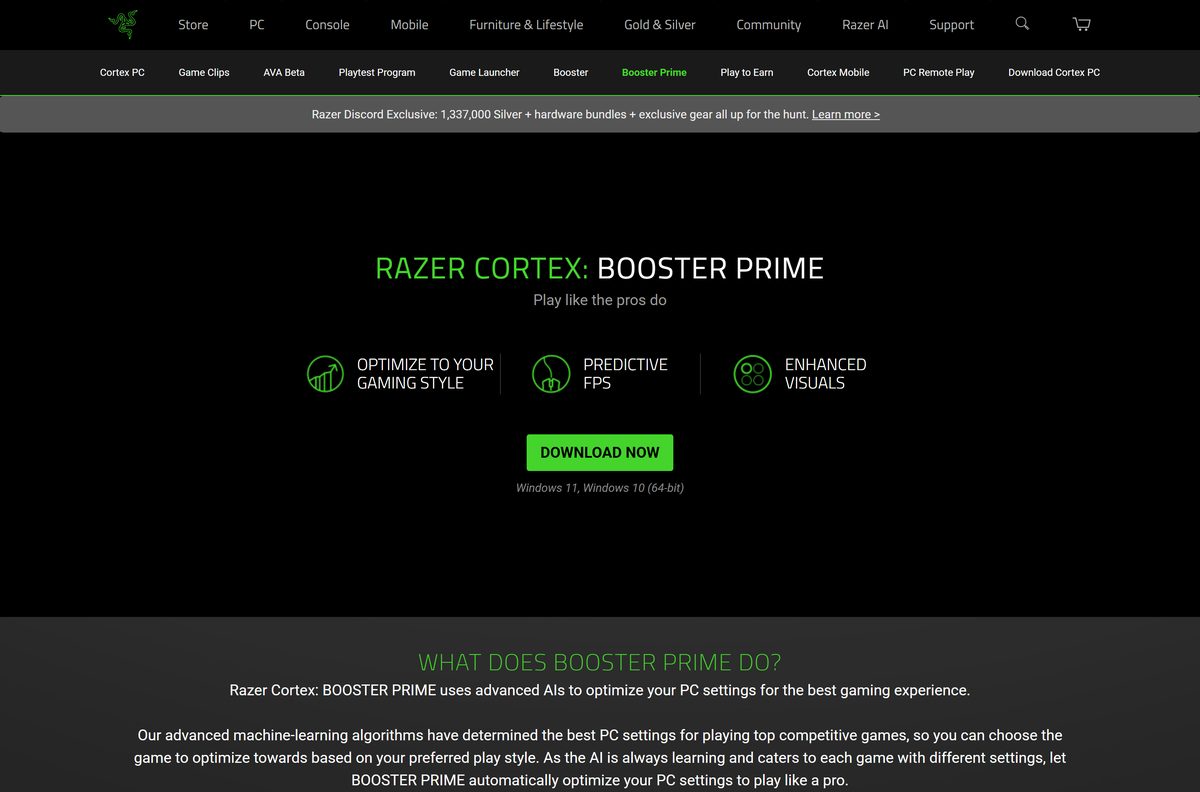
| Booster Prime | Applies tuned graphics settings to supported games | You play Cyberpunk 2077, Fortnite, PUBG, Valorant, Apex Legends, League of Legends or Call of Duty: Modern Warfare |
| System Booster | Finds and deletes junk files | Your drive is short of space |
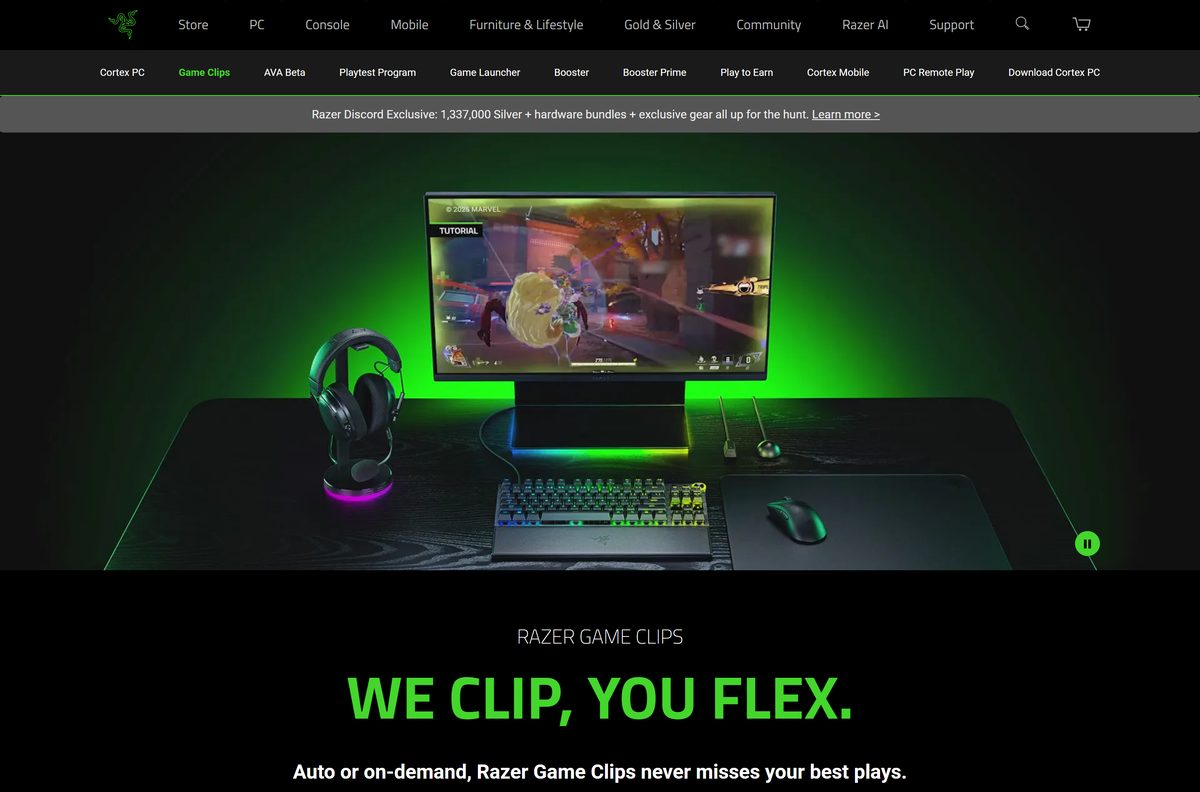
| Game Clips | Saves the last 30 seconds of play with one key press | You want highlights without a full recording |
| Game Launcher | Starts games from Steam, GOG Galaxy and Ubisoft Connect | Your library is spread across stores |
| Deals | Compares prices across digital PC game stores | You are about to buy a game |
Click REVERT in Booster Prime to put a game’s settings back the way they were.
Fix Razer Cortex not installing or not opening
Razer Cortex will not install on Windows 11 or 10
Setup lacks administrator rights or cannot reach Razer’s servers.
- Sign in to Windows with an administrator account.
- Download a fresh copy of RazerCortexInstaller.exe from razer.com/cortex.
- Right-click the file and select Run as administrator.
- Keep the internet connection up until setup finishes.
Razer Cortex will not open after installing
A stuck background process or a damaged install.
- Press Ctrl + Shift + Esc to open Task Manager.
- End every Razer Cortex process on the Processes tab.
- Open Cortex again from the Start menu.
- If it still fails, uninstall Cortex, restart the PC and reinstall it.
Setup refuses to run on an older PC
Cortex PC needs 64-bit Windows 11 or Windows 10.
- Open Settings > System > About.
- Check that System type reads 64-bit operating system.
- Upgrade to 64-bit Windows 10 or 11, or use Razer Cortex 9 on Windows 8 or 7.
Remote Play is missing on Windows 10
Razer supports the Remote Play host on Windows 11 only.
- Upgrade the host PC to Windows 11.
- Update Cortex through Check for Updates in the tray menu.
- Open Game Launcher and set up Remote Play again.
How to uninstall Razer Cortex
Close Cortex from the system tray first, or Windows can report that files are in use.
- Right-click the Cortex icon in the system tray and exit the app.
- Open Settings, then Apps > Installed apps.
- Search for Razer Cortex.
- Select the three-dot menu next to it, then Uninstall.
- Confirm with Uninstall and select Yes at the User Account Control prompt.
- Follow the uninstaller screens, then restart the PC.
Choose a Razer Cortex alternative for Windows
Windows already has basic game tools built in. Cortex adds deals, rewards and a unified launcher on top.
| Tool | Cost | Best for |
|---|---|---|
| Razer Cortex | Free | Boosting, clips, a multi-store launcher and Razer Silver rewards |
| Windows Game Mode | Built into Windows 11 and 10 | Basic priority for the game you are playing, under Settings > Gaming |
| Xbox Game Bar | Built into Windows 11 and 10 | Quick clips and screenshots with Windows + G |
| NVIDIA App | Free | Driver updates, game settings and recording on NVIDIA graphics cards |
Pick Cortex if you play across Steam, GOG Galaxy and Ubisoft Connect and want one launcher for all of them.
Frequently asked questions
Is Razer Cortex free?
Yes. Razer Cortex PC is a free download from razer.com with no licence key or subscription. Game Clips cloud storage costs nothing extra, and Play to Earn pays you Razer Silver loyalty points for gaming.
What is the official Razer Cortex download page?
The official page is razer.com/cortex. Its DOWNLOAD NOW button serves RazerCortexInstaller.exe from dl.razerzone.com, Razer’s own download server. Skip any other site that offers the installer.
Does Razer Cortex work on Windows 11?
Yes. Razer Cortex supports Windows 11 and Windows 10, both 64-bit. Remote Play in the Game Launcher needs Windows 11 on the host PC, while every other tool runs on both versions.
How big is the Razer Cortex download?
The Windows installer, RazerCortexInstaller.exe, is 14,923,464 bytes, about 14.2 MB. Keep the PC online while setup runs, and allow extra disk space for the installed app and any saved game clips.
Is there a Razer Cortex offline installer?
No. Razer links a single installer, RazerCortexInstaller.exe, and publishes no separate offline package. Run it on a PC with a working internet connection, and let Cortex update itself afterwards.
Is Razer Cortex available for Mac?
No. Razer builds Cortex PC for Windows 11 and Windows 10 only. An Intel Mac running Windows through Boot Camp can install it inside Windows, and iPhone owners can use the separate Razer Cortex Mobile app.
Is Razer Cortex 64-bit or ARM64?
Razer Cortex runs on 64-bit Windows 11 and Windows 10. Razer lists no 32-bit build and no ARM64 build for Windows on ARM laptops, so install it on a PC with an Intel or AMD processor.
Is Razer Cortex safe?
Yes, when you download it from razer.com. Razer states that Game Booster does not overclock your hardware or change its settings, and Booster Prime only adjusts in-game settings rather than altering game files.
What is the latest Razer Cortex version?
Razer does not print a version number on its Cortex pages. The installer on its server was updated on 8 September 2026, and Cortex installs newer builds itself through Check for Updates in the tray menu.
Why won’t Razer Cortex install?
Usually permissions, connectivity or an unsupported system. Run the installer as an administrator, keep the internet connection up, and confirm that Windows is the 64-bit edition of Windows 11 or Windows 10.
How do I update Razer Cortex?
Expand the system tray, right-click the Razer THS icon and select Check for Updates. Click CHECK FOR UPDATES, then UPDATE if a new version appears. Reopen Cortex once the update finishes installing.
Do I have to launch games from Razer Cortex for Game Booster to work?
No. Game Booster turns on automatically when you start a game from the desktop or from another client such as Steam. The Cortex launcher is optional and mainly gathers your games from several stores in one place.