An OfferUp download takes about a minute. On a Windows 11 or Windows 10 PC or a Mac, you install offerup.com as a desktop app from Chrome, Edge or Safari. On a phone, you get the free OfferUp Buy & Sell Marketplace app from the App Store or Google Play.
The desktop app opens in its own window with a taskbar or Dock icon. It signs in with your normal OfferUp account to browse local deals, post items and answer buyers.
Below are the official links, install steps for Windows and Mac, what the phone app adds, and fixes for OfferUp not installing or loading.
Which OfferUp download do you need?
Match your device to a row. Desktop rows install from the browser, and phone rows install from the store.
| Your device | What to install | Size |
|---|---|---|
| Windows 11 or Windows 10 PC | offerup.com, installed as an app in Chrome or Edge | Nothing to download |
| Mac on macOS Sonoma 14 or later | offerup.com, added to the Dock from Safari | Nothing to download |
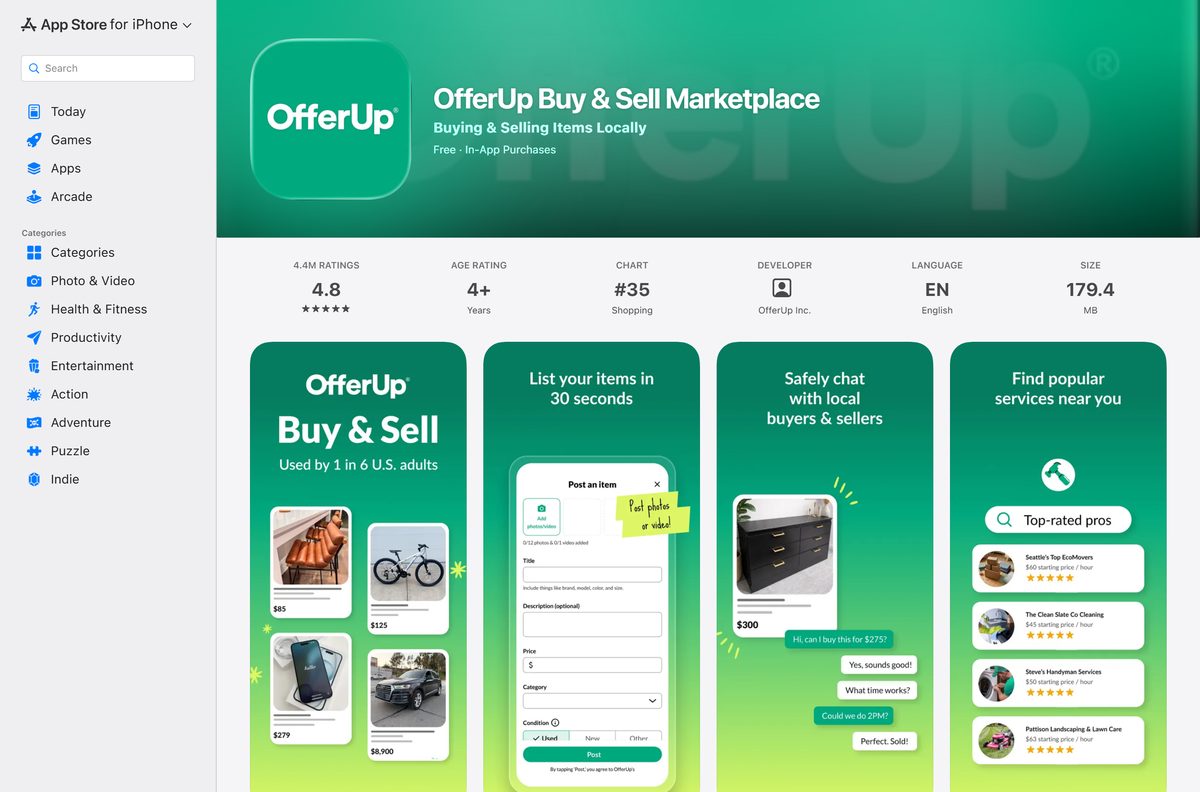
| iPhone or iPad on iOS 15.1 or later | OfferUp Buy & Sell Marketplace on the App Store | 179.4 MB |
| Android phone or tablet | OfferUp Buy & Sell Marketplace on Google Play | Play states no size |
Every route signs in to the same account, so saved items, listings and messages match across devices.
Download OfferUp from the official sources
OfferUp Inc. distributes the app through two stores and runs the marketplace at offerup.com. Use these links and nothing else.
- offerup.com — install it as an app on Windows and Mac
- OfferUp Buy & Sell Marketplace on the App Store — 179.4 MB · developer OfferUp Inc., iOS 15.1 or later
- OfferUp Buy & Sell Marketplace on Google Play — OfferUp Inc., 50M+ downloads, updated 21 September 2026
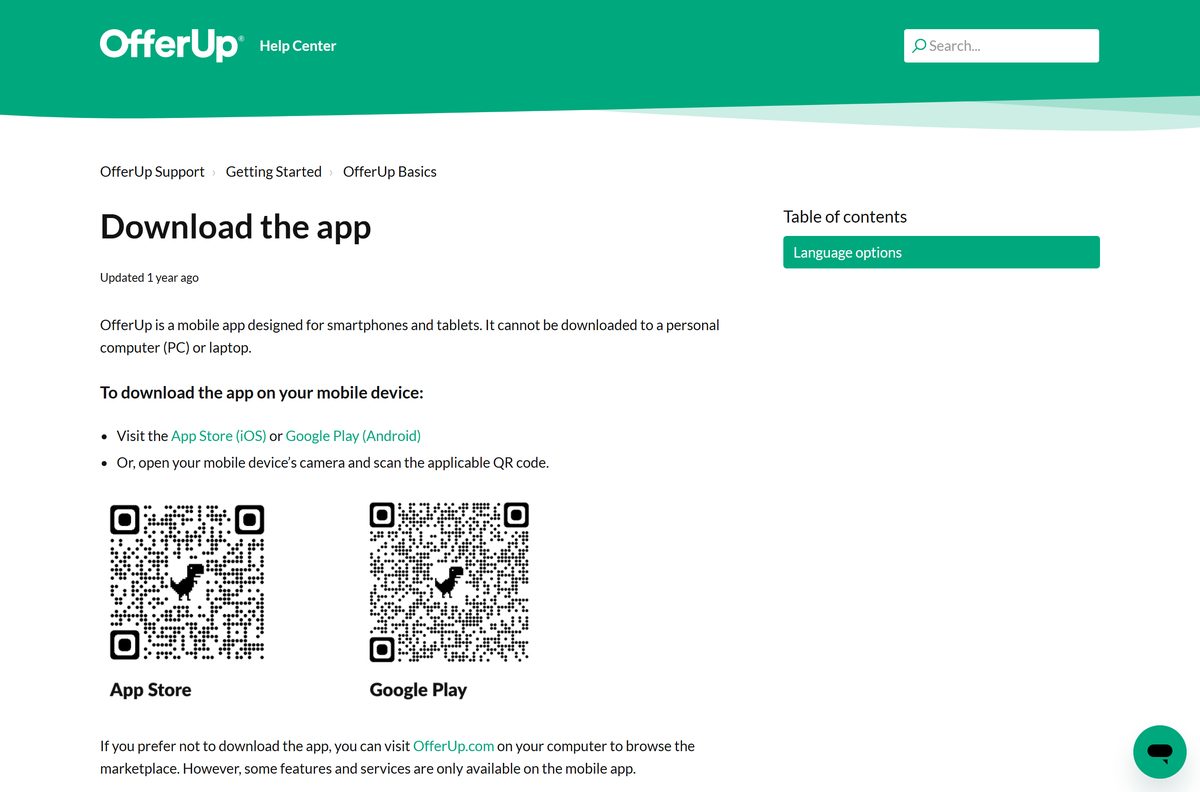
- OfferUp Help Center: Download the app — OfferUp’s own page with both store links and QR codes
OfferUp operates only in the United States, and the app is available in English only.
Check the OfferUp app requirements
The desktop app has no hardware floor of its own. The browser you install it with sets the minimum.
| Field | Value |
|---|---|
| App | OfferUp Buy & Sell Marketplace |
| Developer | OfferUp Inc. |
| Latest version | Web-based and auto-updating on PC and Mac; 2026.38.0 on iPhone and iPad |
| Price | Free, with in-app purchases |
| Windows | Windows 11 and Windows 10 through Chrome or Edge |
| Mac | macOS 13 Ventura or later in Chrome; macOS Sonoma 14 or later for a Safari web app |
| iPhone and iPad | iOS 15.1 or later, 179.4 MB |
| Android | Android 11 or later for current updates, through Google Play |
| Architecture | Uses the browser’s build: Chrome runs on Intel Windows 10 or later and ARM Windows 11 |
| Region and language | United States only; English only |
| Offline installer | None |
| Official source | offerup.com, the App Store and Google Play |
| Last verified | 2026-09-25 |
How to install OfferUp on Windows 11 and 10 with Chrome
Chrome turns offerup.com into a windowed app that opens from the taskbar or Start menu, without tabs or an address bar.
- Open Chrome and go to offerup.com.
- Click Log In and sign in with the method you used to create your account. Allow pop-ups if the sign-in window does not appear.
- Select More, the three-dot button at the top right.
- Select Cast, save, and share, then Install page as app.
- Keep the name OfferUp or type a new one, then select Install.
- Right-click the new window’s taskbar icon and select Pin to taskbar.
Chrome lists every installed web app at chrome://apps, which is the quickest place to reopen it.
Install OfferUp on Windows with Microsoft Edge instead of the Store
Edge builds the same windowed app with nothing extra to download. It suits a PC where Chrome is not installed.
- Open Microsoft Edge and go to offerup.com.
- Select Settings and more, the three-dot button at the top right.
- Select More tools, then Apps, then Install this site as an app.
- Name the app OfferUp and select Install.
- Go to edge://apps and select Details on the OfferUp card.
- Select Pin to taskbar.
A Microsoft Store search for OfferUp returns classifieds apps from other publishers, such as CPlus for Craigslist and Whatnot, but nothing from OfferUp Inc. Skip the Store and use Edge’s app install or Chrome.
Which OfferUp download do you need for your Mac?
Safari builds a Dock app from offerup.com on macOS Sonoma 14 or later. On macOS 13 Ventura, use Chrome.
| Your Mac | What to do | Source |
|---|---|---|
| macOS Sonoma 14 or later | Safari: File > Add to Dock on offerup.com | Apple |
| macOS 13 Ventura | Chrome: More > Cast, save, and share > Install page as app | |
| macOS 12 Monterey or earlier | offerup.com in Safari as a normal tab | OfferUp |
| You also sell from an iPhone | OfferUp on the App Store, 179.4 MB | Apple App Store |
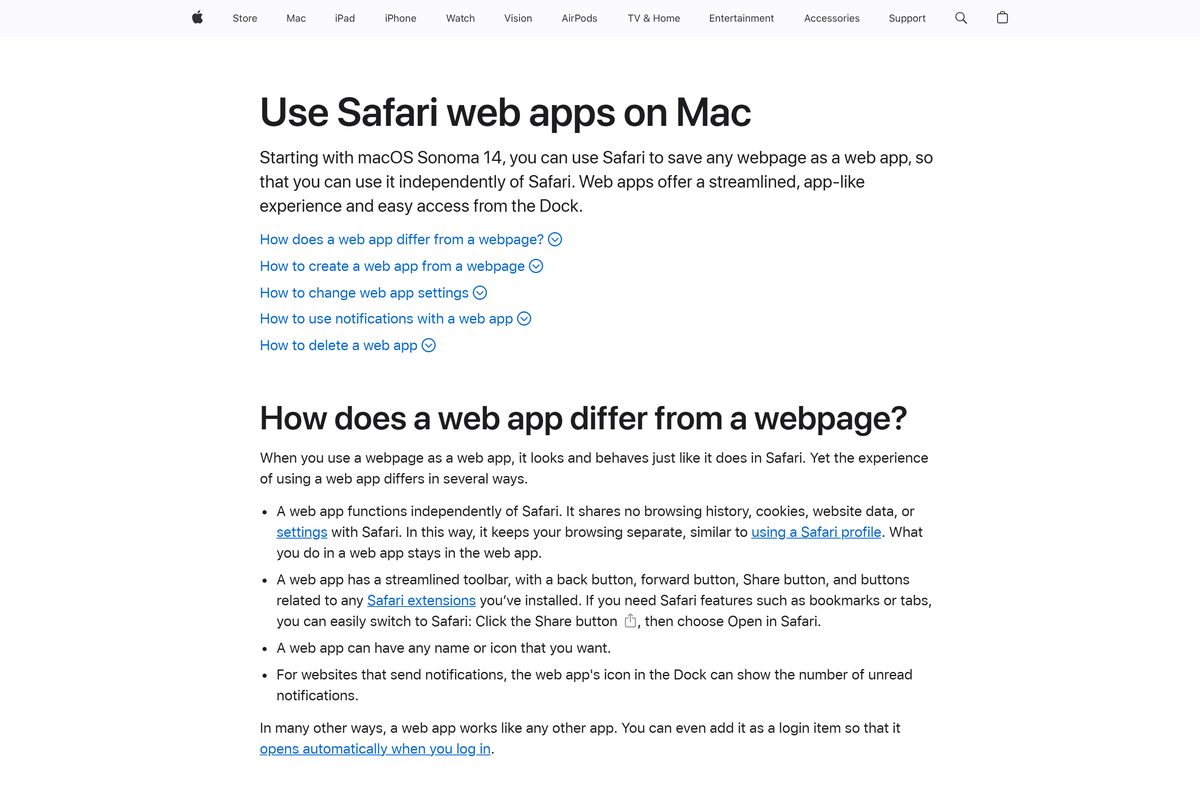
To add the Safari app, open offerup.com, choose File > Add to Dock, type a name and click Add. Safari saves it to the Applications folder in your home folder, and you can open it from the Dock or Spotlight.
Is OfferUp free?
Yes. Downloading OfferUp, browsing, posting items and messaging are free. The App Store lists the app as Free with in-app purchases, and Google Play installs it at no cost with a Contains ads label. OfferUp takes no fee or commission from in-person sales. Paid extras are optional: item promotions, extra listings once the free monthly allotment runs out, and OfferUp Premium for an ad-free app. The App Store lists Promote Plus at $19.99 a month.
OfferUp’s What is OfferUp page lists every paid feature, and the app shows the price before you pay.
Should you use the OfferUp phone app or the desktop app?
Install the phone app for selling and meetups, and add the desktop app for browsing and replying on a large screen. OfferUp’s help center says some features and services are only available on the mobile app, and it recommends the app for full access. A web listing takes up to 12 photos, while the app also takes one video and suggests a title and description from your photos. The desktop app suits searching, comparing listings and answering messages from a keyboard.
The steps for both routes are in OfferUp’s Post an item to sell guide.
How to check an OfferUp download is genuine
Store searches for OfferUp also surface classifieds apps from other companies. Check the publisher before you install.
- On the App Store, confirm the Developer field under OfferUp Buy & Sell Marketplace reads OfferUp Inc.
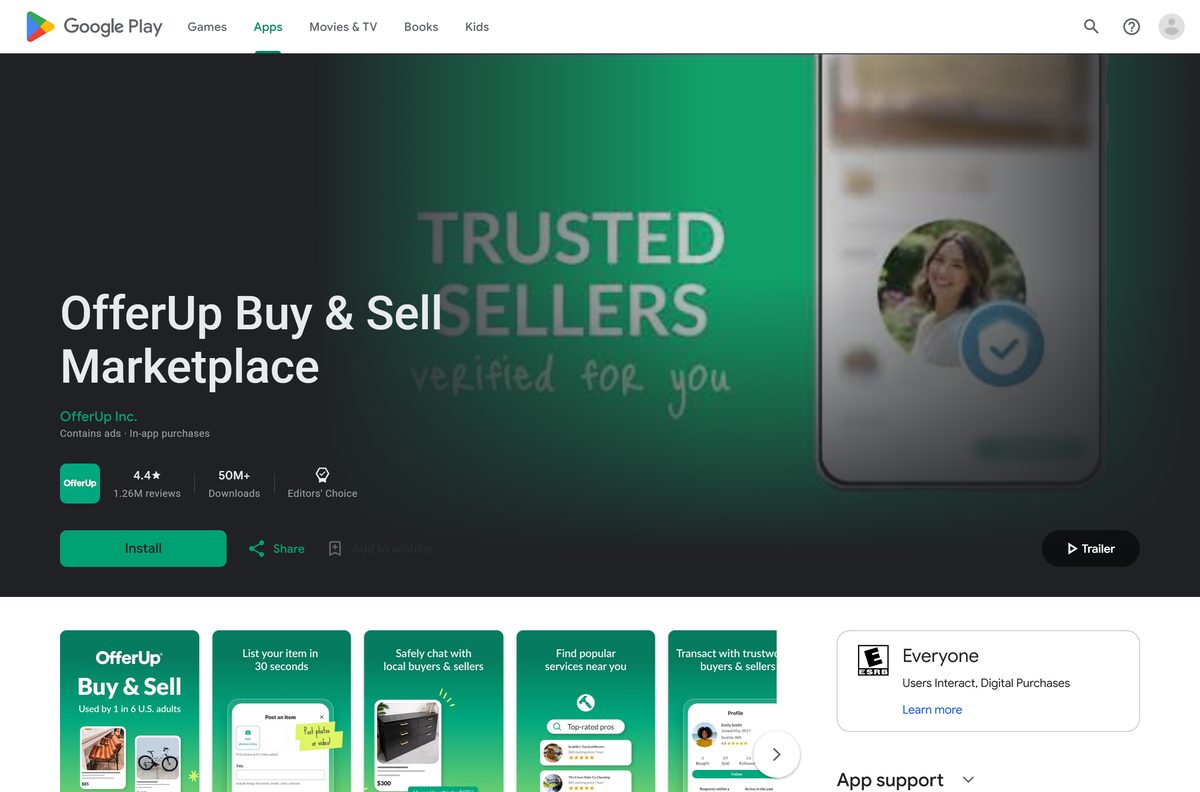
- On Google Play, confirm the name under the app title reads OfferUp Inc.
- On a PC or Mac, confirm the address bar shows offerup.com before you install the page as an app.
- Delete any .exe, .msi, .dmg or APK from another site that claims to be OfferUp, because OfferUp publishes none.
Google Play notes that OfferUp is not associated with Facebook Marketplace, Mercari, Poshmark, eBay or Craigslist.
How to check your OfferUp version and update it
The desktop app has no version number. It loads the current offerup.com every time it opens.
- Open the OfferUp app and tap Account on the Home page.
- Tap Account Settings and scroll to the bottom of the Settings page to read the app version.
- If you are logged out, tap Log In at the top right and read the version at the bottom of the pop-up.
- Update from the App Store on iPhone or Google Play on Android, or turn on automatic updates there.
- On a PC or Mac, keep Chrome, Edge or Safari up to date, because the desktop app runs inside the browser.
The App Store listed version 2026.38.0, released on 21 September 2026. OfferUp advises against reverting to older versions, which lack security fixes. Its update guide covers the details.
Fix OfferUp not installing or loading on PC, Mac or phone
offerup.com says OfferUp is only available in the US
OfferUp could not place you in the United States, often because of a proxy or VPN.
- Turn off any proxy or VPN.
- Refresh the page.
- If you are in the US and the block stays, contact [email protected] with the IP address and Ray ID the page shows.
The Log In window never opens on the PC
Web sign-in opens in a pop-up, which the browser is blocking.
- Allow pop-ups for offerup.com in the browser’s site settings.
- Click Log In again.
- Install the page as an app once you are signed in.
The Microsoft Store has no OfferUp app
OfferUp publishes no Windows package.
- Open offerup.com in Edge or Chrome.
- Install the page as an app with the steps above.
- Ignore Store results from other publishers.
The phone app no longer updates
OfferUp has ended support for iOS 14 and earlier and Android 10 and earlier.
- Update the phone to iOS 15 or later, or Android 11 or later, if the device supports it.
- Update the OfferUp app from the App Store or Google Play.
- On a phone that cannot update, use offerup.com in the browser.
The phone app crashes or will not load
A stale session, weak connection or outdated app.
- Switch between Wi-Fi and mobile data.
- Force close the app and reopen it, then restart the phone.
- Log out and back in.
- Uninstall the app and reinstall it from the App Store or Google Play, as OfferUp’s troubleshooting page advises.
How to uninstall OfferUp from a PC, Mac or phone
Removing the app removes a window and a shortcut. Your listings, messages and ratings stay on your account.
- In Chrome, open the OfferUp app window, select More, then Uninstall OfferUp, and confirm with Remove.
- In Edge, go to edge://apps, select Details on the OfferUp card, then Uninstall.
- On a Mac, open Go > Home in Finder, open the Applications folder and drag the OfferUp web app to the Trash.
- On an iPhone or Android phone, press and hold the OfferUp icon and choose the remove or uninstall option.
To close the account itself, open Account Settings > Privacy Settings > Account Deactivation / Deletion in the app, or follow OfferUp’s deactivate or delete guide. Neither step cancels a paid subscription, so cancel that separately.
Which other marketplace app should you use instead of OfferUp?
OfferUp is built for local, in-person deals in the US. Other marketplaces run their own free apps from their own publishers.
| App | Publisher | Price | Use it for |
|---|---|---|---|
| OfferUp Buy & Sell Marketplace | OfferUp Inc. | Free | Local pickup deals and nationwide shipping |
| Mercari: Buying & Selling App | Mercari, Inc. | Free | Selling used goods by mail |
| craigslist | craigslist, inc. | Free | Local classifieds, housing and jobs |
| eBay online shopping & selling | eBay Inc. | Free | Auctions and fixed-price sales |
Pick OfferUp when you want buyers nearby and cash at a meetup. Pick Mercari or eBay when you would rather ship the item.
Frequently asked questions
Is OfferUp free to download?
Yes. The App Store lists OfferUp Buy & Sell Marketplace as Free with in-app purchases, and Google Play installs it at no cost. Buying, posting items and messaging are free. Paid extras include promotions, extra listings and OfferUp Premium.
Can I download OfferUp on a PC or laptop?
OfferUp ships its app for phones and tablets only. On a Windows 11 or Windows 10 PC, open offerup.com in Chrome or Edge and install it as an app, which gives OfferUp its own window and taskbar icon.
Is there an OfferUp app for Mac?
Yes, as a web app. On macOS Sonoma 14 or later, open offerup.com in Safari and choose File, then Add to Dock. On macOS 13 Ventura, install the page as an app from Chrome.
Can I post items on OfferUp from a computer?
Yes. Log in at offerup.com and click Post in the top navigation bar. The web form takes up to 12 photos, while the phone app also accepts one video per listing.
How big is the OfferUp app download?
The iPhone and iPad app is 179.4 MB on the App Store. Google Play shows no size for the Android app. The desktop app downloads no installer, because it runs offerup.com inside your browser.
What does the OfferUp app need to run?
The App Store version needs iOS 15.1 or later. OfferUp has ended support for iOS 14 and earlier and Android 10 and earlier, so use Android 11 or later to keep getting updates.
Why does OfferUp say it is not available in my location?
OfferUp works only in the United States. A proxy or VPN can trigger the location block, so turn it off and refresh the page.
Is there an OfferUp .exe or Microsoft Store app?
No. OfferUp publishes no .exe, .msi or .dmg, and a Microsoft Store search for OfferUp returns only apps from other publishers. Install offerup.com as an app from Edge or Chrome instead.
How do I check which OfferUp version I have?
Open the app, tap Account, then Account Settings, and scroll to the bottom of the Settings page. The App Store listed version 2026.38.0, released on 21 September 2026.
Does uninstalling OfferUp delete my account?
No. Removing the app or the desktop web app leaves your listings, messages and ratings in place. Deactivate or delete the account separately from Account Settings or the offerup.com deactivation page.






