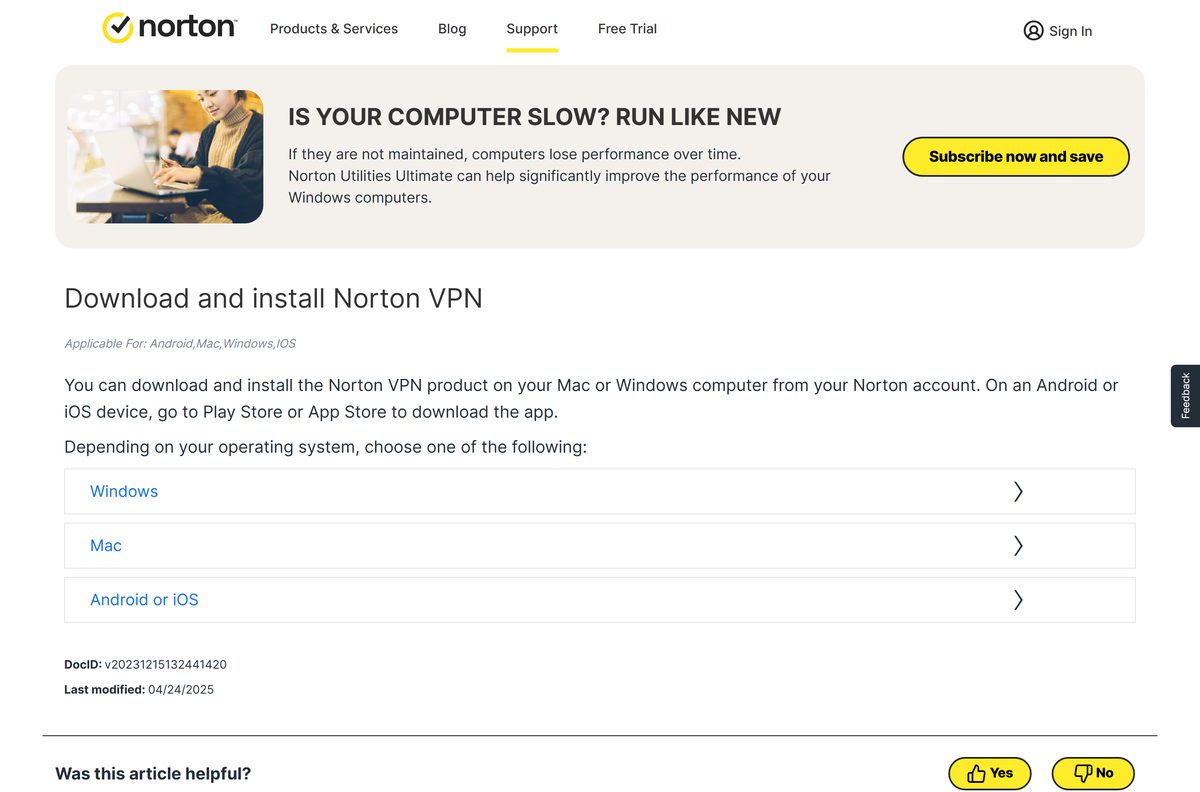
The Norton VPN download for Windows 11, Windows 10 and Mac comes from your Norton account at my.norton.com. Norton runs free trials on its plans, and a payment method is required when you sign up.
One subscription covers five devices on Norton VPN Standard and Plus, or ten on Norton VPN Ultimate, across PCs, Macs, phones, tablets and smart TVs.
This guide covers which download route fits your device, setup on Windows and Mac, plan pricing, automatic connection, connection errors and a clean uninstall.
Which Norton VPN download do you need?
Norton serves one app per platform, and the desktop installers sit behind the account dashboard. Check your Windows edition under Settings > System > About.
| Your device | Where to get the app | Note |
|---|---|---|
| No subscription yet | Norton VPN plans and trial | Payment method required at sign-up |
| Windows 11 or 10 PC with an Intel or AMD processor | Download from my.norton.com | Sign in, then click Download under the VPN name |
| Windows 11 PC with a Snapdragon X (ARM) chip | Download from my.norton.com | Same installer; ARM chips are supported |
| Mac on a current or recent macOS release | Mac download and install steps | Safari, then the same account dashboard |
| iPhone, iPad or Android phone | Mobile install steps | App Store or Play Store, then tap I Already Have a Subscription |
| Google TV, Apple TV or Amazon Fire TV | Smart TV install steps | Search for Norton VPN – Fast and Secure in the TV store |
Windows 11 and Windows 10 in S mode are excluded. The app does not install on those editions.

Download Norton VPN from the official Norton pages
Every genuine installer comes from a norton.com address. Subscribers download from the account dashboard, and new buyers start on the product page.
- My Norton account dashboard — The Download button for existing subscribers
- Norton VPN plans and system requirements — Pricing, device counts and supported platforms
- Norton free trials page — 7-day trials of the Norton 360 plans, which bundle the same VPN
- Download and install guide — Official steps for Windows, Mac, Android and iOS
There is no public installer link and no offline installer. Sign-in and activation both need an internet connection.
How to install Norton VPN on Windows 11 and 10
Sign in to Windows with an administrator account before you start. Setup writes a network driver, so it needs elevation.
- Open my.norton.com and click Sign In.
- On the My Norton page, find the VPN product name and click Download.
- Click Agree & Download and save the installer.
- Press Ctrl + J in the browser and double-click the file you downloaded.
- Click Yes if the User Account Control window appears.
- Follow the on-screen instructions until setup finishes.
- Launch the app and sign in with your Norton account.
- On the dashboard, slide the VPN switch to ON.
An Uninstall conflicting apps window means another security tool blocks setup. Click Uninstall beside each app listed, then run the installer again.
Which Norton VPN steps apply to your Mac?
Mac setup adds two prompts that Windows does not have: an installer helper and a system approval. Check your release under Apple menu > About This Mac.
| Your Mac | What to do | Note |
|---|---|---|
| Current or previous two macOS versions | Mac install steps | Sign in with Safari, click Agree and Download |
| Installer stops at a permission prompt | Mac install steps | Type the admin password, click Install Helper, then Allow |
| App installs but will not connect | Connection fix for Mac | Remove the app, restart, reinstall from the account |
| An older macOS release than Norton supports | Supported macOS versions | Update macOS first; older releases fall out of support |
Setup ends with a restart. Click Restart when the installer asks, or the network extension stays inactive.
Is Norton VPN free?
Norton offers free trials of the VPN, and a payment method is required at sign-up. The card is charged when the trial ends unless you cancel first.
Norton also runs 7-day free trials on its Norton 360 plans, which include the same VPN alongside antivirus.
Norton VPN is a paid subscription, so treat the trial as a timed look rather than a free tier. Norton VPN Standard costs $39.99 for the first year and $79.99 a year after that, for five devices. Plus costs $49.99 then $109.99 for five devices, and Ultimate costs $59.99 then $129.99 for ten. Annual plans carry a 60-day refund window, monthly plans 14 days. Any site offering a cracked or lifetime copy is not selling a Norton product.
Should you install Norton VPN 6.x or 24.x?
Norton splits its desktop app into two branches in its own support material, and the features differ.
Install the 24.x app. Version 6.x and below is the old branch. Norton tells anyone still on Norton VPN Standard 6.x or below to download and install the latest version, because settings such as Automatically turn on VPN live only in 24.x and above. The download in your account is always the current build.
How to check your Norton VPN version and update it
The version string is not printed on any Norton page. It shows inside the app.
- Open the app on your Windows PC or Mac.
- Click Settings on the left side of the window.
- Read the version number shown on the settings screen.
- Note whether it starts with 6 or 24.
- Open my.norton.com and click Sign In if the number starts with 6.
- Click Download under the VPN product name, then run the installer over your current copy.
On Norton VPN Plus and Ultimate, Settings sits in the left sidebar. On Standard, the options sit under Overview.
Check the Norton VPN system requirements before you install
Norton lists the supported systems on its product page, and S mode is the one Windows edition left out.
| Field | Value |
|---|---|
| Software | Norton VPN |
| Developer | Gen Digital Inc. |
| Latest version | 24.x branch; Norton publishes no exact build number |
| License | Paid subscription, free trial with a payment method |
| Price | $39.99 first year (Standard), renews at $79.99 a year |
| File size | Not stated by Norton; the installer is behind account sign-in |
| Supported OS | Windows 11, 10, 8/8.1 and 7 SP1 or later; macOS current and previous two versions |
| Architecture | x86/x64 and Snapdragon X (Plus and Elite)/ARM on Windows |
| Devices per plan | 5 on Standard and Plus, 10 on Ultimate |
| Official download source | norton.com |
| Offline installer | No |
| Last verified | 2026-09-22 |
Windows 11 and Windows 10 in S mode are excluded from the supported list.
What Norton VPN gives you on each platform
Protocol choice and a few features change per platform. The app picks a protocol for you unless you set one.
| Platform | Protocols available | Platform-specific features |
|---|---|---|
| Windows | Mimic, WireGuard, OpenVPN | Split Tunneling, Kill Switch, Launch-at-Startup |
| Mac | Mimic, WireGuard, IPsec | Kill Switch, Auto-Connect, Pause VPN |
| Android | Mimic, WireGuard, OpenVPN | Split Tunneling, Wi-Fi Security, VPN widget |
| iPhone and iPad | WireGuard, IPsec | Wi-Fi Security, Enable Warnings |
| Google TV, Apple TV, Fire TV | Handled by the TV app | Region switching for geo-restricted streaming |
| Chrome, Edge, Firefox | Browser extension only | Ad Blocker and Ad Tracker Blocking |
Malware protection, Password Manager and Dark Web Monitoring belong to Plus and Ultimate. Privacy Monitor is Ultimate only, in the US and Canada.
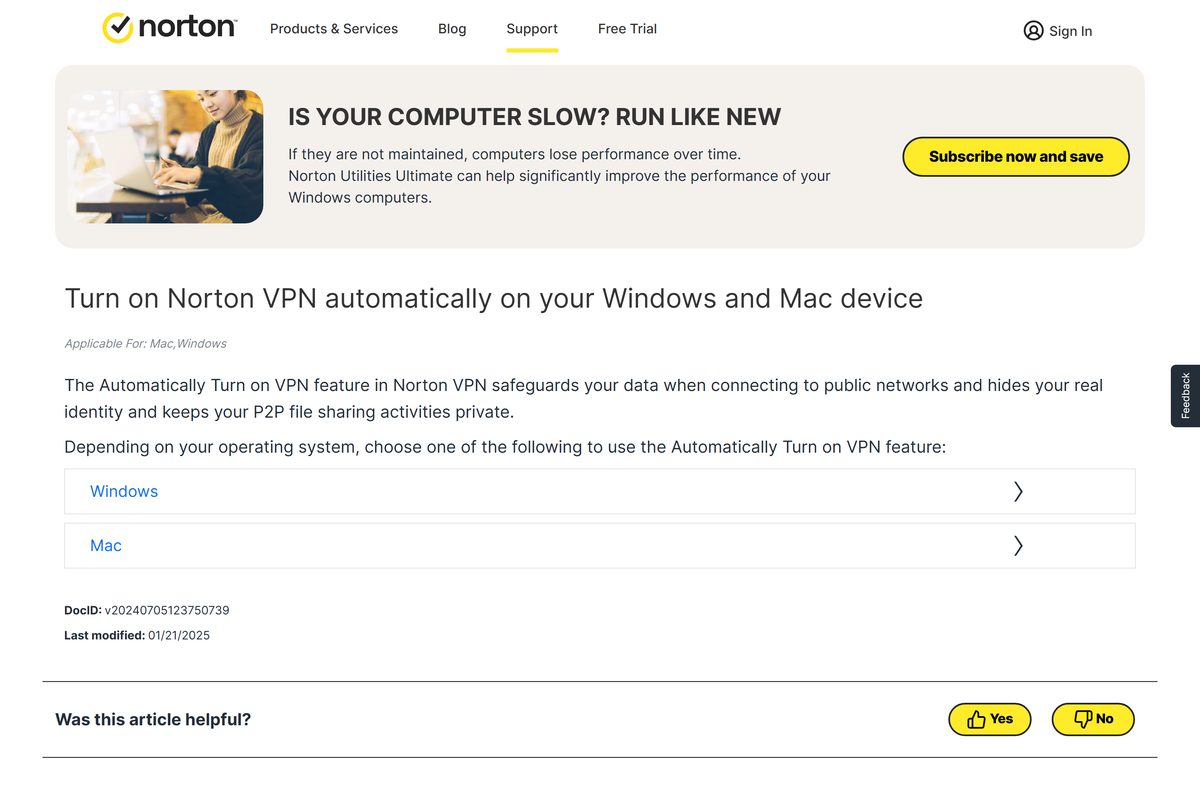
How to turn Norton VPN on automatically on Windows and Mac
The app can connect by itself whenever you join a network, so you never browse unprotected by accident.
- Open the app on your desktop.
- On Standard, open the VPN Preferences tab under Overview.
- On Plus or Ultimate, click Settings, then open the VPN Preferences tab.
- Under Automatically turn on VPN, choose Always to connect on every network.
- Choose Custom instead to limit it to specific cases.
- Move the slider for When connecting to Public networks or When connecting P2P.
- Click the gear icon beside the public network option to review saved network profiles.
Inside Norton 360, the same switch sits under Privacy > Secure VPN > Open, then the Settings tab.
Fix Norton VPN not installing or not connecting on Windows
Each failure below has one cause and one fix. Work through the symptom that matches your screen.
Setup stops with an Uninstall conflicting apps window
Another security app on the PC is incompatible, so installation cannot continue.
- In the Uninstall conflicting apps window, click Uninstall next to the app listed.
- In the Uninstall or change a program window, select that application.
- Click Uninstall.
- Click Yes if User Account Control appears.
- Run the Norton installer again once the app is gone.
The app will not connect to a VPN server
A damaged installation is the usual cause, and a clean reinstall clears it.
- Press Windows + R, type appwiz.cpl and press Enter.
- Select the VPN entry in the program list and click Remove or Uninstall.
- Click Yes to confirm, then restart the computer.
- Open my.norton.com and click Sign In.
- Click Download under the VPN product name and run the installer.
- Sign in to the app, then slide the VPN switch to ON.
Message: VPN stopped working
This appears on Standard, Plus and Ultimate, and a restart clears most cases.
- Close every open program.
- Restart the computer and open the app again.
- Remove the app through appwiz.cpl if the message returns.
- Sign in at my.norton.com and click Download under Secure VPN.
- Click Agree & Download, then double-click the installer.
- Follow the prompts to finish the reinstall.
Setup fails on Windows 11 or 10 in S mode
S mode runs Microsoft Store apps only, and Norton excludes it from the supported list.
- Open Settings > System > About and check the Windows edition.
- Switch the PC out of S mode if the edition line says S mode.
- Run the installer from your Norton account again.
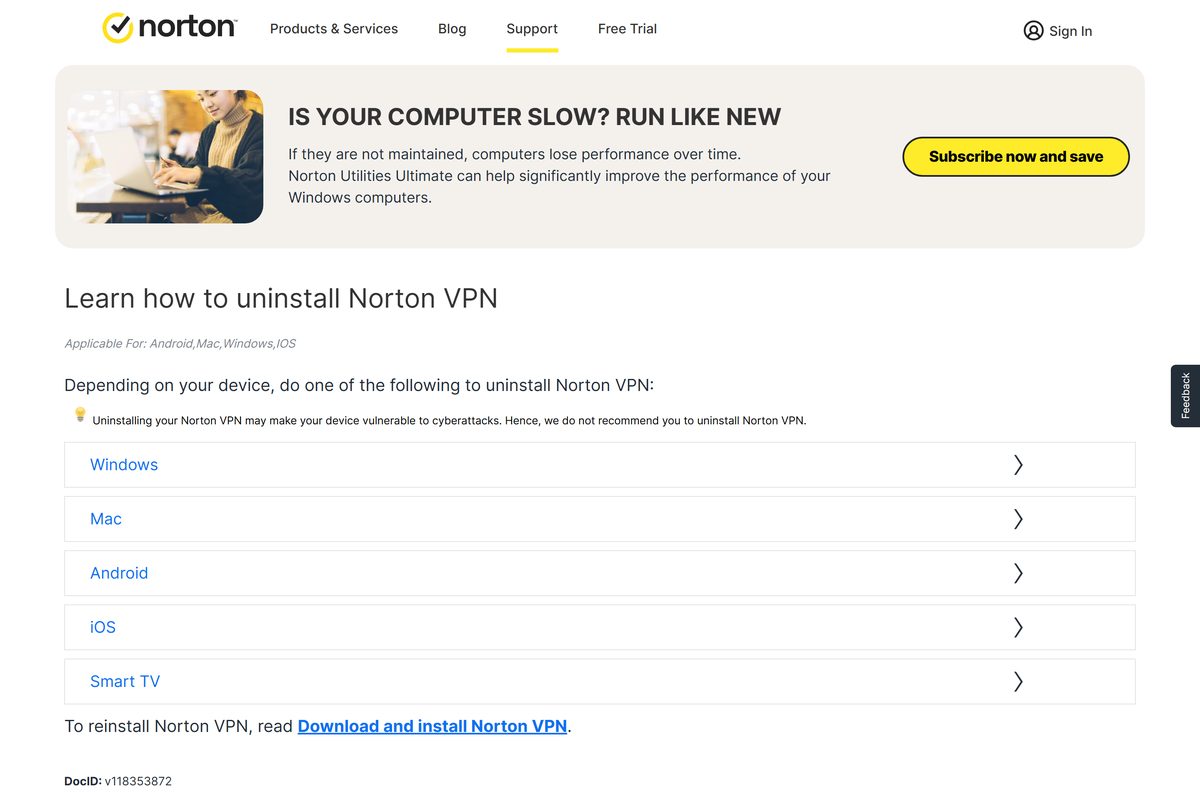
How to uninstall Norton VPN from Windows and Mac
Removing the app leaves the subscription intact. You can reinstall it on the same device later.
- On Windows, press Windows + R, type appwiz.cpl and press Enter.
- In Uninstall or change a program, click the VPN entry.
- Click Uninstall/Change at the top of the screen and follow the prompts.
- On a Mac, close the app first, then click Finder > Applications.
- Right-click the app icon and click Move to Trash.
- Double-click Norton Uninstaller if an error appears, then click Continue.
- Type your Mac administrator password, click OK, then click Uninstall.
Norton advises against removing the app, since the device loses its encrypted tunnel.
Which Norton plan should you buy instead of a standalone VPN?
The same VPN ships inside the Norton 360 suites, so the choice is about what else you need.
| Plan | What you get | Where to start |
|---|---|---|
| Norton VPN Standard | VPN only, Kill Switch, Double VPN, Ad Blocker, 5 devices | Product page |
| Norton VPN Plus | Adds malware protection, Password Manager, 10 GB backup, 5 devices | Product page |
| Norton VPN Ultimate | Adds Parental Control, Privacy Monitor, 50 GB backup, 10 devices | Product page |
| Norton 360 plans | Antivirus first, with the same VPN bundled in | Norton 360 download guide |
Buying a 360 plan and a separate VPN plan duplicates the tunnel. Pick one.
Frequently asked questions
Is Norton VPN free?
No. Norton VPN is a paid subscription. Norton offers free trials and requires a payment method at sign-up, which is charged when the trial ends unless you cancel first. Standard starts at $39.99 for the first year.
What is the official Norton VPN download page?
Norton lists plans and system requirements at us.norton.com/products/norton-vpn. The installer itself downloads from your signed-in account at my.norton.com, using the Download button beside the VPN product name.
Does Norton VPN work on Windows 11?
Yes. Norton supports Windows 11 and Windows 10 in all editions except S mode, plus Windows 8/8.1 and Windows 7 SP1 or later. Snapdragon X and other ARM chips are supported alongside x86 and x64.
How big is the Norton VPN installer?
Norton does not state a size. The installer is served from the signed-in account dashboard rather than a public link, and no Norton page publishes the file size for the Windows or Mac build.
Is there a Norton VPN offline installer?
No. Norton publishes no standalone offline installer. The download starts inside your account, and the app needs an internet connection to sign in and activate the subscription on the device.
Can you install Norton VPN on a Mac?
Yes. The Mac app runs on the current or previous two versions of macOS. Sign in to your account in Safari, click Agree and Download, supply the administrator password, then restart when setup asks.
What is the latest Norton VPN version?
Norton publishes no exact build number. Its support material splits the desktop app into version 24.x and above, and version 6.x and below. Open the app and click Settings to read your own version.
Is Norton VPN safe to install?
Yes, when the installer comes from my.norton.com or a Norton product page. Norton states a no-log policy and does not track, log or save browsing activity. Avoid any site selling cracked or lifetime copies.
How many devices does one Norton VPN subscription cover?
Norton VPN Standard and Norton VPN Plus each cover five devices. Norton VPN Ultimate covers ten. The count spans Windows PCs, Macs, phones, tablets and supported smart TVs during the subscription term.
Why will Norton VPN not install on my PC?
The usual cause is a conflicting security app, which triggers an Uninstall conflicting apps window during setup. Remove the app it names, then run the installer again. S mode editions block installation outright.