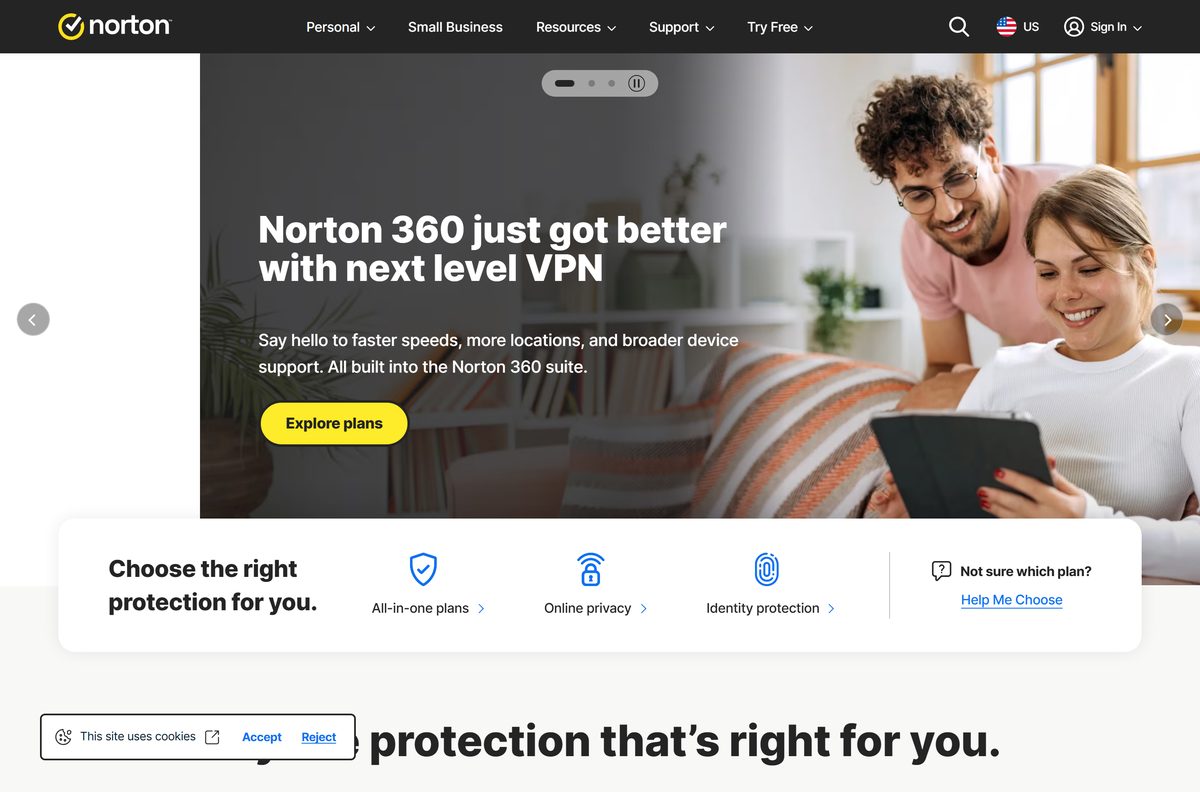
The Norton 360 download for Windows 11, Windows 10 and Mac comes from your Norton account at my.norton.com. New customers start with a 7-day free trial on norton.com, then download the same app from the account dashboard.
One subscription covers PCs, Macs, phones and tablets, from three devices on Norton 360 Standard up to ten on the LifeLock Select Plus plan.
This guide covers which download route fits your device, setup on Windows and Mac, the Microsoft Store app for S mode, updates, install errors and a clean uninstall.
Which Norton 360 download do you need?
Norton serves one installer per platform from your account. Check your Windows edition under Settings > System > About.
| Your situation | Where to get Norton 360 | Note |
|---|---|---|
| No subscription yet | Norton free trials page | 7-day trial; payment method required at sign-up |
| Windows 11 or 10 PC with an Intel or AMD processor | Download from my.norton.com | Sign in, then click Download |
| Windows 11 PC with a Snapdragon X (ARM) chip | Download from my.norton.com | Parental Control is not included on ARM |
| Windows 11 or 10 in S mode | Norton Security Protection from the Microsoft Store | The standard installer does not run in S mode |
| Mac on macOS 10.13 High Sierra or later | Mac download guide | Download from the same Norton account |
| Product key from a retail box | norton.com/setup | Enter the key, then download |
| Account download will not start | Direct installer links | Separate links for Windows and Mac |
Chromebooks are not supported. Norton lists its products as incompatible with ChromeOS.
Download Norton 360 from the official Norton pages
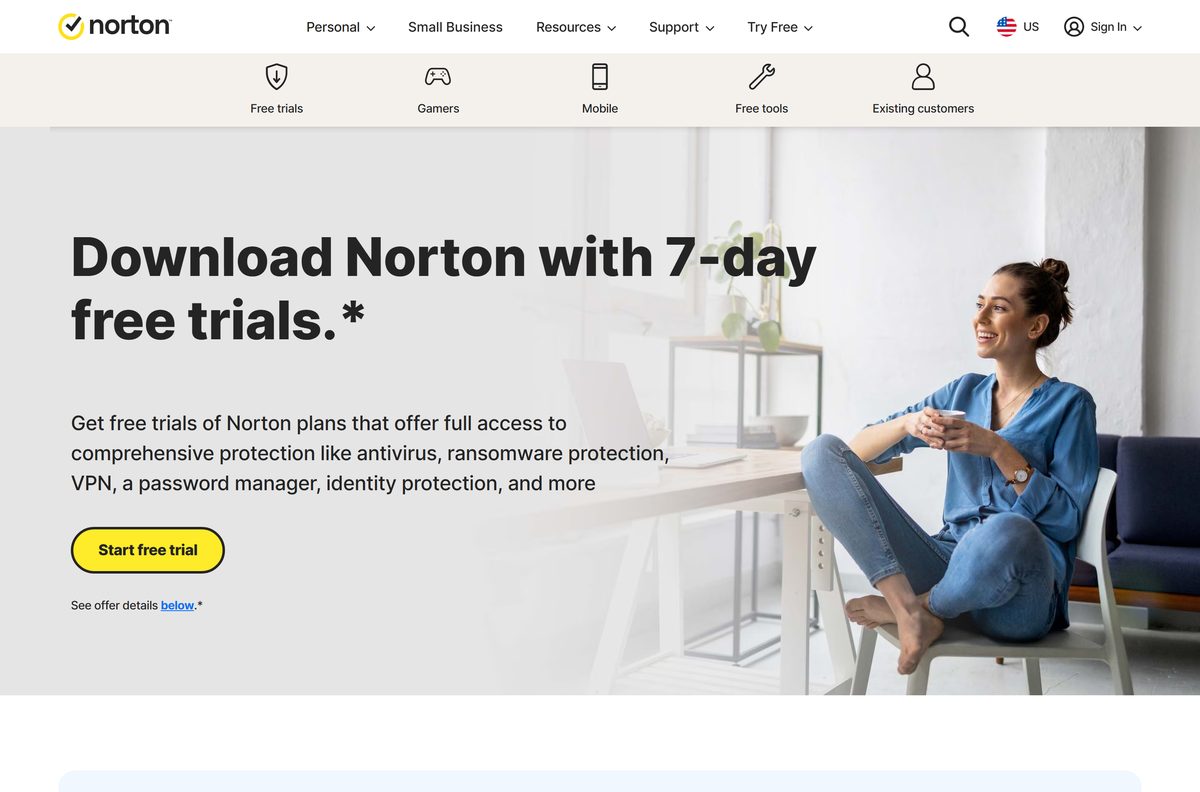
Every legitimate Norton 360 installer comes from a norton.com address. Existing customers download from the account dashboard, and new customers start at the free trials page.
- My Norton account dashboard — Download for existing subscribers
- Norton free trials and plans — 7-day trial, prices and system requirements
- Norton retail product key setup — For boxed or card purchases
- Direct Norton 360 installer links — Fallback when the account download stalls
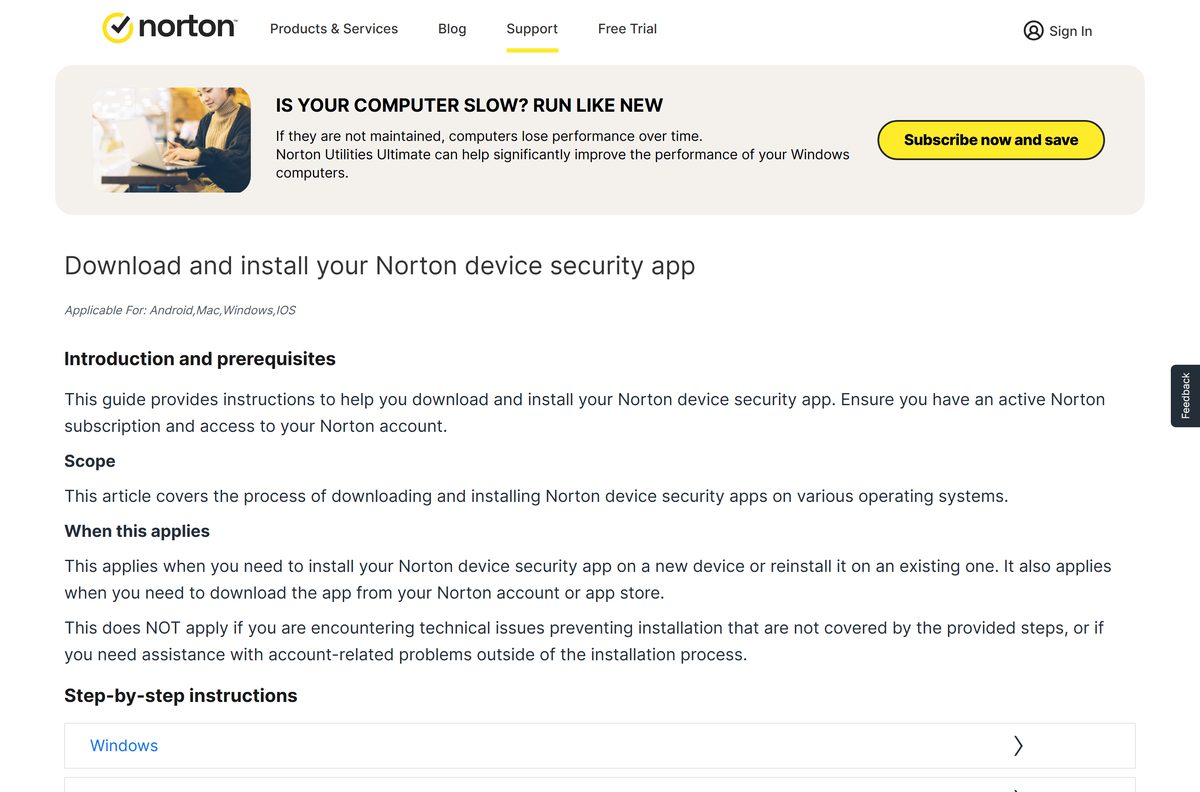
- Norton download and install guide — Official steps for Windows, Mac, Android and iOS
How to install Norton 360 on Windows 11 and 10
Sign in to Windows with an administrator account. Norton lists admin rights as a prerequisite for installing.
- Open my.norton.com and enter your username or email address.
- Sign in with a one-time passcode, your password, or a linked Google, Apple ID or Microsoft account.
- On the dashboard page, click Download. For a different plan, open My Subscriptions and click Download or share.
- On the Get Started page, click Download.
- Press Ctrl + J in the browser and double-click the downloaded file.
- Click Continue when the User Account Control window appears.
- Follow the on-screen instructions until setup finishes.
- Open Norton 360 and sign in to activate your subscription.
Run LiveUpdate once after the first install. The first update after setup takes longer than later ones.
Install Norton from the Microsoft Store on S mode and ARM PCs
Windows 11 and 10 in S mode run only Store apps. For those PCs, Norton offers Norton Security Protection through the Microsoft Store.
Direct Store availability is limited to the United States, France, Germany, Italy, Spain, Australia and New Zealand.
- Sign in to my.norton.com from the S mode or ARM device.
- Click Get it from Microsoft on the page that appears.
- Click Get on the Microsoft Store page and let the app install.
- Or open the Microsoft Store app and search for Norton Security Protection.
- Open the app and click I already have a subscription, then sign in with your Norton account.
- To try it first, click Start Your Free Trial and enter payment details if the Store asks.
The Store trial lasts 7 days and converts to a monthly subscription. Cancel automatic renewal in the Microsoft Store before the trial ends to avoid the charge.
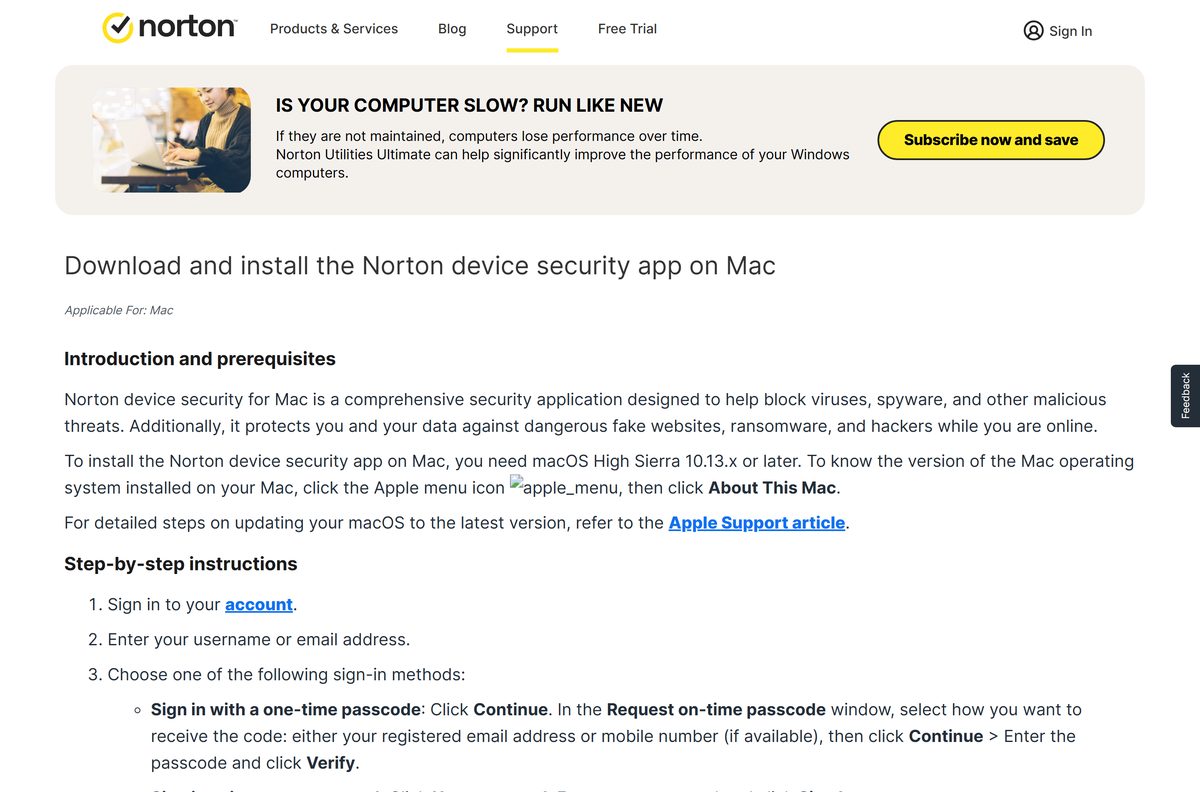
Which Norton 360 download do you need for your Mac?
Click the Apple menu > About This Mac to check your macOS version. Norton 360 for Mac needs macOS 10.13 High Sierra or later.
Cloud Backup, Parental Control and SafeCam are not available on the Mac version. Plan features such as the VPN and Password Manager still apply.
| Your Mac | What to do | Note |
|---|---|---|
| macOS 10.13 or later, with a subscription | Download from my.norton.com | Click Download on the dashboard |
| macOS 10.13 or later, no subscription | Start the free trial | 7 days, then the plan price |
| Account download does not start | Direct Norton 360 for Mac link | Opens the Mac installer download |
| Older Norton for Mac already installed | Mac upgrade guide | Click Start Update in the upgrade alert |
To install, double-click the downloaded file, open Install Norton and click Install Norton. Type your Mac administrator password and click Install Helper, then click OK when System Extension Blocked appears.
Click Close and Move to Bin, then follow the prompts to allow permissions. Open the app, click Account > Sign in and enter your Norton credentials to activate it.
Is Norton 360 free?
No. Norton 360 is a paid annual subscription with a 7-day free trial. The download itself costs nothing, but protection stops without an active plan or trial.
First-year prices on Norton’s plans page are $39.99 for Standard (3 devices), $49.99 for Deluxe (5 devices) and $99.99 for Norton 360 with LifeLock Select Plus (10 devices). They renew at $94.99, $124.99 and $189.99 a year.
The trial charges the payment method you add at sign-up unless you cancel first. Annual plans are refundable within 60 days of payment; monthly plans, within 14 days.
Start the 7-day trial on the plan with the device count you need, and set a reminder before day 7. The trial converts to the paid plan automatically, and renewal prices run higher than the first-year price. Check the Norton plans page for current pricing. Sites that offer a free full version or a cracked Norton 360 are not from Norton.
Should you keep legacy Norton 360 or move to the new app?
Norton has moved all Windows and Mac desktop users to a redesigned Norton 360 app. It adds Sandbox and Quarantine on Windows and a Startup Manager on Mac.
Versions 22.x and earlier on Windows are end-of-life and no longer receive the latest protection updates. To check, open the older app and click Help > About.
Install the current app from your Norton account and retire any 22.x or older copy. The end-of-life list covers 18.x through 22.x, including Norton 360, Norton Security and Norton Internet Security. Reverting to the previous desktop app is not possible, so there is no reason to hold an old installer. See Norton’s end-of-life notice for the full list.
How to update Norton 360 with LiveUpdate
LiveUpdate installs new virus definitions and program updates on its own. Run it by hand after the PC has been offline or when the last update date is old.
- Open Norton 360.
- Click Security in the left pane.
- In the LiveUpdate tile, click Open.
- Read the last updated date on the Check for Updates tab.
- Click Update Now or Check Now if the date is more than a day or two old.
- Open the Settings tab and switch Automatically update virus definitions and Norton application to On.
Updates arrive only while the subscription is active. If LiveUpdate fails, check the internet connection, free disk space and the PC’s date and time.
Check the Norton 360 system requirements
Norton publishes operating-system requirements, not RAM or disk figures.
| Field | Value |
|---|---|
| Software | Norton 360 |
| Developer | Gen Digital Inc. |
| Latest version | Not published; the app updates itself through LiveUpdate |
| Licence | Paid subscription with a 7-day free trial |
| Windows | Windows 11 and 10 (S mode via the Microsoft Store app), 8/8.1, and 7 SP1 or later with SHA2 support |
| Architecture | x86/x64 and Snapdragon X (Plus and Elite) ARM; ARM builds lack Parental Control |
| macOS | macOS 10.13 High Sierra or later |
| Android and iOS | Android 10 or later; iOS 17 or later |
| Not supported | Chromebooks; Cloud Backup, Parental Control and SafeCam on Mac and Windows 10 in S mode |
| Official source | norton.com |
| Last verified | 2026-09-19 |
Fix Norton 360 not installing on Windows 11 or 10
Match what you see to one of these cases. Norton’s download troubleshooting page links a fix for each error message.
Nothing happens after the download
The setup window is open but hidden behind other windows.
- Minimize all open windows to reveal the Norton installer.
- If there is no installer, press Ctrl + J in the browser and double-click the downloaded file.
The download does not start or stops partway
The account download was interrupted.
- Sign in to my.norton.com and click Download again.
- If it still stalls, use the direct installer links instead.
Installation did not complete, or Norton will not open
A previous install left damaged files behind.
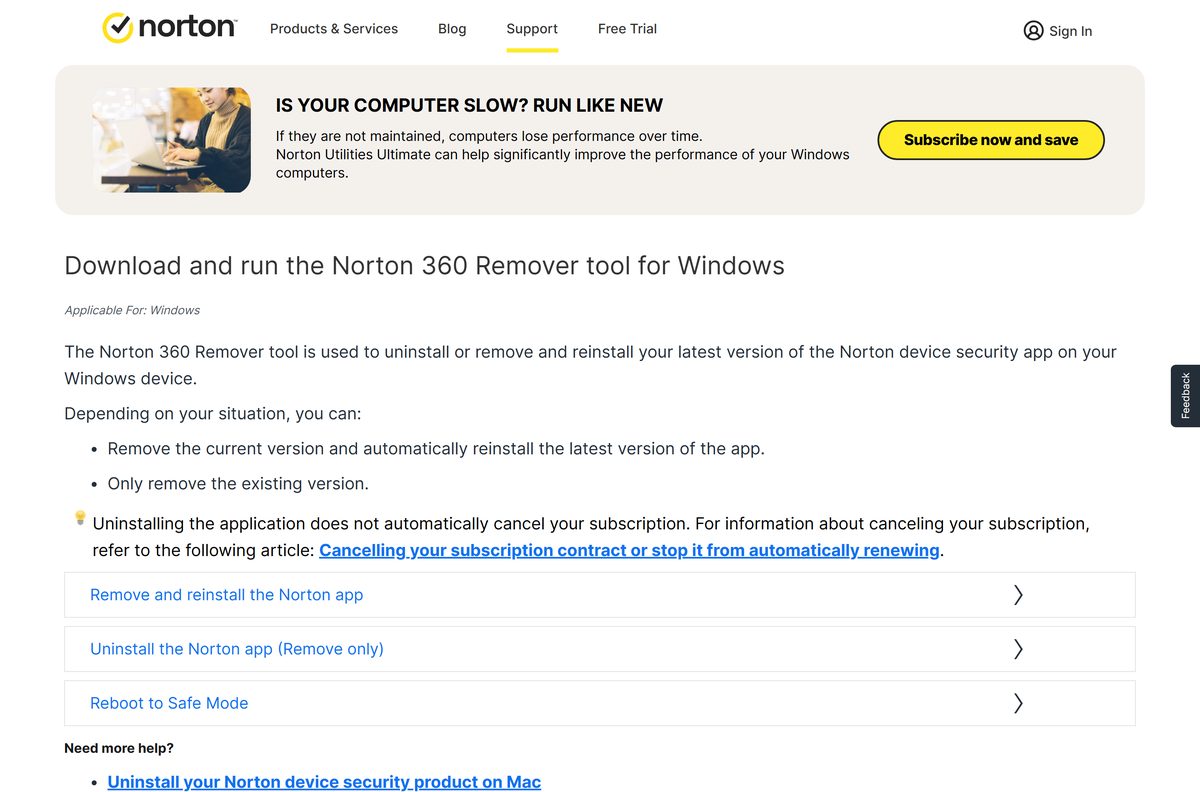
- Download the Norton 360 Remover tool from its support page.
- Double-click Norton_360_remover and click Reinstall.
- Click Uninstall to confirm, then click Restart Now.
- After the restart, click Install Norton 360 and sign in.
This product is not compatible with this computer’s current operating system
Norton does not support the Windows edition or device, such as S mode or a Chromebook.
- Check Settings > System > About for the Windows edition.
- On S mode, install Norton Security Protection from the Microsoft Store instead.
- On Windows 7, confirm Service Pack 1 and SHA2 support are installed.
How to uninstall Norton 360
Close Norton 360 before you start. Uninstalling the app does not cancel the subscription, so turn off automatic renewal in your account separately.
- Press Windows + R to open the Run box.
- Type appwiz.cpl and press Enter.
- Click Norton 360 in the list, then click Remove or Uninstall.
- Click Yes to confirm, then click Next.
- Close all programs and restart the PC when the uninstall finishes.
If the standard uninstall fails, run the Norton 360 Remover tool and click Remove instead of Reinstall. The tool does not remove Norton Private Browser, which needs its own uninstall.
Which Norton 360 plan should you pick?
All plans use the same Norton 360 download. The plan decides how many devices you cover and which extras unlock after you sign in.
| Plan | Devices | Cloud Backup | First year | Renewal | Pick it when |
|---|---|---|---|---|---|
| Norton 360 Standard | 3 | 2 GB | $39.99 | $94.99/yr | You protect a few devices and want VPN and Password Manager |
| Norton 360 Deluxe | 5 | 50 GB | $49.99 | $124.99/yr | A household needs Parental Control and Privacy Monitor |
| Norton 360 with LifeLock Select Plus | 10 | 250 GB | $99.99 | $189.99/yr | You also want LifeLock identity theft protection |
| Norton 360 for Gamers | Not listed | Not listed | $44.99 | $99.99/yr | You want the plan Norton builds for PC gamers |
Frequently asked questions
Is Norton 360 free?
No. Norton 360 is a paid subscription with a 7-day free trial. The trial needs a payment method at sign-up and converts to the paid plan when it ends unless you cancel first.
What is the official Norton 360 download page?
Existing customers download Norton 360 from their account at my.norton.com by clicking Download on the dashboard. New customers start the free trial at us.norton.com/downloads, and retail key holders go to norton.com/setup.
Does Norton 360 work on Windows 11?
Yes. Norton 360 supports all versions of Windows 11 and Windows 10, including PCs with Snapdragon X ARM chips. Windows 11 or 10 in S mode needs the Norton Security Protection app from the Microsoft Store instead.
How big is the Norton 360 download?
Norton does not publish an installer size for Norton 360. The installer comes from your Norton account, and LiveUpdate downloads the latest definitions and program updates once setup finishes.
Is there a Norton 360 offline installer?
Norton does not list a separate offline installer. The installer comes from your Norton account or the direct links on Norton’s support site, and signing in and activating the subscription both need an internet connection.
Is Norton 360 available for Mac?
Yes. Norton 360 for Mac downloads from the same Norton account and needs macOS 10.13 High Sierra or later. Cloud Backup, Parental Control and SafeCam are not available on the Mac version.
Does Norton 360 support 64-bit and ARM64 Windows?
Yes. Norton supports Windows on x86/x64 processors and on Snapdragon X Plus and Elite ARM chips. The ARM version does not include Parental Control. Windows 7 is supported in both 32-bit and 64-bit editions.
Is Norton 360 safe to download?
Yes, when it comes from norton.com, my.norton.com or the Microsoft Store listing Norton links to. Norton 360 is published by Gen Digital Inc. Avoid sites offering a free full version, a crack or a key generator.
What is the latest version of Norton 360?
Norton does not publish a version number for Norton 360. The current app updates itself through LiveUpdate, and Windows versions 22.x and earlier are end-of-life and should be replaced with the current download.
Why won’t Norton 360 install?
The usual causes are an interrupted download, a setup window hidden behind other windows, Windows in S mode, or damaged files from an earlier install. The Norton 360 Remover tool removes and reinstalls the app to fix the last case.
How do I reinstall Norton 360?
Run the Norton 360 Remover tool from Norton’s support site and click Reinstall. It removes the app, restarts the PC and then offers Install Norton 360. Sign in afterwards to activate the subscription again.
Does uninstalling Norton 360 cancel my subscription?
No. Removing the app leaves the subscription and its automatic renewal in place. Turn off automatic renewal or request a refund from your Norton account; annual plans are refundable within 60 days of payment.